How Fast Are AI Translation Devices: Speed Guide
Most AI translation devices respond within one to three seconds, though speech, internet speed, and language pair affect results.
Knowing how fast are AI translation devices can help you choose the right tool for travel, work, study, or daily conversation. Modern devices feel almost instant, but their real speed depends on several steps: hearing speech, converting it to text, translating the meaning, and playing the answer aloud. This guide explains each step in simple terms, with realistic timing, examples, limits, and buying tips.
How fast are AI translation devices?
Most AI translation devices deliver a translated result in about one to three seconds after a speaker finishes a short sentence. Some simple phrases may appear in less than one second. Longer speech, weak internet service, background noise, or a less common language can push the delay to five seconds or more.
The answer to “how fast are AI translation devices?” depends on what you measure. A device may recognize speech quickly but need more time to produce a natural translation. It may also show text before the spoken translation is ready.
Typical response times look like this:
• Instant phrases: About 0.5 to 1.5 seconds
• Short sentences: About 1 to 3 seconds
• Long sentences: About 3 to 6 seconds
• Live conversation mode: Often 1 to 3 seconds between turns
• Offline translation: About 0.5 to 2 seconds, depending on the device
These figures are practical ranges, not guarantees. Each product uses different microphones, processors, translation models, and network services.
What happens before a translation appears?
An AI translation device does more than replace one word with another. It follows a short chain of tasks, much like a relay race.
1. The microphone captures speech
The device first listens for human speech. Good microphones can separate a speaker’s voice from traffic, music, wind, and nearby conversations.
This step can take less than a second in a quiet room. In a busy airport or crowded market, the device may need extra time to decide which voice to process.
2. Speech recognition creates text
The device changes spoken words into written text. This process is called automatic speech recognition, or ASR.
Clear speech is usually processed faster than mumbling, slang, or speech with strong background noise. Pauses also matter. Many devices wait for a natural break before sending the full phrase for translation.
3. The translation engine studies meaning
The AI then translates the sentence. Modern systems look at context, grammar, word order, and common expressions.
For example, a phrase such as “I’m under the weather” should not be translated word by word. The system must understand that the speaker means feeling ill.
4. The device creates an output
Finally, the result appears as text, audio, or both. Text may arrive first. Spoken output often follows a short moment later because the device must create a natural voice response.
This explains why how fast are AI translation devices cannot be judged by one number alone. The full experience includes listening, processing, translating, and speaking.

Do AI translation devices work in real time?
Some devices offer near-real-time translation, but “real time” usually means short-delay translation rather than perfect word-by-word conversion. The system often listens to a phrase, waits for a pause, and then translates it.
This approach is more accurate than translating every word as it is spoken. It gives the AI enough context to understand tense, names, and sentence meaning.
Live translation works best when:
• Each person speaks in short turns
• Speakers pause between ideas
• The room is fairly quiet
• Both people use common words
• The device has a strong internet connection
In a normal conversation, a delay of two seconds may feel smooth. A delay of five seconds can feel awkward, especially when people interrupt each other. This is why conversation habits matter almost as much as device speed.
A useful method is to speak in short sentences of five to 12 words. Instead of saying three ideas at once, pause after each idea. This gives the device a clean audio signal and helps the other person follow the conversation.
Which factors affect translation speed?
Several technical and human factors determine how fast are AI translation devices in daily use.
Internet connection
Cloud-based translation sends audio or text to a remote server. The server processes the request and sends the answer back to the device.
A strong Wi-Fi or 5G connection may add less than one second of network delay. A weak hotel connection, crowded public network, or roaming signal can add several seconds.
Some devices also slow down when they switch between Wi-Fi and cellular data.
Language pair
Common language pairs often receive faster processing. English, Spanish, French, German, Mandarin, and Japanese are widely supported by many translation systems.
Less common languages may use larger processing models or have fewer optimized features. This can affect speed and accuracy. A device may also support text translation for a language but not live voice translation.
Sentence length
A short request such as “Where is the station?” is easy to process. A long sentence with several details takes more time.
Long speech also creates a practical problem. The device may wait until the speaker stops before it begins translation. A person who speaks for 30 seconds may experience a longer pause than someone who speaks in short phrases.
Background noise
Noise can slow speech recognition. Common trouble spots include:
• Airports and train stations
• Restaurants with loud music
• Busy streets
• Windy outdoor areas
• Group conversations
• Rooms with strong echoes
Noise does not always make the device slower. It may make the device unsure, causing it to ask for a repeat. That repeat adds more time to the conversation.
Device hardware
A dedicated translation device may process some tasks faster than a budget phone. It may also have better microphones, a stronger speaker, and a simpler interface.
Translation earbuds depend on a phone in many cases. The earbuds capture sound, the phone runs the app, and the cloud service handles the translation. Each link can add delay.
Offline mode
Offline translation can be fast because it does not wait for a remote server. However, offline language packs may be smaller and less advanced.
This creates a trade-off:
• Online mode often offers broader language support and stronger context
• Offline mode offers better privacy and works without a signal
• Online mode may produce more natural translations
• Offline mode may respond more consistently in remote areas

Online versus offline translation speed
Online translation is often faster for complex sentences when the network is strong. Cloud systems can use large AI models that run on powerful servers.
Offline translation can feel faster for basic phrases because the device does not send data across the internet. It may also be more reliable during a flight, hike, cruise, or rural trip.
The fastest choice depends on the situation:
| Situation | Usually better choice | Expected experience |
|---|---|---|
| Strong Wi-Fi and common language | Online mode | About 1 to 3 seconds |
| No signal or roaming limits | Offline mode | About 0.5 to 2 seconds |
| Long, complex sentences | Online mode | Better context, but network delay |
| Private or sensitive discussion | Offline mode | Less data leaves the device |
| Emergency phrase | Either mode | Use a short, clear sentence |
Offline mode is not always equal to online mode. Some offline systems translate word order correctly but miss tone, humor, or local expressions. For important legal, medical, or safety information, use a qualified human interpreter.
How fast are AI translation devices compared with human interpreters?
AI translation devices are faster for simple, repeated phrases. A device can process “Do you accept credit cards?” in a few seconds and repeat the answer as many times as needed.
Human interpreters are usually better at meaning, emotion, culture, and sensitive topics. A trained interpreter can notice confusion, explain a local custom, and ask useful follow-up questions without waiting for a machine.
The comparison is not only about speed:
• AI devices offer quick access at a low cost
• Human interpreters understand tone and hidden meaning
• AI devices work well for travel and basic service needs
• Human interpreters are safer for medical, legal, and official matters
• AI devices can translate many common phrases without planning
• Human interpreters can manage complex, emotional conversations
For a hotel check-in, restaurant order, or street direction, an AI device may be more than fast enough. For a medical consultation, speed should never replace accuracy.

What is the fastest type of AI translation device?
There is no single fastest device for every user. The best choice depends on whether you need text, speech, offline support, or two-way conversation.
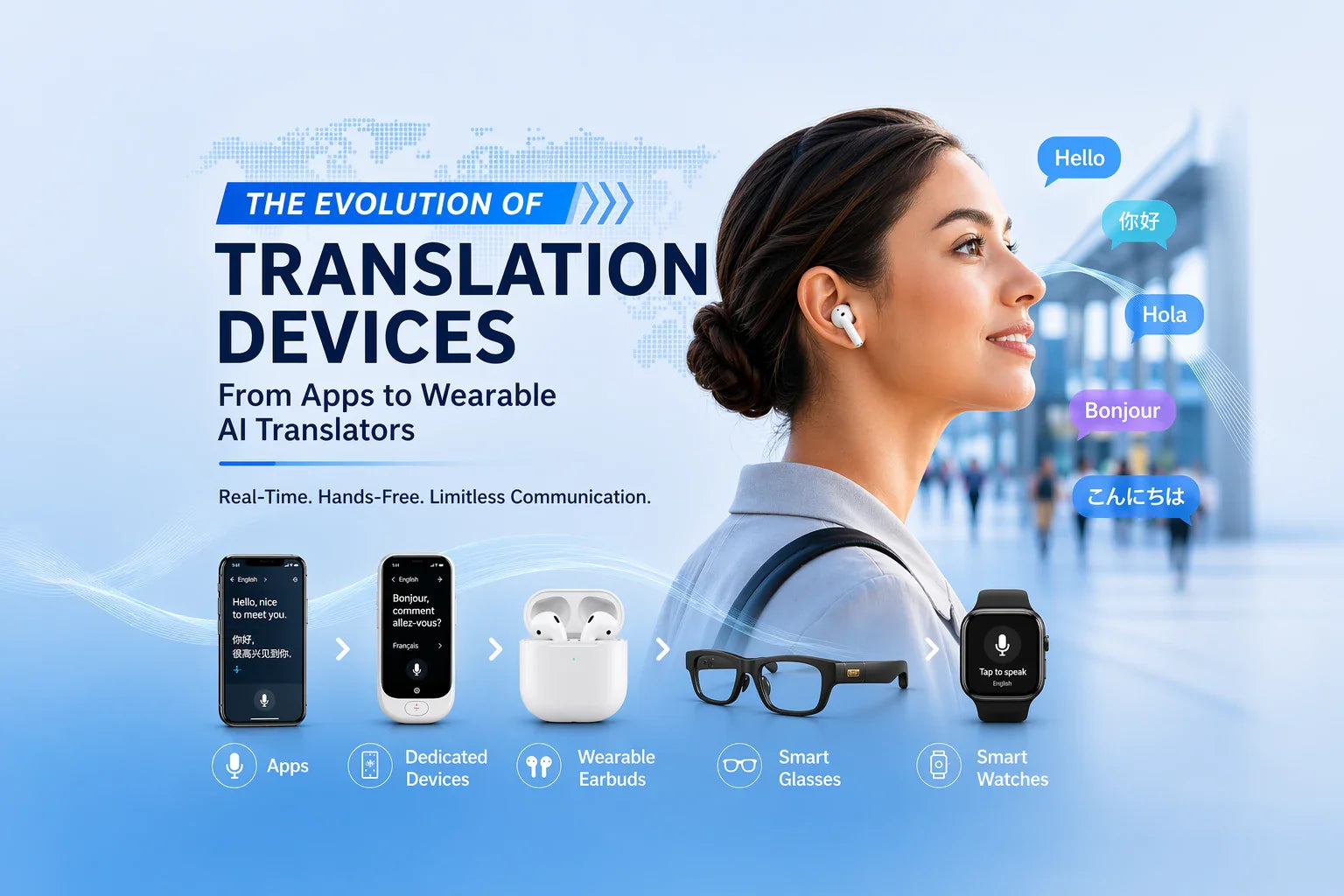
Translation apps on smartphones
A smartphone app can be very fast because modern phones have strong processors and high-quality microphones. It also benefits from frequent software updates.
The main weakness is ease of use. You may need to unlock the phone, open the app, select languages, and hold the phone between two speakers.
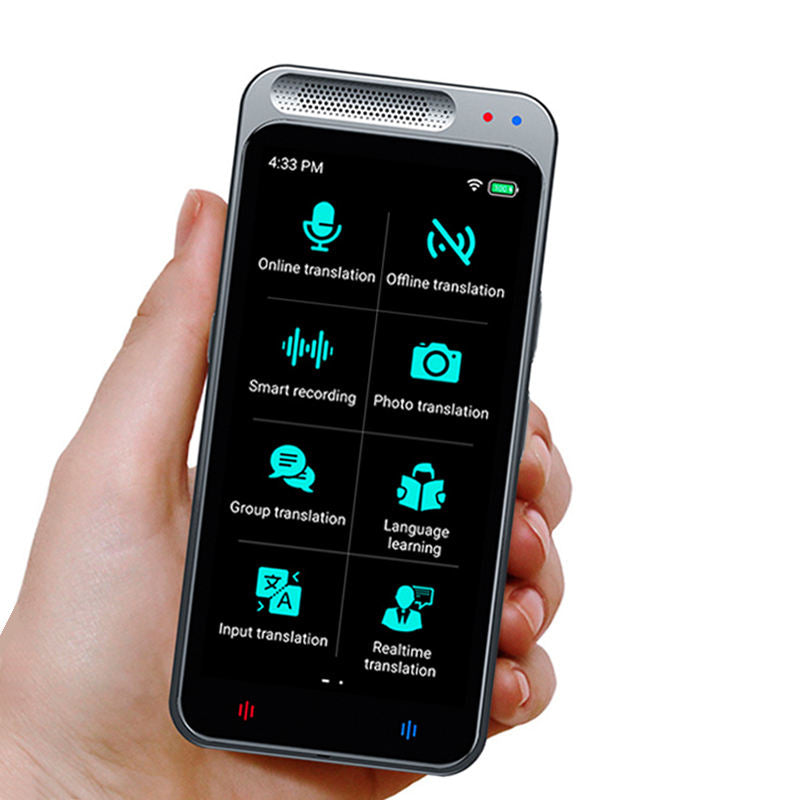
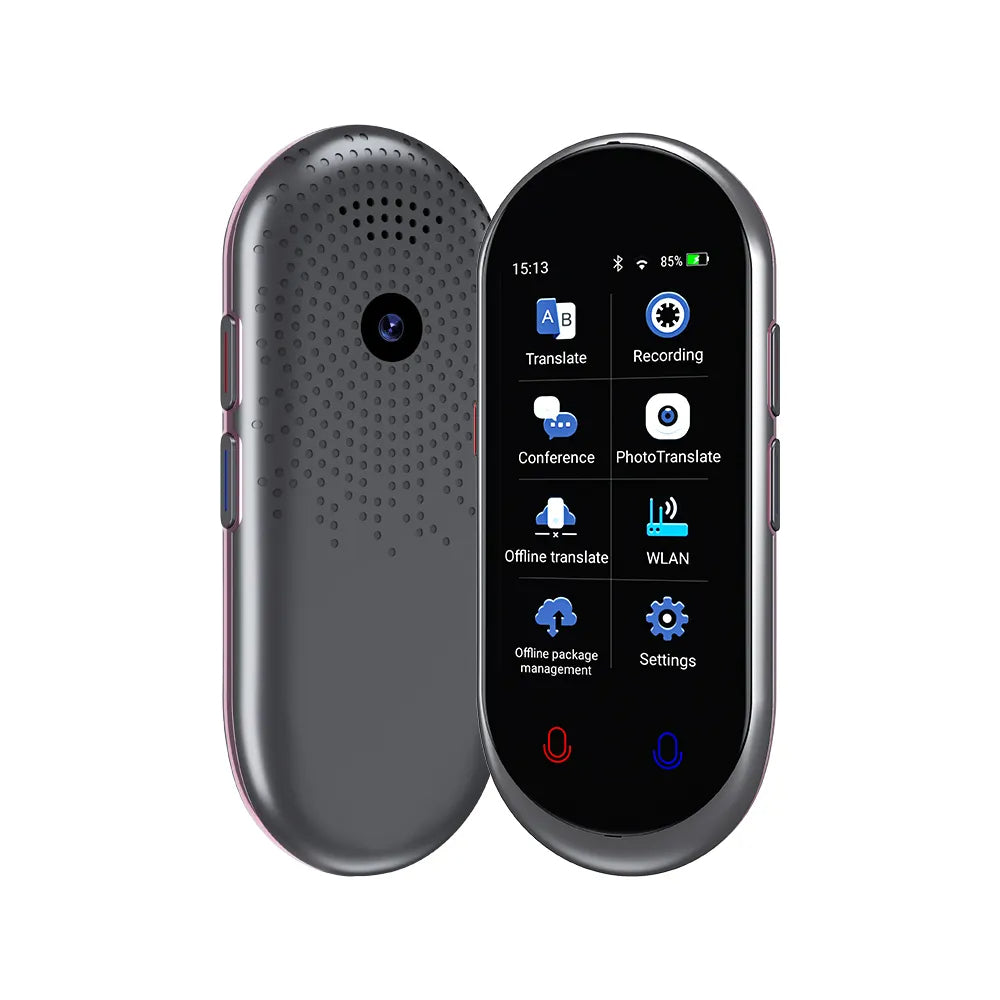
Dedicated handheld translators
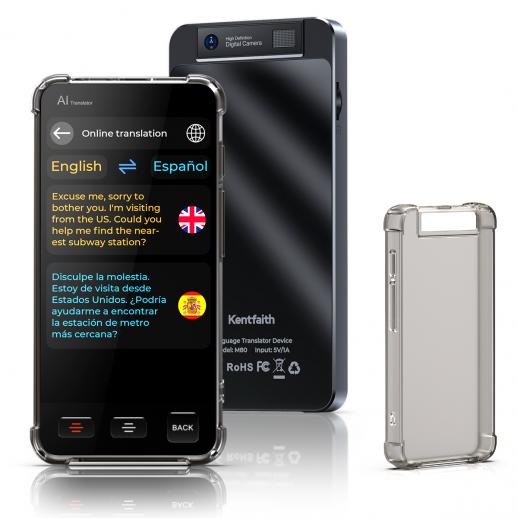
Handheld devices are designed for translation. They often have large buttons, clear screens, and microphones placed for conversation.
They can be easier for older users or travelers who do not want to manage an app. Their speed depends heavily on the built-in internet connection and translation service.
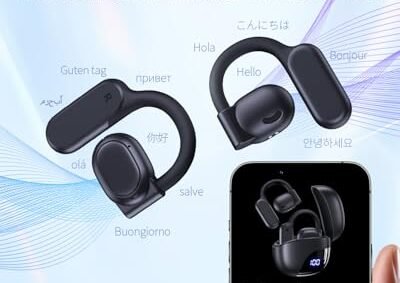
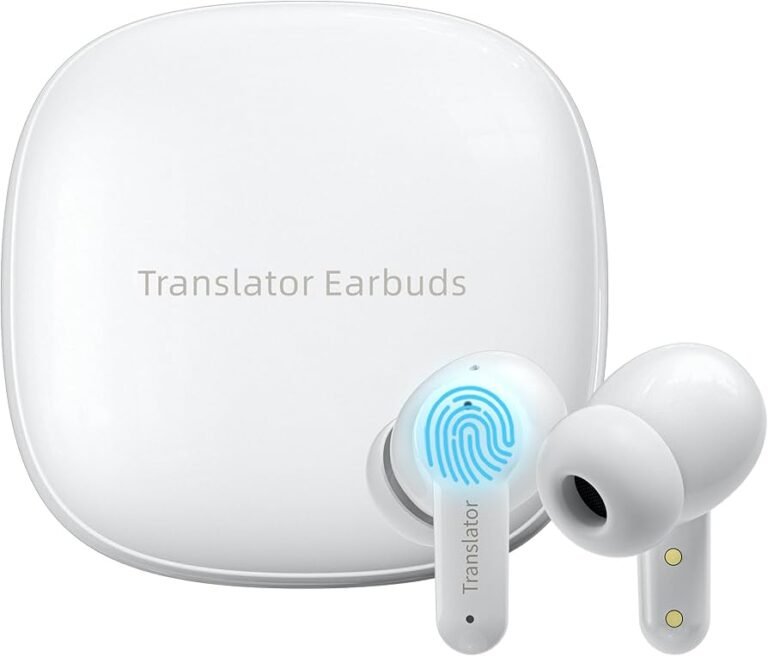
Translation earbuds
Earbuds offer a natural hands-free experience. They may let each person speak and hear a translation through an earbud.
Their performance can vary. Some models require a phone app, and the system may take longer when both speakers talk at once.
Smart glasses and wearable devices
Wearable translators may show text in a person’s view or connect to a phone. They can be useful for signs, menus, and short spoken phrases.
They are still developing. Battery life, privacy, display clarity, and language support may matter more than raw response time.
How to make an AI translation device respond faster
You cannot control every part of a translation system, but you can improve its performance.
-
Use a strong internet connection when possible.
-
Download offline language packs before your trip.
-
Speak clearly and face the microphone.
-
Use short sentences and pause between ideas.
-
Avoid slang, jokes, and unclear local expressions.
-
Keep the microphone away from fans and loud speakers.
-
Check that the correct source and target languages are selected.
-
Update the app and device firmware before traveling.
-
Charge the device fully, since low power modes may reduce performance.
-
Test the device with a friend before you need it.
One simple field lesson is easy to remember: do not wait until you are standing at a border desk to test a new translator. Practice with names, addresses, numbers, and common requests first.
Numbers deserve special care. Ask the device to repeat dates, prices, room numbers, and phone numbers. A small mistake can cause a much bigger problem than a slow response.

Accuracy matters as much as speed
A fast translation is not useful if it changes the meaning. Some devices respond quickly because they use short, simple output. That may be fine for basic travel phrases, but it can hide missing details.
Watch for problems with:
• Names and place names
• Dates and times
• Currency and prices
• Medical terms
• Legal words
• Negation, such as “not” or “never”
• Polite and informal speech
• Regional accents
For important information, use a second check. Type the phrase into a trusted translation app, ask the speaker to confirm, or use a human interpreter.
The answer to how fast are AI translation devices should always include accuracy. A two-second answer that is wrong is worse than a five-second answer that is clear and correct.
Privacy and data concerns
Many online translation tools send voice recordings or text to remote servers. The exact handling of that data depends on the company, settings, and product.
Before using a device for private work, check:
• Whether audio is stored
• Whether recordings are used to improve the service
• Whether conversation history can be deleted
• Whether offline mode is available
• Whether the service encrypts data
Avoid sharing passwords, financial details, personal identification numbers, or confidential business information through an unknown translation service.
Offline translation can reduce exposure, but it does not remove every privacy risk. The device may still store history, app data, or diagnostic information. Read the privacy settings before use.
How fast are AI translation devices in common situations?
Real-world speed changes with the setting. These examples show what many users can expect.
Ordering food
A short request may translate in one to two seconds. Menus with images, local ingredients, or handwritten notes may take longer if the device uses camera translation.
Asking for directions
Simple questions often feel quick. However, street names can be difficult, especially when the speaker uses a local accent or the name has several spellings.
Hotel check-in
A device can handle basic questions about passports, breakfast, and room numbers. Confirm numbers by reading them back.
Business meetings
AI translation may help with simple points, but it can struggle with fast speech, industry terms, jokes, and overlapping voices. A human interpreter or prepared transcript is safer for important meetings.
Medical visits
Use an AI device only as a support tool when a professional interpreter is not available. Ask the doctor or clinic to confirm key instructions, medicine names, and dosage times.
How to choose a fast AI translation device
Speed should be one part of your decision, not the only part. A device that responds in one second but supports only a few languages may not meet your needs.
Use this checklist:
• Confirm the languages you need.
• Check whether voice translation works in both directions.
• Look for offline support.
• Review battery life and charging options.
• Test microphone quality in noisy places.
• Check whether the device needs a phone.
• Read independent user reviews about delays.
• Confirm the return policy.
• Review privacy controls.
• Compare the cost of subscriptions and data plans.
If you travel often, offline support may be more valuable than a tiny speed difference. If you work in quiet offices, microphone quality and language accuracy may matter most.
Frequently Asked Questions About How Fast Are AI Translation Devices
How many seconds does an AI translation device take?
Most devices take about one to three seconds after a short sentence ends. Long sentences, weak internet, noise, and rare language pairs can increase the delay.
Can AI translation devices translate instantly?
They can provide near-real-time translation, but truly instant translation is uncommon. Most systems wait for a pause so they can understand the full meaning of the sentence.
Are offline translation devices faster than online devices?
Offline devices can respond quickly because they do not depend on a network. Online systems may translate complex sentences more naturally when the connection is strong.
Why is my translation device slow?
A weak signal, loud background noise, long speech, low battery, or an outdated app can cause delays. Try a quiet space, a stronger connection, shorter phrases, and an updated language pack.
Do translation earbuds work faster than handheld devices?
Not always. Earbuds may feel more natural, but many depend on a phone and cloud service, which can add delay; handheld devices may offer simpler and faster controls.
Can AI translation devices replace human interpreters?
They can replace basic help for travel, shopping, and casual conversation. They should not replace qualified interpreters for medical, legal, emergency, or high-stakes communication.
Conclusion
So, how fast are AI translation devices? Most deliver short translations in one to three seconds, while longer or more complex speech may take five seconds or more. Online tools often provide stronger language models, while offline tools offer dependable access without a signal.
The best results come from clear speech, short sentences, a good connection, and realistic expectations. Test your device before travel, download offline languages, and double-check important details. Compare trusted devices and apps today, then share your own translation experience in the comments.