How To Use A Bluetooth Tracker: Easy Setup Guide
A Bluetooth tracker uses Bluetooth, an app, and nearby devices to help you find lost items.
Learning how to use a Bluetooth tracker is simple, but the best results come from choosing the right location, enabling the correct settings, and knowing the device’s limits. This guide explains setup, tracking, privacy, battery care, and practical ways to get more value from your tracker.
What Is a Bluetooth Tracker?
A Bluetooth tracker is a small device that helps you locate items such as keys, wallets, bags, luggage, and remotes. It connects to your phone through Bluetooth Low Energy, often called BLE. You manage the tracker with a companion app.
Bluetooth trackers do not usually provide live GPS location. Instead, they use a short-range Bluetooth connection. When your phone is near the tracker, the app can show its location or make the tracker play a sound.
Many trackers also use a crowd-locating network. If another compatible phone passes near your lost tracker, that phone may send an anonymous location update to the tracker’s network.
Common Bluetooth tracker features include:
• An app for setup and location viewing
• A built-in speaker for sound alerts
• A button for finding your phone
• A replaceable or rechargeable battery
• Separation alerts for items left behind
• A crowd-finding network for items lost farther away
A tracker is best viewed as a helpful safety net, not a perfect locator. Walls, metal, buildings, crowds, battery life, and phone settings can all affect performance.
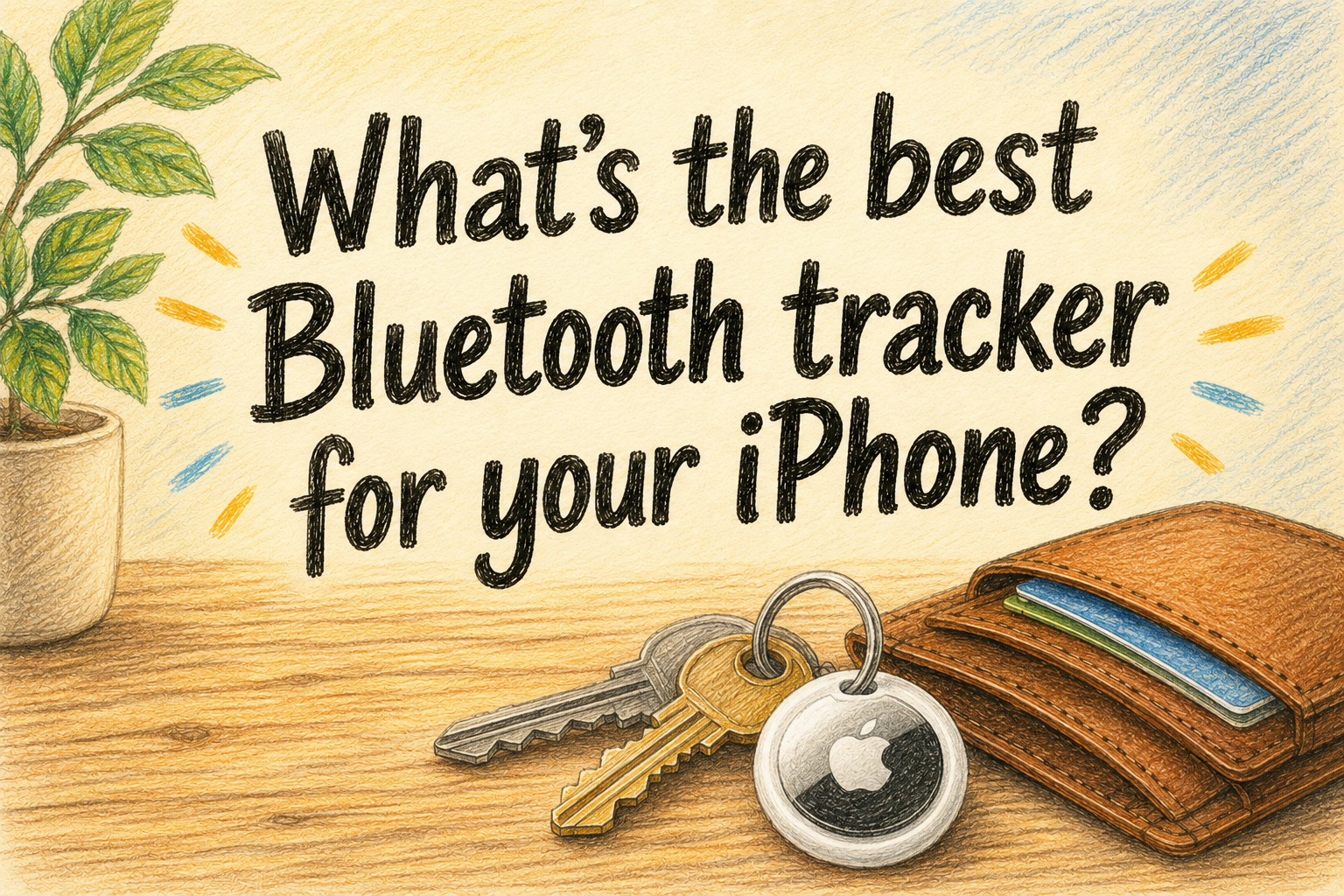
How to Use a Bluetooth Tracker for the First Time
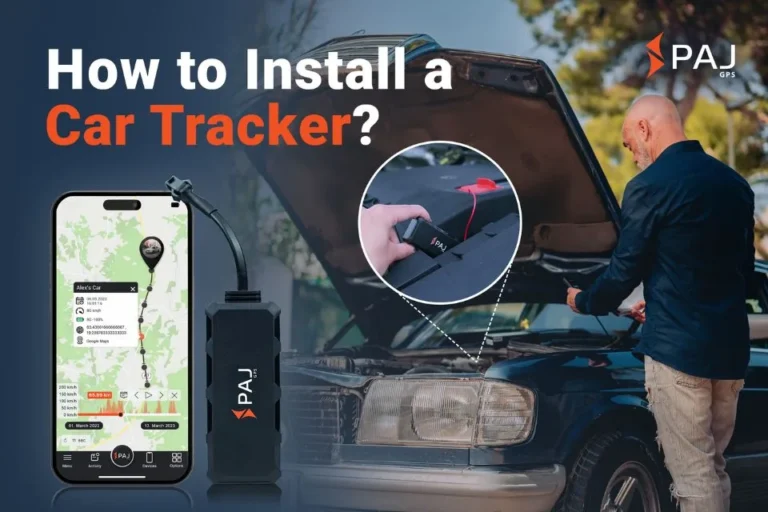
The first step in learning how to use a Bluetooth tracker is pairing it with your phone. Most trackers work with iPhone or Android, but compatibility varies. Check the product requirements before you buy one.
Use these setup steps:
- Open the tracker’s package and remove any battery tab.
- Install the official tracker app from the Apple App Store or Google Play.
- Turn on Bluetooth on your phone.
- Enable location services when the app requests access.
- Create an account if the tracker requires one.
- Press the tracker’s button or bring it close to your phone.
- Follow the in-app pairing instructions.
- Give the tracker a clear name, such as “House Keys” or “Travel Bag.”
- Attach it to the item you want to protect.
- Test the tracker before you need it.
Keep the tracker close to your phone during setup. If pairing fails, move away from other Bluetooth devices and restart both the app and the tracker.
Do not skip the test. Walk into another room, open the app, and tap the sound option. This quick check confirms that the battery, speaker, Bluetooth connection, and app are working.

How Bluetooth Tracking Works
Understanding how to use a Bluetooth tracker becomes easier when you know what happens behind the scenes. The tracker sends out a low-power Bluetooth signal. Your phone detects that signal and estimates whether the tracker is close.
When the tracker is nearby, the app may show a connection status. You can then use a map, a signal indicator, or a sound alert to find the item. Some apps show a “last seen” location based on the last time your phone connected to the tracker.
A crowd-finding network works in a different way. Other participating phones detect the tracker’s Bluetooth signal and report its approximate location through the network. The process is designed to protect the privacy of the owner and the person whose phone detected the tracker.
Bluetooth tracking has some important limits:
• It cannot always show the exact room or floor.
• The tracker may not connect through thick walls.
• A quiet location may not provide crowd-network updates.
• A dead battery stops most tracking functions.
• Nearby wireless interference can reduce range.
• The map may show the last known location, not the current location.
Bluetooth radio signals are not magic beams. Think of them as a small whisper between devices. The closer and clearer the path, the easier it is for your phone to hear the tracker.

How to Find a Lost Item With a Bluetooth Tracker
When an item goes missing, open the tracker’s app and select the correct device. Check the map first. If the app shows that the tracker is nearby, use the sound feature.
Try these steps:
- Open the tracker app.
- Select the missing item.
- Review the last known location.
- Tap “Play Sound” or the similar command.
- Walk slowly around the area.
- Watch for a stronger Bluetooth signal, if available.
- Check soft, dark, and unusual places.
- Stop moving and listen between sound alerts.
A tracker’s sound may be hard to hear under a couch cushion, inside a full backpack, or in a noisy room. Search in short, quiet bursts. I have found that slowly checking one area at a time works better than walking around while staring at the map.
If the item is not nearby, use the map location as a clue. Visit the location only when it is safe and appropriate. If you believe the item was stolen, do not confront anyone. Contact local authorities and share the location information instead.
Some apps show a direction or signal strength. Treat these tools as general guidance. They can change when you turn your body, enter a room, or stand near metal objects.

How to Use a Bluetooth Tracker With Separation Alerts
Separation alerts warn you when you leave an item behind. This feature can help protect keys, bags, work equipment, and other belongings.
To turn on separation alerts:
- Open the tracker app.
- Choose the item you want to protect.
- Open alert or notification settings.
- Turn on the separation alert.
- Add trusted locations, such as your home or office.
- Save the settings.
- Test the alert by leaving the item behind briefly.
Trusted locations can reduce unwanted notifications. For example, you may not need an alert every time you leave your bag at home. Keep alerts active in places where losing the item would cause real trouble.
Do not assume every tracker provides instant warnings. Some alerts depend on your phone’s connection, app permissions, operating system, and battery level. In some cases, the warning may arrive several minutes after separation.
For important items, use more than one habit. Keep your keys in the same place, check your bag before leaving, and use the tracker as an extra layer of help.
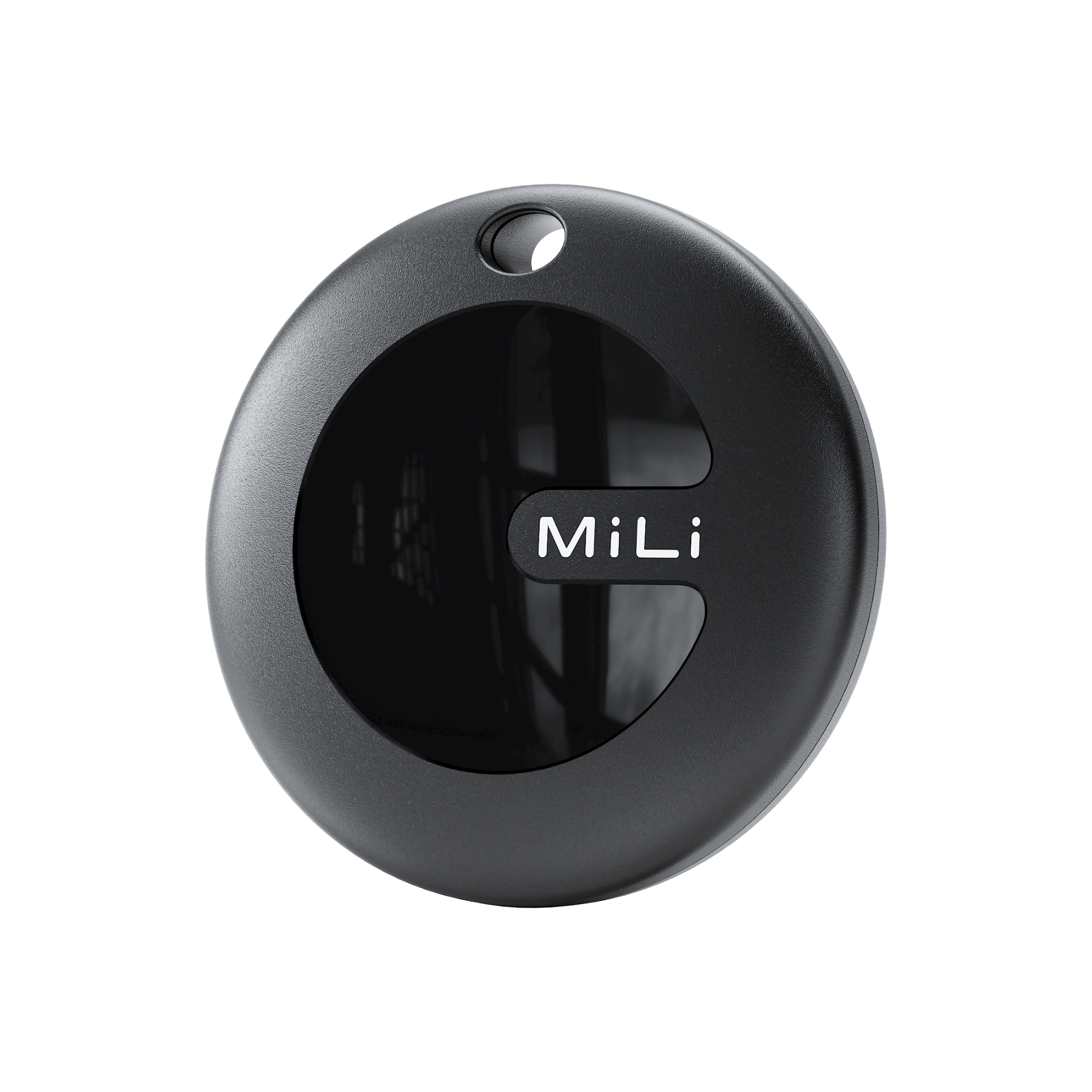
How to Use a Bluetooth Tracker to Find Your Phone
Many Bluetooth trackers include a button that makes your phone ring. This works even when your phone is hiding under a blanket or between sofa cushions.
Press the button on the tracker once or twice, depending on the model. The phone may play a sound through the tracker app. Some phones can ring even when set to silent, but this behavior depends on the tracker and phone settings.
If the phone does not respond, check these points:
• The tracker must have enough battery power.
• The app may need permission to run in the background.
• Bluetooth must be turned on.
• The phone may be out of range.
• Battery-saving settings may pause the app.
This feature is useful, but it is not a replacement for your phone’s built-in “Find My” service. Use both tools when possible.

Best Places to Attach a Bluetooth Tracker
The best location depends on the item and the type of loss you want to prevent. The tracker should be secure, easy to hear, and protected from water or impact.
Useful attachment ideas include:
• Keys: Use a key-ring hole or a small holder.
• Wallets: Choose a thin card-style tracker.
• Backpacks: Place the tracker in a zipped inner pocket.
• Luggage: Attach it inside the case, away from loose clothing.
• Remotes: Use a tracker holder or adhesive mount.
• Bicycles: Use a discreet, weather-resistant case.
• Pet collars: Use only a tracker and mount designed for pets.
Avoid placing a tracker inside thick metal containers. Metal can block or weaken Bluetooth signals. Also avoid loose pockets where the tracker can fall out without notice.
For luggage, I prefer attaching the tracker to a fixed strap or inner pocket rather than placing it among clothes. A tracker that slides to the bottom of a suitcase can be harder to hear and harder to remove.
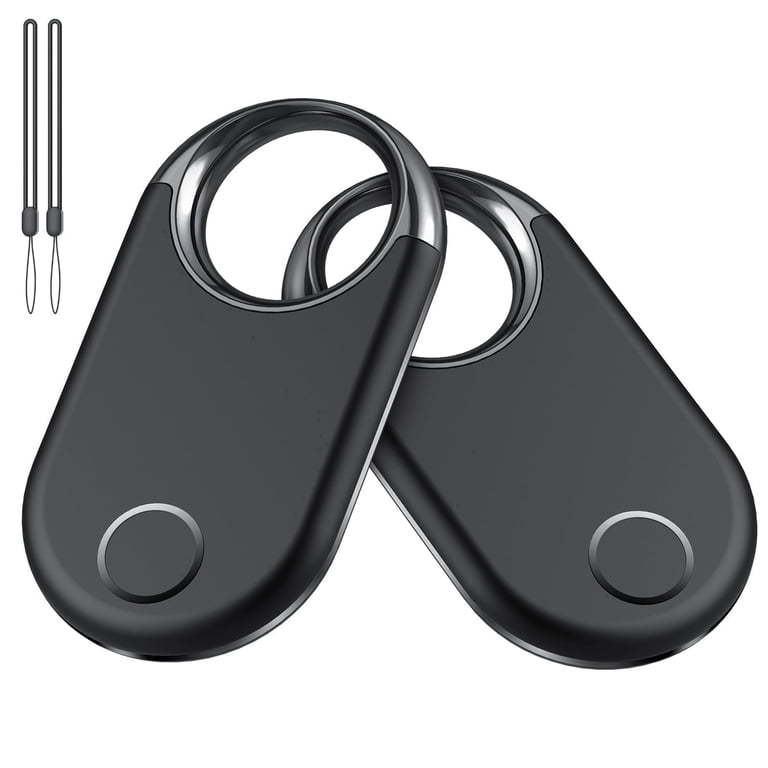
How to Check and Replace the Battery
Battery care is a key part of how to use a Bluetooth tracker reliably. Many trackers use coin-cell batteries, while others have sealed rechargeable batteries.
Check the app for battery warnings. Replace or recharge the tracker as soon as you see a low-power message. Do not wait until the device stops responding.
For a replaceable battery:
- Confirm the battery type in the manual.
- Open the case carefully.
- Remove the old battery.
- Insert the new battery in the correct direction.
- Close the case securely.
- Test the tracker in the app.
Keep loose coin-cell batteries away from children and pets. These batteries can cause severe injury if swallowed. Follow local rules for battery recycling and disposal.
Battery life varies by model and use. Frequent sound alerts, harsh temperatures, and constant connections can reduce battery performance. A monthly test is a simple habit that can prevent unpleasant surprises.
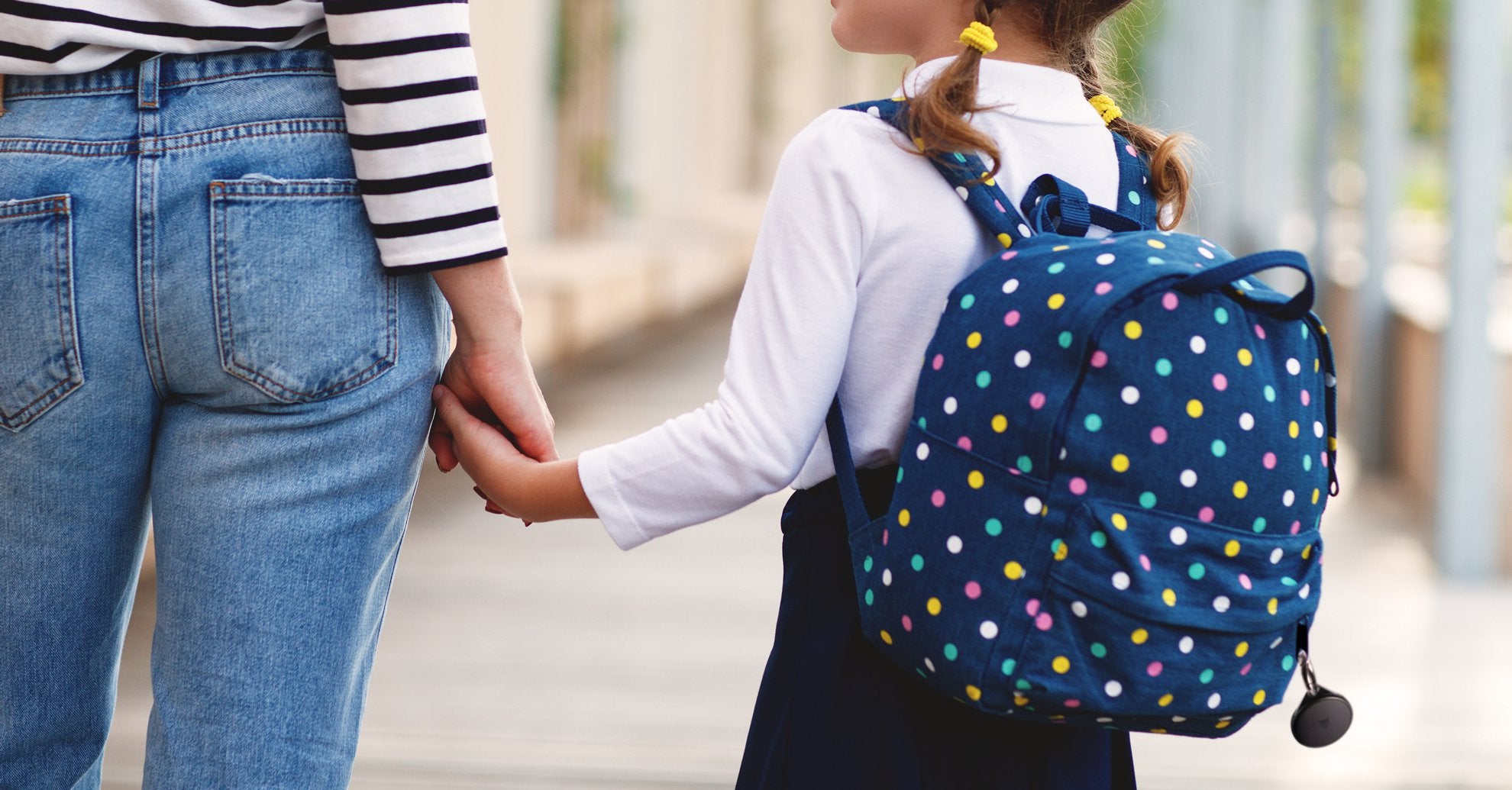
Privacy and Safety When Using a Bluetooth Tracker
A Bluetooth tracker can protect your belongings, but it can also create privacy concerns. Responsible use matters.
Use a tracker on property you own or have permission to monitor. Do not hide one on another person, in their vehicle, or in their bag without clear consent. Secret tracking may violate privacy laws and can put people at risk.
Modern tracker networks include unwanted-tracking alerts. Phones may warn users when an unknown tracker appears to be moving with them. These protections are important, but no system is perfect.
Follow these safety practices:
• Keep your tracker account protected with a strong password.
• Turn on two-factor authentication when available.
• Share tracker access only with trusted people.
• Review shared users from time to time.
• Install app and phone security updates.
• Read alerts about unknown trackers.
• Report suspected stalking or harassment to local authorities.
A Bluetooth tracker should help you find your own belongings. It should never be used to monitor someone without their knowledge.
Bluetooth Tracker vs. GPS Tracker
Bluetooth trackers and GPS trackers solve different problems. Choosing the right type can save money and frustration.
| Feature | Bluetooth tracker | GPS tracker |
|---|---|---|
| Main connection | Bluetooth and nearby phones | GPS, cellular, or satellite systems |
| Typical size | Small and light | Often larger |
| Battery life | Often months or longer | Often days to weeks |
| Subscription | Often not required | Commonly required |
| Best for | Keys, wallets, bags, and luggage | Vehicles, outdoor equipment, and live movement |
| Live location | Usually no | Often available |
| Indoor use | Often useful nearby | Can be weak indoors |
Choose a Bluetooth tracker if you mainly lose items nearby or want a low-cost backup for everyday belongings. Choose GPS when you need more frequent location updates over long distances.
Neither option is perfect. A GPS tracker may fail indoors or lose cellular service. A Bluetooth tracker may not update in a place with few participating phones.
Common Bluetooth Tracker Problems and Fixes
Even a good tracker can fail because of simple phone settings. Start with the basics before assuming the device is broken.
The tracker will not pair
Make sure Bluetooth and location services are on. Keep the tracker close, replace the battery if needed, and restart the app. If it was paired with another account, follow the manufacturer’s reset instructions.
The app shows an old location
An old location means the tracker has not recently connected to your phone or the broader finding network. Move closer to the last known area and check whether the device plays a sound.
The tracker will not play sound
Check the battery, speaker opening, and app permissions. A low battery or blocked speaker can make the alert very quiet.
Separation alerts do not arrive
Review notification, Bluetooth, location, and background-app permissions. Also check whether the item is inside a trusted location that suppresses alerts.
The tracker disconnects often
Distance, walls, metal, wireless interference, and phone power-saving modes can cause disconnections. Keep the tracker on an outer pocket or open area when possible.
In my testing, many “tracker failures” were really permission problems. A phone update can change notification or background settings, so check the app after major system updates.
Tips for More Reliable Tracking
The best way to use a Bluetooth tracker is to combine technology with simple routines. A few small habits improve your odds of finding an item quickly.
• Name each tracker clearly in the app.
• Test every tracker once a month.
• Replace low batteries at once.
• Keep the app updated.
• Allow background activity when needed.
• Avoid covering the tracker with metal.
• Attach it to a fixed part of the item.
• Turn on separation alerts for high-value items.
• Share access only with trusted household members.
• Keep a record of the tracker’s battery type.
If you travel, test the tracker before leaving home. Put it in your luggage, confirm that the app recognizes it, and check the battery. A five-minute test is much easier than discovering a problem at an airport.
Do not rely on a Bluetooth tracker for life-critical needs. It is not a substitute for emergency services, medical monitoring, or a dedicated safety device.
How to Use a Bluetooth Tracker for Travel
Travel is one of the most practical uses for a Bluetooth tracker. Put one inside checked luggage, a carry-on, or a camera bag. It can help you confirm that your bag is nearby or identify its last known location.
Before your trip:
- Charge or replace the battery.
- Confirm that the tracker appears in the app.
- Label it with a clear name.
- Turn on relevant alerts.
- Pack it inside the bag.
- Take a screenshot of the last known status if needed.
At baggage claim, the tracker may show that your luggage is close before you see it on the belt. If the bag does not arrive, the location may offer a useful clue, but it does not guarantee recovery.
Airline rules and local laws can differ. A small Bluetooth tracker generally has different requirements from a device with a large lithium battery, but check current airline guidance before flying.
Frequently Asked Questions About How to Use a Bluetooth Tracker
How close does my phone need to be to a Bluetooth tracker?
The range depends on the tracker, phone, walls, and interference. In an open area, it may work across a room or farther, but indoor range is often shorter.
Does a Bluetooth tracker work without Wi-Fi?
Yes, many nearby features work through Bluetooth without Wi-Fi. Internet access may be needed for map updates, account syncing, or crowd-finding network reports.
Can a Bluetooth tracker show a live location?
Most Bluetooth trackers do not provide continuous live tracking. They usually show a nearby connection or the last location reported by your phone or a participating device.
Do Bluetooth trackers need a subscription?
Many basic trackers do not require a monthly fee. Some premium services may offer extra features, so check the product’s pricing and app plan before buying.
Can I use a Bluetooth tracker on my pet?
You can use one on a pet with a secure, purpose-built mount, but it should not replace a microchip or proper identification tag. Bluetooth range and crowd-network coverage may be limited outdoors.
How long does a Bluetooth tracker battery last?
Battery life varies by model, alert use, temperature, and battery type. Replaceable batteries may last many months, while rechargeable models need regular charging.
Can someone detect a Bluetooth tracker on their belongings?
Many current tracker systems provide unwanted-tracking alerts. These features help protect privacy, but users should still check for unknown devices and contact authorities if they feel unsafe.
Conclusion
Learning how to use a Bluetooth tracker takes only a few minutes, but reliable tracking requires regular testing and sensible placement. Pair the tracker correctly, enable needed permissions, use sound alerts when nearby, and check the last known location when it is farther away.
Remember that Bluetooth trackers have limits. They are excellent for everyday items, travel bags, and quick searches, but they do not replace GPS devices, emergency tools, or good security habits.
Set up one tracker today, test it, and attach it to an item you often misplace. Then explore your tracker app’s privacy, sharing, and alert settings so you can use the device with confidence.