Why Is Insta360 GO 3S Not Turning On: Quick Fixes
Insta360 GO 3S usually won’t turn on because of a dead battery, charging issue, or hardware fault.
If your Insta360 GO 3S is not turning on, I know how frustrating that feels. I’ve seen this kind of problem many times with small action cameras, and most of the time the cause is simple, like a weak charge, a dirty contact point, or a frozen system. Let’s walk through the real reasons your Insta360 GO 3S is not turning on and the safest ways to bring it back to life.
Why the Insta360 GO 3S Not Turning On Happens
When the Insta360 GO 3S not turning on issue shows up, it usually means the camera is not getting power, the battery is too low to boot, or the system has locked up. Because the GO 3S is tiny and packed with electronics, even a small charging problem can stop it from starting.
In my experience, the first mistake people make is assuming the camera is broken right away. More often, the problem is much simpler. A camera that looks “dead” may just need a better charge, a reset, or a clean connection.
Common reasons include:
- Battery fully drained
- Faulty or weak USB-C cable
- Dirty charging contacts
- Charging case not seated properly
- Camera software freeze
- Extreme hot or cold temperature
- Water damage or moisture inside the device
- Internal hardware failure
The key is to troubleshoot in a calm, step-by-step way. That saves time and helps you avoid making the issue worse.

Check the Battery First
The most common reason the Insta360 GO 3S not turning on is a drained battery. Tiny cameras can lose charge faster than people expect, especially if they were left unused for days or stored with a low battery.
Try this first:
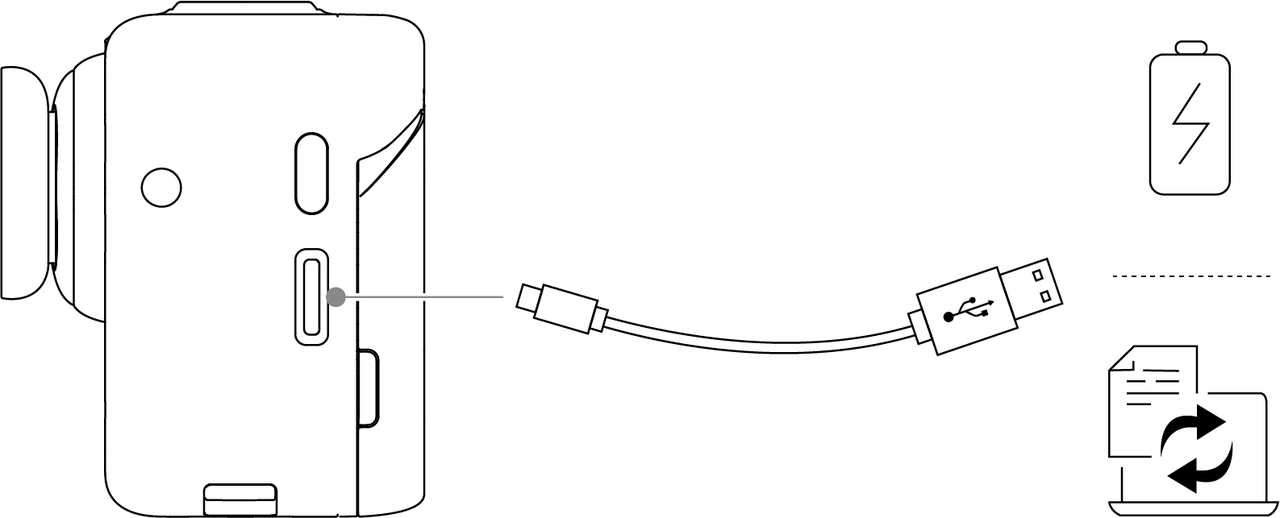
- Connect the camera to a known working power source
- Use the original cable if possible
- Leave it charging for at least 30 to 60 minutes
- Check for any LED light or screen response
- Try again after a full charge window
A very low battery may not show signs right away. I’ve had devices that looked totally dead for the first 20 minutes, then came back once they got enough charge. Patience matters here.
If the GO 3S still does not respond after charging, move on to the next steps.

Inspect the Charging Cable, Adapter, and Contacts
A bad cable or weak adapter can make the Insta360 GO 3S not turning on problem look like a camera failure. In reality, the camera may simply not be receiving stable power.
Check these points:
- Use a different USB-C cable
- Try a different wall adapter
- Avoid low-quality third-party chargers
- Make sure the power source works with other devices
- Inspect the charging port for dust, lint, or damage
Also check the metal contacts on the camera and in the case. If those contacts are dirty, the charging flow can break. A soft, dry microfiber cloth is usually enough to clean them.
Do not use sharp objects or wet cotton swabs. I have seen people damage charging pins while trying to “clean” them, and that turns a small problem into a costly one.

Make Sure the Camera Is Seated Properly in the Action Pod or Charger
The Insta360 GO 3S may not turn on if it is not seated correctly in the Action Pod or charging setup. This is easy to miss, especially when you are in a rush.
Look for these signs:
- The camera is not fully clicked into place
- The pod battery is empty
- The connection feels loose
- Dirt is blocking the contact points
- The camera is upside down or misaligned
Remove the camera and place it back in carefully. Make sure it fits snugly. If the pod has battery power but the camera still does not respond, the issue may be with the connection points or the internal battery.
This is one of those small details that can save a lot of stress. Tiny gadgets are a bit like puzzle pieces. If one piece is slightly off, the whole thing stops working.
Try a Forced Restart
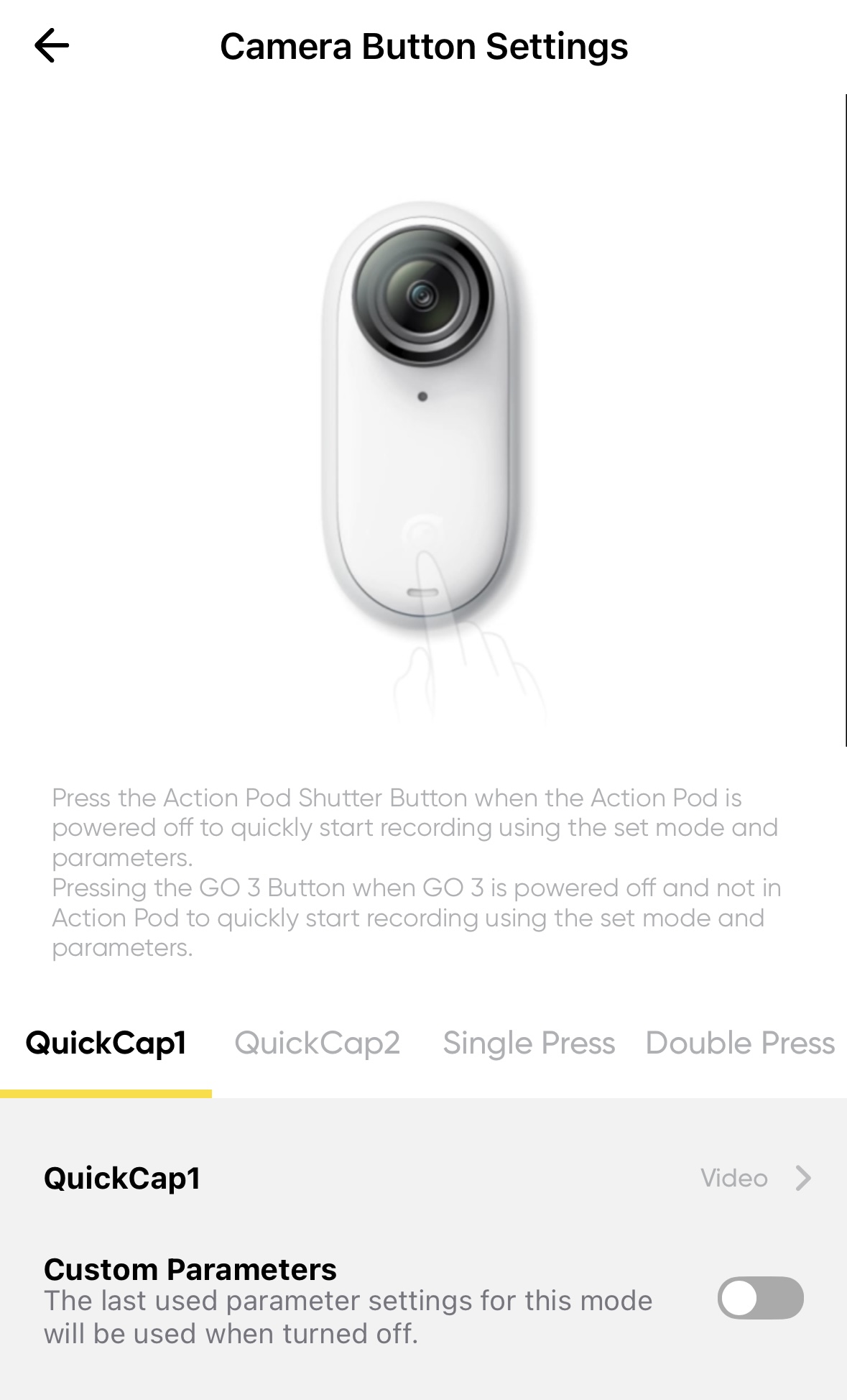
Sometimes the Insta360 GO 3S not turning on issue is caused by a frozen system rather than a dead battery. A forced restart can clear minor software glitches and get the camera working again.
Try this:
- Disconnect the camera from power
- Wait a few seconds
- Reconnect it to power
- Press and hold the power button for several seconds
- If the Action Pod is attached, try the restart with and without it
If the camera shows signs of life after this, the issue was likely a temporary software lock. Small cameras can freeze just like phones or earbuds, especially after interrupted charging or sudden shutdowns.
If the screen stays blank and no lights appear, keep troubleshooting.

Update or Reinstall the Firmware
Software problems can also cause the Insta360 GO 3S not turning on symptom. Firmware is the internal software that controls how the camera starts, charges, and responds.
If the camera can still be detected by the Insta360 app or a computer, check whether:
- A firmware update is available
- The update was interrupted
- The camera needs a fresh reinstall
- The app version is current
Firmware matters because camera companies often fix power and startup bugs through updates. In camera support work, I’ve seen devices act unstable until the firmware was refreshed. It is one of the most overlooked fixes.
If the device cannot even be detected, you may need to keep testing the power path first.

Look for Temperature Problems
Battery-powered devices are sensitive to temperature. If the Insta360 GO 3S not turning on happened after leaving it in a hot car, cold room, or outdoor bag, temperature may be the reason.
Battery performance can drop sharply in extreme conditions. In cold weather, the battery may not deliver enough power to boot. In heat, the battery can protect itself by shutting down.
What to do:
- Move the camera to a normal indoor temperature
- Let it rest for 20 to 30 minutes
- Then try charging again
- Avoid repeated power-on attempts in extreme conditions
This is a simple step, but it matters. Electronics are a bit like people in bad weather. They do not always perform well until they warm up or cool down.

Check for Water or Moisture Damage
If your Insta360 GO 3S got wet, the not turning on issue could be linked to moisture. Even if the camera seems dry on the outside, water may still be trapped inside or around the charging contacts.
Warning signs include:
- Fog under the lens
- Corrosion near ports or pins
- Strange smell
- Camera became unresponsive after rain, sweat, or splash exposure
If you suspect water damage:
- Power it off if it is still partly on
- Do not keep trying to charge it
- Dry it gently in a safe, ventilated place
- Avoid heat guns, ovens, or direct sunlight
- Contact support if the camera still fails
I want to be clear here: drying rice is not a trusted fix. It may seem common, but it is not the safest option for delicate electronics.
Test Without Accessories Attached
Sometimes accessories can create confusion. If the Insta360 GO 3S not turning on only happens with the Action Pod or another accessory attached, the accessory may be the real problem.
Try the camera alone if your setup allows it.
Steps to test:
- Remove the camera from the pod
- Charge the camera directly
- Then test the pod separately
- Try another cable or adapter
- See whether the pod screen lights up
This helps isolate the problem. When troubleshooting, think like a detective. One test at a time tells you where the fault lives.
Signs the Battery May Be Failing
If the Insta360 GO 3S not turning on keeps happening even after a full charge, the battery itself may be worn out or defective. Rechargeable lithium batteries lose capacity over time, especially with heavy use, heat exposure, or poor charging habits.
Possible signs of battery failure:
- Camera shuts off too fast
- Camera only works while plugged in
- Charging takes unusually long
- Camera gets warm but never turns on
- Battery percentage jumps around
Battery wear is normal in electronics, but it should not happen too soon. If your device is still under warranty, this is a good time to contact support instead of opening the camera yourself.
From experience, battery issues can mimic software issues very closely. That is why step-by-step testing is so important.
When the Problem Is Likely Hardware Failure
If none of the basic fixes work, the Insta360 GO 3S not turning on issue may be caused by hardware damage. That can include a failed battery, broken charging board, damaged power button, or internal circuit problem.
This is more likely if:
- The camera was dropped
- It was exposed to water
- The charging port feels loose
- The power button does not click normally
- There is no charging light after trying multiple cables and adapters
At this stage, professional repair or replacement is usually the safest choice. Opening a tiny camera without the right tools can make the damage worse and may void the warranty.
Trust the evidence here. If the device has no response after all the basic checks, it is probably not a user fix anymore.
How to Prevent the Insta360 GO 3S Not Turning On Again
Once you get the camera working again, a few habits can reduce the chance of the problem coming back.
Best practices:
- Charge the camera before storing it
- Avoid leaving it at 0 percent for long periods
- Use quality charging cables and adapters
- Keep the contacts clean and dry
- Update firmware when available
- Store it in a cool, dry place
- Avoid exposing it to extreme temperatures
A little care goes a long way. Small action cameras are tough, but they still need regular attention. Think of it like caring for a bike chain. A little maintenance now saves a big headache later.
Frequently Asked Questions
Why is my Insta360 GO 3S not turning on even after charging?
The battery may still be too low, the cable may be faulty, or the charging contacts may be dirty. Try a different cable, adapter, and power source before assuming the camera is broken.
How long should I charge the Insta360 GO 3S before trying again?
Give it at least 30 to 60 minutes on a reliable charger. If the battery was fully drained, it may need a little time before any lights or screen activity appear.
Can a firmware issue stop the Insta360 GO 3S from turning on?
Yes, a software freeze or bad firmware update can block normal startup. If the camera is detected by the app or computer, checking for a firmware update is a smart next step.
What should I do if my Insta360 GO 3S got wet and won’t turn on?
Stop trying to charge it and let it dry in a safe, ventilated place. If the camera still does not respond after drying, contact support because moisture may have damaged internal parts.
Is it safe to open the Insta360 GO 3S myself?
It is usually not a good idea unless you have repair experience and the right tools. Opening the camera can void the warranty and may cause more damage, especially if the issue is battery or board related.
Conclusion
If your Insta360 GO 3S not turning on, the good news is that the cause is often simple. In many cases, a dead battery, weak cable, dirty contact, or temporary freeze is all that is stopping it from starting.
The smartest approach is to troubleshoot in order: check power, inspect the charger, clean the contacts, test the seating, and then move on to firmware or hardware concerns. That method saves time and helps you avoid guesswork.
If your camera still does not respond after these steps, the problem may need professional support or a warranty claim. Take a careful, patient approach, and you will have the best chance of getting your GO 3S back on track.