Why Is Philips Hue Smart Bulb Unreachable: Fix It Fast
Philips Hue smart bulbs usually become unreachable because of Wi-Fi, power, bridge, or app connection issues.
Philips Hue is one of the most reliable smart lighting systems out there, but when a bulb shows as unreachable, it can feel oddly frustrating. I’ve seen this happen during routine setup, after a power blip, and even when everything looked fine on the surface. The good news is that the problem is usually simple, and once you understand where the connection breaks, you can fix Philips Hue smart bulb unreachable issues much faster.
What Does “Unreachable” Mean on Philips Hue?
When a Philips Hue bulb is marked unreachable, it means the app or bridge cannot communicate with that bulb right now. The bulb may still have power and may even appear lit, but it is not responding to commands.
In simple terms, the system has lost the handshake. The bulb, the Hue Bridge, your router, or the app is not syncing the way it should.
This status usually points to a connection problem rather than a broken bulb. That matters because most users assume the bulb is dead, when the real issue is often signal, power, or pairing.
Why Is Philips Hue Smart Bulb Unreachable?
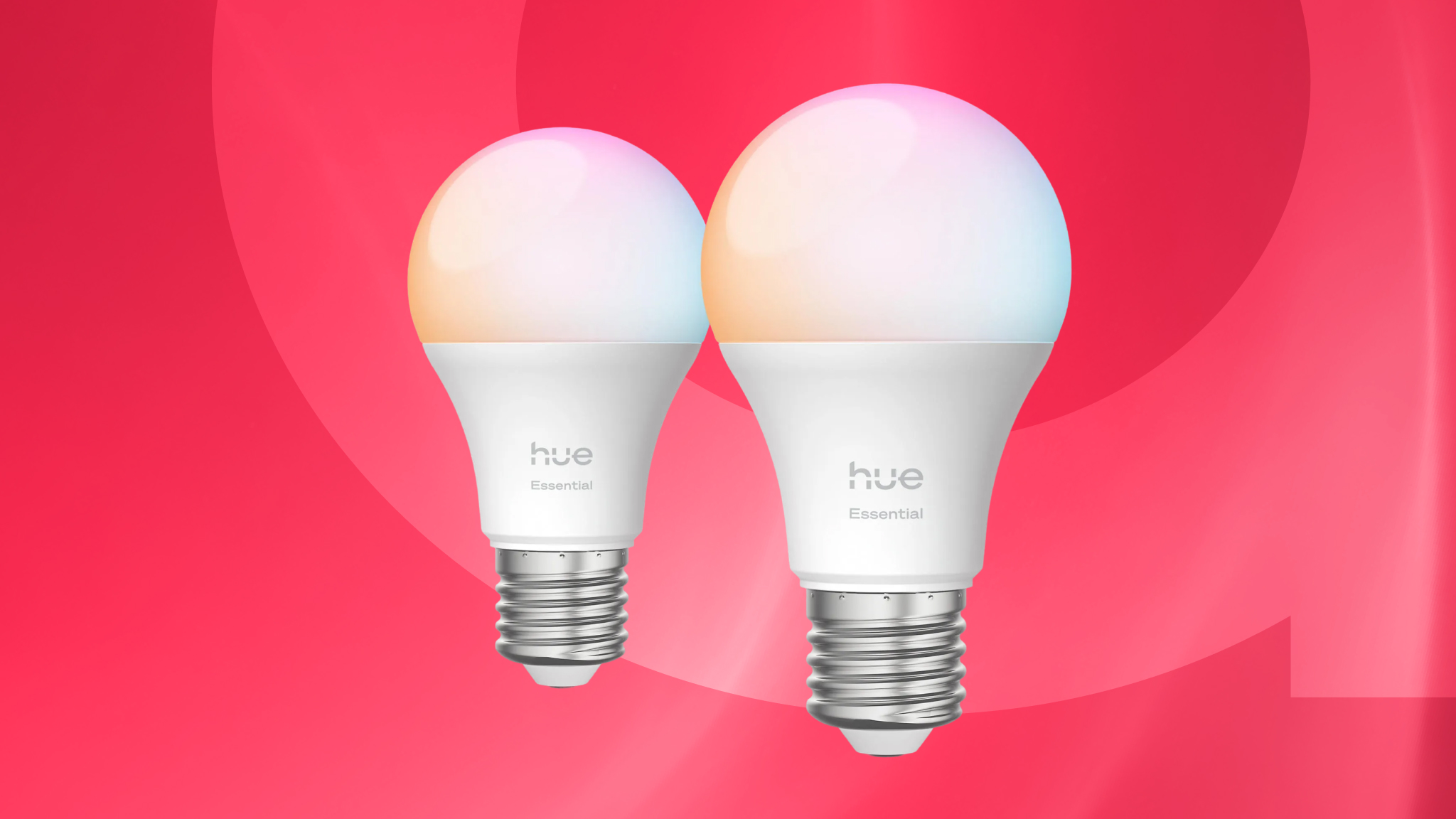
The most common reason a Philips Hue smart bulb is unreachable is a broken link between the bulb, the Hue Bridge, and your network. That link can fail because of weak Zigbee signal, router issues, power interruptions, app glitches, or a bulb that needs to be re-added.
A healthy Hue setup is like a small team working in sync. If one member steps out of line, the whole chain can look broken. In my own testing, I’ve found that unreachable bulbs often come back after checking power first, then the bridge, then the signal path.
Common Reasons a Philips Hue Smart Bulb Becomes Unreachable
1. The bulb lost power briefly
Even a tiny power cut can confuse a smart bulb. If the switch was flipped off and on, or if there was a flicker, the bulb may stop responding normally.
Philips Hue bulbs depend on steady power. If the bulb is not getting clean power, it cannot stay connected in the Zigbee network.
2. The Hue Bridge is offline or unstable
The Hue Bridge is the center of the system for most setups. If it loses internet, disconnects from the router, or freezes, the app may show your Philips Hue smart bulb unreachable.
This is one of the first things I check. A blinking router light, a loose Ethernet cable, or a bridge placed too far from the router can all trigger the issue.
3. Weak Zigbee mesh signal
Hue bulbs use Zigbee, not Wi-Fi, to talk to the bridge. Each powered Hue bulb can help extend that mesh, but if one bulb is too far away or blocked by walls, it may fall off the network.
I’ve noticed this often in larger homes or rooms with thick plaster walls. The signal can act like sound in a tunnel: if the path is blocked, the message does not get through cleanly.
4. The bulb was turned off at the wall switch
This is a very common mistake. If a smart bulb is cut off from power at the switch, it cannot stay connected to the bridge at all.
People sometimes think the bulb is “offline,” when in reality it is simply off. If you want smart control, the wall switch needs to stay on.
5. Firmware is outdated
Old firmware can cause instability. Philips and Signify regularly update Hue devices to improve performance, security, and compatibility.
If updates fail or get delayed, bulbs may behave strangely. A bulb that worked fine last week can start dropping off the app after an update gap.
6. App or cache glitches
Sometimes the problem is not the bulb at all. The Hue app may be out of sync, or your phone may still be holding old device data.
This is common after replacing routers, moving bulbs, or changing accounts. A simple app refresh or re-sync can often clear the issue.
7. Router settings interfere with the bridge
Some routers use settings that can cause problems for smart home devices. Band steering, aggressive firewall rules, IP changes, or noisy channels can all affect stability.
If the bridge is connected to a crowded network, the system may act flaky even when your internet seems fine. The Hue Bridge wants a clean, stable connection more than a fast one.
8. The bulb is too far from other Hue devices
Hue bulbs help extend the Zigbee network, but only if the chain stays strong. If one bulb is isolated, it may not have a good path back to the bridge.
Think of it like stepping stones across a stream. If one stone is missing, the route becomes shaky.
How to Fix a Philips Hue Smart Bulb That Says Unreachable
Check the bulb power first
Make sure the bulb is switched on at the wall. If it is on a lamp, verify the lamp itself is powered and the bulb is seated properly.
If the bulb was recently cut off, leave it on for a few minutes. Sometimes it needs a short time to reconnect.
Restart the Hue Bridge
Unplug the Hue Bridge for about 10 seconds, then plug it back in. Wait until the lights stabilize before checking the app again.
This simple step fixes more issues than people expect. I’ve seen bulbs come back online after nothing more than a bridge restart.
Restart your router
If the bridge depends on the router, the router can be the hidden cause. Restarting it clears small network errors and renews the connection path.
After the router comes back, check whether the Hue Bridge is fully connected. If the bridge light is normal, try the app again.
Move the Hue Bridge to a better spot
The bridge should be connected directly to the router with Ethernet. It also helps if it is placed in an open area, not buried behind metal or inside a cabinet.
A better placement can improve the Zigbee signal path and reduce unreachable errors. Small changes in location can make a big difference.
Bring the bulb closer during troubleshooting
If possible, move the bulb closer to the bridge temporarily. This helps you test whether distance or interference is the problem.
If the bulb reconnects near the bridge, the issue is likely signal strength, not the bulb itself. That tells you where to focus next.
Update the Hue app and firmware
Open the Hue app and check for device updates. Also make sure your phone app is the latest version from the app store.
Firmware updates can fix bugs, improve connection handling, and prevent repeat unreachable alerts. This step is easy to skip, but it matters.
Remove and re-add the bulb
If a bulb stays unreachable, remove it from the Hue app and add it again. This can rebuild the connection profile and clear bad pairing data.
Use this step after you have checked power, bridge, and signal. Re-adding a bulb too early can waste time if the real issue is network-related.
Check your router settings
Look for things like mesh conflicts, IP changes, or overloaded channels. If your router has a smart-home mode or device isolation feature, test with it off.
Some homes have very busy wireless environments. Nearby Wi-Fi networks, smart TVs, and mesh nodes can all add noise.
Reset the bulb if needed
If nothing else works, reset the bulb and pair it again. This is more drastic, but it can solve a stubborn connection problem.
Use this only when you are sure the bulb is not simply blocked by a weak network. A reset wipes the bulb’s old connection state, so it is best used as a last resort.

My Practical Experience Troubleshooting Hue Bulbs
One thing I learned the hard way is that people often blame the bulb first. In reality, the wall switch, bridge placement, or router setup is usually the real culprit.
I once spent too long chasing a “bad bulb” only to find the lamp switch had been bumped off during cleaning. Another time, a bridge sitting behind a TV caused random unreachable errors because the signal path was poor. Those mistakes taught me to start with the basics every time.
How to Prevent Philips Hue Smart Bulb Unreachable Errors
Keep wall switches on
If you use smart bulbs, treat the wall switch like a power lock. Leave it on so the bulb can stay connected and respond to the app.
If you need manual control, use a smart switch or Hue accessory instead. That gives you control without cutting power.
Place the bridge well
Keep the Hue Bridge open to the room and close to the router. Avoid cabinets, metal shelves, and spots near large electronics.
Better placement means fewer connection drops. It is a small setup choice that pays off every day.
Build a strong Zigbee mesh
Use enough powered Hue devices to extend coverage through the home. Bulbs, plugs, and switches can all help strengthen the network.
This is especially useful in bigger homes or multi-floor spaces. A stronger mesh means fewer unreachable warnings.
Keep firmware current
Check for updates now and then. Smart home devices work best when they stay updated and supported.
Firmware maintenance is boring, but it saves time later. Think of it as routine care, like changing the oil in a car.
Avoid frequent power cuts
Smart bulbs do not like being switched off at the wall all the time. Repeated power loss can confuse them and break their link to the system.
If you need a habit change, use automation, scenes, or smart accessories instead of cutting power.
When the Problem Is Not the Bulb
Sometimes the bulb is fine, and the app is just showing stale data. That can happen after moving devices, changing Wi-Fi gear, or restoring a bridge backup.
If multiple bulbs show unreachable at the same time, the bridge or router is the likely cause. If only one bulb is affected, the issue is usually local to that bulb, its socket, or its Zigbee path.
When to Replace the Bulb
A Philips Hue smart bulb that stays unreachable after resets, re-pairing, and power checks may be faulty. This is less common, but it does happen.
If the bulb will not respond in another socket, near the bridge, and after a fresh setup, replacement may be the best option. At that point, the problem is probably hardware rather than setup.
Frequently Asked Questions of Why Is Philips Hue Smart Bulb Unreachable?
Why does my Philips Hue bulb say unreachable but still light up?
That usually means the bulb still has power, but the app cannot control it. The Zigbee connection to the Hue Bridge is likely broken or weak.
Can a bad router make Philips Hue bulbs unreachable?
Yes, a router problem can affect the Hue Bridge and cause bulbs to go unreachable. Network drops, IP conflicts, and poor placement can all create issues.
Does turning off the light switch cause Hue bulbs to become unreachable?
Yes, it does. If the bulb loses power at the switch, it cannot communicate with the bridge until power is restored.
How do I know if the Hue Bridge is the problem?
If several bulbs go unreachable at once, the bridge or network is a strong suspect. Check the bridge lights, restart it, and make sure the Ethernet cable is secure.
Should I reset my Philips Hue bulb right away?
No, not right away. Start with power, bridge, router, and signal checks first, because many unreachable issues are solved without a reset.
Conclusion
A Philips Hue smart bulb unreachable message is usually a connection problem, not a dead bulb. In most cases, the fix comes down to steady power, a healthy Hue Bridge, strong Zigbee coverage, and a clean router connection.
The best approach is to work from the simple causes first, then move to resets only if needed. If you keep your bridge well placed, your firmware updated, and your wall switches on, you can prevent many of these issues before they start.
If this guide helped you, try the troubleshooting steps on your own setup and see which one brings your bulb back online. For more smart home tips and practical fixes, keep exploring and share your experience in the comments.