American Dish Service Dishwasher Troubleshooting
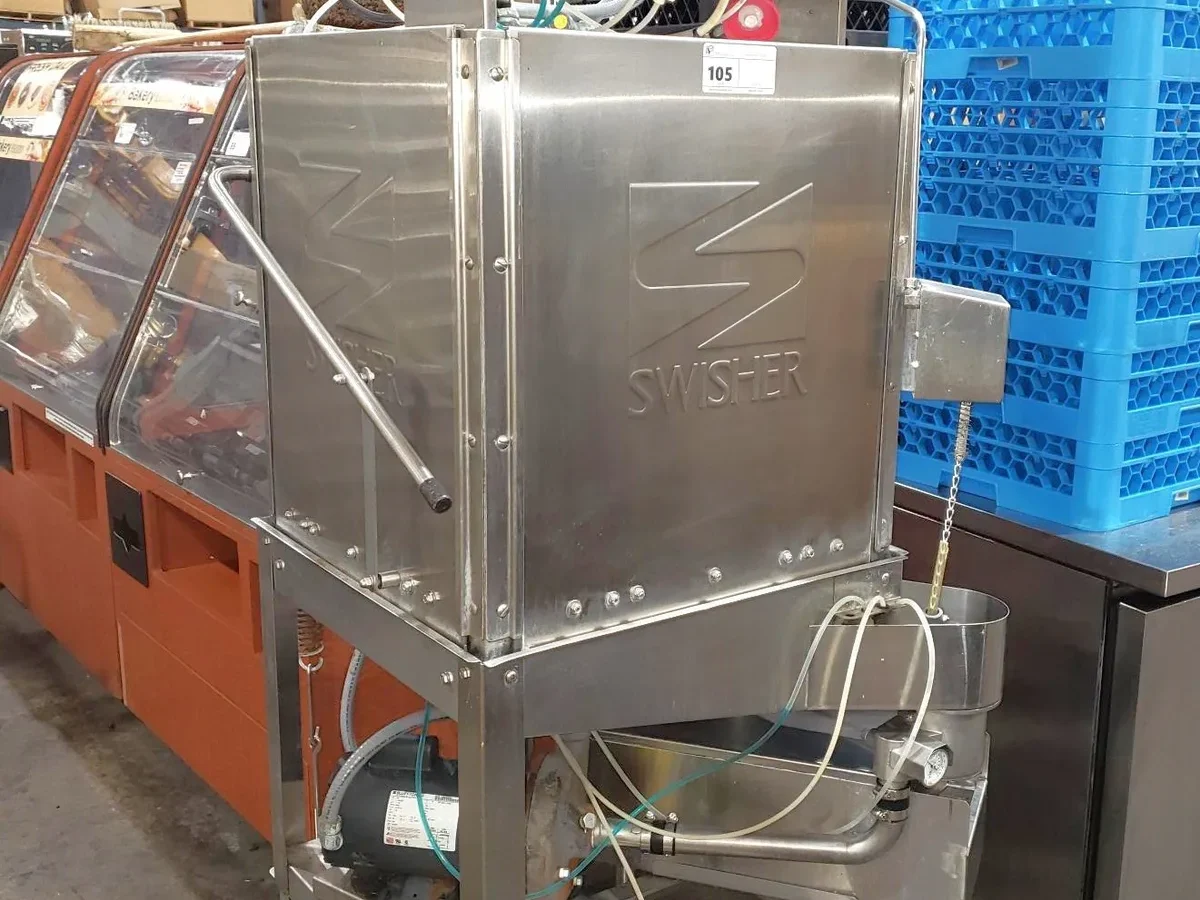
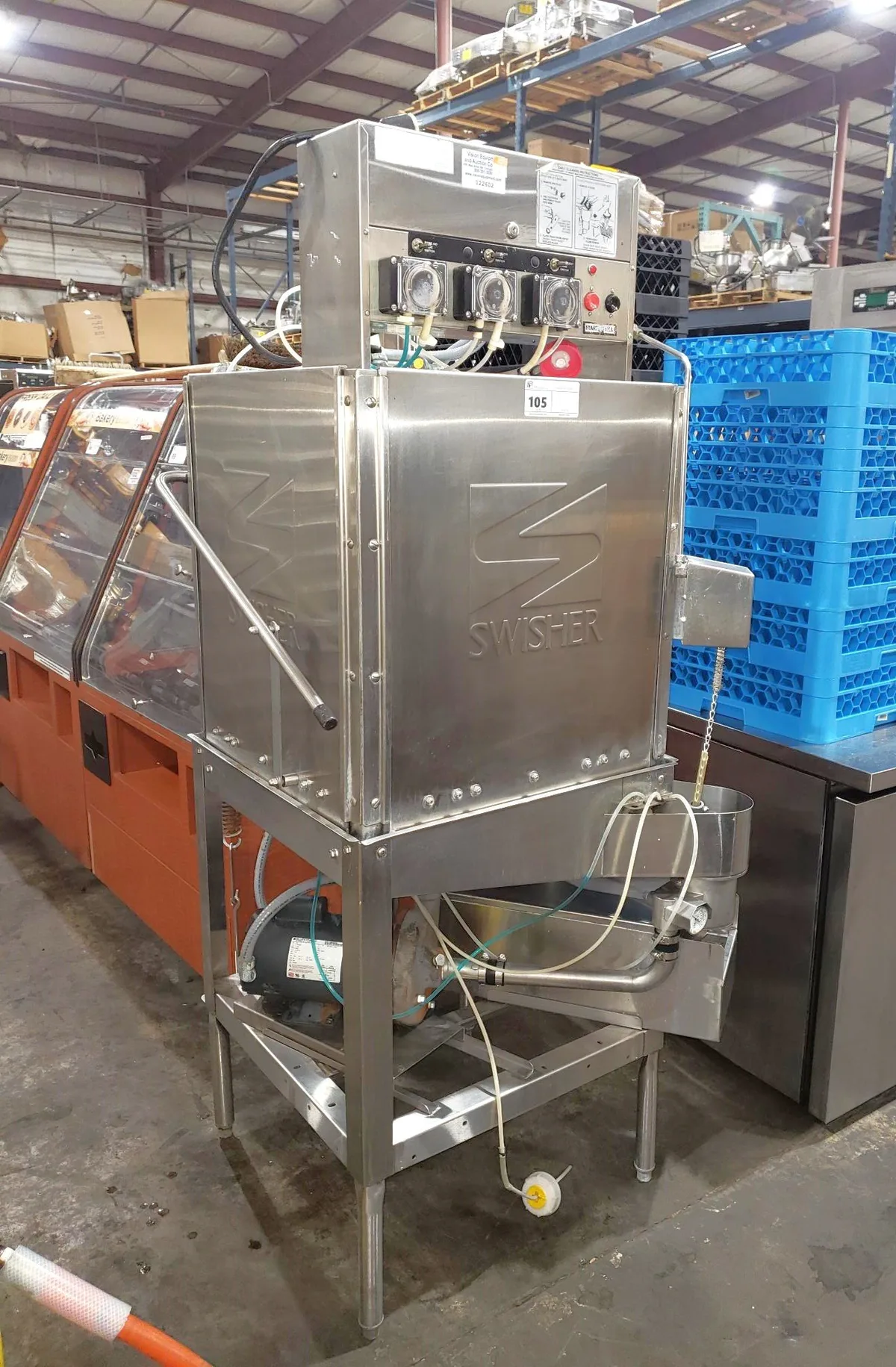
American Dish Service Dishwasher Troubleshooting usually starts when your machine stops mid cycle or refuses to power on at all. That sinking feeling hits hardest during a lunch rush. A single down machine can shut down a whole kitchen.
We're going to walk through this process step by step. Manufacturer specifications indicate these units must reach 180°F final rinse to meet NSF/ANSI Standard 3 sanitization requirements. Most failures trace back to just three things: water supply issues, power interruptions, or blocked sensors.
Let's match your symptom to the right fix.
Quick Answer
Start with power and water. Check the breaker and the incoming water shutoff valve. Inspect the door interlock switch for damage.
Clean the float switch chamber and sump filter. Test the heating element continuity with a multimeter. Reset the control board by holding the reset button 10 seconds.
If blink codes keep flashing, consult the manufacturer manual.
Start Here: The Right Way to Troubleshoot an American Dish Service Dishwasher
Before you touch any component, lock out the power at the breaker and verify it's dead with a voltage tester. Commercial electrical panels can have two separate breakers feeding one machine. Miss one and you're working on live 230V.
The 60-Second Pre-Check
Step through these three things before you open any panel.
Power supply. Is the breaker tripped? Pull it fully to off, then back to on. Test voltage at the machine's terminal block if you have a multimeter.
Water supply. Is the shutoff valve fully open? Undercounter valves often get bumped half closed during cleaning. Inlet screens clog with scale and debris.
Drain line. Is the drain hose kinked or blocked? A machine can't start a cycle if the drain pump can't clear the sump first.
How to Use This Guide
| Symptom | Likely Cause | Section to Start |
|---|---|---|
| No power, won't start | Breaker, door interlock, control board | Go to Section 2 |
| Fills but won't wash | Float switch, door interlock, stuck cycle | Go to Section 3 |
| Dirty dishes, spots | Spray arms, temperature, chemical feed | Go to Section 4 |
| Not heating, fails sanitization | Heating element, thermostat | Go to Section 5 |
| Drains slowly or won't drain | Sump filter, drain pump, drain blockage | Go to Section 6 |
No Power or Won't Start? Check These Before Blaming the Control Board
The control board is expensive. You will waste time and money replacing it without checking simpler things first.
Check the Door Interlock Switch
This is the most overlooked no-start cause. The machine won't power up if the door switches don't close. Listen for a click when you shut the door firmly.
No click means a broken switch or misaligned actuator.
Use a multimeter set to continuity. Unplug the switch and test across its terminals with the door closed. You should see near zero resistance.
Open the door and you should see infinite resistance. Replace the switch if either test fails.
Read the Control Board LED Blink Codes
Most ADS models have a small diagnostic LED on the control board. Count the flashes between pauses. One flash usually means a thermistor fault.
Two flashes point to a heating element problem. Three flashes often indicate a float switch issue. Check your specific model's service manual for exact codes.
A Quick Reset Can Sometimes Clear Fault States
Power the unit down at the breaker for a full five minutes. This drains residual voltage from the control board capacitors. Power it back up and see if the machine runs a normal cycle.
A temporary glitch doesn't call for a new board.
Fills With Water but Won't Wash — Float Switch, Door Interlock, or Stuck Cycle
The machine starts filling, water pours in, then everything stops. The wash pump never kicks on. This is almost always a sensor problem.
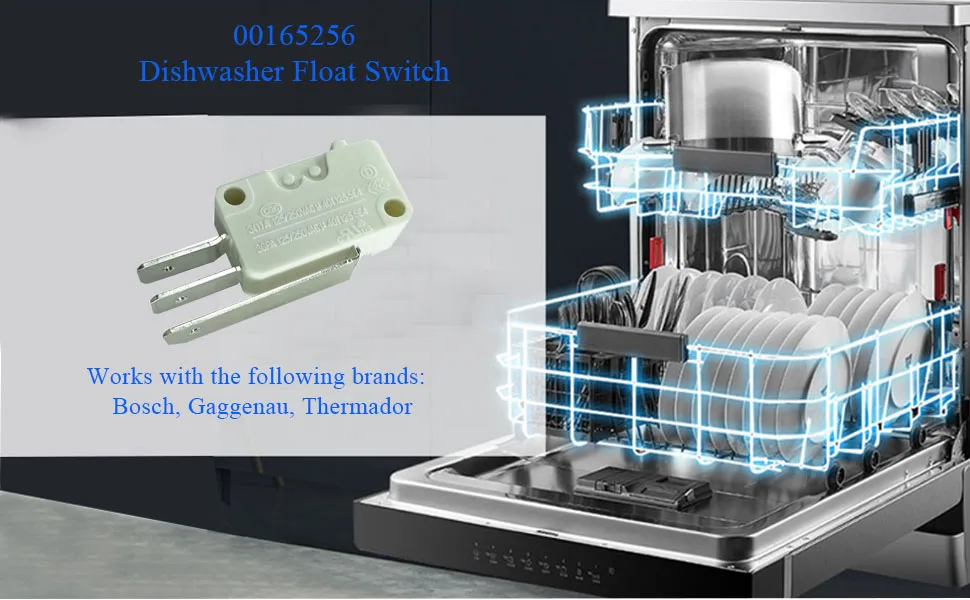
The Float Switch Chamber Gets Clogged with Debris
The float sits inside a small chamber in the bottom of the sump. Food scraps and scale buildup can trap the float in the down position. The machine thinks the tank is empty and never advances to the wash cycle.
Remove the sump cover and pull the float assembly. Clean the chamber with a bottle brush and hot water. The float should move freely up and down with gravity.
Test the switch with your multimeter: continuity when the float is up, open circuit when it's down.
The Door Interlock Can Stall the Cycle Mid-Fill
The machine needs constant door switch closure to advance through cycles. A slightly loose interlock can cause the machine to stop right after filling. Wiggle the door while the machine is in the fill phase.
If the water stops and starts, the switch or alignment is failing.
A Proper Control Board Reset vs. Power Cycling
The reset button on the board performs a factory recalibration. Turn the machine off. Press and hold the reset button for 10 seconds while powering it back on.
Release the button when the LED blinks rapidly. This clears stuck state errors that a simple breaker flip won't fix.
Dishes Still Dirty or Spotting? Spray Arms, Wash Tank Temperature, and Chemical Feed
Dirty dishes coming out of a commercial dishwasher mean the wash action, temperature, or chemical delivery system has failed. Let's rule them out in order.
Remove and Clean the Spray Arms and Nozzles
Unscrew the spray arms. Check every nozzle with a paperclip. Hard water scale loves to plug those tiny holes.
Run water through the arm and watch each nozzle spray evenly. Replace any arm with cracked plastic or broken end caps.
The Sump Filter Screen Traps Debris
Pull the sump screen and rinse it under hot water. A clogged screen restricts water flow to the wash pump. The pump still runs, but you don't get spray pressure.
Doing this daily after service prevents most wash performance complaints.
Verify Wash Tank Temperature with a Thermocouple
The wash tank should hit 150 to 160°F during the cycle. If your machine shows weird temperature readings or the tank feels lukewarm, the thermistor might be fouled. The thermistor is the small brass probe in the tank.
Scale buildup insulates it from the real water temperature. Clean it with a descaling solution per manufacturer instructions.
Confirm Detergent and Rinse-Aid Are Actually Dispensing
Open the dispenser lid after a cycle. It should be empty. Check the tubing for kinks, clogs, or air bubbles.
If the pump runs but nothing moves, the pickup tube might be blocked. ADS machines use positive displacement pumps. They can lose prime if the supply line runs dry.
Bleed the line manually to confirm flow.
Not Heating or Failing Sanitization? Heating Element and Thermostat Checks
If your dishes aren't hot enough to dry and your final rinse isn't hitting 180°F, you have a heating problem. Health inspectors check this temperature at the plate surface. It matters.
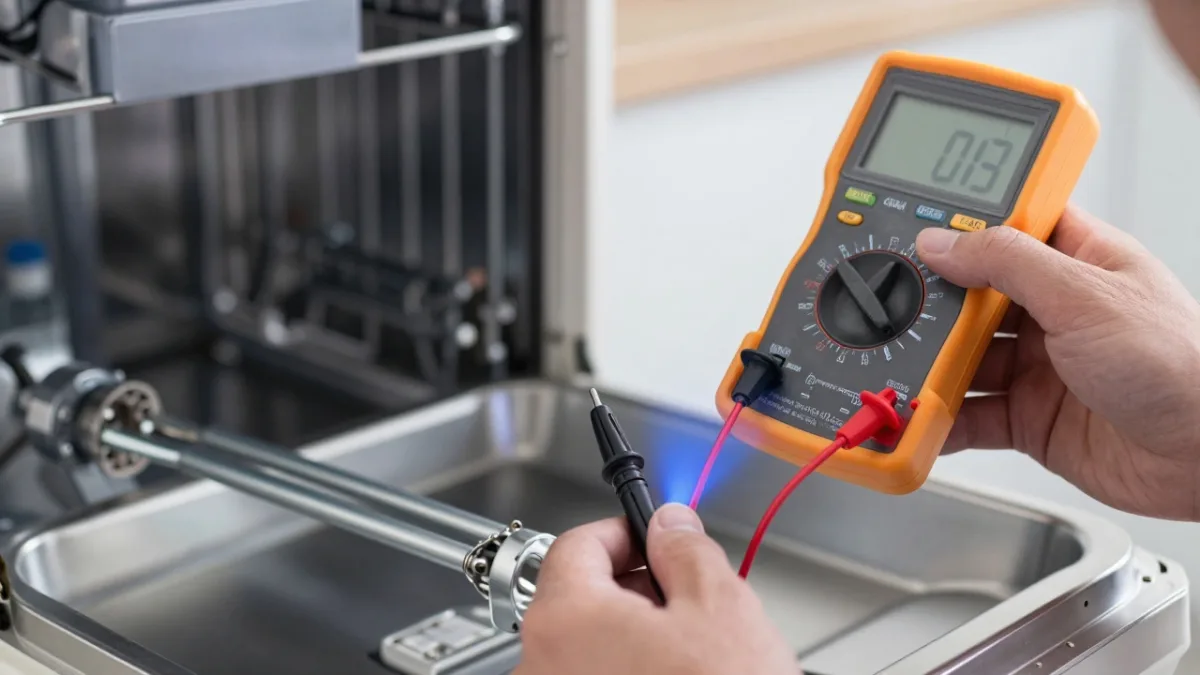
Test the Heating Element Continuity
A burned out heating element is the most common cause of no heat. Power the machine down and lock out the breaker. Disconnect the element wires.
Set your multimeter to ohms. A good element should read between 10 and 50 ohms depending on the wattage. An open circuit reading means it's dead.
Replace it with an exact OEM part.
The High-Limit Thermostat Can Trip Without Warning
The high-limit thermostat sits on the tank or heating element bracket. It trips if the tank temperature exceeds its rating. This is a safety feature that prevents boiling water and steam damage.
Press the manual reset button on the thermostat. If it trips again quickly, you have a failing thermostat or a real overheating condition.
Verify the Final Rinse Temperature
Run a full cycle. Hold a thermocouple probe at the plate surface immediately after the cycle finishes. You need 180°F for high-temperature sanitizing.
If the rinse water hits temperature but the dishes don't stay hot, the machine isn't holding rinse temperature long enough. The rinse solenoid might be closing too early. Check the timer settings on the control board.
Check the Incoming Hot Water Supply Temperature
Sometimes the problem isn't the dishwasher. If your building has a failing water heater, the machine can't raise incoming water from 120°F to 180°F fast enough. Verify your building hot water is at least 140°F at the machine inlet.
If it's lower, start by fixing the water heater.
Drains Slowly or Won't Drain? Sump, Drain Pump, and Line Blockage
A dishwasher that holds water at the end of the cycle usually has a clog, a failing pump, or a restriction in the drain line. Check the cheap fixes first. Most slow drainage comes from debris, not broken motors.
Clean the Sump Filter and Pump Impeller First
Pull the sump screen and clear out every bit of food matter. Then reach into the drain pump opening and spin the impeller by hand. It should turn freely.
If it's jammed with a toothpick or bone fragment, remove the obstruction. Aggregate service reports show that caught debris causes about 70% of drain complaints.
Test the Drain Pump Motor for Continuity
If the impeller spins free but the pump won't run, test the motor windings. Disconnect power and lock out the breaker. Set your multimeter to ohms and test across the motor terminals.
A good motor reads low resistance, usually under 20 ohms. An open reading means the winding is burned out. Replace the pump motor as a complete assembly.
Inspect the Drain Line for Kinks and Grease Buildup
Trace the drain hose from the machine to its termination point. Check for sharp bends, crushed sections, or a sagging loop that holds water. Grease accumulates inside the hose and narrows the passage over time.
Disconnect the hose and run water through it into a bucket. Restricted flow means it's time to replace the hose or clean it with a drain snake.
Troubleshooting Mistakes That Turn a $20 Fix Into a $500 Repair Bill
We've seen kitchens replace control boards, pumps, and even whole machines over a 50-cent gasket. Don't learn that lesson the expensive way. Skip these common errors.
Don't Replace the Control Board Without Checking the Float Switch
The float switch fails more often than the control board. It's also a fraction of the cost. Test the switch with a multimeter before you order any parts.
That one test saves you hundreds.
Don't Ignore Blink Codes and Diagnostic LEDs
The machine tells you what's wrong. LED codes narrow down the fault to a specific circuit. Skipping that step turns a 30-minute repair into a parts-throwing marathon.
Always pull the manual and decode the flashes first.
Don't Use Residential Dishwasher Parts on Commercial Equipment
Residential parts aren't rated for the heat, pressure, or cycle frequency of an ADS machine. They fail fast and can void your warranty. Use OEM parts matched to your model number.
It costs a little more upfront and saves you from doing the job twice.
Don't Forget to Check the Incoming Hot Water Supply
If your hot water heater struggles to keep up, the dishwasher never reaches sanitizing temperature. The machine isn't broken. Check supply temperature before you replace a heating element.
This one is embarrassingly common after plumbing changes.
Frequently Asked Questions
How do I reset my American Dish Service dishwasher?
Turn the machine off and press and hold the reset button on the control board for 10 seconds. Release it when the LED blinks rapidly. If your model has no reset button, power down at the breaker for five minutes.
This clears stuck fault states.
Why does my ADS dishwasher keep tripping the breaker?
A shorted heating element or a failing drain pump motor is the usual cause. Both draw heavy current and trip the breaker when their windings degrade. Test both components with a multimeter.
Replace the one that shows low resistance to ground.
What is the ideal water pressure for an ADS dishwasher?
Manufacturer specifications call for a flowing water pressure between 20 and 30 psi at the machine inlet. Higher pressure can cause fill valve chatter and water hammer. Lower pressure leads to long fill times and incomplete cycles.
Install a pressure gauge and adjust with a regulator if needed.
How often should I clean the sump filter and spray arms?
Clean the sump filter and spray arms daily after your last service. Scale buildup can be handled weekly with a descaling cycle. A machine that sits dirty overnight lets food dry and harden on internal surfaces.
That crust becomes tomorrow's clog.
When should I call a professional instead of doing it myself?
Call a professional if you're uncomfortable working with live 230V circuits or if the machine still fails after you've completed the basic checks. Also call if your troubleshooting requires draining the machine and accessing internal plumbing. Some repairs are better done by a certified commercial appliance technician.

Similar Posts