Are AI Translation Devices Accurate: The Truth
AI translation devices are often accurate for simple speech, but context, accents, noise, and rare languages can cause errors.
The answer to “are AI translation devices accurate” depends on the device, language pair, setting, and type of message. Modern translators can handle travel phrases, menus, and basic conversations well, but they may still miss humor, tone, slang, and important details. This guide explains how these tools work, where they succeed, where they fail, and how to use one safely.

How AI translation devices work
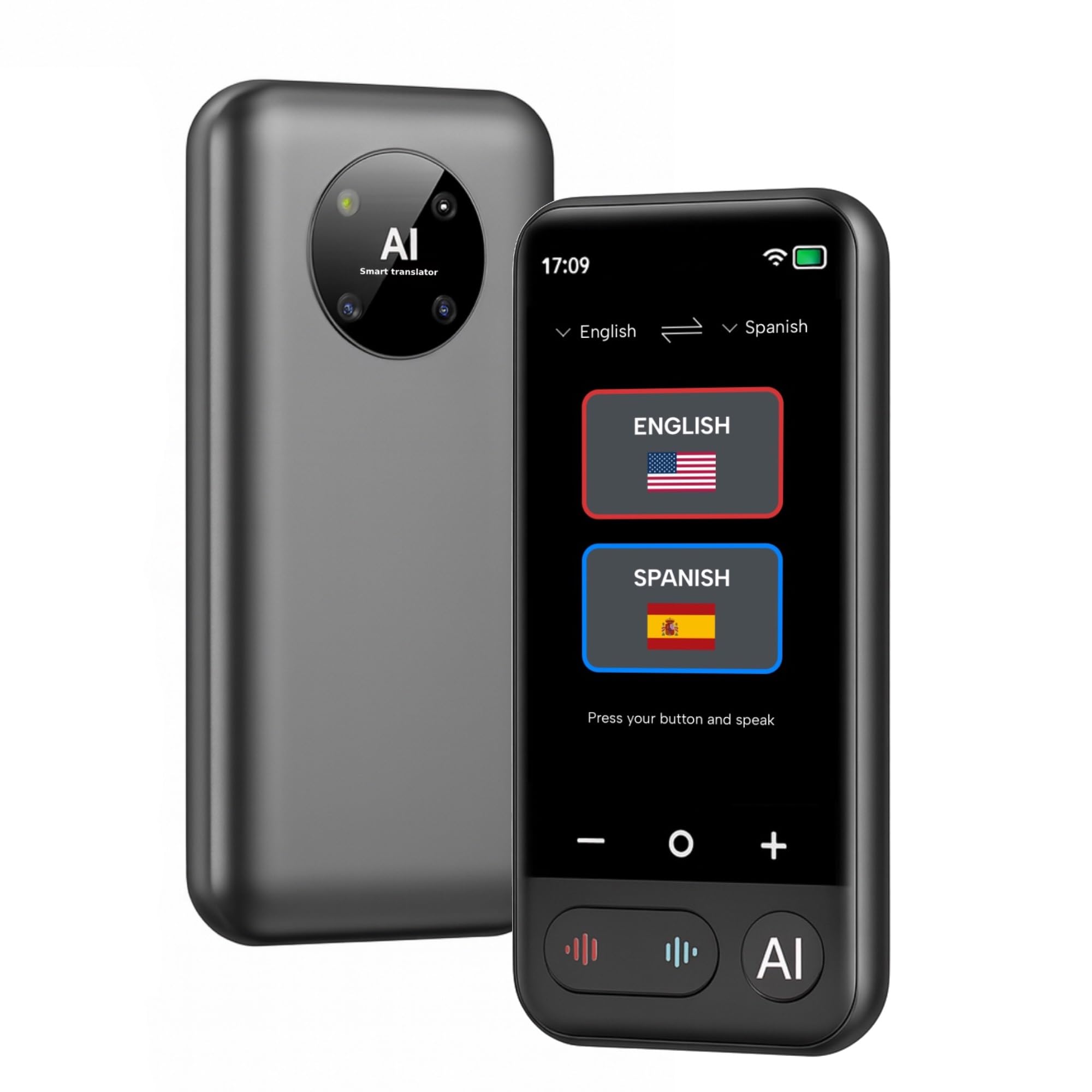
AI translation devices use speech recognition, machine translation, and text-to-speech technology. The device first listens to your words and turns them into text. It then translates that text into another language and reads the result aloud.
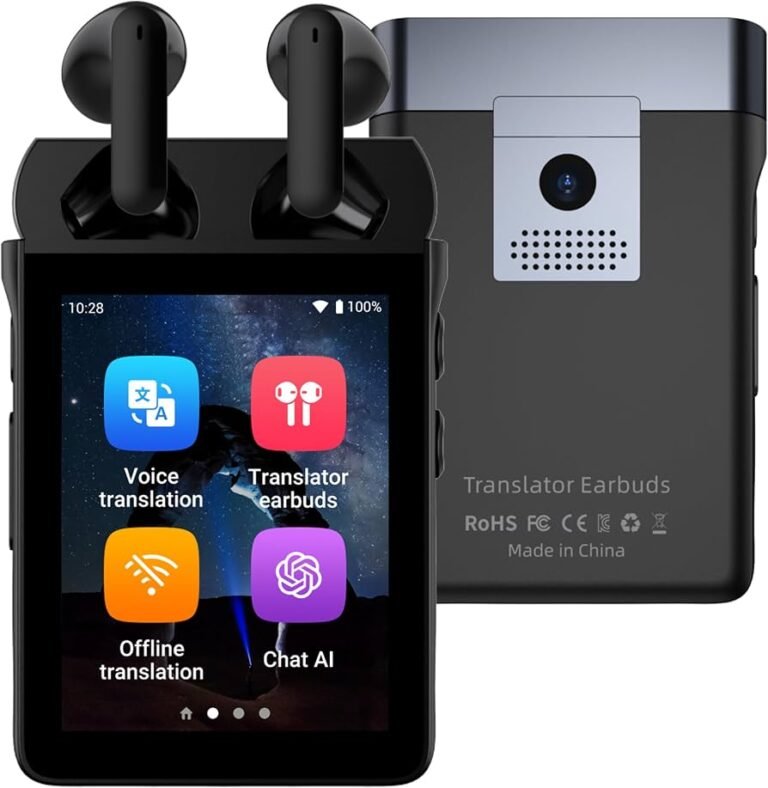
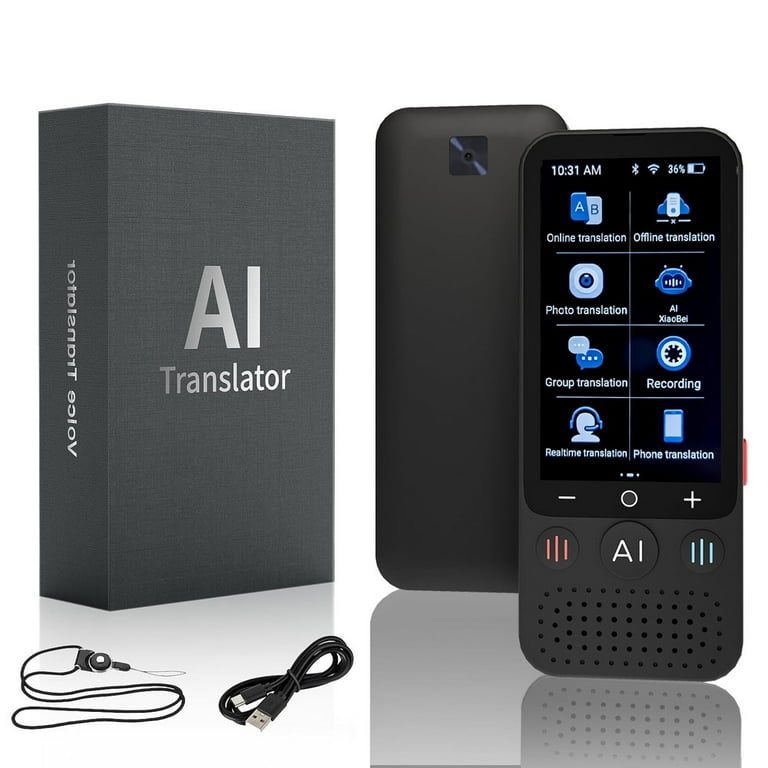
Some devices work through a phone app. Others are small handheld tools with built-in microphones and speakers. Many connect to the internet, while some offer offline language packs.
The process sounds simple, but each step can create an error:
- The microphone may hear the wrong word.
- The speech system may misunderstand an accent.
- The translation engine may choose the wrong meaning.
- The voice system may pronounce the result poorly.
This is why asking “are AI translation devices accurate” requires more than a yes or no. Accuracy is a chain, and the weakest link can affect the final result.
What “accuracy” really means
Accuracy may refer to several different things:
• Word accuracy: Did the device identify the spoken words correctly?
• Meaning accuracy: Did it preserve the speaker’s intended meaning?
• Grammar accuracy: Does the translated sentence sound natural?
• Cultural accuracy: Does it fit local customs and social meaning?
• Conversation accuracy: Can both people understand each other without repeated corrections?
A device may produce grammatically correct text that still sounds rude, confusing, or unnatural. Translation is not just a word swap. It is more like moving an idea across a bridge without dropping its meaning.

Are AI translation devices accurate in everyday use?
For common situations, many AI translation devices are quite useful. They can often translate short, clear sentences about food, directions, shopping, transport, and basic needs.
For example, a traveler might say, “Where is the nearest train station?” A good device will usually provide a clear and useful translation. It may also help translate signs, menus, and short written messages through a camera feature.
In everyday use, performance is strongest when:
• The speaker uses short sentences.
• The words are common.
• The person speaks at a steady pace.
• The microphone is close to the speaker.
• The environment is quiet.
• The language pair is widely supported.
Still, are AI translation devices accurate enough for every situation? No. A simple travel question is very different from a medical explanation, legal contract, or emotional conversation.
Accuracy by situation
| Situation | Typical usefulness | Main risk |
|---|---|---|
| Travel questions | High | Wrong place name or direction |
| Restaurant orders | Medium to high | Food allergy details may be missed |
| Casual conversation | Medium | Slang and humor may change |
| Business meetings | Medium | Tone and key terms may be lost |
| Medical discussions | Low for independent use | Serious safety errors |
| Legal or official matters | Low | A small error may change rights or duties |
These are broad patterns, not guarantees. A premium device may perform worse than a basic app in one language pair and better in another.
What affects AI translation accuracy?
Several factors shape the quality of a translation. Understanding them can help you choose the right device and avoid common mistakes.
Language pair
AI translation is usually stronger for languages with large amounts of digital text and speech data. English, Spanish, French, German, Italian, Japanese, Korean, and Mandarin often receive strong support.
Less common languages may have fewer training examples. Regional dialects can also create problems. A device may translate standard Spanish well but struggle with local slang or a fast Caribbean accent.
Speech clarity
Speech recognition works best when people speak clearly. Mumbling, speaking too fast, or covering the microphone can lead to errors.
Try these habits:
• Speak one sentence at a time.
• Pause between ideas.
• Avoid background music.
• Hold the device near the speaker.
• Say names and numbers slowly.
• Repeat key details in a different way.
Background noise
Airports, markets, busy streets, and restaurants are hard places for speech recognition. The microphone may capture several voices at once. It may also mistake traffic, music, or plates clattering for speech.
Noise-canceling microphones can help, but they do not create perfect results. In a loud space, typing a message or using a camera translator may work better.
Accents and dialects
Accents are not errors. They are normal forms of speech. However, AI systems may have more training data for some accents than others.
A speaker from rural Scotland, southern India, or a small Pacific island may receive less reliable recognition than a speaker using a widely represented accent. The same issue can affect regional vocabulary.
Slang, humor, and idioms
Idioms often confuse translation systems. “Break a leg” does not mean that someone should injure themselves. “I’m feeling under the weather” does not describe a position below the clouds.
Modern AI can recognize many common expressions, but it may still translate jokes too literally. Humor also depends on timing, culture, and shared knowledge. This is one reason are AI translation devices accurate is harder to answer for casual, emotional speech.
Internet access
Cloud-based devices often use large language systems on remote servers. This can improve translation quality, but it requires a stable internet connection.
Offline modes are useful when traveling without mobile data. However, they may support fewer languages and provide less natural translations. Always test offline features before leaving home.
How accurate are AI translation devices compared with human translators?
Human translators remain better for complex, sensitive, or high-stakes content. They can ask questions, understand the speaker’s goal, notice sarcasm, and adjust wording for culture and tone.
AI tools have other strengths. They are fast, affordable, available at any hour, and useful for simple communication. They can also help a human translator handle routine phrases more quickly.
Research in machine translation often uses measures such as BLEU, COMET, and human review. These tests can show progress, but a benchmark score is not the same as a perfect conversation. A system may score well on standard sentences and still struggle with a noisy, real-world discussion.
The best approach is to see AI translation as an assistant, not a replacement for human judgment. This matters especially when are AI translation devices accurate is being considered for health care, immigration, contracts, or business negotiations.
AI translation versus human translation
AI translation is usually better for:
• Quick travel help
• Simple directions
• Basic shopping questions
• Reading signs and menus
• First drafts of ordinary messages
Human translation is safer for:
• Medical instructions
• Legal documents
• Court or immigration matters
• Financial agreements
• Technical manuals
• Public speeches
• Sensitive personal conversations
Benefits of using AI translation devices
AI translation devices can make communication easier and less stressful. They are especially helpful when you need a quick answer and no shared language is available.
Faster communication
A device can translate a short sentence in seconds. This saves time at train stations, hotels, stores, and service desks.
More confidence while traveling
Many travelers feel nervous when they cannot explain a basic need. A translation device can provide a safety net. It may help you ask for directions, describe a lost item, or find a pharmacy.
Support for pronunciation
Hearing the translated sentence can help you say it aloud. Some tools also display the words, which lets both people read the message.
Two-way conversation
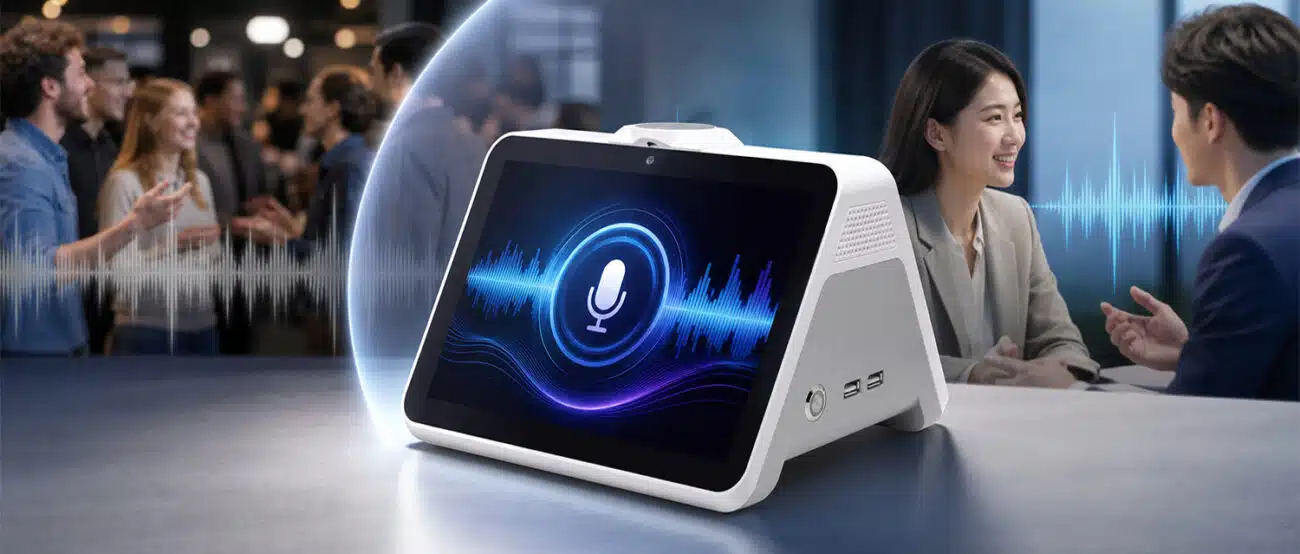
Many devices offer conversation mode. Each person speaks in turn, and the device translates both sides. This feature can make a short exchange feel more natural.
Camera translation
Camera tools can read menus, labels, street signs, and forms. They are useful when speech recognition is not practical.
However, the camera may misread small print, decorative fonts, handwriting, or low-light images. Check important text with a human when possible.

Limitations and risks to understand
The answer to are AI translation devices accurate should always include their limits. A translation can sound smooth and still be wrong.
Meaning can change
A small mistake with a number, date, dose, or location can cause serious trouble. The device may also leave out a word without showing that it is uncertain.
Context may be missing
The word “bank” can mean a financial institution or the side of a river. AI systems use context to choose the meaning, but a short sentence may not provide enough information.
Privacy concerns
Some devices send voice recordings or text to cloud servers. Before using one, review its privacy policy and settings. Avoid sharing sensitive health, financial, passport, or business information unless you understand how the data is handled.
Conversation delays
A device can interrupt the natural rhythm of a discussion. People may become impatient, especially when each sentence requires recording, processing, and playback.
Emotional tone may be lost
AI can translate the words but miss the feeling behind them. A sincere apology, gentle request, or serious warning may sound flat or too strong.
Errors may sound confident
This is one of the biggest dangers. A device may deliver a wrong translation with a clear voice and no warning. Do not confuse confidence of delivery with accuracy.
How to improve translation accuracy
You can often improve results by changing how you speak and how you check the output.
-
Use short sentences. Say “I need a doctor” instead of describing a long story first.
-
Avoid slang. Use plain words that are easy to translate.
-
Speak at a steady pace. Do not shout unless the other person cannot hear you.
-
Reduce noise. Move away from music, traffic, and crowds.
-
Confirm important details. Ask the listener to repeat the time, number, or location.
-
Use back translation. Translate the result back into your language to check the basic meaning.
-
Show the written text. Reading can reveal a mistake that speech hides.
-
Keep a backup plan. Carry a translation card, dictionary app, or written address.
-
Download offline languages. Test them before you travel.
-
Use a human interpreter for serious matters. Technology should support safety, not replace it.
A useful habit is the “three-part check”: say the message, show the text, and confirm the response. This takes a little longer but can prevent a major misunderstanding.
Choosing an accurate AI translation device
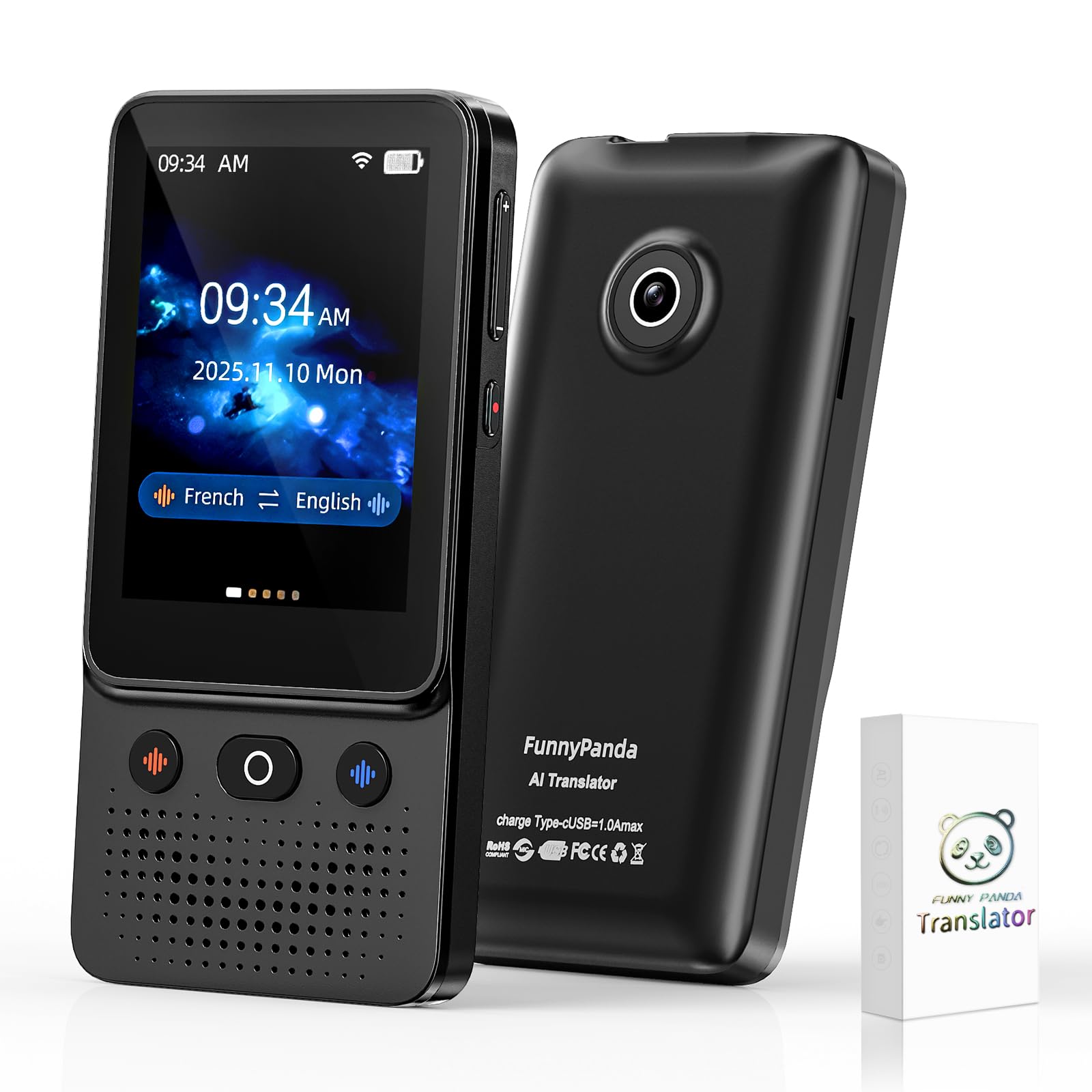
When comparing devices, do not focus only on the number of supported languages. A product may list 100 languages but offer weak speech support for many of them.
Look for these features:
• Strong support for your exact language pair
• Clear microphones
• A reliable offline mode
• Text and camera translation
• Conversation history, if privacy settings allow it
• Easy correction and replay tools
• Support for regional accents
• Transparent privacy controls
• Long battery life
• A simple interface
Read independent reviews that test real conversations, not only product demonstrations. Check whether reviewers tested background noise, accents, offline use, and two-way speech.
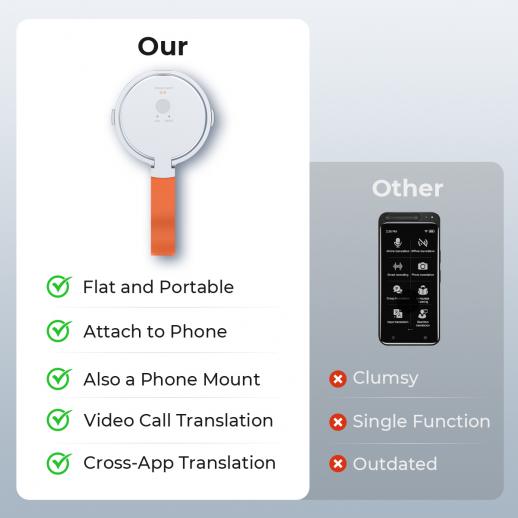
Also consider your main purpose. A phone app may be enough for occasional travel. A dedicated device may be easier for frequent travelers, tour guides, or customer service staff.

Real-world lessons from using translation technology
In practical testing, the biggest problems rarely come from ordinary words. They usually appear when people speak quickly, use local phrases, or combine several ideas in one sentence.
One common mistake is trusting the first translation without checking it. A better method is to start with a simple sentence, watch the written output, and correct the message before continuing.
Another lesson is that people often blame the device when the real issue is the conversation setting. A quiet room and a patient speaker can produce a much better result than an expensive device used beside a loud road.
The most useful mindset is not “the device will translate everything.” It is “the device will help us build enough understanding.” That small shift encourages patience and makes it easier to verify important information.
Are AI translation devices accurate for medical and legal use?
AI translation devices should not be trusted as the only method for medical or legal communication. A wrong translation of an allergy, medication dose, diagnosis, deadline, or legal duty can create serious harm.
For these situations, use a qualified interpreter whenever possible. You can still use AI to prepare basic questions or understand general information, but a trained professional should handle the official exchange.
If no interpreter is available during an urgent event, use the device as one tool and confirm the message in more than one way. Show written information, use simple words, and ask the listener to repeat the key details.
Are AI translation devices accurate for travel?
For travel, many devices are accurate enough to be helpful. They work well for directions, hotel requests, shopping, public transport, and simple restaurant conversations.
They are less reliable for food allergies, medical symptoms, emergencies, and complex complaints. In those cases, prepare key phrases in advance and carry them in written form.
Travelers should also remember that communication is more than translation. A smile, polite greeting, patience, and respect for local customs can matter just as much as perfect grammar.
Frequently Asked Questions: Are AI Translation Devices Accurate?
Are AI translation devices accurate enough for travel?
Yes, many are accurate enough for basic travel needs such as directions, greetings, shopping, and hotel requests. They may struggle with slang, strong accents, noise, and complex explanations.
Can AI translation devices replace human translators?
No. They can assist with routine communication, but human translators are safer for medical, legal, technical, and emotionally sensitive content.
Do AI translation devices work without Wi-Fi?
Some devices and apps offer offline translation. Offline modes usually support fewer languages and may provide less natural or less detailed results than online systems.
Which languages do AI translation devices handle best?
They often perform best with widely used languages that have large speech and text datasets. Results can vary by product, so check support for your exact language pair and regional dialect.
Can an AI translator make mistakes with numbers and names?
Yes. Names, addresses, dates, prices, and medication amounts can be misheard or translated incorrectly. Repeat these details slowly and confirm them in writing.
Are AI translation devices safe for private conversations?
Safety depends on how the product stores and processes data. Review privacy settings, avoid sharing highly sensitive information, and choose a device with clear data controls.
Conclusion
So, are AI translation devices accurate? They are often reliable for short, clear, everyday messages, especially in quiet settings and widely supported languages. They are less dependable with slang, humor, dialects, poor audio, private information, and high-stakes topics.
Use these tools as helpful communication aids, not as perfect interpreters. Speak clearly, confirm important details, keep a backup method, and choose a human translator when health, legal rights, money, or safety are involved. Before your next trip, test your device with real phrases and explore its offline features, then share your own experience or questions in the comments.