Do AI Translation Devices Work Offline: The Truth

Some AI translation devices work offline, but only when the needed language packs are stored on the device.
The answer to “do AI translation devices work offline” depends on the device, language pair, and translation mode. Offline tools can be very useful while traveling, but they often have fewer features, smaller vocabularies, and lower accuracy than cloud-based translation. This guide explains how offline translation works, where it performs well, and what to check before you buy or travel.
Do AI translation devices work offline?
Yes, some AI translation devices work offline. They use language files saved on the device instead of sending every voice recording to a remote server. These files may include speech recognition, machine translation, and text-to-speech tools.
However, offline support is not universal. Some devices work offline for text translation but need the internet for voice conversations, image translation, or advanced AI features.
An offline translation device usually follows this process:
- It listens to your speech through a microphone.
- It changes your speech into text.
- It translates the text into another language.
- It reads the result aloud or displays it on the screen.
When all four steps happen on the device, translation can work without Wi-Fi or cellular data. If one step depends on a cloud server, that feature may fail offline.
A simple way to think about it is like carrying a small phrasebook, dictionary, and interpreter in one device. The more language data stored inside it, the more useful it can be without a connection.
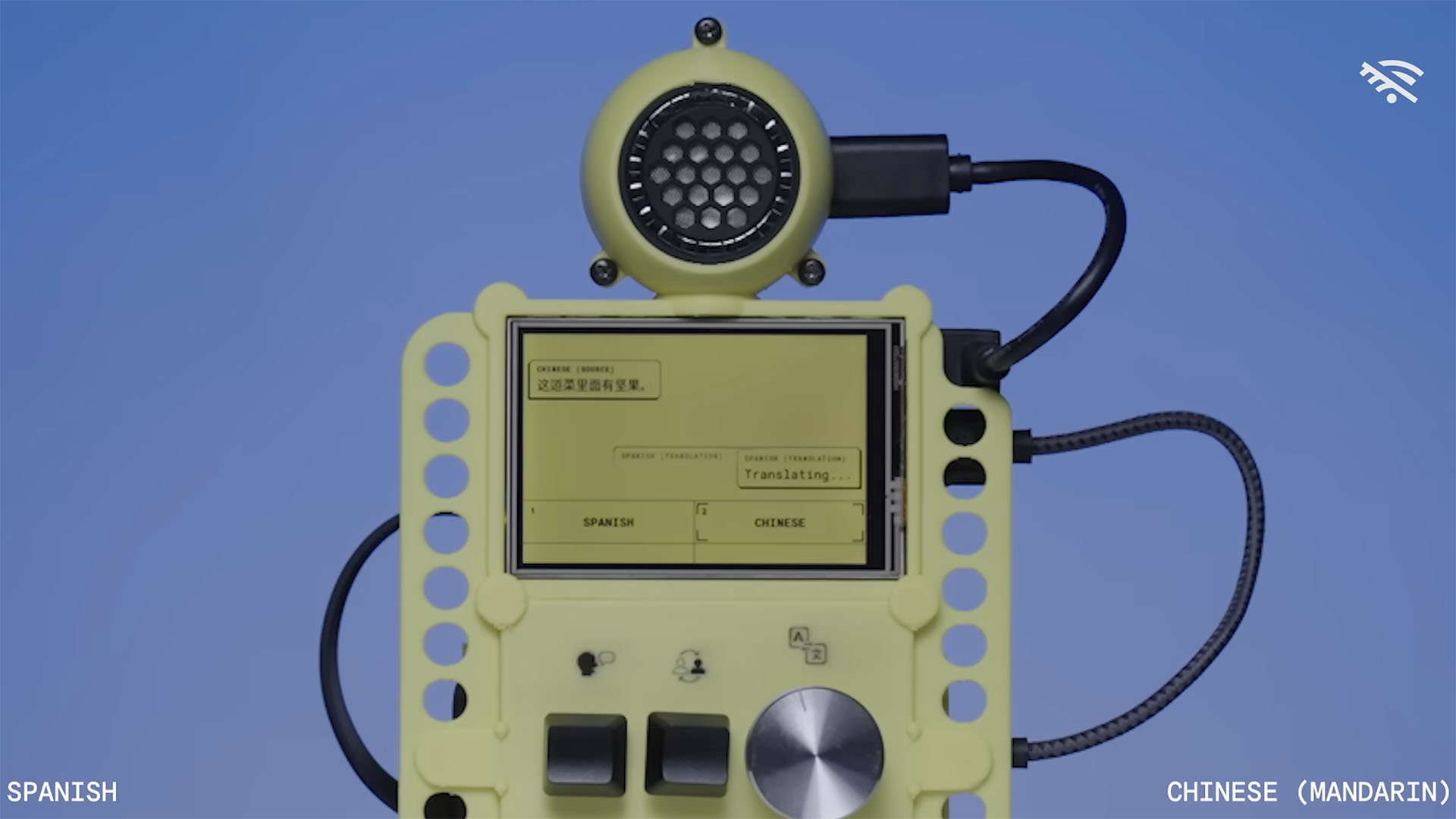
How offline AI translation works
Offline AI translation relies on compact language models. These models are trained to recognize speech, understand common word patterns, and produce a translation. The device stores a smaller version of that model in its internal memory.
Cloud translation services can use large data centers with powerful processors. A handheld device has much less memory, battery power, and processing capacity. As a result, its offline model must be smaller and more focused.
Most offline systems contain three main parts:
Offline speech recognition
Speech recognition changes spoken words into written text. It must handle accents, pauses, background noise, and different speaking speeds.
Offline speech recognition often works best when:
• You speak clearly
• You use short sentences
• You pause between ideas
• You stay close to the microphone
• The area is reasonably quiet
Crowded airports, busy streets, and loud restaurants can reduce accuracy. This problem affects online tools too, but offline devices may have fewer advanced noise filters.
Offline machine translation
The translation engine converts the recognized text into another language. Offline translation models usually focus on common travel and daily conversation phrases.
They may handle sentences such as:
• “Where is the train station?”
• “I have a food allergy.”
• “How much does this cost?”
• “Can you call a doctor?”
They may struggle with slang, humor, technical terms, regional expressions, and long sentences. Translation is not a word-for-word process. It must understand context, and smaller offline models have less context to work with.
Offline text-to-speech
Text-to-speech reads the translated sentence aloud. Basic offline voices can sound clear but less natural than online voices. Some devices offer only a few voice choices or support speech output in fewer languages.
The key point is that “offline” can mean different things. A product may support offline text translation but not offline voice translation. Always check each feature separately.

What can offline translation devices do well?
Offline AI translation devices can be excellent for simple, practical communication. They are especially helpful when you need an answer quickly and cannot rely on a stable connection.
Common offline uses include:
• Asking for directions
• Ordering food
• Reading short signs
• Checking prices
• Sharing basic travel needs
• Communicating at hotels
• Explaining simple medical concerns
• Using public transportation
• Speaking with someone in a remote area
Offline translation also helps protect privacy. Your voice and text may stay on the device rather than being sent to a remote server. This can matter when discussing personal details, work information, or health needs.
Another advantage is speed. A device that processes language locally does not need to upload audio, wait for a server, and download a result. In some cases, the response feels faster, especially when the mobile network is weak.
Battery use can vary. Local processing may use more power during active translation, but the device does not need a constant data connection. Carrying a power bank is still wise for long trips.
From a practical point of view, offline translation is most valuable as a safety net. It may not replace a professional interpreter, but it can help you cross the first communication gap when you feel stuck.

What are the limits of offline AI translation?
The biggest weakness of offline translation is reduced coverage. A device may support many languages online but only a smaller group offline. It may also limit offline use to text input or a basic conversation mode.
Before relying on a device, check these limits:
Limited language pairs
Some products support offline translation only for major languages, such as English, Spanish, French, German, Italian, Chinese, Japanese, and Korean. Less common languages may require an internet connection.
Language support can also be one-way. For example, a device may translate English to Arabic offline but not Arabic to English.
Lower accuracy
Offline models often perform well with short, direct speech. Accuracy can drop with:
• Strong accents
• Fast speech
• Multiple speakers
• Background noise
• Idioms and jokes
• Names and places
• Medical or legal terms
• Local dialects
A wrong translation can cause confusion. For important matters, repeat the sentence, use simple words, and confirm the meaning.
Fewer updates
Online translation systems can receive frequent improvements from their providers. Offline models may remain unchanged until you connect the device and download an update.
New words, political terms, product names, and local expressions may not appear in an older offline package.
Weak context
A small offline model may translate each sentence without fully understanding the conversation. This can create errors with pronouns, tense, gender, and words that have more than one meaning.
For example, “bank” can mean a financial institution or the side of a river. Context helps the system choose the correct meaning, but offline models may have less context available.
No live information
Offline tools cannot reliably provide current information such as:
• Real-time train delays
• Local business hours
• Weather updates
• Currency exchange rates
• News
• Online reservations
• Maps and traffic
In these situations, translation and internet access are separate needs. An offline translator may help you ask a question, but it cannot always answer a current one.
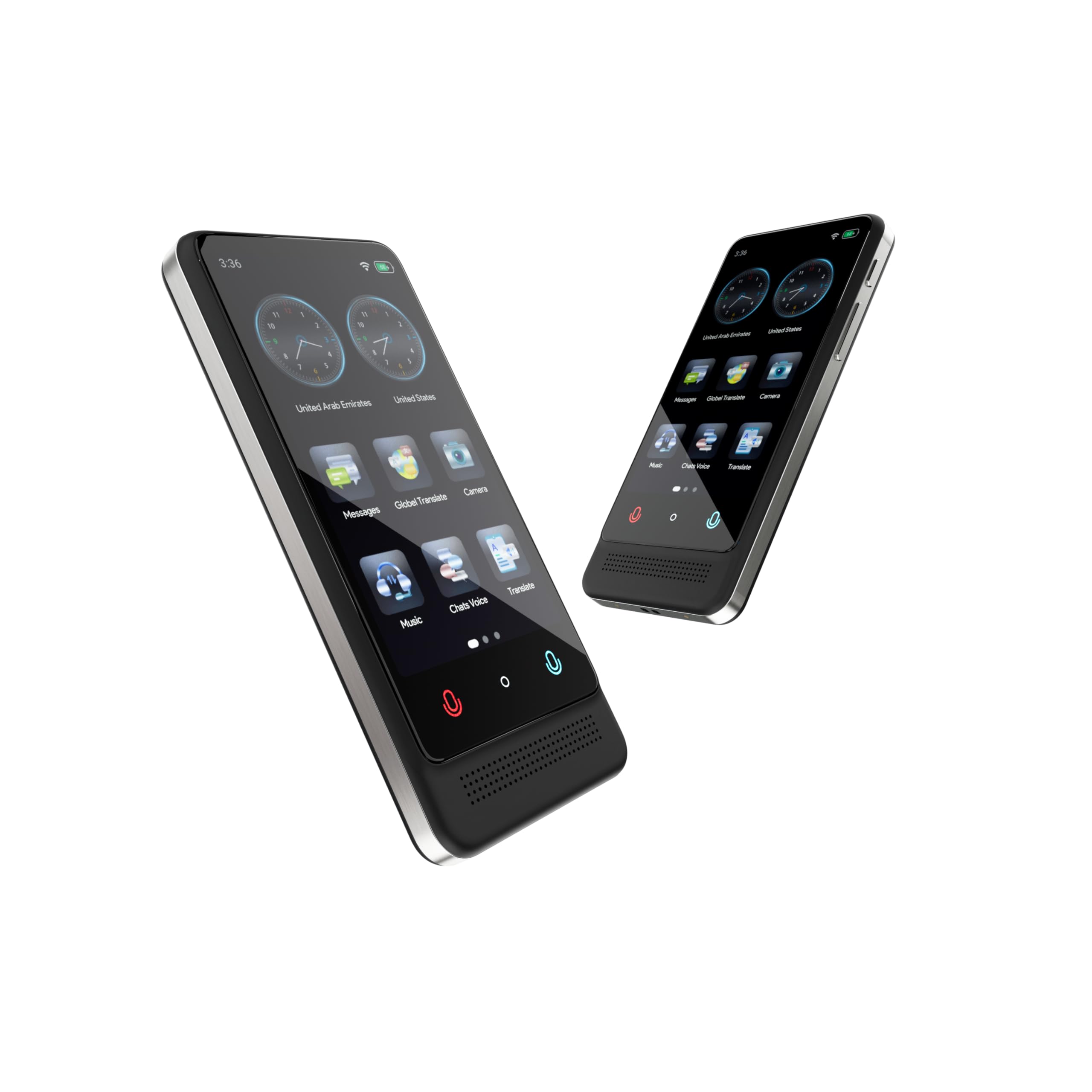
Offline translation devices versus phone apps
Many travelers ask whether a dedicated device is better than a smartphone. The answer depends on your needs.
A smartphone app may offer more languages, better online accuracy, camera translation, and regular updates. It can also combine translation with maps, messaging, and web search.
A dedicated AI translation device may be easier to use during a conversation. It can have a larger speaker, physical buttons, a focused interface, and fewer distractions. Some people also prefer not to hand their personal phone to a stranger.
Here is a simple comparison:
| Feature | Dedicated translation device | Smartphone translation app |
|---|---|---|
| Offline support | Often available for selected languages | Usually available for selected language packs |
| Online accuracy | Varies by provider | Often strong with a good connection |
| Camera translation | Available on some models | Common on major apps |
| Battery impact | Uses a separate battery | Uses your phone battery |
| Privacy | Depends on local or cloud processing | Depends on app settings and service |
| Ease of use | Designed for conversation | Requires opening and managing an app |
| Current information | Limited offline | Available when connected |
Neither option is perfect. If you travel often, a dedicated device can be convenient. If you need broad language coverage, a phone app may offer more flexibility.
The best setup is often a backup plan. Download offline language packs on your phone, carry a translation device if needed, and keep a few important phrases written down.
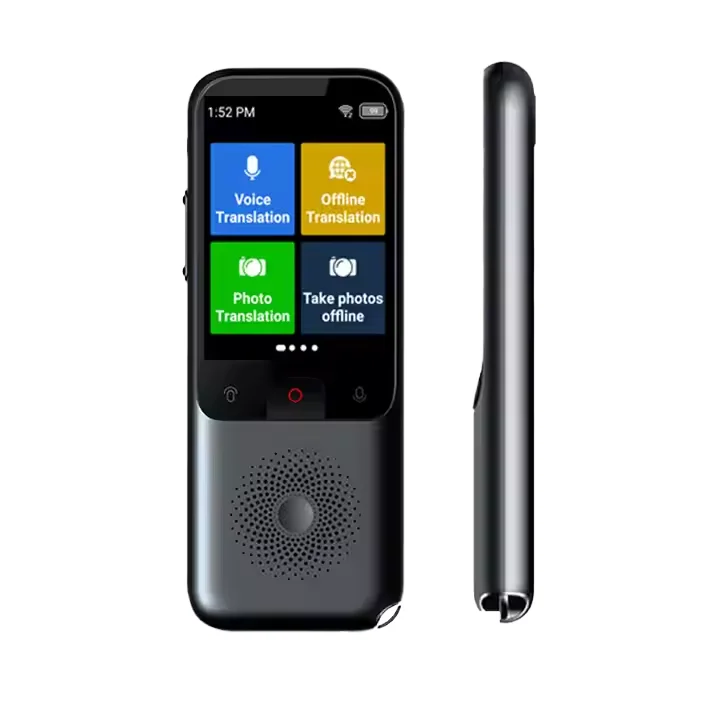
How to choose an offline AI translation device
Do not buy a device simply because its advertisement says it supports offline translation. Read the technical details and test the exact features you need.
Use this checklist:
Confirm offline language pairs
Check both directions. English to Portuguese is not the same as Portuguese to English.Check voice support
Some devices allow offline typing but require a connection for spoken conversations.Look for downloadable language packs
A good device should explain how to install, remove, and update offline data.Review accuracy claims carefully
Marketing terms such as “AI-powered” do not guarantee accurate translation in every setting.Check battery life
Voice translation can use more power than simple text translation.Test microphone quality
A strong microphone can make a major difference in noisy places.Confirm update requirements
Some products require an account, app, or Wi-Fi connection for setup and updates.Review privacy settings
Find out whether audio is processed locally, stored, or uploaded.Check return policies
Test the device with real voices and situations before a major trip.Consider emergency use
Do not rely on a translator alone for serious medical, legal, or safety matters.
A useful test is to prepare ten sentences you expect to use. Include a question, a request, a food allergy statement, a hotel problem, and a transportation question. Test them in a quiet room and then in a noisy place.
This simple test can reveal more than a product description. It also helps you learn how slowly and clearly to speak for the best result.

Tips for better offline translation results
Even the best offline AI translation device needs clear input. You can improve results with a few habits.
Speak in short sentences
Say, “I need a taxi to the airport,” instead of giving a long story about your travel plans. Short sentences reduce mistakes and make the translated message easier to understand.
Avoid slang
Expressions such as “I’m feeling under the weather” may confuse a translation system. Say, “I feel sick,” when clarity matters.
Use common words
Choose “medicine” instead of a rare medical term unless the device clearly recognizes it. You can add details after the first translation.
Confirm important information
Ask the other person to repeat prices, times, addresses, or instructions. Translation errors can happen in either direction.
Use the screen
Showing the translated text can help when the speaker cannot hear the audio. It also lets both people review the sentence.
Download packs before leaving
Install every language pack while you have reliable Wi-Fi. Do not wait until you arrive at an airport or remote village.
Carry a backup
Keep essential phrases in the local language on paper or in a screenshot. Include your hotel address, emergency contacts, allergies, and medication details.
A field lesson worth remembering is that technology works best when paired with simple human habits. A smile, a calm tone, and a willingness to repeat yourself can solve problems that software cannot.
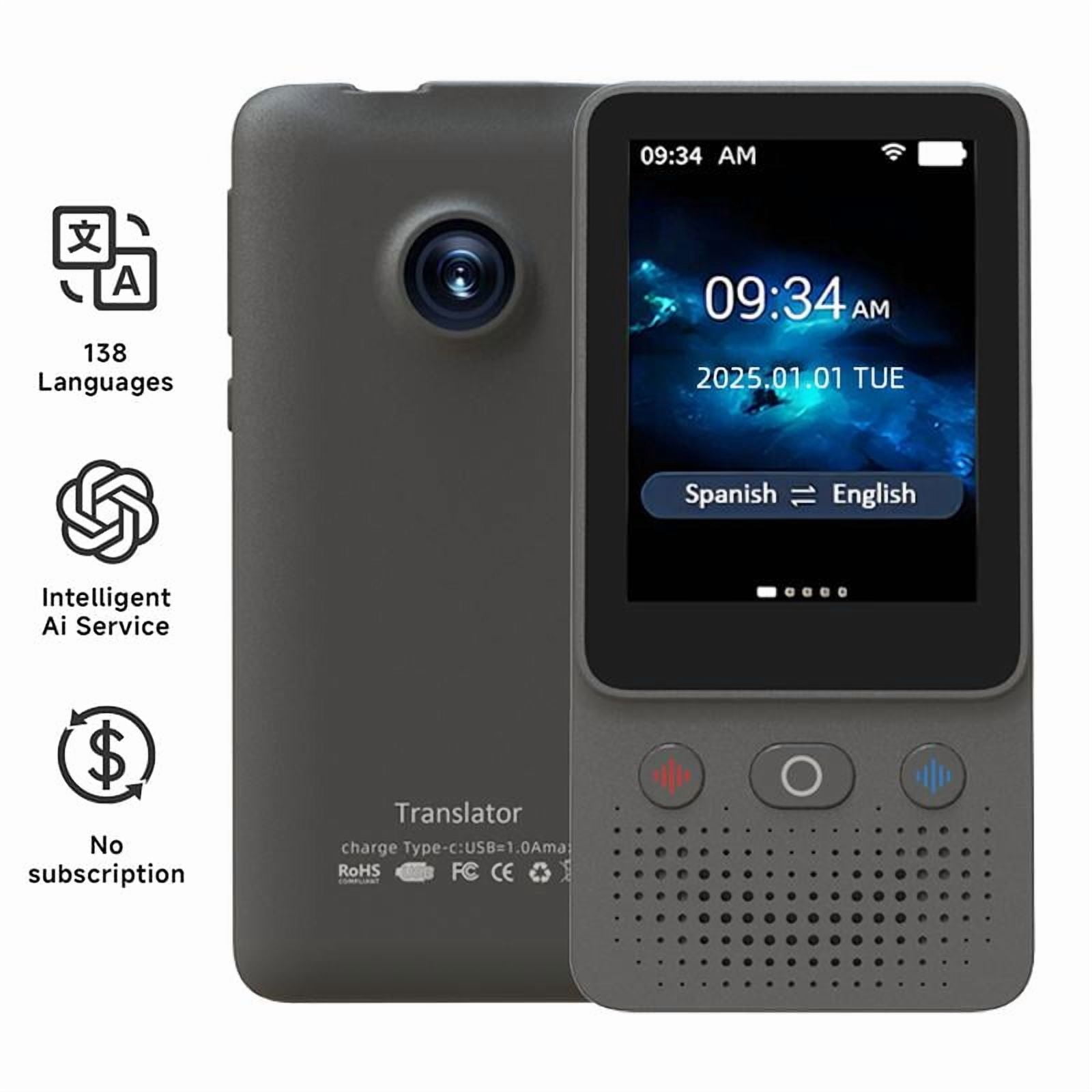
Are offline translations accurate enough for travel?
For basic travel conversations, offline translations are often accurate enough to be useful. They can help you ask for directions, buy a ticket, or explain a simple request.
They are not reliable enough for contracts, court matters, complex medical decisions, or detailed business negotiations. These situations need a qualified human translator or interpreter.
Accuracy also depends on the language pair. Large, widely used languages often have stronger offline support than regional languages or dialects. Read independent reviews, test the exact language pair, and avoid assuming that online performance equals offline performance.
Professional translation organizations generally distinguish between casual machine translation and high-stakes human interpretation. That distinction matters because a fluent-sounding sentence can still contain a serious error.
The safest approach is to treat an offline AI translation device as a communication aid. It opens the door, but you should still check what happens on the other side.

Frequently Asked Questions: Do AI translation devices work offline?
Can an AI translation device translate without Wi-Fi?
Yes, some AI translation devices can translate without Wi-Fi after you download the required language packs. Offline support may apply only to certain languages or translation modes.
Do offline translation devices need cellular data?
No, a fully offline mode does not need cellular data. However, the device may need Wi-Fi or mobile data for setup, updates, new language packs, online translation, and live information.
Is offline AI translation as accurate as online translation?
Usually, offline translation is less accurate than online translation, especially for long sentences, slang, dialects, and technical terms. It is often good enough for simple travel phrases and basic conversations.
Can offline translators translate speech?
Some can translate speech offline, but not all devices support this feature. Check whether speech recognition, translation, and spoken output are all available offline for your chosen language pair.
Do offline translation devices protect privacy?
Offline processing can improve privacy because audio and text may stay on the device. Still, review the privacy policy because setup, updates, analytics, or optional online features may send data to a server.
Can an offline translator replace a human interpreter?
No. An offline translator can support everyday communication, but it should not replace a qualified interpreter for medical, legal, financial, or safety-critical situations.
How do I know if a device works offline?
Look for a clear list of offline language pairs and features. Download the language packs, turn off Wi-Fi and cellular data, and test voice, text, and audio output before traveling.
Conclusion
Do AI translation devices work offline? Yes, but their offline abilities vary widely. They can handle many basic travel needs without Wi-Fi or cellular data when the correct language packs are installed. Their main limits include fewer languages, lower accuracy, reduced context, and no access to live information.
Choose a device based on real offline features, not just the phrase “AI translation.” Test your language pair, download packs before departure, speak clearly, and keep a written backup for important information. With the right expectations, offline translation can be a small but valuable bridge between languages.
Explore the offline settings on your current phone or translation device, and share your own travel translation experience in the comments.

Similar Posts