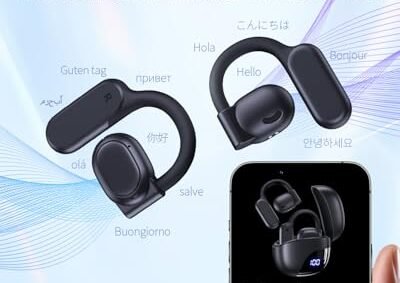
How Do AI Translation Devices Work: Explained
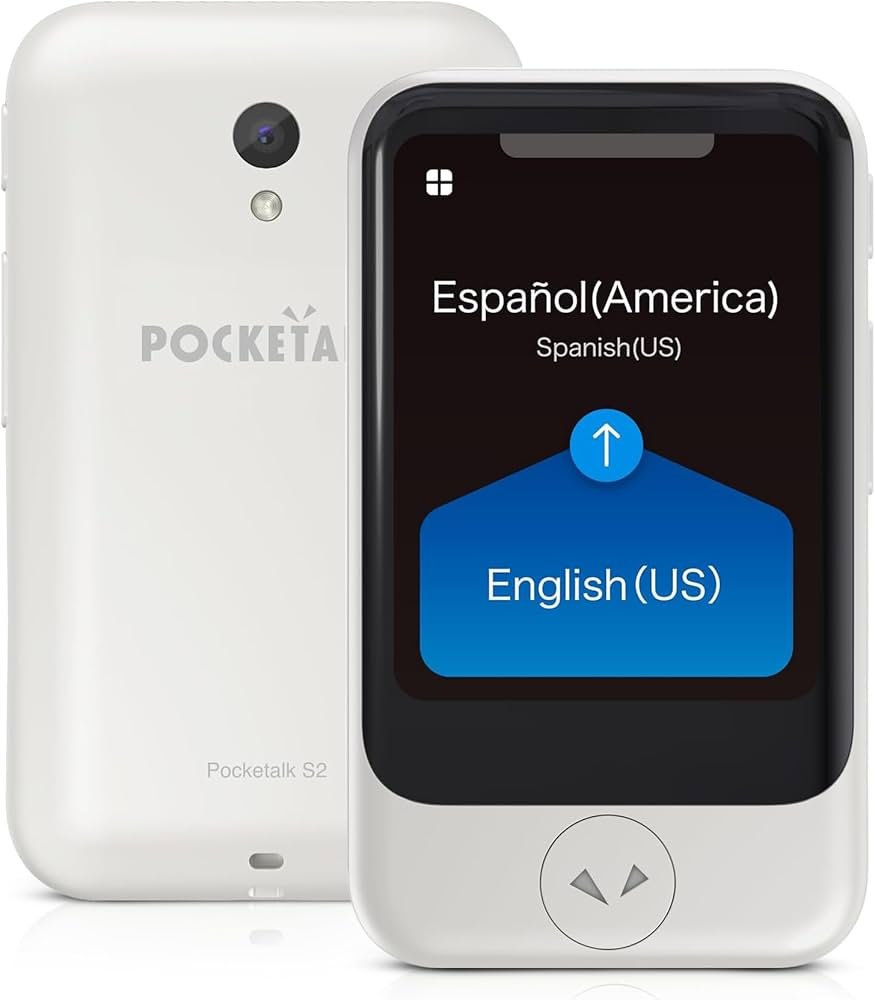
AI translation devices listen, convert speech into text, translate meaning, and speak the result in another language.
If you have ever used a translation earbud at an airport, watched a phone translate a street sign, or shared a meal with someone who speaks another language, you may wonder how the magic happens so quickly. The answer involves speech recognition, neural machine translation, language models, and text-to-speech technology working as one connected system. This guide explains how do AI translation devices work, where they perform well, where they fail, and how to use them wisely in real life.

How Do AI Translation Devices Work?
AI translation devices use several software and hardware steps to turn one language into another. Most devices follow this basic path:
- A microphone captures spoken words.
- Speech recognition changes the audio into written text.
- An AI translation model analyzes the text and its context.
- The model creates a sentence in the target language.
- Text-to-speech software reads the translation aloud.
- A screen may also show the translated text.
This process often happens in less than a few seconds. Some devices send the audio or text to cloud servers. Others perform part of the work on the device itself. Many modern products use a mix of both methods.
To understand how do AI translation devices work, think of the device as a small team of specialists. One specialist listens, another reads, a third translates, and a fourth speaks. The quality depends on how well each specialist does its job.
AI translation devices do not translate every word in isolation. Strong systems study word order, tone, grammar, and nearby words. This helps them understand that “I’m feeling blue” may refer to sadness, not a color.
The Main Technology Inside a Translation Device
Several technologies work together inside an AI translator. Each one solves a different part of the communication problem.
Microphones and audio processing
The microphone captures speech, but raw sound includes much more than words. It may contain traffic, music, wind, room echo, and voices from other people.
AI devices use noise reduction and voice detection to separate speech from background sound. Some use multiple microphones to identify the direction of a speaker. This process is called beamforming.
A quiet room gives better results than a crowded market. Even the distance between the speaker and the device matters. Holding a translator close to the speaker can improve accuracy.
Automatic speech recognition
Automatic speech recognition, often called ASR, changes spoken language into text. It looks at sound patterns and matches them with likely words.
Modern ASR systems use neural networks trained on large collections of speech. They learn common accents, pauses, sentence patterns, and pronunciation differences. However, they can still struggle with:
- Strong regional accents
- Fast speech
- Slang and local phrases
- Low-quality microphones
- Overlapping voices
- Names and unusual words
The system may also guess the wrong word when two words sound alike. For example, it could confuse “their” and “there” in English if the surrounding sentence is unclear.
Neural machine translation
Neural machine translation, or NMT, creates the translation. It uses artificial neural networks to study relationships between words and phrases.
Older translation systems often translated in small pieces. Neural systems usually examine a larger part of the sentence. This allows them to consider context and produce more natural wording.
For example, the word “bank” can mean a financial institution or the side of a river. A neural translation model uses nearby words to choose the more likely meaning.
Text-to-speech technology
After creating the translated text, the device may speak it aloud. Text-to-speech software converts written words into an artificial voice.
Better systems can control rhythm, pauses, and pronunciation. Some can produce voices that sound smooth and natural. Still, the voice may not always express the speaker’s true emotion.
A sentence meant as a joke may sound serious. A polite phrase may sound too direct. This is one reason human judgment remains important.
Language detection
Many AI translation devices can detect the spoken language automatically. The system listens for patterns in sounds, words, and grammar.
Automatic language detection is useful when travelers do not know which language they are hearing. Yet it may fail with short phrases, mixed languages, or similar languages. Selecting the language manually is often faster when accuracy matters.

A Step-by-Step Example of AI Translation
Imagine that an English speaker says, “Where is the nearest train station?” to a translation device.
Here is what may happen:
- The microphone records the sentence.
- Audio processing removes some background noise.
- Speech recognition identifies the English words.
- The language model checks the sentence structure.
- The translation engine converts the meaning into Japanese, Spanish, French, or another selected language.
- Text-to-speech reads the translated sentence.
- The listener hears the result and may answer in their own language.
- The device repeats the process in reverse.
This explains how do AI translation devices work during a normal conversation. They do not simply replace each English word with a foreign word. Instead, they try to understand the sentence and then express the same idea in a different language.
Some devices use conversation mode. In this mode, the device automatically switches between two languages. Others use push-to-talk controls. You press a button, speak, release the button, and wait for the translation.
Push-to-talk systems can be slower, but they reduce confusion. Automatic systems feel more natural, yet they may translate nearby speech by mistake.
Cloud-Based and Offline Translation
The internet plays a major role in many translation devices. Cloud systems can use large AI models and powerful servers. This often improves language coverage and translation quality.
An internet connection can also allow the device to receive software updates. These updates may improve speech recognition, add languages, or fix known errors.
Offline translation works without a mobile signal or Wi-Fi. It is useful on airplanes, in remote areas, and when roaming charges are high. However, offline language packs may support fewer languages and may produce less natural translations.
Cloud translation
Cloud-based systems usually offer:
- More language pairs
- Larger language models
- Faster access to updates
- Better support for unusual sentence patterns
- Stronger performance for some dialects
Their main weaknesses include privacy concerns, data use, and dependence on a stable connection.
Offline translation
Offline systems usually offer:
- Better privacy in some cases
- Service without internet access
- Lower data use
- More reliable travel support in remote places
Their limitations may include smaller vocabulary, fewer features, and weaker handling of slang or complex sentences.
Before traveling, download the needed language packs and test them in airplane mode. This simple step prevents many stressful moments.

How Accurate Are AI Translation Devices?
AI translation devices can be very useful, but accuracy is not fixed. It changes with the language pair, speaker, setting, and type of conversation.
Simple sentences often translate well. A clear question such as “What time does the museum open?” is easier than a joke, medical description, or legal statement.
Accuracy may fall when the speaker uses:
- Idioms
- Sarcasm
- Humor
- Dialect
- Technical terms
- Cultural references
- Long and complex sentences
- Several ideas in one breath
Translation quality also differs between languages. Widely used language pairs often have more training data. Less common languages and regional varieties may receive less support.
A useful rule is to treat AI translation as a communication aid, not a perfect interpreter. For casual travel, it may be enough. For medical, legal, financial, or emergency matters, use a qualified human interpreter whenever possible.
Why context matters
Language is full of hidden meaning. “Break a leg” does not usually describe an injury. It is a way to wish someone good luck in English.
An AI model may understand common idioms if they appear often in its training data. But rare phrases, local humor, and personal references remain difficult.
Short sentences help. Instead of saying, “Could you possibly point me in the direction of the place where I might be able to purchase a ticket?” say, “Where can I buy a ticket?”
This gives the device a cleaner signal and a clearer meaning.
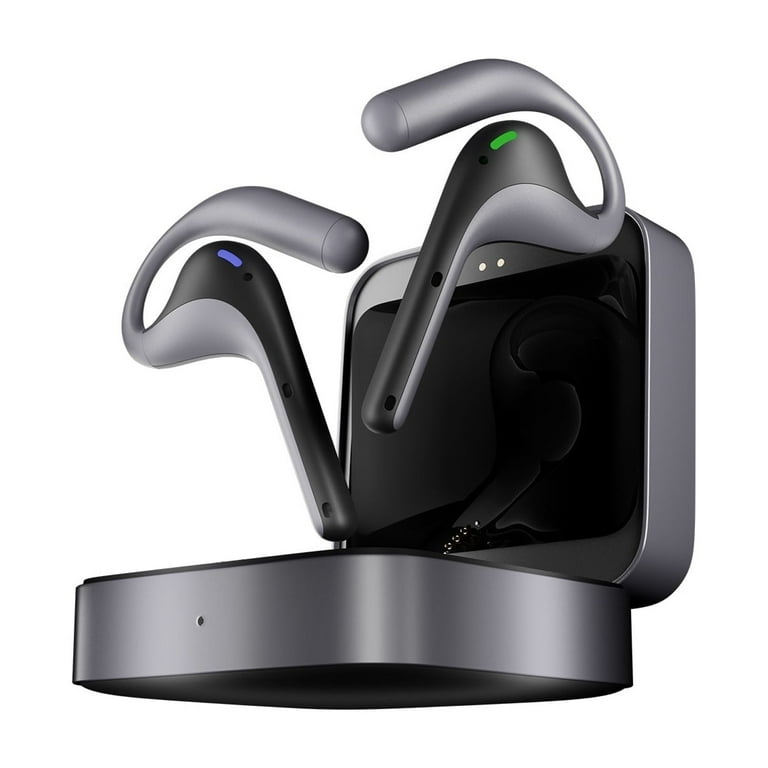
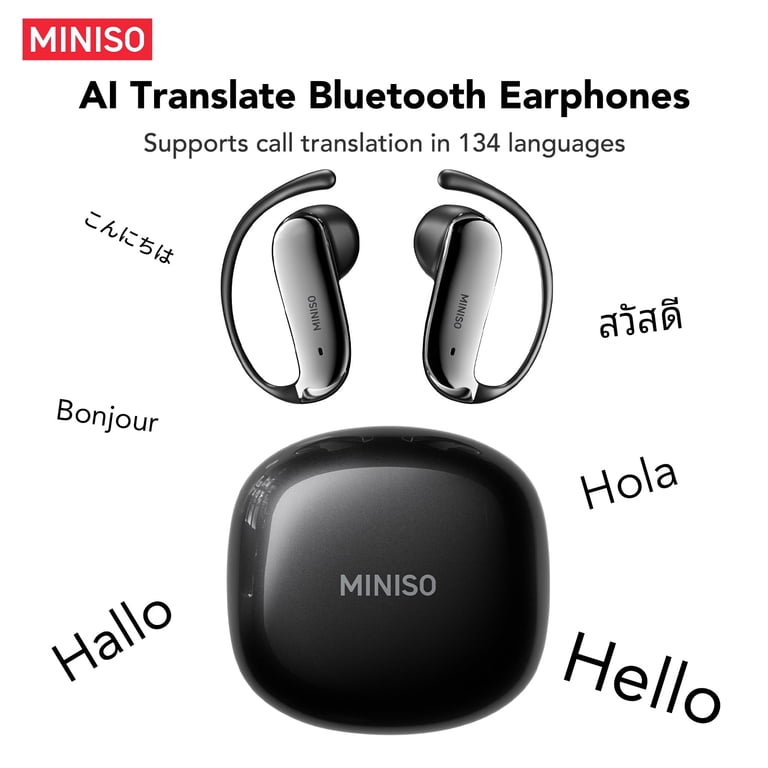
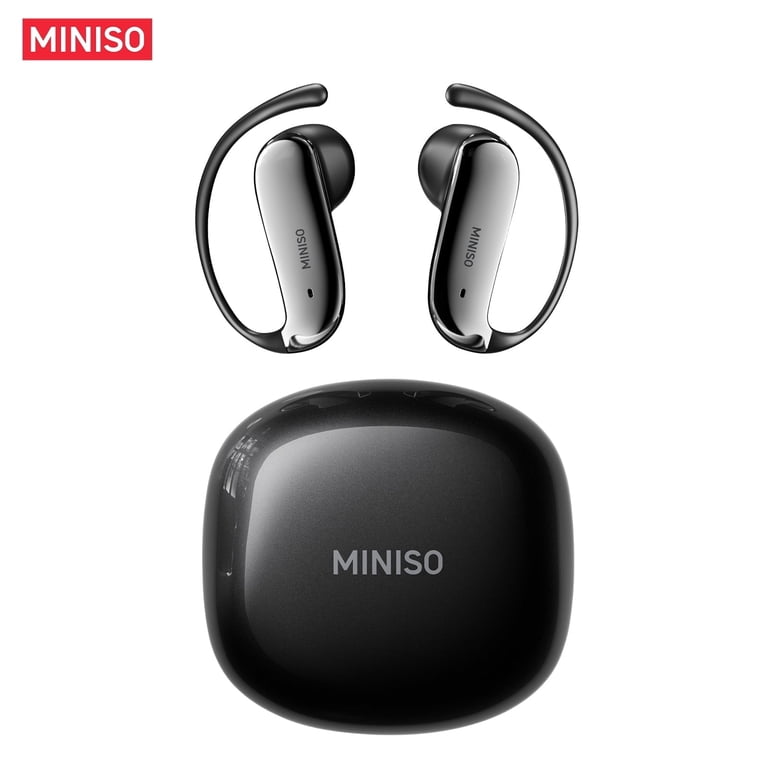
What Happens When You Use Translation Earbuds?
Translation earbuds use the same core process as handheld devices, but they add wearable design. One person may wear earbuds while the phone or companion app handles processing.
Some products support one-way translation. You speak into the phone, and the other person hears or reads the result. Others support two-way translation, with each person wearing an earbud.
A typical setup may include:
- Wireless earbuds
- A smartphone app
- A microphone in the earbud or phone
- Cloud or offline translation software
- A speaker for the translated audio
Earbuds can feel more natural because users do not need to hold a device. However, they can create social and practical problems. The other person may not know when to speak. They may also feel uncomfortable if they cannot see what the device is doing.
A shared phone screen often improves trust. Both people can read the translated text and correct errors together.
How Do AI Translation Devices Work in Group Conversations?
Group conversations are harder than one-to-one talks. The device must identify who is speaking and decide when one sentence ends.
Some systems use speaker separation. This feature attempts to label different voices. Others ask each person to press a button before speaking.
In a busy group, the device may:
- Capture the wrong speaker
- Miss quiet comments
- Combine two sentences
- Translate background talk
- Lose track of the conversation
For meetings, a microphone placed in the center of the table may help. Asking people to speak one at a time helps even more.
For family meals or social events, do not expect perfect live translation. Pause often, use short sentences, and confirm important details.
Common Uses for AI Translation Devices
AI translation devices support many daily tasks. Their value is greatest when they remove small communication barriers.
Travel
Travelers use them to ask for directions, order food, check into hotels, and speak with taxi drivers. A device can reduce stress when signs, menus, and announcements are unfamiliar.
Business
Companies may use translation tools for basic meetings, factory visits, sales calls, and customer service. They can help people share simple ideas before a professional interpreter joins the discussion.
Education
Students can use translation devices to understand instructions, practice pronunciation, and communicate with classmates. Teachers may use them to support new students who are still learning the local language.
Healthcare support
Translation tools may help with basic intake questions or directions. They should not replace trained medical interpreters when a patient must explain symptoms, allergies, consent, or treatment choices.
Hospitality and customer service
Hotels, restaurants, and stores can use them to welcome visitors. The device may help staff answer routine questions and provide simple assistance.
Family communication
Families who speak different languages can use translation tools during visits. The technology may not replace language learning, but it can open the door to more shared moments.
Benefits of AI Translation Devices
The main benefit is access. A person does not need to know every language before asking for help or starting a conversation.
Other benefits include:
- Fast support during travel
- Portable communication
- Help with pronunciation
- Text and voice output
- Access to many languages
- Assistance for short, routine conversations
- Support for language learners
- Reduced fear of making a mistake
These devices can also encourage empathy. When people make an effort to communicate across language barriers, even a rough translation can create goodwill.
In my experience testing translation workflows, the best results come from treating the device as a shared tool. Show the screen, speak slowly, and invite the other person to correct the wording. That approach feels more respectful than silently trusting an invisible machine.

Limitations and Risks to Consider
AI translation devices are impressive, but they have clear limits. They predict language based on patterns. They do not understand life, culture, or emotion in the same way people do.
Privacy is one major concern. Cloud translation may send audio, text, or usage data to remote servers. Before using a device, review its privacy settings and data policy.
Other risks include:
- Incorrect translations
- Poor support for rare languages
- Accent recognition errors
- Delays during fast conversations
- Battery failure
- Weak performance without internet
- Misunderstanding of sensitive information
- False confidence in important situations
Bias can also affect results. AI systems learn from their training data. If some accents, dialects, or social groups appear less often in that data, the system may perform worse for them.
Never use a translation device as the only safeguard during an emergency. Learn key local phrases, keep written addresses, and carry a backup plan.
Practical Tips for Better Translation Results
You can improve the quality of how do AI translation devices work by improving the input. The device cannot repair every unclear sentence.
Use these simple habits:
- Speak at a steady pace.
- Use short sentences.
- Pause between ideas.
- Avoid slang and complex jokes.
- Stand close to the microphone.
- Reduce background noise.
- Choose the language manually when possible.
- Check the written translation.
- Ask the listener to confirm important details.
- Carry a charger or power bank.
- Download offline language packs before travel.
- Test the device before you need it.
A common mistake is speaking louder instead of speaking more clearly. Volume does not fix unclear grammar or background noise.
Another mistake is translating a long paragraph in one turn. Break it into small parts. This gives the system more chances to preserve the correct meaning.
How Do AI Translation Devices Work With Privacy?
Privacy depends on the device, app, and translation mode. Some systems process speech on the device. Others send recordings or text to cloud servers for analysis.
Look for clear information about:
- Whether audio is stored
- How long data is kept
- Whether recordings train future models
- Whether conversations are encrypted
- Whether you can delete stored data
- Which features require an account
- Whether offline mode is available
Do not share passwords, financial details, private medical information, or confidential business plans through an unknown translation service.
When possible, use offline mode for sensitive conversations. Also tell the other person that you are using a translation device. Consent and transparency matter, especially when audio recording may occur.
How AI Translation Differs From Human Interpreting
AI translation is fast and affordable. Human interpreters bring judgment, cultural knowledge, memory, and emotional awareness.
A trained interpreter can notice when a speaker is confused. They can ask for clarification, explain a cultural reference, and choose a respectful tone. An AI device may simply provide a fluent sentence that is still wrong.
A strong practical approach is to combine both tools:
- Use AI for simple and routine communication.
- Use a human interpreter for high-risk or complex communication.
- Use written confirmation for names, dates, numbers, and instructions.
- Ask speakers to repeat anything that seems unclear.
This balanced approach explains how do AI translation devices work best in the real world. They extend human ability rather than replace human responsibility.

The Future of AI Translation Devices
Future devices will likely become smaller, faster, and more context-aware. Improvements may include better accent recognition, more natural voices, stronger offline models, and smoother conversation control.
Some systems may translate speech while keeping the speaker’s vocal style. Others may combine translation with cameras, augmented reality, and real-time captions.
Even so, progress will not remove every challenge. Humor, trust, identity, and cultural meaning are deeply human. The best future tools will likely give users more control over privacy, correction, tone, and context.
The key question is not only how do AI translation devices work. It is also how people choose to use them. Thoughtful use can build bridges, while careless use can spread errors.
Frequently Asked Questions About How Do AI Translation Devices Work
Do AI translation devices need the internet?
Many devices need the internet to access powerful cloud translation models. Some support offline language packs, but offline features may cover fewer languages and provide less accurate results.
Can AI translation devices translate conversations in real time?
Yes, many can translate short exchanges with only a brief delay. Real-time performance becomes less reliable when several people speak at once or when the background is noisy.
Are AI translation devices accurate?
They can be accurate for clear, common phrases and widely supported languages. Accuracy may drop with slang, humor, accents, dialects, technical terms, and sensitive topics.
Can a translation device replace a human interpreter?
No, not in every situation. Human interpreters remain important for medical, legal, emergency, financial, and emotionally complex conversations.
Do translation devices record conversations?
Some devices process audio briefly, while others may send data to cloud servers or store usage information. Check the privacy policy, settings, and offline options before using one.
What is the best way to speak to an AI translator?
Speak clearly and at a steady pace. Use short sentences, pause between ideas, reduce background noise, and confirm names, numbers, dates, and important instructions.
Do translation earbuds work without a phone?
Some earbuds perform limited functions alone, but many rely on a smartphone app for processing and control. Check the product specifications before buying or traveling with them.
Conclusion
AI translation devices combine microphones, speech recognition, neural machine translation, language detection, and text-to-speech tools. They listen to speech, identify its meaning, create a new sentence, and present that sentence as text or sound.
They work best with clear speech, simple sentences, quiet settings, and realistic expectations. They are excellent for travel and basic conversation, but they should not replace skilled interpreters in high-risk situations.
Before your next trip, test the device, download offline languages, protect private data, and learn a few local phrases. Use the technology as a bridge to human connection, then explore more language tools and share your own translation experience.

Similar Posts