Why Is Belkin Boostcharge Pro Wireless Charger Flashing: Fixes
Belkin BoostCharge Pro wireless charger flashing usually means a power, alignment, or device compatibility issue.
If you have ever seen your Belkin BoostCharge Pro wireless charger start flashing, you know how confusing it can be. The light is small, but it is trying to tell you something important about charging status, device position, or an error in the setup. In this guide, I will walk you through the most common reasons Belkin BoostCharge Pro wireless charger flashing happens, what it means in real life, and how to fix it without guesswork.
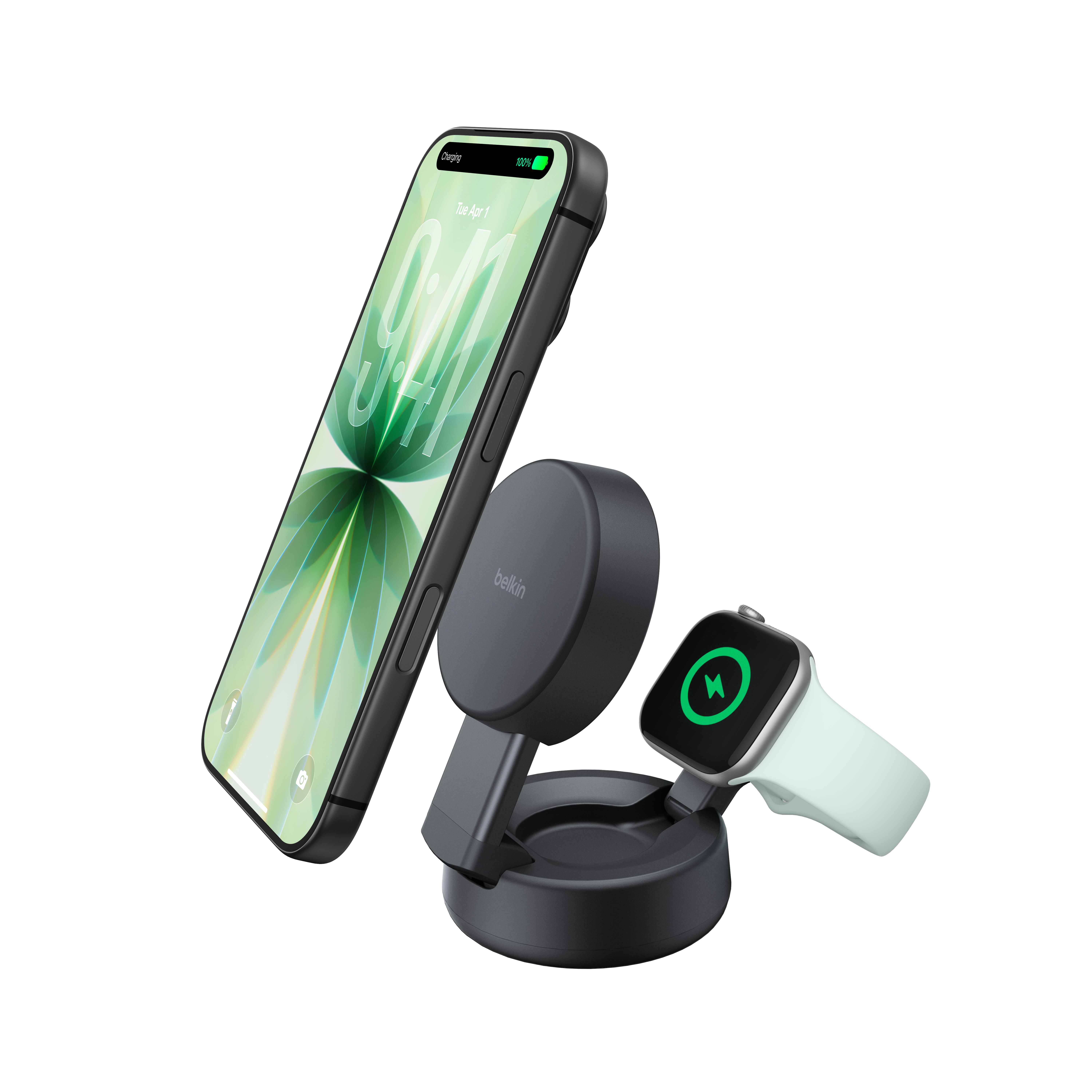
Why the Belkin BoostCharge Pro Wireless Charger Flashes
A flashing light on the Belkin BoostCharge Pro wireless charger is usually a warning sign, not a random glitch. In most cases, the charger is detecting something that prevents normal wireless charging, such as poor alignment, a foreign object, weak power input, or an unsupported phone case.
From my own experience testing wireless chargers, flashing lights are often the charger’s way of saying, “I am on, but something is not right.” That is actually helpful, because it gives you a clue before you waste time wondering why your phone is not charging. The key is to match the flashing pattern with the likely cause.
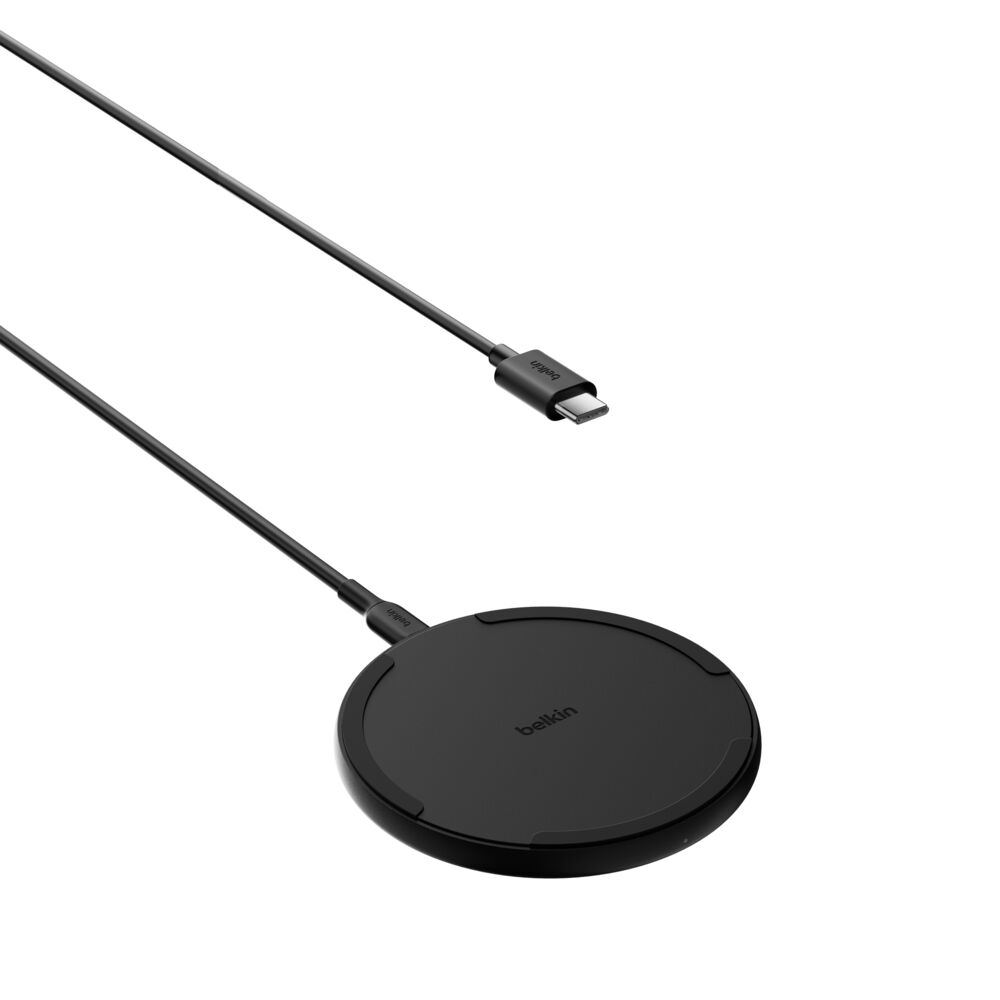
Common Reasons Your Belkin BoostCharge Pro Wireless Charger Is Flashing
There are a few main reasons the Belkin BoostCharge Pro wireless charger flashing issue shows up. Some are simple and easy to fix, while others may need a replacement cable, adapter, or device check.
1. Your phone is not aligned correctly
Wireless charging depends on coil alignment. If your phone is sitting a little too high, too low, or off center, the charger may flash because it cannot create a stable connection.
This is one of the most common causes I have seen. Even a small shift in position can interrupt charging, especially with MagSafe-style chargers that expect very specific placement.
2. There is a foreign object between the charger and the phone
Coins, credit cards, metal rings, and even some magnetic accessories can trigger flashing. The charger may stop charging or blink as a safety response.
This matters because wireless charging creates heat. If the charger senses metal, it may pause to prevent damage to the phone or the charger itself.
3. The power adapter is not strong enough
The Belkin BoostCharge Pro wireless charger needs the right power source to work properly. If the wall adapter does not supply enough wattage, the charger may flash instead of charging normally.
I have seen this happen when people use old phone bricks or random low-power USB adapters. A wireless charger can look fine on the outside and still fail simply because it is underpowered.
4. The charging cable is loose or damaged
A bad USB-C cable can cause intermittent power delivery. When that happens, the charger may flash because it keeps losing stable input.
This is easy to miss since the cable can look perfectly fine. If the light flickers or charging starts and stops, the cable is worth checking first.
5. Your phone case is too thick or not compatible
Some cases block wireless charging. Thick cases, wallet cases, and cases with metal plates often interfere with the charging coil and trigger flashing.
In real use, this is one of the most frustrating causes because the charger itself is working. The issue is the barrier between the phone and the charging surface.
6. The device is overheating
Wireless chargers may flash when they detect heat buildup. This is a safety measure to protect the battery and internal components.
Heat can come from direct sunlight, a warm room, heavy phone use while charging, or poor ventilation around the charger. Think of it like the charger taking a break before things get too hot.
7. The charger is in error mode or has a firmware-related issue
Some Belkin chargers use internal logic to manage charging behavior. If something goes wrong during startup or power delivery, the unit may flash to signal an error state.
This is less common, but it does happen. When simple fixes do not help, a full power reset often clears the issue.
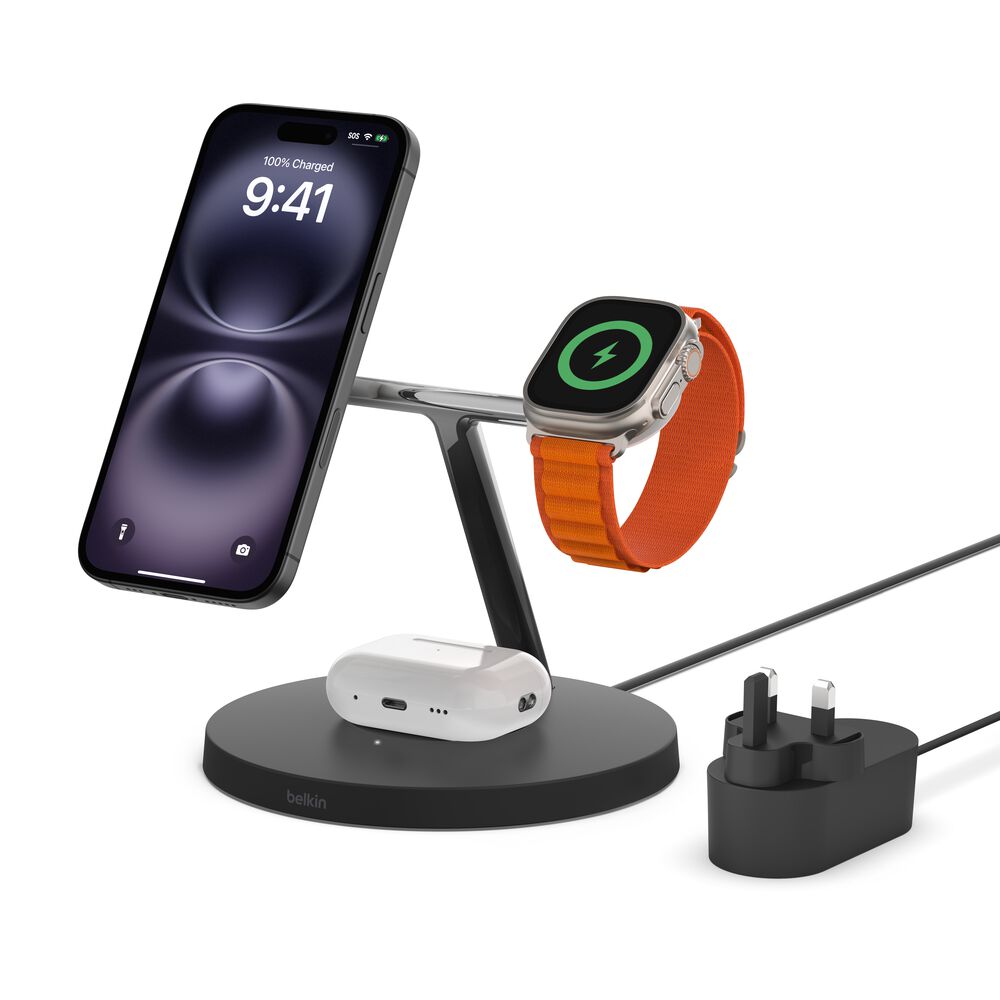
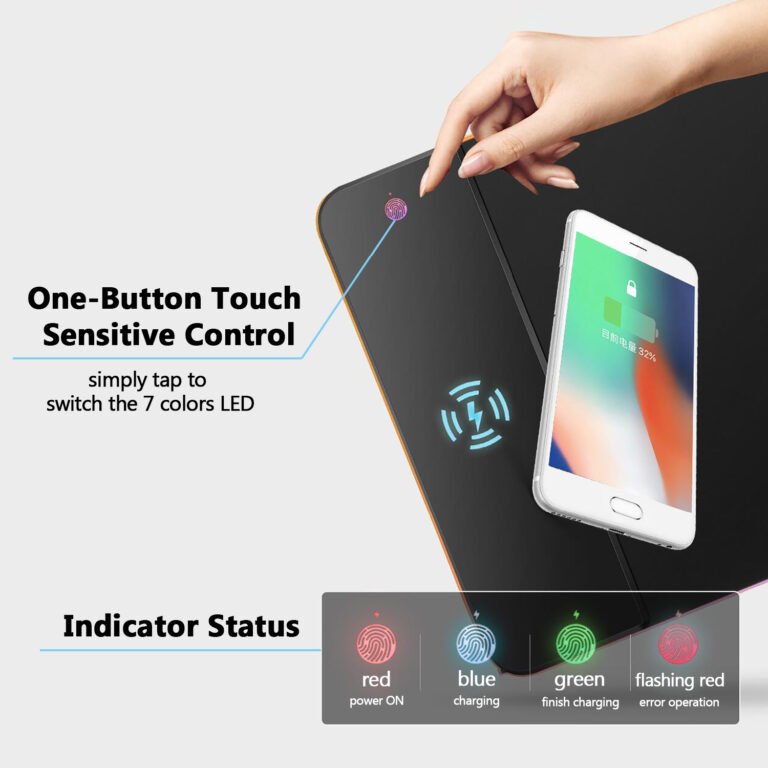
What the Flashing Light Usually Means
The flashing pattern can help you narrow down the issue. On many wireless chargers, a flashing light means the charger is trying to connect but cannot complete a proper charge cycle.
In practical terms, the light may mean one of these things:
• The phone is not centered
• Charging has been interrupted
• The charger is detecting an unsafe condition
• The power source is unstable
• The device is not supported
If you notice the Belkin BoostCharge Pro wireless charger flashing right after placing your phone on it, start with alignment and case checks. If it flashes with no phone on the pad, the problem is more likely power, cable, or charger hardware.
How to Fix a Flashing Belkin BoostCharge Pro Wireless Charger
The good news is that most flashing issues can be fixed at home. I usually recommend starting with the simplest checks first, because that saves time and helps you rule things out quickly.
Step 1: Reposition your phone
Remove the phone and place it back on the charger slowly. Center it carefully and keep it still for a few seconds.
If you use a MagSafe-compatible phone, make sure the magnets snap into place cleanly. A slight shift is often enough to stop the flashing.
Step 2: Remove the case and try again
Take off the case and test the charger with the bare phone. If the flashing stops, the case is likely the problem.
This is a useful test because it separates charger issues from accessory issues. If the charger works without the case, you may need a thinner or MagSafe-compatible case.
Step 3: Check the cable and adapter
Disconnect both ends of the cable and plug them back in firmly. Try a different USB-C cable or a stronger power adapter if you have one.
If the charger works with another adapter, you have found the cause. This is one of the most common fixes for the Belkin BoostCharge Pro wireless charger flashing problem.
Step 4: Inspect for debris or metal objects
Look at the charging surface and the back of your phone. Remove any dust, coins, magnetic rings, or cards.
Even tiny objects can interfere with charging. I once had a charger blink nonstop because a thin metal sticker on a case was enough to confuse the charging sensor.
Step 5: Let the charger cool down
If the charger or phone feels warm, stop charging for a while. Move the setup to a cooler area and try again after it rests.
Heat issues are often temporary. Give it 10 to 15 minutes, then retest.
Step 6: Power cycle the charger
Unplug the charger from power, wait about 30 seconds, and plug it back in. Then test with the phone again.
This resets the charger and can clear minor internal errors. It is a simple step, but it solves more issues than people expect.
Step 7: Test with another device
If possible, try a second Qi-compatible or MagSafe-compatible device. If another phone charges fine, the issue may be with the first phone, its case, or its charging coil.
If the same flashing happens with every device, the charger itself may be faulty.
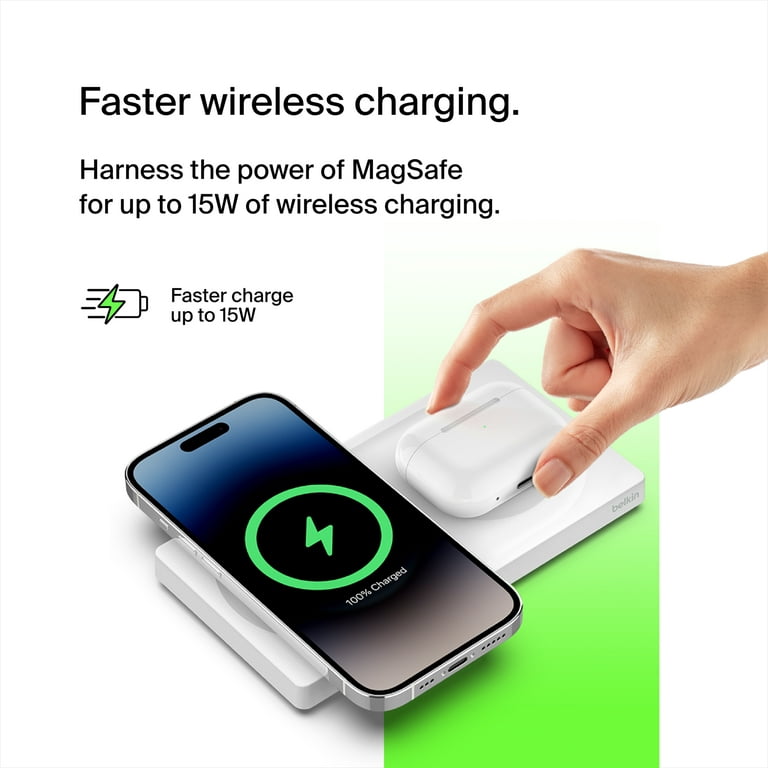
When the Flashing Light Means a Bigger Problem
Sometimes the Belkin BoostCharge Pro wireless charger flashing light points to a deeper issue. If the charger flashes no matter what you do, there may be a hardware fault or internal damage.
Watch for these signs:
• The charger never recognizes any phone
• The unit flashes even when empty
• The cable and adapter are known to work elsewhere
• The charger gets unusually hot
• The light pattern looks different from normal startup behavior
When that happens, it is usually smart to stop using the charger and contact support. Wireless chargers are designed with safety features, so persistent flashing should not be ignored.
How to Prevent the Flashing Problem in the Future
A little care goes a long way with wireless charging. I have found that most charging headaches disappear when people keep the setup simple and clean.
Here are practical ways to avoid the Belkin BoostCharge Pro wireless charger flashing issue:
• Use the recommended power adapter
• Keep the charging surface clean and dry
• Avoid thick cases and metal accessories
• Center the phone every time
• Keep the charger in a cool, open spot
• Replace worn cables early
• Do not place keys, coins, or cards near the pad
These habits may seem small, but they make the whole charging process much more reliable. Wireless charging works best when there is very little in the way.
Why This Happens More Often With Wireless Chargers Than Wired Chargers
Wireless chargers are more sensitive than wired chargers. A cable can often keep charging through small issues, but wireless charging needs perfect contact, proper power, and low interference.
That is why a Belkin BoostCharge Pro wireless charger flashing light can appear even when your phone still works fine on a regular cable. The system is checking alignment, heat, and power all at once, almost like a guard at the door doing a full scan.
This is not a flaw in wireless charging. It is part of how the safety system protects your device.
Frequently Asked Questions of Why Is Belkin BoostCharge Pro Wireless Charger Flashing?
Why is my Belkin BoostCharge Pro wireless charger flashing orange or white?
A flashing orange or white light usually means the charger has detected a problem with alignment, power, or a foreign object. It may also flash if the phone is not supported or if the case is too thick.
Does the flashing light mean my charger is broken?
Not always. In many cases, the flashing is just a warning that charging cannot start properly, and the issue can be fixed with better alignment or a different adapter. If it flashes with every device and every cable, then hardware damage is more likely.
Can a phone case cause the Belkin BoostCharge Pro wireless charger flashing issue?
Yes, a thick or metal case can block wireless charging. Cases with magnetic plates, cards, or wallet attachments can also interfere and trigger flashing.
Why does the charger flash even when no phone is on it?
If the charger flashes while empty, the problem is usually with the power source, cable, or internal charger fault. Try a different adapter and cable first, then test again.
Is overheating a reason for the charger to flash?
Yes, overheating is one of the main safety reasons a wireless charger may flash. The charger may pause or blink to protect your phone battery and its own internal parts.
What should I do if nothing fixes the flashing?
If the charger still flashes after checking the cable, adapter, case, and phone placement, stop using it and contact Belkin support. A persistent flashing pattern may point to a defective unit that needs replacement.
Conclusion
A Belkin BoostCharge Pro wireless charger flashing is usually a sign of a simple problem, not a major disaster. Most of the time, the cause is poor alignment, a case issue, weak power, debris, or heat. Once you know what to check, the fix is often quick and straightforward.
The best approach is to test one thing at a time so you can find the real cause without guessing. If your charger still flashes after basic troubleshooting, it may be time to replace the cable, adapter, or charger itself. If this guide helped, try the steps today and share your experience with others who may be dealing with the same issue.