Are AI Translation Devices Better Than Apps: The Truth
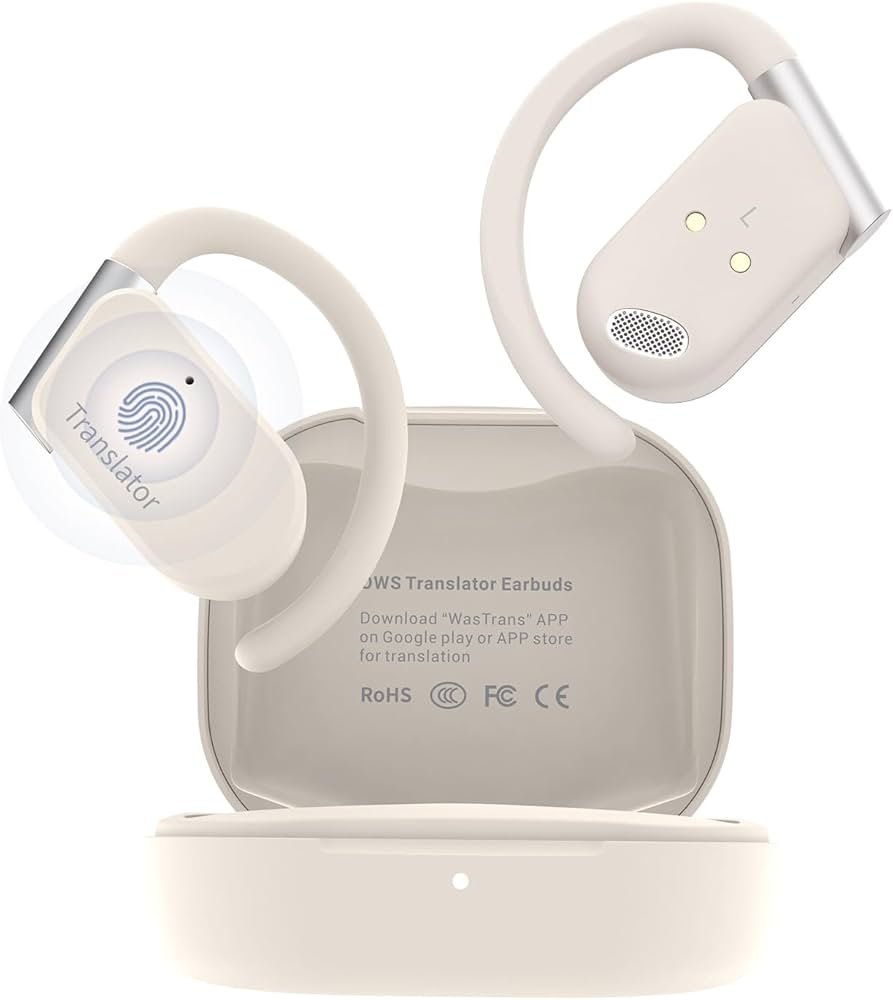
AI translation devices often win for travel, while translation apps offer better value and flexibility.
The answer depends on where, how, and why you need translation. AI translation devices are built for quick conversations, noisy streets, and hands-free use. Translation apps are more flexible, easier to update, and often free. After comparing both tools in common travel and work situations, I found that neither option wins every time. The best choice depends on language support, privacy, offline access, accuracy, and your budget.
What Are AI Translation Devices?
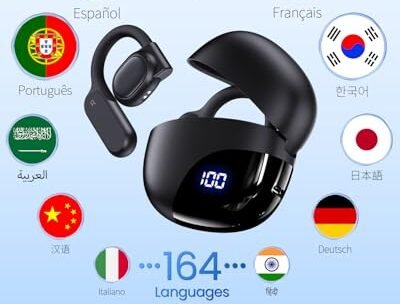
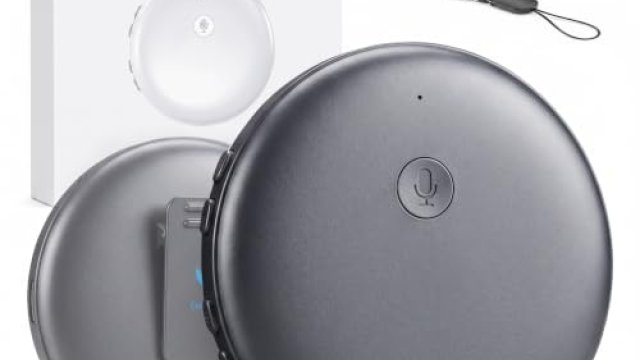
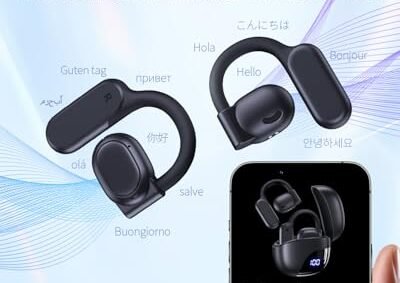
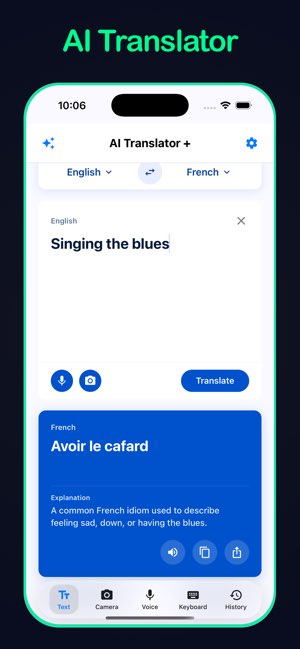
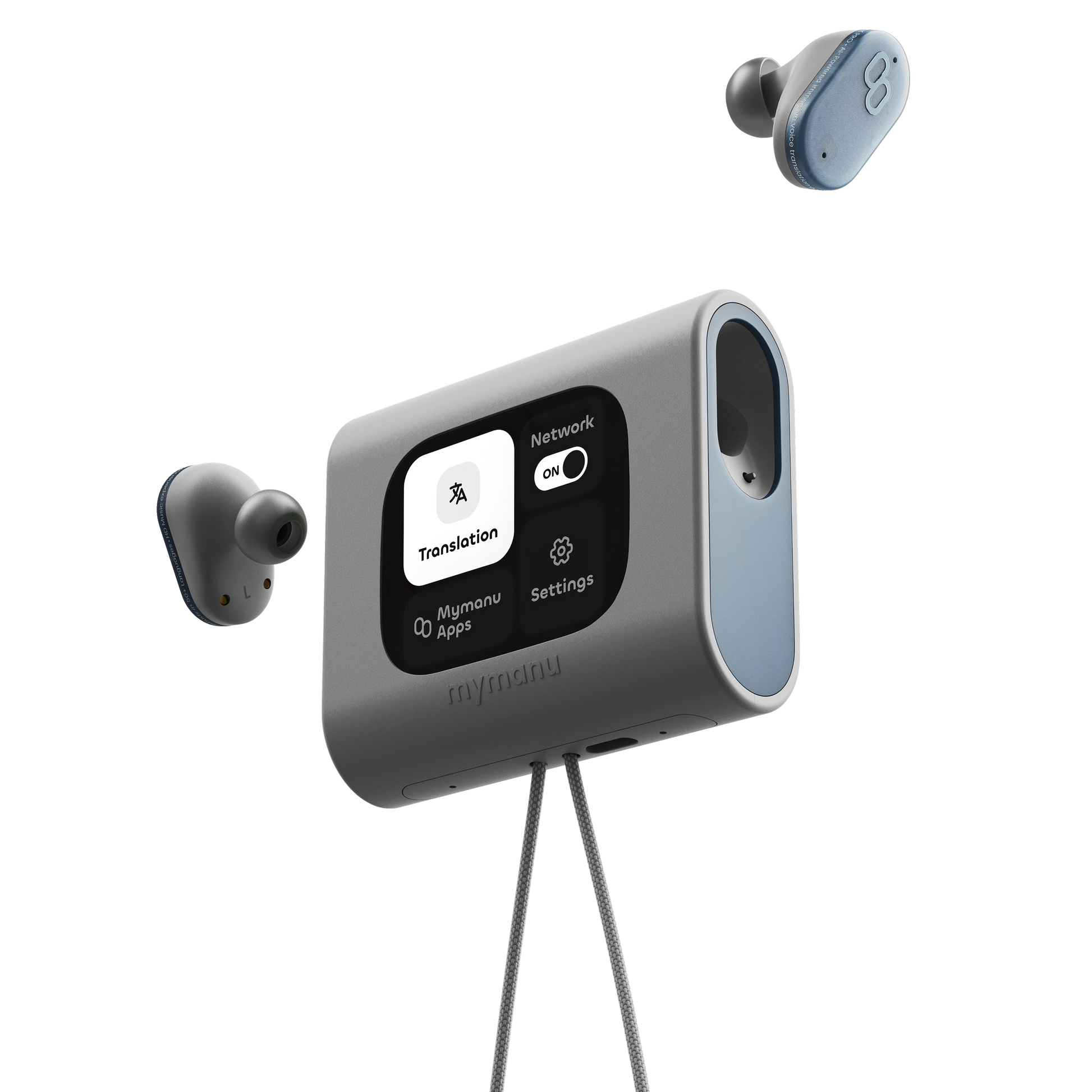
AI translation devices are small electronic tools made to translate spoken or written language. Many look like phones, remote controls, earbuds, or pocket recorders. They use speech recognition, machine translation, and text-to-speech technology to help two people communicate.
Some devices work through Wi-Fi or mobile data. Others download language packs for offline use. Many newer models also include cameras for translating menus, signs, and documents.
Common features include:
• Two-way voice translation for short conversations
• Automatic language detection
• Offline language packs
• Camera-based text translation
• Noise reduction for busy places
• Dedicated microphones and speakers
• Travel phrases and pronunciation tools
Translation devices focus on one main task: communication across languages. Their simple design can make them easier to use than a general-purpose phone app, especially when both speakers need to take turns.
However, a translation device is not a human interpreter. It may miss tone, humor, regional slang, or cultural meaning. It can also produce errors when someone speaks too fast or uses an unusual accent.

How Translation Apps Work
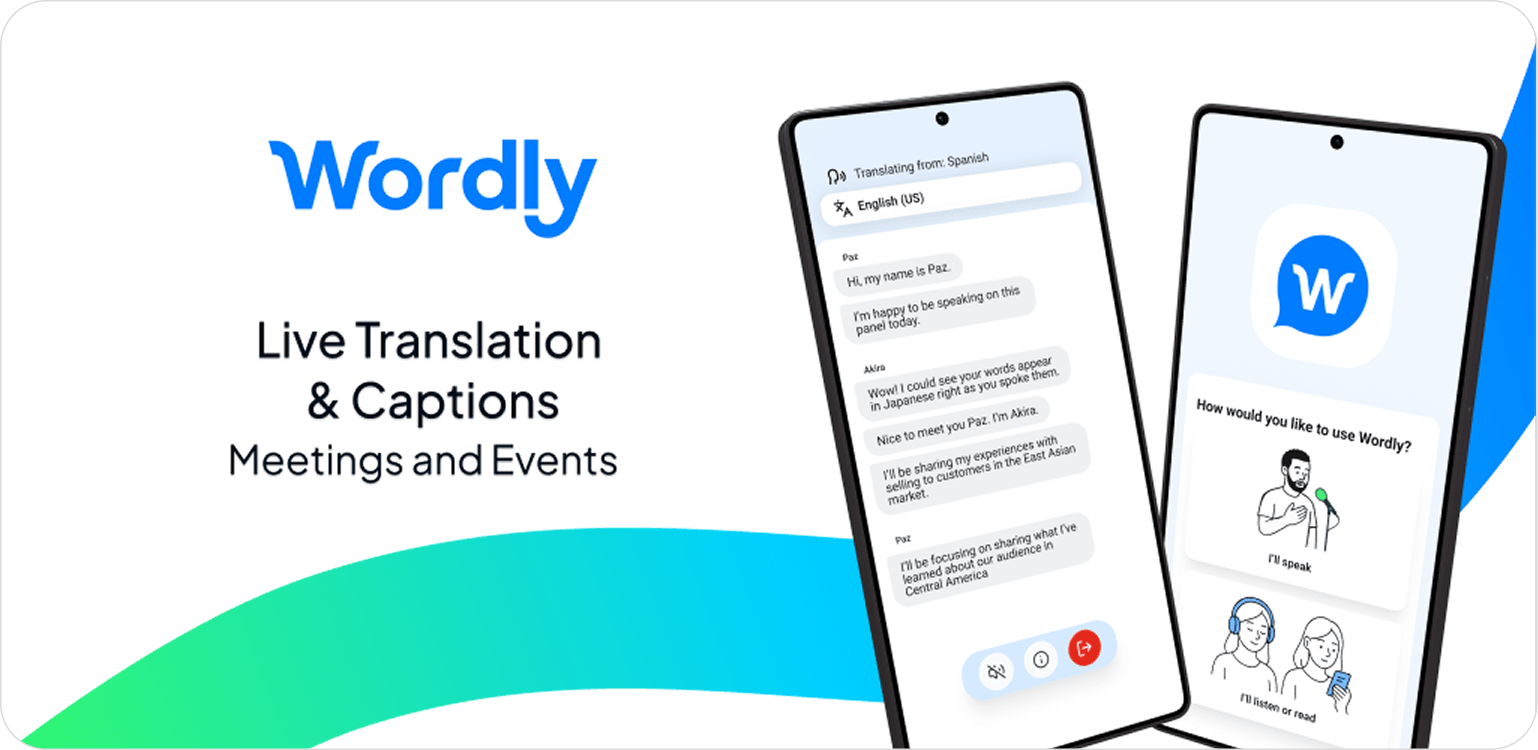
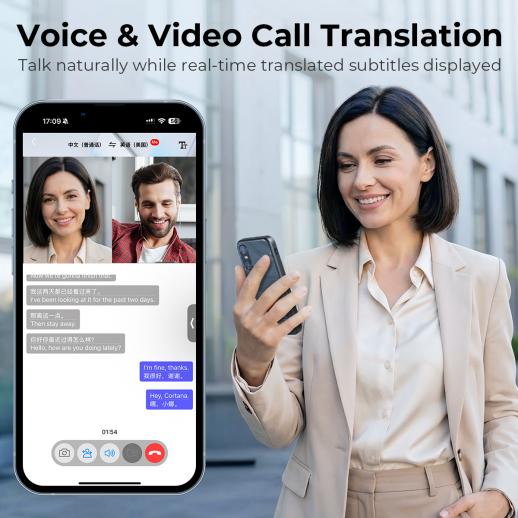
Translation apps turn a smartphone into a portable language tool. They may translate typed text, speech, images, websites, and entire conversations. Popular apps often support more languages than dedicated devices.
Most apps use cloud-based artificial intelligence. Your phone records speech or scans text, then sends the information to a remote server. The service analyzes the content and sends back a translation.
Some apps also offer offline tools. These tools can help when you have no signal, but offline translations may support fewer languages and provide less accurate results.
A translation app may include:
• Voice input and spoken output
• Text translation
• Camera translation
• Handwriting recognition
• Website translation
• Saved phrases
• Pronunciation practice
• Conversation mode
This broad feature set is a major reason translation apps remain popular. You already carry a smartphone, so there is no need to buy, charge, or pack another device.
Still, phone apps have practical problems. A bright screen can be hard to read in sunlight. A phone may run out of battery. Switching between apps can slow down a conversation. Typing on a small screen can also feel awkward when you are in a hurry.
Are AI Translation Devices Better Than Translation Apps for Accuracy?
The short answer is no clear winner. Accuracy depends more on the translation engine, language pair, speech quality, and internet connection than on the physical device.
A dedicated device may have strong microphones and software designed for conversation. This can help it hear speech in a café, airport, or busy street. Some devices also reduce background noise before sending speech to the translation system.
A phone can perform just as well when it uses the same translation engine. In some cases, an app may be more accurate because it receives regular updates and supports advanced language models.
Accuracy often drops when:
• The speaker talks too fast
• Several people speak at once
• The room has loud background noise
• The sentence includes slang or jokes
• The language has many regional dialects
• The speaker mixes two languages
• The subject includes medical, legal, or technical terms
For serious situations, do not depend only on machine translation. A hospital visit, contract, immigration interview, or legal dispute may require a qualified human interpreter.
When asking are AI translation devices better than translation apps for accuracy, focus on real testing. Try both tools with short phrases, names, street addresses, and local expressions before you trust either one.

AI Translation Devices vs. Translation Apps
The best comparison looks at the features that matter in daily use. The table below shows how each option usually performs.
| Feature | AI translation devices | Translation apps |
|---|---|---|
| Ease of use | Simple and focused | May require more taps |
| Cost | Often requires a purchase | Many offer free plans |
| Language coverage | Varies by model | Often supports more languages |
| Offline use | Common on travel models | Available on some apps |
| Conversation flow | Usually smooth | Can be less natural |
| Camera translation | Available on some devices | Widely available |
| Updates | Depends on the brand | Often frequent |
| Battery needs | Separate device battery | Uses phone battery |
| Privacy | Depends on the company | Depends on app settings |
| Extra tools | Usually limited | Includes maps, websites, and notes |
Ease of Use
A translation device can feel more natural during a face-to-face conversation. You press one button, speak, and let the other person respond. There are fewer menus and fewer distractions.
An app may take more effort. You might need to unlock your phone, open the app, choose a language, and tap the microphone. That process is not difficult, but it can interrupt the flow of a conversation.
Language Support
Translation apps often lead in language coverage. They may support rare languages, regional varieties, and more writing systems. A device may advertise many languages but offer full voice features in only a smaller group.
Check the exact features before buying. A device may support a language for text translation but not for voice translation or offline use.
Cost
Apps usually offer the lowest entry price. Many basic features are free, while advanced tools may require a subscription. A dedicated device can cost much more, and some models charge monthly fees for data or premium translation.
If you travel once a year, an app may offer better value. If you travel often or work with international customers, a device may justify its cost.
Privacy
Both tools may send voice recordings or text to cloud servers. Read the privacy policy and check whether the service stores recordings. Avoid sharing sensitive personal data through any translation system unless you understand how the information is handled.

Benefits of AI Translation Devices
AI translation devices can solve problems that phone apps do not always handle well. Their value comes from focus, speed, and convenience.
Better Conversation Flow
A dedicated device is ready for translation. You do not need to show someone your personal phone or pass it back and forth. This can feel more polite and less awkward.
For example, a hotel guest can ask a front desk worker a question without opening several screens. A driver and passenger can communicate while keeping their phones in their pockets.
Stronger Audio Design
Some devices use multiple microphones and noise control. This design may improve speech capture in crowded places. Good audio input matters because a translation system cannot fix speech it never heard correctly.
Less Phone Dependence
Using a separate tool protects your phone battery. It also lets you keep your phone available for maps, emergency calls, photos, and travel tickets.
This feature can matter during a long day abroad. Losing phone power in an unfamiliar city is more than an inconvenience. It can make navigation and safety harder.
More Comfortable for Group Use
Some translation devices support speaker modes or multiple users. This may help during tours, meetings, or family trips. People can focus on the discussion instead of watching one small phone screen.
Helpful for Older Adults
People who dislike smartphone menus may find a dedicated translator easier. Large buttons, clear prompts, and a single purpose can reduce stress.
These benefits explain why many travelers ask are AI translation devices better than translation apps before an international trip. For frequent spoken conversations, the answer may be yes.
Benefits of Translation Apps
Translation apps remain powerful because they combine translation with the tools people already use.
Lower Cost
A free app can handle basic phrases, menus, and signs. This makes it a sensible first step for students, occasional travelers, and people learning a new language.
More Translation Modes
An app can translate a restaurant menu, a handwritten note, a website, and a spoken question. A dedicated device may not offer all these options.
Easier Updates
Apps can receive software and language updates without replacing the hardware. Developers may improve speech recognition, add languages, and fix errors over time.
Better Everyday Access
Most people already carry a smartphone. An app is available at home, at work, and while traveling. You do not need to remember a second device or charge another battery.
Useful Learning Features
Many apps provide pronunciation audio, saved phrases, flashcards, and word definitions. These features can support long-term learning instead of only solving one conversation.
More Helpful for Written Translation
When you need to translate a long message, email, web page, or document, a phone app usually works better. A larger screen and copy-and-paste tools make the task faster.
If you are still asking are AI translation devices better than translation apps, consider how often you need written translation. For mixed tasks, the app often offers more value.
Limitations of AI Translation Devices
Dedicated devices are useful, but they are not magic. Their weaknesses can become clear after the novelty wears off.
• Some require a monthly plan for mobile data
• Battery life may be limited on long trips
• Rare languages may have weak support
• Offline mode may reduce translation quality
• Device menus may feel slow or confusing
• Repairs and replacement can be difficult abroad
• Some products depend on a companion app
• A small speaker may be hard to hear outdoors
A device can also create false confidence. Its polished design may make users believe every result is correct. Always listen for errors, especially with names, numbers, dates, and directions.
One common mistake is buying a device without checking network requirements. A model may work well at home but fail overseas if its data service does not cover your destination.
Another mistake is ignoring local speech patterns. A device trained on standard language may struggle with strong accents or local slang.

Limitations of Translation Apps
Apps have their own problems. The biggest is dependence on the phone and network.
A weak signal can delay speech translation. A dead battery can stop the app completely. A cracked screen, wet phone, or blocked microphone can also cause trouble.
Privacy is another concern. Some cloud services may process voice data on remote servers. Business users should check company rules before translating private meetings or customer information.
Apps can also distract users. People may stare at the screen instead of making eye contact. In some cultures, that behavior can feel cold or rude.
The app may also choose the wrong meaning for a word. For example, “bank” can refer to a financial institution or the side of a river. Context helps, but machine systems still make mistakes.
Do not use a translation app as the only tool for emergencies. Learn key words such as “help,” “doctor,” “police,” “allergy,” and “I need an ambulance” in the local language.
Are AI Translation Devices Better Than Translation Apps for Travel?
For travel, the right choice depends on your plans.
An AI translation device may be better if you:
• Expect many short conversations
• Visit places with limited internet access
• Travel with people who do not use smartphones
• Need a hands-free tool
• Want to preserve your phone battery
• Feel uncomfortable managing phone settings
A translation app may be better if you:
• Need to translate signs and menus
• Want to translate long text
• Travel only once in a while
• Need many languages
• Want maps and translation on one device
• Prefer not to buy extra hardware
For a two-week trip, I would usually start with a trusted app and download offline language packs. For frequent travel, sales work, or customer service, I would consider a dedicated device after testing its language and data features.
In practice, carrying both can be smart. The phone becomes the main tool, while the device acts as a backup for conversations and battery protection.
Are AI Translation Devices Better Than Translation Apps for Business?
Business use requires more care. A small translation error can damage trust or change the meaning of a deal.
A dedicated device may help in informal meetings, factory visits, trade shows, and customer support. Its simple design can help two people speak without passing a phone around.
An app may be better for email, documents, product instructions, and online research. It also fits more easily into existing office workflows.
Neither option should replace a professional interpreter for:
• Legal contracts
• Medical instructions
• Financial agreements
• Safety procedures
• Immigration documents
• Human resources matters
• Confidential negotiations
Businesses should also review data security. Ask where audio is processed, whether recordings are saved, and how users can delete their data.
For workplace use, test the tool with real terms from your industry. A device that handles vacation phrases may fail with engineering words, medical names, or product codes.
How to Choose the Right Translation Tool
Use this simple process before you spend money.
1. List Your Main Tasks
Decide whether you need voice, text, images, offline access, or learning tools. A clear list prevents you from paying for features you will not use.
2. Check Language Details
Do not look only at the number of supported languages. Confirm whether your language has voice input, voice output, camera translation, and offline support.
3. Test Accent Recognition
Say local names, addresses, and common phrases. Test the tool in a quiet room and a noisy place. Good results in one setting do not guarantee good results everywhere.
4. Review Total Cost
Include the purchase price, subscription, data plan, accessories, and replacement costs. A free app may become expensive if it requires a premium plan for offline use.
5. Examine Privacy Controls
Look for recording settings, data deletion options, and clear information about cloud processing. Avoid uploading confidential content without permission.
6. Prepare a Backup
Download offline content before your trip. Save key phrases as screenshots or notes. Carry a small phrasebook when the situation is important.
7. Practice Before You Leave
Learn how to start, pause, repeat, and switch languages. A tool is most useful when you can operate it without stress.
These steps make it easier to decide are AI translation devices better than translation apps for your specific needs instead of relying on advertising claims.
Practical Tips for More Accurate Translation
Good input leads to better output. Speak in short sentences and pause between ideas. Avoid slang, jokes, and complex grammar when the message is important.
Ask the other person to speak one at a time. Hold the microphone near the speaker, but do not cover it. In a noisy place, move closer or find a quieter area.
Use names and numbers with extra care. Ask the system to repeat an address, price, date, or dosage. Then confirm the result by typing it or showing it on the screen.
Other useful habits include:
• Use simple words
• Avoid idioms
• Confirm important details twice
• Keep offline language packs ready
• Carry a charger or power bank
• Learn basic local phrases
• Watch facial expressions and body language
• Ask a human for help when the meaning matters
One practical lesson is to treat machine translation like a helpful bridge, not a perfect mirror. It can help people meet in the middle, but both sides should still check that the meaning arrived safely.
The Future of AI Translation
AI translation is improving through better speech recognition, larger language models, and faster processing. New tools may handle pauses, tone, context, and more natural conversation.
Earbuds and wearable devices may make translation feel less visible. Real-time captions could help people who are deaf or hard of hearing. Camera tools may also become better at reading handwriting and complex signs.
Progress will not remove every problem. Language includes history, humor, emotion, and social rules. A machine may translate the words while missing the reason someone chose them.
The strongest future tools will likely combine several features:
• Fast voice translation
• Reliable offline operation
• Strong privacy controls
• Better dialect support
• Natural conversation timing
• Human review for high-risk content
As the technology develops, the question are AI translation devices better than translation apps may become less important than which system handles your language, setting, and privacy needs best.
Frequently Asked Questions About Are AI Translation Devices Better Than Translation Apps
Are AI translation devices more accurate than translation apps?
Not always. Accuracy depends on the software, language pair, microphone quality, internet access, and speech clarity. A dedicated device may hear speech better, but an app using the same translation engine can produce similar results.
Do AI translation devices work without Wi-Fi?
Some do, but offline features vary by model and language. Check whether offline voice translation is available for the exact languages you need before buying.
Are translation apps free to use?
Many translation apps offer free basic features. Advanced tools, offline downloads, higher usage limits, or business features may require a subscription.
Can translation devices replace human interpreters?
No. They are useful for everyday travel and simple conversations, but they can make serious errors. Use a qualified interpreter for medical, legal, financial, and safety-related communication.
Which option is better for international travel?
A translation app is often best for menus, signs, websites, and occasional trips. An AI translation device may be better for frequent spoken conversations, hands-free use, or travel in places with weak connectivity.
Do translation apps protect personal data?
Privacy depends on the app and its settings. Review how the service stores and processes audio, text, images, and account information before using it for sensitive content.
Should I carry both a device and an app?
Carrying both can provide useful backup. The app can handle written content and camera translation, while the device can support quick conversations and reduce phone battery use.
Conclusion
AI translation devices are not automatically better than translation apps. Devices often offer simpler conversations, stronger audio design, and less phone dependence. Apps usually provide lower cost, wider language support, better written translation, and more useful extra features.
Choose a device if you travel often and need fast voice communication. Choose an app if you want flexibility and value. For important trips, prepare offline tools, learn basic phrases, and keep a backup plan.
Test your preferred tool before you need it. Compare its language support, accuracy, privacy, and total cost, then share your experience or explore more practical language technology guides.

Similar Posts