How To Use An AI Translator Device: Simple Guide

To use an AI translator device, connect it, choose both languages, speak clearly, and review the translation.
Learning how to use an AI translator device is easier than it first seems. These small tools can turn speech, text, and signs into another language within seconds. Still, good results depend on the right settings, clear speech, a strong internet connection, and careful checking. This guide explains each step, shares practical travel tips, and shows where AI translation works well—and where human help still matters.
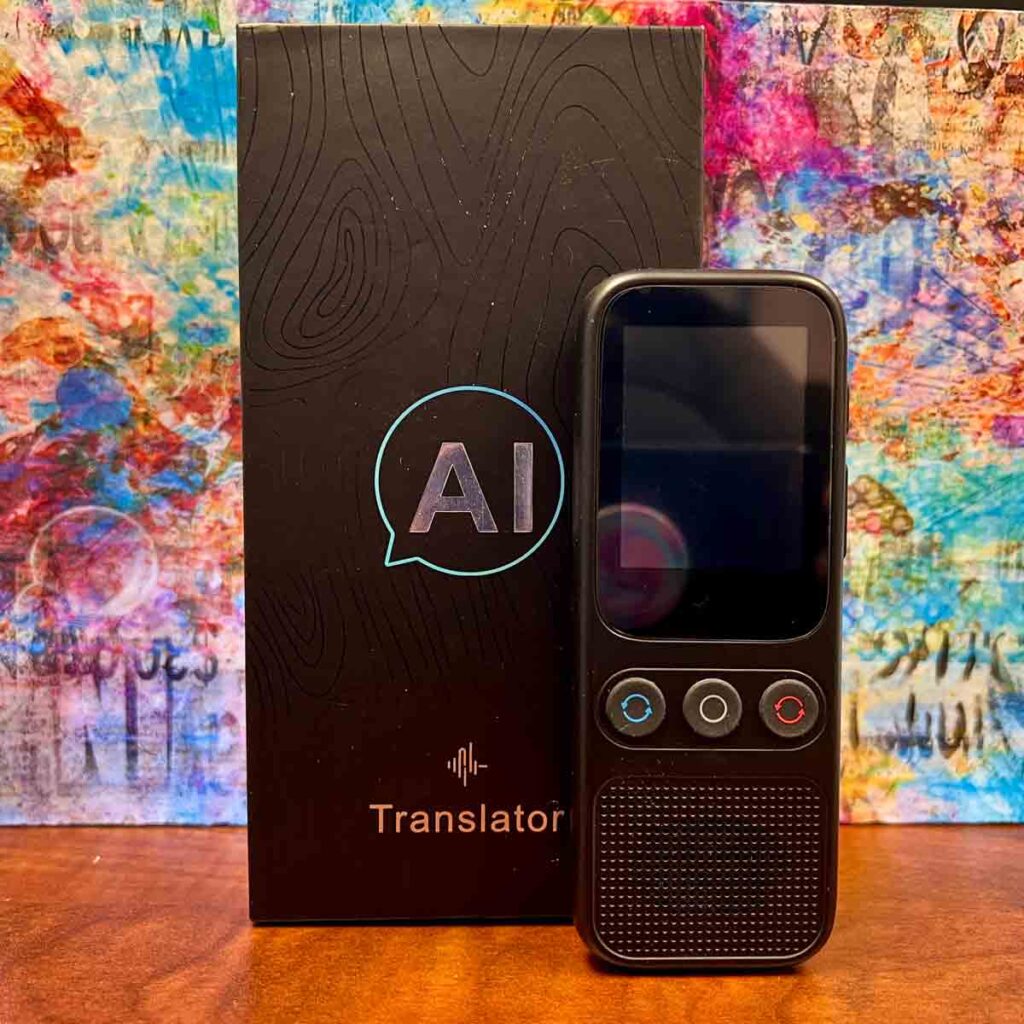
What Is an AI Translator Device?
An AI translator device is a handheld tool that uses artificial intelligence to translate spoken words, written text, or recorded audio. Many devices support two-way conversation, so each person can speak in their own language.
Some devices work through cloud services. Others offer limited offline translation. Cloud-based tools often support more languages and provide better speech recognition, while offline tools are useful when you have no mobile data or Wi-Fi.
Common features include:
• Voice translation for short conversations
• Camera translation for menus, signs, and documents
• Text-to-speech playback
• Automatic language detection
• Two-way conversation mode
• Offline language packs
• Noise reduction
• Mobile app support
An AI translator device is not the same as a simple dictionary. A dictionary gives word meanings. An AI translator device tries to understand the full sentence, context, and speaker intent.
Still, it is not perfect. Slang, humor, accents, local names, and technical terms can confuse the system. Think of the device as a helpful bridge, not a flawless human interpreter.
How to Use an AI Translator Device for the First Time
The first setup takes only a few minutes. Before using the device in a busy airport or foreign city, test it in a quiet place.
1. Charge the device
Charge the battery fully before your trip or meeting. Translation can use power quickly, especially when the device sends audio to a cloud service.
A power bank is useful for long travel days. Also check whether the device uses USB-C, micro-USB, or another charging cable.
2. Turn on the device
Press and hold the power button. Most devices show a welcome screen with language and network settings.
Choose your display language first. This setting controls the menus and instructions on the device.
3. Connect to the internet
Connect to a trusted Wi-Fi network or pair the device with a phone hotspot. Many AI translator devices need internet access to process speech.
Avoid open public Wi-Fi when entering private information. A phone hotspot is often safer and more reliable.
4. Update the software
Install available firmware and language updates. Updates may improve speech recognition, add languages, fix bugs, and improve battery use.
Do this before leaving home. A weak connection during travel can make updates slow or fail.
5. Select the language pair
Choose the language you speak and the language you want to hear. For example, select English as the source language and Spanish as the target language.
Some devices offer automatic language detection. This feature can help in a fast conversation, but manual selection is often more accurate.
6. Test a short sentence
Say something simple, such as:
“Where is the nearest train station?”
Listen to the result. If the voice sounds too fast or unclear, adjust the speech speed or volume.
These basic steps explain how to use an AI translator device without stress. A short test also helps you find microphone and speaker problems before they matter.
How to Use an AI Translator Device for Voice Conversations
Voice translation is the most common feature. It works best when both speakers take short turns.
Use conversation mode
Open conversation mode if your device has it. This mode may listen for one speaker, translate the words, and then switch to the other language.
Some devices use two buttons instead. One button may be for your language, while the other is for the other speaker’s language.
Speak in short sentences
Use one idea at a time. For example, say:
“I need a taxi to the airport.”
Then wait for the translation. Avoid adding several questions in one long sentence.
Short speech gives the AI less information to sort. It also makes mistakes easier to spot.
Speak clearly at a normal speed
You do not need to speak like a robot. Use a calm voice and clear words. Avoid covering the microphone with your hand.
Do not shout unless the environment is very loud. Shouting can distort sounds and reduce accuracy.
Pause after speaking
Give the device a moment to process your words. Interrupting it may cut off the last part of your sentence.
Look for a signal that the device has finished listening. This may be a tone, a screen change, or a moving microphone icon.
Confirm important details
For prices, dates, addresses, medicine, and legal terms, ask the other person to confirm the meaning. You can also translate the answer back into your language.
A useful phrase is:
“Can you please confirm the date and time?”
This simple habit can prevent costly mistakes. It is one of the most important lessons when learning how to use an AI translator device.
Reduce background noise
Move away from traffic, music, fans, and large crowds when possible. Speech recognition works best when the microphone hears one clear voice.
In a restaurant, hold the device closer to the speaker. In a busy station, type the message instead of relying only on voice input.
How to Use an AI Translator Device to Translate Text and Signs
Many AI translator devices include a camera. This feature can translate printed words on signs, menus, labels, and forms.
Open camera translation
Choose the camera or image translation option. Point the lens at the text and keep your hands steady.
The device may translate the words on the screen. Some models also read the translation aloud.
Keep the text visible
Make sure the full sentence is inside the frame. Move closer if the letters look small, but do not block the light.
A clean lens helps. Wipe away fingerprints before scanning menus or signs.
Use good lighting
Low light, glare, and shadows can confuse optical character recognition. Tilt the device slightly to reduce reflections from glass or glossy paper.
If the text is handwritten, expect more errors. Printed text is usually easier for the device to read.
Check the full meaning
A camera translator may translate each word correctly but miss the wider meaning. Menus often contain local food names, cultural terms, or shortened phrases.
For example, a dish name may not have a direct English translation. Ask a local person about ingredients if you have allergies or dietary needs.
Translate private documents with care
Do not scan passports, bank details, medical records, or confidential business papers unless you understand how the device handles data. Some services send images or audio to remote servers.
Read the privacy policy before using sensitive information. When privacy matters, an offline tool or approved professional service may be safer.
How to Use an AI Translator Device Offline
Offline translation can be valuable on airplanes, in rural areas, and when roaming costs are high. However, offline features are often more limited.
Download language packs
Open the settings or language section. Select the languages you need, then download the offline packages while connected to Wi-Fi.
Check that the download is complete. Some devices show a cloud icon, check mark, or “available offline” label.
Test offline mode
Turn off Wi-Fi and mobile data. Then translate a few basic sentences.
This test matters because some devices appear to support a language but require an internet connection for voice or camera translation.
Know the limitations
Offline translation may have:
• Fewer available languages
• Lower accuracy
• Limited camera translation
• Less natural speech
• No automatic updates
• Reduced support for accents and slang
Use offline mode for simple needs, such as directions, greetings, and basic shopping questions. For complex conversations, online mode may perform better.
Tips for More Accurate AI Translation
The way you speak can affect the result as much as the device itself. Clear input usually leads to clearer output.
Use standard words
Say “I would like to order rice” instead of using a local joke or slang phrase. Simple language is easier for the AI to process.
Avoid idioms such as “break a leg” or “that costs an arm and a leg.” The translated words may sound strange or confusing.
Avoid mixed-language sentences
Do not switch between English and another language in the same sentence unless needed. The device may identify the wrong language or translate only part of your message.
Repeat unclear phrases
If the result seems wrong, say the sentence again with fewer words. You can also type it if the device supports a keyboard.
Do not assume the first translation is correct. AI systems can sound confident even when the meaning is wrong.
Use names and numbers carefully
Names, street addresses, room numbers, and prices need special care. Say numbers one at a time when possible.
For example, say “room two zero four” instead of “room 204” if the device often mishears numbers.
Use back translation
Back translation means translating the result into your original language. This can reveal a missing word or changed meaning.
It is not a guarantee of accuracy, but it is a useful check for important messages.
Keep the device near both speakers
Place the device where both people can see and hear it. Passing it back and forth can slow the conversation and increase confusion.
A two-screen mode is helpful because each person can read the translated text.
Common Problems and How to Fix Them
Even a good AI translator device may fail at times. Most problems have a simple cause.
The device cannot hear you
Try these steps:
• Move to a quieter place
• Keep the microphone uncovered
• Speak closer to the device
• Check microphone permissions
• Restart the device
• Confirm that the correct input language is selected
The translation is wrong
Use shorter sentences and remove slang. Check the language pair and make sure automatic detection has not chosen the wrong language.
If the topic is medical, legal, or financial, use a qualified human interpreter. A device should not be the only safety tool in a high-risk situation.
The device is slow
Slow translation may result from weak Wi-Fi, poor cellular service, or a busy cloud server. Switch networks or use offline mode if available.
Close unused apps on connected phones. Restarting the device may also clear temporary errors.
The battery runs down quickly
Lower the screen brightness and volume. Turn off Bluetooth, mobile data, or location services when you do not need them.
Carry a power bank and keep the device in a cool place. Extreme heat can reduce battery performance.
The device cannot connect
Check the Wi-Fi password and restart the router or hotspot. Some devices do not work well with hotel sign-in pages that require a browser.
If the network uses a complex business login, ask the network manager for help or use a phone hotspot.
Benefits and Limitations of AI Translator Devices
AI translator devices can make travel and daily communication easier. They reduce the pressure of finding every word in a dictionary and help people start conversations with more confidence.
Key benefits include:
• Fast translation during face-to-face talks
• Support for many common languages
• Camera tools for signs and menus
• Helpful pronunciation and audio playback
• Better access for travelers and multilingual families
• Useful support in shops, hotels, and transport hubs
They also have clear limits. Translation quality can change with accents, dialects, noise, grammar, and internet access.
AI may struggle with:
• Humor and sarcasm
• Cultural meaning
• Medical instructions
• Legal language
• Technical subjects
• Rare languages
• Local slang
• Emotional or sensitive conversations
Research on machine translation shows that performance varies by language pair and task. Systems often perform better with common languages and clear written text than with informal speech or low-resource languages.
Use the device as a support tool. For immigration interviews, emergency care, court matters, contracts, and detailed business talks, choose a trained interpreter when possible.
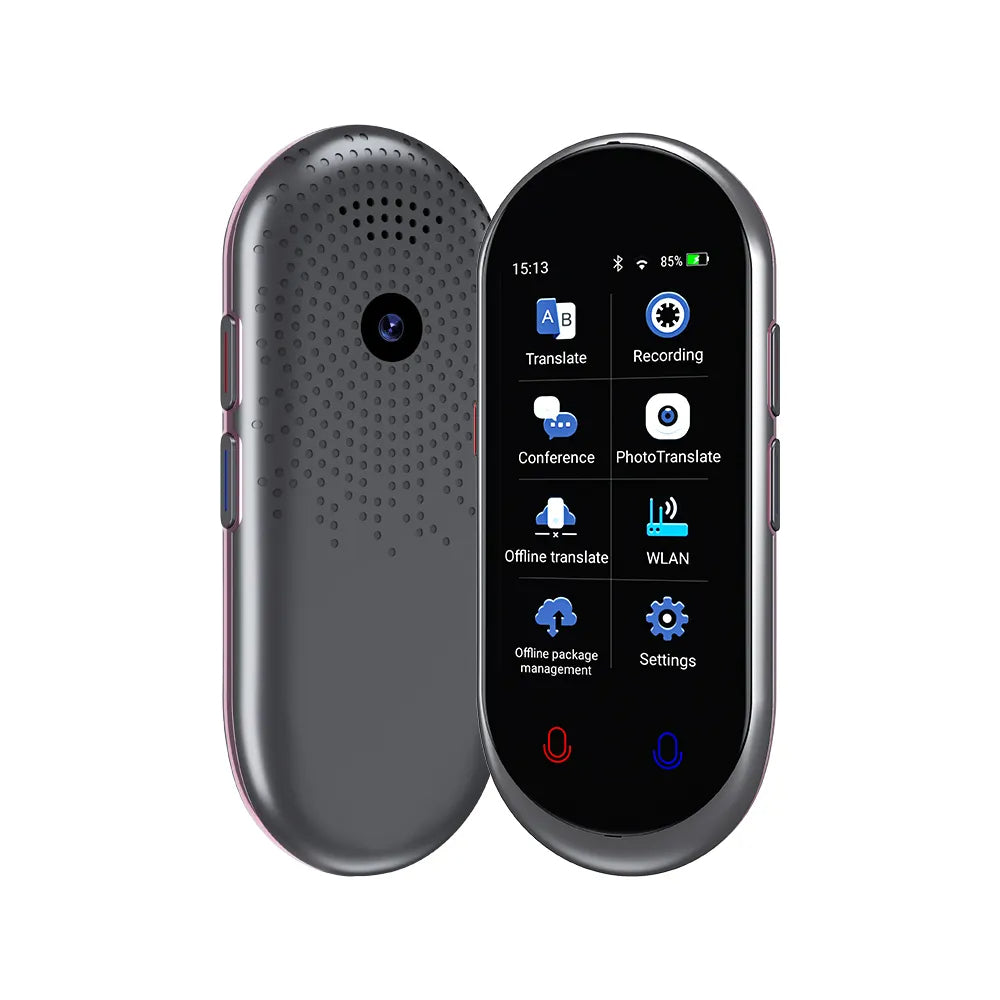
Real-World Tips for Travel and Daily Use
A translator device is most useful when you plan how to use it before you need it. Save common phrases for hotels, transport, food, and emergencies.
Useful phrases may include:
• “I have a food allergy.”
• “Please write down the address.”
• “I do not understand.”
• “Can you speak more slowly?”
• “Where is the nearest pharmacy?”
• “How much does this cost?”
Store these phrases in the device’s favorites if that feature is available. You can also keep a written backup in case the battery dies.
During a trip, show respect for the other person. Explain that the device is helping you communicate. Keep eye contact, smile, and use gestures when appropriate.
A practical test is to use the device in a low-pressure setting first. Try ordering a drink or asking for directions before using it to discuss a hotel problem. This builds confidence and reveals settings that need adjustment.
One common mistake is trusting a polished voice without checking the meaning. A smooth translation can still be inaccurate. Slow down, repeat key facts, and ask for confirmation.
Privacy and Safety When Using an AI Translator Device
Many AI translation services process speech or images through online servers. This can improve results, but it may also create privacy concerns.
Before use, check:
• What data the device collects
• Whether recordings are stored
• How long data remains on the server
• Whether data is used to improve the service
• Whether the device offers an offline mode
• Which permissions the mobile app requests
Avoid sharing passwords, payment details, passport numbers, or private health information. If you must translate sensitive content, remove personal details first.
For children, older adults, and people with limited language skills, explain that the device can make mistakes. Encourage them to ask a trusted person for help when safety is involved.
In an emergency, contact local emergency services first. An AI translator device may help explain the situation, but it should not replace urgent professional support.
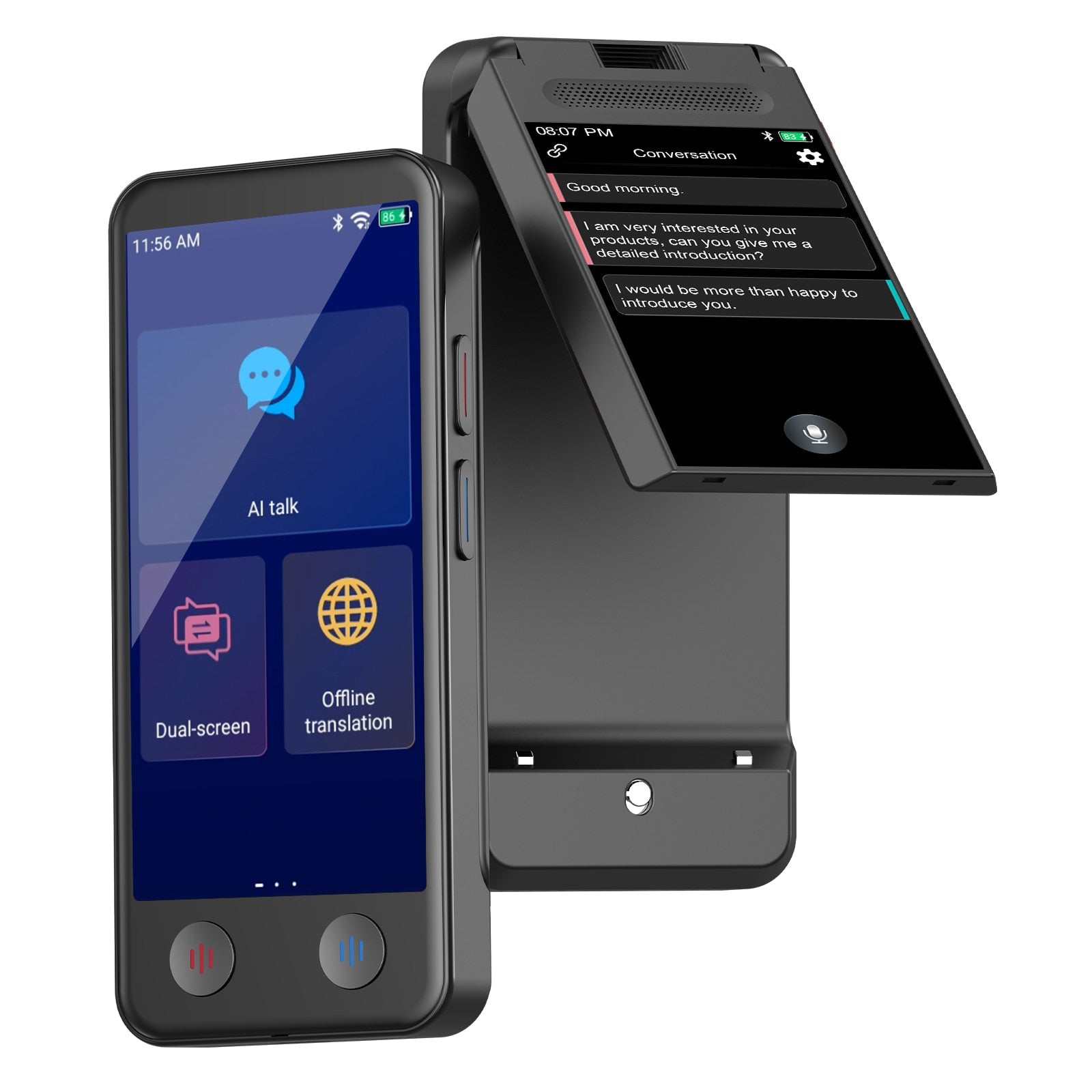
How to Choose an AI Translator Device
If you plan to buy one, compare features based on your real needs. A frequent traveler may need offline tools, while a business user may care more about privacy and accuracy.
Look at these factors:
Language coverage
Check both supported languages and regional dialects. “Spanish support,” for example, does not always mean equal performance across every Spanish-speaking country.
Online and offline functions
Confirm which features work without internet access. Some devices support offline text but not offline voice translation.
Translation modes
Look for voice, text, image, and conversation modes. Choose a model that matches the settings where you will use it.
Microphone quality
A strong microphone matters in airports, streets, and restaurants. Noise reduction can improve results, but it cannot remove every sound.
Battery life
Compare real-world battery ratings, not only standby time. Voice translation uses more power than simple text display.
Privacy controls
Review recording, storage, and account settings. A device with clear privacy controls is a better choice for work and personal information.
Ease of use
Large buttons, readable text, and simple menus make a big difference. A feature-rich device is not helpful if you cannot use it quickly.
Return and support policies
Check software support, warranty terms, and return rules. Translation technology changes often, so regular updates are valuable.
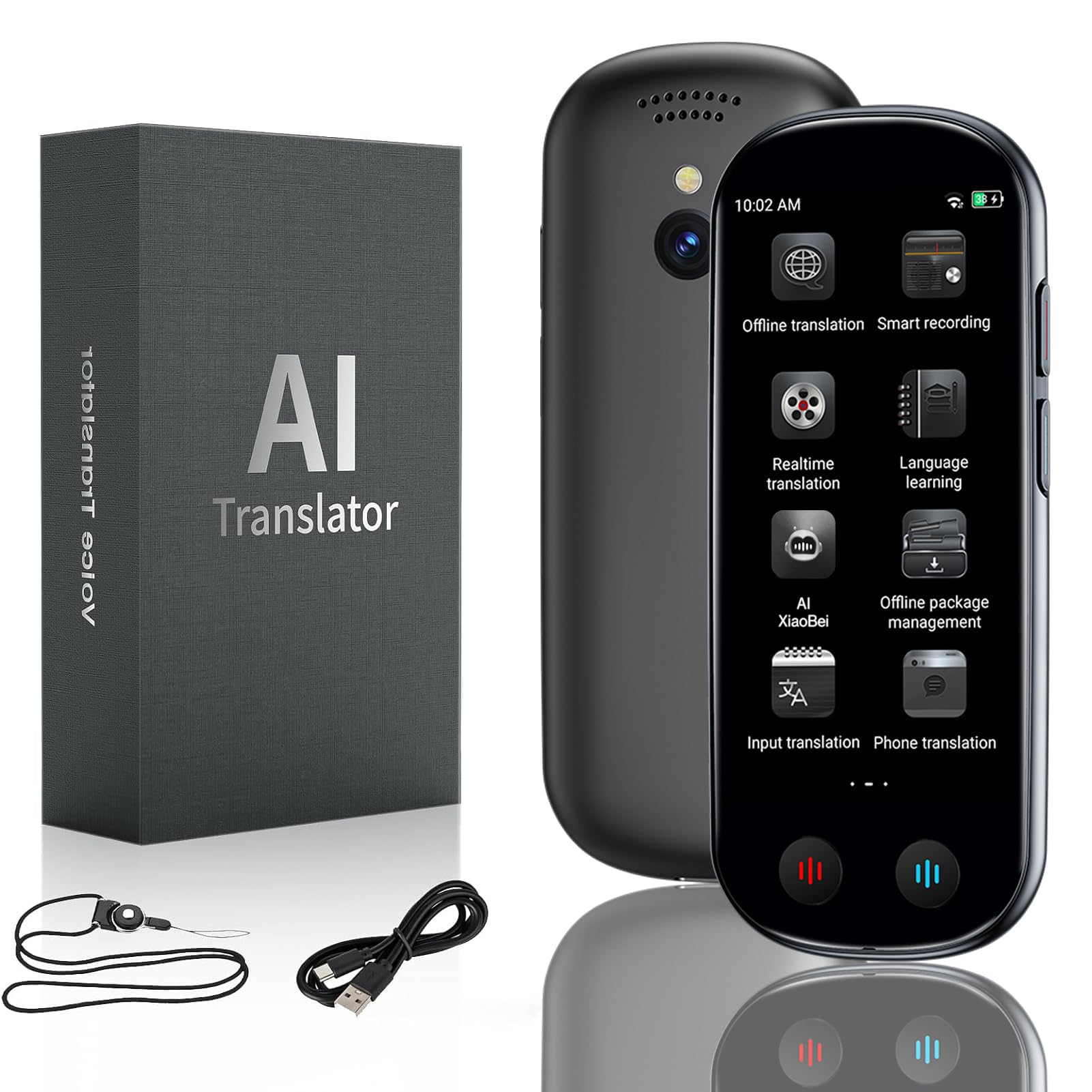
Frequently Asked Questions About How to Use an AI Translator Device
Do AI translator devices need Wi-Fi?
Many devices need Wi-Fi or mobile data for their best voice and camera features. Some support offline language packs, but offline accuracy and language coverage may be more limited.
Can an AI translator device translate conversations in real time?
Yes, many models offer two-way conversation mode. Each person speaks in short turns, and the device plays or displays the translation.
Are AI translator devices accurate?
They can be accurate for clear, simple sentences in widely supported languages. Accuracy may drop with slang, strong accents, background noise, humor, and complex subjects.
Can I use an AI translator device for medical or legal information?
You can use it for basic support, but do not rely on it alone for medical or legal matters. A qualified human interpreter is safer when a mistake could affect health, rights, or finances.
How do I improve speech translation accuracy?
Choose the correct language, speak clearly, use short sentences, and pause between ideas. Reduce background noise and confirm important details through back translation.
Can an AI translator device translate signs and menus?
Many devices can translate printed text through a built-in camera or connected app. Good lighting, steady framing, and clear text usually produce better results.
What should I do if the translation sounds wrong?
Repeat the message with simpler words and check the language settings. If the topic is important, type the sentence, use another translation method, or ask a human speaker to confirm it.
Conclusion
Knowing how to use an AI translator device can make travel, work, and everyday conversations much easier. Start by charging the device, connecting it to a reliable network, choosing the correct languages, and testing short phrases. Speak clearly, use simple words, check important details, and remember that AI translation has limits.
Use the device as a bridge between people, not as a replacement for human judgment. Practice before your next trip, download offline language packs, and review privacy settings today. Explore your device’s guide, test its main features, and share your translation tips with others.

Similar Posts
































