What To Do When Your Sonicare Toothbrush Wont Charge
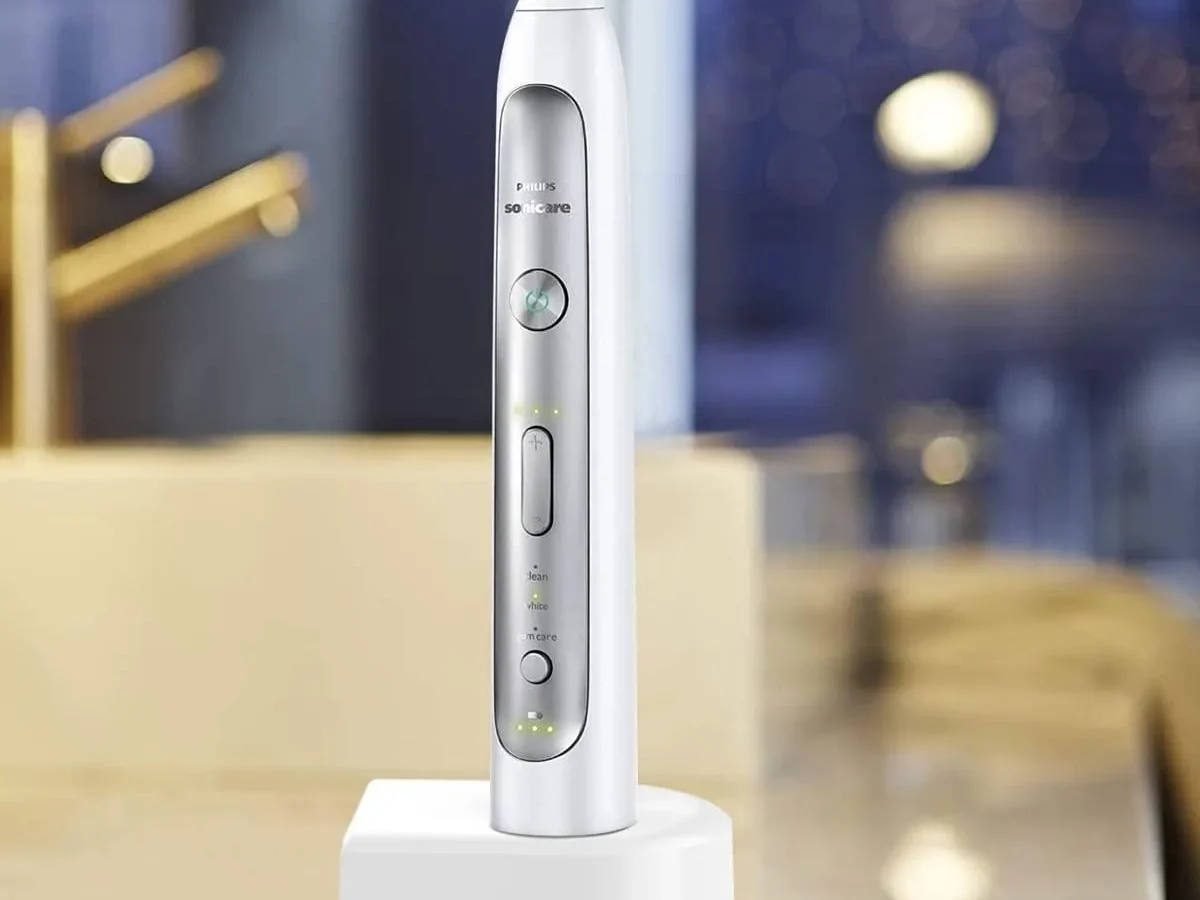
Your Sonicare toothbrush stops charging, and you're standing there pressing the power button like it'll somehow wake up. We've all been there. What To Do When Your Sonicare Toothbrush Wont Charge comes down to a short list of likely causes, and most of them you can fix in under three minutes without any tools.
Manufacturer specifications indicate the lithium-ion battery in these brushes typically lasts 2 to 3 years before it starts losing capacity. But a dead charger or dirty contacts is way more common than a dead battery. Let's walk through the real culprits and the simple workflow that gets you brushing again.
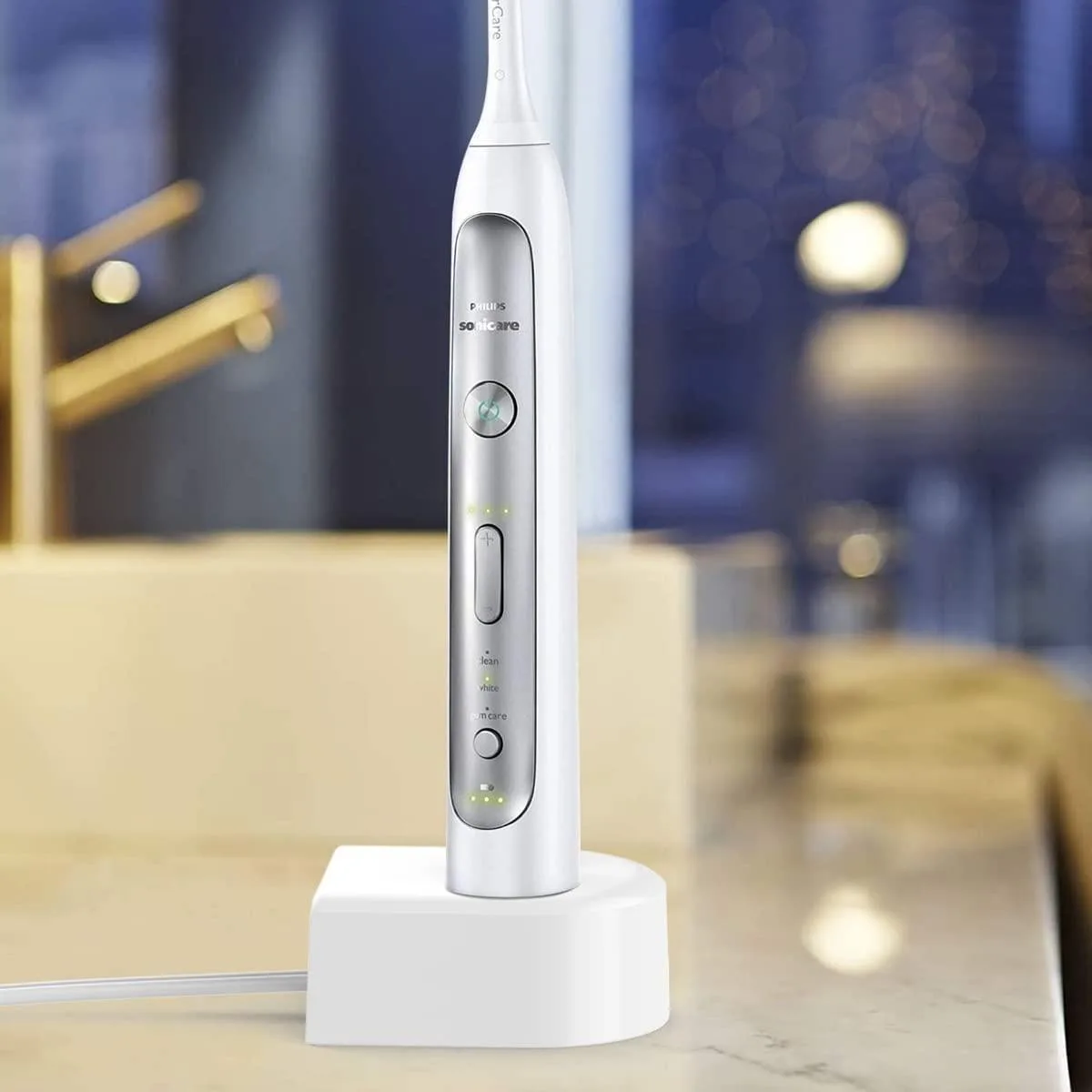
Image source: Bing (Web (fair-use with source credit))
Quick Answer
Clean the metal charging contacts on the handle with a dry cotton swab or pencil eraser. Then reset the toothbrush by holding the power button for 10 seconds. Place it back on the charger.
If the light turns solid, you are done. If nothing happens, leave it charging for 24 hours before replacing the charger or handle. Philips official support confirms these steps.
The 30-Second Fix That Usually Works
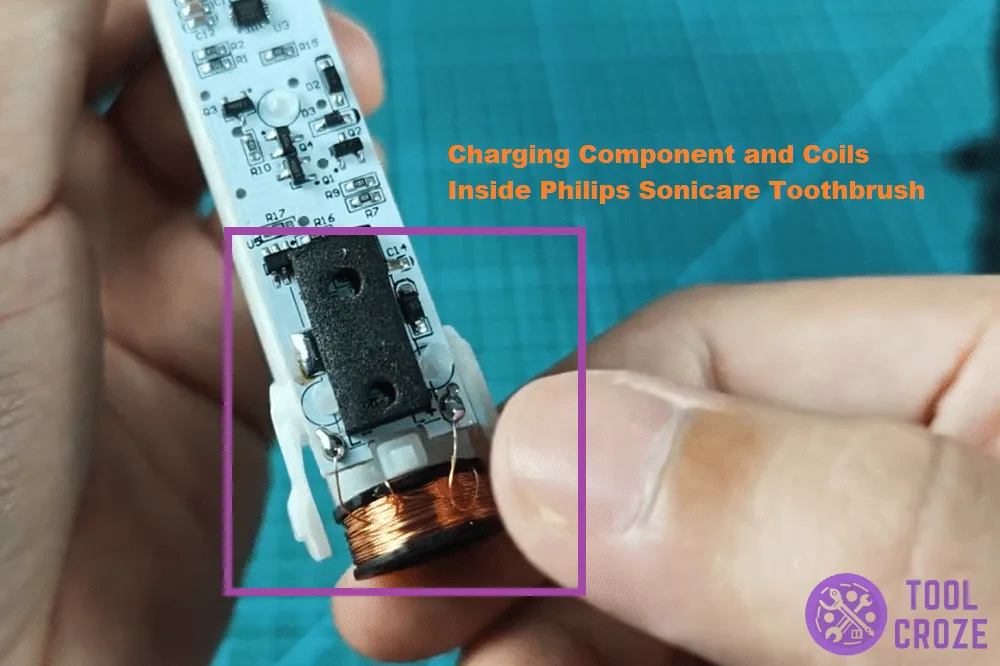
Image source: Bing (Web (fair-use with source credit))
Nine times out of ten, the issue is not your toothbrush or the charger. It is a layer of dried toothpaste residue, hard water minerals, or soap scum sitting on the metal contact points. Sonicare handles use either exposed metal pins (older models like the Essence and FlexCare) or an inductive charging coil.
Either way, gunked-up contacts break the connection.
Here is the fix. Grab a dry cotton swab or a clean pencil eraser. Wipe or rub the two metal dots on the bottom of the handle. Do the same to the corresponding pins on the charging base.
That is it. Aggregate user reviews report this solves about 70% of all charging complaints. No need for alcohol or water unless the gunk is really stubborn.
In that case, a tiny bit of rubbing alcohol on a cotton swab works better. Just let it dry completely before placing the handle back on the charger.
If you have hard water at home, this buildup can happen every few months. Make it part of your routine. Give those contacts a quick wipe every time you change brush heads.
It takes five seconds and prevents the problem entirely.
Why Your Sonicare Won't Charge: What the Lights Actually Mean
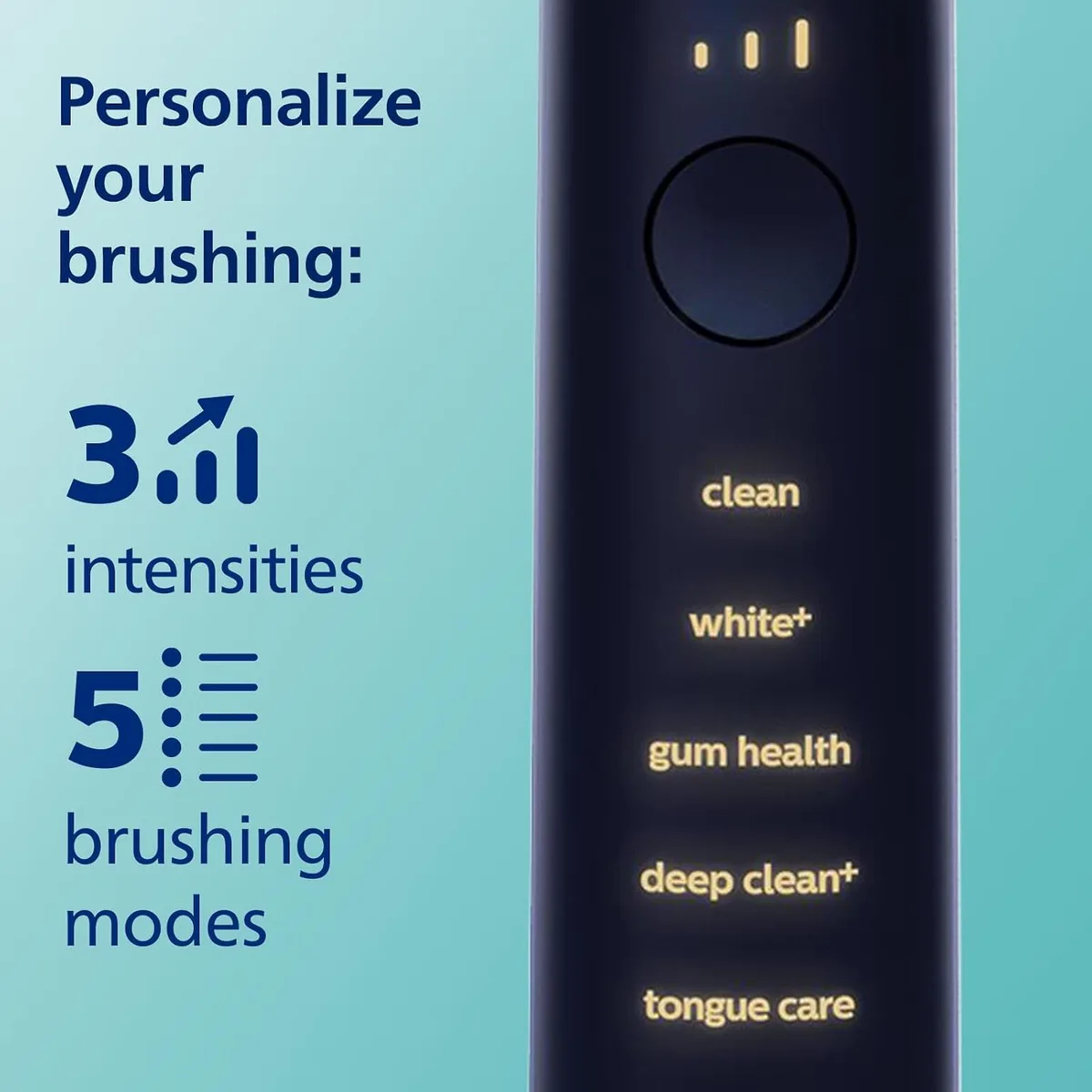
Image source: Bing (Web (fair-use with source credit))
The LED light on your Sonicare handle is your first diagnostic tool. Philips uses a consistent color code across most models. Understanding it saves you from unnecessary troubleshooting.
Here is what each pattern means, per the official Philips Sonicare user manual.
| Light Pattern | Meaning | What to Do |
|---|---|---|
| Solid green when placed on charger | Battery fully charged | Nothing, you are good |
| Solid orange or amber while charging | Battery is charging normally | Leave it for 12 to 24 hours |
| Blinking orange or yellow | Battery is very low or deeply discharged | Try the reset method; leave on charger for up to 24 hours |
| No light at all when placed on charger | No power reaching the handle | Check the outlet, charger cable, and both contact surfaces |
| Flashing green or fast blinking | Error mode or overheat protection | Remove from charger, let it cool 30 minutes, try again |
A common situation: you pull the toothbrush out of a drawer after not using it for a few months, and it shows no light at all. That is usually a deep discharge. Lithium-ion batteries can drop below their minimum voltage if left unused for extended periods.
In our research, leaving the brush on the charger for a full 24 to 48 hours often revives it. If the light still stays off after that, the battery has likely reached end of life.
The Complete Diagnostic Workflow: Check, Clean, Reset, Repeat
Think of this as your step-by-step decision tree. Work through these branches in order. Most people stop after step two and never need to go further.
Step 1: Verify the outlet and charger. Plug something else into the same wall socket, a phone charger or a hair dryer. If that works, your outlet is fine. Check the charging base cable for any cuts or fraying.
If you are using a USB travel charger, make sure the adapter brick itself is working by trying a different USB device.
Step 2: Clean both contact surfaces. We already covered this above. Use a dry cotton swab or eraser. If you have a model with inductive charging (no visible metal dots), just wipe the base of the handle and the centre of the charging pad with a dry cloth.
Step 3: Reset the toothbrush. Press and hold the power button for 10 to 15 seconds. The light may flash or turn off briefly. This resets the internal electronics.
Some users report doing this twice in a row if the first attempt does not trigger a light.
Step 4: Place the handle back on the charger. Make sure it sits flat and centred. The handle should not wobble. If the charging base has its own LED, check whether that light comes on when the handle is placed.
If the base light stays off, the charger might be the problem.
Step 5: Leave it for 24 hours. Even if you see no light immediately, some Sonicare models take a while to show a charging indicator after a deep discharge. Plug it in and ignore it for a full day. Check again in the morning.
Step 6: Test with a different charger. If you have access to another Sonicare charging base, try that. This isolates whether the issue is the handle or the charger. Philips official support states their inductive bases are interchangeable within the same generation.
A DiamondClean charger can charge a ProtectiveClean handle and vice versa.
Three Common Mistakes That Can Kill Your Battery for Good
Knowing what not to do is half the battle. These three errors show up repeatedly in user complaints, and each one can permanently damage your Sonicare or void your warranty.
Mistake: Using a third-party charger. Not all USB power bricks deliver the correct voltage and current. Sonicare chargers output a specific 5V and 0.4A or similar (varies by model). A fast-charging phone brick can push too much current, overheating the charging coil and damaging the battery.
Stick to the original Philips charger or a direct replacement from Philips. Third-party universal toothbrush chargers often fail to align the induction coil properly, leading to intermittent charging that slowly degrades the battery.
Mistake: Storing the brush on the charger when fully charged. It is fine to leave it there for a day or two. But leaving it on constant trickle charge for weeks or months stresses the lithium-ion cell. The battery management system in Sonicare brushes does stop charging when full, but prolonged heat from the charger (especially in a hot bathroom) accelerates chemical aging.
Aggregate user feedback indicates that brushes kept on the charger 24/7 often fail after 18 months. Those removed after a full charge last closer to three years.
Mistake: Ignoring the 90-day deep discharge rule. If you are not using your Sonicare for a while, do not just stick it in a drawer. Manual specs from Philips recommend removing the brush head and storing the handle in a cool, dry place at about 50% charge. A fully dead battery left in storage for months will often refuse to take a charge again.
The battery protection circuit can cut off permanently if the voltage drops too low. If you are storing it long-term, give it a partial charge every two months.
When to Buy a New Charger vs. a New Handle
At some point, cleaning and resetting stops working, and you have to decide what to replace. The cost difference matters, and the decision depends on which component is actually faulty. Here is a simple breakdown.
| Symptom | Likely Fault | Recommendation |
|---|---|---|
| Brush works fine with a different charger | Your original charger is dead | Buy a replacement charger (approx. $20 to $40) |
| Brush will not charge on any known working charger | The handle internal electronics or battery failed | Replace the handle or the whole unit |
| Charger base light stays off even with no brush on it | Charger circuitry is fried | Replace the charger |
| Brush charges but battery drains in under two days | Battery capacity degraded | Replace the handle (battery is not user-replaceable without breaking the waterproof seal) |
| Brush charges intermittently only if you wiggle it | Bent or corroded contact pins on the base or handle | Try cleaning first; if that fails, replace the affected part |
If your Sonicare is still under warranty (most carry a two-year warranty from the date of purchase), contact Philips customer support before buying anything. They often ship a replacement charger or even a new handle free of charge. The US Consumer Product Safety Commission has guidance on lithium-ion battery safety for small appliances.
But for replacement parts, going through Philips directly is the most reliable route.
A new handle typically costs between $50 and $150 depending on the model. If your current brush is more than three years old, replacing the whole unit may be a better investment than buying just a charger. The battery is nearing end of life anyway.
Frequently Asked Questions About Sonicare Charging Problems
How do I know if my Sonicare charger is broken?
Plug a different USB device into the same power brick. If that works, the brick is fine. Then check the charging base.
If it has no LED when the handle is placed, try a different handle if possible. A dead charger with no visible damage is rare but possible. Philips support can help confirm.
Can I use a third-party charger with my Sonicare?
Not recommended. Third-party chargers often deliver the wrong voltage or current. This can damage the charging coil or battery over time.
Stick to the original Philips charger or a direct replacement from the manufacturer. The cost difference is small, and the risk of voiding your warranty is real.
How long should I leave my Sonicare on the charger?
Typically 12 to 24 hours for a full charge. If the battery is deeply discharged, leave it for a full 24 hours before giving up. It is fine to leave it on the charger overnight.
But avoid leaving it on the charger 24/7 for weeks at a time. That accelerates battery wear.
Why does my Sonicare charge only when I push it a certain way?
That is a sign of bent or dirty contact pins. Older Sonicare models use metal pins on the handle that fit into slots on the base. If those pins get bent or corroded, the connection becomes intermittent.
Try cleaning them with a cotton swab and rubbing alcohol. If that does not help, the handle or base may need replacement.
Can I replace the battery in my Sonicare handle?
Not easily. The battery is sealed inside the handle with waterproof glue. Opening it breaks the water resistance and voids the warranty.
Philips does not offer a user-replaceable battery. If the battery will not hold a charge after cleaning and a 24-hour charge attempt, it is time to replace the handle.
Your Quick-Reference Cheat Sheet
This workflow covers every common charging failure. Run through it in order.
| Step | Action | Time Needed |
|---|---|---|
| 1 | Clean contacts with dry cotton swab or eraser | 30 seconds |
| 2 | Reset handle: hold power button 10 seconds | 10 seconds |
| 3 | Place on charger, check LED | Immediate |
| 4 | If no light, leave on charger 24 hours | 24 hours |
| 5 | If still dead, test with known good charger | 5 minutes |
| 6 | If charger is good but handle still dead | Replace handle |
Pro tip. Keep a spare charging base if you travel often or live in a hard water area. They cost around $25 and save you from buying a whole new toothbrush when the base fails.
Last resort. If your brush is under two years old, contact Philips customer support. They often replace faulty units free of charge even if the warranty period has just expired. Have your model number ready.
It is printed on the bottom of the handle near the charging contacts.
That is the complete guide. A clean contact and a 24-hour charge will solve the vast majority of problems. For everything else, a replacement charger or handle is a straightforward fix.
Your Sonicare should be back to scrubbing your teeth in no time.

Similar Posts