How Accurate Are AI Translator Devices: What To Expect
AI translator devices are often accurate for clear speech, but accents, slang, noise, and context can cause errors.
The answer to how accurate are AI translator devices depends on the language pair, device, internet connection, speaker, and setting. Modern devices can handle simple travel phrases and everyday conversations well, but they are not perfect interpreters. This guide explains their real-world accuracy, common mistakes, best uses, and ways to avoid costly misunderstandings.
What affects the accuracy of AI translator devices?
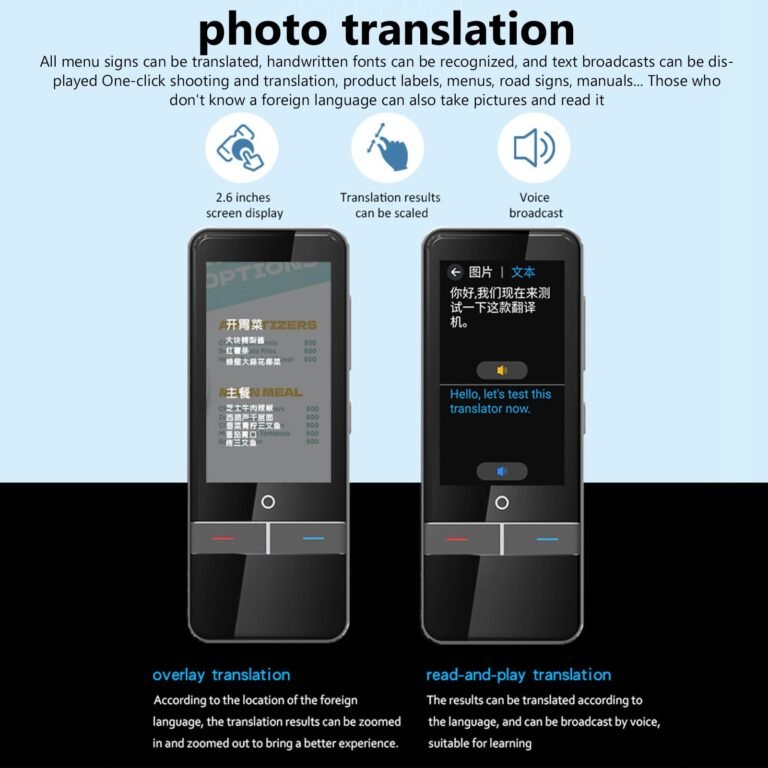
AI translator devices use several systems at once. These usually include speech recognition, machine translation, and text-to-speech. Each step must work well for the final result to sound correct.
If the device hears the wrong word, the translation may also be wrong. Think of it like a relay race. If the first runner drops the baton, the later runners cannot fully fix the mistake.
The main factors that affect how accurate are AI translator devices include:
• Language pair: Common pairs, such as English and Spanish, often perform better than less common pairs.
• Speech clarity: Slow, clear speech is easier for the device to process.
• Accent and dialect: Strong regional accents may lead to poor speech recognition.
• Background noise: Airports, markets, restaurants, and busy streets can reduce accuracy.
• Internet access: Some devices need cloud processing. A weak connection can cause delays or failed translations.
• Context: Short phrases may have several meanings. AI must guess which meaning fits the situation.
• Slang and humor: Informal phrases, jokes, idioms, and sarcasm remain difficult for many systems.
• Device quality: Microphones, software, updates, and language support vary by brand.
Current research often measures translation with tools such as BLEU, COMET, or word error rate. These tests help compare systems, but they do not fully show how a device performs during a noisy, emotional, real-life conversation.
How AI translator devices work
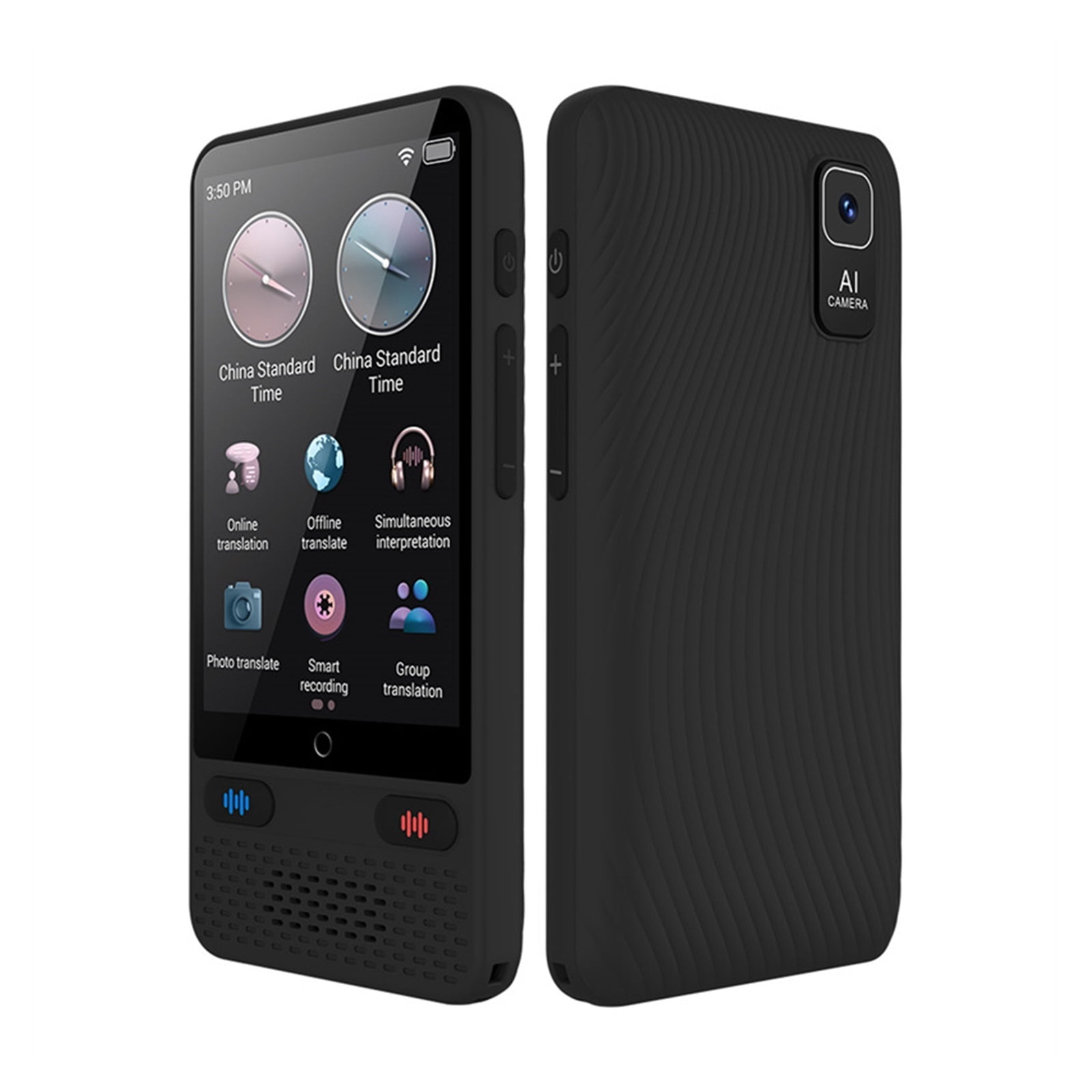
Most AI translator devices follow a simple process:
- The microphone captures spoken words.
- Speech recognition changes the audio into text.
- A translation model converts the text into another language.
- Text-to-speech software reads the result aloud.
- The listener hears the translated sentence.
Some devices process data in the cloud. Others offer offline language packs. Cloud systems may provide better results because they use larger models and more computing power. Offline systems can be useful during travel, but they may support fewer languages and produce less natural translations.
A device may also use noise reduction and speaker detection. These features help it identify who is speaking and remove some background sound. They do not remove every problem, especially when several people talk at once.
This process explains why how accurate are AI translator devices is not a simple yes-or-no question. A device may translate written text very well but struggle with fast speech. It may handle a prepared sentence but fail when someone uses a local expression.

How accurate are AI translator devices in real life?
For basic travel needs, many AI translator devices work well. They can often translate phrases such as:
• “Where is the train station?”
• “I have a food allergy.”
• “How much does this cost?”
• “Can I pay by card?”
• “I need a doctor.”
Clear, short sentences give the system fewer chances to misunderstand. The device can usually identify the main meaning and produce a useful result.
Long conversations are more difficult. The system may lose track of who said what, miss a quiet phrase, or translate a word according to the wrong context. A sentence that sounds fine in English may also feel strange or rude in another culture.
In practical tests, the biggest gap appears between controlled speech and natural speech. A traveler who speaks slowly into the microphone may receive a good translation. A local speaker using fast speech, slang, and a strong accent may produce a much weaker result.
So, how accurate are AI translator devices during everyday use? They are often good enough for basic communication, but they should not be treated as perfect human interpreters.

Accuracy by language and situation
Common language pairs
AI translation usually performs best with widely used languages that have large amounts of training data. English, Spanish, French, German, Italian, Portuguese, Chinese, Japanese, and Korean often receive strong software support.
This does not mean every language pair performs equally well. Translation quality can differ between English to Japanese and Japanese to English, for example. Sentence structure, politeness levels, and missing words can affect the result.
Less common languages
Languages with fewer digital resources may receive fewer updates and less testing. Some devices may support them only through simple phrase translation. Others may not offer voice translation at all.
Before buying a device, check the exact language direction. “Supports Arabic” may not mean it supports speech translation from Arabic to English and English to Arabic.
Noisy places
Restaurants, train stations, and outdoor markets are hard environments. The microphone may capture music, traffic, or several voices. Even a strong translation engine cannot translate words it did not hear.
Moving to a quiet area and holding the device close to the speaker can make a large difference.
Medical, legal, and emergency situations
AI translator devices should not be the only communication tool for medical, legal, immigration, or emergency matters. A small error could change the meaning of a symptom, contract, warning, or dosage instruction.
Use a qualified interpreter when the message could affect health, safety, rights, or money.

Common translation mistakes
AI translator devices can make several types of mistakes. Understanding them helps users spot problems before they cause confusion.
Wrong word recognition
Speech recognition may confuse similar sounds. Names, street addresses, medicine names, and technical terms are especially difficult.
For example, a device may hear a brand name as a common word. Repeating the word slowly or typing it can help.
Missing context
The word “bank” may mean a financial institution or the side of a river. Without enough context, the device may choose the wrong meaning.
Instead of saying one short word, use a complete sentence. “Where is the nearest bank for cash?” gives the system more information.
Incorrect tone
Some languages use formal and informal forms. A translation may be grammatically correct but too casual, too direct, or impolite.
This matters when speaking with older people, business clients, police officers, or medical staff.
Idioms and humor
Expressions such as “break a leg” or “it’s raining cats and dogs” may translate word for word. The listener may understand the words but miss the intended meaning.
Humor is even harder because it often depends on culture, timing, and shared knowledge.
Conversation errors
Two-way conversation mode can mix speakers or miss pauses. A device may translate the second person before the first person finishes speaking.
Taking turns and waiting for the translation to finish improves the result.
Benefits of AI translator devices
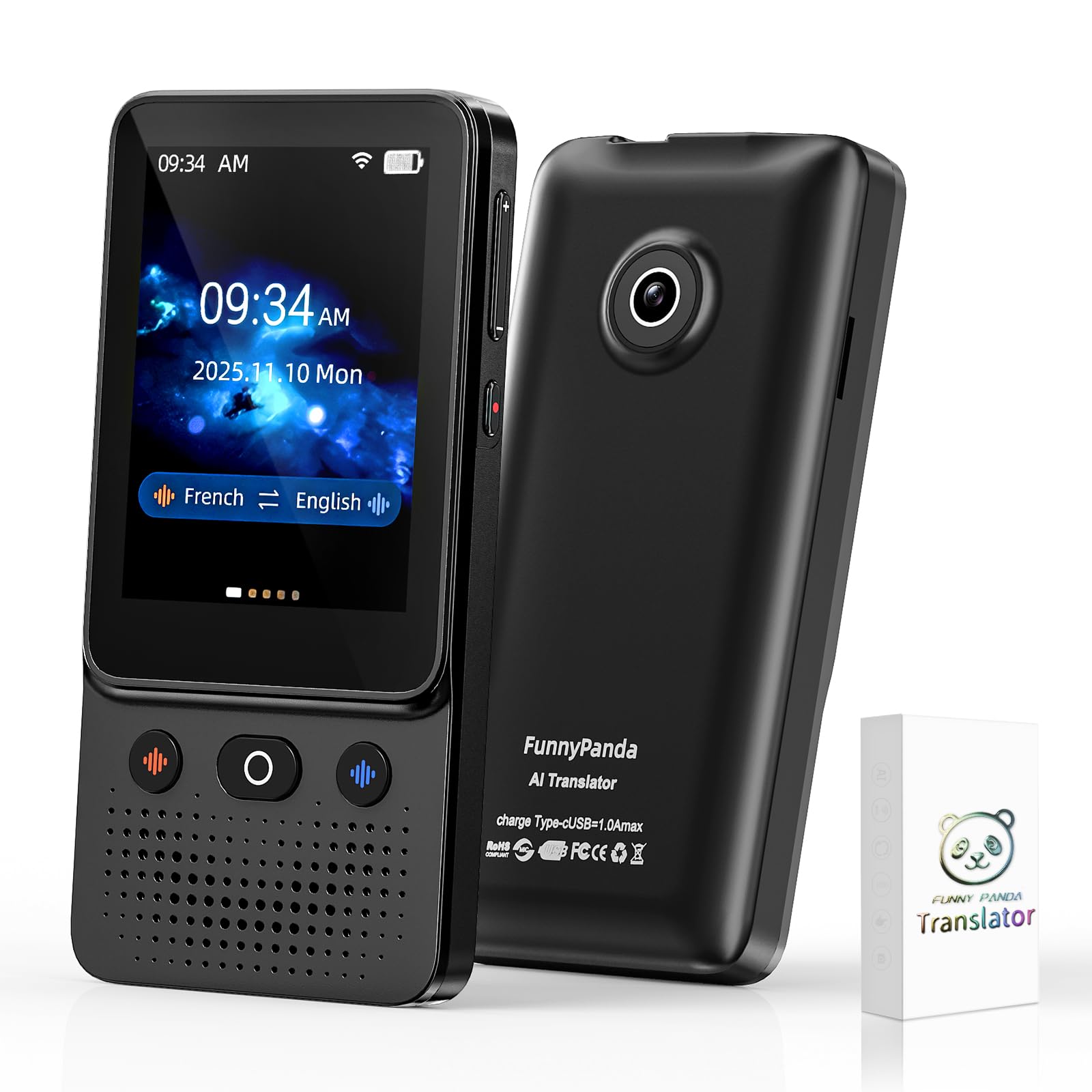
AI translator devices offer clear advantages for travelers, families, students, and international workers.
• Fast access: You can translate a phrase within seconds.
• Portability: A small device is easier to use than a paper dictionary.
• Voice support: Speaking is faster than typing in many situations.
• Confidence: Users may feel less nervous when asking for directions or help.
• Accessibility: Translation can support people who find written language difficult.
• Privacy options: Some offline devices can work without sending speech to a remote server.
• Learning value: Hearing a phrase in another language may help users learn pronunciation.
They also encourage people to try speaking instead of avoiding communication. A simple translated greeting can create a warmer connection than pointing at a screen.
Still, the device is a bridge, not a replacement for cultural awareness. A smile, patience, and respectful body language remain important.
Limitations and risks to consider
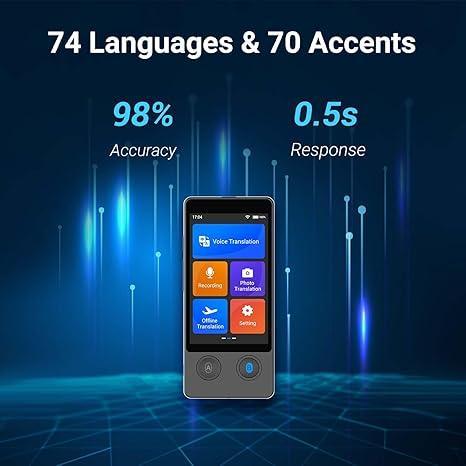
The answer to how accurate are AI translator devices must include their limits. Marketing claims may focus on the best possible result rather than average performance in difficult settings.
Important limitations include:
• Battery life: Long trips and heavy use can drain the battery.
• Internet dependence: Cloud translation may stop working without a connection.
• Delays: A slow network can interrupt the natural flow of conversation.
• Privacy: Voice recordings may be sent to company servers for processing.
• Language gaps: A device may support a language but not its regional dialect.
• Update changes: Translation quality can improve or change after software updates.
• Hallucinated meaning: Generative AI may produce a fluent sentence that was not actually spoken.
• Overconfidence: A smooth voice can make an incorrect translation sound trustworthy.
The last risk is especially important. People often trust confident speech. Always check important information by repeating it, typing it, or asking a human speaker to confirm it.
How to improve translation accuracy
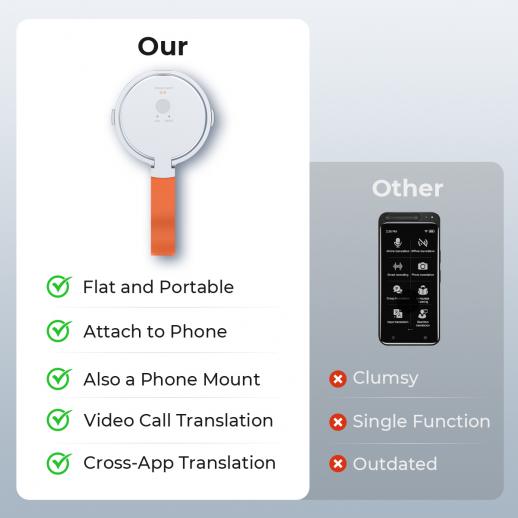
You can get better results by changing how you speak and use the device.
-
Speak one sentence at a time. Short sentences are easier to recognize and translate.
-
Use common words. Avoid slang, metaphors, and local expressions.
-
Speak clearly. Do not shout, whisper, or speak with your mouth covered.
-
Reduce noise. Move away from traffic, music, and large groups.
-
Pause between speakers. Give the device time to finish each translation.
-
Confirm key details. Repeat dates, prices, names, addresses, and medical terms.
-
Use the screen. Reading the recognized text can show whether the device heard you correctly.
-
Type difficult words. Names and technical terms often work better as text.
-
Download offline language packs. This provides a backup when service is weak.
-
Carry a second option. Keep a translation app, phrase card, or written emergency message.
A useful habit is the “back translation” check. After the device translates your sentence, translate the result back into your language. If the meaning changes, simplify the message and try again.
How to choose an accurate AI translator device
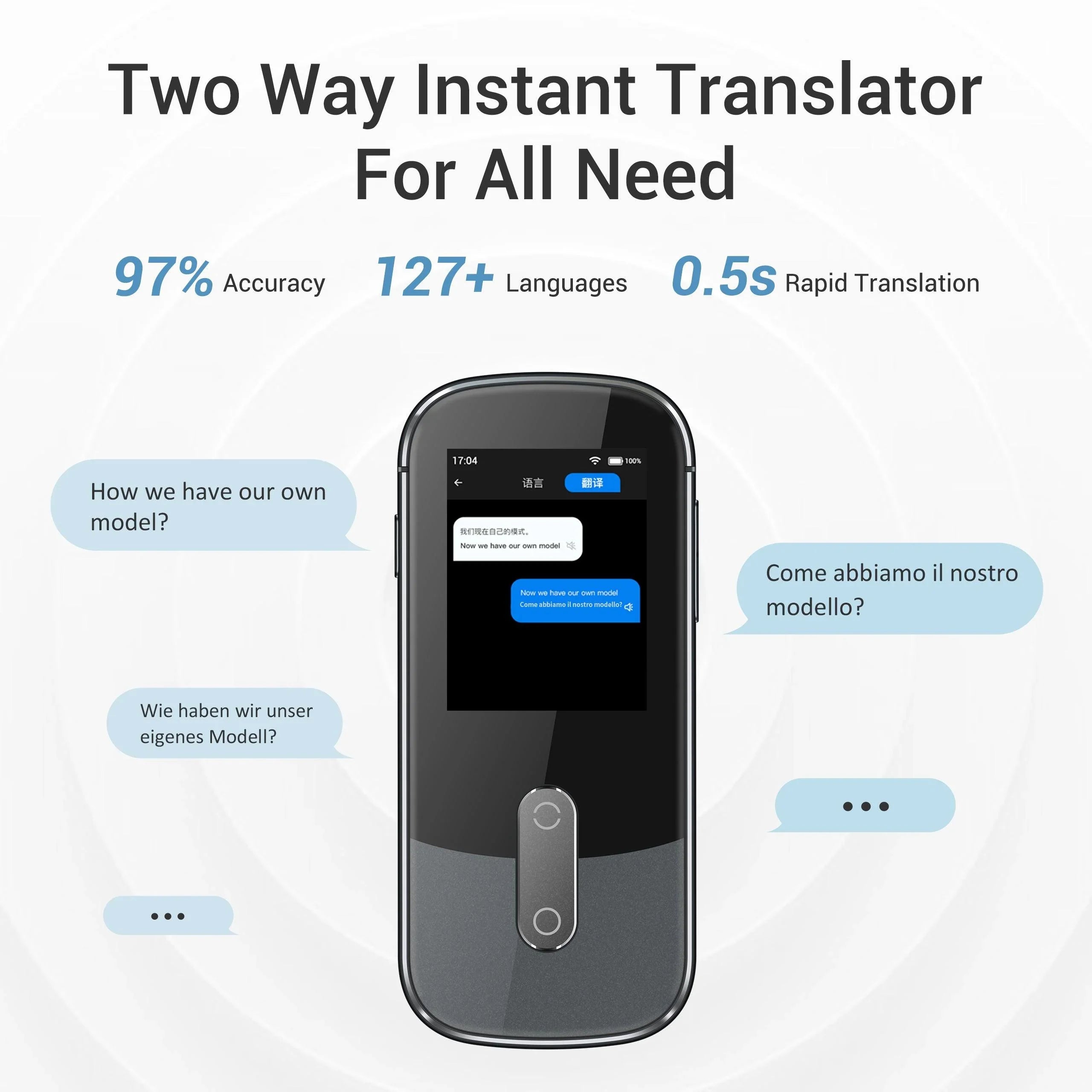
Accuracy should be only one part of your buying decision. Look at the complete experience.
Check these features before you buy:
• Supported languages and dialects
• Online and offline translation modes
• Two-way conversation support
• Microphone quality and noise reduction
• Battery life and charging method
• Screen size and readability
• Data privacy controls
• Software update history
• Return policy and warranty
• Customer support
Read independent reviews that test the device in real situations. A review from a quiet office may not show how the device works on a busy street.
Also consider whether a phone app may meet your needs. A dedicated device can be simpler and less distracting, while a phone may offer more languages, camera translation, and better updates.
The best choice depends on your trip and risk level. For casual travel, moderate accuracy may be enough. For work, healthcare, or legal communication, use a professional interpreter.
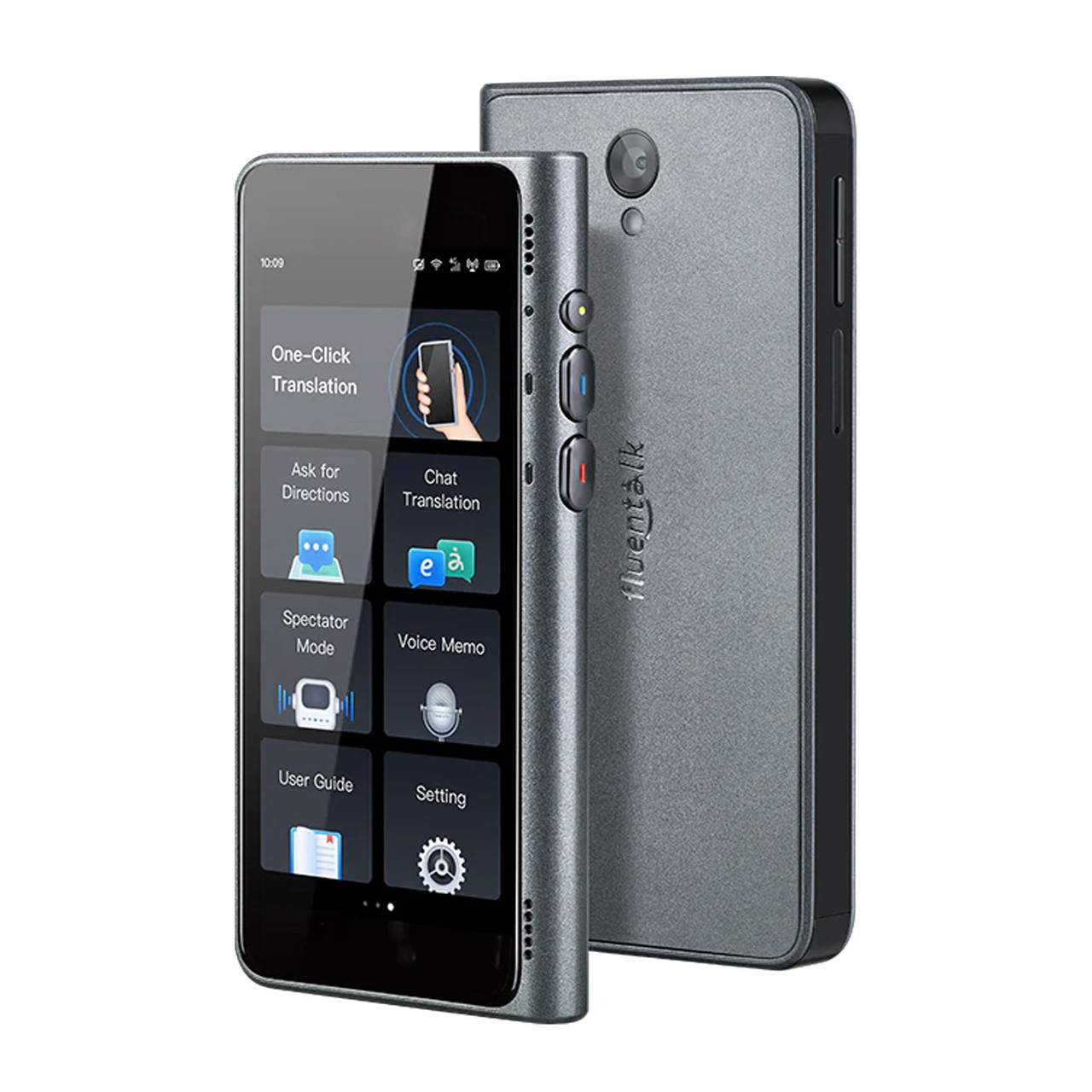
Practical examples of device accuracy
Imagine ordering food in another country. Saying, “I cannot eat peanuts. Does this dish contain peanuts?” gives the device clear information. Pointing to a long menu and asking, “What is this?” may produce a less useful answer.
Now imagine checking into a hotel. “My reservation is under Maria Lopez” is simple. “I booked the room that we talked about before” is harder because the device has little context.
For directions, include landmarks and a destination. “How do I walk to the central bus station from this hotel?” is clearer than “Where is the bus?”
For health concerns, use plain language and confirm the result. Say, “I have chest pain that began two hours ago,” rather than using a medical term the system may not recognize.
These examples show why how accurate are AI translator devices often depends as much on the user as on the technology.
How accurate are AI translator devices compared with human interpreters?
Human interpreters remain better for nuance, emotion, cultural meaning, and high-risk communication. They can ask follow-up questions, notice confusion, and adjust their wording.
AI devices are faster and cheaper for simple exchanges. They are also available at any time and can help when no interpreter is nearby.
The difference becomes clear in complex settings. A human interpreter understands whether a speaker sounds unsure, angry, sarcastic, or frightened. An AI system may translate the words but miss the deeper message.
For this reason, AI translation works best as a support tool. It can open a conversation, but it should not carry the full responsibility when accuracy has serious consequences.
Frequently Asked Questions About How Accurate Are AI Translator Devices
Are AI translator devices accurate enough for travel?
Yes, most are useful for basic travel tasks such as directions, shopping, transportation, and simple requests. Accuracy drops with noise, fast speech, slang, and complex sentences.
Can AI translator devices translate conversations in real time?
Many devices offer two-way conversation modes with short delays. They may miss interruptions, overlap, unclear speech, or changes in speakers.
Do AI translator devices work without Wi-Fi?
Some models provide offline translation for selected languages. Offline results may be less advanced, so check which language packs and features work without internet access.
Are AI translator devices accurate for medical conversations?
They can help with simple communication, but they should not replace a qualified medical interpreter. Confirm symptoms, allergies, diagnoses, and instructions with a professional whenever possible.
Which is more accurate, an AI translator device or a phone app?
Neither option is always better. Accuracy depends on the software, microphone, language pair, connection, and update quality, so compare real-world tests rather than the device type alone.
Can an AI translator understand accents?
Many systems understand common accents, but strong regional accents, fast speech, and mixed languages can cause errors. Speaking slowly and clearly usually improves recognition.
Should I trust an AI translator for legal or business documents?
No. Use a certified translator for contracts, legal forms, immigration documents, and other high-stakes text. A fluent AI translation can still contain a serious error.
Conclusion
So, how accurate are AI translator devices? They are often reliable for short, clear, everyday phrases, especially between widely supported languages. Their accuracy falls when speech is noisy, fast, emotional, highly technical, or culturally specific.
Use these devices as helpful communication aids, not as perfect human interpreters. Speak clearly, confirm important details, protect your voice data, and keep a backup method ready. Compare devices based on real-world tests, language support, offline features, and privacy before you buy.