How Many Languages Can AI Translator Device Translate: FAQ

Most AI translator devices translate 40 to 140 languages, while advanced models may support more.
The exact number depends on the device, language pair, internet access, and whether you need voice, text, or camera translation. After comparing the way leading translator devices handle accents, offline use, and less common languages, one lesson is clear: a high language count looks impressive, but real accuracy and useful features matter more. This guide explains how many languages an AI translator device can translate and how to choose one that fits your trips, work, or daily conversations.
How many languages can an AI translator device translate?
Most AI translator devices support between 40 and 140 languages. Some basic models handle about 30 to 50 languages, while premium devices may advertise support for more than 100 languages.
However, the number on the product box needs careful reading. A device may count spoken languages, written languages, dialects, and translation directions in different ways. For example, it may support voice translation in 60 languages but camera translation in 100 languages.
The answer to how many languages can an AI translator device translate also depends on these factors:
• Voice translation support
• Text and typing support
• Camera or image translation
• Offline language packs
• Online language support
• Regional dialects
• Two-way conversation features
• Artificial intelligence and speech recognition quality
A device that supports 100 languages may not translate all 100 with the same quality. Popular languages such as English, Spanish, French, German, Mandarin, and Japanese often receive better speech recognition than less common languages.
For most travelers, a device with 50 to 70 strong language options may be more useful than one with 140 weak or limited options.

Why language counts vary between AI translator devices
Manufacturers use different methods to count supported languages. One company may count every language available for voice translation. Another may include languages that work only through text or a camera.
This makes direct comparisons harder. Two devices may both claim to support 100 languages, yet offer very different experiences.
Voice translation
Voice translation listens to speech, converts it into text, translates the meaning, and reads or displays the result. This is usually the most complex feature because it must handle:
• Background noise
• Fast speech
• Local accents
• Slang
• Pauses and incomplete sentences
• More than one person speaking
A device may support 100 languages for text but only 60 for voice conversations. Always check the voice language list before buying.
Camera translation
Camera translation reads signs, menus, labels, and printed documents. It may support more languages than voice translation because reading printed text is often easier than understanding live speech.
Still, image quality matters. Small text, unusual fonts, poor lighting, and handwritten notes can reduce accuracy.
Offline translation
Offline translation allows a device to work without Wi-Fi or mobile data. This is useful on airplanes, in rural areas, or when roaming costs are high.
Offline support usually covers fewer languages than online translation. A device may translate 70 languages online but only 10 to 20 languages offline.
The answer to how many languages can an AI translator device translate is therefore different when you remove internet access.

What types of languages do AI translator devices support?
AI translator devices usually support major world languages first. These languages have large amounts of digital text and recorded speech for training artificial intelligence systems.
Common examples include:
• English
• Spanish
• French
• German
• Italian
• Portuguese
• Mandarin Chinese
• Cantonese
• Japanese
• Korean
• Arabic
• Hindi
• Vietnamese
• Thai
• Indonesian
• Turkish
• Dutch
• Russian
Some devices also support regional languages and dialects. These may include Brazilian Portuguese, Canadian French, Mexican Spanish, or European Spanish.
The difference can affect daily conversations. A visitor in Mexico may receive better results by selecting Mexican Spanish rather than general Spanish. The same applies to Portuguese spoken in Brazil and Portugal.
Less common languages and dialects
Less common languages can be more difficult for AI translator devices. They may have fewer speech samples, fewer written resources, and less consistent spelling.
This does not mean translation is impossible. It means the device may rely more heavily on online processing, and the result may need more checking.
Users should also watch for languages that are listed but limited to text translation. A device may support a language on its website, yet not recognize spoken words in that language.

Online versus offline language translation
The internet connection is one of the biggest factors affecting language support. Online translation sends speech or text to cloud-based software, where powerful systems process the request.
Offline translation uses language data stored on the device. This makes it faster in some situations, but the stored language model may be smaller.
Online translation benefits
• Supports more languages
• Handles longer sentences
• Receives software updates
• Often understands more accents
• May offer better context
Offline translation benefits
• Works without cellular service
• Protects you from roaming fees
• Helps in remote areas
• Keeps basic translations available during travel
Offline translation limits
• Supports fewer languages
• May struggle with slang
• Can produce shorter or less natural results
• Requires language packs and storage
When researching how many languages can an AI translator device translate, check both totals. The online number may look high, but the offline number may better match your travel plans.
For example, someone visiting major cities in Europe may have reliable internet. A person hiking through rural regions may need offline Spanish, French, Arabic, or another key language.
How accurate are AI translator devices?
Language count and translation accuracy are not the same thing. A device can recognize many languages but still make mistakes with grammar, tone, or context.
AI translation works best with short, clear sentences. Instead of saying, “Could you possibly let me know whether there might be a chance that the train leaves soon?” say, “When does the train leave?”
Simple speech gives the device less room to misunderstand you.
Accuracy can drop when people use:
• Slang
• Jokes
• Local sayings
• Technical terms
• Strong accents
• Very fast speech
• Mixed languages
• Names of places or people
• Noisy environments
A translator device may translate the words correctly but miss the social meaning. For example, a polite phrase in Japanese may not have a direct English match. The device can provide the general meaning, but it may not explain the level of respect.
Translation tools should support communication, not replace human judgment. For medical, legal, immigration, or safety matters, use a qualified human interpreter whenever possible.

How AI translator devices process speech
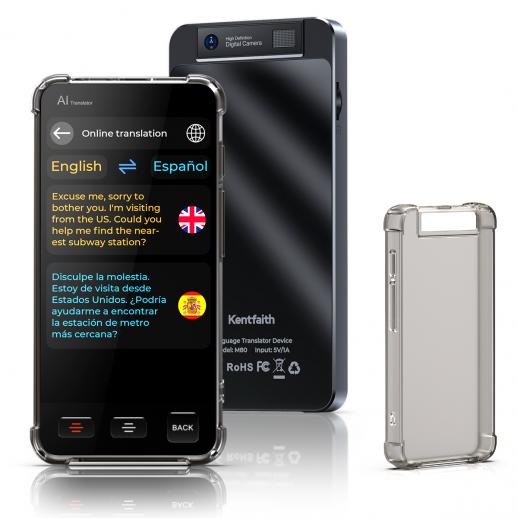
Most modern translator devices follow several steps. First, the microphone captures speech. Then speech recognition changes the sound into written words.
Next, the translation engine studies the words and their context. Finally, the device displays or speaks the translated result.
This process can happen on the device or through an online service. Cloud systems often have more computing power, while offline systems offer greater independence.
A typical translation process looks like this:
You speak into the device.
The device detects the language.
Speech recognition converts your words into text.
The AI system translates the text.
The device displays or reads the translation.
Automatic language detection can save time, but it is not perfect. Short phrases may confuse the system, especially when two languages sound similar.
For better results, choose the language manually when the device allows it. Speak one person at a time, pause between thoughts, and keep the microphone close to your mouth.
How many languages can an AI translator device translate by feature?
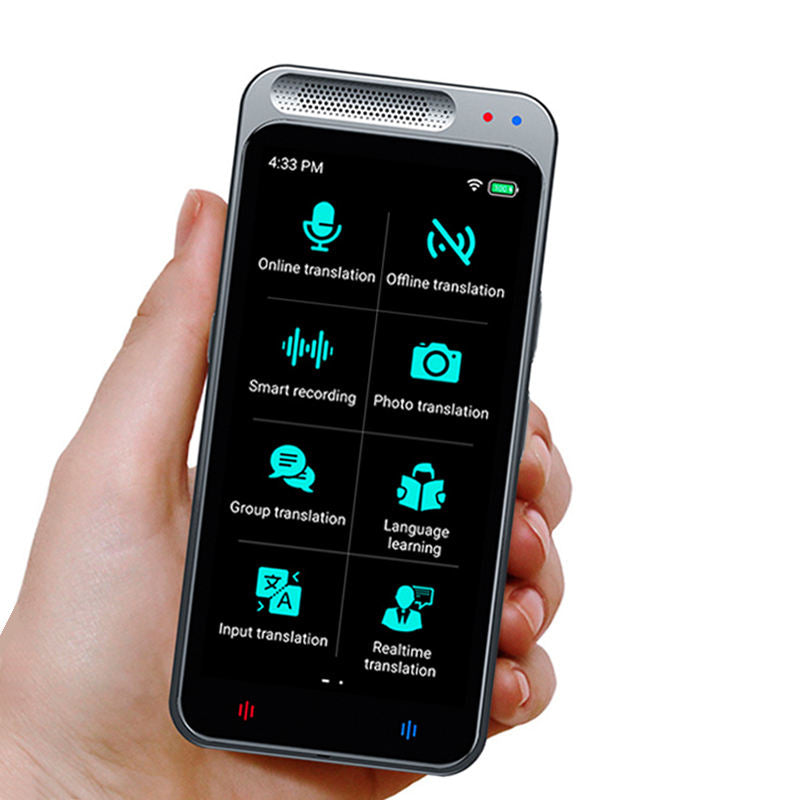
The same device may offer different language counts for different tools. This is one of the most important details to check before purchase.
| Feature | Typical language range |
|---|---|
| Online voice translation | 50 to 140 languages |
| Offline voice translation | 10 to 20 languages |
| Camera translation | 70 to 140 languages |
| Text translation | 80 to 140 languages |
| Two-way conversation mode | 40 to 100 languages |
| Dialect support | Often limited |
These figures are general ranges, not fixed industry standards. Manufacturers update language lists often, so product pages and user manuals should be checked before buying.
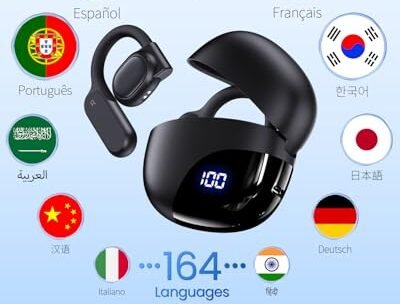
A device advertised as supporting 144 languages may include several translation modes. It may not offer all 144 languages for live speech or offline use.
The best answer to how many languages can an AI translator device translate is therefore feature-specific. Ask, “How many languages does it translate by voice, offline, and in both directions?”
Popular AI translator device language ranges
Different products use different language databases and translation engines. Their support can change after software updates, but the following ranges are common in the market.
Basic translator devices
Basic models often support about 30 to 50 languages. They may work well for common travel phrases, menus, directions, and simple questions.
These devices are often cheaper and easier to use. They may have fewer advanced features, such as speaker identification or long conversation mode.
Mid-range translator devices
Mid-range models commonly support about 50 to 80 languages. They may include voice, text, camera, and some offline translation.
This range is often enough for frequent travelers. It offers broad coverage without requiring the highest price.
Premium translator devices
Premium models may support 100 to 140 or more languages. They often include larger screens, better microphones, stronger processors, and more frequent software updates.
The extra language support can help business travelers, tour guides, and people who communicate across many regions. Still, users should compare accuracy and offline options rather than relying only on the largest number.
What affects the quality of an AI translator device?
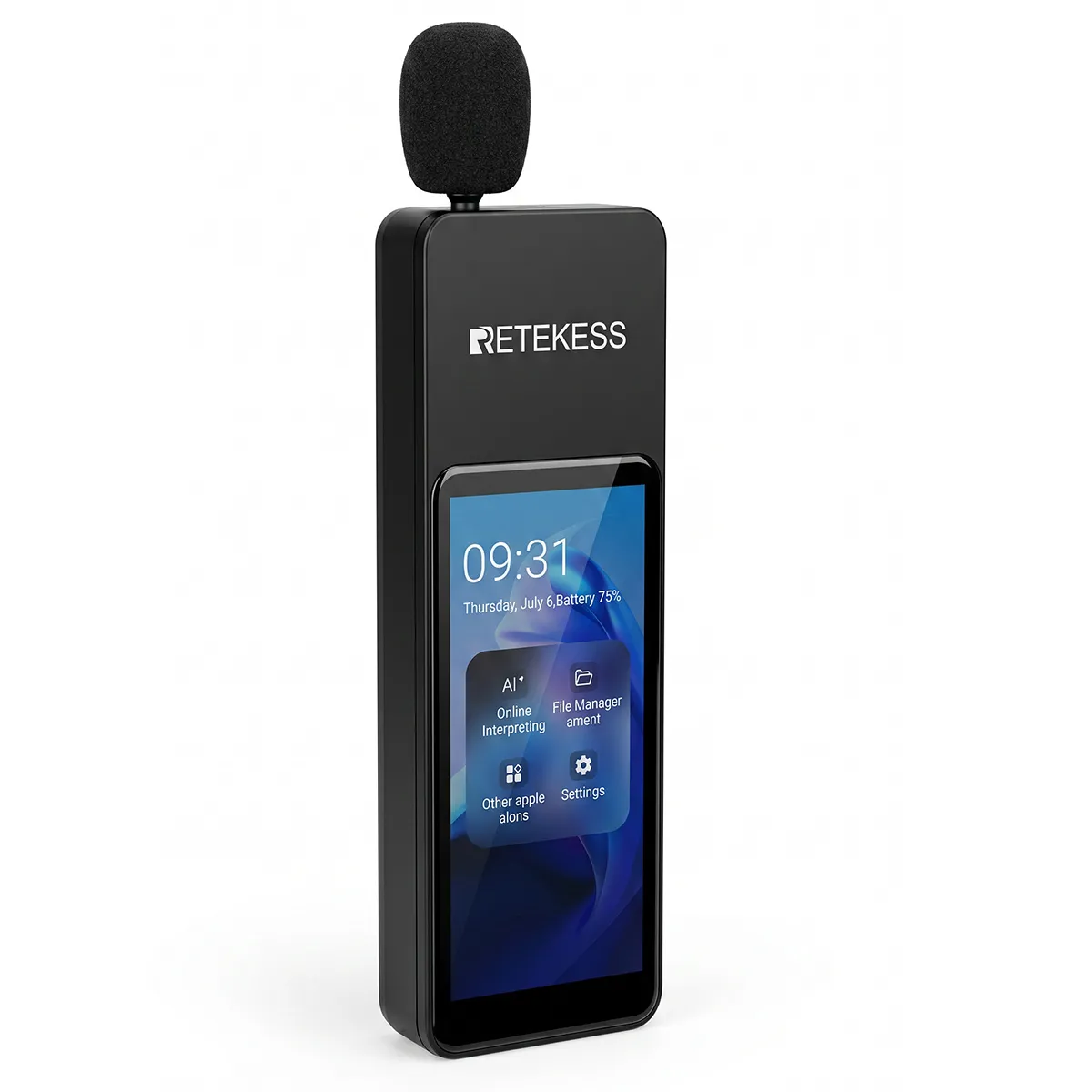
The number of languages is only one part of the buying decision. A well-designed device can provide better results with fewer languages than a poorly designed model with a long list.
Microphone quality
A strong microphone helps the device separate speech from traffic, crowds, wind, and room noise. This matters in airports, markets, restaurants, and busy streets.
Speaker quality
A clear speaker makes the translation easier to hear. A weak speaker can cause confusion, especially when several people are talking.
Internet access
Online translation often provides broader language support and more advanced processing. Check whether the device uses Wi-Fi, a built-in SIM card, or a phone connection.
Battery life
A translator that runs out of power after a few hours is not useful during a long travel day. Look for battery details based on active use, not only standby time.
Screen size
A readable screen helps when showing a translation to another person. It also makes camera translation easier.
Software updates
Language models improve over time. Regular updates may add languages, improve accents, and fix errors.
Privacy controls
Some devices send voice recordings to cloud servers. Read the privacy policy and check whether voice data is stored, deleted, or used to improve the service.
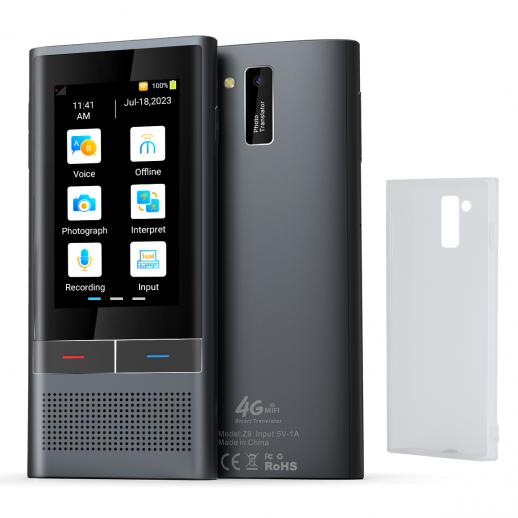
Real-world examples of AI translator device use
Imagine ordering food in Seoul. A translator device may help you ask about ingredients, allergies, or portion sizes. But a short and direct sentence is safer than a long explanation filled with humor or regional slang.
Now imagine asking for directions in a crowded train station. The device may understand you better if you move away from loud announcements and speak slowly.
For business use, the stakes are higher. A translator device can help with introductions and simple meetings, but important contracts should still be reviewed by a trained translator.
A practical lesson from testing translation workflows is simple: the best results come from preparing before the conversation. Download offline language packs, charge the device, test the microphone, and save key phrases in both languages.
Avoid these common mistakes:
• Assuming every listed language works offline
• Speaking too quickly
• Holding the microphone too far away
• Using idioms or jokes
• Ignoring dialect settings
• Trusting a medical or legal translation without review
• Forgetting that names and addresses may need manual spelling
How to choose the right AI translator device
Start with the languages you actually need. Write down every destination and communication type, then compare the device against that list.
Use this buying process:
List the target languages.
Check voice translation support.
Check offline language support.
Confirm camera and text translation features.
Review the device’s internet requirements.
Compare battery life and microphone quality.
Look for update and subscription costs.
Read recent user reviews.
Test the return policy.
Confirm privacy and data settings.
If you travel only between English-speaking and Spanish-speaking regions, a smaller device may be enough. If you work with clients across Asia, Europe, and the Middle East, broader language coverage may justify a premium model.
The ideal device is not the one with the longest language list. It is the one that supports your most important languages, in the mode you use, with reliable accuracy.
AI translator device versus translation apps
A smartphone app can translate many languages and may offer features similar to a dedicated device. Apps are often cheaper and easier to update.
A dedicated translator device still has several advantages:
• It keeps your phone free for maps and calls
• It may have stronger microphones
• It can be easier for older users
• It may offer a simpler interface
• It can reduce phone battery use
• Some models include built-in mobile data
Translation apps may be better for occasional use. A dedicated device may be better for frequent travel, group conversations, or situations where simple controls matter.
The answer to how many languages can an AI translator device translate may be similar to the answer for a translation app. The difference often comes down to convenience, audio quality, offline access, and privacy.
Benefits and limitations of AI translator devices
AI translator devices can make travel less stressful. They help people ask questions, read signs, and build basic connections across language barriers.
Main benefits
• Fast translation during conversations
• Support for many common languages
• Camera translation for signs and menus
• Offline use in selected languages
• Helpful tools for travel and tourism
• More confidence in unfamiliar places
• Support for simple business communication
Main limitations
• Translation errors still occur
• Dialects may not be supported
• Internet access may be required
• Some features need a subscription
• Battery life can limit use
• Privacy terms may vary
• Cultural meaning can be lost
• High-risk communication needs human review
AI translation is like a bridge. It can help people cross from one language to another, but every bridge has weight limits. Use it confidently for everyday needs, and use professional help when the message involves health, law, money, or safety.
Frequently Asked Questions about how many languages can an AI translator device translate
Can an AI translator device translate 100 languages?
Yes, many advanced devices advertise support for 100 or more languages. However, some of those languages may work only for text or camera translation, so check the voice and offline lists separately.
Do AI translator devices work without Wi-Fi?
Some do, but offline support is usually limited. You may need to download language packs before traveling, and offline translation often supports fewer languages than online translation.
Are AI translator devices more accurate than phone apps?
Not always. Accuracy depends on the software, microphone, internet connection, language pair, and speaking conditions; dedicated devices may be easier to use and may capture speech better in noisy places.
Can an AI translator device translate dialects?
Some devices support regional language varieties, such as Mexican Spanish or Brazilian Portuguese. Dialect coverage is often limited, and slang or local expressions may still produce errors.
What is the best number of languages for a travel translator?
For many travelers, 50 to 70 reliable languages are enough. Choose based on your destinations and required features instead of selecting a device only because it lists the highest total.
Can translator devices replace human interpreters?
No. They are useful for basic conversations, directions, and travel needs, but they should not replace qualified interpreters for medical, legal, financial, or safety-related communication.
Do all listed languages support two-way conversation?
No. A device may support a language for reading or typing but not for live two-way speech. Confirm that both people’s languages work in conversation mode before purchasing.
Conclusion
So, how many languages can an AI translator device translate? Most models support about 40 to 140 languages, but the real number depends on voice, text, camera, online, and offline features. A long language list does not guarantee strong accuracy in every language.
Before buying, match the device to your destinations, test its key language pairs, and check offline support, battery life, privacy rules, and update costs. Use clear speech and short sentences for better results, and rely on human interpreters for high-stakes messages. Compare current devices carefully, share your travel language needs, and choose the translator that fits your real life rather than the biggest number on the box.

Similar Posts