How To Charge A Portable Power Station: Easy Guide
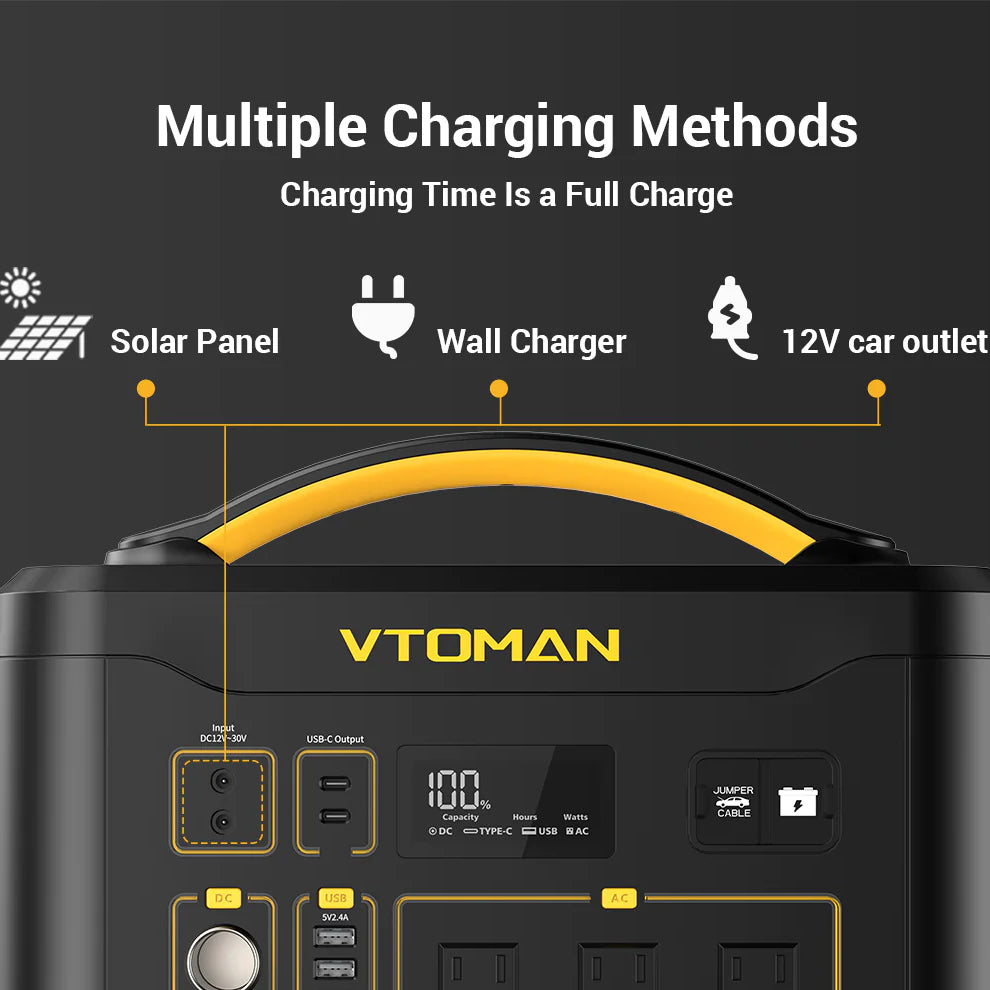
Charge a portable power station with its approved wall adapter, solar panels, car outlet, or USB-C input.
Learning how to charge a portable power station is simple once you understand its input ports, battery type, and charging limits. The right method can fill the battery safely, reduce charging time, and help it last for many years. This guide explains each option, shares practical tips, and covers common mistakes that can damage the unit or waste energy.
How to Charge a Portable Power Station Safely
Before learning how to charge a portable power station, check the user manual and the labels near the input ports. Each model has a maximum input voltage and wattage. Using the wrong charger can cause overheating, slow charging, or permanent damage.
Most modern power stations use lithium-ion or lithium iron phosphate, also called LiFePO4, batteries. These batteries have a built-in battery management system, or BMS. The BMS helps control voltage, temperature, current, and charge level.
Follow these basic safety steps:
- Place the power station on a hard, dry, and open surface.
- Keep it away from rain, heat sources, and direct sunlight.
- Use the original charger or a manufacturer-approved replacement.
- Check the cable and plugs for cuts, bent pins, or loose parts.
- Turn off high-power devices while charging when possible.
- Stop charging if you notice smoke, swelling, a burning smell, or unusual heat.
- Do not cover the vents during charging.
A power station is like a small fuel tank for electricity. The charger is the pump, and the battery management system controls how much energy enters the tank. A safe setup lets that system do its job.
How to Charge a Portable Power Station With a Wall Outlet
A wall outlet is usually the fastest and easiest way to charge a portable power station. Most units include an AC charging cable that connects to a household outlet. Some newer models use a built-in AC power cord.
Here is how to charge a portable power station from an AC outlet:
- Turn off the power station or reduce its output load.
- Connect the AC cable to the station’s AC input port.
- Plug the other end into a standard household outlet.
- Watch the display for the charging icon and input wattage.
- Leave the unit on a clear surface until charging is complete.
- Disconnect the cable when the battery reaches the recommended level.
Many units show the estimated time remaining. That number may change because charging often slows near 80% to 100%. This final stage protects the battery and helps balance its cells.
For example, a 1,000 watt-hour power station receiving 500 watts of input may appear to need two hours. In real use, charging losses and the final slow stage can make the actual time closer to two and a half hours.
A useful estimate is:
Charging time = battery capacity ÷ charging input × efficiency adjustment
For a rough estimate, allow an efficiency adjustment of about 10% to 20%. The exact result depends on the charger, battery temperature, battery age, and the station’s charging curve.

How to Charge a Portable Power Station With Solar Panels
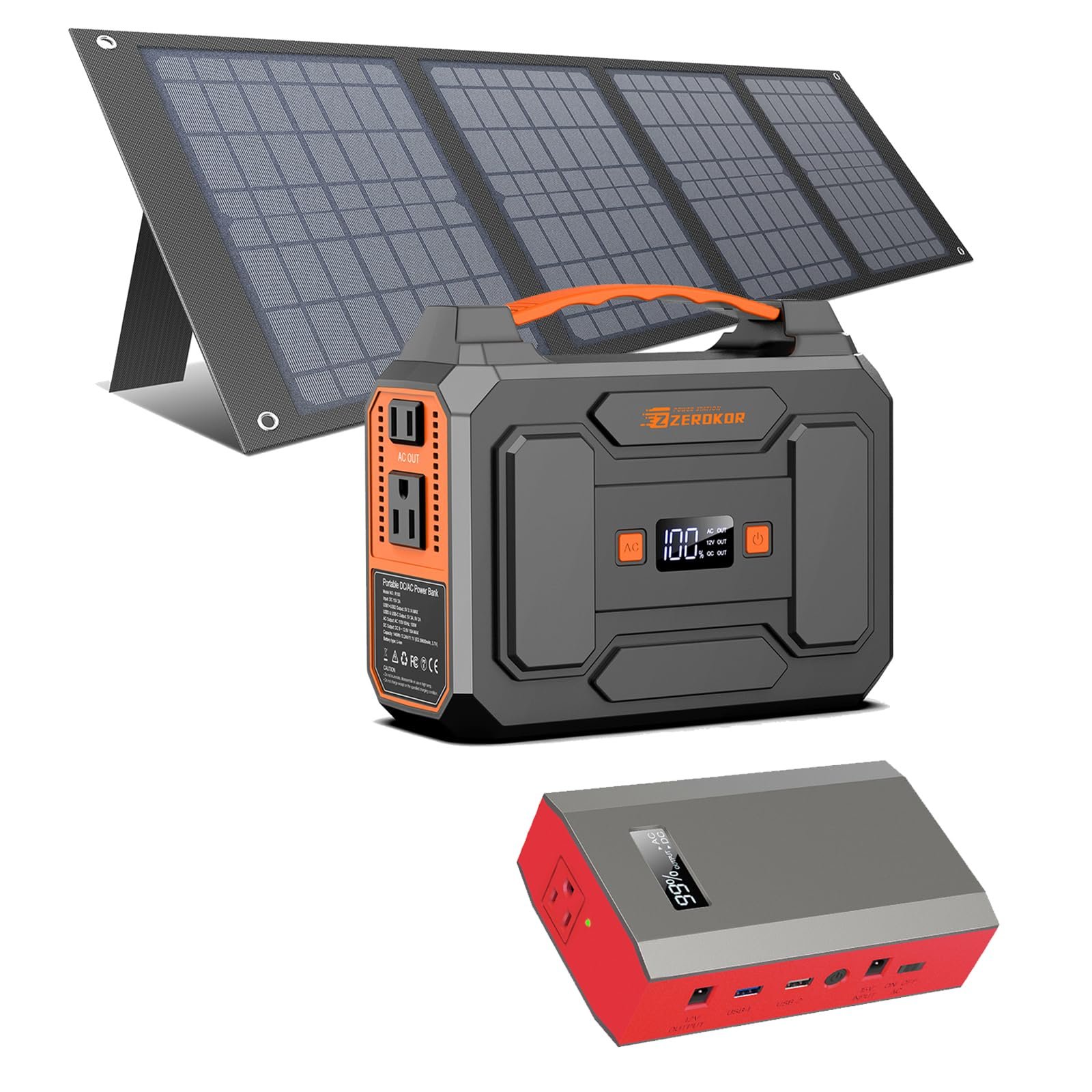
Solar charging is useful for camping, emergency backup, remote work, and long trips. It can keep a power station running without a wall outlet, but solar output changes throughout the day.
To charge a portable power station with solar power:
- Confirm that the panel voltage fits the station’s solar input range.
- Check the maximum solar input wattage.
- Use the correct solar connector, often an XT60 or similar plug.
- Place the panels in direct sunlight.
- Angle the panels toward the sun.
- Keep the panels free of shade, leaves, dust, and snow.
- Connect the panels to the solar input port.
- Check the display to confirm that solar input is active.
Do not connect panels simply because their plugs fit. A panel may have the wrong voltage, and too much voltage can damage the input circuit. Read the voltage range printed on the power station or in its manual.
Solar panels rarely produce their advertised wattage for a full day. Clouds, heat, shade, panel angle, and season all affect output. A 200-watt solar array may produce 120 to 180 watts in good conditions, and much less under cloudy skies.
Some power stations include MPPT technology. Maximum power point tracking helps the station draw useful energy as sunlight changes. It cannot create energy, but it can improve solar charging compared with a basic controller.
A practical lesson from outdoor testing is to move the panels every few hours. Even a small change in angle can make a clear difference. One shaded corner can reduce the output of an entire panel.

How to Charge a Portable Power Station in a Car
A car outlet can charge a portable power station while you travel. This method is slower than a wall charger, but it is useful when you are away from home.
Most car charging systems use a 12-volt socket. Larger vehicles and some trucks may provide a 24-volt system, so check the vehicle and power station requirements before connecting them.
Use these steps:
- Start the vehicle before plugging in the power station.
- Connect the car charging cable to the station’s DC input.
- Plug the other end into the vehicle’s 12-volt outlet.
- Confirm that the charging symbol appears.
- Keep the station secure so it does not slide or tip.
- Unplug the station before turning off the vehicle if the manual advises it.
A typical car outlet may provide only about 100 to 120 watts. Some vehicles support more, but the outlet’s fuse sets a firm limit. Never replace a fuse with one that has a higher rating.
Avoid charging a large power station from a car for many hours with the engine off. It can drain the starter battery and leave you stranded. When driving, keep the unit out of extreme heat. A hot vehicle cabin can raise battery temperature quickly.
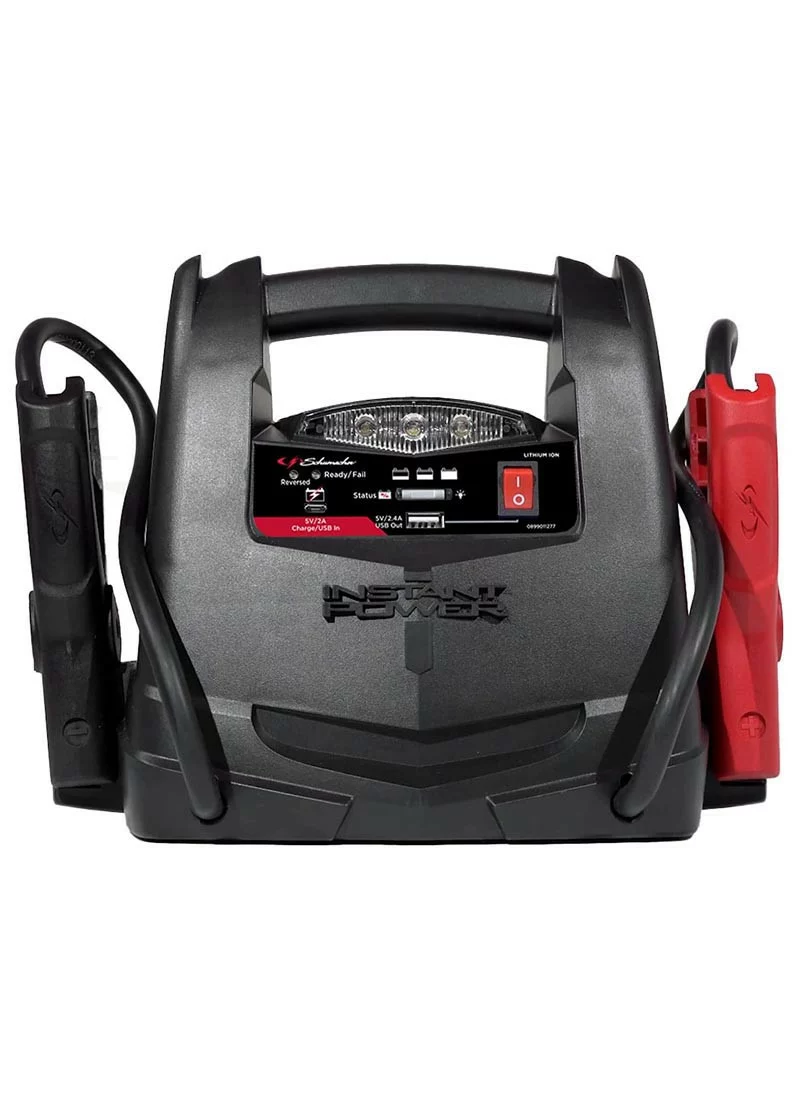
If you need faster vehicle charging, some stations support an alternator charger. These systems connect to the vehicle’s electrical system and may deliver much more power. They require correct installation and should follow the vehicle and charger manufacturer’s instructions.

How to Charge a Portable Power Station With USB-C
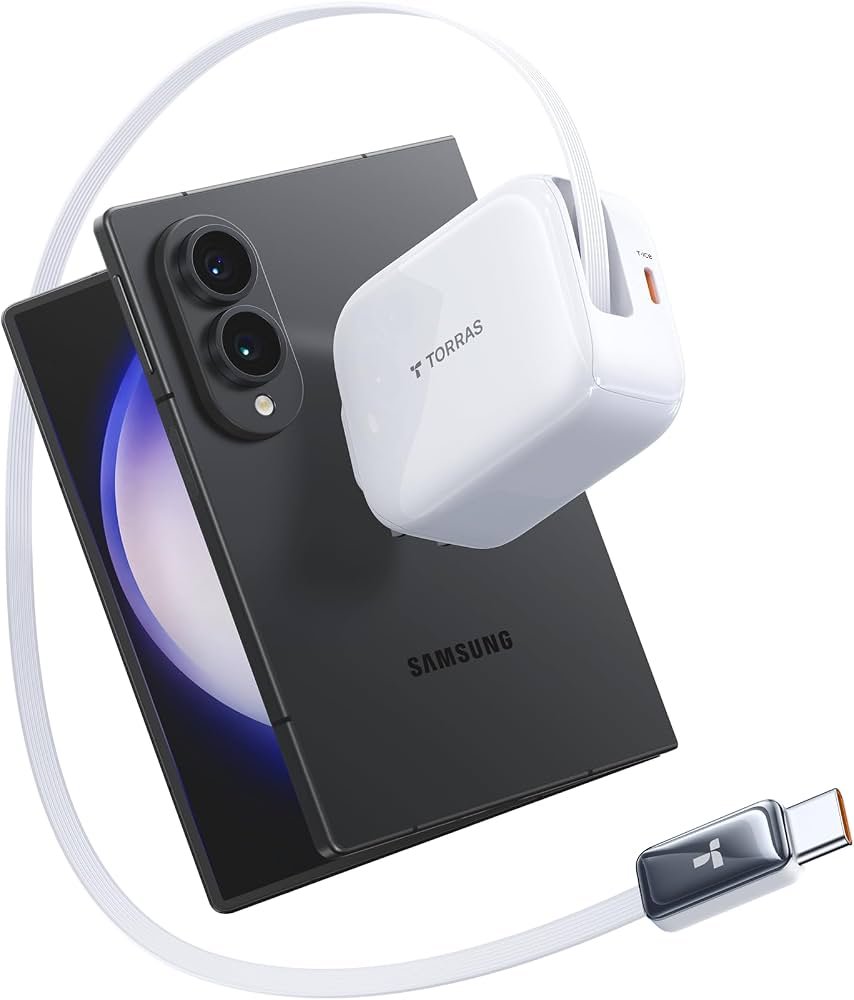
USB-C charging is common on smaller power stations and newer high-capacity models. It is convenient for travel because the same type of charger may power a laptop, phone, tablet, and battery station.
To use USB-C charging:
- Find the USB-C port marked input or input/output.
- Check the maximum USB-C input wattage.
- Use a USB-C Power Delivery charger that meets the required rating.
- Use a cable rated for the expected power.
- Connect the charger and confirm the input reading.
A basic USB-C charger may deliver only 18 to 30 watts. A USB-C PD charger may provide 65, 100, or more watts, depending on the device and cable. The power station will draw only what it can accept.
USB-C charging is best for small power stations, short trips, and backup use. It may take many hours to charge a large unit. For example, a 500 watt-hour station receiving 60 watts cannot fill quickly, especially after charging losses.
If a USB-C charger does not work, check whether the port supports input. Some USB-C ports provide power only to other devices. Also check the cable. A low-rated cable may limit power even when the charger is strong enough.
How to Charge a Portable Power Station While Using It
Many power stations support pass-through charging. This means the station can charge while powering other devices. It can be useful for routers, medical equipment, lamps, and emergency electronics.
However, pass-through charging is not ideal for every situation. The station may receive 300 watts but supply 100 watts to connected devices. The battery then charges with the remaining power, after normal conversion losses.
Keep these points in mind:
• Check whether the manufacturer supports pass-through charging.
• Avoid connecting devices that use more power than the charger provides.
• Expect longer charging times.
• Watch the temperature and ventilation.
• Avoid relying on pass-through charging for critical equipment unless the manual approves it.
Some units offer an uninterruptible power supply, or UPS, feature. A UPS can switch from wall power to battery power when the grid fails. It is useful for a modem, router, computer, or other sensitive equipment, but the switching time varies by model.
Do not assume every power station works as a medical-grade UPS. If a device supports life-critical equipment, follow the equipment maker’s requirements and consult a qualified professional.

How Long Does a Portable Power Station Take to Charge?
Charging time depends on battery size and input power. A small 250 watt-hour unit may charge from a wall outlet in two to four hours. A large 2,000 watt-hour model may need several hours, even with fast AC charging.
Use this simple estimate:
Charging time = watt-hours ÷ charging watts
Then add time for losses and the slower final charge stage.
Here are rough examples:
• A 500 watt-hour station at 100 watts may need about five to six hours.
• A 1,000 watt-hour station at 500 watts may need about two and a half hours.
• A 2,000 watt-hour station at 1,000 watts may need about two and a half hours.
• A 500 watt-hour station at 200 watts of solar input may need three to four hours of strong sunlight.
These figures are estimates, not guarantees. The station may reduce input power when the battery is hot, nearly full, or being used at the same time.
When planning for an outage, charge the unit before the storm arrives. Do not wait until the power fails. A charged battery gives you more choices and reduces stress when every phone call or lamp matters.
How to Charge a Portable Power Station Efficiently
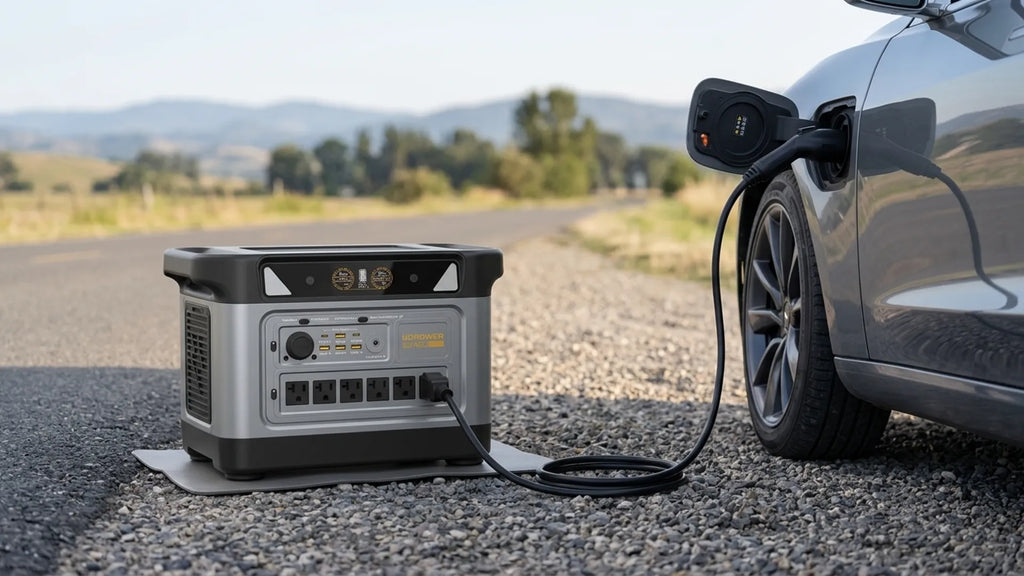
Efficient charging saves time and reduces wasted energy. Small changes can make a noticeable difference.
Use these practical tips:
- Use the highest approved input method.
- Charge in a cool room with good airflow.
- Turn off unused outputs during charging.
- Keep solar panels clean and free from shade.
- Position solar panels toward the strongest sunlight.
- Avoid using damaged or very long cables.
- Update the station’s firmware if the manufacturer recommends it.
- Charge before the battery becomes completely empty.
- Store the station with a partial charge if it will sit unused.
- Check the battery level every few months during storage.
Lithium batteries do not need a full discharge before charging. Frequent deep discharges can add stress. For regular use, keeping the battery roughly between 20% and 80% may reduce wear, although charging to 100% is reasonable before an emergency or long trip.
LiFePO4 batteries often provide a longer cycle life than many traditional lithium-ion batteries. Still, heat, high charging loads, and long periods at full charge can affect any battery. The manual remains the best guide for that specific model.

Common Charging Mistakes to Avoid
Knowing how to charge a portable power station also means knowing what not to do. Many problems come from simple mistakes rather than a defective battery.
Avoid these errors:
• Using a random laptop charger without checking voltage and power.
• Connecting solar panels with incompatible voltage.
• Leaving a power station in a hot car.
• Charging near water or in damp weather.
• Blocking cooling vents with clothing or blankets.
• Running high-wattage appliances while using a weak charging source.
• Ignoring warning codes on the display.
• Pulling the cable out by the wire instead of the plug.
• Storing the unit empty for months.
• Opening the battery case without proper training.
Never attempt to repair a swollen or damaged lithium battery. Move away from it if safe to do so, and follow local battery disposal rules. Do not place damaged batteries in household trash.
During hands-on use, one mistake that stands out is assuming a working cable is a suitable cable. A plug may fit while the electrical specifications do not. Always match the cable, charger, panel, and input port to the power station’s stated limits.
How to Store a Portable Power Station
Good storage helps preserve battery capacity and keeps the unit ready for emergencies. Choose a cool, dry location away from direct sunlight and flammable materials.
For storage:
- Charge the station to the level recommended by the manufacturer.
- Turn off every output.
- Disconnect all cables and accessories.
- Store it where temperatures stay moderate.
- Check the battery level every two to three months.
- Recharge it if the level becomes very low.
Many manufacturers recommend storing lithium power stations at a partial charge rather than leaving them at 100% for months. The exact target varies, so follow the product manual.
Do not store the unit in a freezing garage if you plan to charge it at once. Some lithium batteries should not be charged below freezing because charging can harm the cells. Let the station return to a safe temperature first.
Choosing the Best Charging Method
The best charging method depends on your location, available time, and power needs.
| Charging method | Best use | Main limitation |
|---|---|---|
| AC wall outlet | Fast home charging | Requires grid power |
| Solar panels | Camping and emergency backup | Depends on sunlight |
| Car outlet | Road trips and travel | Usually slow |
| USB-C | Small units and portable charging | Limited input power |
| Alternator charger | Large vehicle-based systems | Needs proper setup |
For emergency preparation, use more than one method. AC charging can fill the battery before an outage. Solar panels can extend runtime during a long outage. A car connection can provide another option when the grid and sunlight are unavailable.
This combination is more reliable than depending on a single source. Think of it as having several roads to the same destination.
Frequently Asked Questions About How to Charge a Portable Power Station
Can I charge a portable power station overnight?
Yes, most modern power stations stop or slow charging automatically when full. Place the unit on a clear surface, use the approved charger, and follow the manufacturer’s instructions.
Can I charge a portable power station and use it at the same time?
Many models allow pass-through charging, but it may increase charging time and heat. Check the manual before using this feature with high-power appliances or sensitive electronics.
Can I charge a portable power station with any solar panel?
No. The panel’s voltage, current, connector, and total wattage must match the station’s solar input limits. A compatible plug does not guarantee electrical compatibility.
Is it better to charge a power station to 100%?
Charge to 100% before a trip or expected outage. For long-term storage, a partial charge may be better, depending on the manufacturer’s instructions.
Why is my portable power station charging slowly?
Slow charging can result from low input wattage, shade, heat, a weak cable, a nearly full battery, or a power-saving setting. Check the display and compare the input reading with the charger’s rated output.
Can I charge a portable power station from a car while driving?
Yes, if the power station and vehicle outlet support that connection. Start the engine first, keep the station cool and secure, and do not exceed the vehicle outlet’s fuse rating.
Should I turn off the power station while charging?
Turning off unused outputs can make charging faster, but the station itself may remain on to show charging information. Follow the instructions for your specific model.
Conclusion
How to charge a portable power station depends on the power source, battery size, and input limits. An AC wall outlet is usually fastest, solar panels are useful off-grid, a car outlet adds travel flexibility, and USB-C works well for smaller units.
Use approved equipment, keep the battery cool, check voltage limits, and avoid charging damaged equipment. With these habits, your power station can provide dependable energy for camping, travel, home backup, and unexpected outages.
Review your model’s manual today, test each charging method before you need it, and share your experience or questions in the comments.

Similar Posts