How To Fast Charge Your Phone Safely: Safe Tips

Use the right charger, cable, and charging habits to fast charge your phone without creating extra heat or battery risk.
Fast charging is now common on iPhone, Samsung Galaxy, Google Pixel, and many other phones. It can add hours of use in a short break, but speed should never come at the cost of safety. Learning how to fast charge your phone safely means understanding power ratings, heat, cable quality, battery limits, and the small habits that protect your device over time.
What Fast Charging Means
Fast charging sends more power to your phone than a basic 5-watt charger. A compatible phone, charger, and cable work together to raise the charging speed. Many modern phones use standards such as USB Power Delivery, USB-PD, Programmable Power Supply, or a brand-specific system.
Your phone controls the process. It does not simply accept every watt a charger can produce. Instead, the phone and charger “talk” to each other and agree on a safe power level.
This is why how to fast charge your phone safely starts with compatibility. A powerful charger alone does not guarantee fast charging. The phone, cable, and charger must all support the same charging system.
Fast charging usually works in stages:
- The battery charges quickly when its level is low.
- The phone reduces power as the battery fills.
- Charging slows near full capacity to limit heat and stress.
- The phone may pause or adjust charging if it becomes too warm.
This slower final stage is normal. It helps protect the lithium-ion battery inside your phone.
How to Fast Charge Your Phone Safely
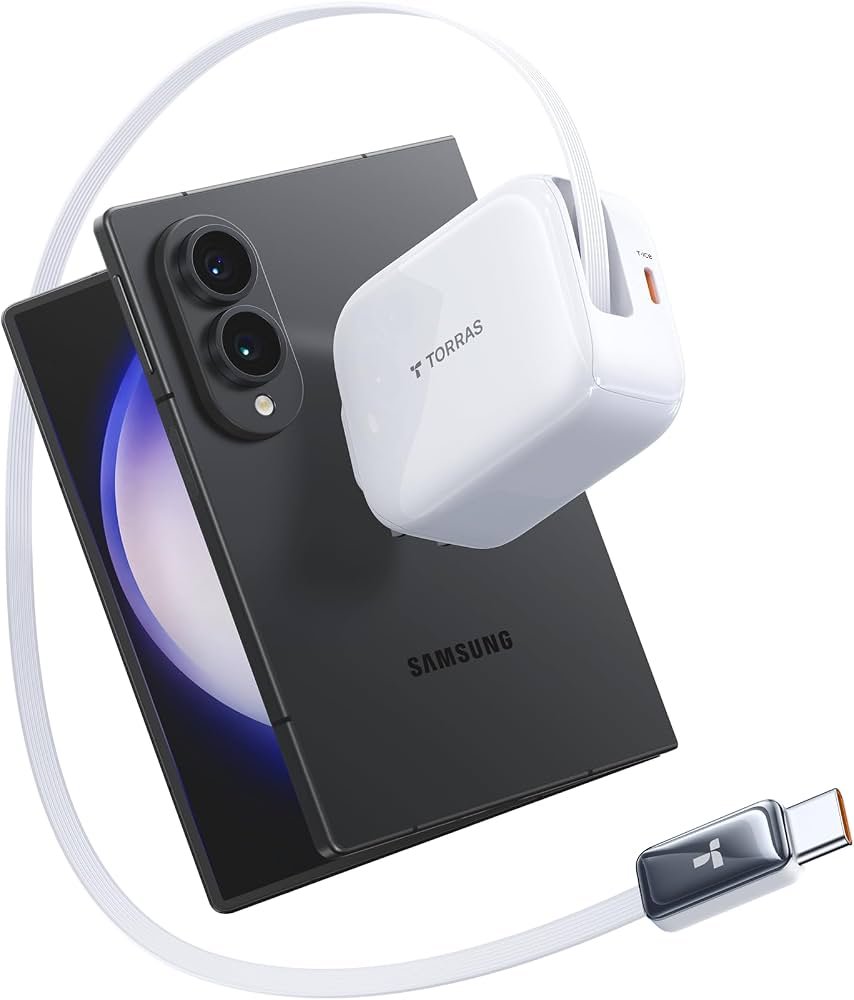
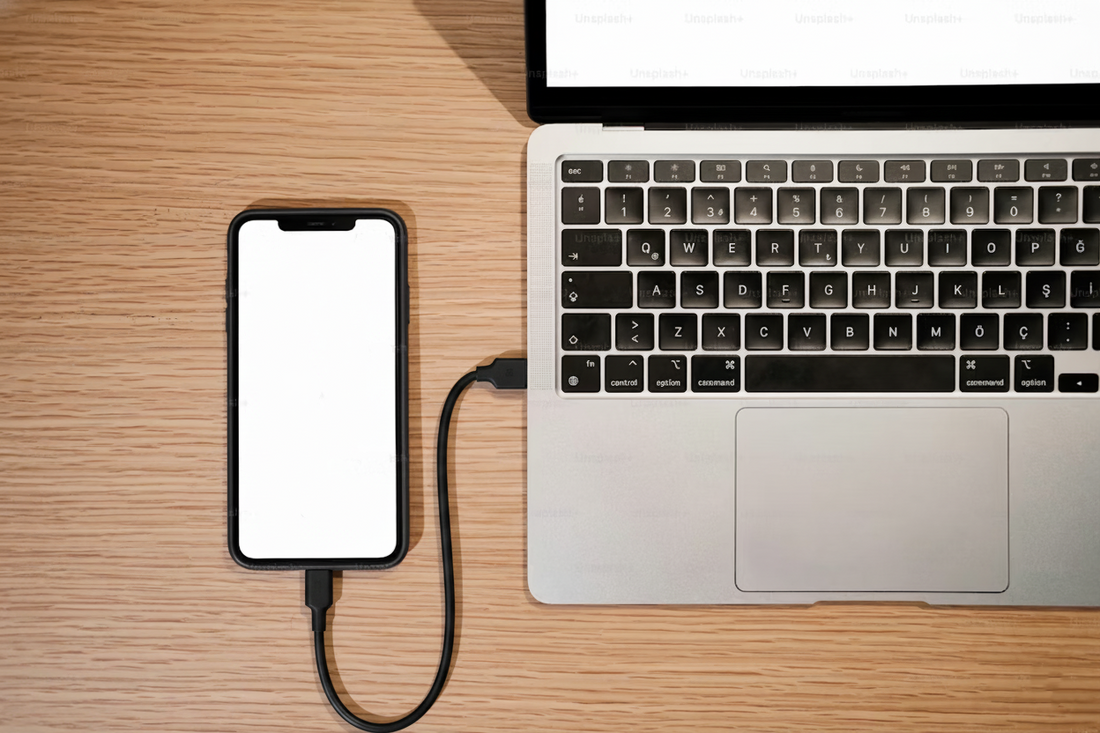
The safest method is simple: use a trusted charger and cable that match your phone’s charging standard. The original charger is often the easiest choice, but a certified third-party charger can work well too.
Follow these steps:
- Check your phone’s recommended charging standard and maximum input.
- Choose a charger from your phone maker or a trusted accessory brand.
- Use a cable rated for the power you want to receive.
- Plug the charger into a safe wall outlet or a quality power strip.
- Place the phone on a hard, open surface while it charges.
- Remove thick cases if the phone becomes unusually warm.
- Stop charging if you notice smoke, swelling, a burning smell, or a damaged cable.
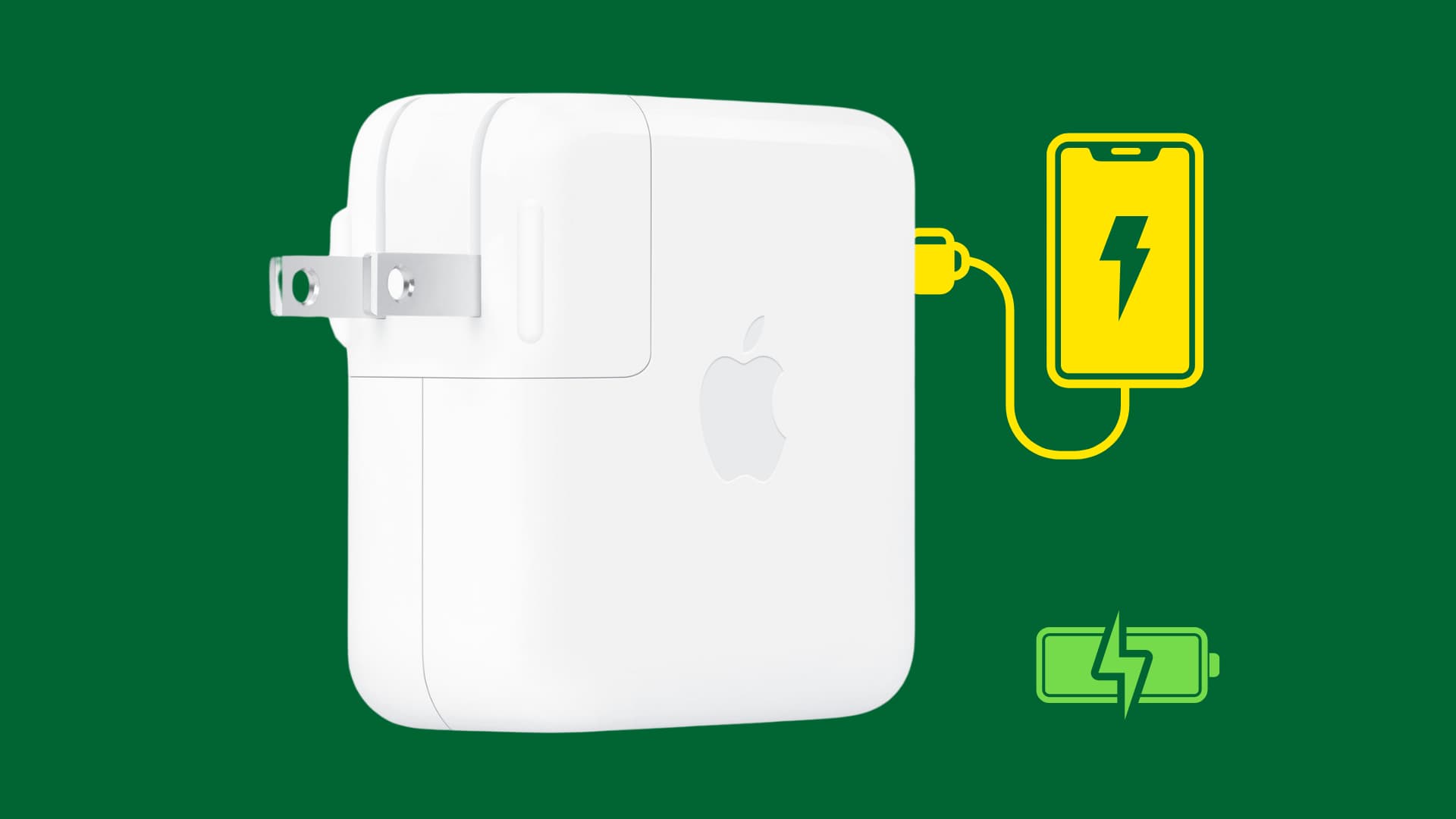
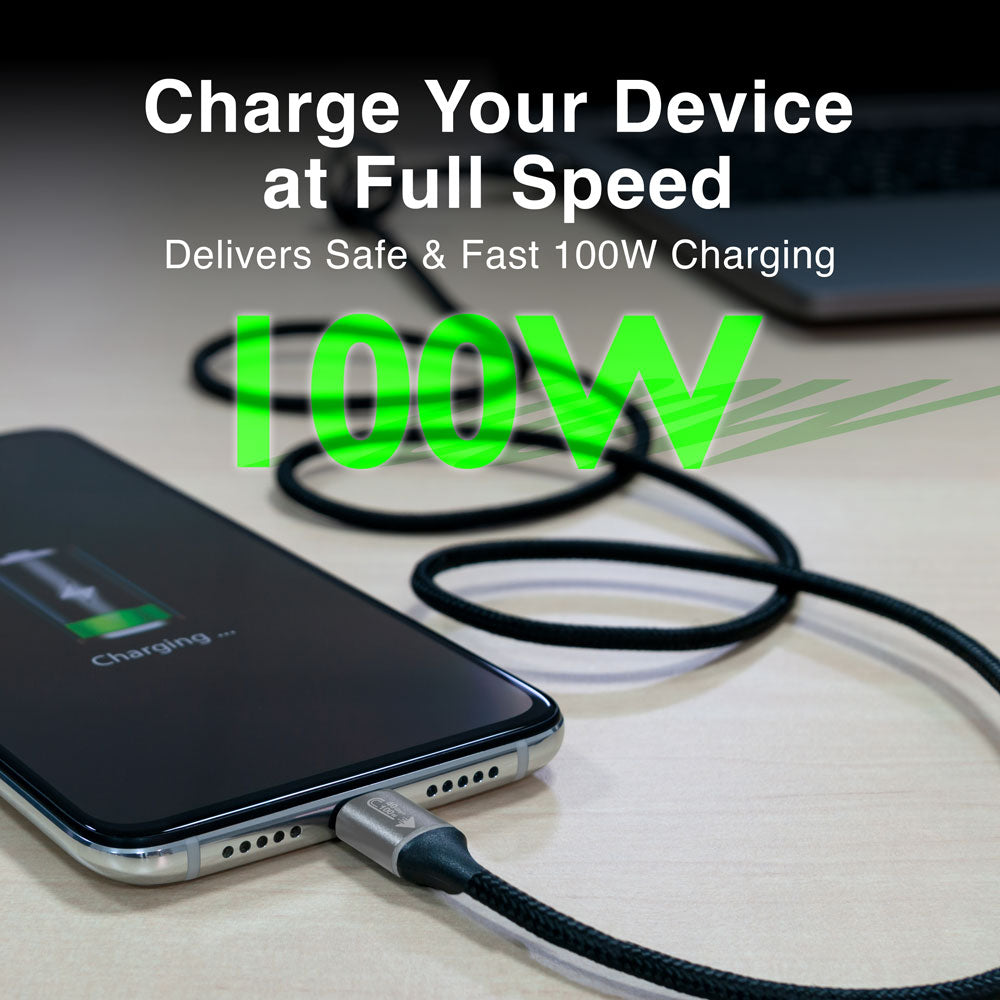
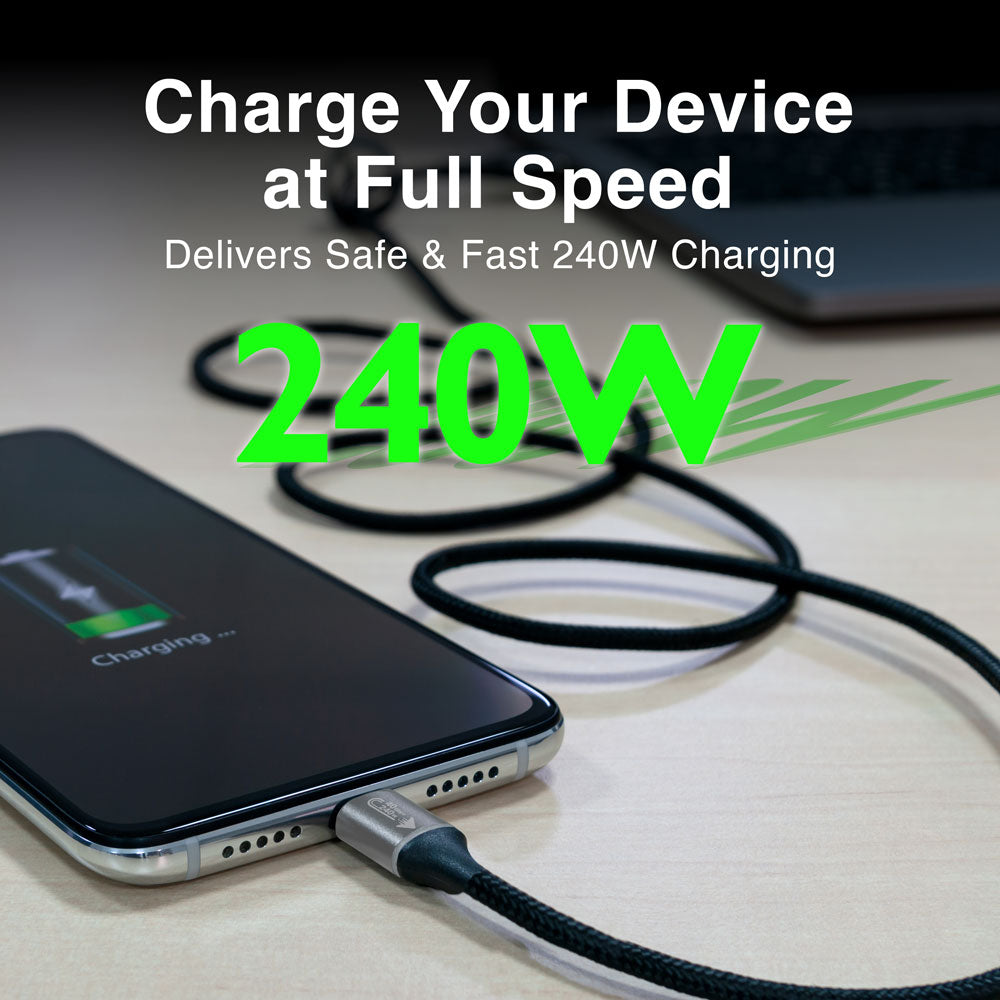
A charger with a higher watt rating is not automatically dangerous. For example, a 65-watt USB-C charger can usually charge a phone rated for 25 watts because the phone requests only the power it can handle. Still, the charger should meet recognized safety and compatibility standards.
In my own device testing, the biggest problems rarely came from fast charging itself. They came from poor cables, blocked airflow, hot cars, and cheap adapters with weak temperature control. A few extra dollars for a reliable charger is usually a better choice than replacing a damaged phone.
Choose the Right Fast Charger
A safe fast charger should offer more than a high watt number. Look for clear labeling, built-in safety features, and support for your phone’s charging protocol.
Useful safety features include:
• Overvoltage protection, which limits excessive voltage.
• Overcurrent protection, which controls the flow of electricity.
• Overheat protection, which lowers power when temperatures rise.
• Short-circuit protection, which helps prevent electrical damage.
• Power negotiation, which lets the phone and charger agree on a safe output.
USB-C Power Delivery is widely used across phones, tablets, laptops, and other devices. Some Android phones may need additional support for a brand-specific system to reach their top speed. iPhones may fast charge with a compatible USB-C power adapter and the correct cable, depending on the model.
Avoid chargers with unclear labels, spelling errors, missing safety details, or unusually low prices. A charger that claims extreme power but lacks basic product information is not worth the risk.
You should also avoid using a damaged wall adapter. Cracks, bent prongs, loose ports, buzzing sounds, and heat that feels excessive are warning signs.
Use a High-Quality Charging Cable
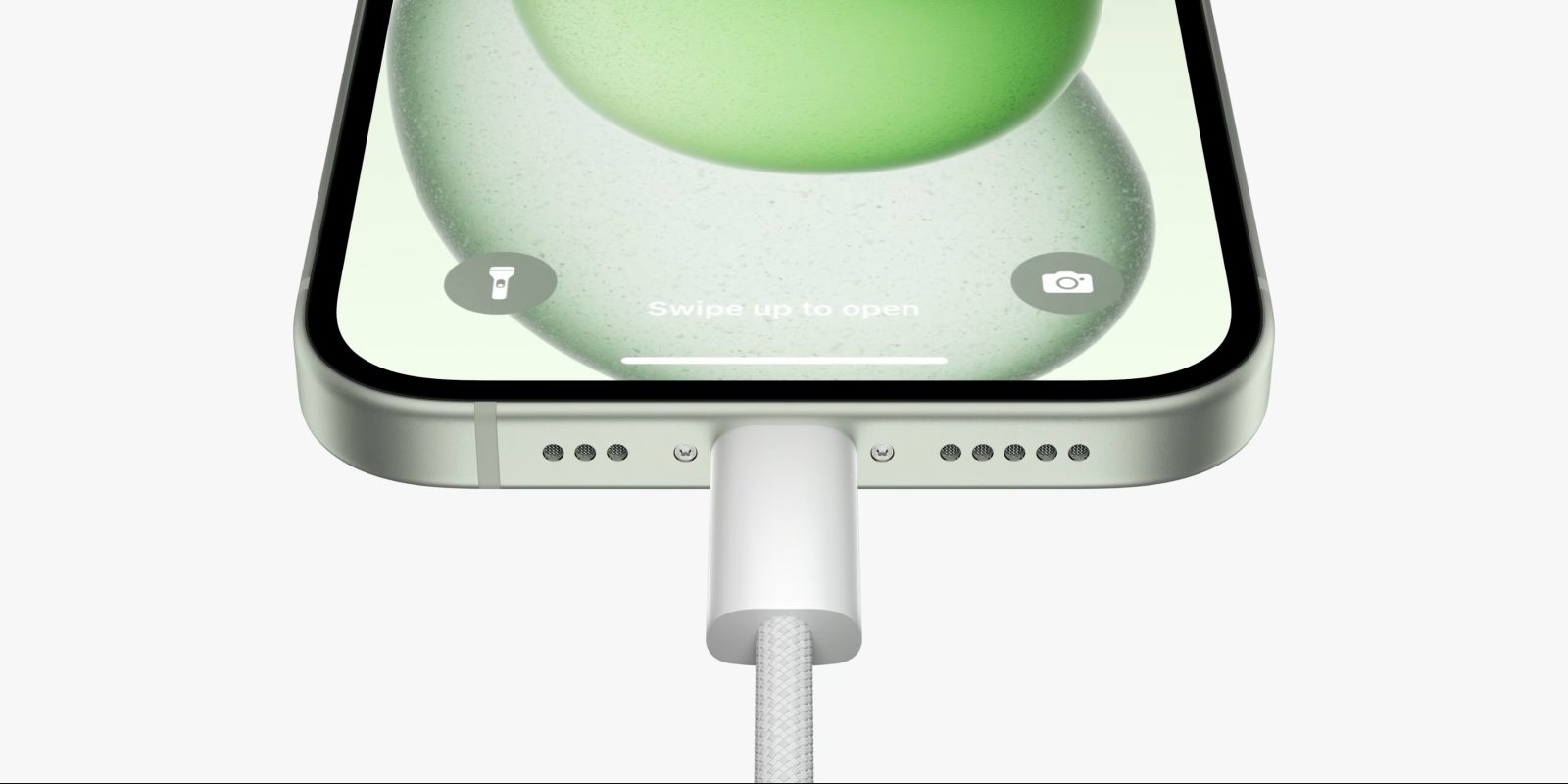
The cable is part of the charging system. A poor cable can slow charging, create heat, or fail under higher power.
When learning how to fast charge your phone safely, check these cable details:
• Connector type, such as USB-C or Lightning.
• Power rating, especially for USB-C cables.
• Data and charging support, since some low-cost cables support less power.
• Build quality, including firm connectors and strong strain relief.
• Certification or testing information from a trusted seller.
Do not keep using a cable with exposed wires, a split outer cover, bent ends, or a connector that feels loose. A cable may still work while its internal wires are damaged.
Cable length can also matter. Very long or thin cables may have more electrical resistance. This can reduce charging speed and produce extra heat. A short, well-made cable is often the best choice for fast charging.
One common mistake is assuming that every USB-C cable has the same abilities. USB-C describes the connector shape, not the maximum power or data speed. Read the product details before buying.
Control Heat While Charging
Heat is one of the biggest concerns during fast charging. Lithium-ion batteries age faster when they spend a lot of time at high temperatures. A warm phone is common, but a very hot phone needs attention.
To reduce heat:
• Charge the phone on a desk, table, or other hard surface.
• Keep it away from direct sunlight.
• Do not charge it under a pillow, blanket, or thick clothing.
• Avoid leaving it on a hot car seat.
• Remove a heavy case if heat builds up.
• Close demanding games or video apps during charging.
• Avoid charging while using a heat-producing wireless charger.
The ideal temperature range differs by device, but most phone makers advise avoiding very hot or very cold conditions. If your phone displays a temperature warning, unplug it and move it to a cooler place. Do not put it in a refrigerator or freezer, because sudden temperature changes can cause condensation.
Heat can also come from the environment. Charging in a cool room with the screen off is much easier on the phone than charging inside a hot car while playing a graphics-heavy game.
Avoid Unsafe Charging Habits
Knowing how to fast charge your phone safely also means knowing what not to do. Fast charging is usually safe when the full system is in good condition, but risky habits can create problems.
Avoid these practices:
• Using a charger with a cracked body or damaged plug.
• Charging with a frayed or crushed cable.
• Buying unknown chargers from sellers with no product details.
• Covering the phone while it charges.
• Charging near water or in a damp location.
• Using a loose outlet that sparks or feels hot.
• Connecting many high-power devices to an overloaded power strip.
• Continuing to charge a phone with a swollen battery.
A swollen battery may make the screen or back panel lift. This is a serious warning. Stop using the phone, do not press the battery flat, and seek professional repair or recycling guidance.
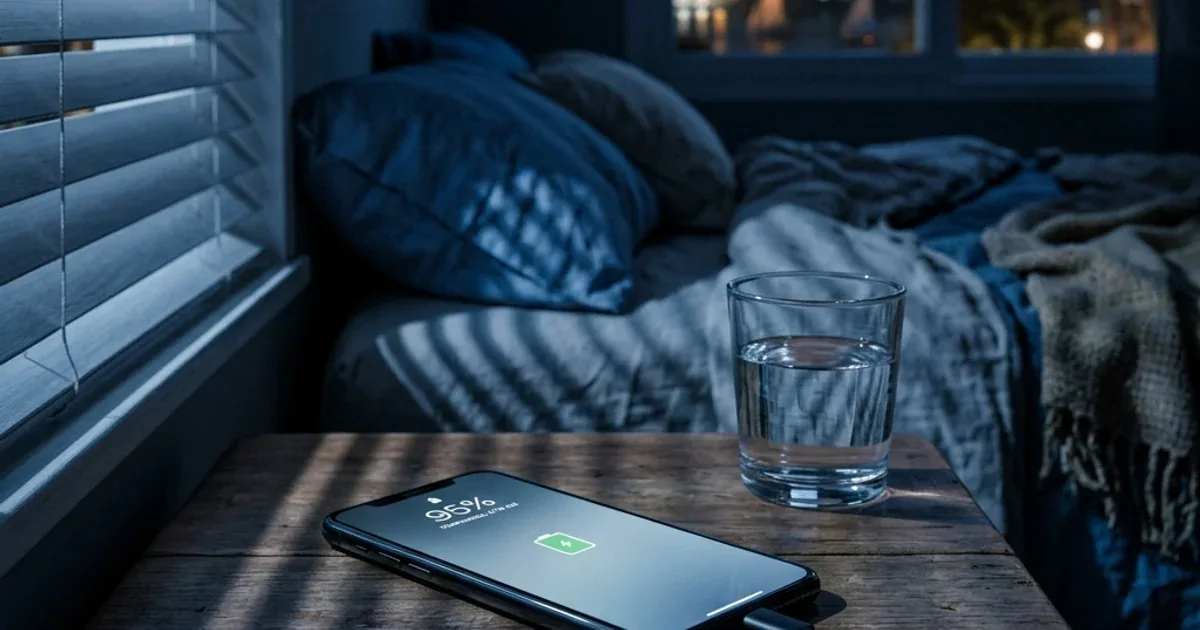
It is also wise to avoid charging overnight with damaged accessories. Modern phones have charging controls, so overnight charging with a safe setup is generally low risk. However, a damaged adapter, poor airflow, or a faulty battery can change that situation.
Fast Charging and Battery Health
Fast charging does not automatically ruin a phone battery. Battery wear depends on many factors, including heat, charging cycles, battery age, software controls, and how long the battery remains at a high charge level.
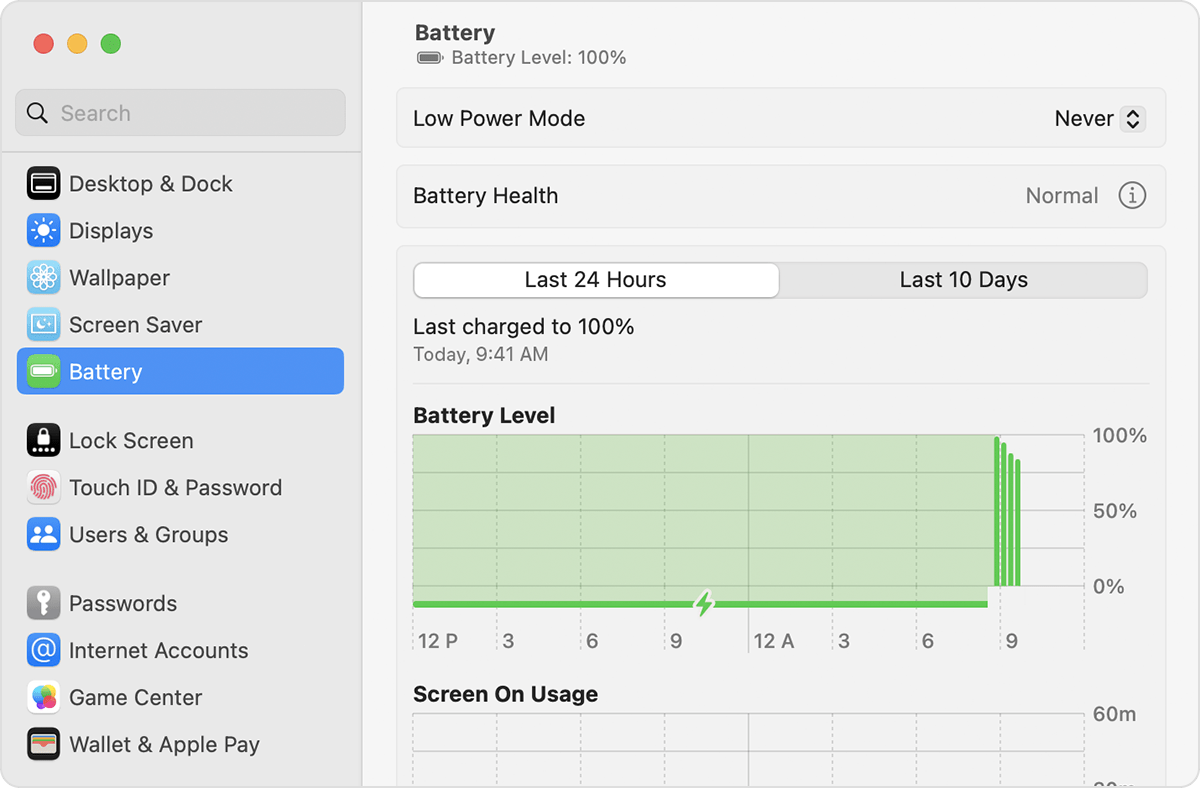
Most modern phones use software to manage charging. Features such as optimized charging, adaptive charging, and battery protection may hold the battery below 100% for part of the night. These tools reduce the time the battery spends fully charged.
For better long-term battery health:
- Turn on optimized or adaptive charging if your phone offers it.
- Keep the phone cool during charging.
- Use fast charging when you need it, not because you must use it every time.
- Use a slower charger when speed is not important.
- Avoid regularly draining the battery to zero.
- Install system updates that improve charging management.
You do not need to follow extreme battery rules. Lithium-ion batteries do not require regular full discharge. In daily use, charging before the battery becomes completely empty is often more convenient and less stressful.
Battery capacity naturally declines over time. Fast charging may contribute to wear in some conditions, especially with high heat, but it is only one part of the picture. A cool, well-managed fast charge is very different from charging a hot phone under a blanket every day.
Wireless Fast Charging Safety
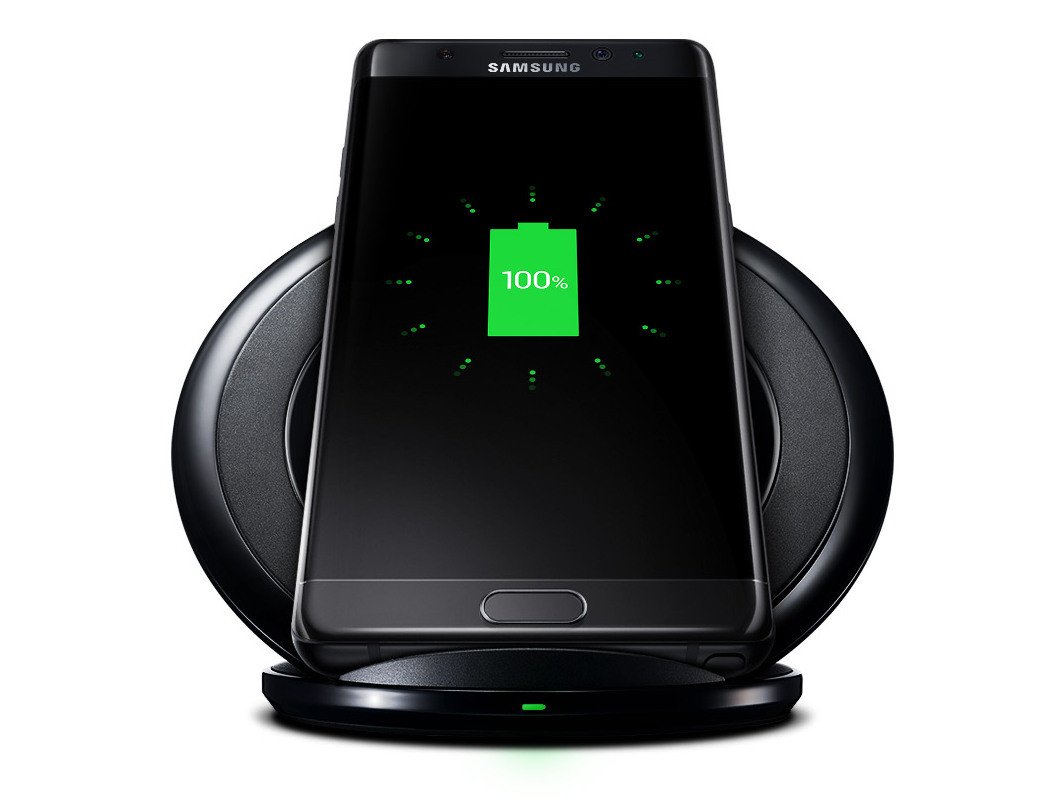
Wireless charging is convenient, but it can produce more heat than wired charging. The phone and charging pad must align correctly, and the pad must support the phone’s wireless charging standard.
For safer wireless fast charging:
• Use a certified charging pad made for your phone or charging standard.
• Center the phone on the pad.
• Remove metal plates, coins, and magnetic objects from the charging area.
• Avoid thick cases that block heat or prevent proper alignment.
• Keep the pad on a hard, open surface.
• Do not place papers, fabric, or other items between the phone and pad.
Wireless charging may slow down when the phone becomes warm. That is a protective response, not a fault. If you use a magnetic accessory, make sure it is designed for wireless charging and does not interfere with the charging coil.
In practical use, wired charging is often the better choice when you need maximum speed. Wireless charging works well for desks, nightstands, and short top-ups where convenience matters more than the fastest possible result.

Fast Charge Your Phone While Using It
You can often use your phone while it fast charges, but demanding tasks may raise the temperature. Games, navigation, video calls, camera use, and mobile hotspots can make the phone charge slowly or even lose battery despite being plugged in.
For a faster and cooler charge:
• Turn off the screen when possible.
• Pause gaming and video streaming.
• Disable the mobile hotspot.
• Move to a cooler location.
• Use a strong Wi-Fi connection instead of cellular data when practical.
• Turn on airplane mode if you do not need calls or messages.
You do not need to stop using your phone for every charge. A short text or phone call is not a concern. The main issue is sustained heat from heavy use.
A useful rule is to treat your phone like a small computer. If the device feels hot during a demanding task, charging at the same time adds another source of heat. Give it a break when you need the fastest and safest result.
How to Check Whether Fast Charging Is Working
Your phone may show a message such as “Fast charging,” “Rapid charging,” or “Charging rapidly.” Some models display the estimated time until full. Others show only a charging icon.
You can check performance by:
• Looking at the charging message on the lock screen.
• Reviewing battery settings for charging information.
• Testing the same charger and cable with a low battery.
• Checking whether the phone becomes warm but not excessively hot.
• Comparing the charger’s supported standard with the phone’s specifications.
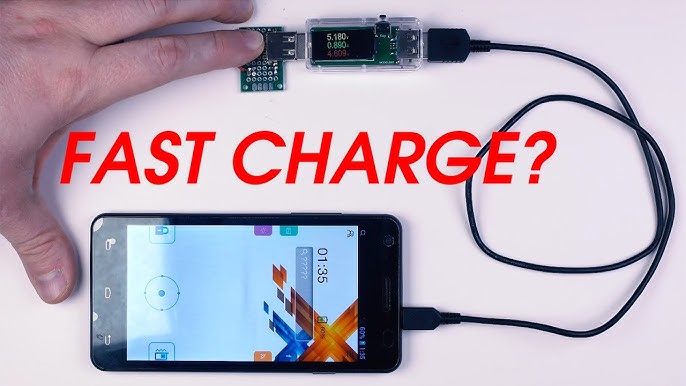
Charging speed changes based on battery level, temperature, screen use, and charger sharing. A phone may charge quickly from 10% to 50% but slow down from 80% to 100%. This is expected behavior.
If fast charging suddenly stops, inspect the cable and port first. Dust or lint in the port can prevent a firm connection. Do not push sharp objects into the port. Use the cleaning method recommended by the phone maker or ask a repair professional.
Travel, Car, and Portable Charger Tips
Travel creates extra charging risks because outlets, cables, and power banks may vary in quality. A compact USB-C Power Delivery charger can reduce the number of accessories you need, but confirm that it supports your phone’s requirements.
When charging in a car:
• Use a reputable car charger.
• Avoid leaving the phone in direct sunlight.
• Keep the phone away from a hot dashboard.
• Use a stable mount with airflow.
• Do not charge a phone that is already showing a temperature warning.
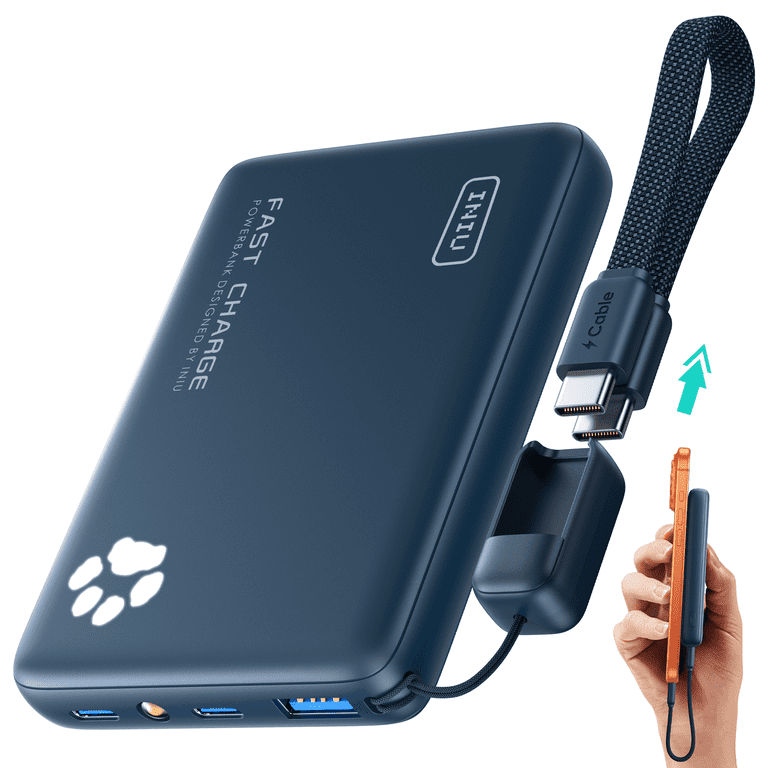
When using a power bank, check its capacity, output rating, condition, and safety features. A power bank that is swollen, cracked, leaking, or unusually hot should be replaced. Do not keep a power bank in a hot car or under heavy items.
Air travel also calls for care. Keep lithium-ion power banks in carry-on luggage and follow the airline’s current rules. Policies can vary, so check before traveling.
Common Fast-Charging Mistakes to Avoid
Many charging problems come from simple mistakes rather than advanced technical faults.
The most common errors include:
• Choosing a charger only by its watt rating.
• Assuming every USB-C cable supports maximum fast charging.
• Using a phone case that traps heat.
• Charging on soft bedding.
• Ignoring a loose port or damaged cable.
• Using a cheap adapter with no clear safety information.
• Expecting maximum speed when the battery is nearly full.
• Charging in a hot car.
• Blocking the phone’s vents or cooling area.
• Replacing a certified charger with an unknown imitation.
The safest approach is to create a complete charging setup. Match the phone, adapter, cable, outlet, and environment. If one part is weak, the entire system may perform poorly.
Frequently Asked Questions About How to Fast Charge Your Phone Safely
Is fast charging safe for my phone?
Yes, fast charging is generally safe when you use a compatible charger, cable, and phone. The phone manages power levels and usually slows charging as the battery becomes full or warm.
Can a higher-watt charger damage my phone?
A higher-watt charger usually does not damage a compatible phone because the phone requests the power it can use. Choose a trusted charger with the correct charging standard and built-in safety controls.
Should I remove my phone case while fast charging?
You do not always need to remove the case. If the phone becomes hot, removing a thick case can improve airflow and help the device charge more efficiently.
Is it safe to fast charge my phone overnight?
Overnight charging is generally safe with a modern phone and a reliable charger. Keep the phone on a hard surface, avoid damaged accessories, and enable optimized or adaptive charging if available.
Does fast charging reduce battery life?
Fast charging can add battery stress when it creates frequent high heat, but it does not automatically ruin the battery. Temperature, charging habits, battery age, and software controls also affect long-term battery health.
Can I use any USB-C cable for fast charging?
No. USB-C describes the connector shape, but cables support different power levels and standards. Use a cable rated for your charger and phone’s required charging speed.
Why does my phone charge slowly after 80%?
Phones often reduce charging power near full capacity to control heat and protect the battery. This slower stage is normal and helps limit battery stress.
Conclusion
How to fast charge your phone safely comes down to using compatible equipment and controlling heat. Choose a trusted charger, use a properly rated cable, keep the phone uncovered, and replace damaged accessories at once.
Fast charging is a useful tool, not a race. Use full speed when you need it, use slower charging when convenient, and let your phone’s built-in protection features do their job. Check your charging setup today, and share your own tips or questions in the comments.

Similar Posts