How To Install Smart Light Bulbs: Easy Setup Guide
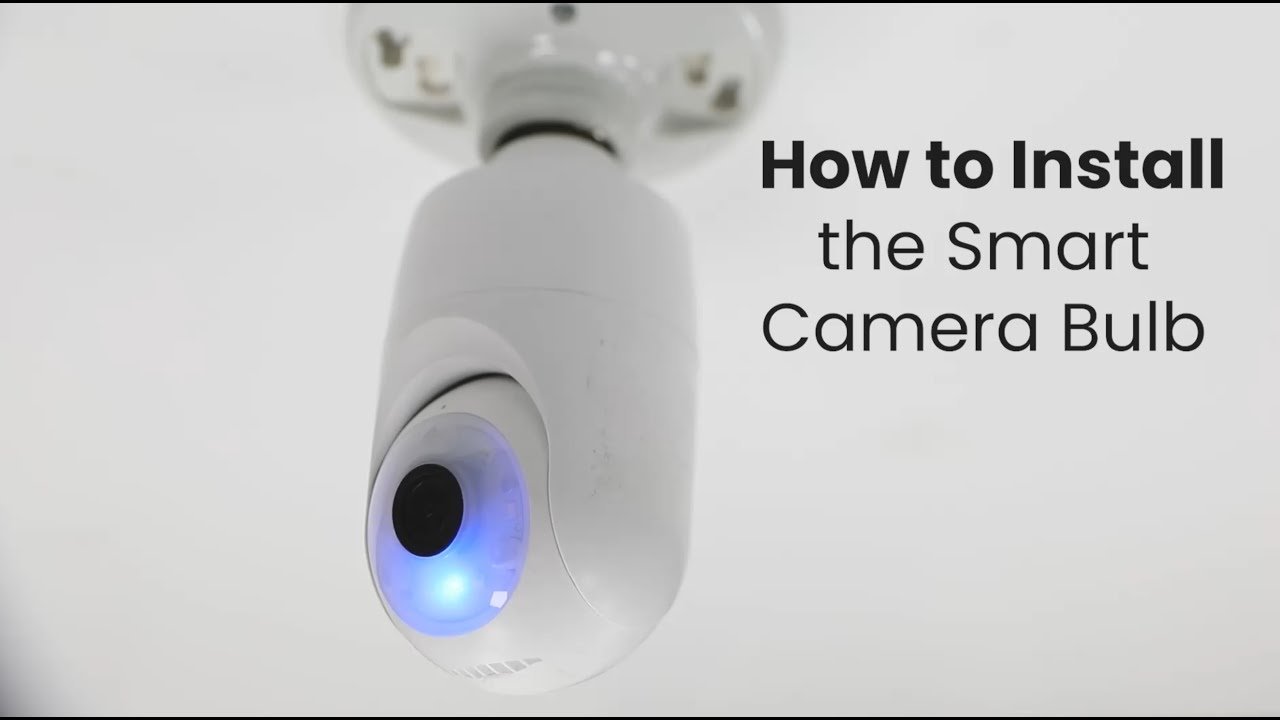
Smart light bulbs install in minutes: choose the right bulb, connect the app, and pair it safely.
If you want a simple upgrade that makes your home feel more modern, learning how to install smart light bulbs is a great place to start. I’ve set up plenty of them in real rooms, and the process is usually easy once you know the bulb type, the app, and the small setup details that trip people up. In this guide, I’ll walk you through how to install smart light bulbs the right way, avoid common mistakes, and get reliable control from your phone, voice assistant, or home hub.
What Smart Light Bulbs Are and Why They Matter
Smart light bulbs are connected bulbs that you can control with an app, voice commands, or automation. They often use Wi Fi, Bluetooth, Zigbee, or Thread to talk to your phone or smart home system. That means you can turn them on, dim them, change colors, or schedule them without touching the wall switch.
The biggest reason people choose smart light bulbs is convenience. But they also help with energy use, routines, and home comfort. I still remember replacing a hard to reach hallway bulb with a smart one, and it turned a daily annoyance into a one tap fix.

What You Need Before You Install Smart Light Bulbs
Before you install smart light bulbs, check a few basics. This saves time and helps you avoid the classic “Why won’t this pair?” moment.
- A compatible smart bulb that fits your fixture
- A phone with the correct app installed
- A stable Wi Fi network if the bulb uses Wi Fi
- A hub or bridge if the bulb system requires one
- A light fixture that matches the bulb shape and wattage
- A step stool or ladder if the fixture is high up
It also helps to know whether your bulb is dimmable, color changing, or white only. Not every smart bulb works with every dimmer switch, and that matters more than most people expect. I learned that the hard way once when a living room bulb flickered nonstop because the wall dimmer was still in the circuit.
How to Install Smart Light Bulbs Step by Step
Installing smart light bulbs is usually straightforward. The trick is doing the steps in the right order so the bulb can connect cleanly.
1. Turn off the power
Switch off the light at the wall before removing the old bulb. If you want extra peace of mind, turn off the breaker for that room too.
This is a simple safety step, but it matters. Even though bulb installation is low risk, working with electricity always deserves caution.
2. Remove the old bulb
Let the old bulb cool if it was recently on. Then twist it out gently.
If the bulb is stuck, don’t force it. Grip it with a dry cloth for better traction, and avoid squeezing too hard.
3. Check the fixture and socket
Look for dust, corrosion, or signs of damage in the socket. Make sure the fixture can support the new smart bulb size and shape.
Some smart bulbs are larger than standard bulbs. I’ve seen people buy them first and then realize they barely fit under a shade, so measuring ahead of time helps.
4. Screw in the smart bulb
Install the smart light bulb by turning it into the socket until it feels snug. Do not overtighten it.
A firm fit is enough. Overtightening can damage the bulb base or make removal harder later.
5. Restore power
Turn the switch back on. The bulb should light up or begin its pairing pattern.
If it does not turn on, check the switch, the breaker, and the bulb seating. Sometimes the fix is as small as rotating the bulb a little more.
6. Open the manufacturer app
Download the correct app for your bulb brand. Create an account if needed, then follow the pairing instructions.
This is where many people get stuck because different brands use different setup flows. The app will usually ask you to add a device, choose the bulb type, and confirm your network.
7. Put the bulb in pairing mode
Many smart light bulbs enter pairing mode when turned on and off in a specific pattern. Some blink, flash, or fade to show they are ready.
If the bulb does not pair, reset it using the brand’s instructions. In my experience, a proper reset solves a lot of first-time setup problems.
8. Connect to Wi Fi or your hub
If the bulb uses Wi Fi, connect it to your home network. If it uses Zigbee, Thread, or another hub-based system, pair it through the bridge or smart home controller.
Make sure your Wi Fi is compatible. Many smart bulbs work best on a 2.4 GHz network, not 5 GHz, so this detail matters a lot.
9. Name the bulb and test controls
Give the bulb a clear name like “Kitchen Lamp” or “Bedroom Corner.” Then test on, off, brightness, and color changes.
Simple names make voice control much easier. Saying “turn on kitchen lamp” is a lot nicer than trying to remember “Device 4.”
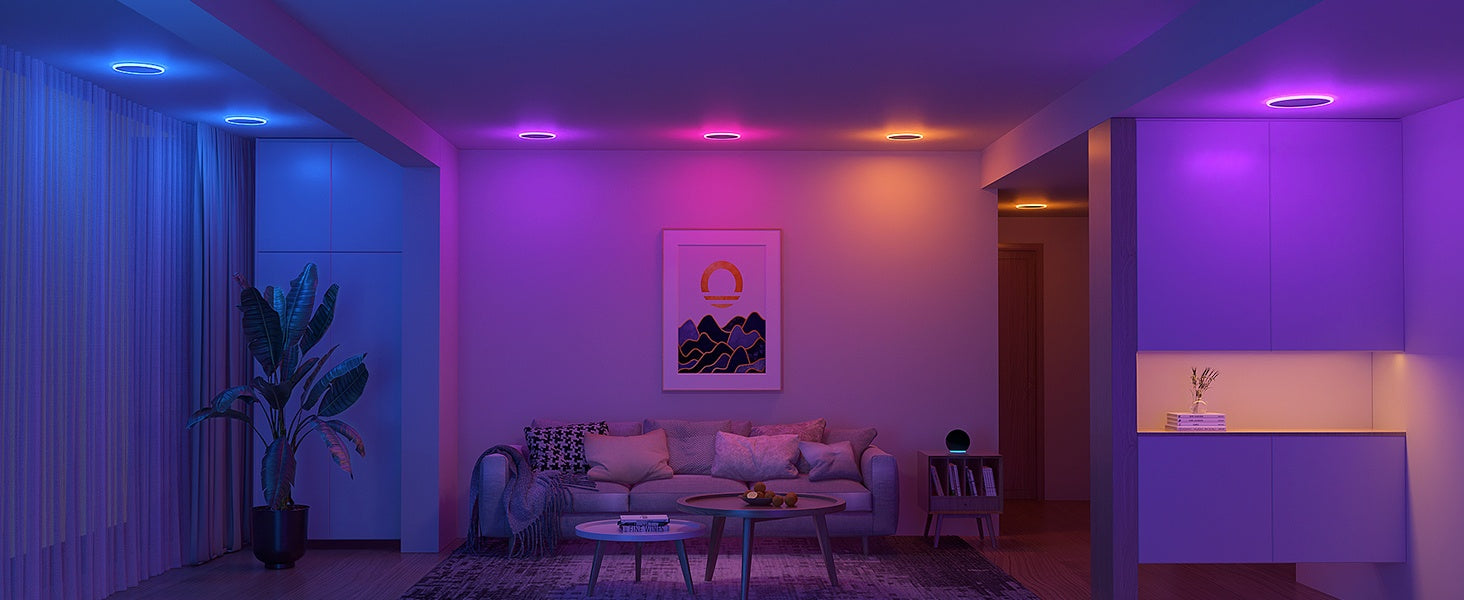
How to Install Smart Light Bulbs With Alexa, Google Home, or Apple Home
Once the bulb is installed, many people want voice control. That part is usually easy if the bulb supports the platform.
- For Alexa, link the bulb brand skill in the Alexa app, then discover devices
- For Google Home, connect the bulb service in the Google Home app and assign the bulb to a room
- For Apple Home, make sure the bulb supports HomeKit or Matter, then scan the pairing code
If you use a hub, the hub may act as the bridge between the bulb and your smart assistant. Matter support is becoming more common, which can make setup smoother across platforms. Still, not every bulb supports every system, so checking compatibility before you buy saves headaches.
Common Mistakes to Avoid When You Install Smart Light Bulbs
A lot of smart bulb problems come from small setup mistakes. Most are easy to fix once you know what to look for.
- Using a bulb on an incompatible dimmer switch
- Trying to pair the bulb on the wrong Wi Fi band
- Leaving the wall switch off after setup
- Mixing up hubs, bridges, and direct Wi Fi bulbs
- Installing a bulb that is too large for the fixture
- Ignoring reset steps when pairing fails
One of the biggest mistakes I see is treating the wall switch like a normal switch after installation. If you cut power at the wall, the bulb can’t stay connected. For many people, this feels a little strange at first, but it becomes second nature fast.
How to Troubleshoot Smart Light Bulb Problems
Even a good smart bulb can act stubborn now and then. The good news is that most issues have simple fixes.
The bulb will not connect
Restart your phone, check your Wi Fi, and make sure the bulb is in pairing mode. Also confirm that your network is on 2.4 GHz if the bulb requires it.
If that does not work, reset the bulb and try again. A fresh pairing attempt often clears up the issue.
The bulb keeps going offline
This usually means the Wi Fi signal is weak or the hub is too far away. Move your router, add a mesh node, or place the hub closer to the fixture.
I’ve noticed that bulbs at the edge of a home network tend to be the first to misbehave. It’s like trying to hold a conversation from another room.
The bulb flickers
Flickering often means the bulb is not fully seated, the fixture is incompatible, or the dimmer is causing trouble. Check the bulb fit first, then remove any unsupported dimming hardware if needed.
The bulb responds slowly
Slow response can come from a weak network, overloaded app, or hub issue. Restarting the router or hub often helps.
Benefits of Installing Smart Light Bulbs
Smart light bulbs do more than look cool. They can make everyday routines easier and more comfortable.
- Remote control from anywhere
- Scheduling for wake up or bedtime
- Dimming and color options for different moods
- Energy savings from better control habits
- Voice control for hands free use
- Added convenience for hard to reach fixtures
There is also a safety benefit. If you travel often, timers and remote control can make it look like someone is home. That small detail can bring real peace of mind.
Limitations to Know Before Buying
Smart light bulbs are useful, but they are not perfect. Knowing the limits helps you choose the right setup.
- They cost more than standard bulbs
- Some need a hub or bridge
- Wi Fi versions may strain weak networks
- Wall switches can interrupt power and break connectivity
- Some fixtures need a specific bulb shape or size
- Not all bulbs work with every smart home platform
For some rooms, a smart switch may be a better choice than a smart bulb. I usually recommend smart bulbs for lamps, accent lights, and rooms where color or dimming matters most.
Best Practices for Long-Term Use
After you install smart light bulbs, a little upkeep keeps them working well.
- Keep firmware updated through the app
- Use consistent room names and device names
- Avoid flipping wall switches off and on unless needed for reset
- Group bulbs by room for easier control
- Check compatibility before adding more bulbs later
If you build your setup slowly, it stays easier to manage. Think of it like organizing a drawer before it gets crowded.

Frequently Asked Questions of How to Install Smart Light Bulbs
Do smart light bulbs need a hub?
Some do, but many Wi Fi smart light bulbs do not. Zigbee, Thread, and some other systems often use a hub or border router for setup and control.
Can I install smart light bulbs in any lamp?
Usually yes, as long as the bulb base, size, and wattage match the lamp. You also need to make sure the lamp switch stays on so the bulb can stay connected.
Why is my smart bulb not connecting to Wi Fi?
The most common reason is a network mismatch, especially if the bulb only supports 2.4 GHz Wi Fi. Distance from the router, weak signal, or an incomplete reset can also cause problems.
Can I use smart bulbs with a dimmer switch?
Only if the bulb and dimmer are compatible. Many smart bulbs work best when the wall switch is left at full power, because unsupported dimmers can cause flickering or disconnects.
Are smart light bulbs worth it?
For many people, yes, especially if you want remote control, routines, or voice commands. They are most useful in lamps, bedrooms, living rooms, and other places where convenience matters.
Conclusion
Learning how to install smart light bulbs is one of the easiest ways to make a home feel more modern and flexible. Once you know the right bulb type, the pairing process, and the common setup mistakes, the whole job becomes simple and repeatable.
Start with one room, test the app and voice controls, and build from there. If you found this guide helpful, explore more smart home tips, subscribe for future how-to posts, or leave a comment with the bulb brand you’re using.

Similar Posts