How To Automate Smart Home Devices: Easy Setup Guide
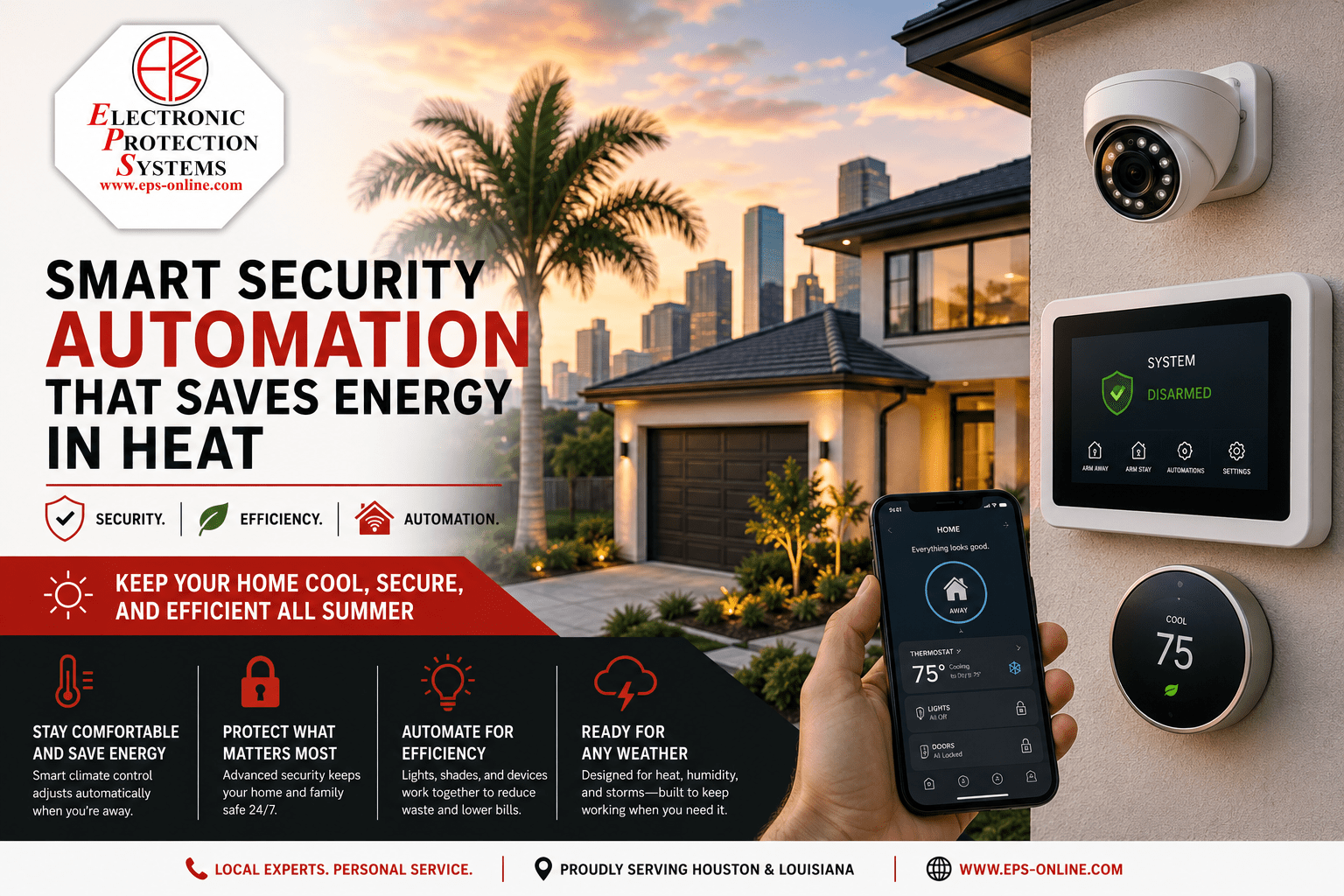
You can automate smart home devices by connecting them through hubs, apps, routines, and voice assistants.
If you want your home to feel calmer, smarter, and easier to manage, smart home automation is the place to start. I’ve spent years testing connected lights, plugs, thermostats, cameras, and sensors, and the pattern is always the same: the best setups save time because they work quietly in the background. In this guide, I’ll show you how to automate smart home devices in a way that is practical, reliable, and easy to grow over time.

What Smart Home Automation Really Means
Smart home automation is the process of making devices respond to actions, schedules, or conditions without constant manual control. Instead of opening an app every time you want to turn off a lamp, your device can do it on its own when the sun sets, when you leave home, or when motion stops in a room.
At its core, smart home automation uses three things:
• Triggers, which start the action
• Actions, which happen after the trigger
• Conditions, which decide when the automation should run
For example, a motion sensor can trigger a hallway light, but only after sunset. That simple idea is what makes a home feel truly smart.
The biggest mistake I see is people buying devices first and planning later. A better approach is to think about daily habits, pain points, and routines. That way, automation feels natural instead of like a tech experiment.
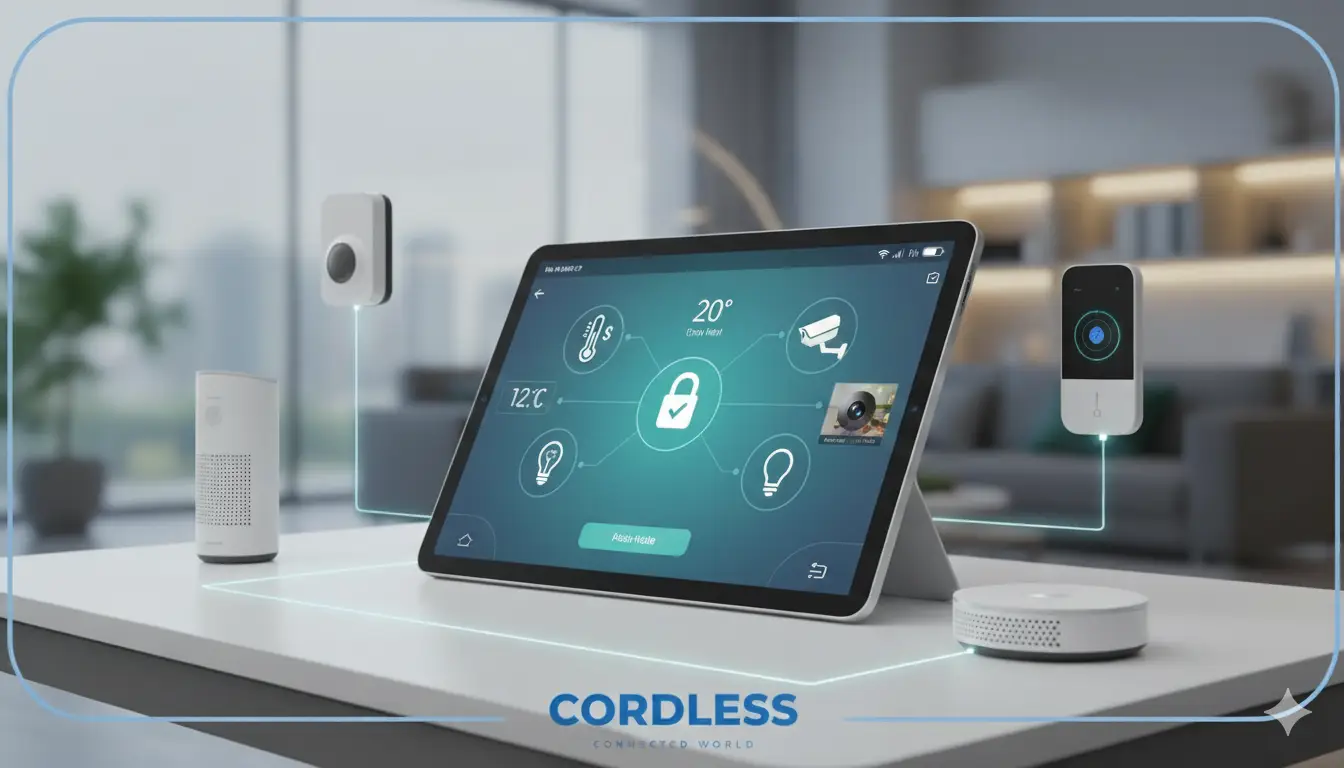
Source: cord-less.com
How to Automate Smart Home Devices Step by Step
The easiest way to automate smart home devices is to build around your real routines. Start small, test often, and only add more complexity when the basics work well.
1. Choose devices that can work together
Before buying anything, make sure your devices support the same ecosystem or communication standard. Common options include Amazon Alexa, Google Home, Apple HomeKit, Samsung SmartThings, Zigbee, Z-Wave, Wi-Fi, and Matter.
A good smart home usually mixes devices that are flexible and widely supported. Matter has helped a lot here because it is designed to improve cross-platform compatibility, which reduces the “this device only works in one app” problem.
2. Pick a control platform
Your platform is the brain of the system. It may be a voice assistant, a mobile app, or a smart home hub.
Popular choices include:
• Amazon Alexa for voice control and simple routines
• Google Home for easy automation and voice commands
• Apple Home for users already in the Apple ecosystem
• SmartThings for deeper automation and broader device support
• Home Assistant for advanced users who want full control
When I first set up automations, I tried to manage everything from separate apps. That was a mess. Once I moved everything into one central platform, setup and troubleshooting became much easier.
3. Connect your smart devices
After choosing your platform, add your devices one by one. Most devices connect through a manufacturer app first, then sync with your main ecosystem.
Typical devices to automate include:
• Smart lights
• Smart plugs
• Thermostats
• Door locks
• Security cameras
• Motion sensors
• Window sensors
• Smart speakers
• Robot vacuums
• Leak detectors
Make sure each device shows up correctly in the main app before building automation rules. If a device is not stable at this stage, it will cause problems later.
4. Build simple routines first
Start with routines that save time every day. The goal is not to automate everything at once. The goal is to automate the stuff you repeat over and over.
Good starter automations include:
• Turn on porch lights at sunset
• Turn off bedroom lights at 11 p.m.
• Lower the thermostat when you leave home
• Turn on a coffee maker with a smart plug in the morning
• Send a notification if a door opens after midnight
These are small wins, but they add up fast. A home that handles tiny tasks for you feels less stressful and more organized.
5. Use sensors for smarter control
Sensors make automation feel intelligent instead of timed. A motion sensor, contact sensor, or temperature sensor can respond to real-life changes in the home.
Here are useful sensor-based examples:
• Turn on closet lights when the door opens
• Turn on bathroom lights when motion is detected at night
• Alert you if a freezer door stays open too long
• Turn off HVAC when a window opens
• Run a fan if the room gets too warm
This is where automation starts to feel like a helper instead of a timer.
6. Add scenes and scenes-based control
A scene groups multiple devices into one action. For example, a “Movie Night” scene can dim lights, close shades, and turn on the TV.
Scenes are helpful because they reduce taps and make your home easier to use. They also keep your setup clean, since one command can control several devices at once.
7. Test and refine every automation
Do not assume an automation will work perfectly right away. Test it in real life, then adjust the timing, triggers, and conditions.
A few things I always check:
• Does it trigger too early or too late?
• Does it still work if the internet goes out?
• Does it accidentally run when it should not?
• Is the notification too frequent?
• Is the device response fast enough?
Good automation should feel invisible. If it keeps bothering you, it probably needs tuning.

Source: control4.com
Best Devices to Automate in a Smart Home
Some devices give you more value than others. If you are building from scratch, it helps to prioritize the ones that improve comfort, security, and energy use.
Smart lights
Smart lights are usually the easiest place to begin. They are simple to set up, easy to understand, and useful in nearly every room.
You can automate them to:
• Turn on at sunset
• Dim in the evening
• Switch off when nobody is home
• Change color for different moods
Smart plugs
Smart plugs are cheap, flexible, and surprisingly powerful. They can turn normal appliances into automated devices.
Use them for:
• Lamps
• Fans
• Coffee makers
• Holiday lights
• Small speakers
Just be careful with high-power appliances. Not every smart plug is rated for heavy loads.
Smart thermostats
A smart thermostat can save energy and improve comfort. It learns patterns, adjusts temperatures based on occupancy, and can follow schedules or geofencing.
This is one of the few devices that can pay for itself over time, especially in homes with strong seasonal heating or cooling needs.
Smart locks
Smart locks let you automate access to your home. You can set them to lock at night, unlock for trusted users, or work with entry routines.
I always recommend checking battery life and backup access before relying on one. Security should be convenient, but never fragile.
Sensors
Sensors are the quiet heroes of automation. They make your home responsive to real conditions instead of fixed schedules.
Useful options include:
• Motion sensors
• Door and window sensors
• Water leak sensors
• Temperature sensors
• Smoke and carbon monoxide monitoring devices
Security cameras and video doorbells
These devices add awareness. They can send alerts, trigger lights, or start recordings when they detect movement.
Use them carefully and respect privacy, especially in shared homes. It is smart to set activity zones and notification limits so the alerts stay useful.
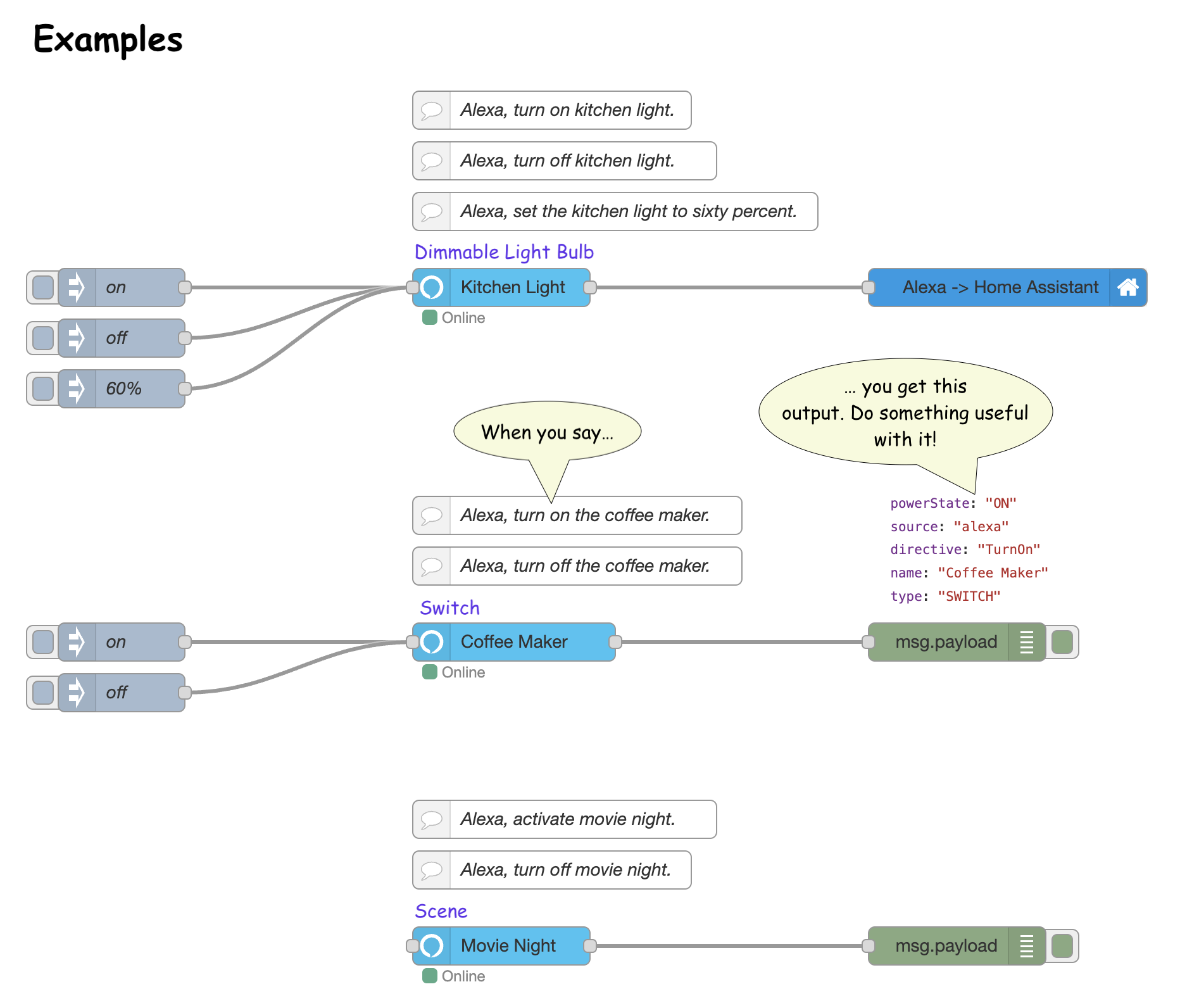
Source: nodered.org
Smart Home Automation Ideas That Work in Real Life
The best automations solve a daily problem. If they do not save time or reduce friction, they usually get ignored.
Here are practical ideas that many homeowners actually keep using:
• Morning routine: open blinds, turn on lights, and start a coffee maker
• Leaving home: lock doors, turn off lights, lower thermostat, and arm security
• Arriving home: unlock door, turn on entry lights, and raise temperature
• Bedtime: lock doors, dim lights, and silence notifications
• Night safety: turn on bathroom lights if motion is detected after midnight
• Laundry reminder: send a notification when washer power drops
• Energy savings: shut off unused plugs after a set time
One lesson I learned the hard way is that convenience should never make your home annoying. If an automation is too aggressive, people stop trusting it. Keep it simple and useful.
Common Mistakes to Avoid When Automating Smart Home Devices
Smart home automation can get frustrating if you skip the basics. The good news is that most problems are easy to avoid.
Watch out for these mistakes:
• Buying devices that do not support your platform
• Creating too many routines too quickly
• Ignoring Wi-Fi coverage and signal strength
• Forgetting to name devices clearly
• Relying only on cloud control for critical tasks
• Not testing automations after updates
• Overusing notifications
Another common issue is making a setup that looks impressive but does not help in real life. A good smart home should feel simple, even if the tech behind it is complex.
Security, Privacy, and Reliability Considerations
Smart home automation is helpful, but it also adds responsibility. Every connected device is part of your home network, so security matters.
Here are the main things to keep in mind:
• Use strong, unique passwords
• Turn on two-factor authentication where possible
• Keep firmware and apps updated
• Buy from brands with a solid update history
• Separate guest Wi-Fi from home devices if your router supports it
• Review app permissions regularly
Privacy is important too. Some devices collect usage data, motion history, or voice recordings. Read the settings carefully and turn off features you do not need.
Reliability matters just as much. If your internet goes down, some cloud-based automations may stop. That is why local control, hubs, and Matter-compatible devices can be smart choices for important functions.
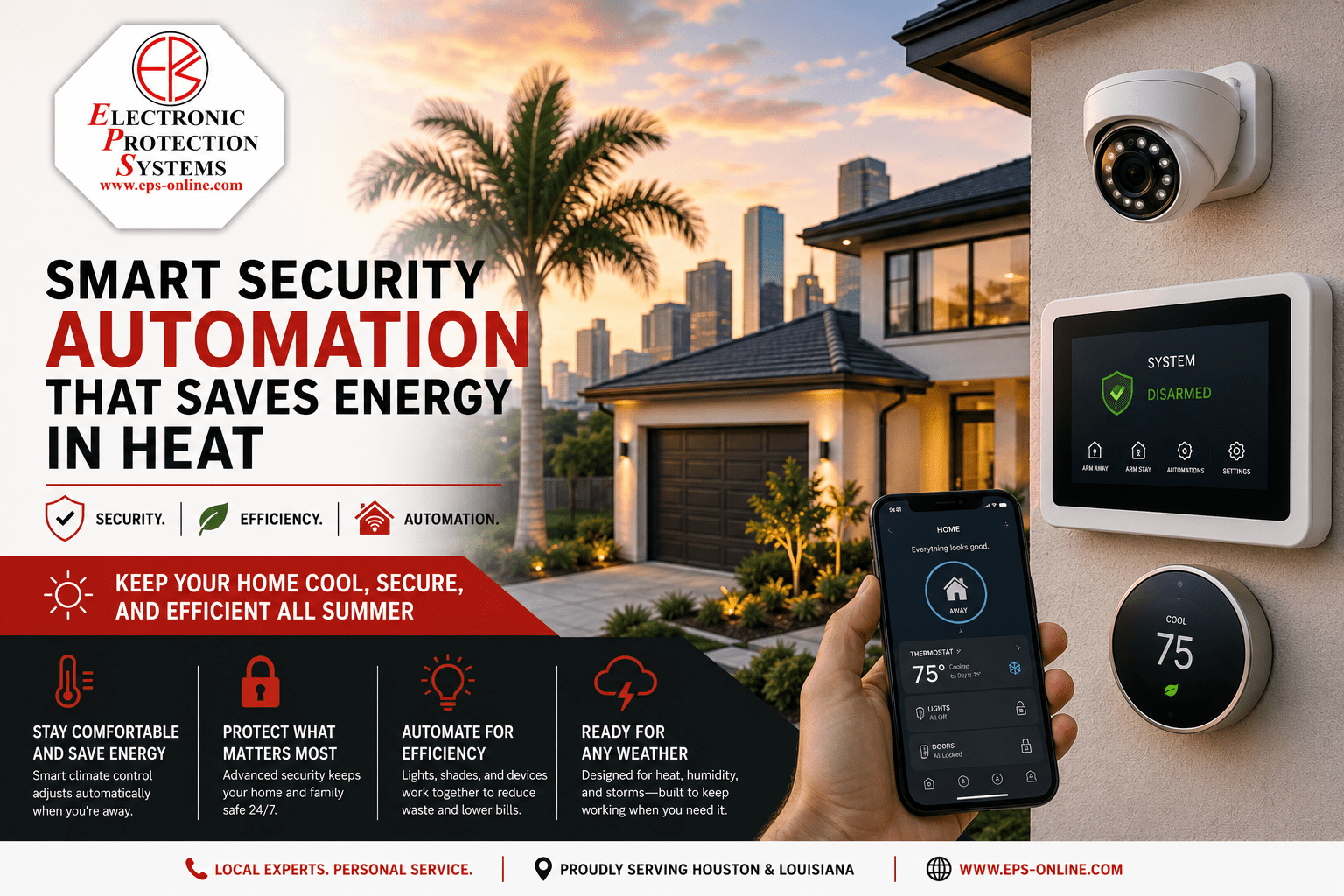
Source: eps-online.com
How to Automate Smart Home Devices on a Budget
You do not need a huge budget to start. A few well-chosen devices can make a big difference.
A low-cost starter setup might include:
• One smart speaker
• Two smart plugs
• Two smart bulbs
• One motion sensor
• One door sensor
From there, build automations that make daily life easier. For example, you can use one smart plug for a lamp and another for a coffee maker, then create routines around wake-up time and bedtime.
The trick is to focus on value, not device count. A simple home that works well is better than a fancy one that breaks all the time.
What Makes a Smart Home Automation Setup Actually Good
A strong setup has more than gadgets. It has structure.
Look for these signs of a good system:
• It is easy to understand
• It has a clear central platform
• Devices are labeled well
• Routines are based on real habits
• Alerts are limited and meaningful
• It still works if one device fails
In my experience, the best smart homes are quiet. They do not demand attention. They just reduce friction and make the day smoother.
Frequently Asked Questions of How to Automate Smart Home Devices
What is the easiest smart home device to automate first?
Smart lights or smart plugs are usually the easiest starting point. They are simple to install, easy to control, and useful right away.
Do I need a hub to automate smart home devices?
Not always. Many Wi-Fi devices work through an app and cloud service, but a hub can improve reliability and support for devices like Zigbee or Z-Wave products.
Can smart home automation save energy?
Yes, especially with thermostats, lights, and plugs. Automating schedules and occupancy-based control can reduce wasted electricity and heating or cooling costs.
What happens to automations if the internet goes out?
It depends on the device and platform. Some automations keep working locally, while others stop until the connection returns.
Is smart home automation hard to set up?
Basic automation is usually very easy. More advanced setups take more time, but most people can start with a few devices and simple routines.
Conclusion
Smart home automation works best when it solves real problems, not when it just adds more gadgets. Start with a few useful devices, connect them through one reliable platform, and build routines that match your daily life. The more your setup reflects your habits, the more natural it will feel.
If you take it step by step, you can create a smart home that saves time, improves comfort, and feels genuinely helpful. Start with one room, test a few automations, and build from there. If this guide helped, explore more smart home tips and share your own setup ideas in the comments.

Similar Posts























[…] took the same approach as building simple home routines: start with what you actually need, then filter out the […]
[…] Most economy and mid-range cordless vacuums skip app support entirely, which keeps prices down. Premium models add Wi-Fi for battery stats and filter reminders. Pairing one follows the same flow as setting up other smart home devices. […]
[…] See also How To Automate Smart Home Devices: Easy Setup Guide […]
[…] If you already enjoy fine-tuning your home's routines, you'll find the same philosophy behind whole-home automation. […]
[…] it with your phone follows the same pattern as automating your home routine, so there's no real learning […]
[…] If your back is tired of hauling a heavy upright up a flight of stairs, the best lightweight vacuum cleaner is the one that actually makes you look forward to cleaning. To find it, we spent weeks analyzing verified buyer feedback, manufacturer datasheets, and independent performance reports across Shark, Bissell, and Eureka models. It also needed to fit homes that already run on smart, connected routines. […]