How to Reset a DSLR Camera
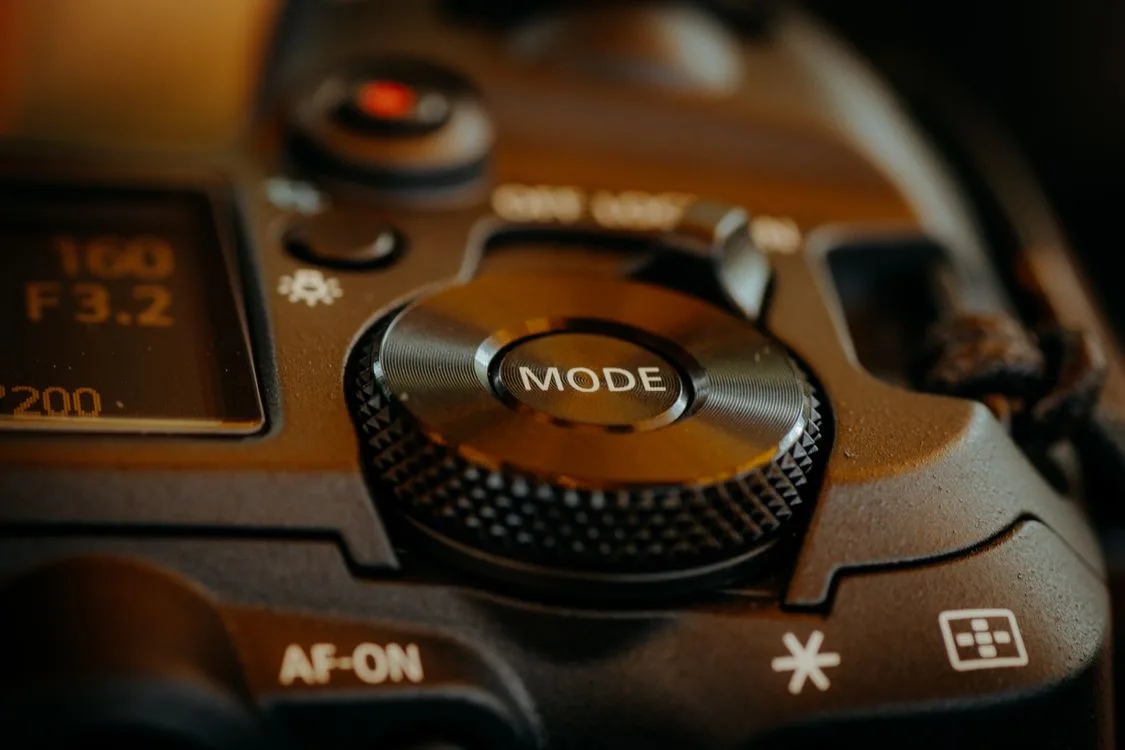
Your camera is acting up. The exposure is all over the place, or the autofocus keeps missing. Maybe you're selling it and need to wipe your personal settings.
That's when you need to know how to reset a DSLR camera.
Manufacturer troubleshooting guides confirm that a factory reset resolves most software-related glitches. As of 2026, modern DSLRs use a menu-based reset. Older models may rely on a button combination or battery pull.
Here is how to do it based on your specific brand and situation.
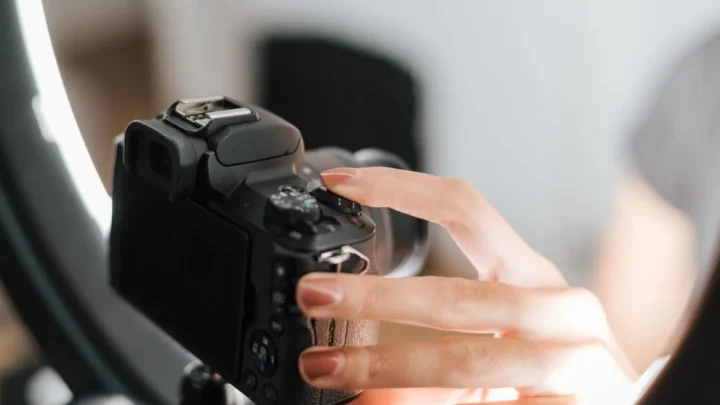
Image source: Web (Bing) / pexels.com (Web image (fair-use with source credit))
Quick Answer
Open the menu. Find the Setup or Wrench tab. Select "Reset" or "Clear all settings." Confirm.
That covers most brands. For Nikon, hold two green-dot buttons for two seconds. For older cameras, remove the battery and wait five minutes.
Why You Might Need to Reset a DSLR (And When to Walk Away)
Reset your camera if it behaves erratically. Wrong exposure. White balance shifts.
Autofocus that won't lock. It is also essential when selling or gifting your camera. A reset clears personal data like Wi-Fi passwords and custom profiles.
Other good reasons include:
- After a firmware update to stabilize the system
- Recovery from a botched firmware update
- Returning a borrowed camera to its owner
But a reset won't fix hardware problems. A stuck shutter, dust on the sensor, or a broken lens needs physical repair. If you struggle with low-light performance, a reset won't help.
A dedicated low-light body will. Check our guide on the best camera for low light if that is your real issue.
If you are upgrading to something more specialized, resetting your old body is a smart move. Our roundup of the best DSLR camera for landscapes can help you choose a replacement.
Your Camera Brand Dictates the Method
The exact steps depend on your brand. Here is a quick reference table:
| Brand | Reset Method | Notes |
|---|---|---|
| Canon | Menu-based | Setup menu > "Reset all settings" |
| Nikon | Two-button hold | Hold two green-dot buttons together |
| Sony | Menu-based | Setup menu > "Reset" or "Initialize" |
| Fujifilm | Menu or button | Setup menu > "Reset" or hold DISP/BACK |
| Pentax | Menu-based | Setup menu > "Reset" |
Canon is the most straightforward. Open the menu. Find the wrench tab.
Select "Reset all settings." Confirm.
Nikon uses a physical button combo. Locate the two green-dot buttons. One is near the shutter release.
The other is on the back. Press and hold both for about two seconds. The screen flashes.
Release.
Sony and Fujifilm are menu-based. Look for "Initialize" or "Factory reset" under the Setup tab.
If you shoot action, our guide on cameras with fast burst shooting is worth a read.
Step-by-Step: How to Do Each Type of Reset
There are three main reset types. Here is how each one works.
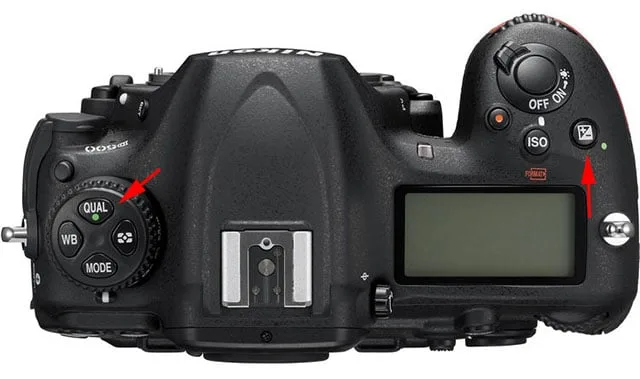
Image source: Bing (Web (fair-use with source credit))
Menu-based reset (Canon, Sony, Fujifilm, Pentax):
- Charge your battery to at least 30 percent. A dead battery mid-reset can corrupt settings.
- Press the Menu button.
- Navigate to the Setup tab (wrench icon).
- Select "Reset" or "Clear all settings."
- Confirm with "Yes" or "OK."
- Turn the camera off and on again.
Two-button reset (Nikon, some older models):
- Find the two green-dot buttons. They are marked with a green dot or text.
- Press and hold both simultaneously.
- Hold for about two seconds. The screen flashes or goes blank.
- Release. The camera is now at factory defaults.
Battery pull (last resort, older models):
- Turn off the camera.
- Remove the main battery and the internal CMOS backup battery if accessible.
- Wait five to ten minutes.
- Reinstall the batteries. Power on.
For more details on troubleshooting, check Canon's official support page or Nikon's official support page.
What a Reset Won't Fix (And Mistakes That Cost You)
A reset is not a magic bullet. Here are the most common mistakes.
It won't erase your photos. Reset only clears camera settings, not the memory card. Format the card separately.
It won't fix hardware issues. A reset is software-only. If your shutter is jammed or your sensor has dust, seek repair.
It will delete custom profiles. Canon's C1, C2, and C3 modes get wiped. So do Nikon's U1 and U2 modes and Sony's MR modes. Back up your settings if you need them.
It resets date and time. You will need to re-enter these. This is especially true if the internal backup battery is dead. That happens on cameras older than five years.
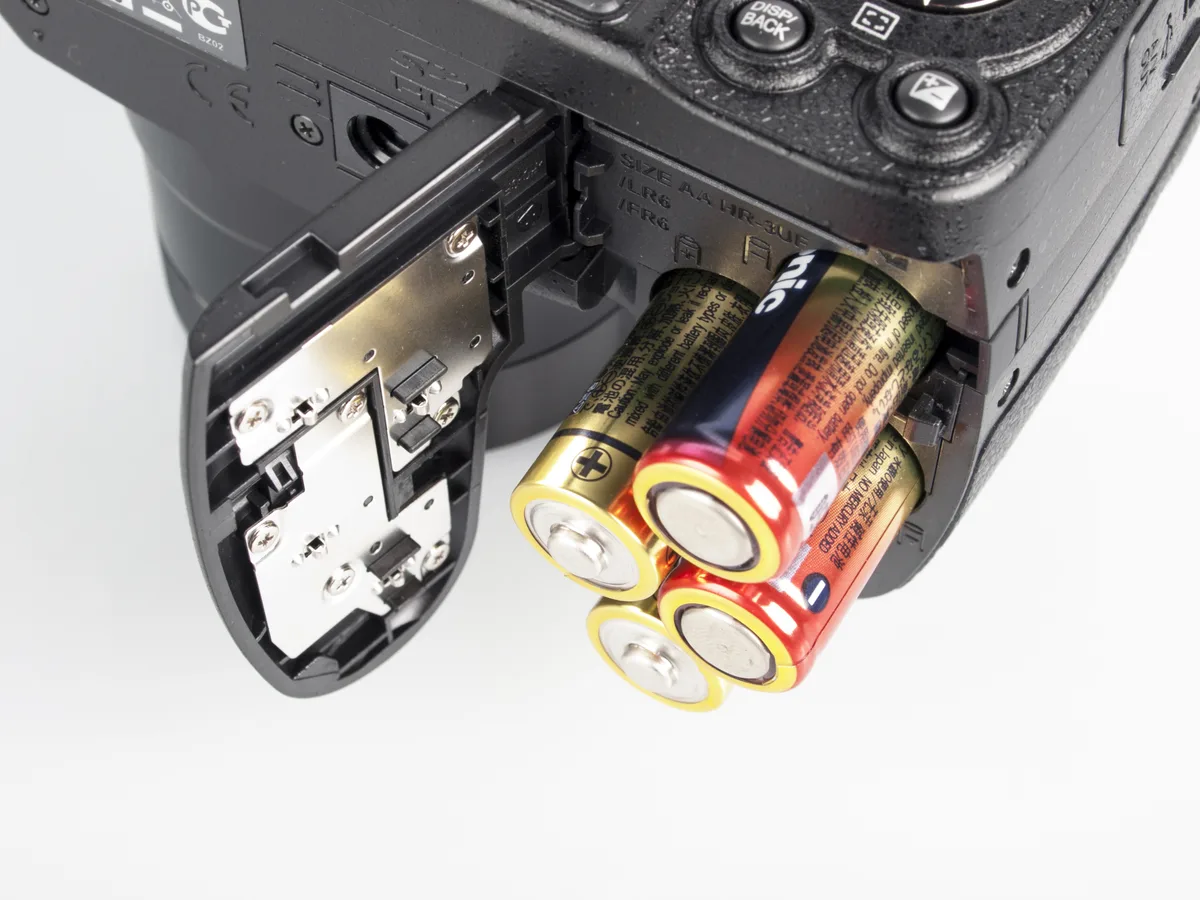
Image source: Bing (Web (fair-use with source credit))
Another mistake is resetting with a low battery. A power failure during reset can corrupt the settings file. Always use a fully charged battery.
If you still have issues after a reset, the problem may be with your lens or sensor. For low-light problems, a dedicated low-light camera is a better investment. Check our guide on budget low-light cameras for options.
Frequently Asked Questions
How do I reset my Canon DSLR?
Open the menu. Go to the Setup tab (wrench icon). Select "Reset all settings." Confirm.
Your camera returns to factory defaults.
How do I reset my Nikon DSLR?
Locate the two green-dot buttons. Press and hold both together for about two seconds. The screen flashes.
Release. No menu needed.
Will a reset erase my photos?
No. A factory reset only clears camera settings. Your photos stay on the memory card.
To delete photos, format the card separately.
Can I reset my camera without the menu?
Yes, on most Nikon and some Fujifilm models. Use the two-button method. For others, you need the menu.
Battery pull is a last resort for older cameras.

Similar Posts