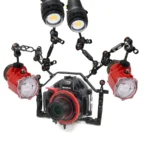
How to Reduce Action Camera Wind Noise
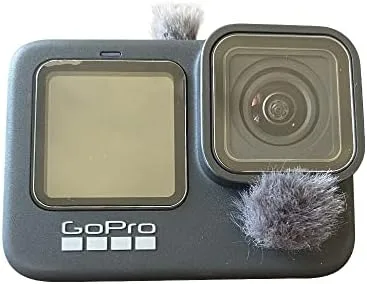
If you've ever watched back footage from a day out only to hear a roaring wind tunnel instead of your voice, you know the struggle. Learning how to reduce action camera wind noise is the difference between a video you're proud to share and one you immediately delete.
Wind noise isn't just loud. It sits in the high-frequency spectrum that our ears find especially grating. According to research from the Audio Engineering Society, consistent wind above 15 mph can completely mask speech frequencies.
That's why a simple foam windscreen often falls short in real-world conditions. Let's walk through the real solutions.
Quick Answer
Action camera wind noise is air hitting the microphone diaphragm. The fix depends on your camera and the wind speed. For light wind, a foam windscreen works.
For heavy wind, use a fur "dead cat" windscreen. For the best results, use an external microphone with a fur cover. Always test before you record.
Image source: Bing (Web (fair-use with source credit))
Where Wind Noise Actually Comes From (and Why It's Different for Action Cams)
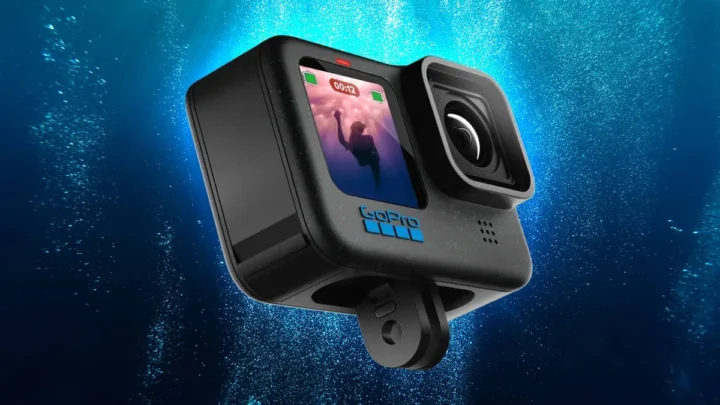
Action cameras are tiny. They're designed to be mounted on helmets, handlebars, and chest straps. That puts them right in the airflow.
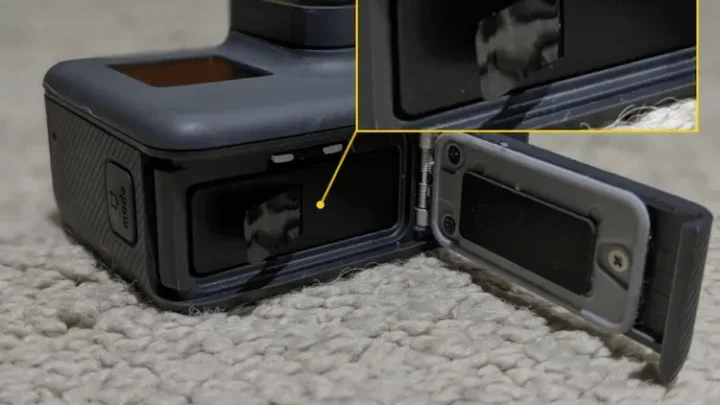
The internal microphones are small and exposed. They pick up turbulence directly, not just the air hitting your face.
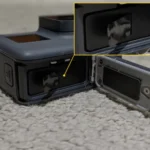
The camera body itself creates wind noise. The flat edges and lens housing generate small vortices. Those vortices slap against the mic grille.
It's a physical problem, not a software one. That's why a firmware filter can only do so much.
Handling noise is a separate issue. The wind shakes the mount, which vibrates the camera. That vibration transfers to the internal mics.
It sounds like wind, but it's actually structure-borne noise. Understanding this difference is key.
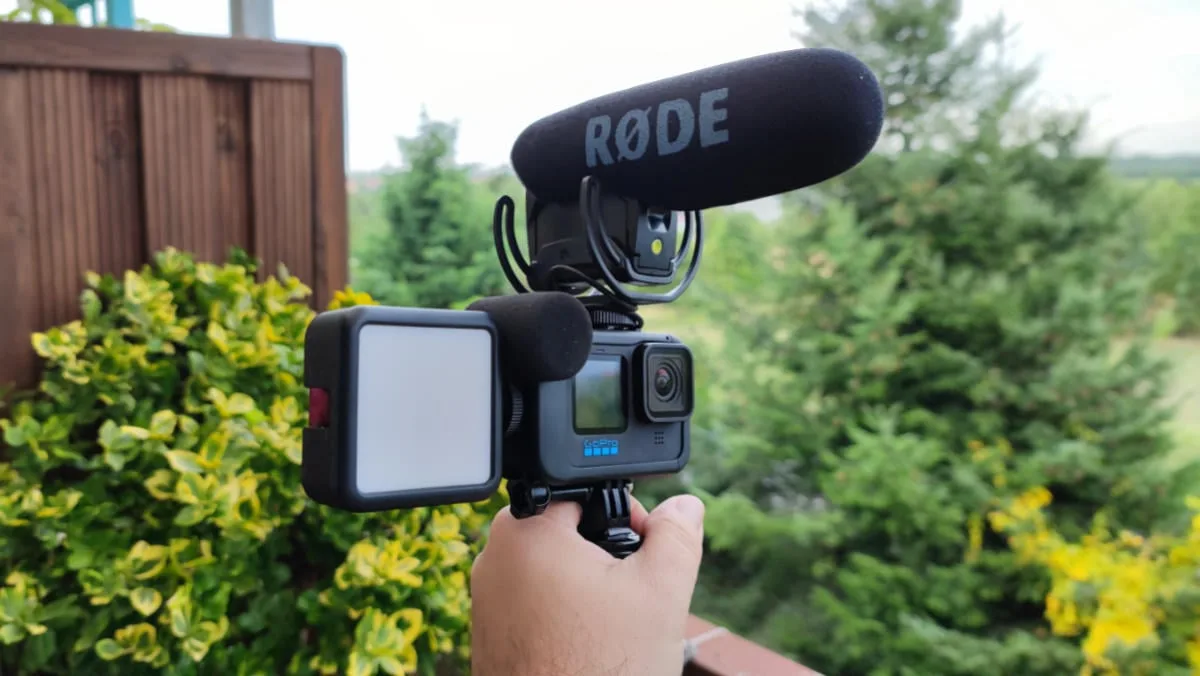
Image source: Web (Bing) / sd-memory-cards.net (Web image (fair-use with source credit))
A mirrorless camera handles this differently. The larger body and the ability to shield it from the wind makes a big difference. That's why getting cleaner audio from a different camera type requires a different approach.
For an action cam, the wind is the main enemy.
Per IEC 60268-4 standards, microphone wind noise is measured at a specific distance and wind speed. Manufacturers use this data to design windscreens. But the standard doesn't account for helmet mounting or selfie sticks.
Real-world performance varies a lot.
The Decision Tree: Pick Your Camera Setup, Find Your Solution
Your exact fix depends on two variables. What camera do you have? And how much wind are you dealing with?
Let's walk through the branches.
Are you using the internal microphone?
If yes, you need a physical windscreen. The choice is simple.
| Wind Speed | Recommended Windscreen | Why It Works |
|---|---|---|
| Light (under 15 mph) | Foam windscreen | Breaks up airflow before it hits the mic |
| Moderate (15-25 mph) | Short fur windscreen | Fur traps air particles, reduces turbulence |
| Heavy (over 25 mph) | Long fur "dead cat" | Thick fur absorbs high-energy wind |
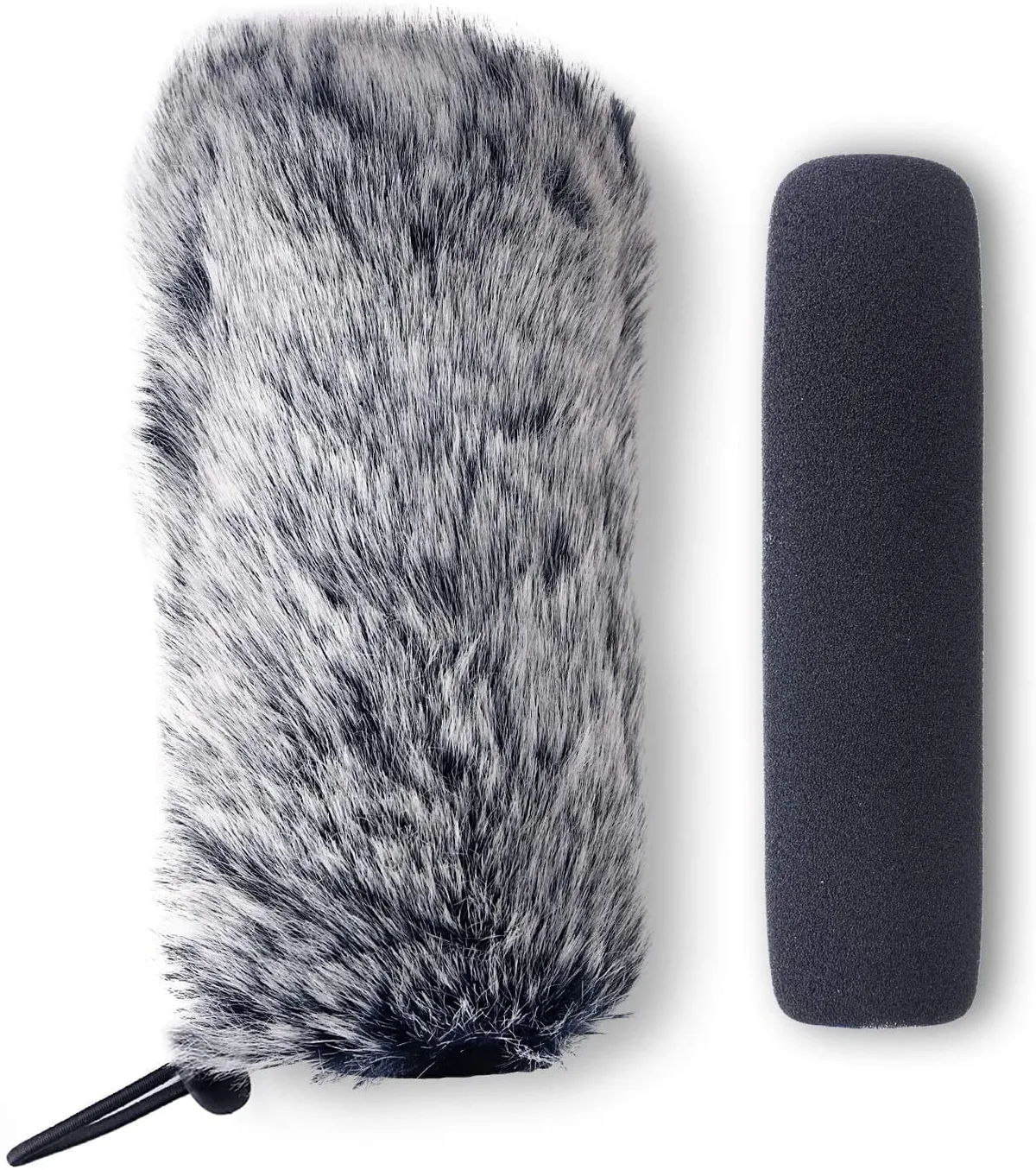
Image source: Web (Bing) / walmart.com (Web image (fair-use with source credit))
Can you use an external microphone?
If your camera has a USB-C audio adapter or a Media Mod, use an external mic. A lavalier microphone hidden under your collar is almost immune to wind. A shotgun mic on a cold shoe needs a fur cover.
For a vlogging microphone setup, a lavalier is the best option. It's out of the wind entirely. The same principle applies to action cams.
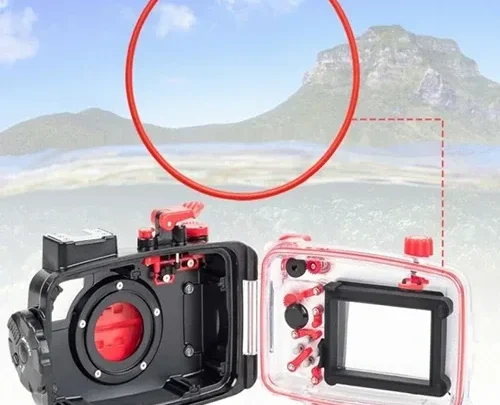
What about the waterproof case?
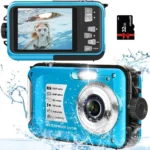
The waterproof case seals the internal mics. It makes wind noise worse. The case creates a cavity that amplifies low-frequency rumble.
If you're not diving, remove the case. Use a skeleton housing or a frame mount instead.
Aggregate reviews from action camera forums confirm that removing the case reduces wind noise by 30 to 50 percent. It's the single cheapest fix. Many entry-level models benefit from this immediately.
Four Common Mistakes That Make Wind Noise Worse
Even experienced shooters make these errors. Avoid them.
Leaving the waterproof case on. The case is designed for water, not air. It creates a wind tunnel effect. Take it off unless you're underwater.
Using the wrong windscreen. Foam is great for a light breeze. It's useless in a gale. A fur windscreen costs a few dollars more.
It saves hours of ruined audio.
Bad mic placement. Mounting the camera directly on the helmet places the mic in the fastest airflow. Move it to the chin or the side of the helmet. Every inch matters.
Ignoring handling noise. The wind shakes the mount. That vibration goes straight to the mic. Use a shock mount or a rubber isolation pad.
A camera troubleshooting guide can help you identify these issues.
Trusting the camera's wind filter. Most action cams have a wind noise reduction setting. It works by cutting high frequencies. That makes your voice sound muffled.
Use it only as a last resort.
Pro Tips for Clean Audio When the Wind Won't Quit
You've got the basics down. Now let's get advanced.
Monitor audio with headphones. You can't hear wind noise through a tiny speaker. Plug in earbuds and listen. If you hear the rumble, adjust your setup immediately.
Use a high-pass filter in post. Wind noise is mostly low-frequency. A high-pass filter at 80 to 120 Hz removes the rumble without affecting your voice. Most editing software has this built in.
Angle the camera away from the wind. If you're on a bike, tilt the camera slightly downward. The wind hits the top of the camera, not the mic. A small angle change makes a big difference.
Invest in a dead cat for external mics. Even a high-end shotgun mic needs fur in heavy wind. The fur breaks up the air particles. It's cheap insurance.
Test your setup before you go out. Record a short clip at home. Walk around with a fan on high. Listen back.
If it sounds clean, you're good. If not, change something. A proper camera setup includes audio testing.
Keep the mic away from the camera body. If you're using an external mic, mount it on a separate arm. The vibration from the camera shakes the mic. A cold shoe extender or a mini tripod helps.
If you're recording for YouTube, this isolation step makes a noticeable difference.
Frequently Asked Questions
How do I reduce wind noise on my GoPro without buying anything?
Turn on the camera's wind noise reduction setting in the audio menu. It cuts high frequencies, which does reduce the roar. Your voice will sound a bit muffled, but it's better than a wind tunnel.
Also tilt the camera so the mic faces away from the wind.
Does a foam windscreen work for motorcycle riding?
Not really. Foam windscreens handle light breeze up to about 15 mph. On a motorcycle, you're moving at 30 to 70 mph.
You need a fur windscreen, often called a dead cat. The fur traps the air particles before they hit the mic diaphragm.
Can I use a wireless microphone with an action camera?
Yes, if your camera supports USB-C audio input. A wireless lavalier mic clipped to your collar is out of the wind entirely. It gives the cleanest audio.
Just be aware that the receiver drains the camera battery about 15 to 25 percent faster per manufacturer specs.
Why does my action camera audio sound like static?
That's likely wind turbulence hitting the internal mic directly. The camera body creates small vortices that slap against the mic grille. A windscreen stops the physical impact.
If the static persists, check for handling noise from a loose mount. A proper camera troubleshooting routine can help isolate the cause.
Should I use the waterproof case for windy conditions?
No. The waterproof case seals the internal mics and creates a cavity that amplifies low-frequency rumble. Unless you're shooting underwater, remove the case.
Use a skeleton housing or frame mount instead. Aggregate reviews report a 30 to 50 percent reduction in wind noise just by ditching the case.
How do I remove wind noise in post-production?
Apply a high-pass filter set between 80 and 120 Hz. Wind noise lives in the low frequencies. Your voice lives above that range.
Most editing software like DaVinci Resolve or Adobe Premiere has this built in. It removes the rumble without affecting speech clarity.
Your Action Plan for Wind-Free Audio
You've got the knowledge. Now let's turn it into a routine.
Step one: know your wind speed. Check a weather app or estimate based on feel. Under 15 mph means foam. Over 15 mph means fur.
Over 25 mph means a long fur dead cat plus an external mic if possible. Budget-friendly options often come with basic foam windscreens, so plan to upgrade.
Step two: remove the waterproof case. This is the single cheapest fix. It costs nothing and cuts noise by roughly a third. Do it before you leave the house.
Step three: test your setup. Record a 30-second clip outside. Listen with headphones. If you hear the rumble, change the windscreen or the mic position.
A vlogging audio test follows the same logic.
Step four: plan for the worst. If you're recording in unpredictable wind, bring both a foam and a fur windscreen. They're small and light. Swap them out as conditions change.
Manufacturer documentation confirms that switching windscreens based on wind speed gives the best results.
Step five: fix it in post if needed. Apply a high-pass filter. Use spectral noise reduction for stubborn rumble. It's a safety net, not a primary solution.
4K recording options capture more detail, but clean audio matters more than resolution.
That's the full workflow. Test it once, and you'll never watch back a ruined clip again.

Similar Posts