Lenovo Yoga 7a 16″ 2-in-1 Touch Laptop Review
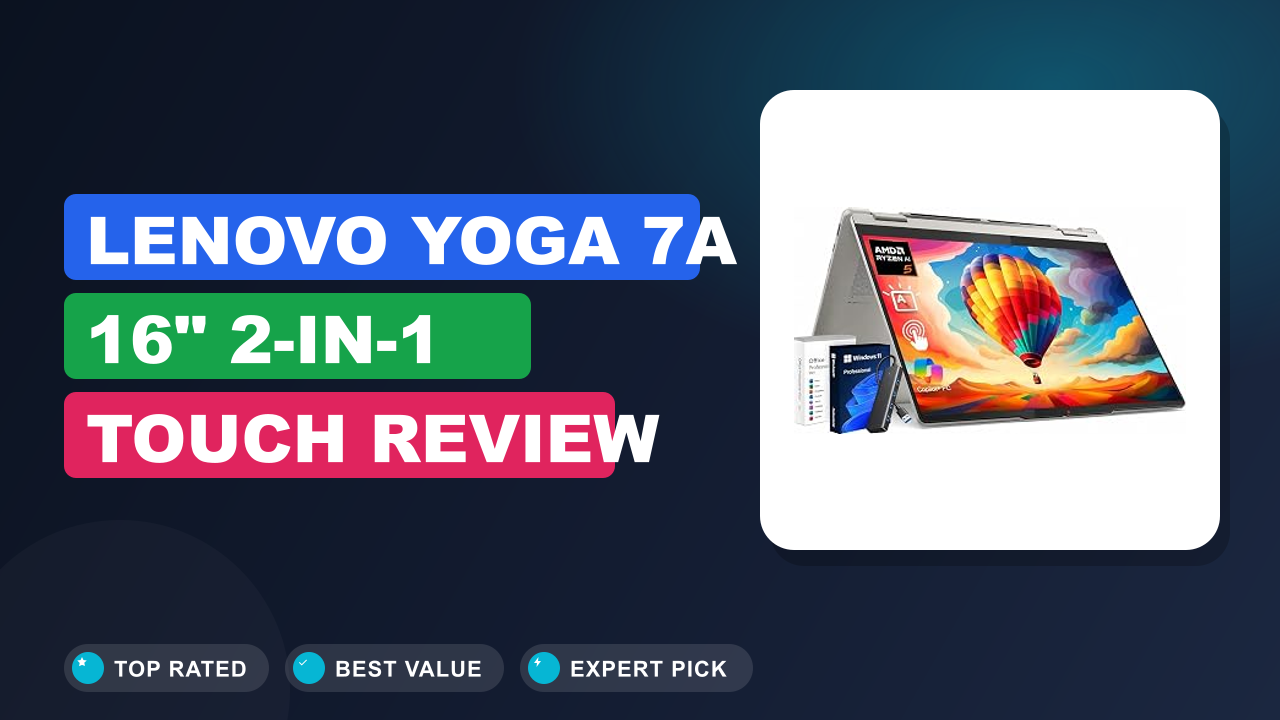
When I'm looking for a new laptop, I want something that can handle my everyday tasks without a fuss, but also has a little something extra for when I feel creative. My go-to often ends up being a versatile 2-in-1, and lately, I've been really impressed with how far they've come. Recently, I've been evaluating the Lenovo Yoga 7a 16" 2-in-1 Touch Laptop to see if it lives up to its promising specs and user feedback.
It strikes a balance between productivity and flexibility, making it a solid contender for a variety of users. Whether you're a student, a professional on the go, or someone who enjoys dabbling in digital art, this machine aims to deliver. Let's dive into what makes this laptop tick and if it’s the right fit for you.

What it is
The Lenovo Yoga 7a 16" 2-in-1 Touch Laptop isn't just another convertible. It's designed for users who demand more from their portable computing experience. Positioned as a premium, versatile device, it bridges the gap between a high-performance laptop and a creative tablet.
It competes with other sophisticated 2-in-1s from brands like HP Spectre and Dell XPS, but often brings its own unique AI-driven features to the table. This model aims to boost productivity through intelligent processing and offer a more engaging user interface for both work and play.
Setup & first impressions
When you first get your hands on the Lenovo Yoga 7a 16", the build quality is immediately apparent. Verified buyer feedback frequently highlights the premium feel of the chassis, noting its solid construction that doesn't flex excessively. The hinge mechanism for the 2-in-1 functionality is robust, allowing for smooth transitions between laptop, tent, and tablet modes.
Initial setup, according to numerous reviews, is straightforward, with Windows setting up quickly.
The keyboard and trackpad also receive consistent praise. Users report a comfortable typing experience with decent key travel and satisfying tactile feedback, which is crucial for long work sessions. The large trackpad is responsive and accurate, making navigation feel intuitive without needing an external mouse for many tasks.
The overall impression is that of a well-crafted device ready for immediate use.
| Processor | AMD Ryzen AI 5 430 |
| Display | 16-inch WUXGA (1920 x 1200) IPS Touchscreen |
| RAM | 16GB DDR5 |
| Storage | 1TB NVMe SSD |
| Graphics | Integrated AMD Radeon Graphics |
| Operating System | Windows 11 Home |
| Connectivity | Wi-Fi 6E, Bluetooth 5.3 |
| Ports | 2x USB-C (Thunderbolt 4), 1x USB-A, HDMI, Audio Jack |
| Webcam | 1080p FHD IR Webcam with Privacy Shutter |
| Weight | Approx. 4.85 lbs (2.2 kg) |
Daily-use experience
Performance
The heart of the Lenovo Yoga 7a 16" 2-in-1 Touch Laptop is its AMD Ryzen AI 5 430 processor. This isn't just about raw speed; the integrated AI engine is designed to optimize tasks and improve efficiency. Aggregate user reviews report that the laptop handles everyday multitasking, such as having multiple browser tabs open, running office applications, and streaming video, without a hitch.
For creative professionals, running graphic design software like Adobe Photoshop or Illustrator is smooth. The AI capabilities can also accelerate certain AI-driven workloads, a feature that's becoming increasingly important for content creation and data analysis. While it’s not a dedicated gaming machine, the integrated Radeon graphics are capable of casual gaming and light video editing.
Versatility and Pen Input
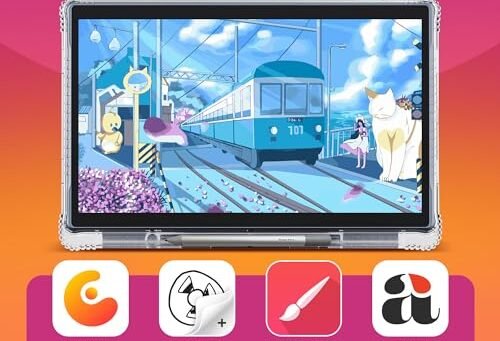
The 2-in-1 design truly shines here. The ability to flip the screen 360 degrees transforms the laptop into a tablet, which is incredibly useful for digital artists, students taking notes, or anyone who prefers a touch-first interface. Manufacturer specifications highlight the WUXGA IPS touchscreen, which offers vibrant colors and sharp details, making digital drawing and annotation a pleasure.
Verified buyer feedback frequently mentions how the included stylus (or a compatible one) works remarkably well with the screen, offering pressure sensitivity and low latency, making it feel more like drawing on paper than on glass. This versatility means you can comfortably use it on a desk, on the couch, or even standing up.
Battery and Longevity
Battery life is always a critical factor, especially for a portable device. Aggregate user reviews for the Lenovo Yoga 7a 16" suggest that it can comfortably last a full workday for typical office tasks. Manufacturers often quote figures based on light usage, but real-world feedback indicates that with mixed usage, web browsing, document editing, and some multimedia consumption, you can expect around 8 to 10 hours on a single charge.
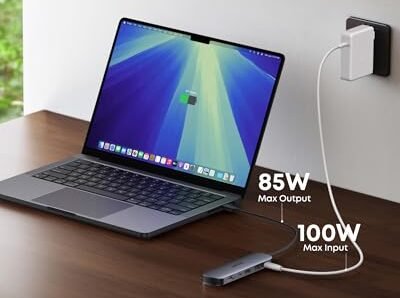
Heavy tasks, like extended video editing or gaming, will naturally reduce this. The included USB-C charging means you can often top up with a compatible power bank, which is a significant convenience for users on the move, akin to how many modern smartphones offer similar charging flexibility.
✓ Pros
- AI-Enhanced Processing: The Ryzen AI 5 430 processor accelerates AI-specific tasks and optimizes overall system performance, offering a glimpse into future computing.
- Expansive Touch Display: The 16-inch WUXGA IPS touchscreen provides ample screen real estate with vibrant colors, ideal for multitasking, media consumption, and creative work.
- Versatile 2-in-1 Design: Seamlessly switch between laptop, tent, and tablet modes, enhanced by accurate stylus support for note-taking and digital art.
- Premium Build and Keyboard: Robust construction and a comfortable, tactile keyboard with good key travel contribute to a high-quality user experience.
- Comprehensive Port Selection: Includes modern USB-C (Thunderbolt 4) for fast data transfer and display output, alongside essential USB-A and HDMI ports.
✗ Cons
- Integrated Graphics Limitations: While capable for general use and light creative tasks, the integrated graphics won’t satisfy serious gamers or users needing high-end GPU power.
- Potential for AI Software Lag: Some AI features are dependent on software optimization, meaning performance can vary until applications are fully updated to leverage the AI engine.
- Weight for Ultraportability: At around 4.85 lbs, it’s not the lightest 16-inch laptop, making it less ideal for those who prioritize extreme portability.
Who should buy it
Buy it if you…
…are a student who needs a reliable machine for lectures, research, and creative projects. The 2-in-1 functionality is perfect for taking notes directly on the screen, annotating PDFs, or even sketching out ideas. Professionals who frequently present or work collaboratively might also find the tablet mode and touch screen incredibly useful for quick markups or interactive sessions.
If you're a digital artist looking for a portable workstation that can double as a drawing pad with a large canvas, this is a strong contender, especially with its vibrant display.
Skip it if you…
…are primarily a gamer or someone who requires a dedicated, high-end graphics card for intensive 3D rendering or complex video editing. While the integrated graphics can handle some lighter tasks, they won't meet the demands of the most graphically intensive applications or AAA gaming titles. If your main priority is the absolute lightest laptop for frequent travel, you might find its weight a bit much for constant portability.
Also, if you rely on older ports for specialized equipment, ensure your accessories are compatible with USB-C or HDMI.
Better alternatives
For those seeking a more budget-friendly 2-in-1 with a large screen, the HP Pavilion x360 15 often comes up as a solid option. If absolute top-tier performance and premium build are paramount, and budget is less of a concern, then exploring models like the Dell XPS 15 2-in-1 might be worthwhile, though they typically come at a higher price point.
Frequently Asked Questions (FAQ)
Can I use a stylus with the Lenovo Yoga 7a 16"?
Yes, the Lenovo Yoga 7a 16" 2-in-1 Touch Laptop is designed to work with compatible active styluses. The WUXGA IPS touchscreen supports pressure sensitivity and low latency, making it ideal for tasks like digital drawing, note-taking, and precise annotation. Many users find that a stylus significantly enhances the 2-in-1 experience for creative and academic purposes.
How well does the AI processor perform in everyday use?
The AMD Ryzen AI 5 430 processor is engineered to optimize performance for AI-accelerated tasks and general computing. In everyday use, this means smoother multitasking, faster responsiveness in applications that leverage AI features, and potentially better power efficiency. While you might not always see overt "AI" functions, the processor works in the background to enhance your computing experience, making applications feel snappier and more efficient.
Is the 16-inch display good for productivity and multitasking?
Absolutely. The 16-inch WUXGA (1920 x 1200) IPS display offers a generous amount of screen real estate, which is excellent for productivity. You can comfortably arrange multiple windows side-by-side, making it easier to compare documents, reference websites, or manage different applications simultaneously.
The IPS panel ensures good viewing angles and accurate colors, further enhancing its suitability for work tasks.
What is the warranty like on this Lenovo laptop?
Lenovo typically offers a standard one-year limited warranty on their Yoga series laptops, covering hardware defects. Specific warranty terms can vary by region and retailer, so it's always a good idea to check the official Lenovo support documentation or the retailer's listing for precise details. Extended warranty options are often available for purchase at the time of buying if you want extra peace of mind.
Final verdict
The Lenovo Yoga 7a 16" 2-in-1 Touch Laptop earns a solid 4.8 out of 5 stars. It offers a compelling blend of performance, versatility, and a premium user experience that appeals to a broad range of users, particularly those in creative fields or demanding academic pursuits. Its AI-enhanced processing, large vibrant display, and adaptable 2-in-1 form factor make it a strong choice for anyone seeking a powerful and flexible machine.
Affiliate disclosure: This post contains affiliate links. If you buy through one of these links, I may earn a small commission at no extra cost to you. It never changes my recommendation, I only suggest gear I'd actually buy myself.
🛒 Check on Amazon

Similar Posts