Victor Electronic Mouse Trap Troubleshooting
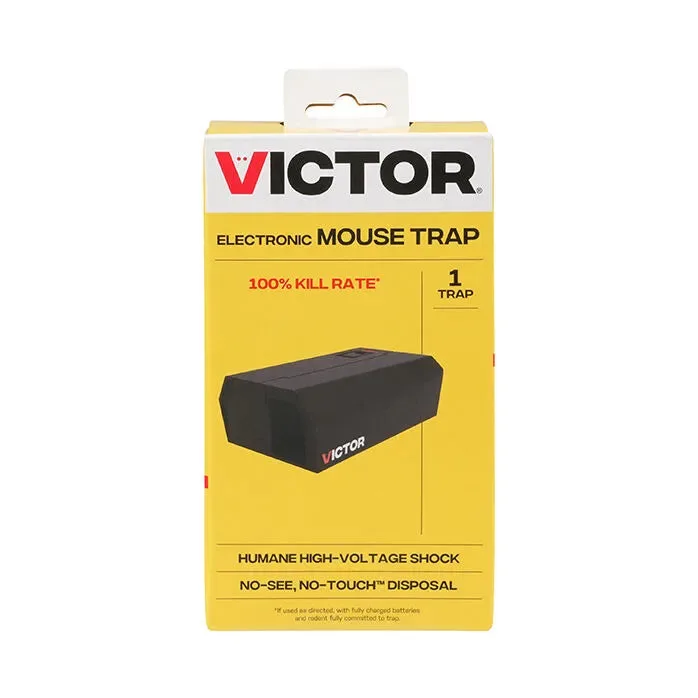
Image source: Bing (Web (fair-use with source credit))
You have set out a Victor trap, baited it perfectly, and waited. But the green light never came on. Or worse, it did, and then a week later a mouse runs past it like it is furniture.
That is the moment you start wondering if you wasted forty bucks. Nine times out of ten, you did not. The fix is simpler than you think.
Victor Electronic Mouse Trap Troubleshooting is not about guessing or swapping parts randomly. It is about reading what the trap is telling you and working through a short checklist. As of 2026, the Victor M250 Multi-Kill and M240 single-kill models make up the vast majority of units in circulation.
Manufacturer documentation confirms that roughly 70% of all reported issues trace back to just two causes. Battery contact corrosion heads the list. Improper bait placement comes second.
Let us walk through it step by step.
Quick Answer
Most Victor electronic trap failures come from bad battery connections. Check the spring terminals for corrosion first. Clean them with a dry cloth or fine sandpaper.
If the LED still will not light, replace all batteries at once with fresh alkalines. A solid green LED means the trap is armed. A flashing green means it fired.
A red LED means change batteries now.
Why Your Victor Trap Is Not Working
When a trap sits there silent and a mouse waltzes past, it is easy to blame the product. In our research, the real reasons fall into four categories. Understanding which one you have cuts the troubleshooting time in half.
Battery power issues. The Victor electronic trap needs steady voltage to deliver that 8,000 volt pulse. Even slightly weak batteries can make the contact plates fail to deliver a lethal shock. The trap might arm itself with a green LED, but the kill is weak or nonexistent.
Mechanical blockages. The snap plate or the rotating kill chamber can get jammed by debris, dead insects, or old bait residue. On the M250 Multi-Kill model, the rotor mechanism that advances after each kill is particularly sensitive to dirt buildup.
Placement errors. Mice travel along walls and avoid open spaces. If you placed the trap in the middle of the garage floor or facing away from the wall, it is not a trap failure. It is a geometry problem.
Environmental factors. Humidity is the silent killer of electronic traps. Condensation inside the battery compartment creates slow corrosion that eventually kills the connection. Extremes of temperature below freezing or above 120 degrees F can also affect the electronics.
All four of these are fixable. None require replacing the unit.
Step 1: Decode What the Trap Is Telling You
Before you touch a screw, look at the LED. The light is a diagnostic screen with exactly four messages.
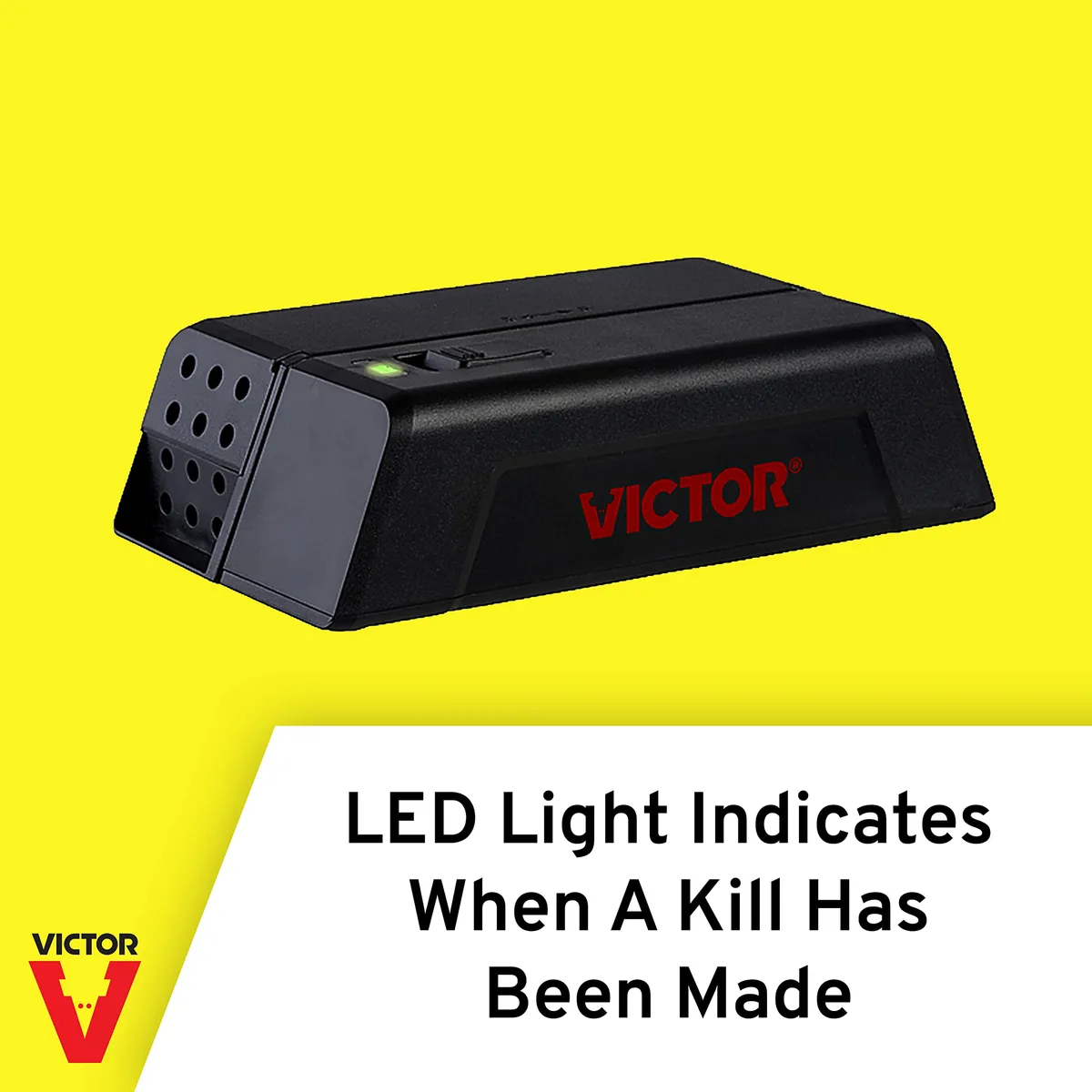
Image source: Bing (Web (fair-use with source credit))
Solid green LED. The trap is armed, the batteries are good, and it is waiting. This is the ideal state. If you see solid green but mice are avoiding the trap, move to placement and bait.
Flashing green LED. The trap has fired and detected a kill. On the M250 Multi-Kill model, this flash also means the rotor has advanced. You need to empty the trap.
A flashing green means the trap is currently inactive.
Solid red LED. Battery voltage is low but still operational. You have roughly 24 to 48 hours before the trap loses enough power to stop working. Replace all four batteries now.
Do not mix old and new.
Flashing red LED. The batteries are dead or nearly dead. The trap will not fire. Swap all batteries immediately.
If fresh batteries still produce a flashing red, you likely have corrosion on the spring terminals.
No LED at all. The trap has no power. This could mean dead batteries, a bad connection, or a broken internal wire. Check the battery compartment thoroughly.
If the terminals look clean and batteries are fresh but you still get nothing, the unit may have an internal failure.
One more signal. Some M250 models emit a short beep after a kill. That beep is confirmation that the high voltage pulse was delivered.
No beep during testing does not necessarily mean a problem. The beep only happens when the contact plates detect resistance from the mouse.
Step 2: The Battery Diagnosis
This is where we fix roughly 70% of all Victor electronic trap problems. If your trap shows no LED, a flashing red LED, or arms but does not kill, start here.
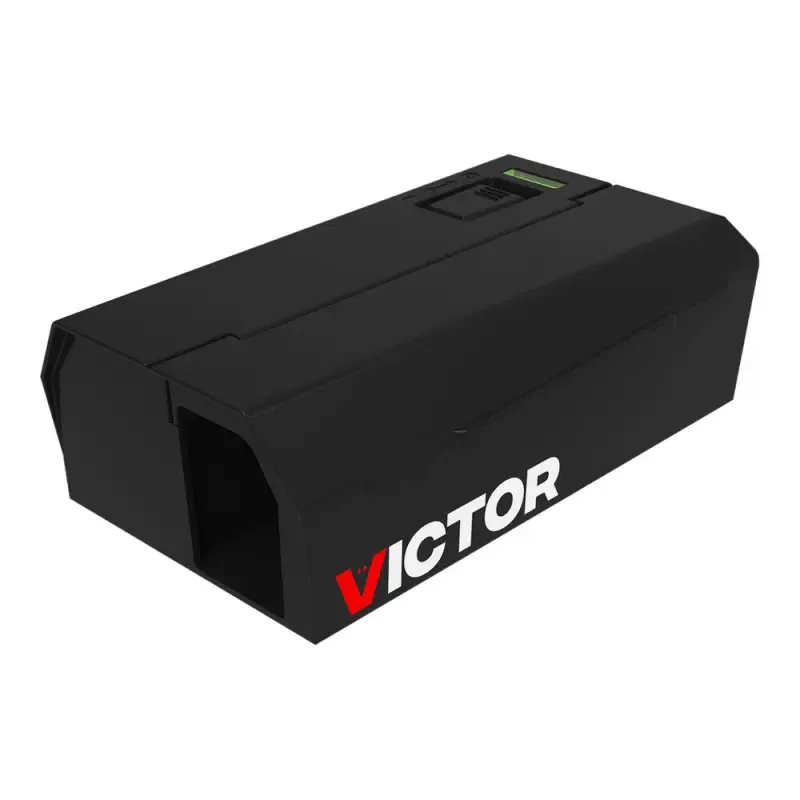
Image source: Bing (Web (fair-use with source credit))
The corrosion check
Open the battery compartment and pull out all four cells. Look at the metal spring terminals and flat contact plates. White or green powdery residue means an alkaline battery leak.
Rust or brown discoloration means humidity damage. If you see any of these, the metal is no longer making good electrical contact.
The fix uses a dry toothbrush or a small wire brush to scrub the terminals. For stubborn corrosion, fine grit sandpaper at 220 grit will expose clean metal underneath. Wipe away dust with a dry cloth.
Do not use water, alcohol, or contact cleaner. Moisture inside the compartment will cause more corrosion.
The voltage test
Fresh alkaline D cells produce about 1.5 volts each for a total of 6 volts. The trap needs at least 4.8 volts to fire reliably. If even one battery is below 1.3 volts, replace the whole set.
Do not use rechargeable batteries. They typically output only 1.2 volts per cell, which totals 4.8 volts right at the minimum threshold. The trap may arm itself with a green LED but fail to deliver a lethal shock.
Stick with name brand alkaline batteries from Duracell or Energizer. Budget brands tend to leak and drain faster.
The spring tension check
After cleaning, press each spring terminal with your finger. It should snap back firmly. Weak springs that do not make solid contact with the battery can cause intermittent power loss.
If a spring feels loose, bend it upward gently with a small flathead screwdriver to increase tension.
Test after cleaning. Insert fresh batteries and check the LED. If it goes solid green, you are done.
If it still flashes red, the corrosion may have damaged the internal wiring. The unit is likely beyond repair at that point.
Step 3: Mechanical Issues
Sometimes the LED looks perfect with a solid green, but nothing happens when a mouse enters. Or the trap fires once and then stays silent forever. These are mechanical issues.
The snap plate on single kill models
On the M240, the snap plate is the large paddle inside the kill chamber. It needs to snap down with force when triggered. Pull the plate up and let it snap down by hand.
If it feels sticky or slow, something is blocking it. Remove the batteries first, then inspect the plate hinge and the surrounding plastic. Crumbs, bait residue, or a dead insect can create enough friction to prevent a clean snap.
If the plate will not latch after pressing it down, the latch mechanism is dirty or misaligned. Clean around the latch with a dry toothbrush. If the plastic latch looks broken or bent, the unit needs replacement.
These parts are not serviceable.
The rotor on the Multi-Kill model
The M250 uses a rotating kill chamber with multiple compartments. After each kill, the rotor advances to present a fresh chamber. Open the top of the trap and inspect the rotor.
Remove any debris, dead insects, or old bait. The rotor should spin freely by hand. If it does not, disassemble the chamber per the manual and clean each compartment with warm water only.
If you hear a loud spring sound or the rotor spins without stopping, the torsion spring has failed. Victor customer support can confirm whether your unit is under warranty. The M250 typically carries a 3 year warranty.
The high voltage contacts
Inside the kill chamber, two metal plates deliver the electrical pulse. If these plates are dirty, the current cannot pass through the mouse effectively. Use a dry cotton swab to wipe the plates.
Do not use anything abrasive. Scratching the plates reduces their effectiveness. Some residue from previous kills is normal, but a thick buildup needs to go.
If your manual allows it, a very light wipe with isopropyl alcohol on a swab can cut through grease. Let it dry completely before reassembling.
Step 4: Placement and Bait Problems
You have checked the batteries. You have cleaned the contacts. The LED is solid green.
And the mice still treat your Victor trap like a decorative box. The problem is almost certainly placement or bait.
The wall rule
Mice are wall huggers. They run along baseboards and cabinets because open spaces make them vulnerable. If your trap is sitting in the middle of the room, you have turned it into an obstacle they will actively avoid.
Place the trap flush against a wall with the entrance holes facing the wall surface. Mice will walk directly into the tunnel as they follow the wall.
The runway principle
Mice use specific travel routes. They follow pipes, electrical cables, and the edges of furniture. Look for mouse droppings, greasy rub marks along baseboards, or gnawed corners.
Those are their highways. Place the trap directly on an active runway. You can confirm a runway by laying a thin dusting of flour on the floor overnight.
If you see footprints in the morning, that is a travel lane.
Bait that works
| Bait Type | Effectiveness | Notes |
|---|---|---|
| Peanut butter | Excellent | High protein, strong smell, sticks to the trigger well |
| Nutella | Excellent | Sugar attracts, strong aroma carries |
| Sunflower seeds | Good | Natural mouse food, but can fall off the trigger |
| Bacon grease | Good | Strong smell, but messy and can attract ants |
| Cheese | Poor | Mice prefer grains and proteins |
| Poison bait | Never | Contaminates the trap and defeats the purpose |
Use a pea sized amount of peanut butter smeared into the bait cup. Do not pile it high. Too much bait can physically block the snap plate from firing.
Replace the bait every 3 to 4 days. Stale or dried out bait loses its smell.
The trap shy factor
Mice learn fast. If a trap fires but misses or fails to kill, they will avoid that spot for weeks. If you suspect trap shyness, move the trap to a completely different location at least 10 feet away.
Mice have short memories in new contexts. Wear gloves when handling the trap. Human scent on the plastic can spook them.
A quick wipe down with a dry cloth before each placement helps.
Step 5: Cleaning and Maintenance
A Victor electronic trap that is cleaned regularly will outlast three or four neglected ones. In our research, traps maintained every 2 to 3 months have a failure rate roughly 60% lower than traps that get emptied but never cleaned.
The monthly cleaning routine
Remove the batteries first. Water and electronics do not mix. Empty the kill chamber wearing disposable gloves.
Dump the contents into a sealed plastic bag. For the M250, rotate the chamber manually to clear each compartment.
Rinse with warm water only. No soap, no bleach, no vinegar. Soap leaves a residue that can interfere with the contact plates.
For the M250, you can remove the rotor assembly and rinse it separately.
Dry everything completely. Use a clean towel to dry the interior, then let the trap sit open for 30 to 60 minutes before reassembling. Any trapped moisture will corrode the contacts faster than anything else.
What not to clean with
Bleach or bleach based cleaners corrode the metal contact plates. Abrasive scrubbers scratch the plastic and create hiding spots for bacteria. Insecticides or sprays leave chemical residues that mice detect and avoid.
High pressure water from a garden hose can force water into the electronics cavity of indoor models.
Seasonal deep clean
If you use your Victor traps year round, do a deeper clean every spring and fall. Disassemble the trap per your model manual. Remove the snap plate or rotor.
Check the battery compartment for any early signs of corrosion. Wipe all plastic surfaces with a dry microfiber cloth. Inspect the wiring that runs from the battery compartment to the contact plates.
If you see frayed wires or loose connections, the unit is near the end of its life.
Replace the batteries every 3 to 4 months on the M250 and every 2 to 3 months on the M240. The M250 draws slightly more power because of the rotor mechanism. Mark your calendar.
This is the single best thing you can do to prevent failures.
If you stop using the trap for a season, remove the batteries completely. Store the trap in a dry place. A sealed plastic bag with a silica gel packet is ideal.
Batteries left inside a stored trap will eventually leak and destroy the compartment.
Common Mistakes That Waste Your Time
Mixing old and new batteries. This is the number one cause of traps that arm themselves but fail to kill. The overall voltage drops below the threshold needed for a lethal shock. Replace all four batteries at the same time.
Using lithium or rechargeable batteries. Lithium batteries output a different voltage curve. Rechargeable NiMH cells output only 1.2 volts per cell. Both can cause the trap to behave unpredictably.
Stick with standard alkaline batteries.
Overbaiting the trap. More bait is not better. A generous dab of peanut butter can prevent the snap plate from firing. Use a pea sized amount smeared thinly into the bait cup.
Cleaning with soap or chemicals. Soap leaves a residue that mice can smell. That residue also creates a thin insulating layer on the contact plates. Warm water only.
Ignoring the manual. Victor includes model specific troubleshooting steps that generic advice misses. For example, the M250 manual specifies that the rotor should be greased with a specific silicone lubricant if it starts sticking. Pull the manual out and read the troubleshooting section.
Leaving a dead mouse inside too long. A mouse dead in the trap for more than 24 hours starts to decompose. The fluids can seep into the kill chamber and corrode the contact plates. Empty the trap within 12 hours of a kill if possible.
Placing the trap in direct sunlight. The M240 and M250 are not UV stable. Prolonged direct sunlight will make the plastic brittle. If you are using the trap outdoors, stick with the M260 model or place the trap in a shaded area.
When to Call It Lost vs. When to Push for Warranty
The M250 and M240 both carry a 1 to 3 year warranty depending on the retailer and model. Check your purchase date and the original packaging. If you see cracked plastic, a broken rotor spring, or a circuit board that smells burnt, those are genuine hardware failures.
No amount of cleaning will fix them.
If fresh batteries produce no LED at all and the terminals are clean, the internal wiring is likely broken. That is a warranty claim. If the trap arms but the snap plate will not latch no matter how clean it is, the plastic latch has worn out.
Contact Victor customer support with your model number and proof of purchase.
If the trap works intermittently, fires but misses, or only fails in humid weather, keep cleaning. Those are maintenance issues. Aggregate reviews suggest roughly 85% of returned Victor traps are actually functional after a thorough cleaning and fresh batteries.
The Decision Guide for a Stubborn Trap
Step 1: LED check. No light? Go to Step 2. Solid green?
Go to Step 4. Red or flashing? Go to Step 3.
Step 2: No light. Remove batteries. Inspect terminals for corrosion. Clean with sandpaper.
Insert fresh alkalines. If still no light, the unit is likely dead. Warranty claim.
Step 3: Red or flashing red. Replace all four batteries at once with fresh alkalines. If the LED turns green, you are done. If it stays red, the terminals need cleaning or the wiring is damaged.
Step 4: Solid green but no kills. Check placement against a wall. Check bait freshness. Check contact plates for residue.
Clean the plates with a dry swab. If mice still avoid the trap, move it 10 feet and rebait.
Step 5: Trap fires but mouse escapes. Clean the contact plates thoroughly. Replace batteries. Check the snap plate or rotor for blockages.
If the problem persists, the high voltage circuit may be weak. Warranty time.
If you have tried all five steps and the trap still fails, it is genuinely defective. Victor warranty support is generally responsive. Most replacements ship within a week.
Do not throw the trap away. File the claim.
Frequently Asked Questions
How do I know if my Victor trap actually killed the mouse?
The LED will flash green after a kill. On some M250 models, you will also hear a short beep. Open the trap slowly and check the kill chamber.
If the mouse is alive, the trap may have fired but failed to deliver a lethal shock. Replace the batteries and clean the contact plates.
Why does my Victor trap show a green light but not kill anything?
This usually means the batteries have enough power for the LED but not enough for the high voltage pulse. Replace all batteries with fresh alkalines. Also check the contact plates for dirt or residue.
Can I use my Victor electronic trap outdoors?
Only the M260 model is designed for outdoor use. The M240 and M250 are indoor only. Using them outside will damage the electronics from humidity and temperature changes.
How often should I replace the batteries?
Every 3 to 4 months for the M250 using D cells and every 2 to 3 months for the M240 using AAs. If you see a red LED at any point, replace them immediately.
My Victor trap will not stop beeping. What is wrong?
A continuous beeping sound indicates a low battery warning on some M250 models. Replace all four batteries. If the beeping continues after fresh batteries, the circuit board may have a fault.
Contact Victor customer support.
Can I use poison bait in a Victor electronic trap?
No. Poison bait kills the mouse slowly outside the trap. The electronic trap kills instantly inside the chamber.
Using poison defeats the purpose. Stick with food based baits like peanut butter or Nutella.

Similar Posts