Aprilaire Thermostat Troubleshooting
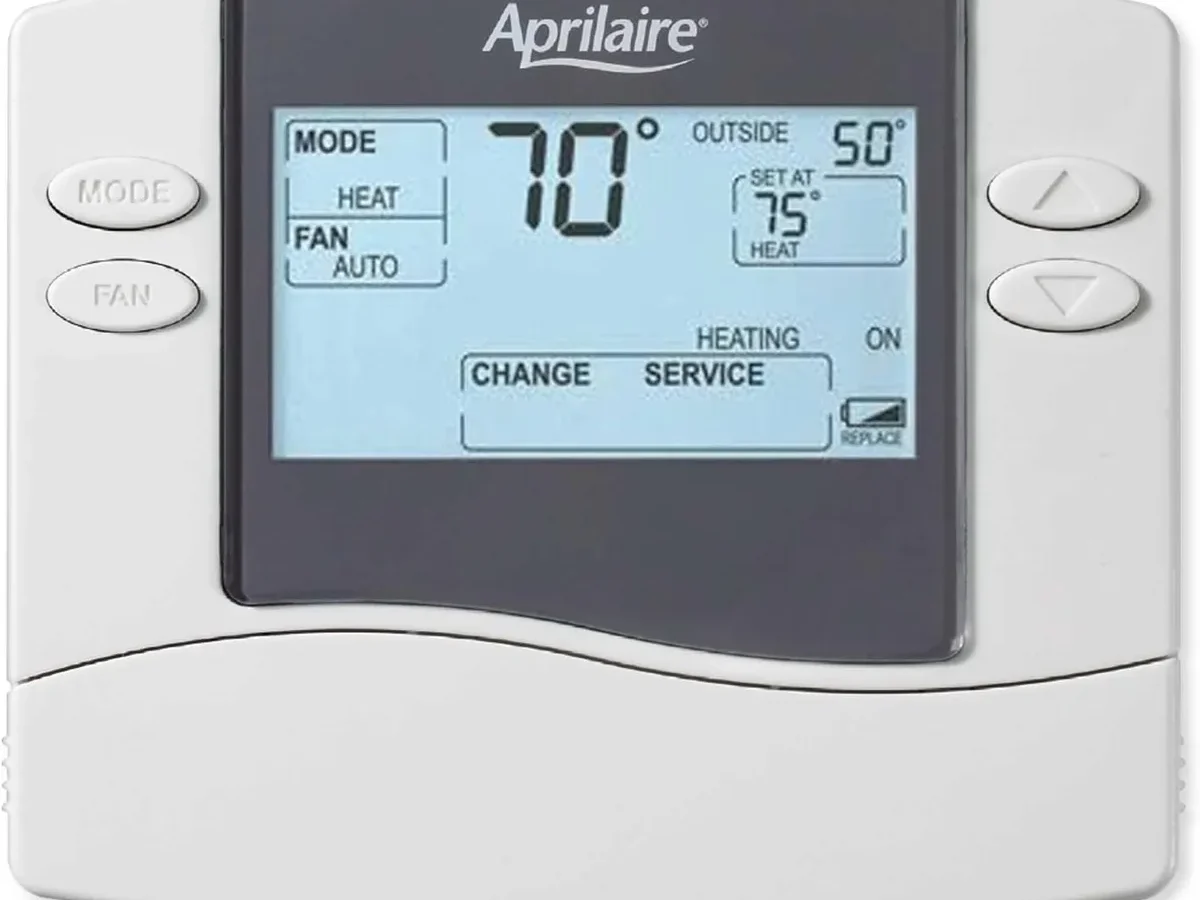
Your Aprilaire thermostat is acting up, and you’re not alone. Whether it’s a blank screen, a furnace that won’t fire, or Wi-Fi that drops every hour, these issues are incredibly common with smart thermostats. Most have simple fixes you can handle in under fifteen minutes without calling a tech.
Aprilaire thermostat troubleshooting comes down to a logical process: identify the symptom, check power and wiring, verify furnace safety switches, and only then dive into settings or sensors. A huge portion of service calls trace back to dead batteries, a tripped breaker, or a misaligned door switch, not a failed thermostat itself. Most Aprilaire models run on 24VAC with a common wire (C-wire) for power.
Understanding that basic setup will save you time and money.
Let’s walk through the most common failure points in order, from simplest to most involved.
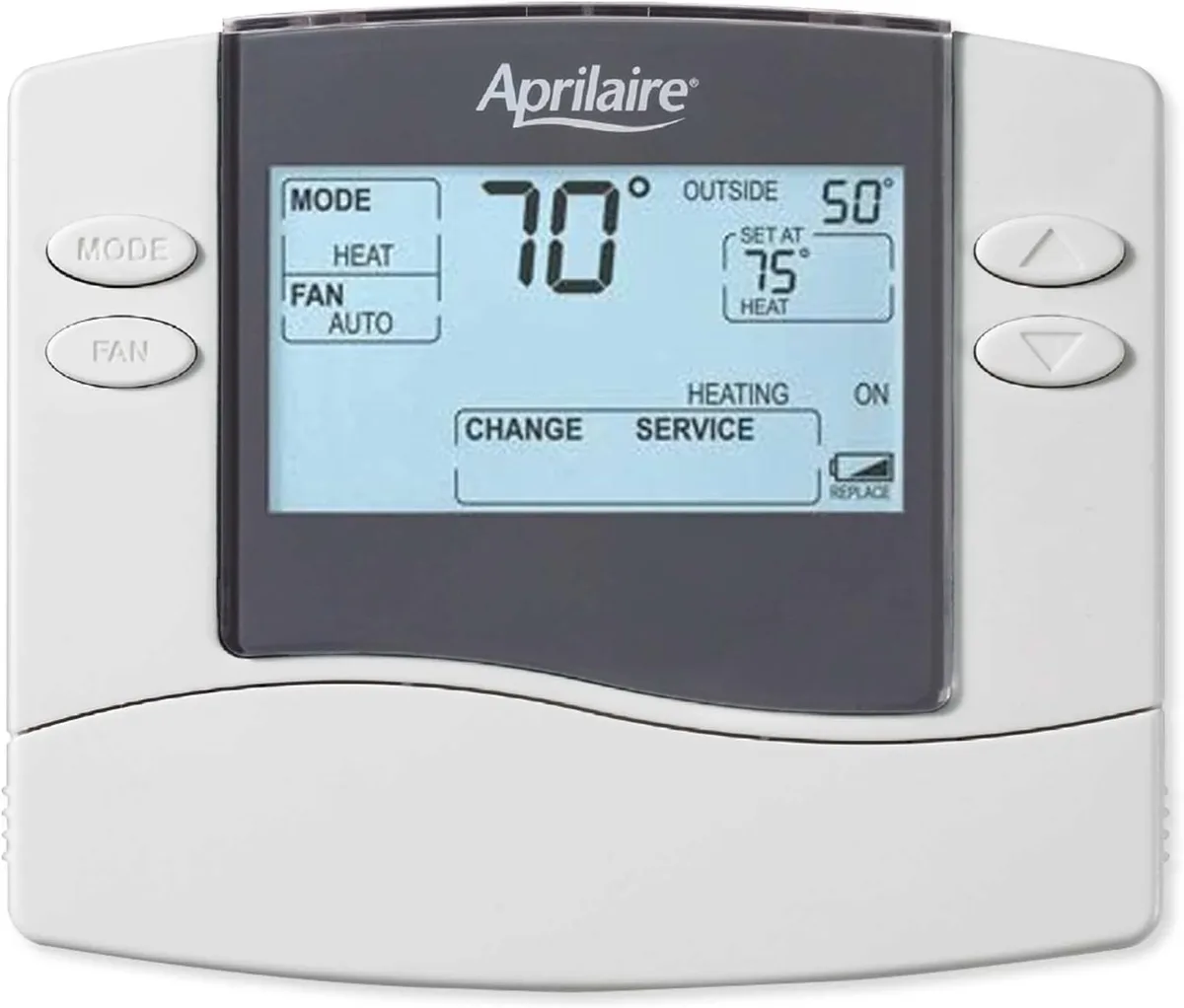
Image source: Bing (Web (fair-use with source credit))
Dead or Blank Screen: Power, Batteries, and the C-Wire
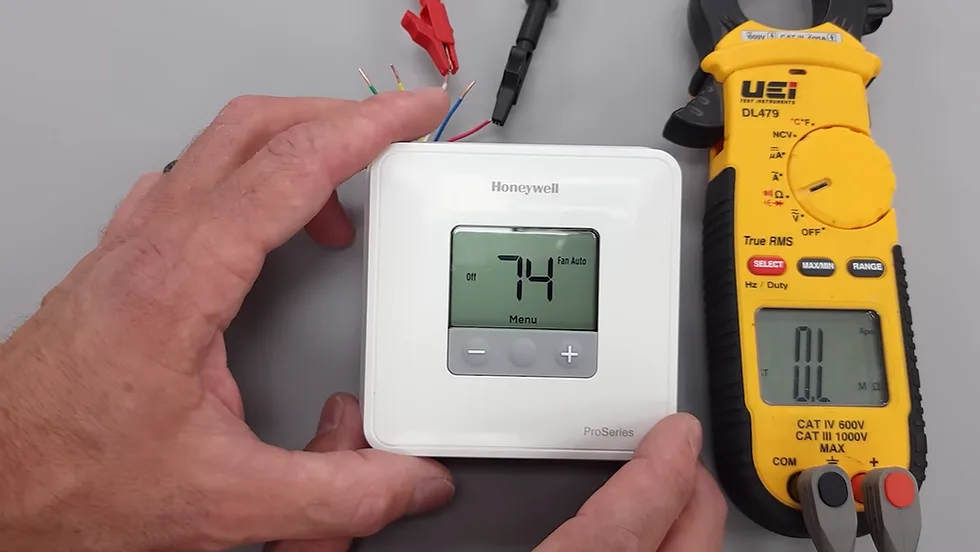
Image source: Bing (Web (fair-use with source credit))
A blank screen is the most common complaint and the easiest to diagnose. If your Aprilaire thermostat is completely dead, you’re dealing with a power problem, not a software glitch.
First, check the obvious stuff. Look at your furnace’s main breaker and make sure it hasn’t tripped. It happens more often than you’d think, especially after storms or if another appliance on the same circuit pulled too much power.
Next, walk over to your furnace and check the power switch on the side of the unit. It looks like a regular light switch, often painted red or mounted high on the ductwork. If it’s off, flip it on and see if the thermostat wakes up.
If the unit has batteries, pull the faceplate off and replace them. Most Aprilaire models use two or three AA or AAA batteries as backup power. Even if the unit is hardwired, dead batteries can cause the screen to flicker or go dark entirely.
While the faceplate is off, take a look at the wiring terminals. You’ll see a slot labeled “C” for common wire. That C-wire delivers continuous 24V power to the thermostat.
If the wire is loose, push it back in and tighten the screw. A loose C-wire is the single most common wiring issue we see in thermostat failures.
If the screen is still dead after checking the breaker, the switch, the batteries, and the C-wire, grab a multimeter and test the voltage at the thermostat terminals. You’re looking for 24VAC between the R and C terminals. If you’re reading zero volts, the problem is upstream, likely a blown fuse on your furnace control board or a tripped low-voltage transformer.
That’s a deeper fix. If you’re not comfortable poking around your furnace’s electrical panel, that’s the point where you call a pro.
One more thing: if the screen is lit but showing a “Low Battery” icon, just swap the batteries. It sounds too simple, but plenty of people chase ghosts for an hour before realizing their backup batteries were two years old and completely drained.
Thermostat Says “Heat On” But Furnace Won’t Fire
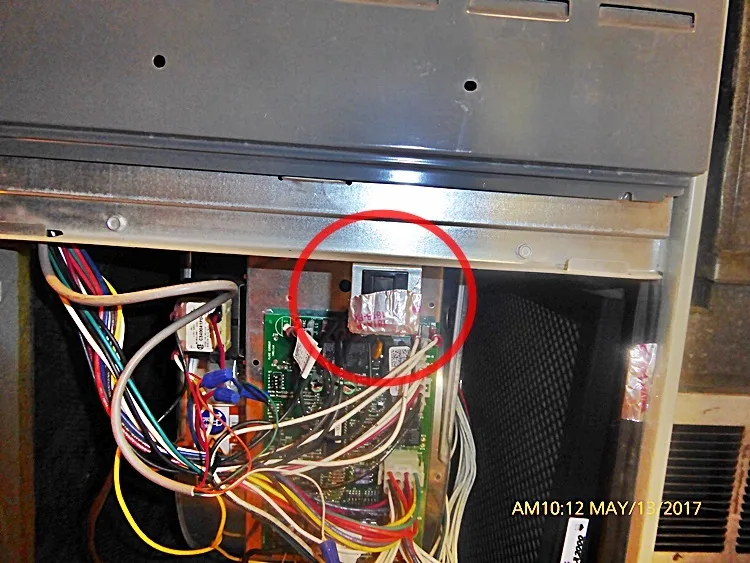
Image source: Bing (Web (fair-use with source credit))
This one is frustrating. Your thermostat is clearly working, the screen says “Heat On,” but you’re standing in a cold house and the furnace hasn’t kicked on. The good news is that your thermostat is doing its job.
The problem is somewhere between the thermostat and the blower.
Start with the furnace’s access door. On nearly every residential furnace, there’s a safety interlock switch that rests against the metal access panel. That switch cuts power to the ignition system when the door is removed.
If the door isn’t seated perfectly flush, the switch stays open and the furnace won’t fire. Push the door firmly until it clicks. HVAC techs often fix this in under two minutes.
Next, check your air filter. A clogged filter restricts airflow, which causes the furnace’s high-limit switch to trip and shut everything down as a safety measure. If your filter is visibly dirty or you haven’t changed it in more than three months, swap it out.
Per manufacturer documentation, a clean filter is essential for proper airflow and heat exchanger protection.
If the filter is fine and the door is sealed, look at the furnace’s status light. Most modern furnaces have a small sight glass window on the blower compartment door. That LED blinks in a specific pattern to tell you the error code.
Write down the pattern, then consult your furnace’s manual. Common codes include ignition failure, flame sensor issues, or a blocked pressure switch.
If you’re getting a flame for a few seconds and then it shuts off, that’s almost always a dirty flame sensor. This is a common fix, but it does require removing the burner compartment. If you’re not comfortable doing that, call a pro.
But if you’re reasonably handy, you can pull the sensor, clean it with fine grit sandpaper, and slide it back in. That routine maintenance clears most intermittent ignition failures.
Wi-Fi Won’t Connect or Keeps Dropping
Smart thermostats are great until the Wi-Fi flakes out. If your Aprilaire won’t connect or drops the signal every few hours, the issue is rarely the thermostat itself. More often, it’s the router, the signal strength, or the thermostat’s own network settings.
First, confirm your phone and the thermostat are on the same network. This sounds obvious, but people accidentally have their phone on the 5GHz band while the thermostat only supports 2.4GHz. That mismatch prevents pairing entirely.
Most Aprilaire models only broadcast on 2.4GHz, so log into your router settings and make sure the thermostat is joining the 2.4GHz band.
Next, check the distance between the thermostat and your router. If it’s more than 30 feet or there are thick walls in between, the signal might be too weak. A simple Wi-Fi extender, placed halfway between the router and the thermostat, usually solves this.
If your router is congested with too many devices, try splitting the bands or giving the thermostat a reserved IP address.
Sometimes the fix is a full reset of the thermostat’s network module. You can usually do this through the menu under Settings, then Wi-Fi, then Forget Network. After that, reconnect as if it’s a new device.
Here’s a tip from real-world use: restart the router first, then reconnect the thermostat. That order works more reliably than adding the device while the router is mid-reboot.
If the connection keeps dropping every few days even with a strong signal, check your router’s security settings. Some routers block older protocols, and WPA3 can confuse devices that only support WPA2. Switching the security mode to WPA2/WPA3 mixed often solves the problem.
The U.S. Department of Energy’s guidance on smart thermostat efficiency also notes that stable Wi-Fi is essential for remote scheduling and occupancy learning features, so getting this sorted keeps your energy usage on track.
Temperature Reads Wrong or Constantly Short Cycles
You’ve set the thermostat to 72 degrees, but the room feels like 65, or the furnace kicks on every five minutes and then shuts off just as quickly. Both of these issues point to a thermostat that’s reading bad data.
Check where the thermostat is mounted. If it’s near a drafty window, above a heat vent, or in direct sunlight, it will read the wrong temperature all day long. The built-in sensor is only accurate if the air around it represents the whole room.
Move the thermostat to an interior wall, away from vents and sunlight, about five feet off the floor. That’s the best location in any room, and most installation manuals specify exactly that.
If the thermostat has an external temperature sensor probe, check where it’s placed. A probe that’s fallen behind a piece of furniture or tucked against a warm appliance will throw the reading off by several degrees. Reseat it in open air, away from heat sources.
Short cycling, where the furnace fires and quickly shuts off, is often a different beast. It might be the thermostat’s differential setting. Some Aprilaire models let you adjust the temperature swing, so the furnace doesn’t start and stop too frequently.
If the swing is set too tight, like 0.5 degrees, the furnace will short cycle. Loosen it to 1.5 or 2 degrees if your model allows it.
However, short cycling can also be a mechanical issue. If the flame comes on and immediately goes out, you’re back to the flame sensor or a blocked condensate line. If it’s a heat pump system, low refrigerant could be the culprit.
Don’t chase settings if you suspect hardware. Turn the thermostat off, wait a few minutes, and if the problem persists, it’s time for a technician.
When to Call a Professional
Not every issue is a DIY fix. If you’ve gone through the steps above and the problem persists, call a licensed HVAC technician. Specifically, reach out if you notice any of the following:
- You’re getting zero voltage at the thermostat terminals and you’re not comfortable testing your furnace’s control board.
- The furnace is repeatedly igniting and shutting off, and you suspect a gas valve or ignition control issue.
- You smell gas or hear strange popping sounds from the furnace. Turn the system off and call your gas company immediately.
- You need to replace a transformer or a fuse and aren’t confident working with line-voltage electrical components.
- Your thermostat is under warranty, and you want to avoid voiding it with unauthorized repairs.
A good tech will check the thermostat, the furnace control board, and the wiring between them. They’ll also verify the system’s safety switches and test the transformer output. Expect to pay a service call fee, but it’s worth the peace of mind when you’re dealing with gas, electricity, and your home’s comfort.
Quick Recap: Common Fixes at a Glance
| Symptom | Likely Cause | Quick Fix |
|---|---|---|
| Blank screen, no power | Tripped breaker, dead batteries, loose C-wire | Check breaker, replace batteries, tighten C-wire |
| Screen works, furnace won’t fire | Furnace door switch open, dirty filter, flame sensor | Push door flush, replace filter, clean flame sensor |
| Wi-Fi won’t connect | Wrong band, weak signal, router security settings | Join 2.4GHz band, add extender, adjust WPA2 |
| Wrong temperature reading | Poor thermostat placement, stray sensor probe | Move to interior wall, reseat probe in open air |
| Short cycling | Differential set too tight, flame sensor, refrigerant issue | Loosen differential, clean sensor, call pro for refrigerant |
Final Thoughts
Aprilaire thermostats are solid, reliable units when they’re installed correctly and maintained. Most problems are simple: power issues, loose wires, clogged filters, or misconfigured network settings. Work through the steps in order, and you’ll often solve the issue without spending a dime.
If you’ve tried everything and the problem sticks around, don’t hesitate to call a pro. Some jobs are worth leaving to someone who does it every day. Your comfort, and your safety, are worth it.

Similar Posts