La Crosse Technology Clock Troubleshooting
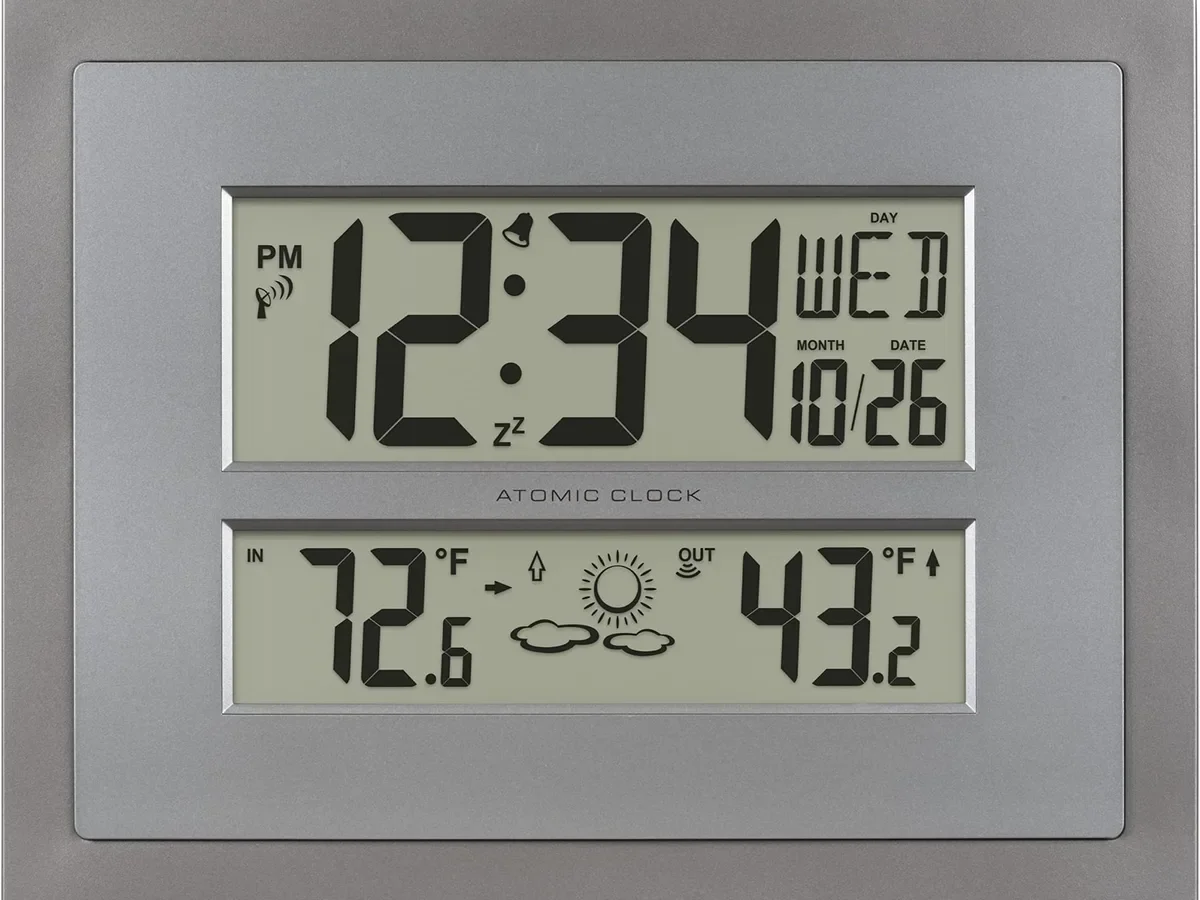
If you've ever stared at a La Crosse Technology clock that's stuck on the wrong time, you already know the frustration. La Crosse Technology Clock Troubleshooting usually comes down to three things: battery power, signal reception, and settings. Get those right, and most clocks sync within minutes.
Get one wrong, and you'll be waiting days.
The key is the WWVB radio signal, broadcast from Fort Collins, Colorado at 60 kHz. It's a national time reference that sets your clock automatically, but it's easily blocked by walls, electronics, and even weather. As of 2026, the signal remains the most reliable way to keep time, once you know how to help your clock receive it.
Let's walk through the fixes in order.
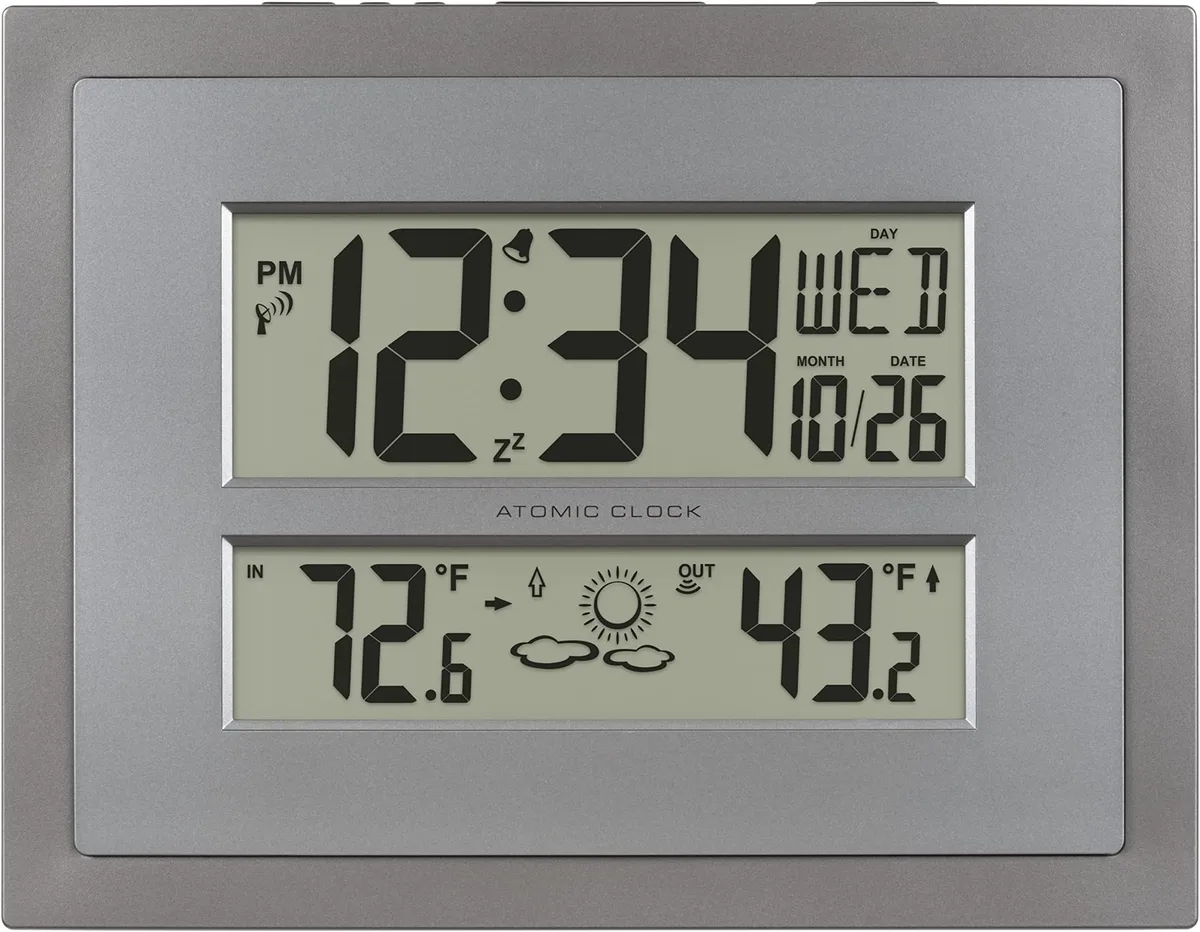
Image source: Bing (Web (fair-use with source credit))
Quick Answer
Start with battery power and contacts. Verify time zone and DST settings. Move the clock near a window facing Colorado.
Reset by removing batteries for 10 seconds. Wait overnight for a sync.
Why Your La Crosse Clock Won't Sync (And What To Check First)
Most La Crosse clocks are atomic clocks. They self-set by picking up the WWVB radio signal from NIST's station in Fort Collins. The signal carries the official U.S. time.
A working clock locks onto it automatically. If yours won't sync, something is blocking that signal.
Start with the most obvious causes before you blame interference. Nine times out of ten, it's a simple fix.
| Symptom | Likely Cause | Quick Fix |
|---|---|---|
| Wrong by exactly 1 hour | Time zone or DST setting | Hold SET and adjust |
| Never syncs at all | Weak signal or bad placement | Move near a north-facing window |
| Faint or blank display | Low battery or corroded contacts | Replace batteries, clean contacts |
| Buttons do nothing | Button lock is on | Hold SET or + to unlock |
The broadcasting station transmits at 60 kHz. That signal travels far but it's low-power. Walls, metal siding, electronics, and dense clouds can weaken it.
NIST calls this broadcast the backup time source for GPS, and it's been running for decades.
Here's the part most people miss: the signal is strongest at night. The ionosphere reflects the 60 kHz signal back to Earth after dark. That's why your clock might sync at 2 AM but not at 2 PM.
If you're troubleshooting during daylight hours, patience is part of the process.
Also confirm your model's time zone and DST settings before doing anything else. A clock set to "Pacific" in New York will always be three hours off, no matter how strong the signal is. The manual for your specific model lists the exact buttons to use.
The Sync Workflow: A Step-by-Step Decision Tree
Follow these steps in order. The moment one fixes the problem, stop.

Image source: Bing (Web (fair-use with source credit))
Step 1: Check the Obvious (Batteries, Time Zone, DST)
Remove the battery cover. Look at the cells. Are they swollen, leaking, or loose?
Replace them with fresh alkaline batteries. Then verify your time zone and Daylight Saving Time setting. Use the SET button to scroll through the options.
This is the most common fix, and it takes two minutes.
Step 2: Find the Right Spot (Signal Reception 101)
Place the clock near a window that faces Colorado. If you're east of Fort Collins, that's generally west or northwest. Keep it off metal desks, away from TVs, routers, and electric motors.
Concrete walls can act like a faraday cage. Even a few feet can make the difference between signal bars and nothing.
Step 3: The Reset Sequence (Model-Specific Tips)
Press the RESET button on the back with a paperclip. Hold it for 10 seconds. Then remove the batteries for 30 seconds.
Reinsert them and set your time zone again. Some models need the reset before the clock will even attempt a sync. Check the manual for your model, since the pinhole location varies.
Step 4: Wait It Out (The Nighttime Signal Window)
The WWVB signal is stronger at night. The best chance for a fresh sync is between 10 PM and 6 AM. Leave the clock undisturbed overnight.
If it doesn't sync by morning, repeat from Step 3. Some clocks need two or three reset attempts before they lock on.
Use this logic: If the clock is off by one hour, it's DST. If it's off by minutes, it's signal. If it's blank, it's power.
If it's stopped, it's batteries. That covers nearly every La Crosse complaint.
Common Fixes for Specific Problems
Match your symptom to the right fix.
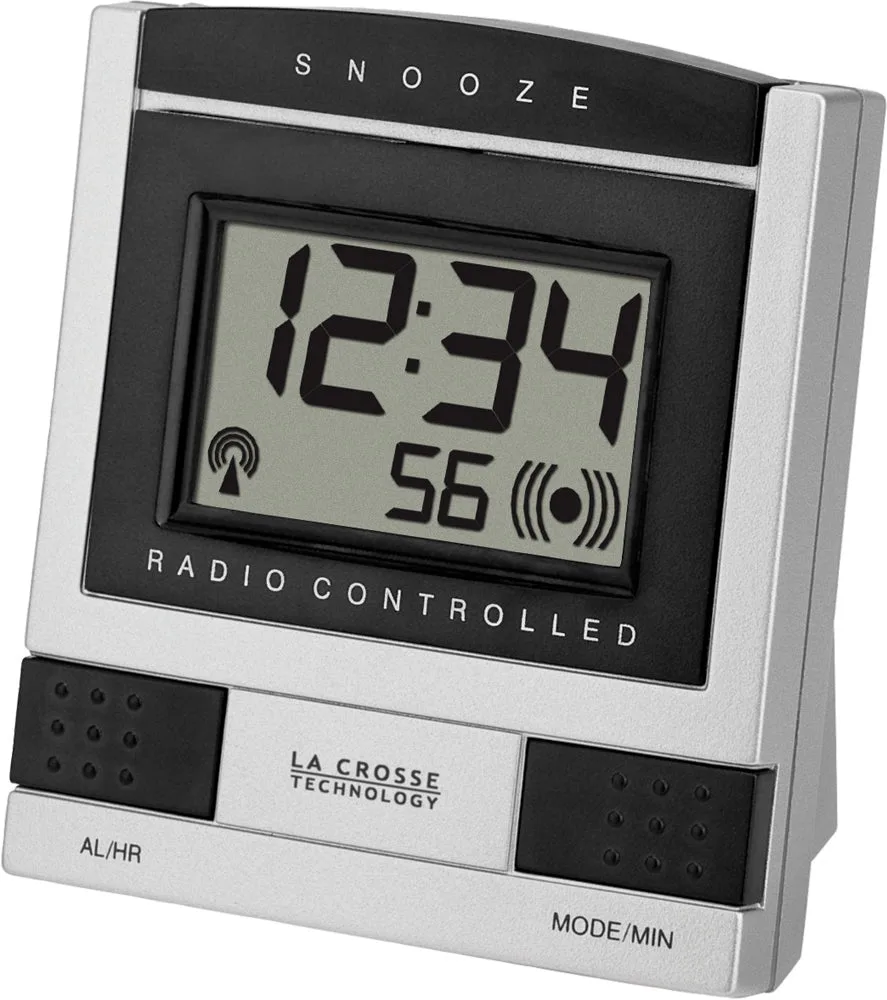
Image source: Bing (Web (fair-use with source credit))
Clock Shows Wrong Time (But It's Synced)
If the display shows the atomic tower icon, the clock has received a signal. But the time might still be off. Check the time zone and DST settings again.
Also check if you're on a border between zones. A clock set to "Eastern" instead of "Central" will be exactly one hour off.
Display Is Blank or Flickering
That's usually power, not signal. Remove the batteries and check the contacts for corrosion. Clean them with a pencil eraser or rubbing alcohol.
Replace with fresh batteries. If the display still flickers, the LCD is likely failing. At that point, replacement is cheaper than repair.
Buttons Don't Respond
Most La Crosse clocks have a button lock to prevent accidental changes. Hold the SET button for a few seconds to unlock it. If that doesn't work, remove the batteries, wait 30 seconds, and reinsert.
The clock resets, and the lock clears.
Remote Sensor Shows Dashes or No Reading
For weather station clocks, a dash on the sensor channel means the radio link is lost. Move the sensor closer to the base. Remove the batteries from both units, press and hold the sensor's reset button, then re-pair.
On most models, you press the sensor's TX or CH button to broadcast a fresh ID.
Mistakes That Keep Your Clock From Working
In our research, these five mistakes cause most repeat failures.
Ignoring the time zone setting after reset. The reset clears everything. If you don't re-enter Eastern, Central, Mountain, or Pacific, the clock may sync to the wrong hour. That's not a signal problem.
Using rechargeable batteries. Their voltage drops suddenly. A fresh rechargeable can test fine but still fail to keep the clock powered during sync attempts. Use quality alkaline cells instead.
Placing the clock too close to electronics. TVs, routers, and phone chargers all emit radio noise. That noise covers the WWVB signal. Move the clock at least three feet away.
Not giving the clock enough time. Many people reset, wait five minutes, and give up. The sync attempt cycle can run every four hours. Leave it overnight before judging.
Pressing buttons during the sync window. If you're fiddling with SET while the clock is trying to lock onto the atomic signal, you can interrupt reception. Let it work.
Another common mistake is putting the clock in a basement or an interior wall. The signal simply can't reach that far. The manual will tell you to place it near a window.
When to Replace vs. Keep Troubleshooting
La Crosse clocks are usually affordable. A basic atomic wall clock costs $20 to $40. A full weather station with sensors runs $50 to $100.
So if troubleshooting eats an hour and the clock still fails, replacement is often the smarter move.
| Keep Troubleshooting | Replace the Clock |
|---|---|
| Battery contacts are corroded but cleanable | Display has dead pixels or cracks |
| It's only off during the day | It never syncs after multiple overnight attempts |
| Buttons are locked | Buttons are physically stuck or broken |
| Sensor batteries are old | Sensor won't re-pair after new batteries |
| The clock is under a year old | It's more than 3–5 years old |
One exception: if a remote sensor dies on a multi-unit weather station, you can often buy a spare sensor directly from La Crosse Technology. That's much cheaper than replacing the whole system. Check the model number on the back label first.
Also consider whether you've done a hard reset correctly. A full factory reset involves removing batteries, holding RESET for 10 seconds, then waiting 30 seconds before reinserting. If you've done that twice and it still fails, the internal clock chip may be dead.
Fixing that isn't worth it.
Frequently Asked Questions
Why is my La Crosse clock off by exactly one hour?
Your time zone or Daylight Saving Time setting is wrong. Hold the SET button, scroll to the correct time zone, and toggle DST to ON or OFF based on your location. That fixes it instantly.
How long should I wait for my clock to sync?
Give it at least 10 to 15 minutes during the daytime. Overnight is better because the WWVB signal is strongest after dark. If it hasn't synced by morning, try a full reset.
Can I use rechargeable batteries in my La Crosse clock?
It's not recommended. Rechargeable batteries discharge at a lower voltage and drop off suddenly. Alkaline batteries provide consistent power and longer life for atomic clocks.
What does the tower icon mean on my La Crosse clock?
The tower icon means the clock is receiving or has received the WWVB atomic signal. If the tower is flashing, the clock is actively trying to sync. A solid tower means a successful sync.
How do I reset my La Crosse clock to factory settings?
Remove the batteries. Press and hold the RESET button with a paperclip for 10 seconds. Wait 30 seconds with no batteries.
Reinsert fresh batteries and set your time zone and DST again.
Why does my remote sensor show dashes?
The radio link between the sensor and the base unit is lost. Move the sensor closer. Replace both units' batteries.
Press the sensor's TX or CH button to re-pair it with the base.

Similar Posts