Can AI Translation Devices Translate Speech: In Real Time

Yes, AI translation devices can translate speech in real time, but speed and accuracy vary by language and setting.
Modern AI translation devices can listen, convert speech to text, translate the meaning, and speak or display the result within seconds. The process feels almost instant, yet it depends on clear audio, a strong internet connection, supported languages, and the device’s speech and translation models. This guide explains how real-time speech translation works, where it performs well, where it fails, and how to choose and use a device wisely.

How AI translation devices translate speech in real time
AI translation devices use several systems that work together. Think of the process like a relay race. Each stage passes information to the next stage, and a delay in one stage slows the whole result.
The main steps are:
- The device captures spoken words through a microphone.
- Automatic speech recognition changes speech into text.
- An AI language model studies the words and their context.
- Machine translation changes the text into another language.
- Text-to-speech technology reads the translation aloud.
- The device may also show the translated text on a screen.
This entire chain can take less than a few seconds. Some devices process parts of the task on the device itself. Others send audio or text to cloud servers for more advanced results.
That is why the answer to “can AI translation devices translate speech in real time” is yes, but not always with zero delay. A short pause is normal. In a quiet room with clear speech, the result may feel smooth. In a busy station, the device may need more time to separate voices from noise.
What “real time” really means
Real time does not always mean word-for-word translation as someone speaks. Most devices wait for a short phrase, sentence, or pause before producing a translation.
This approach helps the AI understand context. For example, the phrase “I’m feeling blue” should not always be translated as a person feeling physically blue. The system needs context to understand that the phrase may describe sadness.
Some devices offer three useful modes:
• Conversation mode lets two people take turns speaking.
• Speaker mode lets one person speak into the device while the translation appears or plays aloud.
• Interpretation mode provides a more continuous flow for talks, tours, or presentations.

What affects real-time speech translation accuracy?
The answer to “can AI translation devices translate speech in real time” depends heavily on the conditions around the speaker. AI is powerful, but it does not hear the world exactly as a person does.
Background noise
Traffic, music, crowd noise, and wind can confuse the microphone. The device may mistake one sound for another. A wrong word at the speech recognition stage can create a completely wrong translation later.
For better results:
• Move closer to the microphone.
• Stand away from loud speakers or busy roads.
• Ask the speaker to face the device.
• Use a device with noise reduction and multiple microphones.
Accent and speaking style
AI translation systems learn from large collections of speech. However, some accents, dialects, and speaking styles have less training data than others.
Fast speech can also cause errors. Slang, jokes, local expressions, and shortened words are difficult because their meaning may not appear in a direct word-to-word translation.
A speaker who says, “That’s a piece of cake,” may not be talking about food. A good translation system must understand the phrase as “That is easy.” Not every device handles this level of meaning well.
Internet connection
Many translation devices rely on cloud processing. The audio travels to a remote server, where powerful AI systems analyze it. The result then returns to the device.
A weak connection can cause:
• Longer delays
• Failed translations
• Missing words
• Limited access to language features
Offline translation can help during flights, rural travel, or international trips without mobile data. However, offline language packs often support fewer languages and may provide less natural translations.
Language pair and subject
Major language pairs, such as English and Spanish, often receive strong support. Less common language pairs may have weaker speech recognition or translation quality.
Technical terms also create problems. A medical discussion, legal agreement, or engineering meeting needs more than basic conversation skills. A translation device may produce a fluent sentence that still misses an important detail.
This is one reason professionals should not rely on consumer AI translation devices for high-risk decisions without a qualified human translator.
Can AI translation devices translate speech in real time offline?
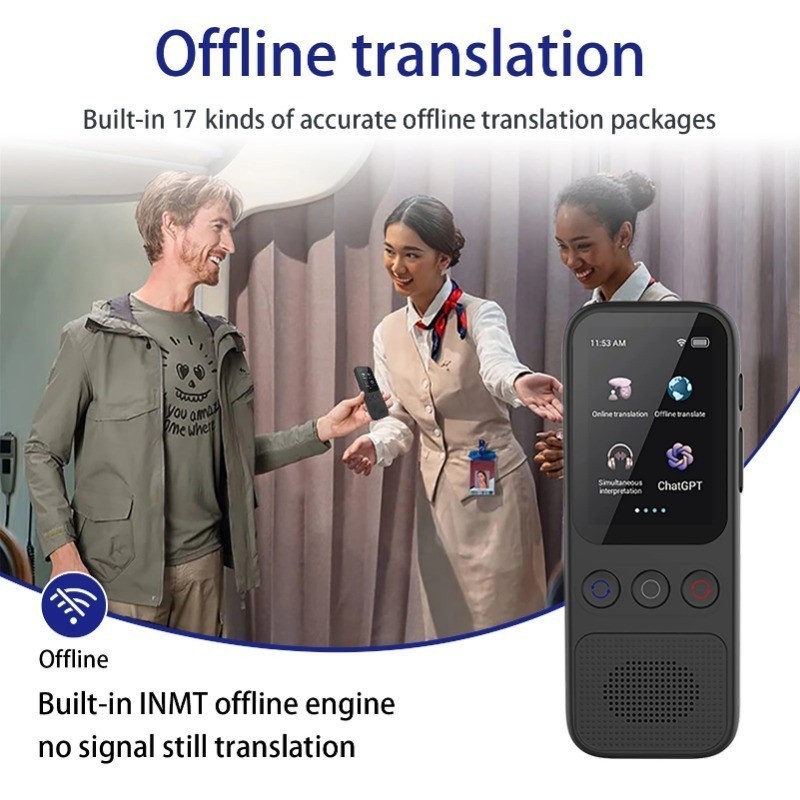
Yes, some AI translation devices can translate speech in real time offline. They need downloaded language packs or built-in language models to process speech without sending data to the cloud.
Offline translation is useful when you:
• Travel in areas with poor service.
• Want to reduce mobile data use.
• Need more privacy.
• Fly without an internet connection.
• Visit remote locations.
The trade-off is that offline systems may offer fewer languages and less natural phrasing. Cloud-based systems can receive frequent updates and use larger models, while offline tools must work with the resources stored on the device.
Before buying, check whether the product supports offline speech translation or only offline text translation. These are not the same. A device may translate typed words offline but require the internet to recognize spoken language.
Privacy and data storage
Speech translation often involves personal information. A cloud service may process, store, or review audio and text under its privacy policy.
Before using a device for work or sensitive conversations, check:
• Whether audio is stored.
• Whether transcripts are saved.
• How long data remains on company servers.
• Whether the service uses data to improve its models.
• Whether the device offers a local processing mode.
For casual travel, this may be a minor concern. For health care, business, immigration, or legal conversations, privacy deserves careful attention.

How fast are AI translation devices?
Most modern AI translation devices respond in about one to several seconds under good conditions. The exact time depends on the device, language pair, connection, sentence length, and translation mode.
A short phrase such as “Where is the train station?” may translate quickly. A long sentence with several pauses may take longer because the system waits to understand the full thought.
Real-time performance usually includes three types of delay:
• Listening delay occurs while the device waits for the speaker to pause.
• Processing delay occurs while the system recognizes and translates the speech.
• Playback delay occurs when the device prepares spoken audio.
A fast device is not always the most accurate device. Some systems respond quickly because they translate small pieces of speech. This can make the conversation feel smooth, but later words may change the meaning of earlier words.
For important conversations, accuracy matters more than a one-second difference. A slightly slower, clear translation is better than a fast sentence that changes the speaker’s meaning.
Benefits of real-time AI speech translation
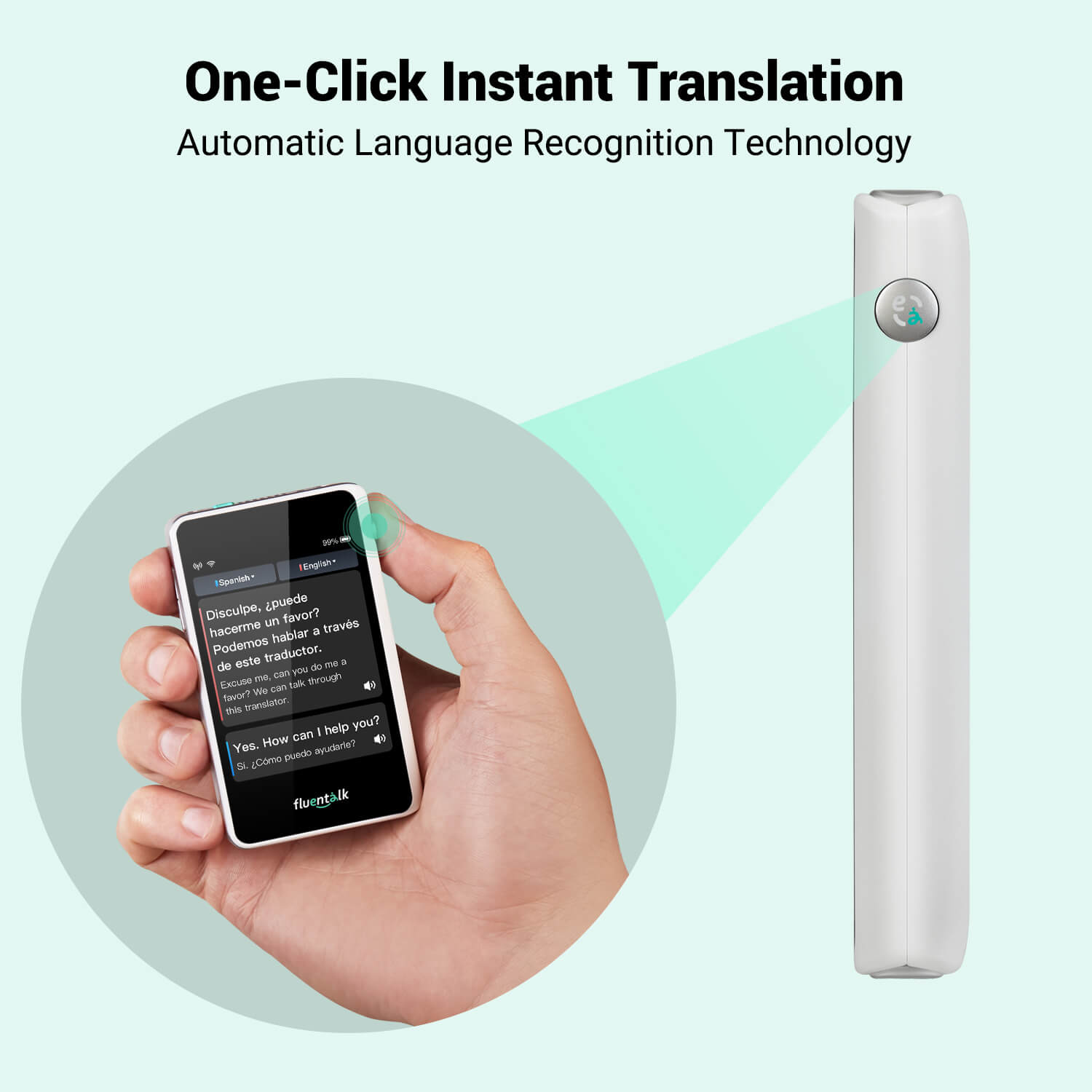
The main benefit is simple: these devices help people communicate when they do not share a language.
Easier travel
Travelers can ask for directions, order food, check into hotels, and explain basic needs. This reduces stress and helps people feel more independent.
A translation device can also help with small cultural moments. For example, a visitor may ask how to pronounce a local dish or learn whether a phrase sounds polite.
Better customer service
Hotels, airports, clinics, stores, and public offices can use translation tools to support visitors. Staff members can handle simple questions without searching for a bilingual employee every time.
However, businesses should create a clear process for complex requests. AI can support staff, but it should not replace trained interpreters when a mistake could harm someone.
Faster informal conversations
Friends, neighbors, and families can use AI translation devices to speak across language barriers. The device acts like a bridge. It may not make the conversation perfect, but it can help people begin.
Support for language learning
Some devices show both the original speech and the translated result. This lets learners compare words, sentence structure, and pronunciation.
A useful learning habit is to listen first, guess the meaning, and then check the translation. This turns the device from a simple translator into a practice tool.
Help during emergencies
In a basic emergency, a translation device may help someone explain pain, ask for help, or find an important service. Still, users should not assume that the device will translate a medical emergency perfectly.
Keep key phrases saved in both languages. A printed card or trusted translation app can provide backup if the device fails.

Limitations of AI translation devices
The answer to “can AI translation devices translate speech in real time” should include an important warning: real-time does not mean perfect.
Context errors
AI may translate the words correctly but miss the speaker’s intention. Humor, sarcasm, politeness, and indirect requests are especially difficult.
For example, “Could you possibly close the window?” is usually a polite request, not a question about ability. A basic translation may sound too direct in another language.
Turn-taking problems
Two people speaking at once can confuse the system. The device may combine both voices or assign words to the wrong speaker.
Good conversation habits help:
- Let one person finish speaking.
- Pause for a moment.
- Wait for the translation.
- Confirm the meaning before continuing.
Names and place names
Names, addresses, street names, and business names often produce poor results. The device may translate a proper name as a common word.
Ask the speaker to spell important details. For addresses, confirm each part separately.
Privacy risks
A translation tool can expose private speech to a third-party service. This matters in workplaces, clinics, schools, and public spaces.
Do not use a consumer device for confidential information unless you understand its data practices and have permission from everyone involved.
Cultural gaps
Translation is not only about words. It also involves customs, formality, gestures, and social rules. A sentence can be grammatically correct but still sound rude or strange.
A human speaker who knows both cultures can often adjust the message better than an automated system.
Battery and hardware failures
A device cannot translate if its battery is empty, microphone is damaged, or software stops working. Always carry a backup plan when communication is essential.
AI translation devices compared with translation apps
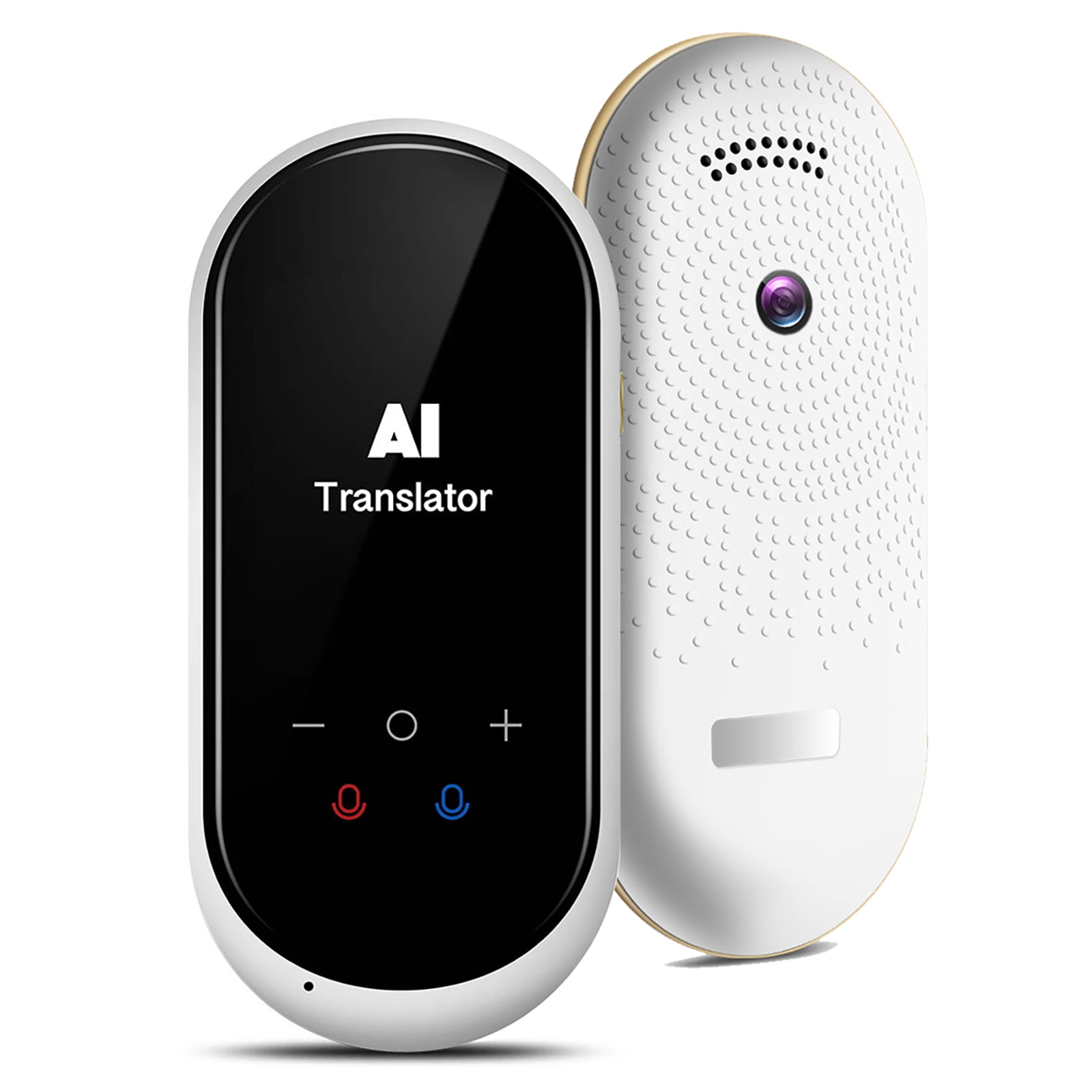
Translation apps and dedicated AI translation devices use many of the same technologies. Both may depend on automatic speech recognition, machine translation, and text-to-speech tools.
A dedicated device can be easier to use because:
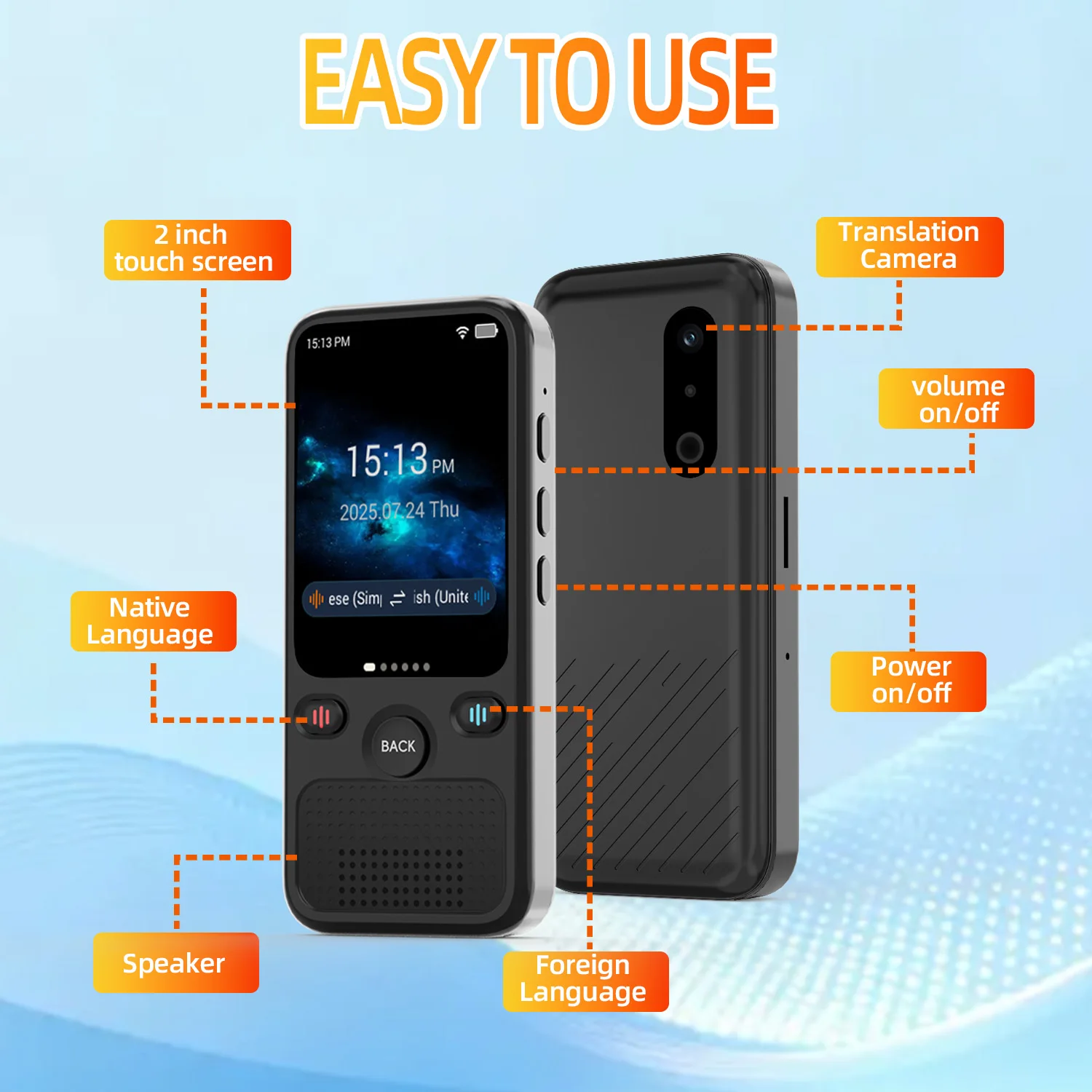
• It has a physical microphone button.
• It may be designed for turn-based conversations.
• It can have better microphones.
• It may reduce distractions from other phone apps.
• It can be shared with another person more easily.
A phone app may be better because:
• It costs less.
• It supports more languages.
• It receives frequent software updates.
• It can combine speech, text, camera, and image translation.
• Most travelers already carry a smartphone.
The best option depends on your situation. A phone app may be enough for an occasional trip. A dedicated device may suit frequent travelers, tour guides, customer service teams, or people who want a simple interface.
When comparing products, focus on real performance rather than marketing claims. Look for independent tests, user reviews from people who speak your target languages, and clear details about offline use.

How to choose the best real-time translation device
Start with your real communication needs. Do not choose a device only because it lists a large number of languages.
Look for these features:
• Strong support for your exact language pair.
• Fast speech recognition.
• Clear microphones and speaker output.
• Noise reduction.
• Offline speech translation.
• Two-way conversation mode.
• Visible text on a screen.
• Easy language switching.
• Long battery life.
• Regular software updates.
• Transparent privacy controls.
• A return policy or trial period.
Read reviews that mention accents, background noise, and natural conversation. A product may perform well in a quiet demonstration but struggle in a crowded restaurant.
Also consider the cost of subscriptions. Some devices require a monthly plan for cloud translation, cellular service, or premium language packs. Include these fees in the total price.
Tips for getting better translations
Even the best device works better when people use it correctly. Small changes can make a large difference.
Speak in short, complete sentences. Avoid long speeches with several ideas.
Use common words. Replace slang with plain language when accuracy matters.
Pause after each sentence. Give the device time to process the message.
Keep the microphone near the speaker. Do not cover it with a hand or case.
Reduce background noise. Move to a quiet place if possible.
Check the written translation. The screen may reveal an error that sounds less obvious.
Repeat important information. Confirm names, times, prices, and addresses.
Use back translation when needed. Translate the result back into the original language to check the meaning.
Save key phrases offline. Prepare phrases for allergies, transportation, hotels, and emergencies.
Tell the other person that you are using AI. This sets a clear expectation and encourages patience.
In practical testing, one of the most common mistakes is speaking too quickly after pressing the microphone button. A short pause helps the system capture the first word. Another common mistake is trusting a single translation for an important detail. Confirmation is always worth the extra few seconds.
When should you use a human interpreter?
AI translation devices are useful for everyday communication, but some situations require a trained interpreter.
Use a qualified human interpreter for:
• Medical diagnosis and treatment.
• Legal advice or court proceedings.
• Immigration interviews.
• Contracts and financial agreements.
• Mental health care.
• Safety instructions.
• Formal business negotiations.
• Education plans for children.
A professional interpreter understands context, confidentiality, cultural meaning, and specialized terms. They can also ask for clarification when a sentence is unclear.
AI can still support these settings by helping with simple logistics. It should not be treated as the final authority when a misunderstanding could affect health, rights, money, or safety.
The future of real-time speech translation
AI translation is improving through better language models, stronger microphones, and more efficient on-device processing. Future systems will likely handle interruptions, mixed languages, accents, and context more naturally.
Some tools are moving toward direct speech-to-speech translation. Instead of converting speech into visible text first, the system can preserve more features of the speaker’s voice, such as tone and rhythm. This may make conversations feel more natural.
Yet progress will not remove every challenge. Language changes quickly, and cultural meaning cannot always be reduced to data. Privacy, bias, consent, and unequal support for less common languages will remain important issues.
Industry research continues to measure speech recognition and translation quality across languages and real-world conditions. Results often show strong performance for widely supported languages but larger gaps for regional dialects and low-resource languages.
The most realistic future is not a perfect electronic interpreter. It is a helpful communication partner that works well for many everyday tasks and clearly signals when human support is needed.
Frequently Asked Questions
Can AI translation devices translate speech in real time?
Yes, most modern AI translation devices can listen to speech and provide a translated voice or text within a few seconds. Their performance depends on the language pair, audio quality, internet access, and the complexity of the conversation.
Do real-time translation devices need Wi-Fi?
Many devices need Wi-Fi or mobile data because they use cloud-based AI systems. Some support offline translation, but offline features may include fewer languages and may be less accurate.
Are AI translation devices accurate?
They can be accurate for clear, everyday speech in widely supported languages. Accuracy often decreases with heavy noise, strong accents, slang, jokes, technical terms, and overlapping speakers.
Can a translation device replace a human interpreter?
No. It can help with travel, basic service, and casual conversation, but it should not replace a qualified interpreter for medical, legal, financial, or safety-related communication.
Is speech translation private?
Privacy depends on the product. Some devices send audio or transcripts to cloud servers, while others process more information locally, so review the privacy policy before using one for sensitive discussions.
Can AI translation devices translate conversations in both directions?
Many devices offer two-way conversation modes. Each person speaks in turn, and the device translates both languages, although interruptions and simultaneous speech can cause errors.
What is the best way to improve translation results?
Speak clearly, use short sentences, reduce background noise, pause between thoughts, and confirm important details. Keep a backup translation method for emergencies or situations where accuracy is critical.
Conclusion
AI translation devices can translate speech in real time, and they are already useful for travel, customer service, language learning, and casual conversations. They work by combining speech recognition, machine translation, and voice output, but their results can change with noise, accents, internet access, privacy settings, and language support.
Use these devices as helpful bridges, not perfect replacements for human communication. Compare language coverage, offline tools, microphone quality, privacy terms, and real user reviews before buying. Try a translation device in a low-risk setting first, and share your experience or questions in the comments.

Similar Posts