Do Translation Devices Need WiFi: Offline Vs Online Guide
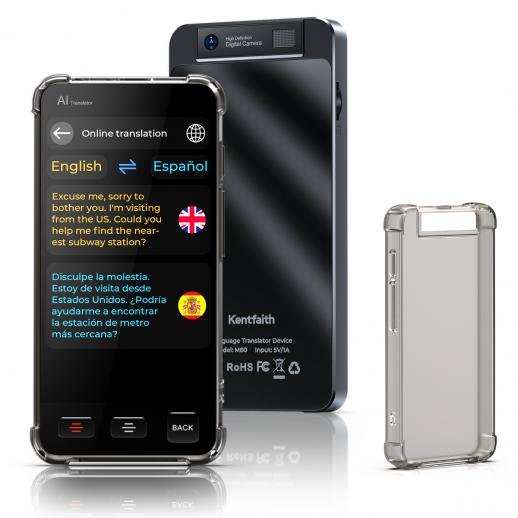
Most translation devices need WiFi for cloud features, but many can translate basic phrases offline.
Whether you are planning a trip, meeting a client, or helping someone who speaks another language, knowing how translation devices connect can save time and stress. This guide explains when WiFi is needed, how offline translation works, what mobile data costs, and how to choose a device that fits your travel plans.
How Translation Devices Work
Translation devices use software to change spoken words, typed text, or images from one language into another. Most models follow a simple process:
- The device hears or reads your words.
- It processes the language.
- It creates a translated sentence.
- It speaks or displays the result.
Some devices complete these steps on the device itself. Others send the speech to a remote server, often called the cloud. The cloud has more computing power and can use larger language models.
This difference explains why people ask, “do translation devices need WiFi?” The answer depends on the device, language, and translation mode.
Cloud translation often gives better results for long sentences, accents, slang, and natural conversation. Offline translation is usually faster in remote places, but it may support fewer languages and simpler phrases.
Do Translation Devices Need WiFi?
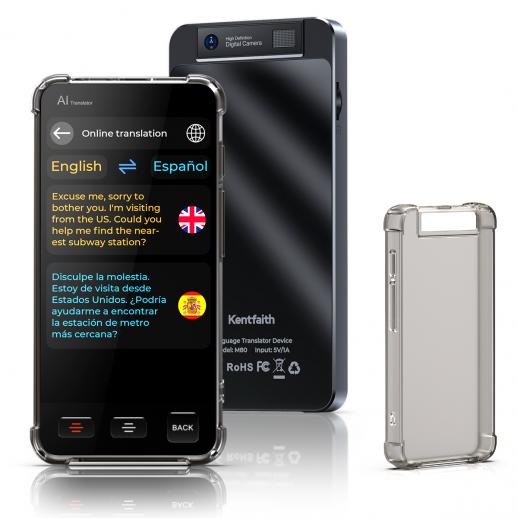
Do translation devices need WiFi every time you use them? No. Many translation devices work without WiFi when they have offline language packs or built-in translation software.
However, WiFi may be needed for:
• Real-time voice translation
• Cloud-based language processing
• Language pack downloads
• Software updates
• Image translation
• Automatic language detection
• Extra features such as travel information or voice assistants
A device may work offline for common phrases but need an internet connection for a full conversation. This is why product descriptions can sometimes feel unclear. “Offline translation” does not always mean that every feature works without a connection.
Before buying, check the exact offline languages and modes. A device may support 40 languages online but only 10 languages offline.
The Simple Rule
If the device stores the language data inside its memory, it can translate without WiFi. If it sends your voice to a cloud server, it needs WiFi or mobile data.
Think of offline translation like carrying a small phrasebook in your pocket. It is useful and reliable for common needs. Online translation is more like calling a large language expert who can understand more detail.
When WiFi Is Required
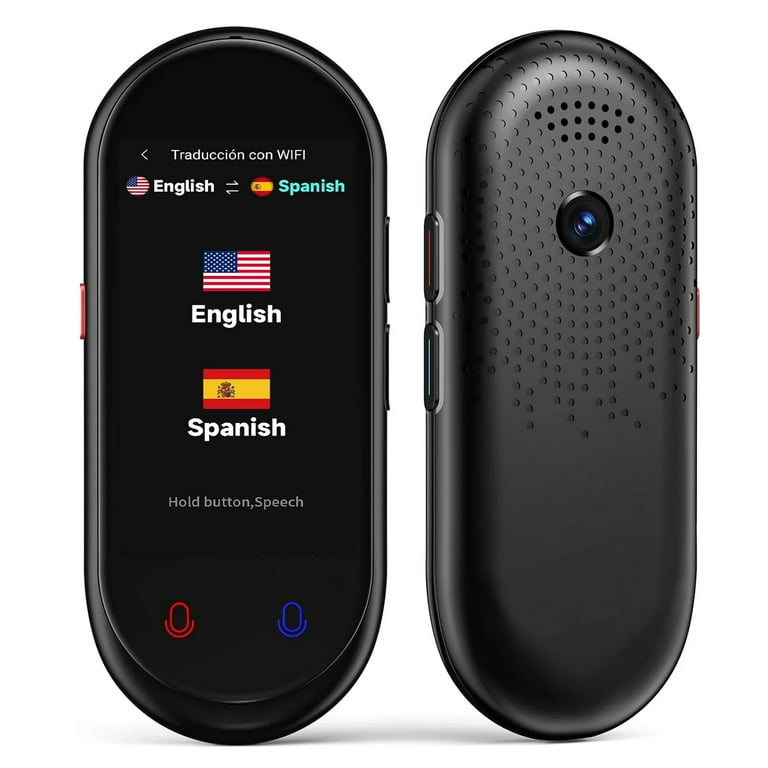
WiFi is often needed when the device depends on cloud services. This is common with newer models that use advanced speech recognition and artificial intelligence.
A cloud connection may improve accuracy because the device can access larger language databases. It can also receive updates about words, grammar, names, and regional expressions.
You may need WiFi for the following tasks:
Live Conversation Mode
Live conversation mode lets two people speak back and forth. The device listens, translates, and plays the result almost instantly.
This feature often uses cloud processing. The device sends recorded speech to a server, where software analyzes the words and creates a translation. Without WiFi or mobile data, this mode may stop working or become less accurate.
Long or Complex Sentences
Offline systems often focus on common travel phrases. They may struggle with business terms, medical language, jokes, or sentences with unusual grammar.
Online translation can usually handle more context. It may also offer better results for languages with many dialects or less common word patterns.
Camera Translation
Camera translation reads signs, menus, labels, and documents. Some devices offer this feature offline, but many need a connection.
The image must often be uploaded to a server for text recognition. After that, the detected words are translated and returned to the device.
Software and Language Updates
Most devices need WiFi during setup. They may need it again when you download language packs or install firmware updates.
A good habit is to update the device at home before traveling. Hotel WiFi can be slow, and public networks may block some services.

When Translation Devices Work Without WiFi
Do translation devices need WiFi for basic travel use? Often, they do not.
Many devices include offline language packs. These packs contain the core data needed to translate selected phrases without an internet connection.
Offline mode can be useful when you are:
• Flying without internet access
• Traveling through rural areas
• Visiting a country with expensive roaming fees
• Using a subway or train with weak service
• Crossing a border
• Staying in a place with poor WiFi
• Speaking with someone in an emergency
Offline translation usually works best for short, clear sentences. For example, “Where is the train station?” or “I have a food allergy” may translate well.
It may not work as well with “Could you tell me whether the last train leaves from the platform near the old market?” Shorter sentences give the device less room to make mistakes.
Offline Features to Check
Before you rely on offline translation, look for these details:
• The number of offline languages
• Whether voice translation works offline
• Whether two-way conversation works offline
• Whether text translation works offline
• Whether camera translation works offline
• Whether pronunciation audio is stored offline
• Whether offline packs are free or require a subscription
Do not assume that a device supports offline speech just because it supports offline text. These are different features.
WiFi, Mobile Data, and Bluetooth: What Is the Difference?
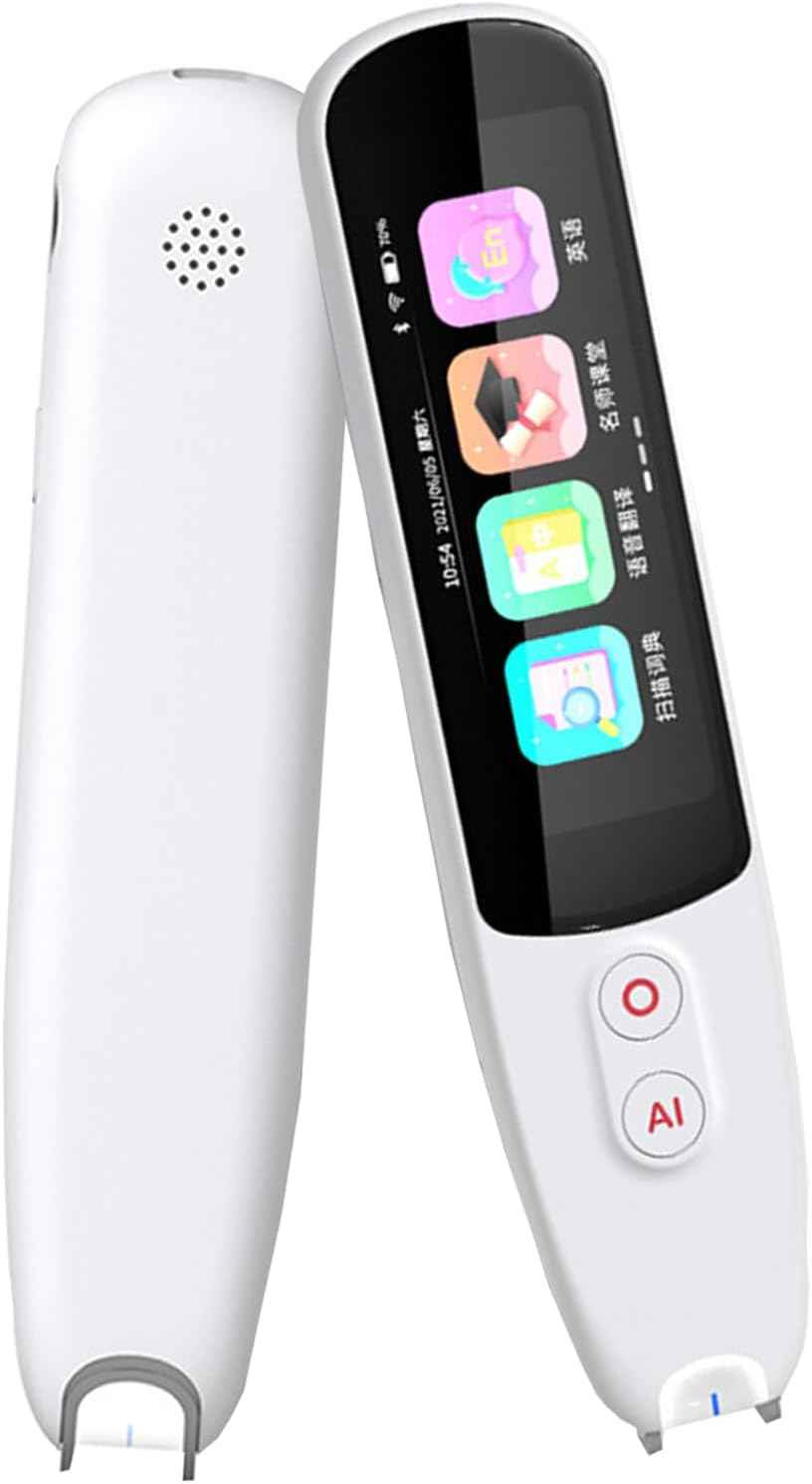
Many people use the word “WiFi” to mean any internet connection. Translation devices may also connect through mobile data or a phone hotspot.
Here is how each option works:
• WiFi connects the device to a local wireless network, such as a home, hotel, or café network.
• Mobile data connects through a cellular network using a SIM card or eSIM.
• A phone hotspot shares your phone’s mobile data with the translation device.
• Bluetooth connects nearby devices but usually does not provide internet access by itself.
A translation device may not need home or hotel WiFi if it can connect to your phone’s hotspot. In that case, it still needs internet access, but the connection comes from your cellular plan.
This matters when traveling abroad. Roaming charges can be high, and some plans limit hotspot use. Check your carrier’s international data rules before using a translation device for long conversations.
A local SIM card or travel eSIM may cost less than roaming. Public WiFi can also work, but avoid entering private account information on unsecured networks.
Offline Translation vs. Online Translation
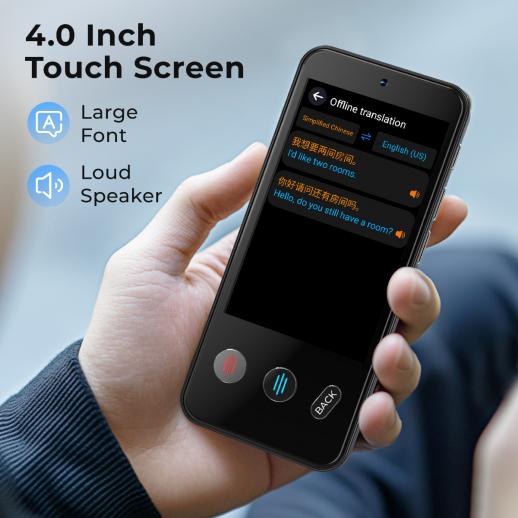
Both modes have useful strengths. The better choice depends on your location and the type of conversation.
| Feature | Offline translation | Online translation |
|---|---|---|
| Internet needed | No | Yes |
| Setup | Requires language downloads | Often works after connection |
| Common phrases | Usually good | Usually good |
| Complex sentences | More limited | Usually stronger |
| Rare languages | Limited support | Wider support |
| Speed | Fast after setup | Depends on connection |
| Privacy | Data can stay on device | Voice or text may reach a server |
| Travel reliability | Strong in weak-service areas | Depends on signal or WiFi |
Offline translation is like a compact emergency kit. It may not contain everything, but it works when the usual tools fail.
Online translation is more powerful. It can offer broader language support, better context, and frequent improvements. Yet it depends on a stable connection.
Which Mode Is More Accurate?
Accuracy depends on the language, device, sentence, accent, and software. Online tools often perform better with context because they use larger systems.
Still, online results are not perfect. Names, local slang, jokes, and medical details can be misunderstood. Never rely on a consumer translation device alone for legal, medical, or safety-critical communication.
For important matters, ask a qualified human interpreter to confirm the meaning.

How to Prepare a Translation Device for Travel
A few simple steps can prevent most connection problems. Prepare the device before you leave home, while you still have fast and trusted internet.
Charge the device fully.
Install all available updates.
Download every offline language pack you may need.
Test voice translation in airplane mode.
Test both language directions.
Save important phrases in the device or a separate note.
Pack a charging cable and power bank.
Check whether a phone hotspot is required.
Review data and roaming costs.
Carry a backup translation app or paper phrasebook.
Testing airplane mode is especially important. A device may appear ready but still try to reach the cloud when you use a feature.
Try practical sentences, not only “hello” and “thank you.” Test questions about food allergies, directions, transport, hotels, and payment.
One useful lesson from hands-on device testing is that setup menus can hide key limits. A product may say it supports offline translation, while offline mode may cover only text and not spoken conversation. Always test the exact function you expect to use.
Common Problems and Easy Fixes
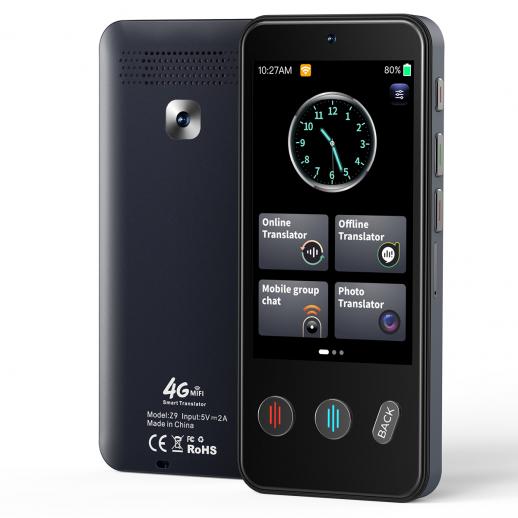
Translation devices can fail for reasons that have little to do with the translation software. Most problems are easy to solve if you know what to check.
The Device Cannot Connect to WiFi
Move closer to the router and confirm that the network works on another device. Some public networks require a browser sign-in page, which certain translation devices cannot open.
A phone hotspot may be a better choice. Use a simple hotspot name and password if the device struggles with special characters.
Voice Translation Does Not Work Offline
The offline language pack may support text only. Check the device settings and product guide to see whether offline speech recognition is included.
You may also need to select the downloaded language manually. Automatic language detection often requires an online connection.
The Translation Sounds Strange
Speak slowly and use short sentences. Avoid slang, idioms, sarcasm, and words that sound alike.
For example, say “I need a doctor” instead of using a local expression that means “I am feeling under the weather.” Clear speech gives the software a better chance to understand you.
The Device Mishears You
Background noise can affect microphones. Move away from traffic, music, fans, and crowded rooms.
Pause between sentences. Do not speak while another person is talking. These small changes can make a large difference.
The Battery Runs Out
Live translation uses the microphone, screen, speaker, and wireless connection. That combination can drain power quickly.
Lower the screen brightness, carry a power bank, and turn off features you do not need. Offline mode may also save battery in some situations because it uses fewer wireless functions.

Privacy and Security Considerations
When a translation device uses WiFi or mobile data, your voice or text may be sent to a remote service. The exact data policy depends on the manufacturer and the translation provider.
Before using the device for private discussions, review:
• Whether audio is stored
• How long voice data is kept
• Whether data is used to improve the service
• Whether conversations are encrypted
• Whether you can delete stored history
• Whether the device has a guest or privacy mode
Avoid speaking passwords, bank details, passport numbers, or confidential business information into an unknown service.
Offline translation can offer a privacy benefit because the language processing may happen on the device. However, offline mode is not automatically private in every product. Check the manufacturer’s privacy policy.
Use trusted WiFi when possible. If you must use public WiFi, a phone hotspot may provide better control. Keep the device updated because software updates often fix security weaknesses as well as translation problems.
How to Choose a Translation Device
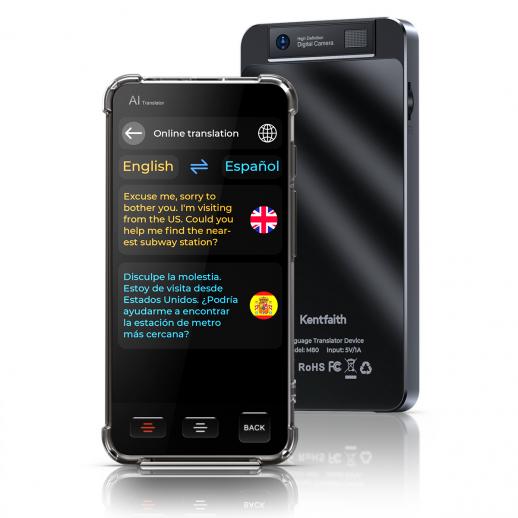
The best translation device is not always the one with the largest language count. Look at how you will use it.
For Tourists
Choose a model with offline speech, common travel languages, a clear screen, and long battery life. Camera translation can help with menus and road signs, but confirm that it works offline if that feature matters.
For Business Travelers
Look for strong online translation, good microphones, privacy controls, and support for business vocabulary. A human interpreter may still be needed for contracts or formal negotiations.
For Remote Travel
Prioritize offline language packs, simple controls, durable design, and a reliable battery. WiFi may be unavailable in villages, parks, ships, and mountain areas.
For Families
A large display and clear audio can help children and older adults. Make sure the device supports the languages spoken by your family and lets you repeat or slow down playback.
For Medical or Accessibility Needs
Choose a device with readable text, volume control, and easy access to saved phrases. For health information, use the device as a support tool, not as the only source of communication.
Before buying, compare the following:
• Offline language support
• Online language support
• Subscription fees
• Cellular requirements
• Battery life
• Warranty and support
• Privacy terms
• Return policy
Do Translation Devices Need WiFi? Frequently Asked Questions
Can a translation device work without WiFi?
Yes, many translation devices work offline after you download language packs. Offline support may cover only certain languages or features, so check the model’s specifications before traveling.
Do translation devices need WiFi for voice translation?
Some do, and some do not. Voice translation works offline only when the device includes offline speech recognition for the selected language.
Can I use my phone hotspot with a translation device?
Usually, yes, if the device supports WiFi connections. Your phone hotspot uses mobile data, so international roaming or carrier charges may apply.
Do translation devices work on airplanes?
They can work in airplane mode if the required language packs are installed. Online features will not work unless the aircraft provides approved internet access.
Is offline translation accurate?
Offline translation can be accurate for short, common phrases. It may be less reliable for slang, complex sentences, rare languages, accents, and technical terms.
Do translation devices need a SIM card?
Not always. Some devices use WiFi only, while others include a SIM, eSIM, or cellular service. A phone hotspot can provide internet to devices that do not have their own mobile connection.
Can a translation device translate menus without WiFi?
Some can translate menus offline if they include offline camera and text recognition. Many models need internet access for camera translation, so test this feature before your trip.
Are translation devices better than translation apps?
A dedicated device can be easier to use, may have better microphones, and can avoid phone distractions. A translation app may offer more frequent updates and lower cost, especially when your phone already has mobile data.
Conclusion
Do translation devices need WiFi? Not always. Offline language packs can handle many basic phrases, while WiFi or mobile data is often needed for live conversations, camera translation, updates, and advanced language features.
Before traveling, download the right language packs and test the device without an internet connection. Bring a power bank, check roaming costs, and keep a backup phrasebook or app nearby.
Choose a device based on your real travel needs, not only its advertised language count. Explore the specifications carefully, test your preferred languages, and share your own translation device experience in the comments.

Similar Posts