How To Charge A Power Bank Properly: Safe Charging Guide
Charge your power bank with the right cable, safe power source, and enough time for a complete, cool recharge.
Learning how to charge a power bank properly helps protect its battery, reduce charging time, and keep your devices ready when you need them. After testing many portable chargers and seeing common charging mistakes, I know that small habits, such as using the correct cable and avoiding heat, can make a big difference.
Why Charging a Power Bank Properly Matters
A power bank uses a rechargeable lithium ion or lithium polymer battery. These batteries store a large amount of energy in a small case. They work well, but they need safe charging habits.
Learning how to charge a power bank properly can help you:
• Extend the battery’s useful life
• Reduce the risk of overheating
• Prevent slow or incomplete charging
• Improve charging performance
• Avoid damage to the power bank or cable
• Keep the battery ready for emergencies
A power bank does not need special care every minute of the day. Still, the wrong charger, damaged cable, or hot location can cause problems over time. Think of the battery as a small water tank: clean water and steady flow are better than sudden pressure and heat.
Most modern power banks include safety features. These may include overcharge protection, short circuit protection, temperature control, and overcurrent protection. However, these features are a backup, not a reason to ignore safe charging practices.

Check Your Power Bank Before Charging
Before you learn how to charge a power bank properly, inspect the device. Look for swelling, cracks, unusual smells, loose ports, or a case that feels damaged.
Do not charge a power bank if:
• The case is swollen or split
• The device becomes very hot when idle
• The charging port is loose or burned
• You smell smoke, chemicals, or melting plastic
• The power bank has been crushed or exposed to water
• The cable or plug has exposed wires
A small amount of warmth is normal during charging. High heat is not. If the power bank becomes too hot to hold comfortably, unplug it and let it cool on a hard, open surface.
In my experience, damaged cables cause many charging issues. A cable may still charge a phone while failing to deliver steady power to a power bank. Replace cables that bend sharply, disconnect easily, or show visible wear.

Choose the Right Charger and Cable
The charger and cable affect how well a power bank charges. Check the input label on the power bank. It may list values such as 5V/2A, 9V/2A, or USB-C Power Delivery input.
Use a wall charger that matches the power bank’s supported input. A higher-watt charger may work with a modern power bank if the device supports the needed charging standard. The power bank and charger should communicate before faster charging begins.
For safe results:
• Use the cable included with the power bank when possible
• Choose a quality USB-C or Micro-USB cable
• Match the cable to the charging port
• Use a trusted wall adapter
• Avoid very cheap, damaged, or unmarked chargers
• Check whether the power bank supports USB Power Delivery or Quick Charge
A high-watt charger does not force all its power into the battery. The device draws the amount it can safely accept. Still, poorly made chargers may provide unstable power, so quality matters more than the largest number on the adapter.
When deciding how to charge a power bank properly, remember that the input rating matters more than the charger’s maximum output rating. Read the small print on both products.

Follow These Steps to Charge a Power Bank Properly
The basic process is simple. These steps work for most USB power banks.
- Place the power bank on a cool, hard, flat surface.
- Check the power bank’s input port and remove dust or debris.
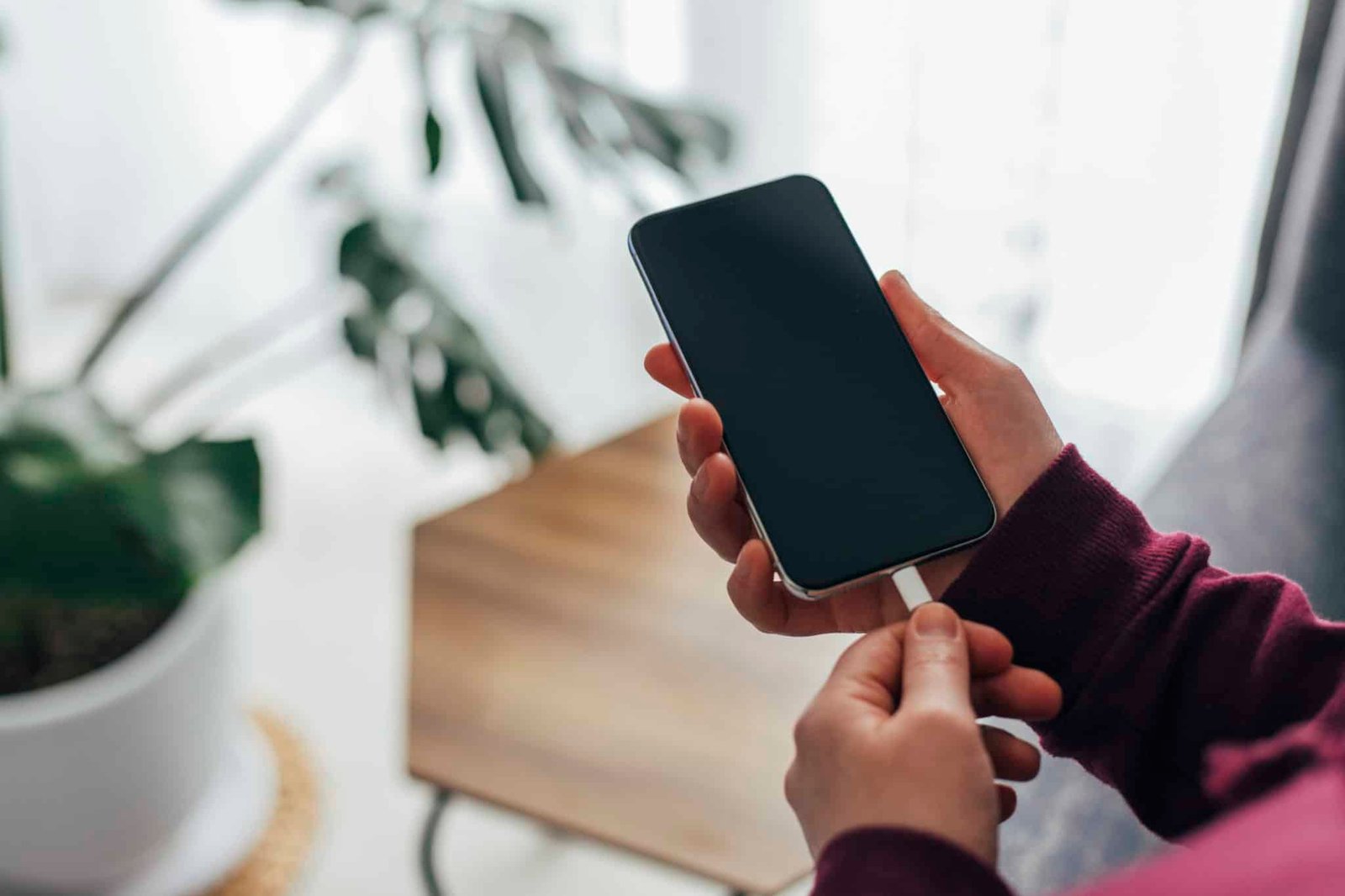
- Connect the correct cable to the input port.
- Plug the other end into a safe wall charger.
- Confirm that the indicator lights or display show charging.
- Let the power bank charge without covering it.
- Disconnect it when it reaches full charge or when the manual recommends unplugging it.
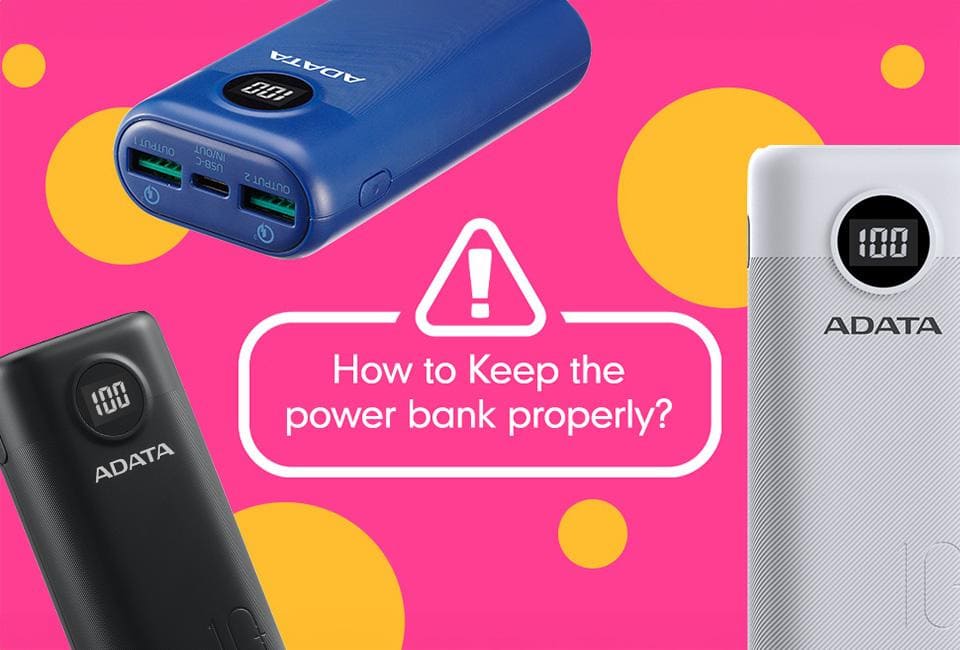
- Store it in a dry place away from direct sunlight.
Do not confuse the input port with the output port. The input port charges the power bank. The output port charges your phone, tablet, earbuds, or other device. Some USB-C ports support both functions, but not all do.
A useful tip is to charge the power bank before you urgently need it. Waiting until the last minute can lead to rushed charging, forgotten cables, or use while the unit is still hot.

How Long Does a Power Bank Take to Charge?
Charging time depends on battery capacity, input power, battery condition, and the charging standard. A small 5,000 mAh power bank may take several hours. A 20,000 mAh model may need much longer, especially with a basic 5-watt charger.
You can estimate charging time with this simple guide:
• Small power bank with a basic charger: about 3 to 6 hours
• Medium power bank with a basic charger: about 6 to 10 hours
• Large power bank with a basic charger: about 8 to 15 hours
• Fast input power bank with a compatible charger: often less time
The estimate is not exact because charging slows near full capacity. This final stage helps protect the battery. A display may show 100 percent before the internal charging process has fully settled, so leaving it connected for a short time may be normal.
If charging takes much longer than usual, test another cable and wall adapter. A dirty port, weak charger, damaged cable, or aging battery may be the cause.

Should You Use a Power Bank While It Charges?
You can use some power banks while they charge, but it is usually not the best choice. This feature is called pass through charging. It lets the power bank receive energy while sending energy to another device.
Pass through charging may:
• Increase heat
• Make charging much slower
• Add stress to the battery
• Reduce energy efficiency
• Cause some models to stop and start repeatedly
Some power banks do not support pass through charging at all. Using one this way may lead to unstable output or unexpected shutdowns.
For the best battery care, let the power bank charge by itself. If you must charge a phone during an emergency, keep both devices in a cool, open area and stop if either device becomes unusually hot.
This is one of the most useful lessons in how to charge a power bank properly: fewer tasks at once usually means less heat and better performance.
Common Mistakes to Avoid
Many battery problems come from simple mistakes rather than one major failure. Avoid these habits when charging a portable charger.
• Charging under a pillow, blanket, or clothing
• Leaving the power bank in a hot car
• Using a frayed or wet cable
• Charging near water
• Using an unknown charger with poor build quality
• Repeatedly draining the battery to zero
• Storing the power bank at full charge for many months
• Ignoring swelling, smoke, or strong heat
• Using the wrong port
• Keeping the power bank plugged in for weeks
Modern power banks usually stop or reduce charging when full. Even so, constant heat and long periods at maximum charge can age lithium batteries faster. Unplug the unit after it finishes when convenient.
Do not place a charging power bank on a bed or sofa. Soft surfaces trap heat and can block ventilation. A desk, shelf, or countertop is a much safer choice.

Best Battery Care Practices
Knowing how to charge a power bank properly is only one part of battery care. How you store and use the device also affects its life.
Follow these habits:
• Keep the battery between about 20 and 80 percent when practical
• Charge it before the level becomes critically low
• Store it in a cool, dry place
• Keep it away from direct sunlight
• Use it every few months if stored for a long time
• Avoid dropping or crushing it
• Keep the ports clean and covered when possible
• Follow the manufacturer’s charging instructions
You do not need to follow the 20 to 80 percent range perfectly. It is a helpful habit, not a strict rule. In an emergency, using the full capacity is completely reasonable.
For long-term storage, leave the power bank partly charged rather than empty or completely full. A level near 40 to 60 percent is often a practical choice. Check it every few months because batteries slowly lose charge while sitting unused.
How to Troubleshoot Charging Problems
If the power bank does not charge, start with the easiest checks. Try a different wall outlet, cable, and compatible charger. Confirm that you are using the input port and look for a charging light or screen symbol.
Use this troubleshooting list:
- Disconnect the cable from both ends.
- Check the ports for dust or damage.
- Try another high-quality cable.
- Try another wall adapter.
- Leave the power bank connected for 15 to 30 minutes.
- Press the power button if the manual requires it.
- Test the power bank in a cooler location.
- Stop using it if it smells, swells, or becomes very hot.
Some power banks enter a low-power protection mode after sitting empty for too long. A short period on a normal charger may wake the device. Do not use unsafe methods, force the case open, or connect random wires to the battery.
If the display stays at zero after several hours, the battery may be worn out. A lithium battery that no longer holds a charge should be replaced through an approved recycling or service program.

Charging Different Types of Power Banks
Most portable chargers use lithium ion or lithium polymer cells. Both types need similar care, but the design and charging system can differ.
USB-C power banks often support faster input charging. Some accept USB Power Delivery, which can greatly reduce charging time with a compatible adapter. Older Micro-USB models may charge more slowly.
Solar power banks can charge from sunlight, but their small solar panels usually provide limited power. They are useful for slowly adding energy during outdoor trips, but they may not fully recharge a large battery in one day.
Wireless power banks also need special attention. Wireless charging creates more heat than wired charging in many cases. Keep the pad and phone aligned, remove thick cases when needed, and avoid covering the unit.
Regardless of type, the basic rule remains the same: use a compatible charger, control heat, and follow the product manual. That is the foundation of how to charge a power bank properly.
Safety Standards and When to Replace a Power Bank
Choose products from established brands that provide clear capacity, input, and output details. Look for recognized safety marks appropriate to your country, such as UL, ETL, CE, or FCC markings. A safety mark does not guarantee perfect quality, but missing or vague product information should raise concern.
Battery capacity labels can also be confusing. A power bank labeled 10,000 mAh will not deliver 10,000 mAh directly to a phone because energy is lost during voltage conversion and charging. Real usable output is lower than the advertised cell capacity.
Replace a power bank when:
• It shows swelling or physical damage
• It shuts off often under normal use
• It loses most of its capacity
• It becomes hot during light use
• Its ports no longer hold cables securely
• It has been exposed to water or severe impact
Never place a damaged lithium battery in household trash. Contact a local battery recycling center, electronics store, or waste service for safe disposal. Do not puncture, burn, or dismantle the battery.
Frequently Asked Questions About How to Charge a Power Bank Properly
Can I charge a power bank overnight?
Most modern power banks have overcharge protection, so occasional overnight charging is usually low risk. Still, charge it on a hard, open surface and use a quality adapter rather than leaving it under bedding.
Should I use my phone charger to charge a power bank?
You can use a phone charger if its voltage, cable, and charging standard match the power bank’s input. Check the power bank label and use a trusted adapter that supports the required output.
Is it bad to charge a power bank before it is empty?
No. Lithium batteries generally do not need to be fully drained before charging. Partial charging is often better than repeatedly running the battery down to zero.
Why is my power bank charging slowly?
A weak adapter, damaged cable, dirty port, high temperature, or large battery capacity can cause slow charging. Try a different compatible cable and wall charger, then check whether the unit supports fast input charging.
Can I charge a power bank with a laptop?
Yes, if the laptop port provides suitable power and the cable fits the input port. However, a laptop port may charge the power bank more slowly than a wall adapter.
How often should I charge a power bank?
Charge it whenever the battery level becomes low enough for your needs. If you store it for a long time, check it every few months and keep it partly charged.
Conclusion
How to charge a power bank properly comes down to a few clear habits: use the correct cable and adapter, charge on a cool hard surface, avoid extreme heat, and inspect the device for damage. Do not rely on fast charging unless both the power bank and charger support the same standard.
Treat your power bank like a small energy reserve, not an indestructible brick. These simple steps can improve safety, preserve battery life, and help the device perform when you need backup power most. Put the advice into practice today, and explore more battery care guides to get the most from your everyday electronics.

Similar Posts