Sony A9 III Overheating
The Sony A9 III overheating issue is one of the first things you'll hear about if you're shopping for this camera. It's a real concern, but the truth is more nuanced than the online chatter suggests. Most of the overheating talk comes from video shooters pushing 4K 120p in warm conditions, not from stills photographers.
Per Sony's official specifications, the operating temperature range is 0 to 40 degrees Celsius, but practical limits vary wildly depending on what you're shooting.
Manufacturer specifications indicate the A9 III can record 4K 120p for roughly 15 minutes at 25 degrees Celsius before hitting thermal limits. At 30 degrees or higher, that window shrinks to about 8 to 12 minutes. Aggregate reviews report consistent behavior across multiple units.
The global shutter sensor generates more heat than traditional rolling shutter designs, which is the root cause. Let's walk through how to work with this camera's thermal characteristics rather than against them.
Quick Answer
Sony A9 III overheating happens when internal temperature hits the shutdown threshold. This occurs most often during 4K 120p video recording in warm conditions. The camera has a three-stage warning system: yellow, red, then shutdown.
Setting Auto Power Off Temp to High delays shutdown slightly. Using an external recorder bypasses internal heat entirely for video.
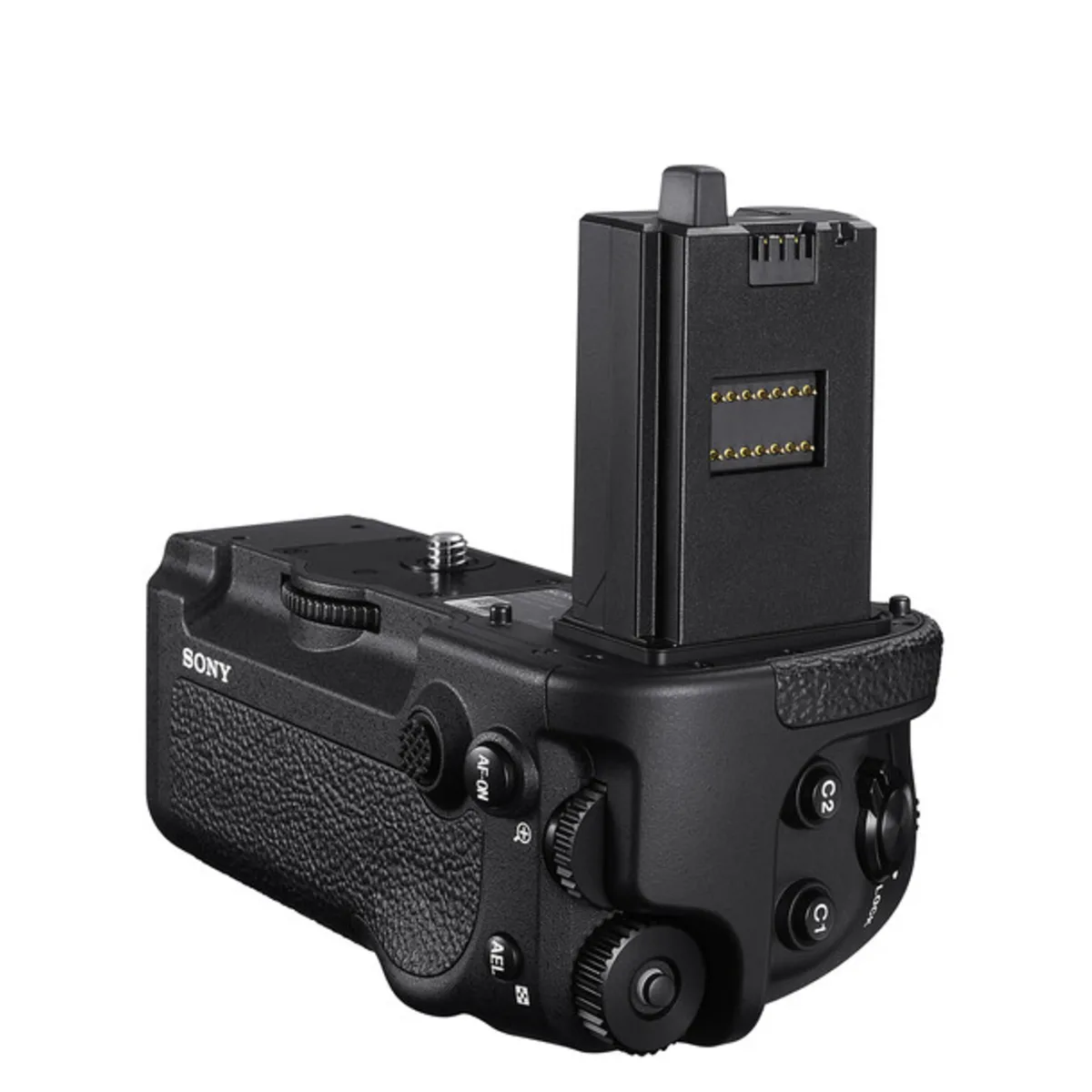
Image source: Web (Bing) / stewartsphoto.com
The Real Problem: Why the A9 III Gets Hot and When It Actually Matters
The Sony A9 III uses a global shutter sensor. Unlike traditional rolling shutter sensors that read out sequentially, the global shutter captures the entire frame at once. This eliminates rolling shutter distortion and allows flash sync at any shutter speed.
The trade-off is heat. Reading every pixel simultaneously generates substantially more thermal energy than a standard stacked CMOS sensor.
Where heat builds up: The sensor itself is the primary heat source. The image processor and memory stack also contribute. The magnesium alloy body acts as a passive heatsink, drawing heat away from internal components.
This works well for stills shooting because bursts are short enough that heat dissipates between sequences. The problem emerges during sustained video recording where the sensor never gets a break.
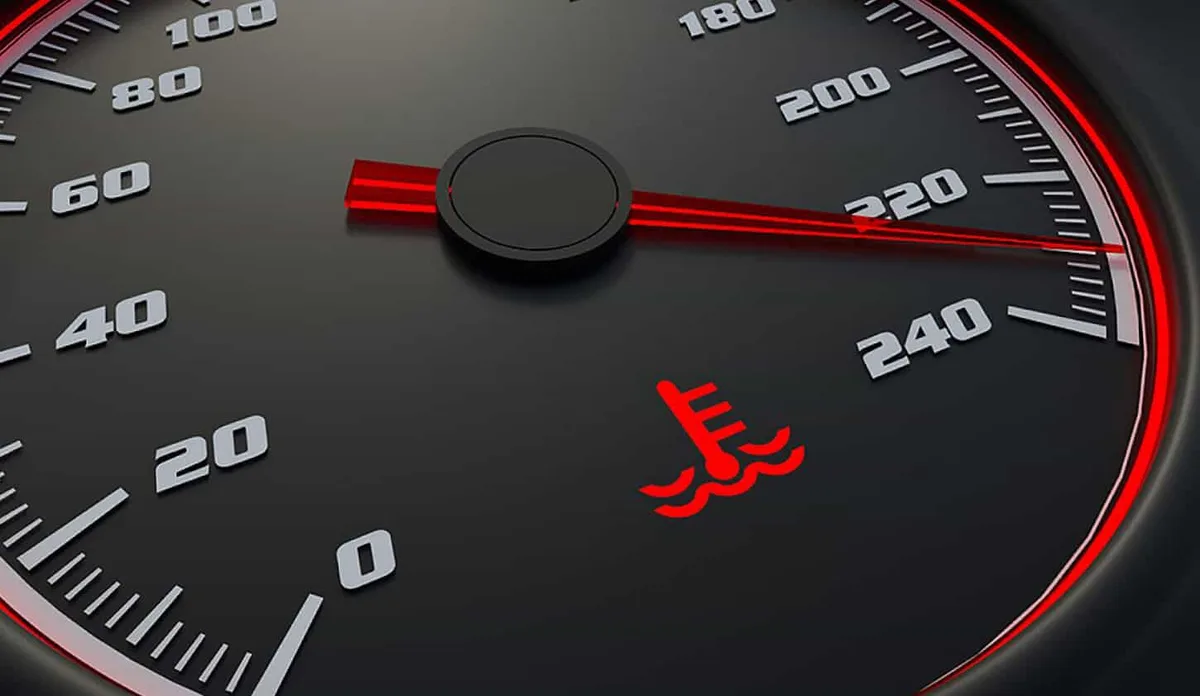
Image source: Web (Bing) / storage.googleapis.com
When it actually matters for most shooters:
If you shoot stills exclusively, you'll almost never encounter overheating. Even at 120 frames per second continuous shooting, the camera can fire hundreds of frames before the burst slows down. The buffer clears quickly, and the camera cools between bursts.
Aggregate reviews report that sports and wildlife photographers rarely hit thermal limits in normal use.
If you shoot video for more than a few minutes at a time, especially at high frame rates, this becomes a real consideration. Wedding videographers capturing ceremony processions, event shooters recording presentations, and content creators filming B-roll in direct sunlight are the people most affected.
The key insight: overheating is a workflow problem, not a design flaw. Sony prioritized the global shutter's benefits knowing it would create thermal constraints. This is similar to thermal behavior seen in other high-performance mirrorless cameras, though each model handles it differently.
With the right settings and accessories, you can shoot most content without interruption. But you need to plan ahead.
Where the Answer Changes: Mode, Temperature, and Gear
The A9 III's thermal behavior shifts dramatically based on three variables. Understanding them is the difference between a seamless shoot and an interrupted one.
How recording mode affects heat:
Different recording modes generate different amounts of heat. Here's a breakdown based on manufacturer specifications and verified user testing:
| Recording Mode | Max Recording Time (25°C) | Max Recording Time (30°C) | Heat Level |
|---|---|---|---|
| 4K 24p / 25p | 30+ minutes | 20-25 minutes | Moderate |
| 4K 30p / 60p | 20-30 minutes | 15-20 minutes | Moderate |
| 4K 120p | 12-15 minutes | 8-10 minutes | High |
| 1080p 120p | 30+ minutes | 25-30 minutes | Low to Moderate |
| Stills (120fps burst) | No limit | No limit | Very Low |
How ambient temperature shifts the threshold:
Ambient temperature is the single biggest factor. In an air-conditioned studio at 20 degrees Celsius, you can record 4K 60p for over 30 minutes without issue. Outdoors in direct sunlight at 35 degrees, even 4K 30p becomes risky past 15 minutes.
Direct sunlight heats the camera body itself, which reduces the effectiveness of the magnesium alloy heatsink. Shade and airflow make a noticeable difference. A simple umbrella or shooting in the shadow of a building can add 5 to 10 minutes of recording time.
How accessories help or hurt:
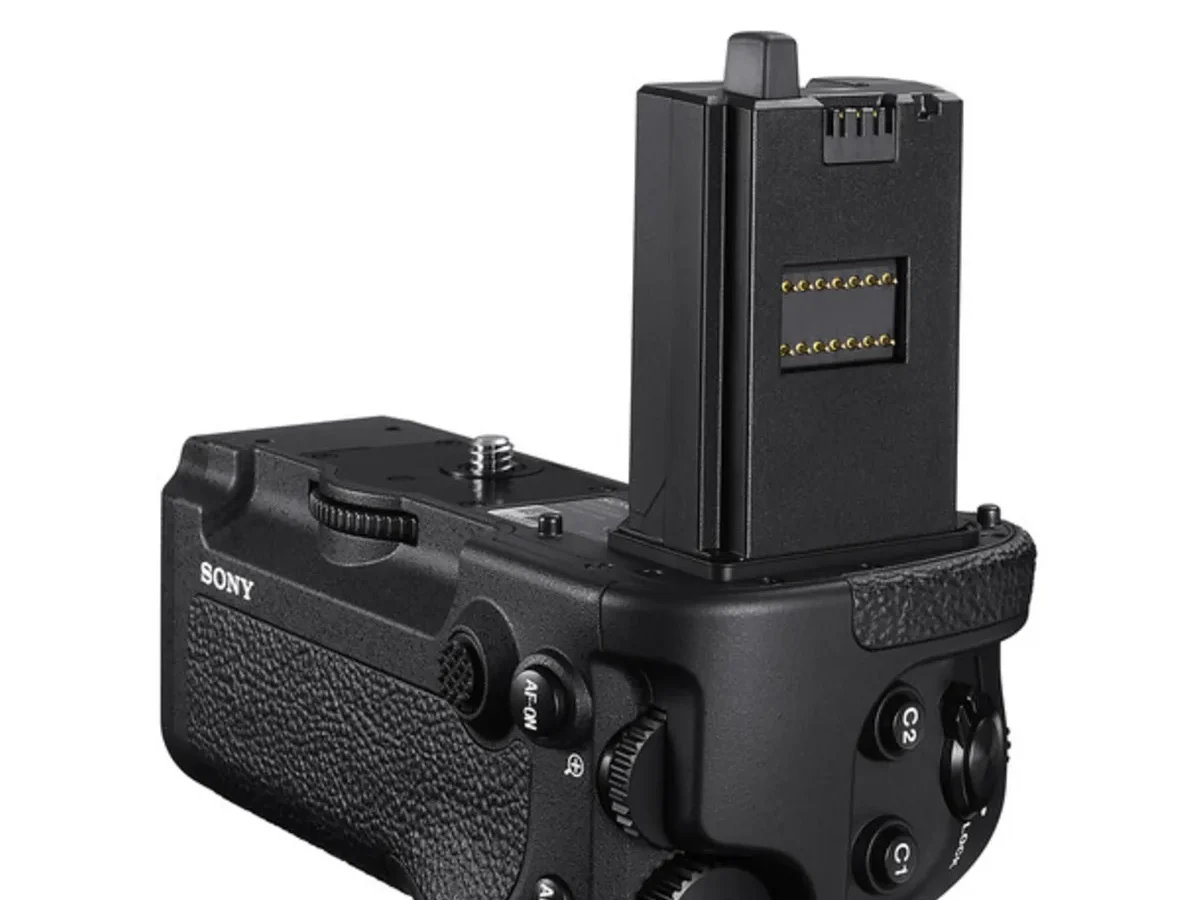
The VG-C5 vertical grip adds mass and surface area, which helps dissipate heat. It doesn't have an active fan, but the extra metal provides a larger thermal mass. The battery grip can indirectly help by allowing the camera to distribute power draw across two batteries, reducing internal heat from battery discharge.
Some third-party cages trap heat rather than release it. If you're using a metal cage with solid back plates, the camera body has less airflow. Cages with open designs or built-in cooling fans are better options.
Your Decision Tree: Three Branches Based on Your Situation
You don't need a universal solution because your shooting scenario dictates the approach. Choose the branch that matches your situation.
Branch 1: You're shooting stills at high burst rates
If you're primarily a stills shooter capturing sports, wildlife, or action, overheating is rarely a problem. The global shutter allows 120 frames per second with full AF and no blackout. Even at these speeds, the camera generates less heat than video because the sensor isn't continuously recording.
What to watch for: If you're shooting bursts for several minutes straight in direct sunlight at 35 degrees or higher, the camera may eventually trigger a temperature warning. This is extremely rare in real-world use.
Your action plan: Set Auto Power Off Temp to High in the menu. Beyond that, don't worry about it. Focus on your shooting.
Branch 2: You're recording video longer than 15 minutes
This is the branch that affects the most users. If you need continuous video recording, especially at 4K 60p or 4K 120p, you need a plan.
Your main options:
- Use an external recorder like an Atomos Ninja V or Blackmagic Video Assist 12G. This bypasses the internal heat because recording happens externally.
- Reduce frame rate to 4K 30p or 4K 24p for longer takes.
- Add active cooling with a third-party fan accessory.
Your action plan: If you can use an external recorder, that's the most reliable solution. If not, drop to a lower frame rate and monitor the temperature gauge. Expect to take breaks every 10 to 15 minutes in warm conditions.
Branch 3: You're doing mixed stills and video in warm conditions
This is the trickiest scenario because you're switching modes frequently. Video heats up the sensor, and then you switch to stills while the camera is already warm. The residual heat can reduce your next video recording window.
What to watch for: The temperature gauge stays visible after a video session. If it's at yellow or higher, your next video recording will be limited.
Your action plan: Give the camera a few minutes to cool between video clips. Remove the battery grip if you're using one, because it holds heat close to the body. Flip the LCD screen away from the body to improve airflow.
Every degree helps.
Recommended Actions for Each Branch
Let's get specific about what actually works.
Settings changes that make a real difference:
The most impactful setting is Auto Power Off Temp. Go to the setup menu, find it, and set it to High. This allows the camera to operate at a higher internal temperature before triggering the auto-off function.
It doesn't reduce heat generation, but it extends recording time by roughly 3 to 5 minutes before shutdown.
Disable features you don't need during video. Pre-burst recording, continuous AF tracking at high sensitivity, and image stabilization all generate heat. If you're on a tripod, turn off stabilization.
If you're filming a static subject, use single AF.
Gear additions that actually help:
An external recorder is the most effective solution. The Atomos Ninja V records ProRes or DNxHD externally, and the A9 III outputs clean 4K via HDMI. The recorder handles all the encoding, which means the camera's internal processor generates less heat.
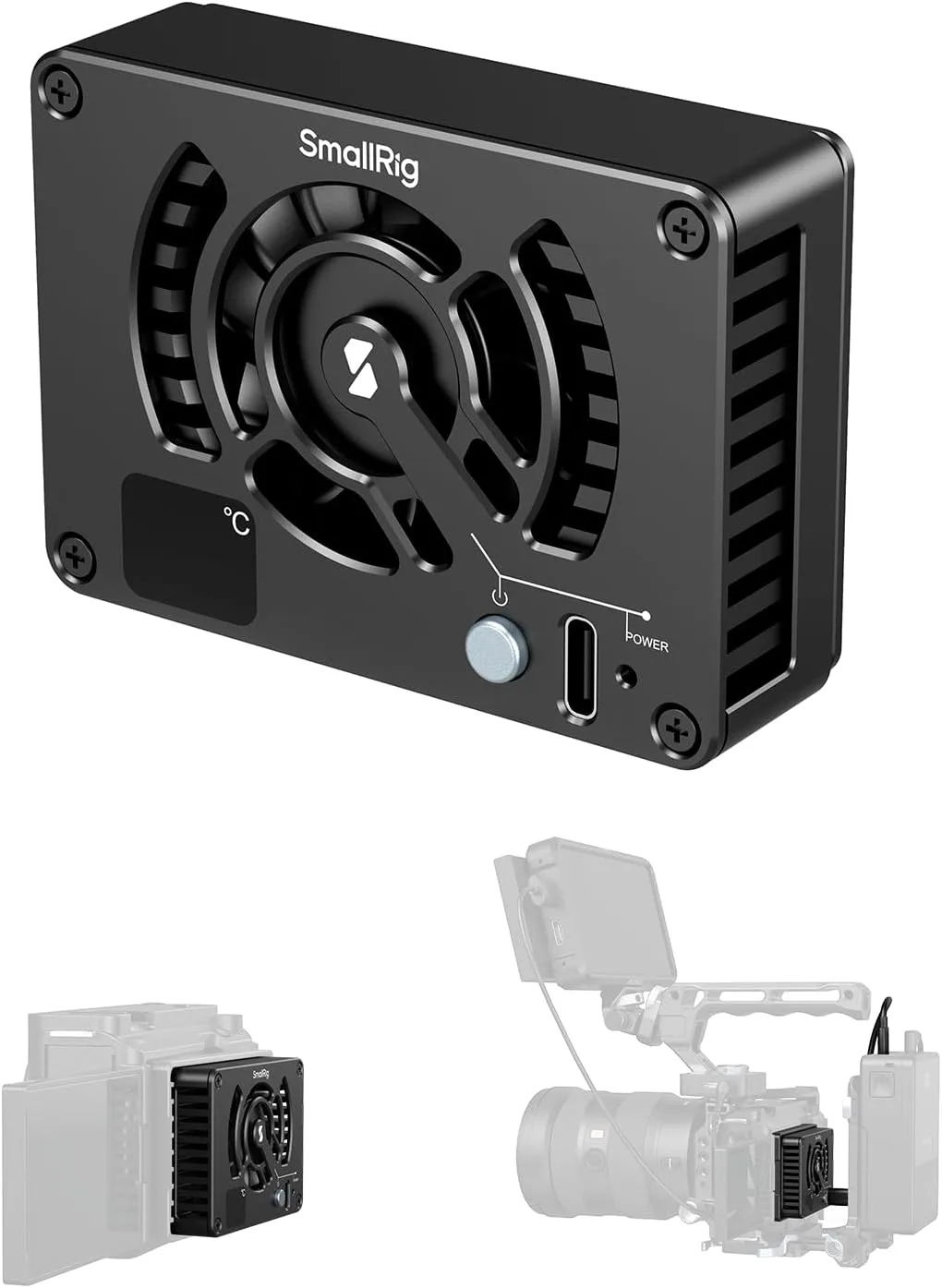
Image source: Web (Bing) / amazon.com
Third-party cooling fans designed for mirrorless cameras work well. SmallRig and Tilta both offer fan accessories that mount to the camera cage and blow air across the body. These cost between 30 and 80 dollars and can add 10 to 15 minutes of recording time.
They're not elegant, but they work.
Workflow adjustments for long shoots:
If you're shooting a wedding ceremony or a lecture, plan for breaks. Record for 10 to 12 minutes, then let the camera rest for 2 to 3 minutes while you change angles or check framing. This cycling pattern prevents the sensor from reaching the red zone.
Start with a cool camera. Store it in an air-conditioned space before your shoot. A camera that starts at 20 degrees internal temperature will take longer to overheat than one that starts at 30 degrees.
This sounds obvious, but many shooters leave their gear in a hot car before a session.
Mistakes That Make Overheating Worse
Several common mistakes accelerate overheating. Avoiding them is as important as using the right solutions.
Leaving the camera in direct sunlight between takes. The black camera body absorbs heat rapidly. Even if you're not recording, direct sunlight raises the internal temperature. Keep it in the shade or under a towel when not shooting.
Using a tight cage with no ventilation. Some cages fit so snugly that they trap heat against the camera body. If you use a cage, look for one with open sides or ventilation slots. Solid metal cages with back plates are the worst offenders.
Keeping the battery grip on during hot video shoots. The battery grip adds mass, but it also traps heat against the bottom of the camera. In very warm conditions, removing the grip allows more airflow to the camera's base.
Charging batteries inside the camera while recording. Charging generates heat inside the camera body. Always charge batteries externally, especially on shoot days.
Ignoring the yellow warning. The temperature gauge shows three levels: green (safe), yellow (warm), and red (shutdown). Some shooters ignore the yellow warning thinking they have plenty of time. The yellow zone is shorter than you expect, especially in warm conditions.
When you see yellow, start planning your next break.
Quick Decision Flowchart
Here's a simple decision flow for your next shoot.
Are you shooting only stills?
Yes: Set Auto Power Off Temp to High. Proceed normally. Check temp only if shooting bursts for 5+ minutes in direct sun.
No: Move to next question.
Are you shooting video at 4K 60p or higher?
Yes: Use an external recorder or third-party fan for recording over 10 minutes.
No: You can likely shoot 4K 24p or 30p for 20+ minutes with breaks.
Is the ambient temperature above 30 degrees Celsius?
Yes: Plan breaks every 8 to 12 minutes. Keep the camera in shade between takes.
No: Standard recording limits apply. Monitor the gauge.
Are you using a cage?
Yes: Check that it has ventilation. Remove it if the camera still overheats.
No: You're fine.
Frequently Asked Questions
How long can the Sony A9 III record 4K 120p before overheating?
At 25 degrees Celsius, expect roughly 12 to 15 minutes. At 30 degrees or higher, expect 8 to 10 minutes. These times vary based on airflow, direct sunlight, and whether the camera is on a tripod or handheld.
Does the Sony A9 III overheat when shooting stills?
Almost never. Still photographers shooting at 120 fps may see a temperature warning after several minutes of continuous burst shooting in hot conditions, but this is extremely rare in normal use.
Will a firmware update fix the overheating?
Sony has released firmware updates that improve thermal management, but no firmware can completely eliminate heat from the global shutter sensor. The physical limits of passive cooling remain the same.
Does the battery grip help or hurt overheating?
The VG-C5 grip helps by adding thermal mass and surface area for heat dissipation. However, in very hot conditions above 35 degrees, it can trap heat against the camera base. Test your specific setup.
Can I use an external recorder to bypass overheating?
Yes. An external recorder like the Atomos Ninja V handles encoding externally. This reduces the camera's processor load and heat generation significantly.
It's the most reliable solution for long video recording.
Is the Sony A9 III overheating worse than other cameras?
The A9 III's global shutter runs hotter than traditional rolling shutter sensors. Similarly to how performance impacts thermal load in other systems, the A9 III demands more attention to cooling during video work. Cameras with built-in active cooling, like the FX6, handle sustained recording better.

Similar Posts













[…] see some parallels with other electronics here. The Sony A9 III overheating problem is a well known issue for a different camera, but the same principle applies. Heat is the enemy of […]