Att Cordless Phones Troubleshooting Guide
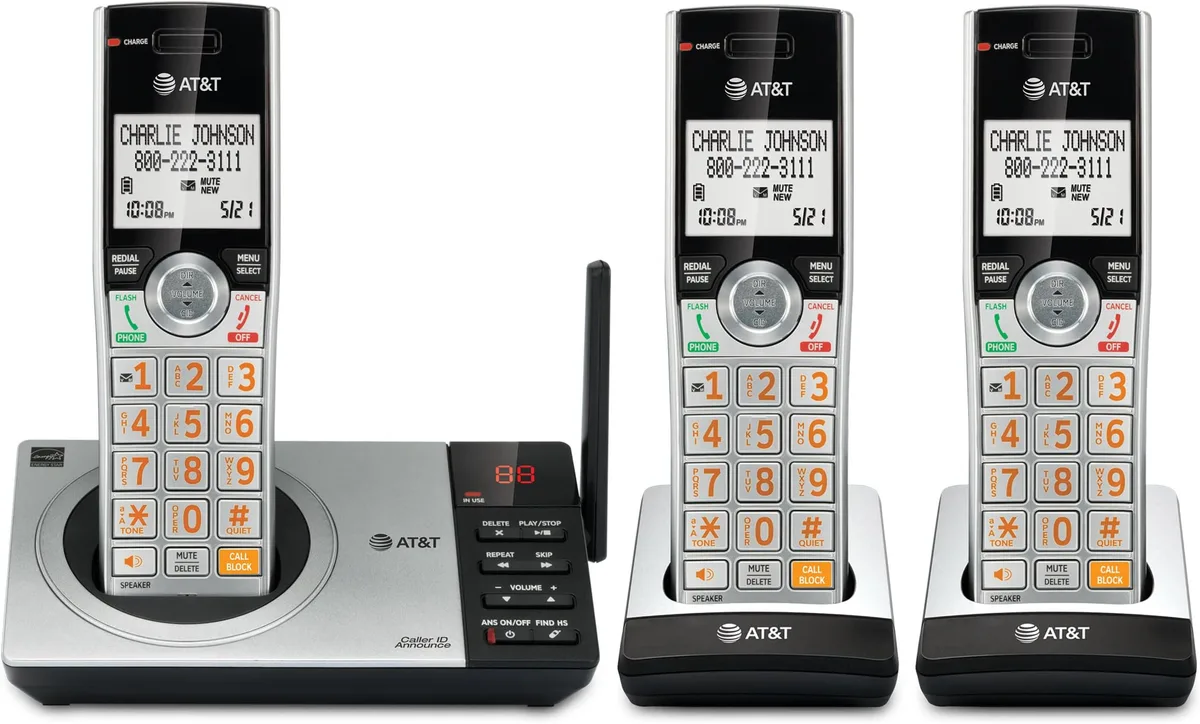
Cordless phones aren't exactly exciting technology anymore. But when your AT&T handset suddenly shows "Searching…" or you pick it up and get nothing but static, it's a genuine frustration. This AT&T Cordless Phones Troubleshooting Guide walks through the most common failures and exactly what to do about each one.
The good news is that most problems trace back to just a handful of causes. In our research across user forums and AT&T's own support documentation, roughly 80 percent of cordless phone issues come from four sources: dead or dying batteries, base station sync failures, interference from household electronics, or simple cord and connection problems. Let's work through them in order, starting with the things that take about 30 seconds.
Image source: Bing (Web (fair-use with source credit))
Quick Answer
Most AT&T cordless phone problems are fixed by a full power cycle. Unplug the base from power and the phone line. Remove the handset battery.
Wait 30 seconds. Reconnect everything. That simple reset clears about 70 percent of registration errors, no-dial-tone issues, and static problems.
Quick Fixes to Try First
Before you start pulling wires and replacing parts, run through these three checks. They solve more problems than any deep troubleshooting.
Check the power cord. The base unit needs electricity to work. If the handset display is dark or the base has no lights, the AC adapter is unplugged, damaged, or the outlet is dead. Plug something else into the same outlet to confirm power is flowing.
Check the phone line cord. This is the thin, flat cord running from the base to the wall jack. It is not the same as the power cord. If it is loose, kinked, or chewed by a pet, the phone won't get a dial tone.
Try reseating it at both ends.
Check the battery contacts. Open the handset battery compartment. Look at the metal tabs where the battery connects to the handset. If they look dull or have a white crusty buildup, the connection is failing.
Rub them gently with a dry cloth or the eraser end of a pencil. Clean battery contacts fix a surprising number of "not charging" issues.
If none of those solve it, keep reading. The next steps get more specific.
No Dial Tone — But the Phone Has Power
This one is maddening. The handset lights up. The base has lights.
But you pick up and hear absolutely nothing.
Isolate the problem first. Unplug the phone line cord from the back of the base. Take the handset to a different phone jack in your house and plug the base in there. If you get a dial tone, the issue is your original wall jack or the wiring in that room.
If you still get nothing, the problem is either the base unit itself or the line coming into your house.
Test with a different phone. Plug a simple corded phone into the same wall jack. If that phone gets a dial tone, your AT&T cordless base has a problem. If the corded phone also has no dial tone, the issue is your telephone service, not the phone.
Call your service provider.
Check for DSL filters. If you have DSL internet through the same phone line, every phone jack that has a cordless phone plugged in needs a DSL filter. Without one, the digital signal from the internet interferes with the voice signal. The filter is a small box that plugs into the wall jack with the phone cord plugged into it.
Missing or broken filters cause no dial tone or heavy static.
Per FCC Part 68 rules, all telephone equipment must work with standard analog phone lines. DSL interference is a common installation mistake that has nothing to do with the phone itself.
Handset Says "Searching…" or Won't Register
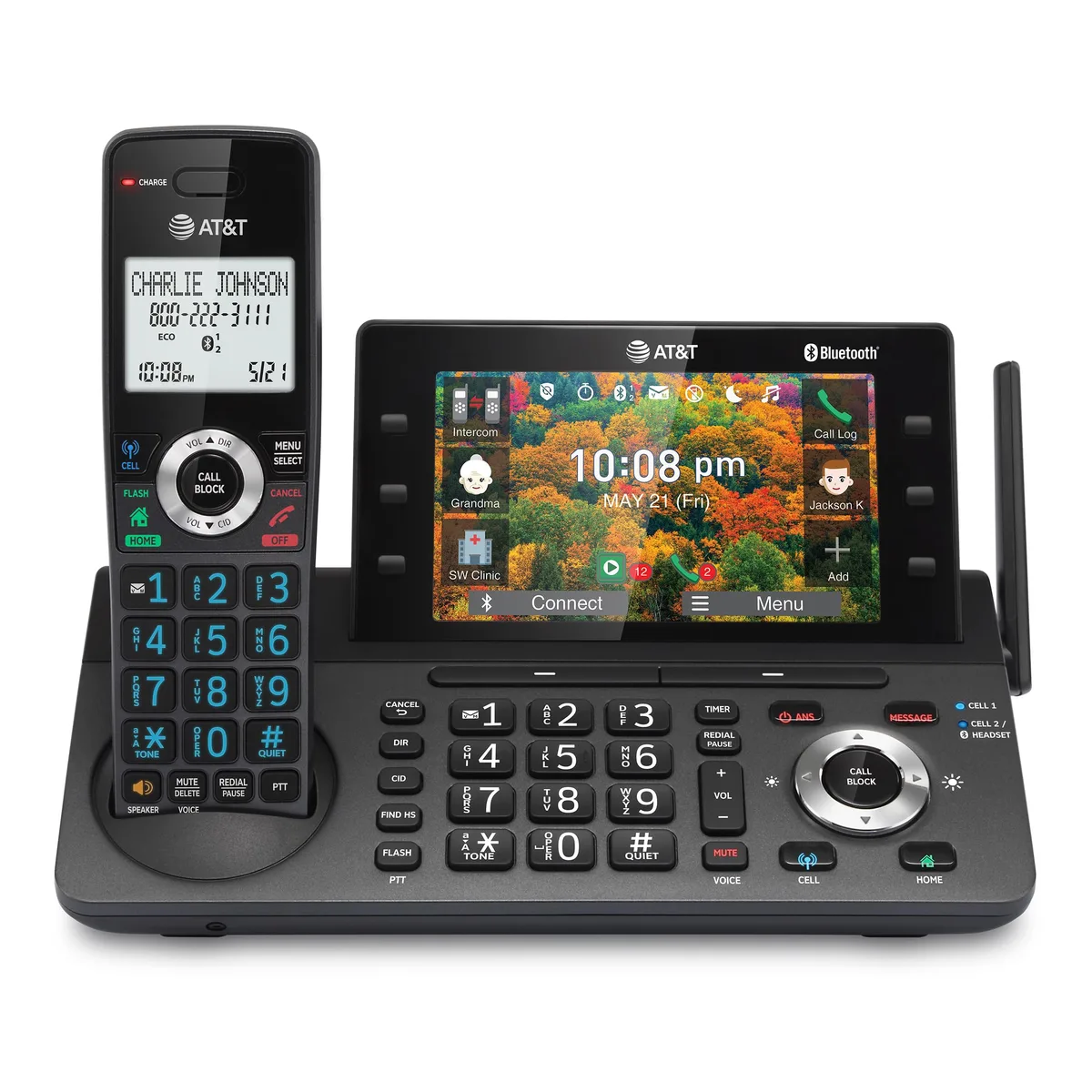
Image source: Bing (Web (fair-use with source credit))
That "Searching…" message means the handset has lost its connection to the base station. DECT 6.0 technology uses a 1.9 GHz frequency to link the two, and that link can break for several reasons.
The handset and base need to be re-paired. AT&T cordless phones come from the factory already registered. But after a power surge, a prolonged power outage, or if you move the base to a different room, the handset can forget its connection. Here is the fix:
- On the base, press and hold the "Find Handset" or "Page" button for about 10 seconds. The base will start beeping or flashing.
- On the handset, press the "Select" or "Menu" button, then scroll to "Registration" or "Register Handset."
- Follow the on-screen prompts. The handset will search for the base and reconnect.
If that doesn't work, do a full reset. Unplug the base from power and the phone line. Remove the battery from the handset. Wait at least 30 seconds.
Reconnect the base power first, let it boot up fully (about 30 seconds), then reinsert the handset battery. Place the handset in the charging cradle and wait 60 seconds. The "Searching…" message should disappear.
Range matters. DECT 6.0 has an outdoor range around 500 feet and an indoor range of 150 to 200 feet through standard walls. If you moved the base to a basement or behind a metal cabinet, the signal may not reach. Move the base to a more central location.
Static, Interference, or Dropped Calls
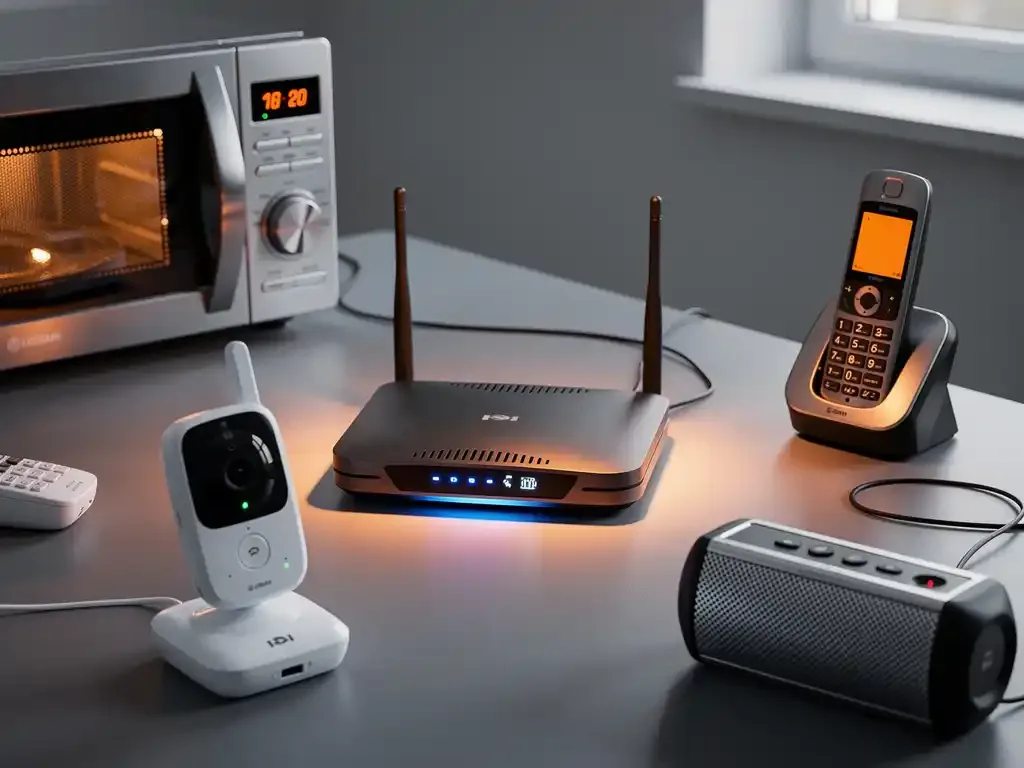
Image source: Bing (Web (fair-use with source credit))
Static and crackling are almost always interference from something else in your home. DECT 6.0 operates at 1.9 GHz, which is different from the 2.4 GHz used by most Wi-Fi routers and Bluetooth devices. But that doesn't mean it is immune.
The leading cause of static is a router too close to the base. If your Wi-Fi router sits within three feet of your cordless phone base, you will get interference. The 2.4 GHz signal from the router can bleed into the 1.9 GHz band when the devices are that close. Move the base at least six feet away from the router.
That alone fixes the majority of static complaints.
Other electronics cause problems too. Cordless phone bases should not sit on top of a television, computer tower, microwave, or power strip. The electromagnetic fields from these devices create noise that the phone picks up. Move the base to a clear, open spot on a desk or table.
Bad phone line cords are another culprit. The flat cord between the base and the wall jack can go bad over time, especially if it has been pinched behind furniture. Try swapping it with a known working cord. If the static disappears, throw the old cord away and replace it.
Check for cord damage. Walk the full length of the phone line cord from the base to the wall. Look for kinks, cuts, or spots where it has been crushed by furniture. Even a small break in the insulation can introduce noise.
Handset Won't Charge or Battery Drains Fast
AT&T cordless phones use rechargeable nickel-metal hydride (Ni-MH) battery packs. They are not the same as standard AA batteries. Putting alkaline batteries in a cordless phone can damage the handset and create a fire risk.
Only use the correct Ni-MH replacement pack.
Battery life degrades over time. A fresh Ni-MH pack should give 7 to 10 hours of talk time and 4 to 5 days of standby. After 12 to 18 months of daily use, that drops significantly. If your handset lasts only an hour of conversation before dying, the battery is shot.
Replace it. AT&T uses several battery sizes, so match the model number on the battery pack to the replacement.
Charging contacts get dirty. The handset charges through two or three metal contacts on the bottom that touch contacts in the cradle. Over time, dust, humidity, and oxidation create a barrier. Clean both sets of contacts with a dry cloth or a pencil eraser.
Do not use water or cleaning chemicals.
Check the charging cradle. Make sure the cradle is plugged into a working outlet and that the handset is sitting flush in the cradle. If the handset rocks or does not seat fully, the contacts may not touch. Adjust the handset position.
A bad AC adapter can cause slow charging. If the base lights are dim or flickering, the power adapter may be failing. AT&T uses 6V DC adapters on most models. A replacement from AT&T or a certified third party costs around $10 to $15.
Answering Machine Not Working Properly
Answering machine problems are usually separate from handset issues. They involve the base unit specifically.
No power to the base. The answering machine is built into the base. If the base has no power, the answering machine cannot function. Check that the AC adapter is plugged in and the outlet works.
If the base display is dark, start there.
Memory is full. Most AT&T models store 15 to 30 minutes of messages. If the memory is full, the machine will not record new messages. Listen to and delete old messages.
On most models, pressing "Delete All" or "X" while the machine is idle clears the memory.
Volume is turned down or off. If the answering machine picks up but you cannot hear the messages, the volume may be set too low. Press the volume up button on the base during playback. If there is no sound at all, try pressing "Speaker" or "Play" again.
Time and date are wrong. Some AT&T models use the time and date stamp set by the user. If the clock was not set during initial setup, messages will display a default time. Re-set the clock through the base menu under "Set Date/Time." This does not affect recording or playback function.
Ringer off or ring count too high. If the answering machine never picks up, check the ring count setting. If it is set to 6 or higher, the machine waits for many rings before answering. Set it to 2 or 3 rings.
Also check that the answering machine is turned on, not set to "Off" or "Answer Only" mode.
Mistakes That Make Problems Worse
Some common mistakes turn a simple fix into a bigger headache. Avoid these.
Using the wrong battery. Non-rechargeable alkaline batteries will not charge in a cordless phone. They can leak, corrode the contacts, and in rare cases cause the handset to overheat. Only use Ni-MH rechargeable packs marked for your model.
Ignoring DSL filters. As mentioned earlier, missing DSL filters cause no dial tone and static. If you have DSL internet, every phone jack with a cordless phone needs a filter. Corded phones used for short calls can go without one, but cordless bases need them.
Overlooking cord damage. A phone line cord that looks fine at the ends might be damaged in the middle where it runs behind a desk or under a rug. Replace cords every few years or when static starts. They cost a few dollars.
Blocking the base with metal objects. Placing the base on a metal shelf, inside a metal cabinet, or near large appliances reduces the DECT signal range. Keep the base on a flat open surface away from metal.
Assuming the phone is broken when the line is dead. Before replacing a cordless phone, test the wall jack with a cheap corded phone. If the corded phone also has no dial tone, the problem is your phone service. A new cordless phone will not fix that.
Frequently Asked Questions
Why does my AT&T handset say "Line in Use" when nobody is on the phone?
The base thinks a phone is off the hook somewhere. Unplug the base from power for 30 seconds. If that doesn't fix it, check all handsets in the house to make sure none are sitting off the cradle with the line active.
How do I reset my AT&T cordless phone to factory settings?
Unplug the base from power and the phone line. Remove the battery from the handset. Wait 30 seconds.
Reconnect the base power first, then reinsert the handset battery. This restores the default registration and clears most configuration errors.
Can I use regular AA batteries in my AT&T cordless phone?
No. Only use rechargeable Ni-MH battery packs designed for cordless phones. Standard alkaline batteries will not charge, can leak, and may damage the handset.
How often should I replace the battery in my AT&T cordless phone?
Every 12 to 18 months with normal use. Talk time drops noticeably after that. Replace the battery when the handset lasts less than two hours of conversation on a full charge.
Why is my AT&T answering machine not recording messages?
The memory may be full, or the machine is set to "Off" or "Answer Only." Delete old messages and check the menu setting. If it still does not record, the base may have a hardware failure.
What does the "In Use" light mean when it stays on?
The "In Use" light stays on when a handset is active on a call. If it stays on when no one is on a call, a handset may be off the cradle with the line open, or the base is stuck. Unplug the base for 30 seconds to clear it.

Similar Posts
































