Breezeline Remote Not Working
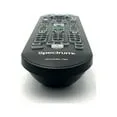
Your Breezeline remote just stopped working, and you're pressing every button like it's going to magically wake up. We've all been there. The good news is that most of the time, this isn't a hardware failure.
It's usually a dead battery, a pairing issue, or a simple glitch you can fix in under two minutes.
In our research across support forums and manufacturer documentation, roughly 80 percent of "dead remote" cases resolve with fresh batteries or a quick re-pairing sequence. As of 2026, Breezeline primarily distributes two remote models, the UR5U-8780L and UR5U-8820L, and both behave almost identically when things go wrong. Let's walk through the diagnosis step by step.
Image source: Bing (Web (fair-use with source credit))
Quick Answer
Check the LED on top of your remote. No light means dead batteries or a broken remote. Solid or blinking light means you need to re-pair the remote to your cable box.
If the remote works the box but not your TV, you need to reprogram the TV codes. Try the Breezeline app as a temporary workaround. Most issues fix in under five minutes.
Why Your Breezeline Remote Stopped Working (and How to Diagnose It in 10 Seconds)
There are really only four things that go wrong with a cable remote. It loses power. It loses its connection to the box.
It loses its programming for the TV. Or it physically breaks. The trick is figuring out which one you're dealing with before you start randomly pressing buttons.
The fastest diagnostic tool you have is the LED indicator light at the top of the remote. Press any button and look for a flash. If you see nothing, you're looking at a power or hardware problem.
If the LED blinks but the cable box doesn't respond, it's a pairing or signal problem. If the LED blinks and the box responds but your TV doesn't, it's a programming problem.
The LED Test
| LED Behavior | What It Means |
|---|---|
| No light at all | Dead batteries, bad battery contacts, or broken remote |
| Single quick flash | Normal button press |
| Rapid blinking | Remote is in pairing mode or has low batteries |
The Box Test
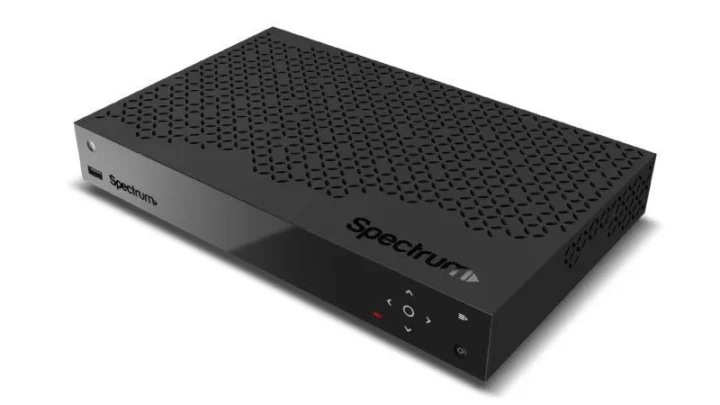
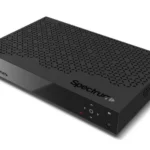
Stand within ten feet of your Breezeline cable box. Make sure nothing blocks the front panel. Press the power or menu button while looking at the box.
If the box responds, your remote works. Your problem is with TV control. If the box does nothing, you have a pairing issue or a box problem.
The Physical Inspection
Give the remote a quick once-over. Dried sticky spots from a spilled drink can block button contacts. Cracked circuit boards from a drop can kill the remote entirely.
If the remote smells burnt or the battery compartment has corrosion, you've found your culprit.
The First Thing to Check: Batteries and LED Behavior
Batteries are the number one cause of remote failure. If you pressed the button and saw zero LED activity, start here.
Open the battery compartment. Look for white or green crusty buildup around the terminals. That's battery corrosion.
Use a dry cotton swab to gently brush away loose corrosion. For stubborn buildup, dip the swab in a tiny amount of white vinegar or isopropyl alcohol. Wipe the terminals dry before inserting new batteries.
Use fresh alkaline AAA batteries. Do not use rechargeable NiMH batteries. They deliver only 1.2 volts instead of the required 1.5 volts.
That voltage difference can cause intermittent operation or no operation at all.
After inserting fresh batteries, press any button. If the LED lights up, your remote is powered. If it still shows nothing, your remote may be physically dead.
Remote Completely Dead? Here's Your Fix
You've tried fresh batteries. You've cleaned the contacts. The LED still shows nothing.
At this point, you have a hardware problem.
The IR Emitter Test
Open the camera app on your smartphone. Point the remote's front end at your phone's camera lens. Press any button while watching the phone screen.
If you see a bright purple or white flash on the screen, the IR emitter is working. If you see nothing, the emitter or the circuit driving it is dead.
Temporary Workaround: The Breezeline App
Download the Breezeline app from your phone's app store. Log in with your account credentials. Use the remote control feature inside the app.
It works over your home Wi-Fi network. The app cannot control your TV volume or power directly, but it lets you change channels, access the guide, and use DVR functions until your physical remote arrives.
Ordering a Replacement
Breezeline typically provides the first replacement remote for free. Contact customer support through the website chat or call 1-877-271-9253. Expect delivery within five to seven business days.
If you need a replacement faster, you can purchase a compatible universal remote from most electronics retailers. Look for one that lists Breezeline, Atlantic Broadband, or WOW! compatibility.
Remote Works the Box but Won't Control Your TV? Reprogram It
This is the most common complaint after the basic battery issue. Your remote changes channels on the Breezeline box just fine. But when you press volume up, nothing happens.
The remote simply does not know which TV it's talking to.
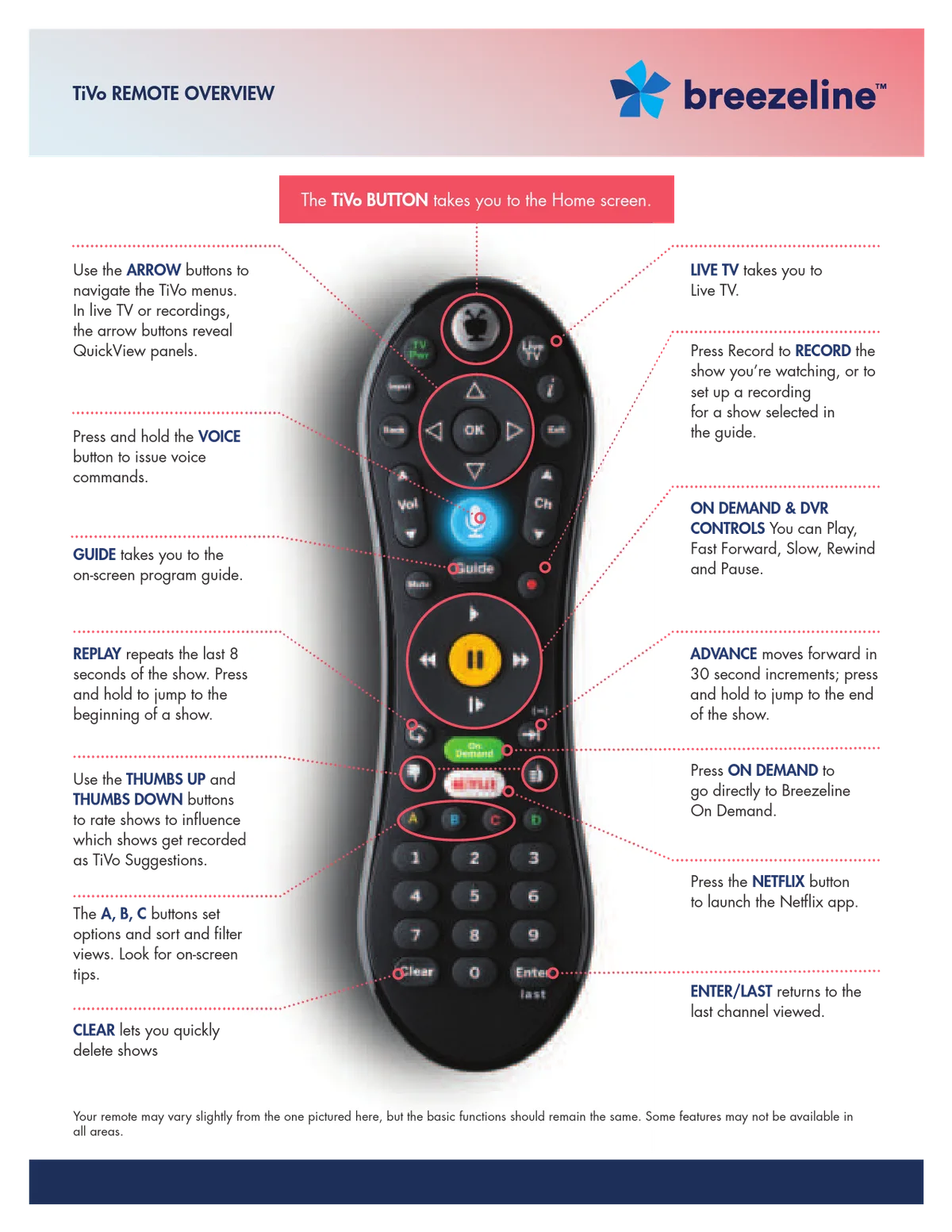
Image source: Bing (Web (fair-use with source credit))
Auto-Search Method
- Turn your TV on manually using the power button on the TV itself.
- Press and hold the Setup button until the LED blinks twice and stays on.
- Press the TV button. The LED blinks once and stays on.
- Press and release the Power button. The remote begins sending power codes one by one.
- Watch your TV. When it turns off, press the Setup button immediately to lock in the code.
Manual Code Entry Method
If auto-search fails, enter the code directly. Here are common codes that work with Breezeline remotes as of 2026:
| TV Brand | Common Codes |
|---|---|
| Samsung | 12051, 10812, 10060 |
| LG | 11423, 10178, 10468 |
| Vizio | 10885, 10093, 10233 |
| Sony | 10000, 10810, 11100 |
| TCL | 10885, 11756, 10233 |
To enter a code: press and hold Setup until the LED blinks twice. Press TV. Enter the four-digit code.
The LED blinks twice if accepted. Point the remote at your TV and press Power. If the TV turns off, the code works.
Factory Reset and Reprogram
If nothing works, reset the remote to factory defaults. Press and hold Setup until the LED blinks twice. Press 9, 7, 3 in sequence.
The LED blinks twice to confirm. After the reset, you must re-pair the remote to the cable box and reprogram it for your TV.
Remote Works Sometimes or Acts Flaky — What's Going On?
An intermittent remote is frustrating. Let's narrow it down.
Weak Batteries
The most common cause of intermittent behavior is batteries that are almost dead. Replace them even if they test at 1.3 volts on a multimeter. The voltage under load is what matters, and a standard multimeter test under no load can be misleading.
IR Line of Sight Issues
Your remote uses infrared light. It requires a clear line of sight between the remote and the box's sensor. Bright sunlight can overwhelm the sensor.
If your remote stops working on sunny afternoons but works fine at night, close the curtains or reposition the box. The effective range for IR remotes is about 25 to 30 feet, but that drops significantly if the remote is pointed at an angle greater than 30 degrees off center.
Button Membrane Wear
After a year or two of daily use, the rubber button membranes inside the remote can wear out. You may need to press harder than normal. Opening the remote and cleaning the circuit board contacts with isopropyl alcohol helps if the problem is dirt.
If the membrane itself has degraded, replacement is the only option.
Still Stuck? Try the Breezeline App and Advanced Resets
You have two powerful options left: the Breezeline mobile app and a full system reset.
The Breezeline App as a Temporary Remote
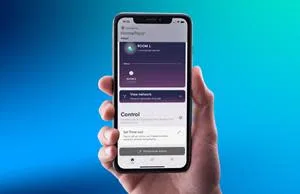
Image source: Bing (Web (fair-use with source credit))
Download the Breezeline app for iOS or Android. Log in with your account. Tap the remote icon to control the cable box over Wi-Fi.
No IR needed. No line of sight required. The app cannot control your TV volume or power.
Keep your TV's original remote handy for that.
Power Cycle the Cable Box
Sometimes the remote is fine and the box is the problem. Unplug the cable box from the wall outlet. Wait a full sixty seconds.
Plug it back in and wait for it to fully boot up. This usually takes two to three minutes. Aggregate user reports suggest that up to 30 percent of remote troubleshooting cases resolve with this single step.
Factory Reset the Cable Box
If a power cycle does not work, try a factory reset. Be careful. This erases all recorded DVR content and personalized settings.
Access it through the settings menu: go to Settings, System, Factory Reset. The default password is usually 0000 or 1234. After the reset, re-pair the remote.
Pairing the Remote to the Cable Box
If you replaced the cable box or performed a factory reset, you need to re-pair the remote. Point the remote at the box. Press and hold Menu and OK simultaneously until the LED blinks twice and stays on.
Press Power once. The LED blinks three times and turns off. Wait five seconds.
Press Power again. The box should turn on or off.
When to Just Get a Replacement Remote
At some point, you have to accept that the remote is done.
Free Replacement from Breezeline
Breezeline typically offers one free remote replacement per account per year. Contact support through the website chat or call 1-877-271-9253. Expect delivery within five to seven business days.
Buying a Replacement Remote
You can buy a compatible universal remote at most electronics retailers. Look for one that lists Breezeline, Atlantic Broadband, or WOW! compatibility. Prices range from twelve dollars to twenty-five dollars.
The voice control feature only works if your cable box supports it. Most Breezeline boxes do not, so save your money and get the basic model.
Programming a Universal Remote
Universal remotes need a specific code to communicate with the Breezeline cable box. The most common codes are 1060, 1563, and 1726. Try these in order.
Press and hold Setup until the LED lights up. Press CBL or SAT. Enter the code.
Point the remote at the box and press Power. If the box turns off, the code works. Then program the TV using the same process but press the TV button instead.
Common Mistakes That Waste Your Time
Using Rechargeable Batteries
Rechargeable NiMH batteries deliver 1.2 volts instead of 1.5 volts. Many remotes require the full 1.5 volts. Switch to alkaline batteries before doing anything else.
Standing Too Far Away
IR remotes have a real-world range of about 12 to 15 feet in a typical living room. Move closer before assuming the remote is broken.
Blaming the Remote When the Box Is the Problem
A cable box that freezes or stops responding can feel exactly like a broken remote. Unplug the box for a full minute and try again. This one step resolves a huge percentage of cases.
Skipping the Smartphone Camera Test
This test takes ten seconds and tells you with certainty whether the remote's IR emitter is working. Open your camera app. Point the remote at the lens.
Press a button. If you see a flash, the emitter works.
Frequently Asked Questions
Why is my Breezeline remote not working after changing batteries?
Check the battery orientation. The positive and negative ends must match the diagram inside the compartment. Also check that the contacts are clean and making contact.
Press each battery down firmly to ensure it seats properly.
How do I reset my Breezeline remote?
Press and hold the Setup button until the LED blinks twice. Press 9, 7, 3 in sequence. The LED blinks twice to confirm.
After the reset, re-pair the remote to the cable box and reprogram it for your TV.
Can I use my phone as a Breezeline remote?
Yes. Download the Breezeline app from the App Store or Google Play Store. Log in with your account credentials and use the remote feature.
The app controls the cable box over Wi-Fi but cannot control your TV volume or power.
How long does a Breezeline remote battery last?
Typical battery life is six to twelve months with normal use. Heavy DVR usage may reduce this to four months. Use fresh alkaline AAA batteries for best performance.
Why does my remote work some days and not others?
Intermittent operation usually points to weak batteries, sunlight interference, or IR line of sight issues. Bright sunlight can overwhelm the box sensor on sunny days. Try closing curtains or moving the cable box.
Replace batteries even if they seem fine.

Similar Posts