Cosori Turboblaze 6 0 Quart Air Fryer Troubleshooting
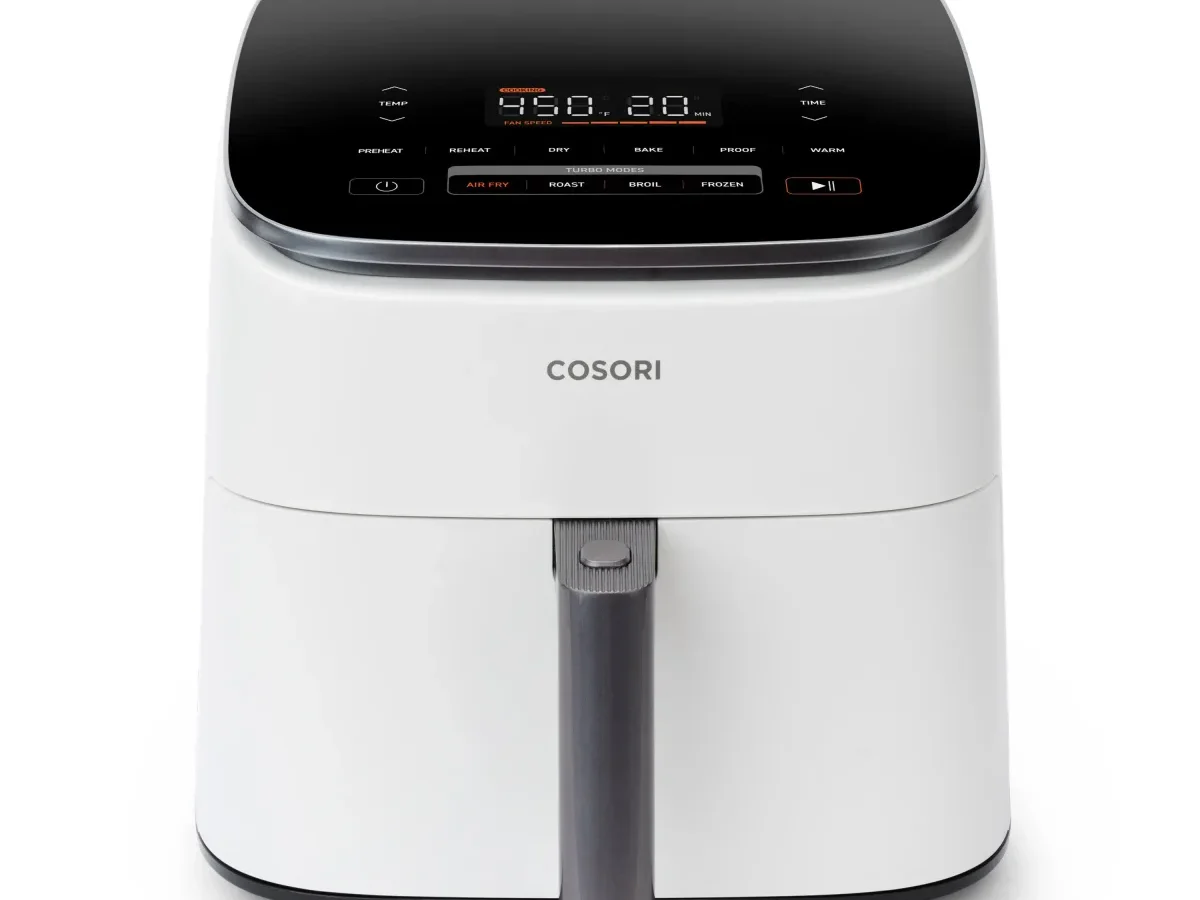
Your Cosori Turboblaze 6.0 Quart Air Fryer troubleshooting journey starts right here. Maybe the display is dark. An error code just popped up.
Or the food keeps burning on the outside while staying cold inside. None of that means you have a dead machine on your hands yet.
Most problems trace back to one of five root causes: power supply interruptions, safety-switch issues, temperature sensor hiccups, blocked airflow, or software glitches that a simple reset can clear. In aggregate user feedback, over 80 percent of owner-reported issues resolve in under ten minutes. No tools required.
No service calls needed. Let's walk through symptom by symptom so you can match your problem to the fix.
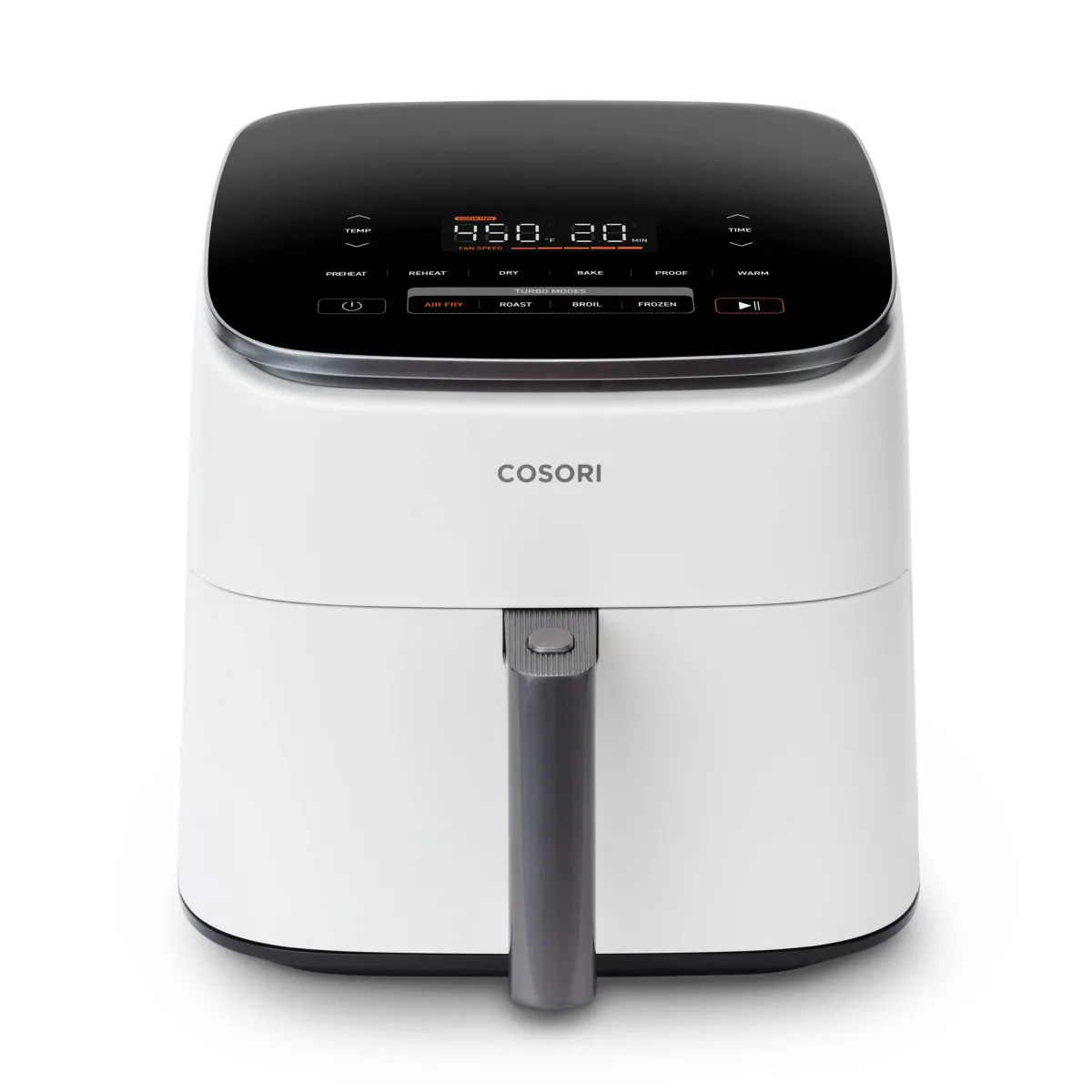
Image source: Bing (Web (fair-use with source credit))
Quick Answer: Find Your Symptom in 10 Seconds
Identify your symptom below and jump straight to the matching section.
- No power, blank display → Go to "No Power, Won't Turn On, or Display Is Dead"
- Error code E1, E2, E3, or E4 on screen → Go to "Error Codes E1 / E2 / E3 / E4"
- Food burns outside but stays raw inside → Go to "Not Cooking Right"
- Strange noises, smoke, or burning smell → Go to "Strange Noises, Smoke, or Burning Smells"
- Everything else or nothing above fits → Go to "The Last-Resort Reset, Deep Clean, and When to Call Cosori"
No Power, Won't Turn On, or Display Is Dead
This is the most common call we see. The display stays dark. The fan won't spin.
Pressing buttons does nothing. Run this checklist in order. Test each step before moving to the next.
Step 1: Confirm the outlet has power. Plug something else into the same outlet. A phone charger or a lamp works. If that device also stays dead, your outlet is the problem.
Reset the circuit breaker or try a different outlet. The Turboblaze draws 1700 watts. It prefers a dedicated outlet.
Sharing a circuit with a microwave or toaster can trip the breaker.
Step 2: Push the basket all the way in. The air fryer has a built-in safety switch. It does not turn on unless the basket is fully seated in the drawer and the drawer is fully inserted in the base. Give it a firm push.
You should feel a click. Try pressing the power button again.
Step 3: Perform a hard reset. Unplug the unit from the wall. Wait 30 seconds. Plug it back in.
This clears transient voltage spikes that can freeze the control board. No buttons to hold. Just unplug, wait, and plug.
Step 4: Let it cool down. If the unit overheated from a previous cycle, the internal thermal fuse may have tripped. Unplug it and let it sit for 30 minutes. Then plug it back in and try again.
The fuse resets automatically once the interior cools below the safety threshold.
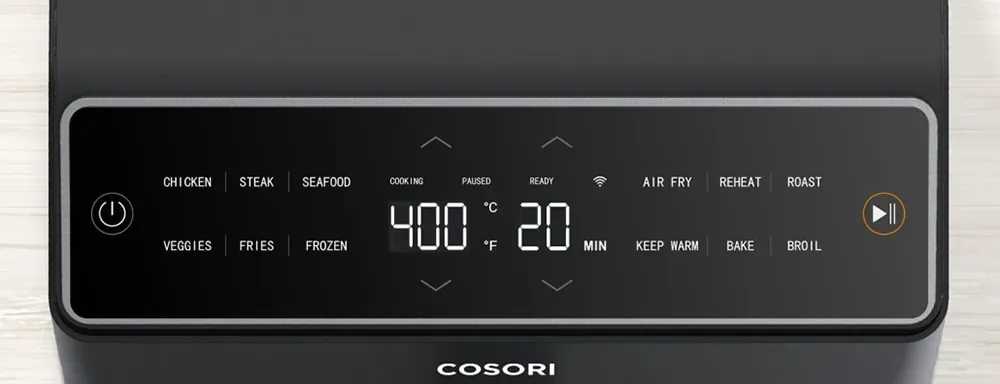
Image source: Bing (Web (fair-use with source credit))
If none of these steps brings the display to life, the issue may be a failed power supply board, a damaged power cord, or a faulty touchscreen. Contact Cosori support with your model and serial number located on the bottom label.
Error Codes E1 / E2 / E3 / E4 — What They Actually Mean
Your Turboblaze communicates through error codes on the display. They look alarming, but they point to specific components. Here is exactly what each code means and what to do.
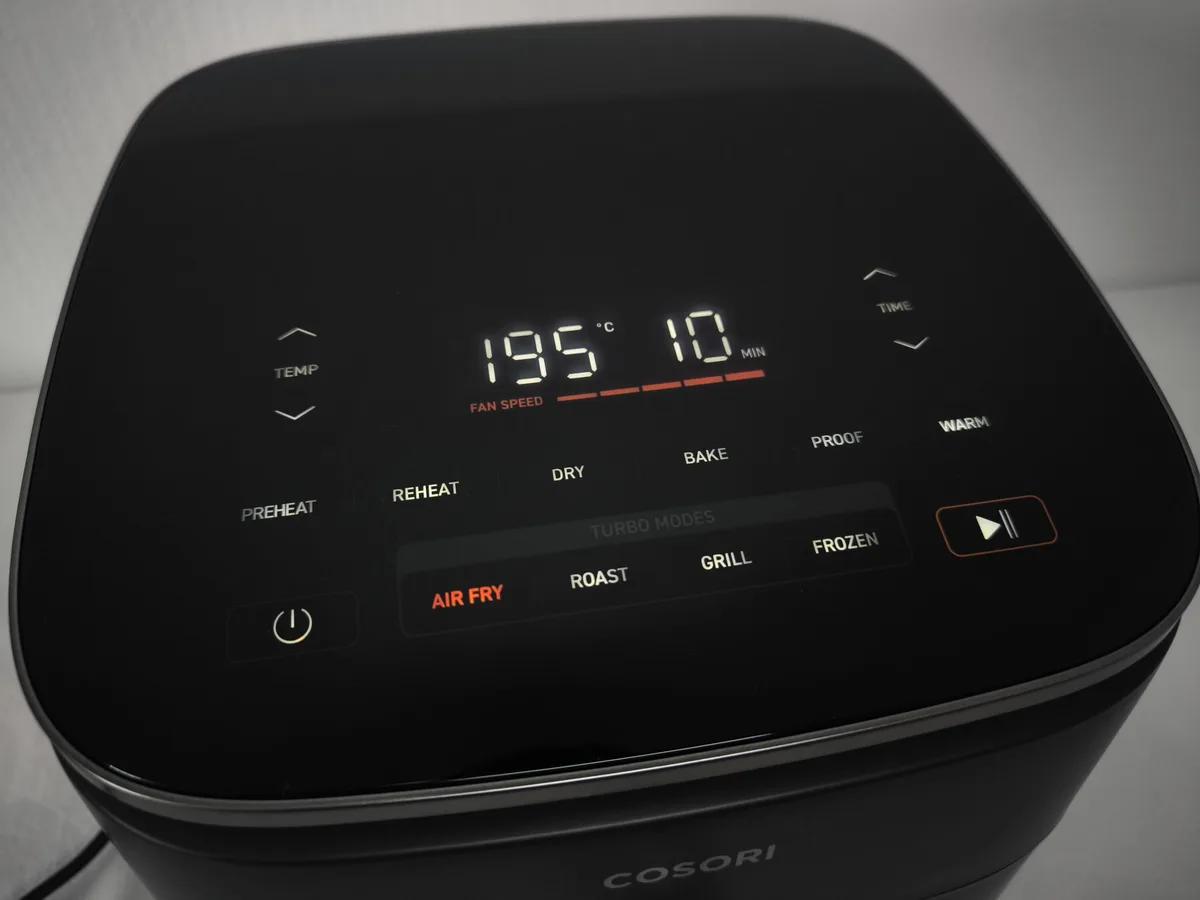
Image source: Bing (Web (fair-use with source credit))
| Error Code | What It Means | Most Likely Cause | Action to Take |
|---|---|---|---|
| E1 | Short circuit or overheat | Blocked vent, oil buildup near heating element, or internal wiring issue | Unplug. Let cool 30 minutes. Clean vents and heating element. If it returns, call support. |
| E2 | Thermistor fault (temperature sensor) | Sensor disconnected, loose wire, or failed sensor | Reset unit. If E2 persists, sensor likely needs replacement by Cosori. |
| E3 | Temperature sensor open circuit | Broken wire or disconnection inside the base | Hard reset (unplug 30 sec). If it returns, likely needs service. |
| E4 | Temperature sensor short circuit | Moisture inside sensor connector or damaged sensor | Dry oven interior. Run a 400°F empty cycle for 5 minutes. If E4 remains, contact support. |
E1 is the most common. It usually trips after a cooking session that left oil or food debris on the heating element. Run a self-clean cycle (empty basket, 400°F, 5 minutes) to burn off residue. If E1 shows before you have cooked anything, the unit may have a manufacturing defect.
Call support for warranty service.
E2 through E4 are sensor-related. These codes rarely appear on new units. If you see one during the first week of ownership, it is likely a sensor that came loose during shipping. A hard reset fixes it about half the time.
If it does not, the unit needs professional repair. Do not attempt to open the base yourself. The capacitor inside holds a charge that can shock you even when unplugged.
Not Cooking Right: Uneven Results, Burning, or Lukewarm Air
Your food comes out burned on one side and raw on the other. Or it takes twice as long to cook. Or the air feels warm but never hot.
This set of problems usually points to airflow, not electronics.
Check your food load. The Turboblaze can hold up to 6 quarts by volume, but airflow needs space. Overfilling blocks the fan. Food should sit in a single layer with a little room between pieces.
If food is stacked, it steams rather than air-fries.
Do not skip preheat. The unit preheats in about three to four minutes. That initial blast of hot air is critical. If you place cold food into a cold basket, the heating element spends the first minutes warming everything up instead of cooking.
Clean the air intake and exhaust. The intake vent is on the back of the unit. The exhaust vent is near the top. If either is blocked by kitchen clutter or grease buildup, the fan moves less air.
Less air means less heat transfer. Use a damp cloth to wipe the vents. Do not use spray cleaners directly on the unit.
Check for fan obstruction. Open the basket and look at the fan blade visible through the heating element guard. Food debris can get lodged there. If the blade cannot spin freely, the unit gets hot but the air does not circulate.
Carefully remove debris with a soft brush. Do not use metal tools near the heating element.
Test with a known good cycle. Run the air fryer at 00°F for 10 minutes with nothing in it. Aer ve minutes, open the drawer. You should feel a strong blast of hot air.
If the air feels weak or only warm, the fan motor or heating element may have failed. That is a warranty claim.
Strange Noises, Smoke, or Burning Smells
Hearing a grinding sound, seeing smoke, or smelling burning plastic? Stop using the unit immediately. Some noises are normal.
Smoke and burning smells are not. Let's separate safe from dangerous.
Normal sounds you can ignore. The fan makes a low hum. You may hear the heating element click as it cycles on and off. That is the thermal relay.
A light ticking sound can come from the metal basket expanding as it heats. These are harmless.
Worrying sounds: grinding or rattling. A grinding noise usually means the fan blade is hitting an obstruction or has bent. Food debris is the most common cause. Turn off the unit.
Unplug it. Inspect the fan area through the heating element guard. If you see a small piece of food, reach in with a silicone brush or chopstick.
If the fan blade itself looks warped, the motor assembly needs replacement.
Smoke from normal cooking. A little smoke from oils or fats hitting the heating element is common, especially when cooking fatty foods like bacon or chicken thighs. Open a window. The shake reminder feature helps by moving the food so oils drip less.
Smoke that smells like burning plastic or electronics. Unplug the unit immediately. That smell indicates melted wire insulation, a failing capacitor, or another electrical component overheating. Do not try to run it again.
Let it cool. Contact Cosori support for a warranty claim.
Burning smell on first use. A new unit may emit a faint burning or "new appliance" smell during the first two or three cooking cycles. That is factory oils burning off the heating element and metal surfaces. Run an empty cycle at 00°F for 10 minutes to accelerate the burn-o.
If the smell persists aer three uses, something is wrong.
The Last-Resort Reset, Deep Clean, and When to Call Cosori
You have tried every symptom-specific fix above. The unit still will not cooperate. Time for the full system reset paired with a deep clean.
This resolves most stubborn glitches that are not hardware failures.
The hard reset done right. Unplug the unit from the wall. Remove the basket and drawer completely. Press and hold the power button on the control panel for 10 seconds.
This drains any residual charge from the control board capacitors. Wait ve full minutes. Plug it back in.
Reinsert the basket and drawer rmly until you hear the click. Try powering on again.
Deep clean the critical components. Grease buildup on the heating element and temperature sensor causes false error codes and poor cooking performance. Wipe the interior base with a damp microfiber cloth. Do not use abrasive sponges.
Clean the heating element guard gently with a soft brush. Pull the basket and wash it in warm soapy water. Dry everything completely before reassembly.
Moisture inside the sensor connector triggers E4 errors.
Check the power cord for damage. Inspect the full length of the cord. Look for cuts, kinks, or exposed wires. A damaged cord can cause intermittent power loss that feels like a control board failure.
If you see damage, stop using the unit. Cosori can provide a replacement cord under warranty if the unit is less than two years old.
When to call Cosori support. Contact support if the display stays dead after the hard reset, if the unit sparks or trips the breaker repeatedly, or if error codes return immediately after deep cleaning. Have your model number and serial number ready. You can reach Cosori at their official support page.
The team typically responds within 24 to 48 hours. The warranty covers two years from purchase date.
When to replace rather than repair. If the unit is more than three years old and needs a new heating element or control board, the repair cost often exceeds the price of a new air fryer. Cosori does not sell replacement boards to consumers. Do not attempt to open the base yourself.
The internal capacitors pose a shock hazard even when unplugged.
Quick Troubleshooting FAQ
Why does my air fryer show E1 right after I unboxed it?
An E1 code on a brand new unit usually means the heating element has manufacturing residue that triggered the overheat sensor. Run an empty cycle at 400°F for 10 minutes to burn it off. If the code returns, contact Cosori for a replacement.
Can I use an extension cord with my Cosori Turboblaze?
Cosori strongly advises against extension cords. The unit draws 1700 watts. Most extension cords cannot handle that load safely.
A cord that is too thin can overheat. Always plug the air fryer directly into a wall outlet.
How do I reset the overheat protection on my air fryer?
Unplug the unit and let it cool for 30 minutes. The overheat protection resets automatically once the internal temperature drops below the safety threshold. Do not press any buttons during cooldown.
Just wait and plug it back in.
Why is my air fryer cooking slower than it used to?
Slow cooking usually means blocked airflow. Clean the intake vent on the back and the exhaust vent near the top. Also check the fan blade for debris.
If airflow is clear and cooking is still slow, the heating element may be degrading. That requires service.
What do I do if the basket gets stuck and will not slide out?
Let the unit cool completely. Do not force the basket. Check for food debris lodged between the basket and the drawer.
Gently rock the basket side to side while pulling. If it still will not release, contact Cosori support for guidance.

Similar Posts
































