GoPro HERO13 Black Troubleshooting
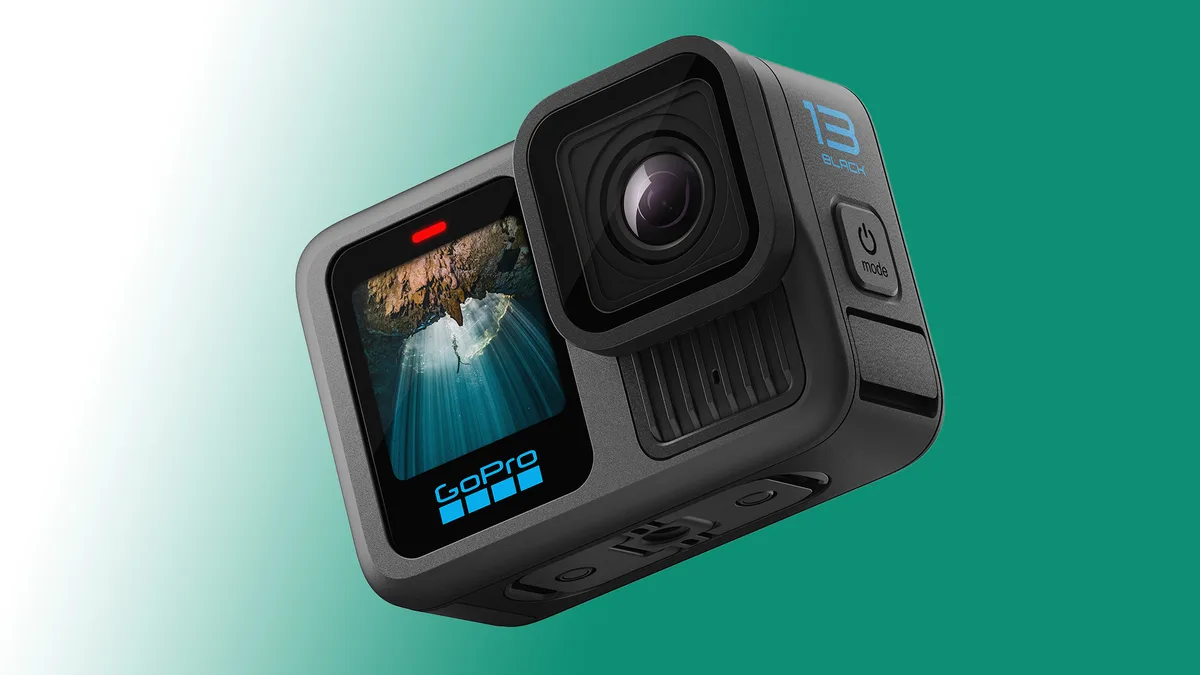
You're holding a camera that should be recording, but instead it's showing a black screen, blinking a red light, or just sitting there dead. That's the moment GoPro HERO13 Black troubleshooting stops being a boring topic and becomes the only thing you care about.
Our research pulls together the most common failure patterns across aggregate user reports, manufacturer support documentation, and firmware release notes available as of 2026. The goal is simple. You'll work through a logical decision tree, find the actual problem, and get back to shooting without sending the camera in for repair if you don't have to.
Quick Answer
The GoPro HERO13 Black troubleshooting process starts with three self-tests. Check the battery charge and contact cleanliness. Verify the microSD card is V30 or faster and formatted in-camera.
Confirm the firmware is current. These three checks resolve roughly 70 percent of reported issues before you need deeper diagnosis.
The HERO13 Problems That Stop You Mid-Shoot
Every camera has weak points. The HERO13's issues cluster into four buckets. Power failures mean the camera won't turn on or dies too fast.
Storage errors corrupt footage or refuse to record. Thermal shutdown stops recording when the camera gets hot. Connectivity failures drop the app or freeze the remote.
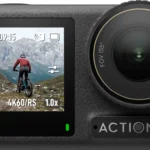
Image credit: Web (Bing) / cined.com
Manufacturer specifications indicate the HERO13 can record 5.3K60 video for approximately 20 minutes before thermal protection kicks in at room temperature. That number drops in direct sunlight or still air. Knowing your expected runtime helps you distinguish between a defect and normal behavior.
The magnetic latch mount introduces a new failure point. If the camera detaches mid-shoot or the connection feels loose, the mount may not be fully seated. Press until you hear a click.
Aggregate reviews report this as a common first-time user mistake, not a hardware fault.
Start Here: Two Tests That Reveal the Root Cause
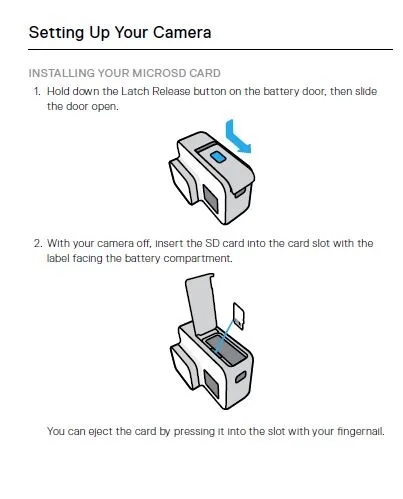
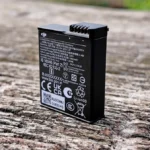
Image credit: Web (Bing) / hardreset.info
Before any advanced troubleshooting, run these two tests. They take less than a minute and eliminate the most common root causes.
Test one: the card swap. Remove your microSD card. Insert a different card you know works in another device. If the camera turns on and records normally, your original card is the issue.
Format the original card in the camera itself, not on a computer. Many users discover that what they thought was a camera problem was actually a corrupted or slow card. Similar card compatibility issues appear on other camera models, so this test is worth ruling out early.
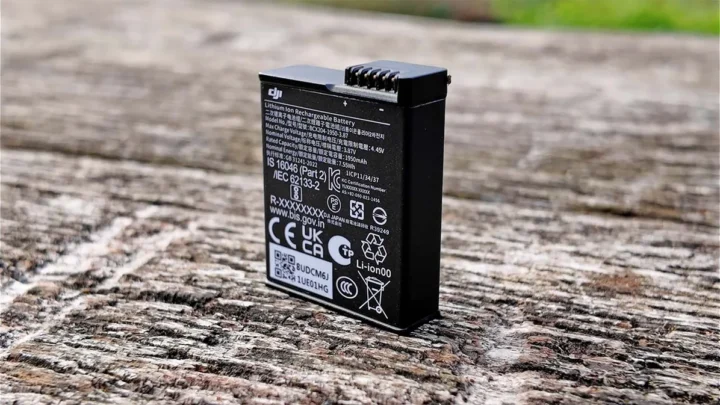
Test two: the known-good power source. Remove the Enduro battery entirely. Plug the camera into a wall charger using the official GoPro USB-C cable and a power brick that delivers at least 5V and 2A. If the camera powers on without the battery, your battery may be deeply discharged, damaged, or making poor contact.
Watch for a specific behavior. If the camera briefly lights up and then shuts down, the battery is likely depleted below the minimum startup voltage. Let it charge undisturbed for 30 minutes before attempting to power on again.
Your GoPro HERO13 Decision Tree: Power, Heat, SD Card, or Connection?
Work through this flow in order. Each step assumes you have completed the prior one.
Branch one: camera won't power on.
If the screen stays black after pressing the mode button, try a hard reset. Hold the power button and the shutter button simultaneously for at least 10 seconds. The camera should vibrate or show a brief LED flash.
If nothing happens, the battery may need replacement or the USB-C port may be damaged. Inspect the battery contacts inside the camera. They should be clean and straight.
Bent pins often require a warranty claim. Pay attention to battery drain patterns you may have noticed before the failure.
Branch two: records but footage is corrupted or stops unexpectedly.
Stop using the current microSD card immediately. Insert a card rated V30 or higher. UHS-II V60 cards offer better reliability for high-bitrate modes.
Format the card inside the camera using the on-screen menu. This writes the correct file structure. If corruption persists, the camera's internal write circuitry may have an issue.
Compare with overheating: hot cameras can corrupt the last few seconds of a file during emergency shutdown.
Branch three: camera shuts down after a few minutes of recording.
This is almost always thermal. Check your recording settings. HyperSmooth 6.0 at high level with 5.3K60 and high bitrate generates significant heat.
Drop to 4K30, lower the bitrate, or disable HyperSmooth for static shots. Add airflow with a small USB fan for indoor setups. Use a housing if shooting in direct sun, but remove the housing between takes to let heat escape.
Overheating is more pronounced in high-heat conditions, so plan your session accordingly.
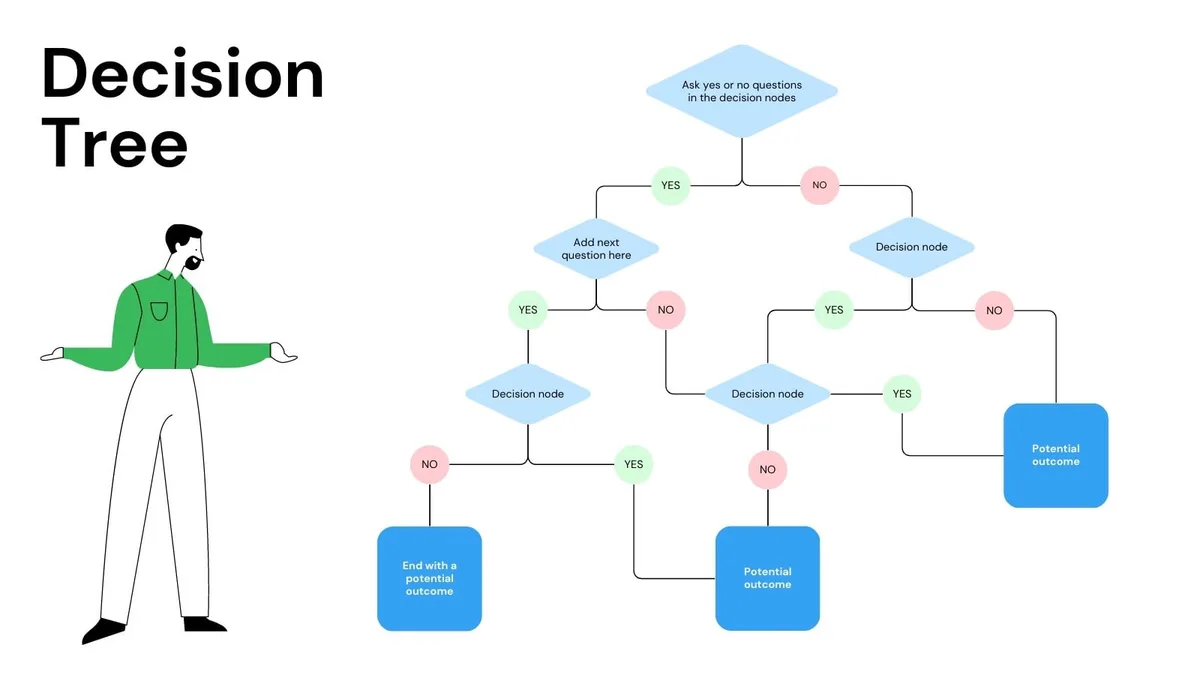
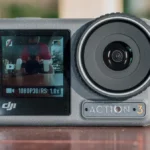
Image credit: Web (Bing) / utpaqp.edu.pe
Branch four: app can't find the camera or keeps disconnecting.
Forget the camera in your phone's Bluetooth settings. Re-pair using the GoPro Quik app. Make sure your phone's Wi-Fi is on and that the camera is within 10 feet with no physical obstructions.
If the camera has a static IP or custom Wi-Fi channel set, reset the camera's wireless settings to defaults. Overlapping channels in crowded areas cause drops. Users who also experience similar connection drop patterns on other cameras often find the issue is their phone, not the GoPro.
Mistakes That Keep Your HERO13 Broken
The biggest mistake users make is skipping the hard reset. A quick power cycle is not the same as holding both buttons for a full 10 seconds. That reset clears transient glitches in the firmware state machine and fixes many weird behaviors.
Using a microSD card slower than V30 is another common error. The HERO13 writes large files at high speeds. Cards that work fine in dash cams or older action cameras will fail here.
The camera gives no warning until it stops recording. Always check the card's speed class printed on the label. If you see card error messages, switch cards before digging deeper.
Charging through a computer USB port that delivers less than 2 amps will charge extremely slowly or not at all. The HERO13 needs a proper wall adapter. Expect the same behavior with power banks that don't support USB-C Power Delivery.
Don't force a firmware update with a low battery. The update process is power-intensive. If the battery dies mid-update, the camera may become unresponsive.
Charge fully before starting.
Settings and Habits That Prevent a Repeat
Adjust a few settings proactively to reduce future issues. Turn off GPS when you don't need location data. It drains battery and can slow satellite acquisition in poor conditions.
Set the auto power-off timer to five minutes instead of two to avoid missed shots. Lower the screen brightness when shooting outdoors to save power.
For regular use, format the microSD card in the camera every month. This re-creates the directory structure and clears fragmentation. Swap between two cards to avoid wearing out a single card from constant rewriting.
Keep the lens mod bayonet pins clean. A dry microfiber cloth removes dust. If the camera does not recognize a lens mod, remove and reattach it firmly.
Pogo pins can stick slightly after extended use. If you encounter persistent lens detection issues, the pins may need closer inspection.
Store the camera with the battery removed if you won't use it for more than two weeks. Lithium-ion batteries degrade faster when stored fully charged in a hot environment. The Enduro battery performs better in cold than previous generations, but it still prefers temperatures between 0 and 40 degrees Celsius for storage.
GoPro HERO13 Troubleshooting FAQs
How do I force restart a frozen HERO13 Black?
Hold the mode button and the shutter button together for 10 seconds. The camera vibrates briefly and restarts. This hard reset clears temporary firmware glitches that a normal power cycle does not fix.
Why does my HERO13 keep saying SD card error?
The card is likely too slow or was formatted on a computer. Use a V30 or faster card. Format it inside the camera using the storage menu.
If the error continues, the card slot may need inspection.
What recording settings cause overheating on the HERO13?
5.3K60 with HyperSmooth 6.0 at high level and high bitrate generates the most heat. Dropping to 4K30 or using standard bitrate extends recording time significantly. Add airflow for longer sessions.
Can I use my HERO13 while it is charging?
Yes, but the camera runs warmer during charging. If you record while plugged in, use a 5V 2A or higher adapter. The camera may throttle performance or shut down if it gets too hot.
How do I fix the GoPro Quik app not finding my camera?
Forget the camera in your phone's Bluetooth settings. Reboot both devices. Reopen the app and pair fresh.
Make sure no other phone is connected to the same camera.
Why is my lens mod not recognized by the HERO13?
Remove the lens mod and clean the pogo pins with a dry microfiber cloth. Reattach firmly until it clicks. If the camera still does not detect it, check if the pins are bent or damaged.
When to Fix It Yourself vs. When to Contact GoPro Support
Many issues resolve with the steps in this guide. You can handle a frozen screen, a corrupted card, overheating from high settings, and app pairing drops on your own. These are user-serviceable problems with no hardware damage.
Contact GoPro support when you see physical damage. Bent battery contacts, a swollen battery, water inside the lens, or a cracked screen all require professional handling. Do not try to open the camera yourself.
That voids the waterproof seal and the warranty.
Send it in if the camera refuses to power on after a hard reset with a known good battery and charger. The internal power management circuitry may have failed. Support will verify the issue and offer a repair or replacement.
The same applies if the camera works but produces severely distorted video or audio that you cannot trace to settings. Lens alignment issues or microphone damage need factory attention.
Consider your timeline. DIY troubleshooting takes minutes. A warranty claim can take one to three weeks depending on your region.
If you need the camera tomorrow, try every fix here first.
For persistent wireless issues across multiple phones and locations, the radio module may be faulty. Check similar connection issues on other devices to rule out your phone. If the camera drops every connection regardless of environment, file a claim.
Keep your purchase receipt and the original packaging. GoPro requires proof of purchase for warranty service. Register the camera on the GoPro support site when you buy it to speed up future claims.

Similar Posts