How to Use DSLR Camera for Sports
You're standing on the sideline. Your kid makes the game-winning play. You press the shutter.
And when you check the screen later, it's a blurry mess. Frustrating, right? Knowing how to use DSLR camera for sports is the difference between a miss and a memory you can frame.
Research and aggregate reviews confirm that shutter speed is the single most common culprit. Most action shots blur because the shutter stayed open too long. Manufacturer specifications indicate that even entry-level DSLRs can hit 1/4000th of a second.
The trick is knowing when to use it.
Image source: Web (Bing) / smartprix.com (Web image (fair-use with source credit))
Quick Answer
Set your camera to Shutter Priority (Tv) mode. Choose 1/500th of a second for slow sports. Use 1/1000th for average action.
Go to 1/2000th or faster for fast sports. Select continuous autofocus (AI Servo or AF-C). Use burst mode.
Keep ISO on auto with a 3200 limit. A fast lens with an aperture of f/2.8 helps in low light.
The Real Reason Your Sports Photos Are Blurry
It's almost never the camera. It's the settings. Shutter speed is too slow, so motion blurs.
Autofocus locks on the background instead of the player. The lens aperture is too small, forcing the camera to raise ISO and introduce noise.
The fix is knowing what each sport demands. A slow-pitch softball game and a Formula 1 race need completely different approaches. The table below shows the baseline speeds that work for most sports as of 2026.
| Sport Type | Recommended Shutter Speed | Autofocus Mode |
|---|---|---|
| Baseball/Softball (pitch) | 1/2000th+ | Continuous (AI Servo) |
| Soccer/Football (field) | 1/1000th | Continuous (AF-C) |
| Basketball (indoor) | 1/500th to 1/1000th | Continuous (3D tracking) |
| Motorsports (cars) | 1/2000th+ | Continuous (zone) |
| Swimming | 1/1000th | Continuous (single point) |
Start with these numbers. Adjust as the light changes.
The Three Settings That Matter
The exposure triangle is your best friend. In sports, shutter speed is king. But you cannot ignore the other two.
Shutter Speed
This is your priority. Fast action needs a fast shutter. 1/500th is the bare minimum for slow movement. 1/1000th is the sweet spot for most field sports. 1/2000th or 1/4000th is for motorsports and fast action. A fast burst mode helps you capture the perfect moment.
Aperture
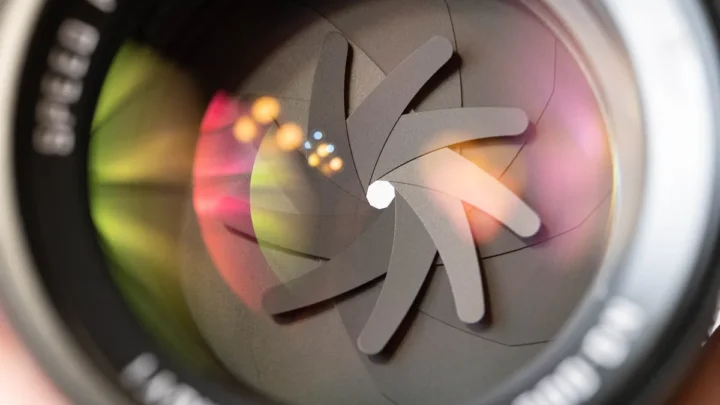
Wide open is the goal. Use the largest aperture your lens allows. F/2.8 is ideal.
It lets in the most light, which keeps shutter speed high. It also blurs the background to isolate your subject.
ISO
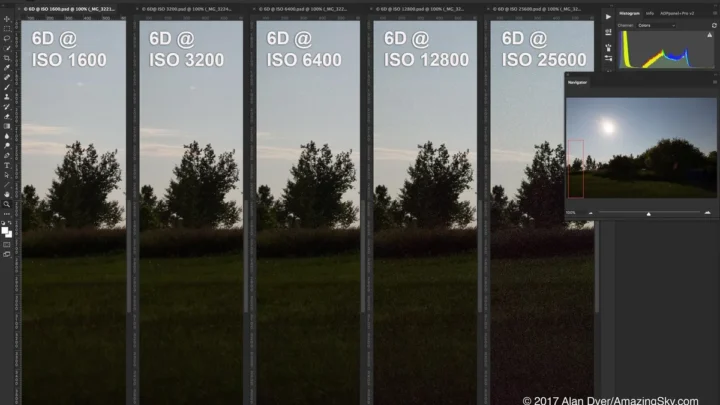
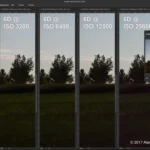
This is your compromise. Higher ISO means more light but more noise. On a sunny day, ISO 100 to 400 works.
In a dim gym, you might need ISO 3200 or 6400. Modern DSLRs handle noise well. Our research shows that noise is easier to fix in post-processing than blur.
A good camera for low light handles high ISO better.
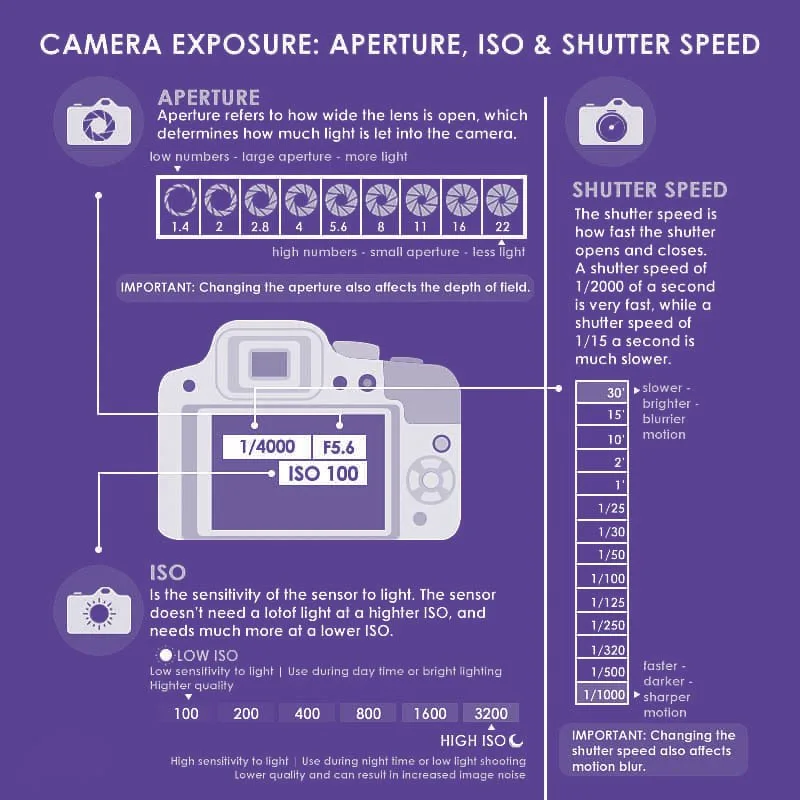
Image source: Bing (Web (fair-use with source credit))
The Settings Decision Tree: An If-Then Guide
Your choices depend on the conditions. Here is the practical workflow.
If you are shooting outdoors in daylight
Set shutter speed to 1/1000th. Set aperture to f/4 or f/5.6. Set ISO to 100 to 400.
This gives you clean, sharp images. The light is generous, so you have room to breathe.
If you are shooting indoors in a gym
Set shutter speed to 1/500th. Open aperture to f/2.8 or the widest your lens will go. Set ISO to 1600 to 3200.
If the gym is poorly lit, go to 1/320th and accept a little motion blur. A budget low light camera can help in tough conditions.
If you are shooting night games under floodlights
Set shutter speed to 1/500th. Use the widest aperture. Set ISO to 3200 to 6400.
Check your first few shots. If they are too dark, lower the shutter speed to 1/320th. If they are noisy, your camera may be hitting its limit.
If the action is fast and unpredictable
Set shutter speed to 1/2000th. Use burst mode. Pre-focus on a spot where the action will happen.
This works for soccer goals, basketball hoops, and finish lines. Let the action come to you.
Autofocus Setup That Actually Keeps Up
The wrong autofocus mode is a guaranteed miss. Here is how to set it right.
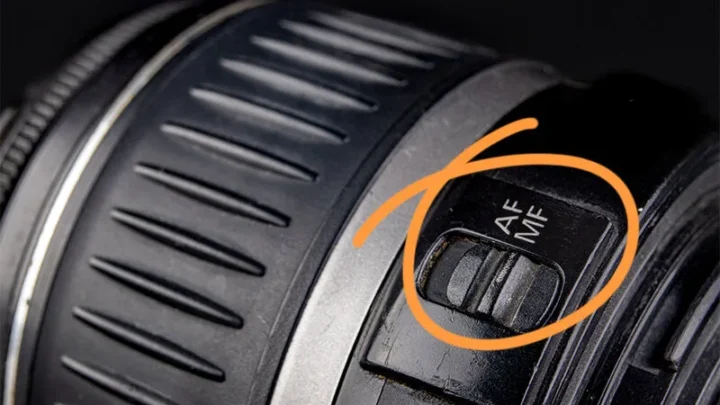
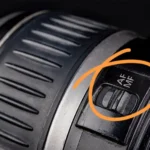
Switch to continuous autofocus. On Canon, it is AI Servo. On Nikon, it is AF-C.
This tells the camera to keep tracking a moving subject. It never locks focus until you release the button. Per manufacturer documentation, this is the standard mode for sports and action photography.
Use back-button focus. This separates focusing from the shutter button. You press a button on the back with your thumb to focus.
The shutter button only fires the shot. This prevents the camera from refocusing when you do not want it to.
Choose the right focus area. Single-point autofocus is best for tracking one player. Zone autofocus is better for group sports where you are not sure who will get the ball.
Dynamic area autofocus is good for erratic movement like a running back cutting through the line.
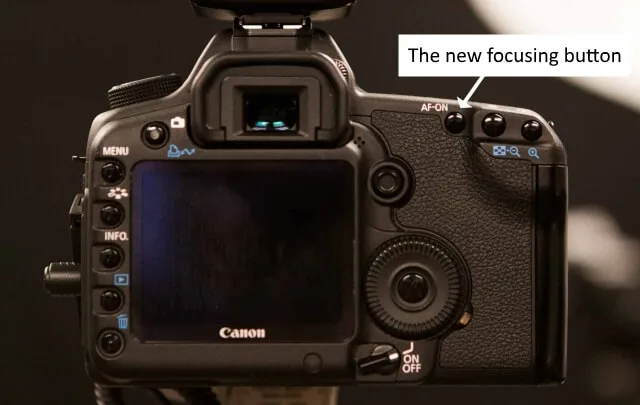
Image source: Bing (Web (fair-use with source credit))
Three Mistakes That Kill Action Shots
Mistake 1: Using Single-Shot Autofocus
This is the most common error. Single-shot autofocus locks focus once and stops. If the subject moves, the shot is blurry.
Always use continuous autofocus for sports.
Mistake 2: Shutter Speed Too Low
You think 1/250th is fast enough. It is not. Even a slow jogger will blur at that speed.
Stick to the baseline speeds in the table above. A camera for birds in flight has the burst rate and focus speed you need for fast subjects.
Mistake 3: Not Checking Your First Shots
Fire a test shot at the start of the game. Zoom in on the screen. Check for blur and noise.
Adjust shutter speed or ISO immediately. Waiting until halftime means you have missed the first half.
Frequently Asked Questions
What is the best lens for sports photography?
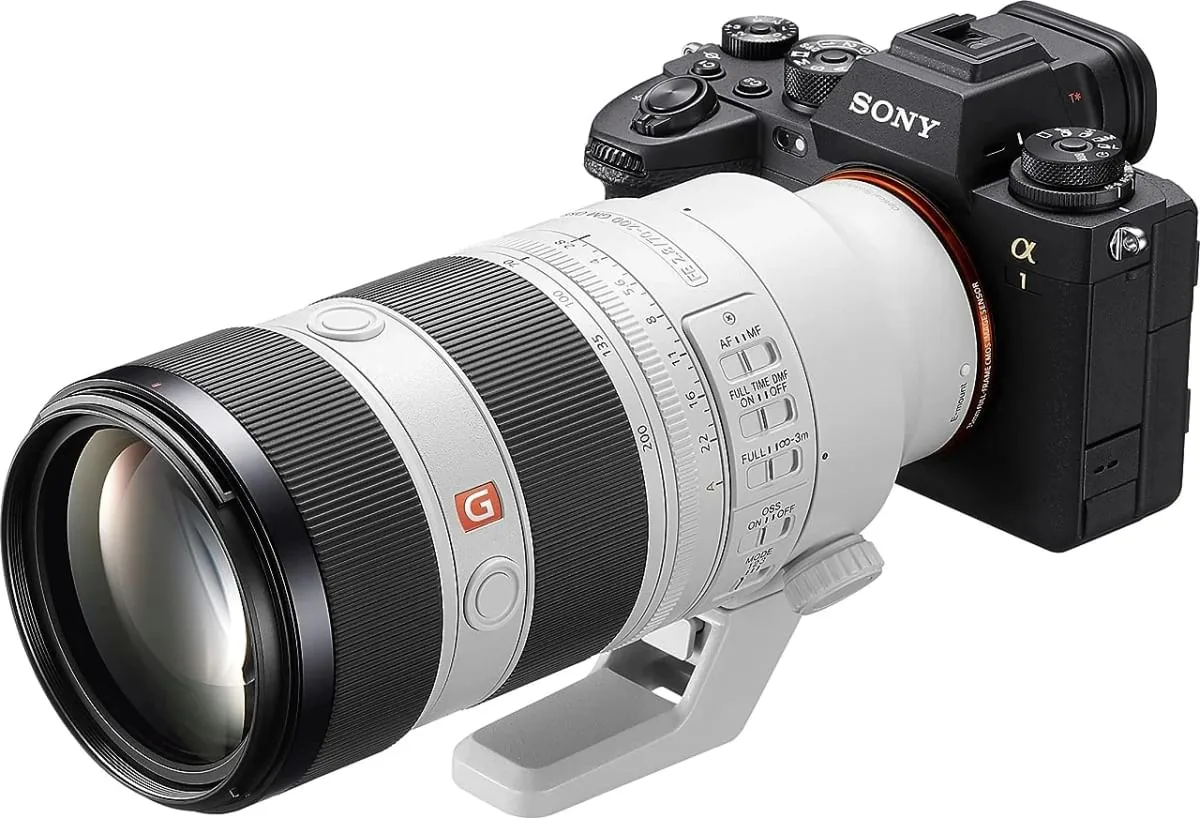
A 70-200mm f/2.8 is the standard choice. It covers most field sports and works well in low light. For outdoor sports on large fields, a 100-400mm gives you more reach.
For indoor sports, a 24-70mm f/2.8 works well for close action.
How do I avoid blurry photos in low light?
Raise your ISO to 3200 or 6400. Open your aperture fully. If your lens is f/5.6, you will struggle.
A fast lens like f/2.8 makes a huge difference. You can also lower your shutter speed to 1/320th, but accept some motion blur.
Should I shoot in RAW or JPEG for sports?
JPEG is faster for burst shooting. Your buffer fills slower, and you can shoot more frames. RAW gives you more editing flexibility but requires faster cards.
For casual shooting, JPEG works fine. For professional work, shoot RAW with a fast UHS-II card.
How do I track a fast-moving subject?
Use continuous autofocus mode. Select a single focus point. Keep that point on the subject.
Practice panning with the movement. Back-button focus helps you maintain tracking without refocusing every time you press the shutter. The same technique works for candid photography.
Should I use a monopod or go handheld?
For long lenses, use a monopod. A 70-200mm or longer lens gets heavy after an hour. A monopod supports the weight and reduces camera shake.
It also lets you pan smoothly. For shorter lenses or if you need to move fast, handheld works fine.

Similar Posts