What Languages Do AI Translation Devices Support: Full Guide

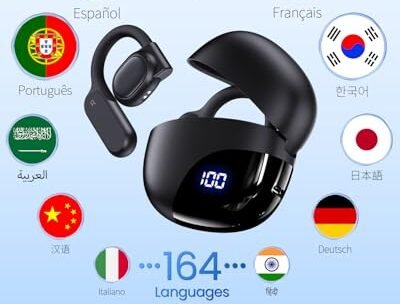
AI translation devices support dozens to more than 100 languages, depending on the model, mode, and internet connection.
Knowing what languages do AI translation devices support can help you choose the right tool for travel, work, study, or family communication. The answer is more complex than a simple language count because each device may offer different voice, text, camera, offline, and dialect features. This guide explains how language support works, which languages are most common, and what to check before you buy.
What languages do AI translation devices support?
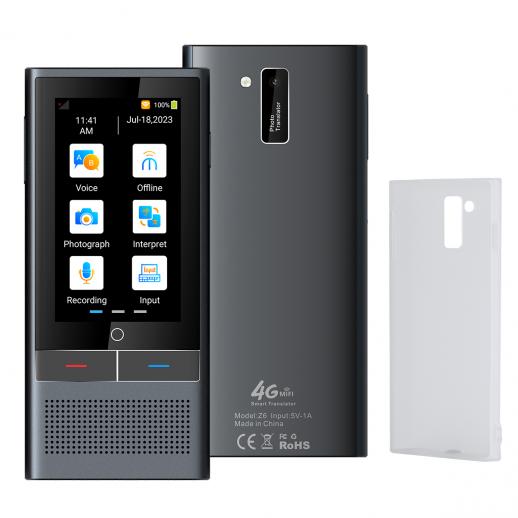
Most AI translation devices support major world languages, including English, Spanish, French, German, Italian, Portuguese, Chinese, Japanese, Korean, Arabic, Hindi, and Russian. Many newer devices also support languages such as Dutch, Greek, Turkish, Vietnamese, Thai, Indonesian, Hebrew, Polish, Swedish, and Romanian.
The exact list depends on the brand and device. Some products support more than 100 languages for online translation, while others support 40 to 60 languages with stronger voice quality and better offline tools.
Common supported languages include:
• English
• Spanish
• French
• German
• Italian
• Portuguese
• Chinese, including Mandarin
• Japanese
• Korean
• Arabic
• Hindi
• Russian
• Dutch
• Turkish
• Greek
• Vietnamese
• Thai
• Indonesian
• Hebrew
• Polish
• Swedish
• Danish
• Finnish
• Norwegian
• Czech
• Romanian
A device may support a language for text but not for spoken conversation. It may also translate between two languages but offer no camera translation for one of them. This is why the language count alone does not tell the whole story.

Why language counts vary by device
Manufacturers often advertise the total number of “languages” a device supports. That number can include speech translation, text translation, image translation, and online translation in one combined figure.
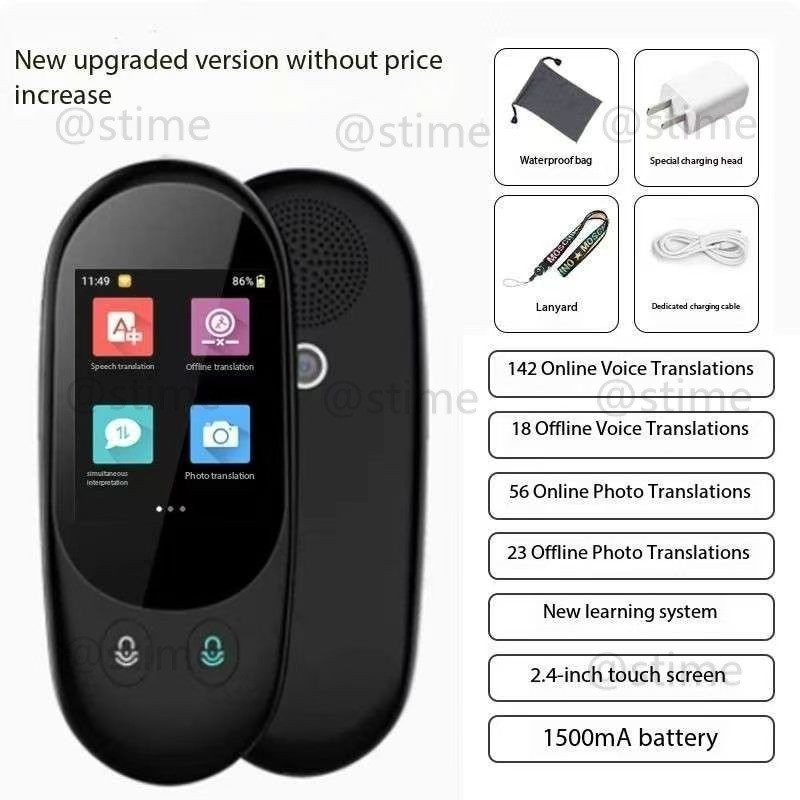
For example, a device may support 100 languages through an internet connection but only 10 languages without Wi-Fi or mobile data. Another device may offer 40 languages with excellent speech recognition, but only 20 for offline use.
The main factors include:
Online and offline support
Online translation uses cloud-based AI systems. These systems can process more languages and often provide better results because they use large language models and updated databases.
Offline translation works without an internet connection. It is useful on airplanes, in rural areas, or when roaming costs are high. However, offline language packs usually support fewer languages and may produce less natural translations.
Translation mode
A device can support a language in several ways:
• Voice translation for spoken conversations
• Text translation through typing
• Camera translation for signs, menus, and documents
• Two-way translation between two speakers
• Offline translation without an internet connection
Always check which modes are available. A language listed on a product page may only work for text translation.
Regional language versions
Some languages have many regional forms. Spanish in Mexico can differ from Spanish in Spain. Portuguese in Brazil can differ from Portuguese in Portugal. Arabic also has many spoken varieties, and formal Arabic may sound different from everyday speech.
AI translation devices often support the main written language but may not understand every local accent or dialect. This matters when you travel outside major cities.
The most common language groups supported
AI translation devices tend to focus on languages with large speaker populations, strong digital data, and high travel demand.
European languages
English, Spanish, French, German, Italian, and Portuguese are widely supported. These languages are common in tourism, international business, education, and customer service.
Many devices also support Dutch, Greek, Polish, Czech, Romanian, Swedish, Danish, Finnish, and Norwegian. European languages often have strong voice and text support because they are well represented in digital speech and writing databases.
Asian languages
Mandarin Chinese, Japanese, Korean, Hindi, Vietnamese, Thai, and Indonesian appear on many modern devices. Some models also support Malay, Bengali, Filipino, and Tamil.
Asian languages can be more difficult for devices because of writing systems, tone, word order, and regional speech patterns. Mandarin uses tones, while Japanese uses several writing systems. Hindi and Bengali also require accurate recognition of different sounds and scripts.
Middle Eastern languages
Arabic, Hebrew, Persian, and Turkish may be available, though support can vary by device and translation mode. Arabic is especially complex because formal written Arabic differs from many daily dialects.
A device may translate Modern Standard Arabic well but struggle with local speech from Morocco, Egypt, Lebanon, or the Gulf region. If you need Arabic translation for a specific country, check dialect support before purchase.
African languages
Support for African languages is growing, but it remains less consistent than support for major European and Asian languages. Some devices and apps include Swahili, Afrikaans, Zulu, Amharic, and other languages.
However, voice recognition, offline tools, and dialect accuracy may be limited. Travelers should test the exact language and phrase set before relying on a device for medical, legal, or emergency communication.

Do AI translation devices support dialects and accents?
AI translation devices can often understand common accents, but they do not understand every dialect equally well. Background noise, fast speech, slang, poor pronunciation, and weak microphones can lower accuracy.
A translation device may recognize standard Spanish but misunderstand strong regional slang. It may also confuse words when a speaker talks quickly or combines two languages in the same sentence.
For better results, use these simple habits:
• Speak at a calm, normal pace.
• Use short sentences.
• Avoid slang and local jokes.
• Pause between ideas.
• Hold the device close to the speaker.
• Reduce background noise when possible.
• Confirm important details by typing them.
• Ask the other person to repeat unclear words.
A useful way to think about AI translation is as a helpful bridge, not a perfect human interpreter. It can help two people cross a language gap, but a bridge still needs care when the ground is uneven.
Voice, camera, and text translation differences
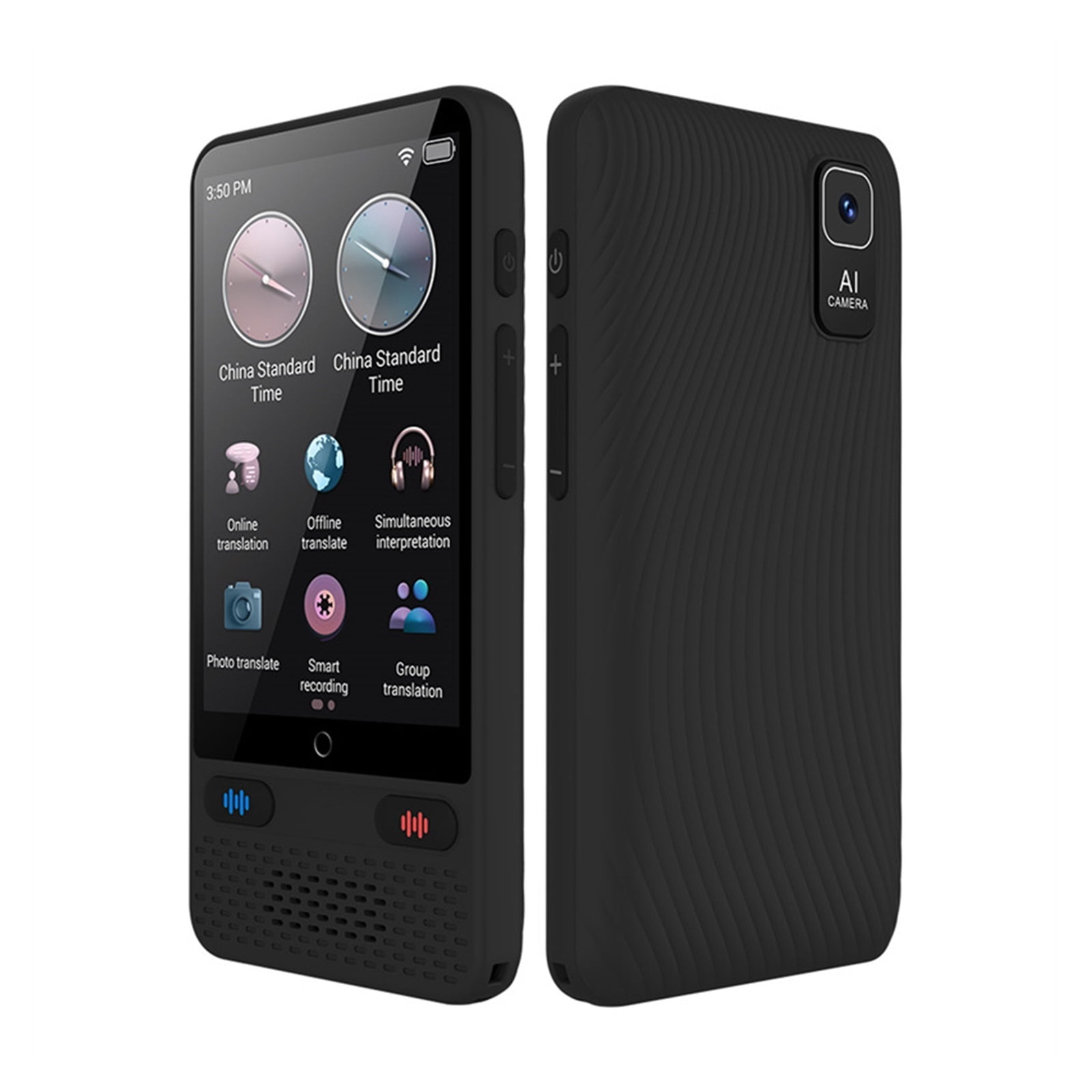
When researching what languages do AI translation devices support, look at each translation feature separately. A product may advertise broad language coverage while offering different results for speech, photos, and typed text.
Voice translation
Voice translation is the feature most travelers want. It listens to a spoken sentence, changes it into text, and then translates the meaning into another language.
Voice performance depends on:
• Microphone quality
• Internet speed
• Accent recognition
• Background noise
• Sentence length
• Language complexity
• The device’s speech engine
Voice translation works best for simple requests, such as asking for directions, ordering food, or checking into a hotel.
Camera translation
Camera translation reads written words from signs, menus, labels, and documents. It can be very useful in countries that use unfamiliar scripts, such as Japan, China, South Korea, Russia, or Greece.
The camera needs a clear view. Curved menus, poor lighting, unusual fonts, handwritten notes, and blurry images can cause errors. Always review the translated text before using it for instructions or safety information.
Text translation
Text translation is often the most reliable mode. You can type a sentence, review it, and make changes before showing it to someone else.
This mode is helpful for addresses, hotel names, food allergies, transport details, and written questions. It also gives you more control than speaking into a device in a loud street or busy train station.

Offline language support matters when traveling
Internet access can change what languages do AI translation devices support in real life. A device with a large online language list may become much less useful when you lose a signal.
Before traveling, check:
- Which languages work offline?
- Does offline mode support voice translation?
- Does it translate both directions?
- Can it read signs and menus offline?
- Are language packs included or sold separately?
- Does the device need a mobile subscription?
- Can you download language packs before leaving home?
Offline packs are usually smaller than online systems. They may support basic phrases and common conversations but lack the natural wording of cloud translation.
A practical lesson is to prepare before you leave. Download the needed language pack, test it in airplane mode, and save key phrases as text or screenshots. This small step can prevent stress when you are standing in a rural station with no signal.
How accurate are AI translation devices?
Accuracy varies by language, device, speaker, and situation. AI translation is usually strongest for common languages and simple sentences. It is less dependable for idioms, humor, technical terms, medical phrases, legal language, and rare dialects.
Research groups that evaluate machine translation often use scores based on how closely a machine output matches a human translation. These tests are useful, but they do not perfectly measure real conversations. A device can produce a grammatically correct sentence that still misses the speaker’s intent.
For everyday travel, translation devices can be highly useful. For high-stakes situations, use a qualified human interpreter whenever possible.
Do not rely only on an AI device for:
• Medical symptoms and treatment instructions
• Legal documents
• Immigration interviews
• Contracts
• Financial agreements
• Emergency instructions
• Child safety information
• Detailed technical work
If an important message must be understood, use the device as a first step and confirm the meaning with a fluent speaker or professional interpreter.

How to choose a device by language needs
The best device is not always the one with the largest language number. Choose the model that supports the language, mode, and setting you actually need.
Use this checklist:
• Identify the main language and regional variety you need.
• Confirm two-way voice support.
• Check whether offline translation is available.
• Test camera translation if you need to read signs.
• Review supported writing systems.
• Check the microphone and speaker quality.
• Confirm the need for Wi-Fi, cellular data, or a subscription.
• Look for software update support.
• Read recent user reviews from people using your target language.
• Compare return policies in case recognition quality is poor.
For example, a traveler visiting rural Japan may care more about offline Japanese voice support than a device’s total language count. A business user working with Brazil may need Brazilian Portuguese, accurate document translation, and strong microphone performance.
The smartest buying decision comes from matching the device to a real conversation. Write down five situations you expect to face, such as ordering food or explaining an allergy. Then check whether the device handles those exact tasks.
Common mistakes to avoid
Many buyers focus only on the number printed on the box. This can lead to disappointment when a language works online but not offline, or when voice translation is unavailable.
Avoid these mistakes:
• Assuming every listed language supports every feature
• Ignoring dialect and accent differences
• Forgetting to download offline packs
• Buying without checking data costs
• Using long, complex sentences
• Trusting a translation without reviewing it
• Expecting slang and humor to translate perfectly
• Skipping software updates
• Using AI alone for medical or legal communication
One of the most useful habits is to carry a backup. Keep a translation app on your phone, save important phrases, and write down emergency contacts. Technology can fail, but preparation gives you another path.
Frequently Asked Questions About What Languages Do AI Translation Devices Support
How many languages can an AI translation device translate?
Many AI translation devices support between 40 and more than 100 languages when connected to the internet. The number is usually lower for offline voice translation.
Do AI translation devices support English and Spanish?
Yes, nearly all major AI translation devices support English and Spanish. These languages often have voice, text, camera, and two-way conversation features.
Can AI translation devices translate Chinese, Japanese, and Korean?
Many devices support Chinese, Japanese, and Korean for text and voice translation. Check the product details because offline support, writing systems, and dialect handling may differ.
Do translation devices work without Wi-Fi?
Some do, but offline support is limited. You usually need to download language packs before traveling, and the device may support fewer languages without an internet connection.
Can an AI translation device understand accents?
Many devices understand common accents, but accuracy can drop with strong regional accents, slang, fast speech, or background noise. Speaking clearly and using short sentences usually improves the result.
Do translation devices support Arabic dialects?
Some devices support Modern Standard Arabic and selected regional varieties. However, support for Egyptian, Gulf, Levantine, and Maghrebi Arabic can vary, so check the exact dialect before buying.
Are AI translation devices accurate enough for medical conversations?
They may help with simple communication, but they should not replace a qualified medical interpreter. Medical terms and symptoms can be misunderstood, so confirm important information through a professional.
Is a translation app better than a translation device?
It depends on your needs. A phone app may offer more languages and features, while a dedicated device can be easier to use, more focused, and better suited to two-person conversations.
Conclusion
What languages do AI translation devices support depends on the model, internet access, translation mode, and regional language coverage. Most support major languages such as English, Spanish, French, Chinese, Japanese, Korean, Arabic, Hindi, and German, while some offer broader lists with online access.
Before buying, check voice, text, camera, offline, and dialect support separately. Test the device with real phrases, prepare offline language packs, and use human help for high-stakes communication. Compare trusted models, review the language details, and choose the device that fits your journey or daily work best.

Similar Posts