Can AI Translation Devices Translate Accents: What To Know

Yes, AI translation devices can often recognize accents, but accuracy varies by language, speaker, noise, and accent strength.
AI translation devices have improved far beyond simple word matching. They now use automatic speech recognition, machine learning, language models, and translation systems to understand spoken language. Still, accents can change pronunciation, rhythm, word stress, and even sentence structure. That makes accent recognition one of the hardest parts of real-time translation.
This guide explains whether AI translation devices can translate accents, how the process works, which accents create problems, and how to get better results. It also covers practical tips based on common device tests, speech technology research, and real-world travel situations.
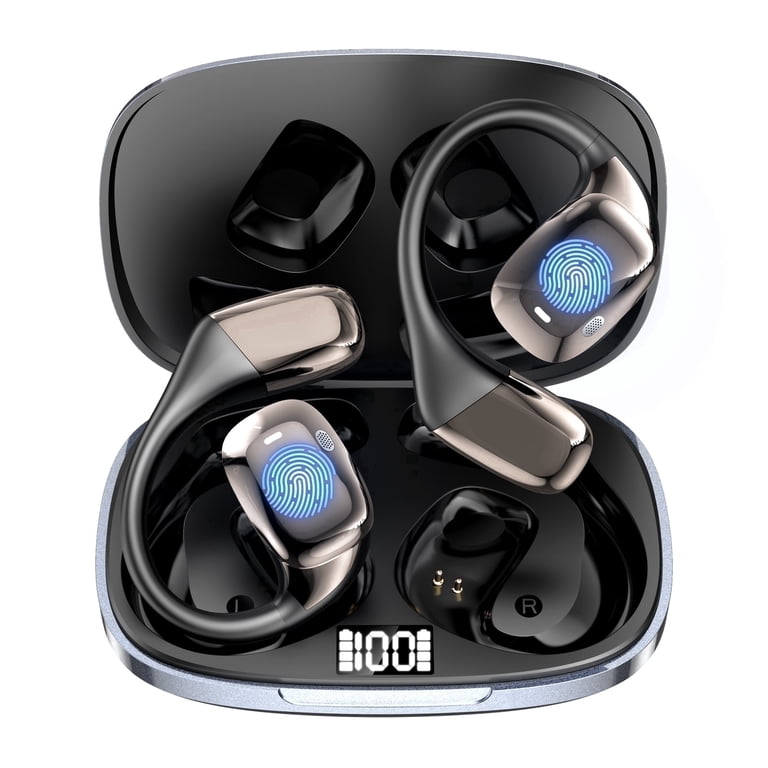
How AI translation devices understand accents
AI translation devices do not translate an accent by itself. Instead, they first turn speech into text. This step is called automatic speech recognition, or ASR.
The device then translates the text into another language. If the speech-to-text step is wrong, the final translation may also be wrong. Think of the process as a relay race. If the first runner drops the baton, the next runners cannot fully fix the mistake.
Most devices follow these steps:
- The microphone captures the speaker’s voice.
- Speech recognition identifies sounds and words.
- The system studies the sentence and its meaning.
- A translation model converts the text into another language.
- The device plays or displays the translated result.
AI translation devices can learn common pronunciation patterns. They may recognize American, British, Indian, Australian, Irish, or South African English accents. However, they do not understand every accent equally well.
Accent recognition depends on the training data used to build the system. If an AI model hears millions of examples from many regions, it may perform well across accents. If its data lacks a certain region or community, errors become more likely.

Can AI translation devices translate accents accurately?
AI translation devices can often understand accents, but they do not “translate” an accent in the same way they translate words. They usually remove the accent during speech recognition and focus on the intended language.
For example, a person with a strong Scottish accent may speak English to a device. The device tries to produce standard written English. It then translates that text into Spanish, French, or another language.
Accuracy can be high when:
• The speaker uses clear words.
• The microphone is close to the speaker.
• The room is quiet.
• The accent is common in the system’s training data.
• The speaker uses complete sentences.
Accuracy can fall when:
• Several people speak at once.
• The speaker talks very fast.
• Background noise covers key sounds.
• Local slang or idioms are used.
• The speaker mixes two languages.
• The accent is unfamiliar to the system.
Research on speech recognition shows that performance can vary across demographic groups, regions, and speaking styles. Tests from major technology research teams have also found that speech systems may produce more errors for some accents and dialects than for others. This does not mean the device cannot understand those speakers. It means the device may need clearer audio, more context, or a slower pace.
So, can AI translation devices translate accents? They can often process accented speech, but no device can promise perfect results in every setting.
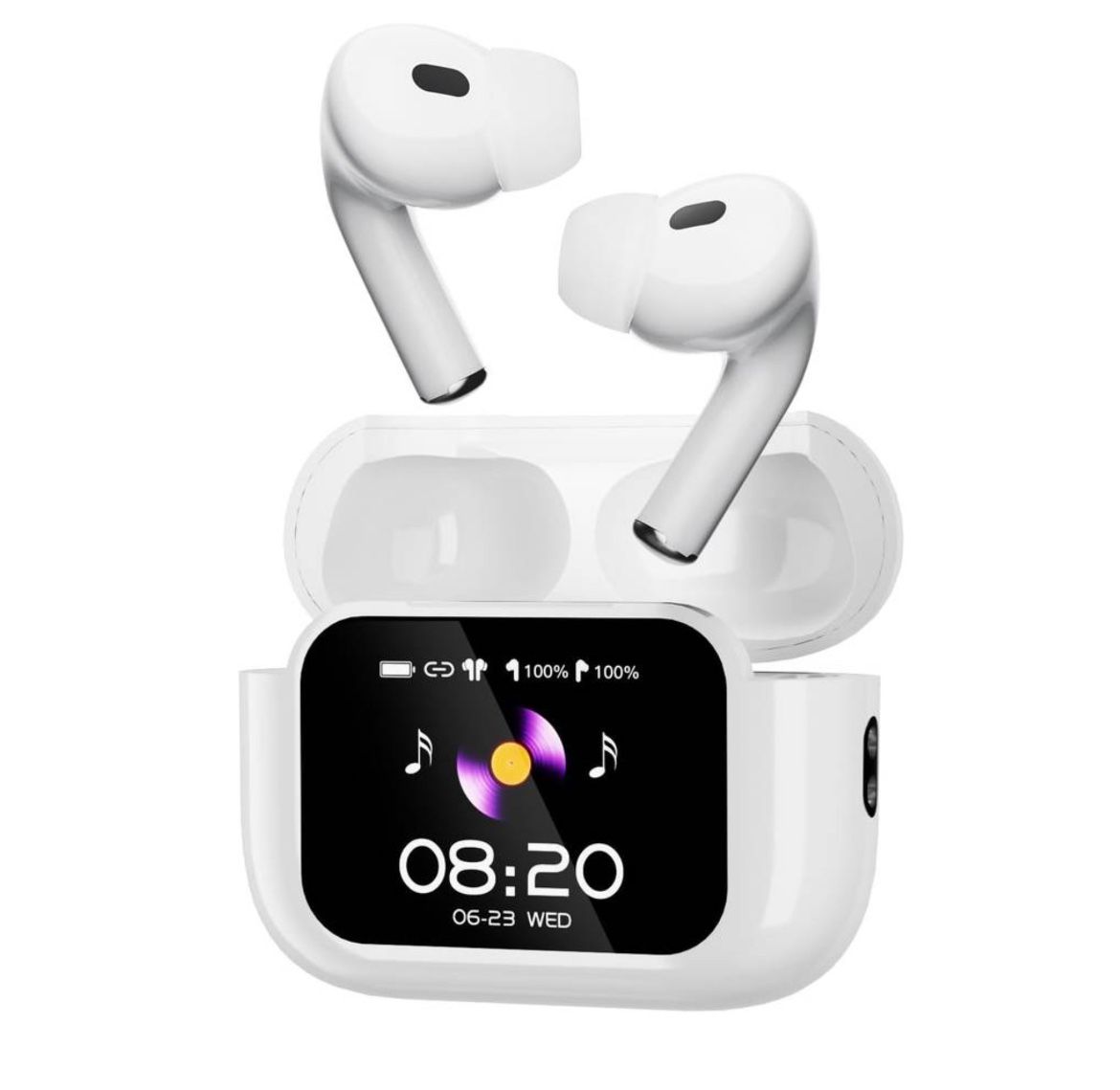
Why some accents are harder for AI to understand
Accents change the way sounds are made. A person may use a different vowel, drop a final sound, or place stress on another part of a word. Human listeners often use context to fill in the gaps. AI systems must estimate the meaning from sound patterns and language data.
Pronunciation differences
The word “water” may sound very different in New York, London, Dublin, or Mumbai. A human may understand each version at once. An AI system may match one version more easily than another.
Some accents also merge sounds that other speakers keep separate. This can confuse speech recognition software, especially with short words.
Speech speed and rhythm
Fast speech gives the system less time to separate words. Some accents also use a different rhythm. The device may join two words together or miss a soft sound.
Pausing between ideas can help. It gives the system a cleaner audio signal.
Local words and slang
Accent and vocabulary often appear together. A speaker may use local terms that are not common in standard dictionaries.
For example, “y’all,” “wee,” “mate,” or “queue” may carry regional meaning. An AI translation device may recognize the word but miss its cultural use.
Code-switching
Many people move between languages during one conversation. This is common in multilingual families, workplaces, and border regions.
A device may expect one language at a time. When the speaker changes languages without a pause, the system may identify the wrong language and produce a poor translation.
Noise and distance
A strong accent is not the only challenge. Noise can make any voice difficult to recognize. Traffic, music, wind, masks, and crowded rooms may hide important sounds.
In my practical view of translation technology, microphone position often matters as much as the device brand. A clear speaker using a poor microphone may get worse results than a soft speaker using a high-quality microphone.

Which accents and dialects may cause problems?
No accent is “bad” for AI. The issue is whether the speech model has seen enough similar examples and whether the audio is clear.
Accents that may need extra care include:
• Regional English accents with unusual vowel sounds.
• Rural or highly local dialects.
• Speech with strong vowel reduction.
• Caribbean English and other dialect-rich varieties.
• Indian English with local vocabulary.
• Scottish, Welsh, or Northern English varieties.
• Southern American English with local idioms.
• Speech affected by hearing loss, illness, or a speech disorder.
• Mixed-language speech from bilingual speakers.
This list does not mean that AI translation devices fail with these accents. Many systems handle them well in simple conversations. Problems often appear with short phrases, names, jokes, slang, and technical terms.
A device may understand “Where is the train station?” but struggle with a local place name. It may also translate a phrase word for word when the speaker intended a cultural expression.
That is why important conversations need a backup plan. In medical, legal, emergency, or financial settings, use a trained human interpreter whenever possible. A consumer device can support communication, but it should not replace professional interpretation in high-risk situations.
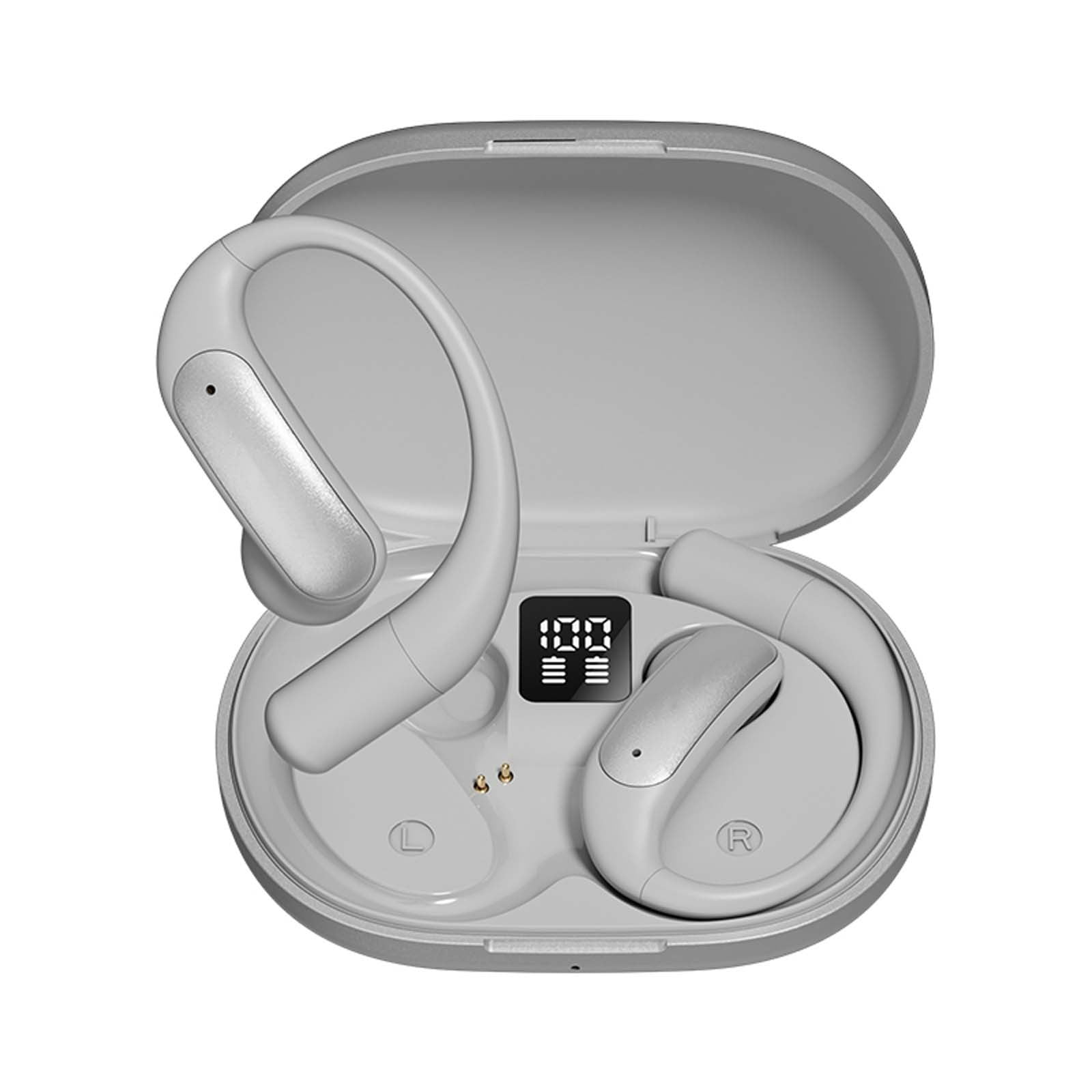
How to improve accent translation accuracy
You can improve the performance of AI translation devices with a few simple habits. These steps work for phones, earbuds, handheld translators, and smart glasses.
- Speak at a steady pace
Do not shout or speak in an unnatural voice. Use a calm pace and make short pauses between thoughts.
- Use short sentences
Say, “I need help finding the pharmacy,” instead of giving a long story in one breath. Short sentences reduce errors and make the translation easier to check.
- Face the microphone
Keep the device close to the speaker. Avoid covering the microphone with a hand, case, scarf, or clothing.
- Reduce background noise
Move away from loud traffic, fans, music, or crowds. Even a small change in location can improve recognition.
- Avoid slang and idioms
Use plain words when accuracy matters. Replace “I’m under the weather” with “I feel sick.”
- Confirm important details
Ask the listener to repeat names, times, numbers, and addresses. Numbers are especially easy for speech systems to confuse.
- Use the text display
Audio can sound smooth even when the translation is wrong. Read the text on the screen when possible.
- Correct the input
If the device makes an error, repeat the sentence with simpler words. Do not repeat the same unclear sentence louder.
- Select the right language and region
Some apps offer regional language settings. Choose the closest option, such as U.S. English, British English, or Indian English, when available.
- Keep the device updated
Speech models and translation tools improve through software updates. An outdated app may have weaker language support.
A useful field habit is to test the device before a trip or meeting. Say common phrases, names, and questions that you expect to use. This quick check can reveal problems before they matter.

Do translation earbuds handle accents better than handheld devices?
Translation earbuds and handheld devices may use similar software, but their hardware and design can differ.
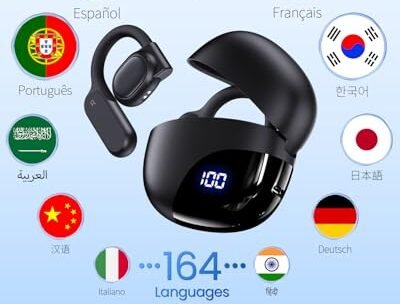
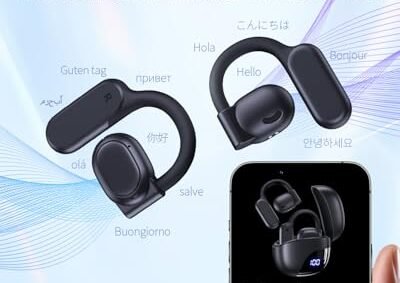
Earbuds are convenient because they sit close to the user. They may capture speech clearly in a quiet setting. They also allow a more natural conversation. However, small microphones can struggle in wind, traffic, or group discussions.
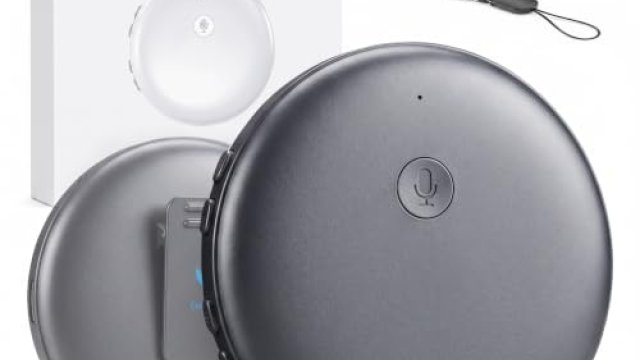
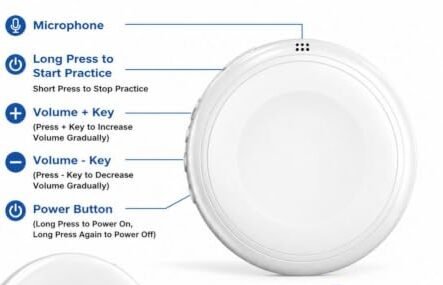
Handheld devices often have larger microphones and screens. The screen can show the original speech and the translated text. This makes it easier to spot mistakes and correct them.
Smartphone translation apps may offer the widest range of language models. They can also use faster internet connections and receive frequent updates. Their weakness is that a phone may feel less personal during a conversation.
When choosing a device, look beyond the word “AI.” Check these features:
• Support for the exact languages and dialects you need.
• Two-way conversation mode.
• Offline translation.
• Noise reduction.
• Text display and playback.
• Speaker identification.
• Easy correction of speech errors.
• Privacy controls for recorded audio.
Can AI translation devices translate accents better because they are expensive? Not always. A high price may reflect design, battery life, or extra features. It does not guarantee better accent recognition.

Online versus offline accent translation
Online translation usually gives access to larger and newer AI models. These systems can process more language data and may provide better results for unusual accents.
Offline translation is useful when traveling without mobile data. It can also offer better privacy because the voice may stay on the device. However, offline models are often smaller and may support fewer languages or dialects.
Online systems may struggle when the internet connection is weak. A delay can also interrupt a conversation. Offline systems may respond faster, but their translations may be less detailed.
Before buying a device, ask:
• Does accent recognition work offline?
• Which language pairs are available without internet access?
• Is speech sent to a cloud server?
• Can recorded speech be deleted?
• Does the device work in airplane mode?
Privacy matters because voice recordings can contain names, locations, health details, and personal stories. Read the device’s data policy and turn off recording features when they are not needed.

Common mistakes to avoid
Many users blame the translation device when the real problem is the conversation setup. A few habits can create avoidable errors.
The first mistake is speaking too fast. People often speed up when they worry that the device is not working. This makes recognition worse.
The second mistake is changing the accent on purpose. Artificially copying a “standard” accent can produce unclear sounds. Speak naturally, but use a steady pace and clear words.
The third mistake is using long sentences. A device may translate the first half correctly and lose the meaning near the end.
The fourth mistake is trusting every output. Translation is not a magic mirror. It is more like a helpful assistant that sometimes guesses.
The fifth mistake is ignoring cultural meaning. A literal translation may be grammatically correct but socially wrong. A polite phrase in one culture may sound too direct in another.
The safest approach is to confirm meaning. Ask, “Did you mean this?” For important topics, show the original text to a bilingual person or use a professional interpreter.
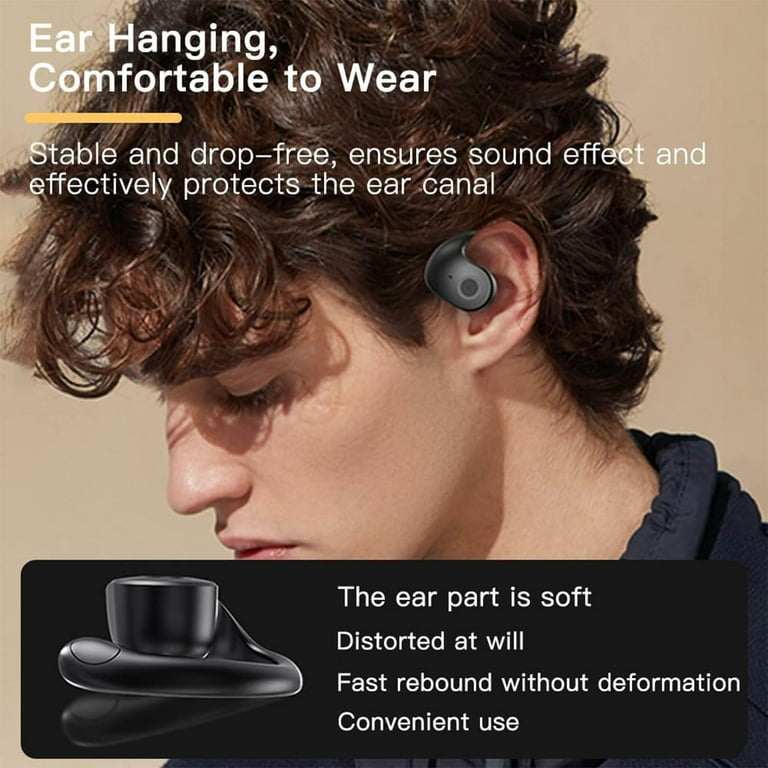
Real-world examples of accent translation
Imagine a traveler from Texas asking for directions in Tokyo. The device may recognize the English sentence well if the speaker talks slowly and uses common words. It may struggle with a local place name, then provide a translation that sounds correct but points to the wrong location.
Now consider a nurse speaking with a patient who has a strong regional accent. The device may help with basic questions, but it should not be the only communication tool. Symptoms, medicine names, and dosage instructions need careful human review.
In a business meeting, an AI translation device may handle prepared sentences better than jokes or informal talk. A speaker who uses idioms may need to restate them in plain language.
For family conversations, the device can be very useful. It can help relatives share simple updates, ask questions, and build trust. The goal is not perfect speech. The goal is fewer barriers.
These examples show how the answer to “Can AI translation devices translate accents?” depends on the setting. Simple travel talk is easier than medical advice, humor, or legal language.
What the research says about speech recognition
Speech recognition has improved through deep learning and large language models. Modern systems can detect many accents and can use sentence context to predict unclear words.
Still, published evaluations show that speech recognition errors are not evenly distributed. Performance may vary by accent, age, gender, background noise, and speaking style. Researchers have urged technology companies to test systems with diverse speakers instead of relying on one standard form of speech.
The most reliable way to judge a device is through real testing. Try voices from the regions and communities that matter to you. Test both quiet and noisy conditions. Include names, numbers, slang, and longer sentences.
Look for transparent accuracy claims. A company may advertise a language count without explaining how well each language or accent performs. More supported languages do not always mean better translation quality.
For high-stakes use, compare the device with a trained interpreter. Human interpreters understand context, emotion, culture, and intent in ways that current consumer AI systems cannot fully match.
Frequently Asked Questions About Can AI Translation Devices Translate Accents
Can AI translation devices understand strong accents?
Many devices can understand strong accents when the speaker talks clearly and the room is quiet. Accuracy may drop with fast speech, slang, noise, or an accent that is poorly represented in the training data.
Do AI translation devices convert one accent into another?
Usually, no. They convert spoken language into text, translate the meaning, and then create speech in another language. Some voice systems may offer different voices, but they do not truly reproduce every regional accent.
Are translation apps better than dedicated devices for accents?
Translation apps may use larger cloud models and receive frequent updates. Dedicated devices can offer better microphones, simpler controls, and offline access, so the best choice depends on the language, setting, and internet connection.
Can AI translation devices translate dialects and slang?
They can translate some dialects and slang, but results vary widely. Plain language usually produces better results, while local jokes, idioms, and uncommon words may be misunderstood.
Should I use an AI translation device for medical conversations?
Use it only as a support tool, not as the sole method of communication. Medical conversations require a qualified interpreter whenever possible because a small error can affect safety.
Does speaking louder help an AI translator understand an accent?
Speaking louder rarely fixes an accent problem and may distort the microphone. Speak clearly, slow down slightly, and move closer to the microphone instead.
Conclusion
Can AI translation devices translate accents? Often, yes. They can recognize many accented voices and turn them into useful translations, especially in quiet settings with clear speech. But they may struggle with rare accents, strong dialects, slang, fast speech, noise, and sensitive topics.
For better results, speak at a steady pace, use short sentences, reduce noise, check the text, and confirm important details. Treat the device as a helpful bridge, not a perfect interpreter.
Test your chosen device with the accents and languages you expect to hear. Then explore its privacy settings, offline tools, and regional language options before relying on it during travel or work.

Similar Posts