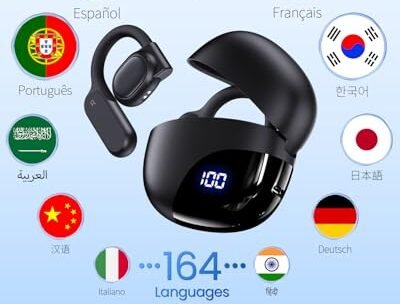
Can AI Translation Devices Translate 2 Languages At Once:Yes
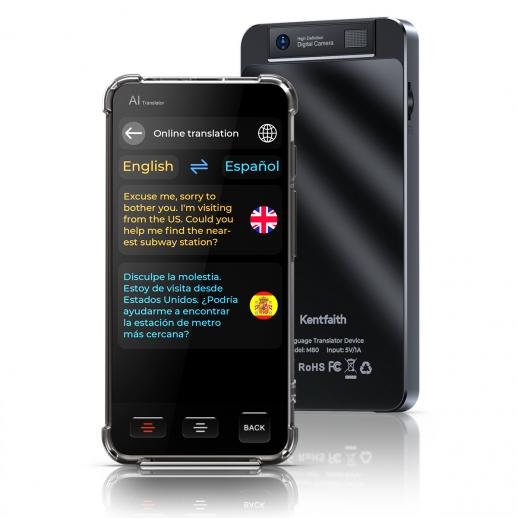
Yes, many AI translation devices can translate two languages in one conversation, but true simultaneous translation has limits.
The answer to “can AI translation devices translate two languages at once” depends on the device, app, and conversation mode. Most tools can switch between two languages, detect who is speaking, and translate short turns in near real time. However, they usually do not translate two independent voices perfectly at the exact same moment. This guide explains how the technology works, what to expect, and how to choose the right device.
What Does “Two Languages at Once” Mean?
People often use this phrase in two different ways. They may mean that one device can support two languages during a conversation. Or, they may mean that it can listen to two people speaking at the same time and translate both voices without delay.
These are very different tasks.
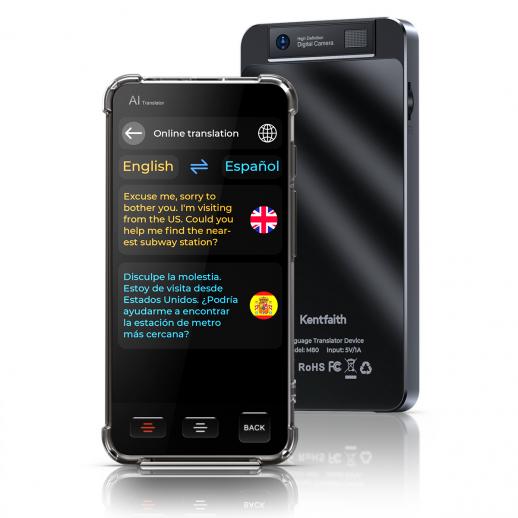
A typical AI translation device can translate between English and Spanish, for example. One person speaks English, the device translates it into Spanish, and the other person replies in Spanish. The device then translates the reply into English.
This is two-way translation. It feels like a natural conversation, but the speakers usually take turns.
True simultaneous translation is more complex. The device must:
• Separate two voices
• Identify each language
• Understand speech in noisy surroundings
• Translate both sentences
• Play or display both translations quickly
Most consumer devices are not designed to handle two overlapping voices with perfect accuracy. They work best when each person speaks clearly and waits for the translation.
So, can AI translation devices translate two languages at once? Yes, in a two-way conversation. Usually not with two separate, overlapping speech streams at the same time.

How AI Translation Devices Handle Two Languages
AI translation devices combine several technologies. These systems work like a relay team. Each part handles one step before passing the result to the next part.
1. Speech recognition
The microphone captures a person’s voice. Automatic speech recognition then changes the spoken words into text.
This step can struggle with:
• Strong accents
• Fast speech
• Background noise
• Low voices
• Children’s voices
• Words spoken far from the microphone
2. Language detection
Some devices detect the language automatically. Others require you to select the two languages before the conversation starts.
Automatic detection is useful, but it can make mistakes. Spanish and Portuguese may sound similar in short phrases. A device may also confuse English with another language when the speaker uses names or borrowed words.
3. Machine translation
The system converts the text from one language into another. Modern translation engines use neural networks and large language models to understand sentence structure and context.
Still, translation is not simple word replacement. The system must consider grammar, tone, idioms, and cultural meaning.
For example, the English phrase “I’m feeling blue” does not usually mean that someone sees the color blue. A good translation engine understands that the speaker feels sad.
4. Voice or text output
The device may show the result on a screen, speak it through a speaker, or send it to connected earbuds.
Text output is often easier to check. Voice output feels more natural, but it may cause confusion if the translation is unclear or the speaker talks over it.
Can AI Translation Devices Translate Two Languages at Once in Real Time?
Most can translate two languages in near real time, but “real time” does not always mean zero delay.
A short sentence may take one to several seconds to process. The delay depends on the device, internet connection, language pair, speech speed, and translation mode.
Many devices use a turn-based system:
Person A speaks.
The device detects a pause.
The system converts speech into text.
The translation appears or plays aloud.
Person B responds.
This design is reliable because it gives the device time to process one message before handling the next. It also prevents both translations from playing over each other.
Some advanced systems support continuous conversation. They listen for pauses and translate without requiring the user to press a button. This feels smoother, but errors may increase when people interrupt each other.
The best answer to can AI translation devices translate two languages at once is yes, when “at once” means two languages in one active conversation. The answer is usually no when it means two people speaking different languages over each other.

Simultaneous Translation Versus Two-Way Translation
Understanding this difference can help you avoid buying the wrong product.
Two-way translation
Two-way translation lets two people communicate in different languages. Each person speaks in turn, and the device translates both directions.
Example:
• You speak English.
• The device translates English into French.
• Your friend speaks French.
• The device translates French into English.
This is the most common feature in translation earbuds, handheld translators, and mobile translation apps.
Simultaneous interpretation
Simultaneous interpretation happens while someone is still speaking. A human interpreter may listen and speak with only a short delay.
AI systems can attempt this, but the result may be less accurate. The system may need the rest of a sentence to understand the speaker’s meaning. If it translates too early, it may choose the wrong meaning.
Dual-stream translation
Dual-stream translation means processing two separate audio feeds at the same time. This might be useful in a meeting with two speakers, but it requires strong microphones, speaker separation, and advanced software.
Many consumer devices do not offer true dual-stream translation. They may support two languages, but they still expect one speaker at a time.
Which Devices Can Translate Two Languages?
Several types of products can translate two languages. Each type suits a different setting.
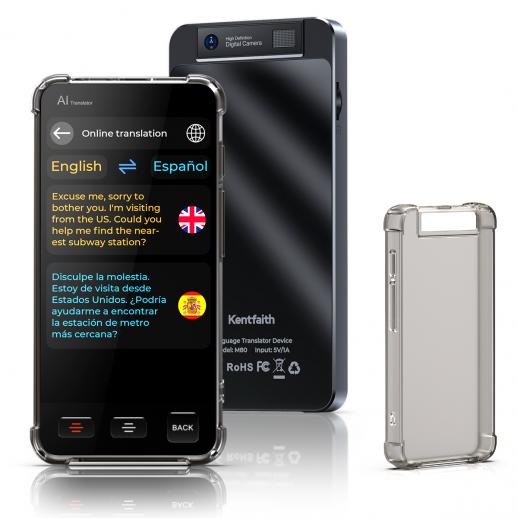
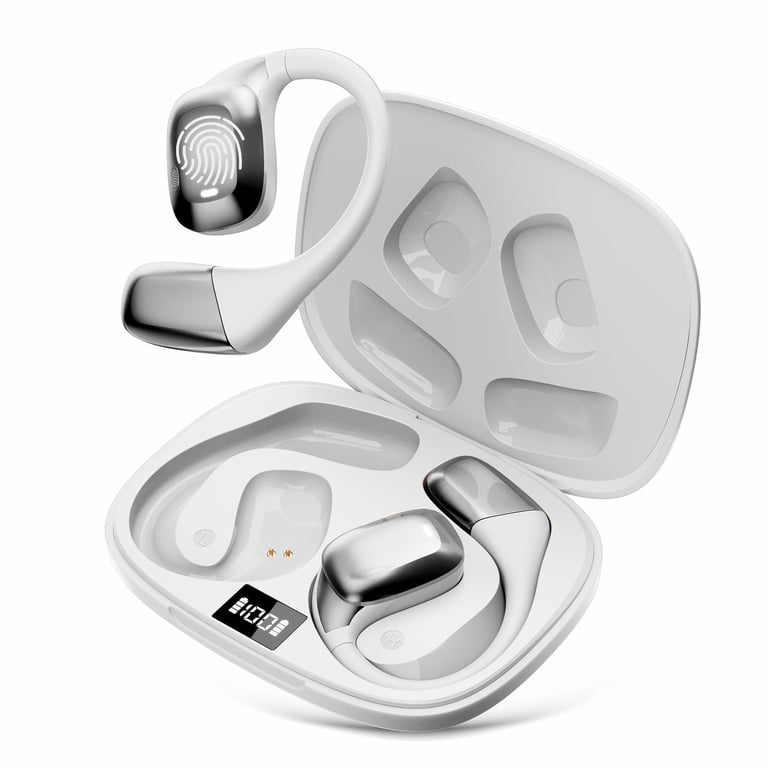
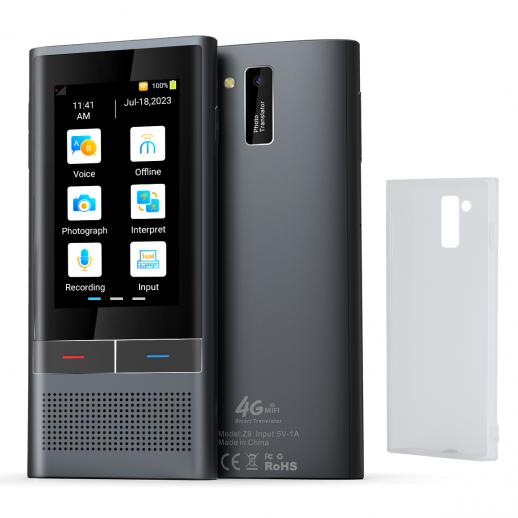
Handheld translation devices
Handheld translators often have a screen and built-in microphone. They are useful for travel, hotel check-ins, restaurants, and short face-to-face talks.
Benefits include:
• Clear text display
• Easy language selection
• Better control over turn-taking
• Useful travel phrases
Their main weakness is that both people must share one device.
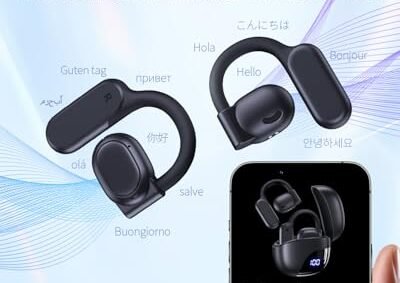
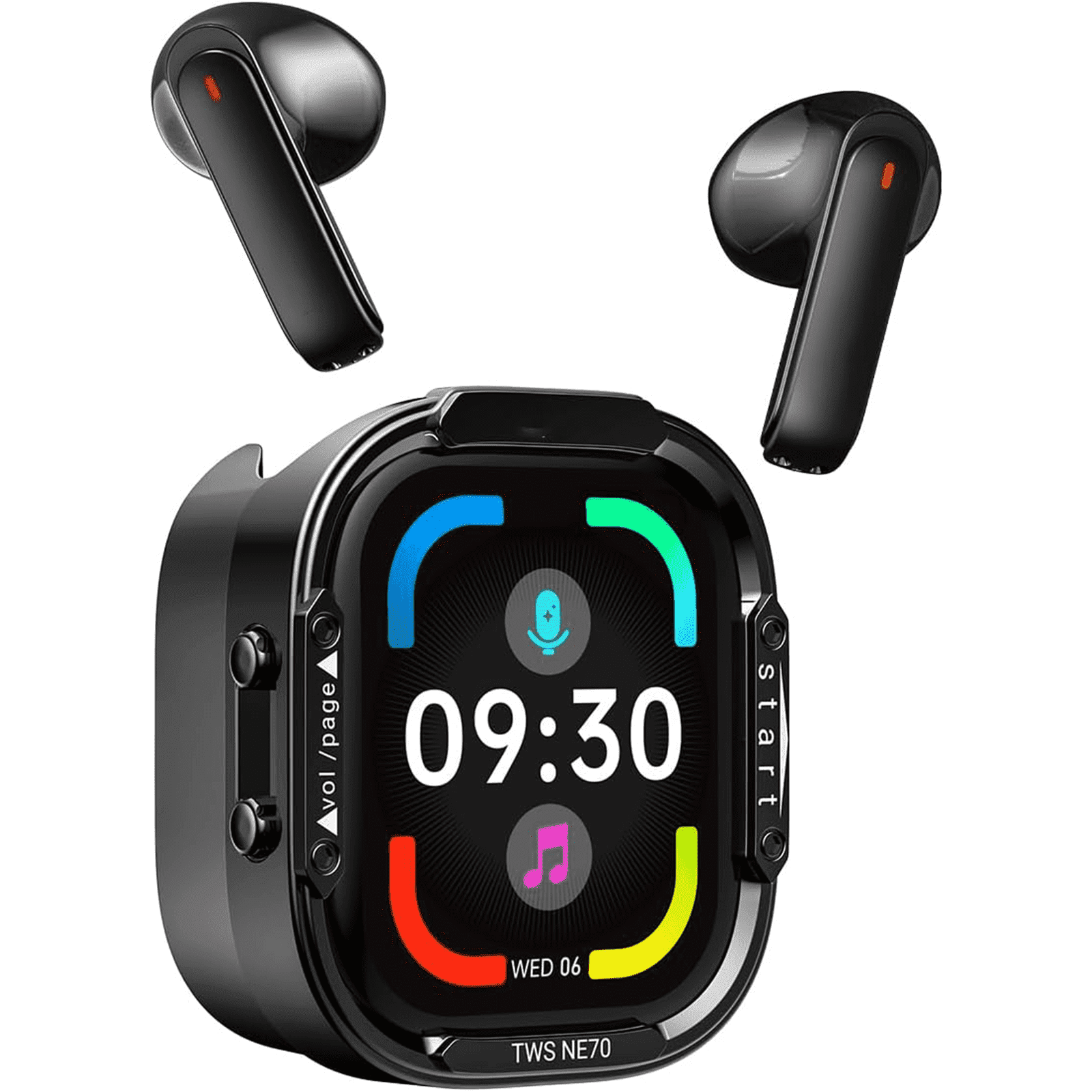
Translation earbuds
Translation earbuds send the translated speech directly to the user’s ear. Some models allow each person to wear one earbud.
They can feel more private and natural. However, setup may take longer, and some features depend on a smartphone app or internet access.
Smartphones and translation apps
A smartphone can often translate two languages through an app. Phones also offer larger screens, better updates, and more language choices.
The drawbacks include battery use, poor microphone performance in loud places, and the need to hand the phone back and forth.
Smart glasses
Some smart glasses can display translated text in the user’s field of view. This technology is developing quickly, but availability, language support, and accuracy vary widely.
Smart glasses may work well for signs and short phrases. They may not yet replace a dedicated interpreter for long discussions.

What Affects Translation Accuracy?
The device is only one part of the result. The speaking environment matters just as much.
Background noise
Airports, markets, train stations, and busy cafés can confuse speech recognition. A device may capture music, traffic, or nearby conversations instead of the target speaker.
Use the microphone close to the speaker. Face the device toward the person. Move to a quiet area when discussing important details.
Speech speed
Fast speech gives the system less time to separate words. Ask speakers to use short sentences and pause between ideas.
This does not mean speaking unnaturally. Clear, calm speech is usually enough.
Accents and dialects
AI translation tools support many accents, but performance can vary. Regional words and local pronunciation may not appear in the system’s training data.
If a translation sounds strange, repeat the idea with simpler words rather than repeating the exact sentence.
Idioms and humor
Idioms, jokes, sarcasm, and cultural references can be difficult for machine translation. A literal result may sound correct but carry the wrong meaning.
For serious topics, confirm the meaning in another way. Ask the speaker to rephrase the message.
Internet access
Some devices process translations in the cloud. These devices may need a stable internet connection.
Offline modes are useful on airplanes, rural roads, and international trips without mobile data. Yet offline language packs may support fewer languages and may offer lower accuracy.
Conversation length
Short sentences are easier to translate than long speeches. A device may lose the subject or context in a long, complex statement.
Break a long message into smaller parts. This simple habit can improve results.
Common Benefits of Two-Language AI Translation
AI translation devices cannot replace human language skills in every situation. Still, they offer real value.
Easier travel
A traveler can ask for directions, order food, check into a hotel, or explain a basic need. This reduces stress and helps people feel more independent.
Better casual communication
Friends, neighbors, and family members can communicate across language barriers. A translation device can make the first conversation easier.
Support in workplaces
Businesses may use translation tools for simple instructions, customer service, or basic team communication. They can help workers understand routine messages.
Important legal, medical, and safety information still deserves a qualified interpreter.
More confidence for language learners
A translation device can help learners check a word or phrase. It can also support practice during real conversations.
However, learners should not rely on it for every sentence. Trying to speak first helps build memory and confidence.
Help during emergencies
A device may help someone describe a basic problem or ask for assistance. Before travel, save emergency phrases and test offline functions.
Do not assume that an AI tool will understand a complex medical issue. In emergencies, contact local emergency services and request a professional interpreter when possible.

Limitations You Should Know Before Buying
The answer to can AI translation devices translate two languages at once should never be separated from their limits.
They may not understand overlapping speech
When two people speak together, the device may combine their words. The result can be incomplete or wrong.
They can mistranslate sensitive details
A small mistake may change the meaning of a medical symptom, contract term, address, or safety warning. Use a qualified human interpreter for high-risk communication.
They may need an app or account
Some earbuds and wearable devices require a smartphone. Others require a subscription or an account for premium translation features.
Check the full cost before buying.
Language support may be uneven
A product may list dozens of languages, but not every language may support voice input, voice output, offline use, or conversation mode.
Look for the exact features offered for your language pair.
Privacy can vary
Cloud-based translation may send voice recordings or text to remote servers. Read the privacy policy before using the device for confidential work or personal information.
Choose local processing when privacy is a major concern. Also avoid sharing passwords, financial data, or private medical records through a translation tool.
Battery life can become a problem
Continuous listening and wireless connections use power. Carry a charger or power bank during long trips.
How to Use a Translation Device More Effectively
You can improve the experience with a few simple habits.
Select the correct two languages before speaking.
Test the device with a simple phrase.
Speak in short sentences.
Pause after each thought.
Keep the microphone close.
Avoid slang and complex idioms.
Check the text when the message is important.
Ask the other person to confirm key details.
Download offline language packs before traveling.
Keep a backup method, such as a translation app or phrasebook.
A useful technique is the confirmation loop. After the device translates an important message, ask the listener to repeat the key detail. This works well for times, prices, addresses, and instructions.
For example, if someone gives you a train time, show the translated text and confirm the number. Numbers often cause problems when spoken quickly.
A Practical Example: Using Two Languages While Traveling
Imagine an English-speaking traveler checking into a hotel in Japan. The traveler speaks English, and the hotel worker speaks Japanese.
The device may translate the conversation in turns:
• The traveler says, “I have a reservation under Jordan Lee.”
• The device translates the sentence into Japanese.
• The hotel worker replies in Japanese.
• The device translates the reply into English.
This process works best when both people wait for the audio or text output. If the hotel worker starts speaking during the English translation, the device may miss part of the reply.
In a busy lobby, text mode may work better than voice mode. The traveler can read the result and show the screen to the hotel worker. This also helps when names, room numbers, or dates are involved.
This example shows why can AI translation devices translate two languages at once is mostly a question of mode. The device can manage both languages in one conversation, but it still benefits from a calm rhythm.
How to Choose the Right AI Translation Device
Start with your real use case. A tourist, doctor, teacher, and international sales manager may need very different features.
Look for these specifications:
• Support for your exact language pair
• Two-way conversation mode
• Automatic language detection
• Offline translation
• Strong microphone performance
• Text and voice output
• Low translation delay
• Clear privacy controls
• Long battery life
• Easy setup
• Support for regional dialects
Do not choose a product only because it lists a high number of languages. Check whether both languages support speech recognition, spoken translation, offline use, and two-way conversation.
User reviews can help, but test results may differ by location. A device that works well in a quiet home may struggle in a crowded street.
If possible, buy from a seller with a clear return policy. Test the device with natural sentences, background noise, names, numbers, and short interruptions.
What Experts Recommend for High-Stakes Conversations
Professional interpreters remain the safest choice for legal, medical, immigration, and complex business situations.
AI translation can support these conversations, but it should not be the only safeguard. Machine systems may miss tone, uncertainty, consent, or cultural context.
For example, the difference between “I may have an allergy” and “I have a severe allergy” matters greatly. A device may translate the words correctly but cannot take responsibility for the decision that follows.
Use AI translation for basic support, then confirm important information with a qualified person. This is especially important when someone’s health, legal rights, money, or safety is involved.
Research on speech recognition and machine translation shows that accuracy changes with language pair, audio quality, speaker style, and context. A high average score does not guarantee a correct result in every conversation.
Can AI Translation Devices Replace Human Interpreters?
No. AI translation devices are useful tools, but they do not fully replace skilled human interpreters.
A human interpreter can:
• Understand implied meaning
• Notice confusion or discomfort
• Explain cultural context
• Handle interruptions
• Ask useful follow-up questions
• Protect confidentiality through professional standards
• Adapt to specialized subjects
AI devices are best for everyday communication and simple exchanges. Human interpreters remain important when accuracy, privacy, empathy, and professional judgment matter.
Think of an AI translator as a helpful bridge. It can connect two sides, but the bridge may be narrow, uneven, or damaged by noise.
Frequently Asked Questions About Can AI Translation Devices Translate Two Languages at Once
Can an AI translation device translate English and Spanish in the same conversation?
Yes. Most modern translation devices can translate English to Spanish and Spanish to English during a two-way conversation. Users usually need to take turns speaking for the best results.
Can two people speak at the same time while the device translates?
Usually not with dependable accuracy. Overlapping voices can confuse the microphone and speech recognition system, so each person should pause and speak separately.
Do AI translation devices work without Wi-Fi?
Some devices offer offline translation for selected language pairs. Offline mode often has fewer features and may be less accurate than cloud-based translation.
Are AI translation devices accurate enough for medical conversations?
They may help with basic phrases, but they should not replace a trained medical interpreter. Medical terms, symptoms, allergies, and treatment instructions require extra care.
Do translation earbuds translate both people’s voices?
Some translation earbuds support two-way conversation, with each person hearing or viewing translated speech. The exact process depends on the model, smartphone app, language pair, and internet connection.
Can a translation device detect languages automatically?
Many devices can detect common languages automatically, but detection is not perfect. Selecting the languages manually often improves speed and accuracy.
How much delay does AI translation usually have?
A short phrase may translate within a few seconds, depending on the device and connection. Long sentences, poor audio, and complex language can increase the delay.
Conclusion
So, can AI translation devices translate two languages at once? Yes, most can support two languages in one back-and-forth conversation. They are less reliable when two people speak at the same time, when the setting is noisy, or when the message involves complex or sensitive details.
Choose a device that supports your exact language pair, offers the mode you need, and works offline if necessary. Speak clearly, use short sentences, and confirm important information. Explore a few trusted devices or apps, test them before your next trip, and share your experience in the comments.

Similar Posts