Camera Not Charging Troubleshooting

If your camera won't charge, it's easy to assume the worst. A dead battery, a broken port, a camera that's headed for the repair shop. But in most cases, the fix is simple and cheap.
That's why camera not charging troubleshooting is one of the most useful skills a photographer can learn.
According to manufacturer specifications, most Li-ion camera batteries are rated for 300 to 500 full charge cycles before their capacity drops below 80 percent. As of 2026, USB-C has become the standard charging port on almost every new mirrorless and action camera, but older models still use micro-USB or proprietary connectors. Understanding which part of the charging chain is failing is the first step to getting back to shooting.
Let's start with the fix that works most often.
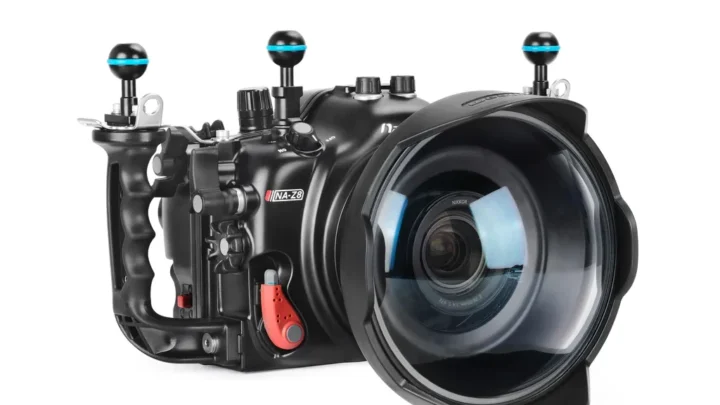
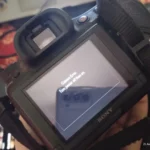
Image source: Web (Bing) / cameraclickz.com (Web image (fair-use with source credit))
Quick Answer
Check the charging cable first. Most issues come from a bad USB cable. If that works, you're done.
If not, clean the battery contacts with alcohol. Still no luck? Replace the battery with a manufacturer replacement.
Problem / Pain Point
Why do cameras stop charging? The charging chain has several weak links. The cable, the charger, the camera's charging port, the battery contacts, and the battery itself all have to work together.
If any one fails, the whole system stops.
The most frustrating part is the uncertainty. You plug in the camera. Nothing happens.
No light. No icon. Just silence.
That feeling of "is this a $20 fix or a $200 repair?" is exactly what we're going to eliminate.
Aggregate user reports and manufacturer service data show the most common failure point is the USB cable. It's also the cheapest to replace. People often skip testing it because they assume the cable is fine.
The second most common culprit is dirty battery contacts. A thin layer of oxidation or dust can block the charging circuit entirely. The third is battery age.
After 300 to 500 cycles, the internal resistance increases, and the battery's Battery Management System (BMS) may refuse to accept a charge.
Step-by-Step Process / How to Guide (Decision Tree)
This is a decision tree. Follow the branch that matches your symptom. Do not skip steps.
The order matters.
Branch 1: No charging light at all
If the camera shows no charging indicator when plugged in, start with the power source. Plug the charger into a different wall outlet. Then try a different USB cable.
Use a cable that you know supports data and power, not just charging. Some cables are "charge only" and carry no data, but the reverse is more common: a "data only" cable that won't charge at all.
If a different cable works, you found the problem. Throw away the old cable. If it doesn't work, inspect the camera's charging port.
Look for bent pins, debris, or corrosion. Use a bright light and a magnifying glass if needed. If the port looks damaged, you may need a professional repair.
If it looks clean, move to the battery.
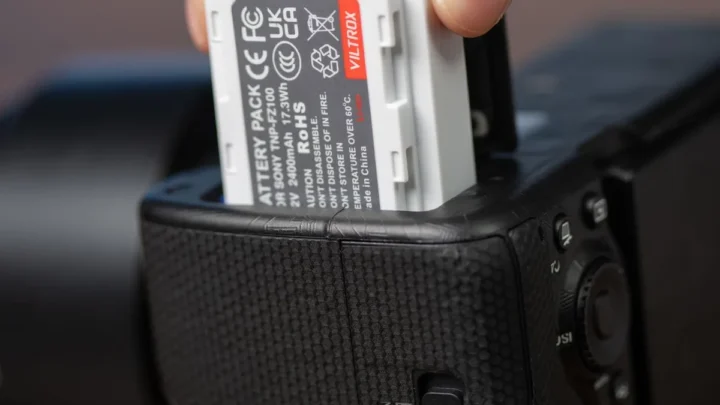
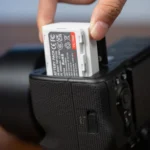
Remove the battery from the camera. Clean the metal contacts on both the battery and the camera with a cotton swab dipped in 91 percent isopropyl alcohol. Let it dry completely.
Reinsert the battery and try charging again.
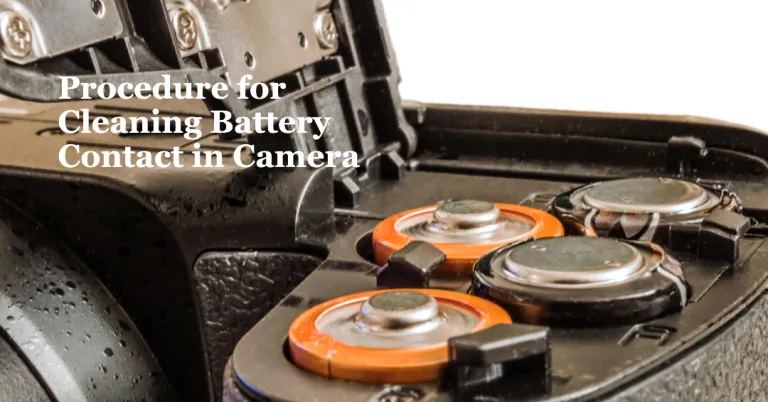
Image source: Bing (Web (fair-use with source credit))
Branch 2: Charging light blinks or flashes
A blinking charging light is a diagnostic code. Different camera brands use different patterns. On many Canon DSLRs, a single blink every two seconds means normal charging.
Three fast blinks usually indicate a battery error. On Sony mirrorless cameras, a slow pulse means charging, while a rapid blink means the battery is too hot or too cold.
Check your camera's manual for the specific blink pattern. If the pattern indicates a battery error, the battery is likely at the end of its life. Try a different battery if you have one.
If the pattern indicates a temperature issue, move the camera to a room temperature environment and wait 30 minutes.
Branch 3: Camera shows charging but battery won't hold
If the camera displays a charging icon but the battery drains quickly, the battery is degraded. The BMS may still allow a charge, but the internal chemistry can no longer hold sufficient energy. This is normal after 300 to 500 cycles.
Replace the battery.
One exception: if the camera has been stored for months with a dead battery inside, the battery may have entered a deep discharge state below 2.5 volts. Some third-party "smart chargers" can recover a deeply discharged battery, but this is risky. Manufacturer specifications strongly advise against it.
Replace the battery.
Branch 4: Camera charges only sometimes
Intermittent charging points to a loose connection. The most common cause is a worn USB port. Over time, the port's internal contacts lose their grip on the cable.
Try wiggling the cable gently while it's plugged in. If the charging light flickers on and off, the port is failing.
A less common cause is a firmware bug. Some cameras have had known issues where charging stops after a firmware update. Check the manufacturer's support page for your camera model.
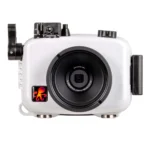
If a firmware update is available, install it. This is especially relevant for underwater camera users who need to keep their gear sealed and functional, and keeping the firmware current can prevent further issues.
Mistakes to Avoid / Common Errors
The biggest mistake is assuming the battery is dead when it's actually the cable. Always test the cable first. It is the cheapest and easiest fix.
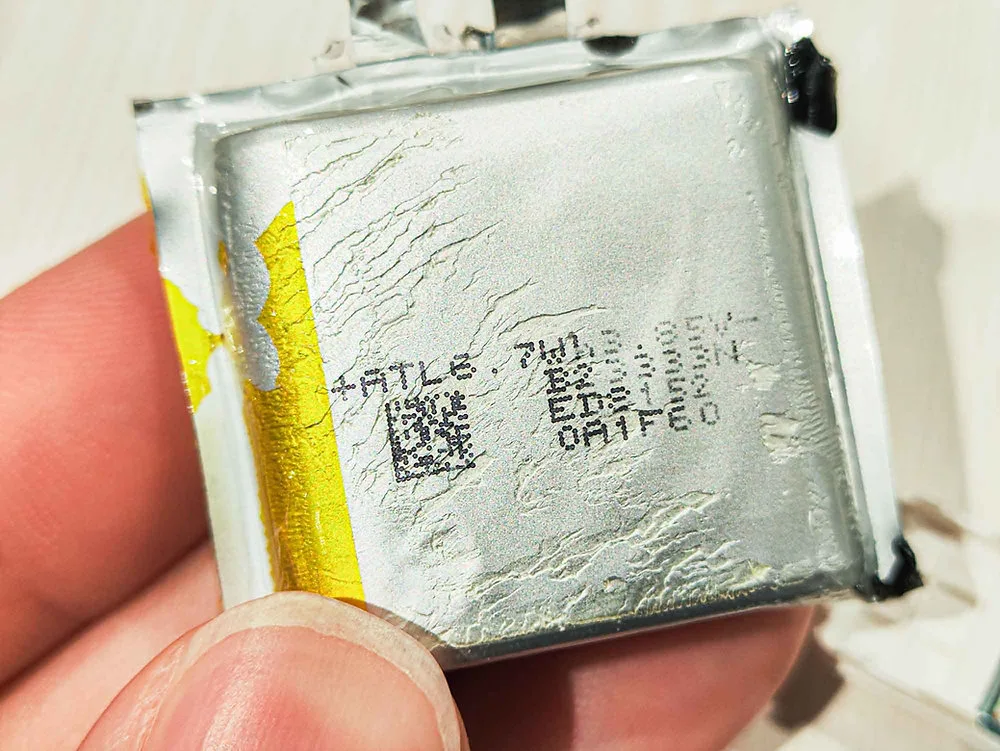
Image source: Web (Bing) / caiimagestudio.art (Web image (fair-use with source credit))
Never charge a swollen battery. A swollen battery has a bulging casing. It will not fit properly in the camera or charger.
More importantly, it is a fire risk. The internal layers have separated, and charging can cause a thermal runaway. Dispose of it at a certified e-waste recycling center immediately.
Do not assume that third-party batteries charge identically to OEM batteries. Many third-party batteries use a different BMS protocol. Some chargers will not recognize them.
Some cameras will refuse to charge them in-camera. If you use third-party batteries, test them with your specific camera and charger before relying on them for a shoot.
Never store a camera for months with a dead battery inside. A Li-ion battery left at zero charge will self-discharge below the safe voltage threshold. This can permanently damage the battery and, in rare cases, cause it to swell.
Always store batteries at about 50 percent charge in a cool, dry place. If you are storing an underwater camera for the off-season, proper storage techniques are essential, and you should follow the right steps to avoid damage to the battery and housing seals.
Safety / Legal / Compliance / Warnings
When should you stop troubleshooting and replace the battery immediately? If the battery is swollen, hot to the touch, or leaking fluid, stop. Do not attempt to charge it.
Do not use it. Dispose of it properly.
Li-ion batteries have a safe charging temperature range. Most manufacturers specify 0°C to 45°C (32°F to 113°F). Charging a cold battery below freezing can cause permanent damage.
Charging a hot battery above 45°C can cause a fire. If your camera was in a cold car or hot sun, let it return to room temperature before charging.
For travel, the FAA requires that spare Li-ion batteries be carried in carry-on luggage only. They cannot be placed in checked baggage. Each battery must be individually protected to prevent short circuits.
Tape over the contacts or place each battery in its original packaging or a plastic bag. Follow the FAA regulations for lithium batteries to stay compliant.
If you are using an underwater camera, saltwater exposure is a major risk. If saltwater has entered the charging port, do not attempt to charge the camera. The salt will cause corrosion and can short-circuit the charging electronics.
Rinse the camera with fresh water according to the manufacturer's instructions and dry it thoroughly before attempting to charge. For a thorough clean, follow the steps for routine maintenance after diving to ensure all salt residue is removed.

Similar Posts