How to Change Aperture on DSLR Camera
If you’ve ever fumbled with a camera dial while the light changed, you already know the frustration. Learning how to change aperture on DSLR camera is the single most important step toward controlling depth of field and exposure, yet most beginners twist the wrong dial or stay stuck in Auto mode.
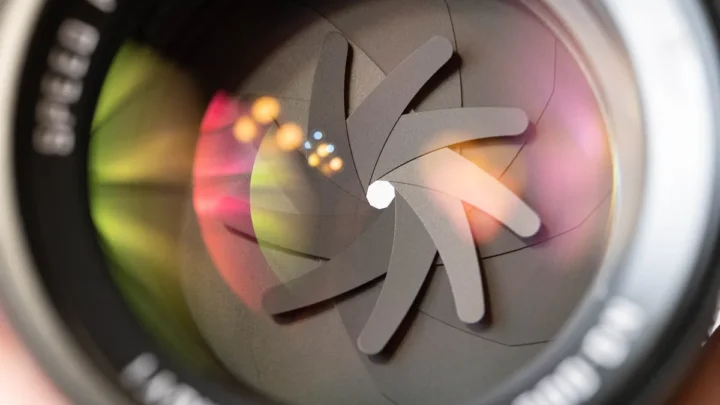
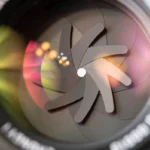
Most DSLRs offer an aperture range from f/1.4 (wide open, shallow focus) to f/22 (pinpoint sharpness from front to back). That’s roughly six stops of creative breathing room. But the trick isn’t the numbers.
It’s knowing which dial to turn and when. Let’s walk through it.
Image source: Web (Bing) / pexels.com (Web image (fair-use with source credit))
Quick Answer
Set the mode dial to Av (Canon) or A (Nikon). Half-press the shutter button. Turn the main control dial.
Watch the f-stop number change on the LCD or in the viewfinder. That’s the entire process. [Nikon’s official guide](https://www.nikonusa.com/learn-and-explore/a/tips/understanding-aperture-priority-mode.html) shows the same steps.
Why Changing Aperture Isn’t Just Turning a Dial
You might think “turn a dial and done.” But the camera has to be in a mode that gives you aperture control. In Full Auto or Scene modes (Portrait, Landscape, etc.), the camera locks the aperture. You’re not really changing it, the camera is.
That’s the number one reason beginners say “my aperture won’t change.” The mode dial is the gatekeeper. You need Aperture Priority (Av) or Manual (M). Shutter Priority (Tv) controls shutter speed instead.
Program mode (P) sometimes lets you shift, but it’s hit or miss.
Mastering aperture unlocks techniques used in low-light shooting, portrait work, and landscape photography. It’s the difference between a flat snapshot and a shot with real depth. For dedicated landscape work, a good [DSLR designed for landscapes](https://gadgetguides.org/best-dslr-camera-for-landscapes/) makes aperture control even more intuitive.
Step-by-Step: Changing Aperture on Any DSLR
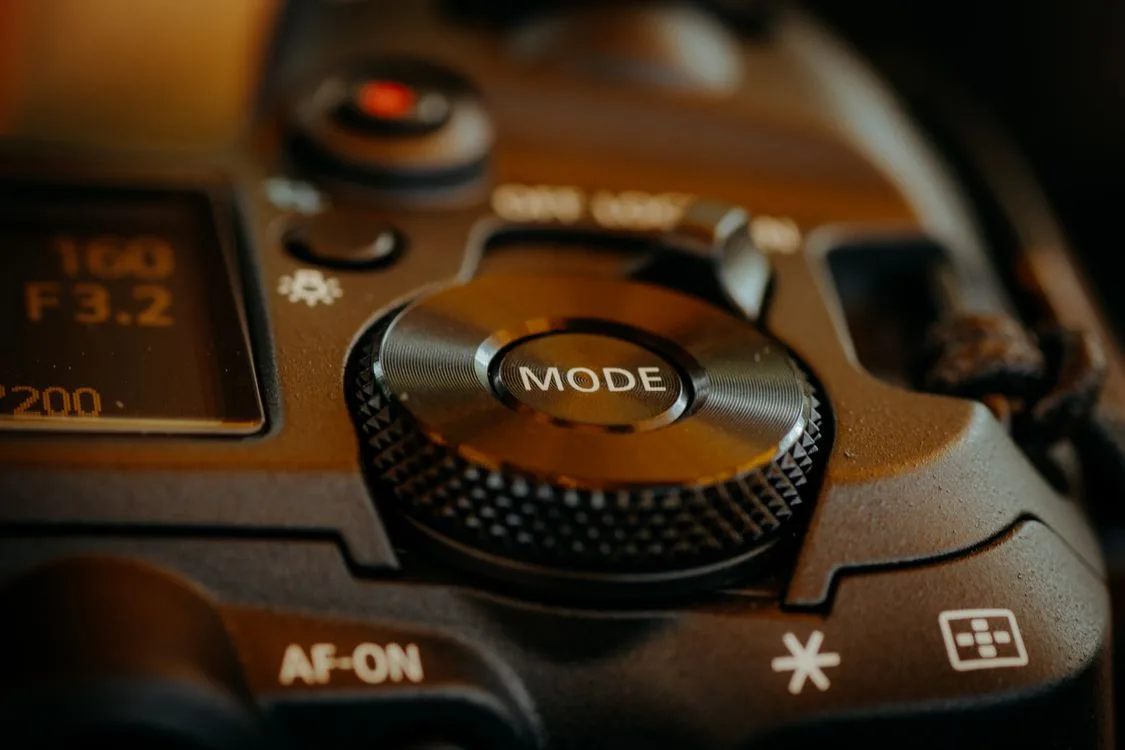
Follow these steps with your own camera in hand. Every major brand follows the same logic, only the dial placement differs。

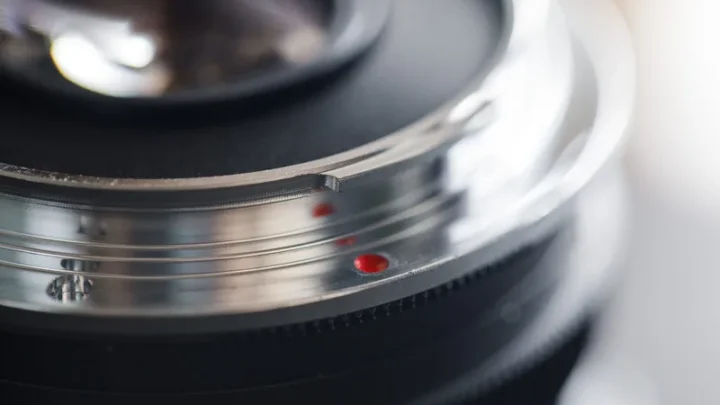
Image source: Web (Bing) / ephotozine.com (Web image (fair-use with source credit))
- Set the mode dial to Av (Canon) or A (Nikon, Sony, Pentax). Turn the top dial until the letter lines up with the indicator mark.
- Half-press the shutter button. This wakes up the camera’s meter and shows the current aperture reading in the viewfinder and on the top LCD.
- Locate the main control dial. On Canon it’s usually the front dial (near your index finger). On Nikn it’s the rear dial. On Sony DSLRs it’s often the front dial as well.
- Rotate the dial. Watch the f-number. Turning one direction makes it smaller (more open, shallower depth of field). The other direction makes it larger (more closed, deeper focus). Try a small turn to see which way changes the number.
- Take the shot. Recompose and press fully.
Still stuck? Check that the lens aperture ring isn’t locked at the smallest opening, more on that next. If you frequently shoot in dim conditions, a camera built for [low-light performance](https://gadgetguides.org/best-camera-for-low-light/) will give you better results at wider apertures.
3 Visual Traps That Confuse Beginners
Even after reading the steps, real-world camera handling trips people up. Here are the three most common visual traps and how to avoid them.

Image source: Web (Bing) / reddit.com (Web image (fair-use with source credit))
1. The aperture ring on the lens is set to the wrong position
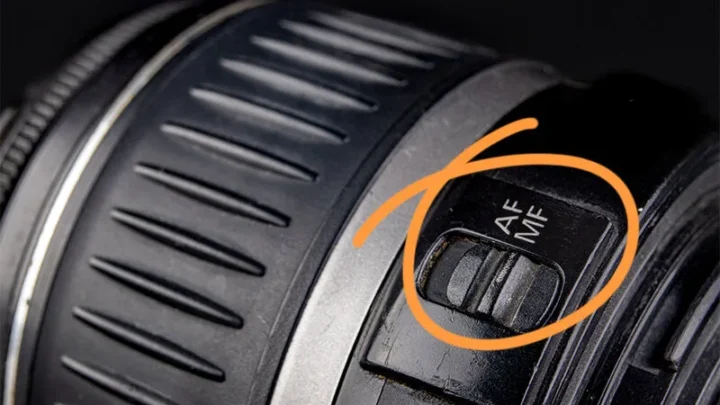
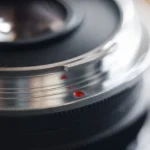
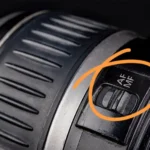
Oldeer lenses (and some modern ones like certain Tamron or Sigma models) have a physical ring on the lens body. If it’s not turned to the smallest f-stop (highest number) and locked, the camera can’t control the aperture. You’ll turn the dial and nothing happens.
Fix: rotate the aperture ring to the smallest number (e.g., f/22) until you see the “A” or lock indicator. The camera will now take over.
2. You’re in the right mode but looking at the wrong display
Your viewfinder shows the aperture as a number only when the meter is active. If you haven’t half-pressed the shutter, the display might be blank or showing something else. You change the dial but see no change.
Fix: always half-press first. The meter lights up and you’ll see the number change instantly.
3. The exposure compensation dial looks like the aperture dial
Some cameras (especially Canon Rebels) have a small exposure compensation button near the shutter. People mistake it for the aperture control. They press it, turn the dial, and wonder why the scene gets brighter/darker but the f-stop stays the same.
Fix: exposure compensation changes overall brightness in Av mode. It’s not aperture. Turn the main control dial without pressing any extra button.
If you shoot street photography, an intuitive control layout matters, check our picks for [street photography cameras](https://gadgetguides.org/best-camera-for-street-photographers/) to avoid this confusion.
Quick Answers to Common Aperture Questions
Why won’t my aperture change when I turn the dial?
You’re likely in a mode that locks aperture, check the mode dial. Also verify the lens aperture ring isn’t locked. Half-press the shutter first to wake the meter.
Do I need to use Manual mode to control aperture?
No. Aperture Priority (Av/A) gives you full aperture control while the camera sets shutter speed automatically. Use manual when you need to control both.
How do I change aperture on a Nikon D3500 or D5600?
Set the mode dial to A (Aperture Priority). Then turn the rear command dial (the one near your thumb). The aperture number appears in the viewfinder.
Can I change aperture while recording video on a DSLR?
Depends on the model. Many older DSLRs lock aperture during video. Newer ones allow live changes.
Check your manual, if not, set aperture before hitting record.
What’s the best aperture for portraits? Landscapes?
For portraits with a blurred background, use f/1.8 to f/2.8 (wide open). For landscapes where everything must be sharp, use f/8 to f/16. Avoid f/22 if possible, diffraction softens the image.
For dedicated wildlife or bird photography, a fast aperture helps freeze motion; explore [cameras for birds in flight](https://gadgetguides.org/best-camera-for-birds-in-flight/) for lenses that maintain sharpness wide open.
Why does my aperture number change when I zoom?
You have a variable-aperture zoom lens (e.g., f/3.5-5.6). At wide angle, the max aperture is f/3.5; as you zoom in, the max aperture becomes smaller (e.g., f/5.6). This is normal.
Constant-aperture zooms (e.g., f/2.8) avoid this.

Similar Posts