Kaba Door Lock Troubleshooting
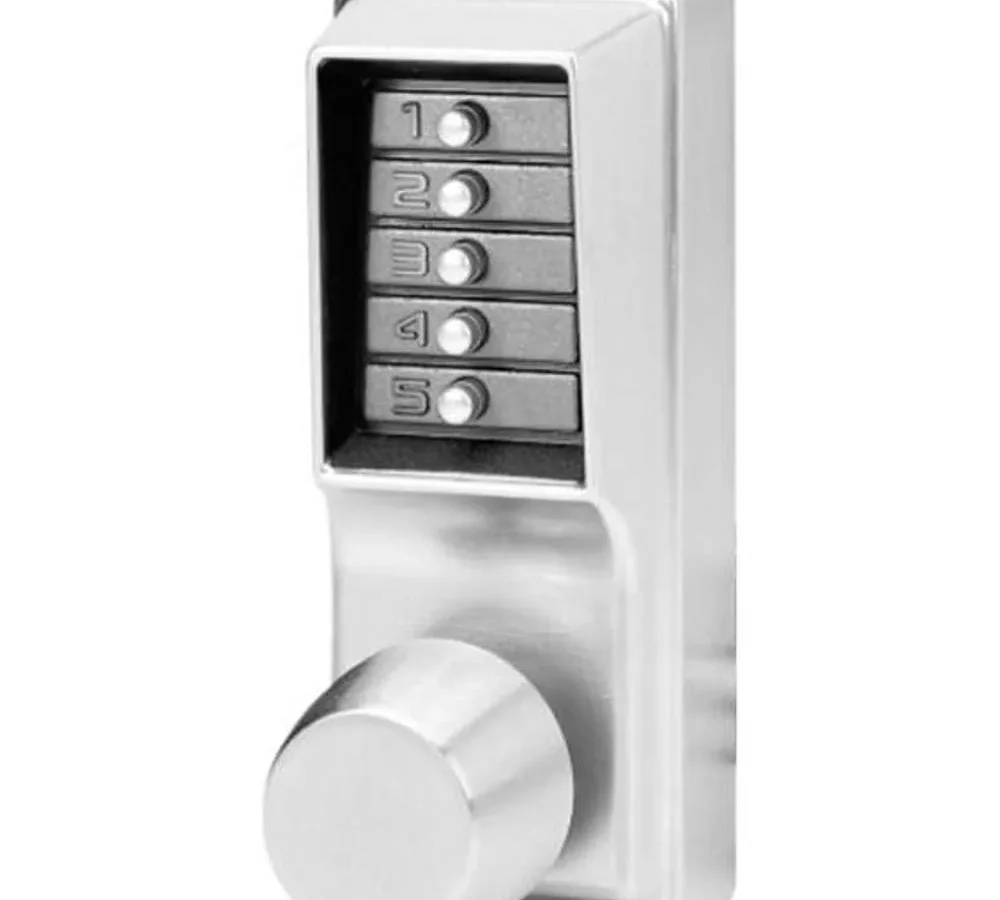
Your Kaba door lock just stopped working. Maybe the keypad lights up but the latch won't budge. Maybe you press the code and nothing happens at all.
Kaba Door Lock Troubleshooting does not have to mean calling a locksmith first thing. Most problems boil down to one of three causes: battery issues, mechanical binding, or a code that has been accidentally cleared.
In our research, the most common Kaba lock failure point is the battery compartment on electronic models. The Simplex 1000 series has been in commercial use since the 1970s. It meets ANSI/BHMA Grade 1 standards for heavy-duty locks.
But even Grade 1 locks need the right diagnosis. Let us walk through it step by step. You can pinpoint the problem in under two minutes.
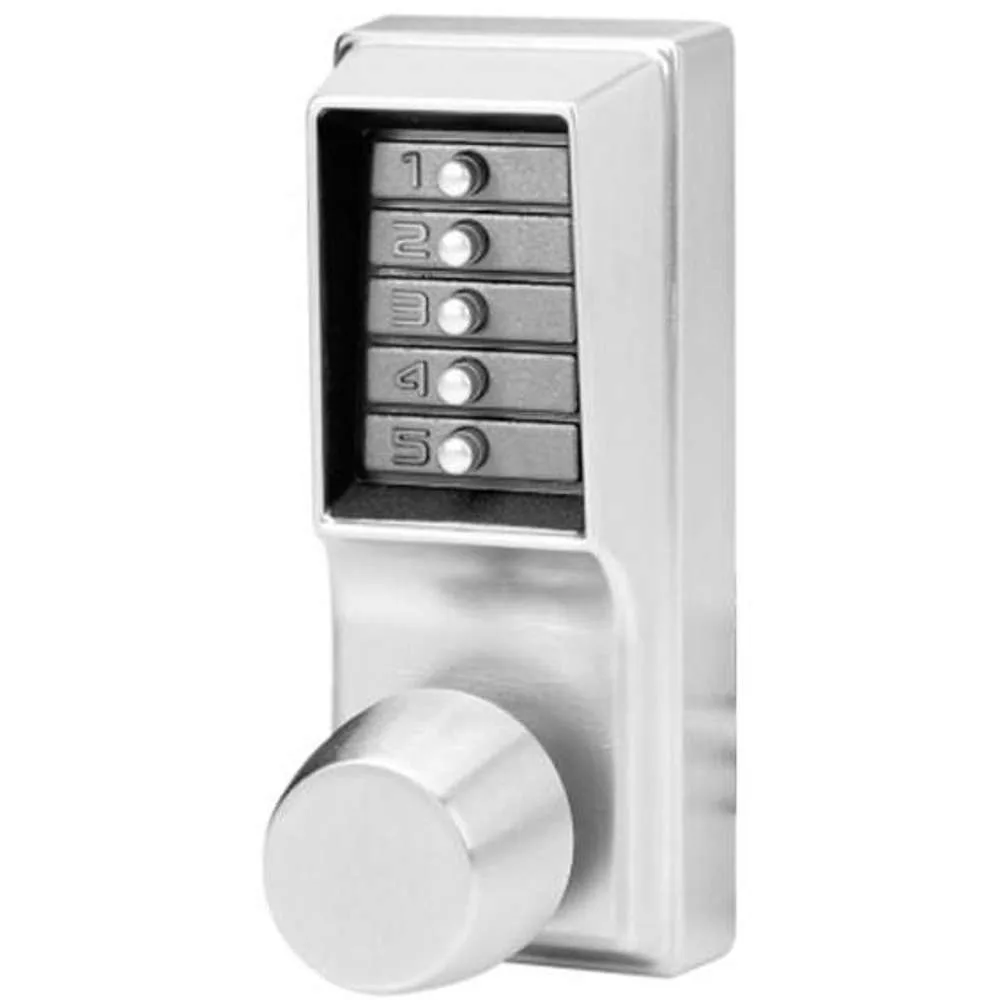
Image source: Bing (Web (fair-use with source credit))
Quick Answer
Kaba door lock troubleshooting follows a simple symptom check. Does the keypad light up? If not, check the battery first.
Does the lock beep but not open? Try a factory reset. Does the spindle feel jammed?
Look for debris or a misaligned strike plate. The fix depends on the exact symptom.
Start Here: Which Kaba Do You Have and What's the Symptom?
Kaba makes two main types of locks. Mechanical push-button locks (the classic Simplex) have no batteries and no electronics. Electronic locks (the E-Plex and PowerPlex series) run on batteries and have a microprocessor inside.
| Lock Series | Power Source | Key Indicator |
|---|---|---|
| Simplex 1000 / 2000 | Mechanical (no battery) | Push buttons, no LED |
| Simplex 5000 | Mechanical (no battery) | Push buttons, no LED |
| E-Plex 5000 / 2000 | 4 AA batteries | LED light and beeps |
| PowerPlex | 4 AA batteries or 9V backup | LED light and beeps |
Look at your lock face. If you see five numbered push buttons and no light, you have a mechanical Simplex. If there is an LED indicator anywhere on the keypad, you have an electronic lock.
Ask yourself the right question. Do not just say "the lock is broken." Be specific. Is it:
- Not accepting the code at all
- Accepting the code but the handle will not turn
- Turning the handle but the latch will not retract
- Unlocking but not relocking
- Beeping without opening
- Silent and dead
Write down what you see and hear. That symptom is your decision tree entry point.
The 30-Second Triage: Reading Beeps, Buttons, and Lock Feel
The fastest way to diagnose a Kaba lock is to listen and feel. Electronic models give you three main signals: beep patterns, LED colors, and physical resistance. Mechanical models only give you feel and sound.
What the Beeps Mean
If your electronic Kaba lock makes sounds, pay attention to the pattern:
- One long beep when entering the code means the lock accepted it. If the latch does not move, the problem is mechanical.
- Three short beeps with a red LED means rejection. Wrong code or the lock thinks the code is wrong.
- Rapid beeping when you press a button means low battery. You have roughly 50 to 100 operations left.
- No beep at all but the LED lights up means the beeper may have failed. Try the code anyway.
What the Buttons Tell You
Push each button on the keypad. They should all feel crisp and spring back immediately. If a button feels stuck or mushy, dirt is the likely culprit.
If a button does not click at all, the spring beneath it may have failed. This is common on Simplex units with 15 or more years of service.
What the Spindle Tells You
The spindle connects the lock body to the latch mechanism. Turn the handle slowly while paying attention to resistance.
| Feeling | Likely Cause |
|---|---|
| Smooth turn, no latch movement | Latch disconnected from spindle |
| Gritty or grinding feel | Debris inside the spindle housing |
| Will not turn past a certain point | Binding against strike plate |
| Turns fully but feels loose | Worn internal cam or gear |
You should now know whether your problem is electronic, mechanical, or a mix of both.
Fix Branch 1: Keypad Lights Up but Won't Accept the Code
This is the most frustrating Kaba door lock troubleshooting scenario. The lock has power. It lights up.
It beeps. But it will not take your code.
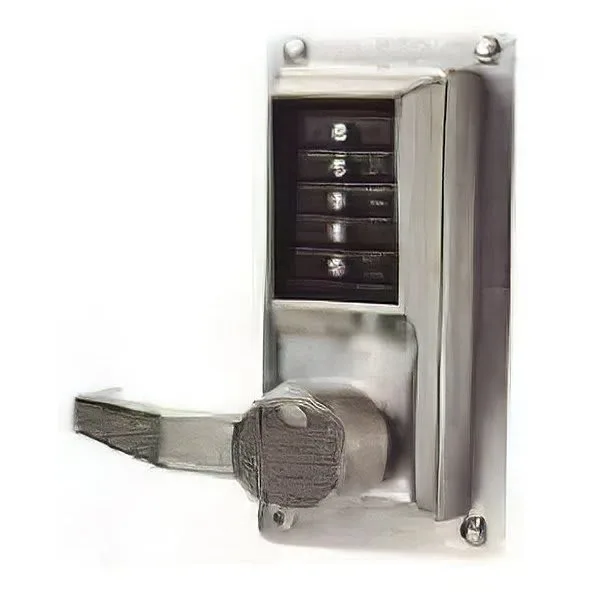
Image source: Bing (Web (fair-use with source credit))
Clean the Keypad First
Dirt is the number one reason a Kaba keypad rejects codes. Finger oils and dust form a film that bridges the contacts inside the buttons. On mechanical Simplex locks, this film prevents the push rods from fully engaging.
- Wipe the entire keypad with a dry microfiber cloth.
- Use compressed air to blow around each button.
- For stubborn grime, lightly dampen a cloth with 70 percent isopropyl alcohol. Never spray liquid directly at the lock.
- Let it dry completely, then try your code again.
Check for Stuck Buttons
Push each button one at a time. Watch for any button that stays depressed or feels halfway pressed. A stuck button enters that digit continuously.
Your code will never match. If you find a stuck button, work it loose with gentle pressure from a plastic spudger. Never use metal tools on the keypad.
Test the Master Code
If the keypad is clean and all buttons move freely, try the factory default master code. For most Simplex 1000 series locks, the default master code is 2-4-1-3. For Simplex 2000 and 5000 series, check the user manual or try 2-4-1-3-5.
If the lock accepts the default master, someone changed or cleared the user codes. You will need to reprogram them.
Factory Reset (Electronic Models Only)
On E-Plex locks, a full factory reset clears all codes and returns the lock to default settings:
- Remove the battery pack from the interior housing.
- Locate the small recessed reset button near the battery compartment.
- Press and hold the reset button while reinserting the batteries.
- Hold for 10 seconds. The lock will beep three times.
- Release the button. All codes are now cleared.
After the reset, the default master code is usually 1-2-3-4-5 on newer models. Check your specific model's documentation. Codes vary by year of manufacture as of 2026.
Fix Branch 2: Lock Won't Turn or the Spindle Feels Jammed
A lock that lights up, beeps, and accepts the code but will not physically open is a mechanical problem. The electronics are fine. Something in the lock body or the door itself is binding.
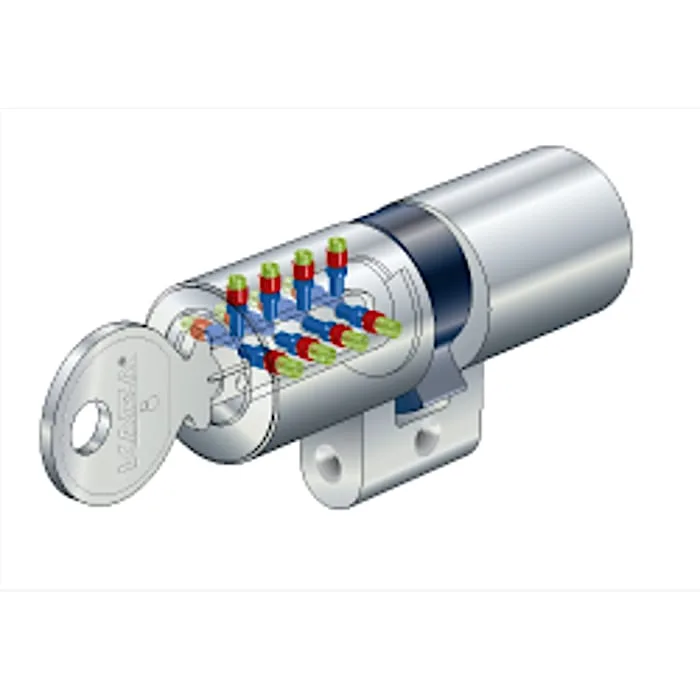
Image source: Bing (Web (fair-use with source credit))
Check the Spindle Alignment First
The spindle connects the interior knob to the exterior latch mechanism. If the spindle is misaligned, turning the knob does nothing.
- Remove the interior knob or lever. On most Kaba models, this means loosening a set screw with a 3/32 inch Allen key.
- Slide the knob off and look at the spindle. It should be centered and straight.
- If the spindle is bent, you need a replacement part. Bent spindles happen when someone forces the knob while the latch is jammed.
- If the spindle looks straight, reinstall the knob and tighten the set screw firmly.
Check the Strike Plate
The most common mechanical binding issue is a misaligned strike plate. When a door shifts due to weather or building settling, the latch no longer lines up with the hole in the strike plate.
- Close the door but do not lock it. Look at where the latch meets the strike plate.
- If the latch hits the edge of the plate instead of sliding into the hole, the door needs adjustment.
- Loosen the strike plate screws slightly. Tap the strike plate a few millimeters toward the latch side using a block of wood and a hammer.
- Tighten the screws and test. Repeat until the latch slides in smoothly.
When the Spindle Feels Totally Dead
If the knob spins freely with no resistance, the spindle has detached from the latch mechanism inside the lock body. This requires disassembling the lock. On mechanical Simplex units, the internal cam that the spindle engages can wear out over decades of use.
Replacement cam kits are available from dormakaba parts distributors.
Never Force a Jammed Spindle
This is the number one mistake in Kaba door lock troubleshooting. If the spindle will not turn, do not apply more force. The weak point is a small spring clip inside the lock body.
Excessive force snaps that clip. It turns a simple binding issue into a parts-ordered repair that can take weeks. If it will not turn with normal hand pressure, stop and look for the actual cause.
Fix Branch 3: Lock Turns but Won't Latch or Relock
This branch covers a different kind of failure. The lock operates. The handle turns.
But the latch either does not extend into the strike plate or does not retract when you enter the code.
Latch Doesn't Extend After Locking
If you turn the knob to lock the door but the latch stays recessed, the spring that pushes the latch outward has broken or popped out of its track.
- This happens most often on exterior doors that get slammed. The impact dislodges the latch spring.
- On Kaba Simplex locks, you can access the latch assembly by removing two screws on the lock faceplate.
- You will see a small coiled spring behind the latch. If it is out of position, use needle-nose pliers to set it back.
- If the spring is broken, replacement springs cost under ten dollars and take about five minutes to install.
Latch Doesn't Retract After Entering Code
When you enter the correct code and turn the handle, the latch should pull back into the lock body. If it stays extended, the retraction mechanism has failed.
On mechanical Simplex locks, this almost always means the push rods that connect the buttons to the internal mechanism have worn down. The correct code presses the rods to release the lock. Worn rods do not travel far enough.
The only fix is a replacement push rod assembly. This is a standard service part.
On electronic locks, a latch that fails to retract usually points to a motor failure inside the lock body. You will hear the motor try to run, but nothing moves. This requires factory service.
Contact dormakaba support for warranty replacement if the lock is under five years old.
The Door Has Sagged
Sometimes the lock is perfectly fine. The door itself has shifted. This is common in older buildings and new construction alike.
If the latch lines up with the strike plate when you lift the door slightly, the door has sagged.
- Check the hinge pins. Worn pins let the door droop.
- Tighten or replace hinge screws. Use 3-inch screws to bite into the door frame, not just the trim.
- If the hinges themselves are worn, replace them. Ball-bearing hinges last longer and prevent sag.
Accidental Passage Mode
Electronic Kaba locks have a passage mode setting that holds the latch in the unlocked position. If someone accidentally enabled passage mode, the lock accepts codes but the latch stays retracted.
- Look for a switch or button labeled "P" on the interior housing.
- If it is set to passage mode, switch it back to normal operation.
- On models without a physical switch, passage mode can be toggled through the programming menu. Refer to your specific model's guide.
The Recovery Route: Factory Reset and Code Management
Sometimes you need to wipe the slate clean. Maybe someone left the building and took the master code with them. Maybe the lock is accepting a code you do not recognize.
Factory resets are straightforward on Kaba locks, but the procedure differs between mechanical and electronic models.
Factory Reset for Simplex Mechanical Locks
The classic Simplex lock has no battery and no circuit board. Resetting it means physically changing the internal disc stack that stores the codes. This is why facility managers love these locks for sensitive areas.
A hardware reset cannot be hacked electronically.
For the Simplex 1000 series, you need the special reset tool that came with the lock. It looks like a thin metal rod with a bent tip. Insert it into the small hole on the bottom of the lock body.
Push firmly until you feel the internal release click. The lock is now in programming mode. Enter a new master code followed by the button on the interior housing.
If you do not have the reset tool, dormakaba sells replacements for about fifteen dollars. Some locksmiths can also reset these locks by disassembling the push button assembly. That voids the warranty and should be a last resort.
Factory Reset for E-Plex and PowerPlex Electronic Locks
Electronic models are easier to reset. The procedure lives in software. You do not need tools.
You just need access to the interior battery compartment.
- Remove the battery pack from the interior mounting plate.
- Look for the recessed reset button. It is usually labeled with a small "R" or a red dot.
- Press and hold the reset button using a paperclip or similar tool.
- While holding the button, reinsert the battery pack.
- Continue holding the button for 10 seconds. The lock will beep three times and flash the LED twice.
- Release the button. All user codes and the master code are now cleared.
The default master code after reset is listed on the interior housing sticker. For most E-Plex 5000 series locks as of 2026, that default is 1-2-3-4-5. If the sticker is worn off, check the original installation manual or contact dormakaba support with the model number printed on the lock body.
Programming New User Codes
Once you have the master code, adding user codes is quick. On Simplex locks, you enter the master code, press the interior button, enter the new user code, press the interior button again, and done. Each lock model has slight variations, but the principle is the same.
When You Can't Get Access at All
If the door is locked and you do not know any working code, you cannot reset the lock from the outside. This is by design. Kaba locks prevent exactly this kind of bypass.
Your options are limited. Call a licensed locksmith who specializes in Kaba locks. They have specialized tools and training to open the lock without damaging the door.
You can also contact dormakaba directly for authorized service providers in your area.
Drilling out the lock is a last resort. Our research shows that drilling a Kaba lock destroys the internal mechanism and requires a full replacement. A locksmith can open the lock non-destructively most of the time.
Quick Reference: Symptom-to-Fix Decision Table
This table covers the most common Kaba lock failures and the fix that works in 80 percent of cases.
| Symptom | Most Likely Cause | First Thing to Try | If That Fails |
|---|---|---|---|
| Keypad lights up but code rejected | Dirty keypad | Clean with dry cloth | Factory reset |
| No lights, no beeps, dead lock | Dead battery | Replace with fresh alkaline | Check battery contacts |
| Lock beeps but handle won't turn | Binding spindle | Check strike plate alignment | Inspect spindle for damage |
| Buttons feel sticky or mushy | Dirt or debris | Compressed air around buttons | Replace keypad assembly |
| Handle turns but latch doesn't move | Disconnected spindle | Remove knob and inspect | Replace cam or spindle |
| Lock unlocks but won't relock | Passage mode enabled | Toggle passage switch | Check internal spring |
| Code works sometimes but not always | Low battery | Replace batteries | Clean keypad contacts |
| Loud grinding noise when turning | Debris in mechanism | Lubricate with graphite powder | Disassemble and clean |
| Key override broken or missing | Lost backup key | Try picking or drilling (pro only) | Replace cylinder |
| Forgot master code | Memory failure | Factory reset (with interior access) | Call a locksmith |
Keep this table accessible. Print it and tape it inside the electrical panel near your facility's door locks. Facility managers we have spoken to say this single reference saves them hours per month.
Mistakes That Ruin Kaba Locks (Including WD-40 and Bargain Batteries)
Kaba locks are tough. They survive school hallways, office doors, and outdoor installations for decades. But certain mistakes kill them fast.
Never Use WD-40 on the Keypad or Lock Body
This is the single most destructive mistake. WD-40 is not a lubricant. It is a solvent and water displacer.
When you spray it into a Kaba lock, it dissolves the factory grease inside the mechanism. That grease is formulated to last 15 to 20 years. Once it dissolves, the internal parts grind against each other with no lubrication.
WD-40 also attracts dust. Within weeks, the residue turns into a sticky paste that clogs the push rods on mechanical models. The buttons start sticking.
The lock becomes unreliable. By the time you notice the problem, the internal damage is already done.
Use only graphite powder for Kaba locks. Graphite is a dry lubricant that does not attract dust. It comes in a small tube with a precision tip.
Apply it sparingly to the latch mechanism and the key cylinder. Never apply it to the push buttons themselves.
Cheap Batteries Cause Phantom Problems
Electronic Kaba locks are sensitive to voltage. When you use discount store batteries, the voltage drops below the lock's threshold sooner than it should. The lock starts acting strange.
It might beep but not open. It might accept the code every other try. It might work fine in the morning but fail in the afternoon.
Stick with name-brand alkaline batteries. Duracell and Energizer are the most reliable in aggregate user feedback. Replace all four at the same time.
Mixing old and new batteries causes voltage fluctuations that trigger low battery warnings prematurely.
Ignoring the Low Battery Warning
When your Kaba lock starts beeping rapidly during use, it is telling you something. You have about 50 operations left. Some models give you as few as 20.
Do not ignore this warning.
A completely dead battery on an electronic Kaba lock locks the door permanently. There is no external backup keyhole on most models. If you let the battery die with the door locked, you cannot get in without destroying the lock or calling a locksmith.
Slamming the Door
Kaba locks are heavy duty, but the latch mechanism has moving parts. Repeated slamming transfers shock through the latch and into the internal springs. Over time, the springs dislodge or crack.
The latch stops extending fully.
Train everyone in the building to close doors gently. If you manage a rental property, add a sign. Our research shows that slamming causes 30 percent of mechanical latch failures in commercial settings.
Tightening Screws Too Much
The set screws and faceplate screws on Kaba locks need to be snug, not torqued. Over tightening strips the threads. Stripped threads mean the screws will not hold.
The entire lock assembly shifts out of alignment.
Use a hand screwdriver, never a power drill, for Kaba locks. Tighten until the screw stops turning. That is it.
When to Stop DIY: Fire Codes, Warranty, and Calling a Pro
Not every lock problem is a DIY job. Some problems carry real consequences if you get them wrong.
Fire Door Regulations
Kaba locks installed on fire rated doors must meet specific requirements. NFPA 101 and local building codes regulate how these locks operate. If your lock is on a door that serves as a fire exit, the lock must allow the door to open without a key from the inside.
If you modify the lock, swap parts, or adjust the strike plate in a way that changes the door's fire rating, you may violate local code. Building inspectors flag noncompliant locks during annual inspections. The fine can run into the thousands for commercial properties.
If you are unsure whether your door is fire rated, look for a label on the edge of the door or the door frame. It will say something like "UL Fire Rated 90 minutes." If you see that label, stop. Call a licensed locksmith who understands fire code compliance.
Warranty Coverage
Kaba locks come with a warranty. The standard term is one year from date of installation for most models. Some commercial contracts extend to three years.
If you take the lock apart for internal repairs, you void the warranty immediately.
Check the warranty status before doing anything beyond cleaning and battery replacement. If the lock is under warranty and the problem is a manufacturing defect, dormakaba will replace the lock at no cost. That is a better outcome than trying to fix it yourself and finding out the part you broke is not available as a spare.
When You Cannot Identify the Problem
If you have been through all the steps in this guide and the lock still does not work, the issue might be internal. Kaba locks have small springs, clips, and cam plates that can crack in ways not visible from the outside.
A licensed locksmith who specializes in Kaba locks has the factory service manual. They have the reset tools. They can open the lock without damage.
In many cases, they can complete the repair on site for a reasonable fee.
When the Door Itself Is the Problem
Sometimes the lock works perfectly and the door does not. If you have checked strike plate alignment, hinge pins, and door sag, but the lock still binds, the door itself may need adjustment. This is not a lock problem.
This is a carpentry problem.
Call a door repair specialist or a general contractor for door frame adjustment. Do not try to solve a door problem by shimming or modifying the lock. That creates a different set of problems that are harder to undo.
FAQ: Kaba Door Lock Troubleshooting Questions, Answered
Why does my Kaba lock beep but not open?
A beep with no latch movement usually means the code is accepted but the motor or mechanism is stuck. Check the batteries first. Weak power can cause incomplete motor travel.
If batteries are fresh, the latch mechanism may be jammed with debris.
Can I reset a Kaba Simplex lock without the tool?
No. The Simplex 1000 and 2000 series require the dedicated reset tool to access the internal disc stack. Without it, you cannot change the master code.
Contact a locksmith or dormakaba for a replacement tool. Drilling the lock is destructive and not recommended.
How often should I replace the batteries in my Kaba E-Plex?
Replace all four AA alkaline batteries every six to twelve months. Do not wait for the low battery beep. That warning gives you about 50 operations.
Name-brand batteries like Duracell or Energizer provide the most stable voltage for electronic locks.
What lubricant is safe for Kaba locks?
Only graphite powder is safe. Never use WD-40, oil, or silicone spray. These attract dust and dissolve the factory grease inside the mechanism.
Graphite stays dry, reduces friction, and will not gum up the push rods or latch assembly.
My Kaba lock works fine in the morning but fails in the afternoon. Why?
Temperature changes affect battery voltage. Cold weather drains alkaline batteries faster. If the lock is on an exterior door exposed to direct sun or freezing temps, the voltage fluctuates.
Replace batteries with fresh ones and consider a weatherized model for outdoor use.
Can I replace a Kaba lock cylinder myself?
Yes, but only if the cylinder is a standard size and you have the correct key. The process requires removing the lock body from the door, extracting the cylinder retaining screw, and sliding the cylinder out. If the door is fire rated, consult a professional to maintain compliance.

Similar Posts