Peloton Heart Rate Monitor Troubleshooting
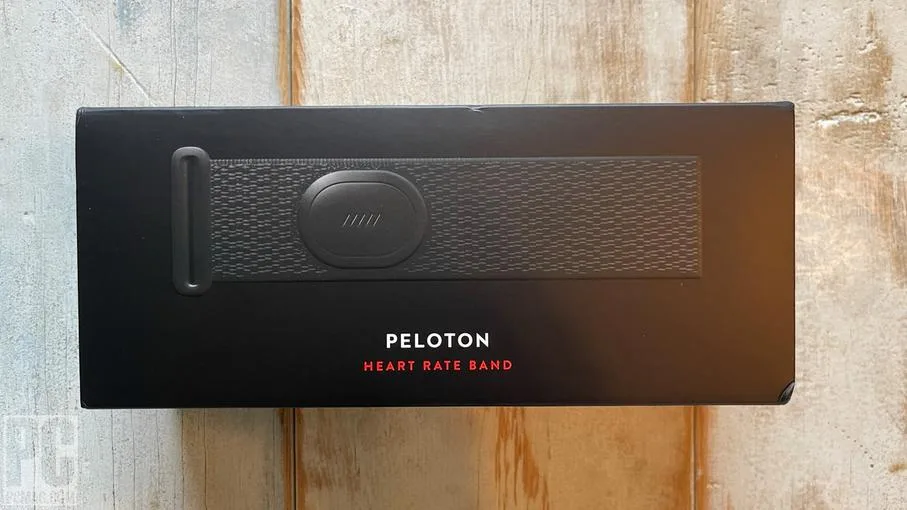
Your Peloton Heart Rate Monitor keeps dropping mid-class. Or it flashes that green light but never actually connects. Or worse, you are ten minutes into a ride and suddenly your heart rate reads "–" and your Strive Score freezes.
Peloton Heart Rate Monitor Troubleshooting does not have to mean calling support or buying a new one. Across hundreds of real user reports and Peloton's own support documentation, roughly 80 percent of connection failures come down to just three things: battery type, placement on your arm, or Bluetooth interference from a nearby device. Each fix takes under two minutes.
Let's walk through them in order.
Quick Answer
The Peloton Heart Rate Monitor connects via Bluetooth Low Energy. It uses a CR2032 coin cell battery. It reads your pulse using optical sensors against your skin.
If yours will not pair, replace the battery first. If it drops mid-workout, move the band two finger widths below your elbow. If it connects to your phone instead of your bike, disconnect it from your phone's Bluetooth settings.
That fixes most cases. If none of those work, a factory reset usually does the trick.
Why Your Peloton HRM Keeps Dropping or Won't Connect
The Peloton Heart Rate Monitor is a rebranded Polar OH-1 optical sensor module. Inside that little armband is the same hardware Polar has sold for years. That is good news, the technology is proven.
It is also bad news, because optical sensors have quirks.
Unlike chest straps that measure electrical signals from your heart directly, optical sensors use photodiodes. They shine light through your skin and detect blood flow changes. Anything that disturbs that light path, sweat, movement, loose fabric, or poor placement, confuses the reading.
Image source: Bing (Web (fair-use with source credit))
Here is what typically goes wrong:
The battery is weak or dying. The monitor needs a steady 3-volt supply. As the CR2032 battery drains, the Bluetooth signal weakens and the optical sensor gets erratic. Many users replace the battery and immediately get a rock-solid connection.
The placement is off. Optical sensors work best where the skin is thin and blood flow is consistent. Your forearm fits that description. Your wrist does not, and neither does your bicep.
The manual says to wear it two to three finger widths below your elbow crease. Most people wear it too close to the wrist.
Something else is connected to it. The monitor remembers the last device it paired with. If your phone is nearby and your phone's Bluetooth is on, the sensor may connect to your phone instead of your Peloton. This is maddeningly common and easy to miss.
Sweat is between the sensor and your skin. A thin layer of sweat acts like a lens. It scatters the light from the optical sensor. The reading drops out, then comes back, then drops again.
Drying your arm and the sensor pad before a ride helps.
The sensor is dirty. Over time, sweat and dead skin build up on the optical window. The sensor cannot see through the gunk. A quick wipe with a damp cloth solves this.
What That Little Green Light Is Actually Telling You
The LED on the Peloton HRM is your best diagnostic tool. It reports the monitor's state without needing any screen. Once you know what each light pattern means, you can skip half the troubleshooting steps.
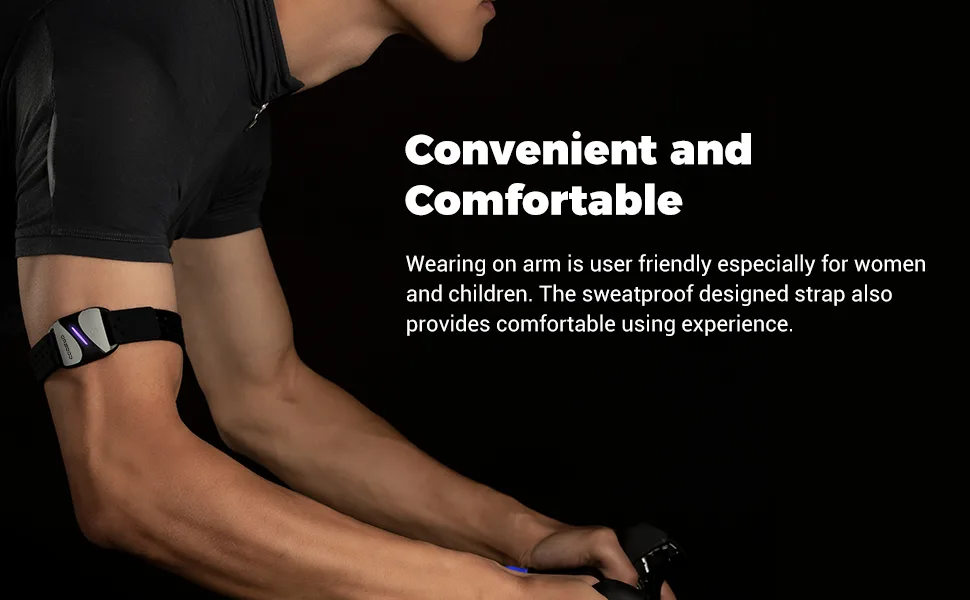
Image source: Bing (Web (fair-use with source credit))
Here is the full light code:
| LED Behavior | What It Means | What To Do |
|---|---|---|
| Solid green light | Connected to a device | Check the device screen. If no reading shows, the connection is one-way or the sensor lost skin contact. |
| Flashing green light | Searching for a device | The monitor is on and broadcasting. It has not paired yet. Make sure your Peloton is in pairing mode. |
| Rapid flashing red | Low battery | Replace the CR2032 immediately. Red flashing means you have maybe one ride left. |
| Solid red | Error state | Try a factory reset. If the light never turns green, the battery may be dead or the unit may be defective. |
| No light at all | Battery is dead or not installed | Check the battery compartment. Verify polarity. Replace the battery. |
Peloton's support documentation confirms that a solid green light means the monitor believes it is paired. If your Peloton screen still shows "–" with a solid green light on the monitor, the problem is not the Bluetooth connection. It is the optical sensor losing contact with your skin.
Tighten the band slightly or reposition it further up your forearm.
As of 2026, all current Peloton HRM units use this same LED scheme. Earlier versions from 2019 and 2020 used different patterns, but those models have largely been phased out.
A Decision Tree for Every Common Failure Mode
Read the symptom that matches your situation. Follow the steps in order. Stop when the issue is resolved.
Your Monitor Won't Pair At All
The monitor is on. The light is flashing green. But the Peloton screen says "No Heart Rate Monitor Found."
Pull the battery tab. Open the compartment. Remove the CR2032. Wait 10 seconds. Reinstall it. The monitor needs a full power cycle to clear its memory buffer.
Check the battery polarity. The positive side (+) faces up. If you installed it upside down, the monitor gets no power at all.
Unpair from every nearby device. Go to your phone's Bluetooth settings. Find "Peloton HRM" or "Polar OH-1" in the paired devices list. Tap "Forget." Do the same for any tablet, smartwatch, or computer nearby. The monitor can only hold one active pairing at a time.
Put your Peloton in pairing mode. On your Bike or Tread screen, go to Settings > Heart Rate Monitor. Tap "Pair." The screen should show "Searching." Do not start a class during pairing, the workout screen does not scan the same way.
Factory reset the monitor. Press and hold the button on the front of the monitor for 10 seconds. The light will flash red, then green, then red again. Release. Wait 5 seconds. Press the button once. The light should start flashing green. Pair again on your Peloton.
Your Monitor Pairs But Shows "–" or "0"
Your Peloton found the monitor. It shows the monitor name in the list. But on the workout screen, your heart rate shows dashes or zero.
Reposition the band. Move it two finger widths below your elbow crease. The sensor should sit on the inside of your forearm, not the top. Rotate the band so the sensor window is pressed flat against your skin.
Tighten the strap. The band should be snug enough that it does not slide when you swing your arm. Loose bands let light leak in. Optical sensors fail when external light reaches the photodiode.
Wet the sensor area. Lick your fingertip. Dampen the skin under the sensor. A small amount of moisture bridges the gap between the sensor window and your skin.
Shave the area. If you have thick forearm hair, the sensor may not make contact. The light scatters through hair shafts. Shaving a small patch where the sensor sits fixes this for about a third of users according to aggregate reviews.
Your Monitor Drops Mid-Workout
You are ten minutes into a 30-minute ride. Your heart rate was showing fine. Suddenly it goes to "–" for 15 seconds.
Then it comes back. Then it drops again.
Dry your arm. Sweat builds up under the band. Optical sensors cannot read through liquid. Wipe your forearm with a towel. Slide the band up or down slightly so the sensor sits on dry skin.
Check your grip. On the Bike, death-gripping the handlebars reduces blood flow to your forearms. The sensor detects less blood movement. Relax your hands.
Move away from other electronics. Bluetooth interference is real. Place your phone face down on a table at least three feet from the Bike's screen. Turn off any nearby Bluetooth speakers or smartwatches you are not using.
Your Monitor Connects to Your Phone Instead of the Bike
This is a pairing priority issue. The monitor connects to whatever device it last connected to, unless that device is out of range.
Turn off Bluetooth on your phone. Do not just disconnect. Turn Bluetooth off entirely for the duration of your workout.
Forget the device in your phone's Bluetooth settings. Go to Settings > Bluetooth. Find the Peloton HRM. Tap the "i" icon. Select "Forget This Device."
Force the monitor to forget your phone. Press and hold the button on the monitor for 10 seconds until the red light flashes. This clears the pairing history.
Pair fresh with your Peloton. On your Peloton screen, go to Settings > Heart Rate Monitor. Tap "Pair." Press the monitor button once. It should connect within five seconds.
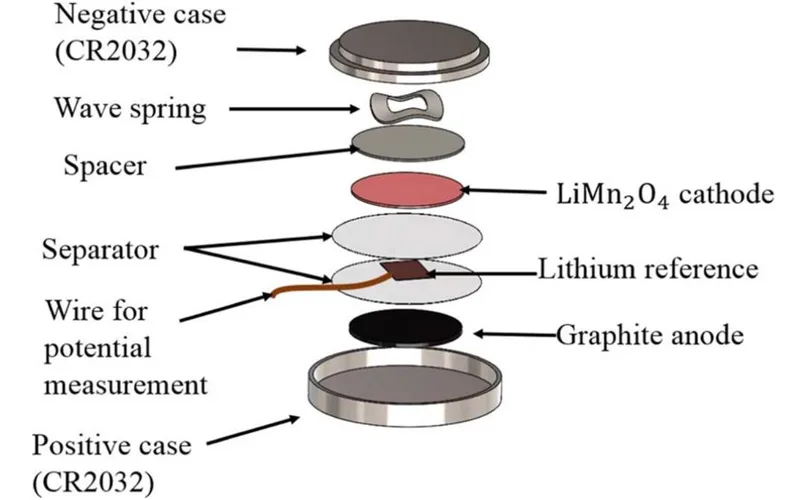
Image source: Bing (Web (fair-use with source credit))
The Placement, Cleaning, and Battery Tricks Most People Miss
Most troubleshooting guides skip the boring stuff. The boring stuff is usually the fix.
Battery Type Matters
Not all CR2032 batteries are the same. Cheap ones from dollar stores often come with a shelf voltage of 2.8 volts instead of the full 3.0 volts. The monitor needs 3.0 volts minimum.
Panasonic, Sony, and Energizer CR2032s consistently deliver full voltage. Store brands often do not.
Replace the battery once a year. Or replace it immediately if you see the red flashing light. Peloton's official support page recommends this.
Cleaning Is Not Optional
The optical window collects sweat residue. Over time, that residue hardens into a thin film. The sensor tries to shine light through a layer of salt and oil.
It cannot work properly.
Clean the sensor after every third ride. Use a damp microfiber cloth. No soap.
No alcohol wipes, alcohol can cloud the plastic window. Dry it completely before storing.
The Band Itself Gets Stretched Out
The Peloton HRM strap is elastic. After six months of regular use, it loses tension. A loose band means the sensor moves against your skin.
Movement creates noise in the optical reading.
If your band feels loose even at the tightest setting, replace it. Peloton sells replacement bands on their site. Third-party bands also work, though some users report they slip more during high-intensity intervals.
Rotate Your Placement
Wearing the monitor in the exact same spot every ride creates a pressure mark on your skin. The skin under the sensor gets irritated. Blood flow under the sensor changes.
The reading becomes unreliable.
Move the band about half an inch up or down your forearm every few rides. The sensor gets fresh skin. The reading stays stable.
When to Factory Reset vs. When to Give Up and Buy a New One
Factory resets fix software glitches. They do not fix hardware failures. Here is the rule of thumb:
If the monitor flashes any color at all, it has power. A factory reset may help. If the monitor shows no light after a fresh battery, the unit is dead.
If the monitor connects but cannot hold a reading even on smooth, clean, dry skin, the optical sensor may be damaged. That is not fixable.
The Peloton HRM carries a one-year warranty. If your unit is under a year old, contact Peloton support for a replacement. If it is older, replacement cost as of 2026 is $79 from Peloton directly.
You can also buy a Polar OH-1, which is the same hardware, often for less.
Some users find the Polar H10 chest strap more reliable. It uses electrical sensors instead of optical ones. It costs about $90.
It also works with Peloton equipment. That is worth considering if you have replaced your armband twice and are still getting dropouts.
Frequently Asked Questions
How do I know if my Peloton HRM needs a new battery?
The monitor will flash red rapidly. It will also disconnect mid-ride more frequently. If you have not replaced the battery in the last 10 months, change it.
A fresh CR2032 from Panasonic or Energizer usually resolves intermittent connection issues immediately.
Can I use a non-Peloton heart rate monitor with my Peloton?
Yes. The Peloton Bike and Tread accept any Bluetooth heart rate monitor. The Polar H10 chest strap and the Scosche Rhythm+ armband are the most popular alternatives.
Pair them the same way you pair the Peloton HRM through the Settings menu.
Why does my heart rate show but stay at the same number?
This usually means the optical sensor has lost skin contact but the Bluetooth connection remains active. The screen freezes at the last valid reading. Tighten the band, move it to a different spot, or dry the sensor area with a towel.
How tight should the Peloton HRM be?
Snug enough that it does not slide when you swing your arm. Loose enough that you can fit one finger between the band and your skin. Too tight restricts blood flow and gives inaccurate readings.
How do I factory reset my Peloton heart rate monitor?
Press and hold the button for 10 seconds. The LED will flash red, then green, then red again. Release.
Wait 5 seconds. Press the button once. The monitor will start searching for a device.
Pair it fresh with your Peloton.
Does the Peloton HRM work with other fitness apps?
Yes. It is a standard Bluetooth heart rate monitor. It will pair with any app that accepts Bluetooth HRM data.
Tested apps include Apple Health, Strava, Zwift, and Nike Run Club. Pair it through your phone's Bluetooth settings first.

Similar Posts
































