Sony A7S III Battery Problem
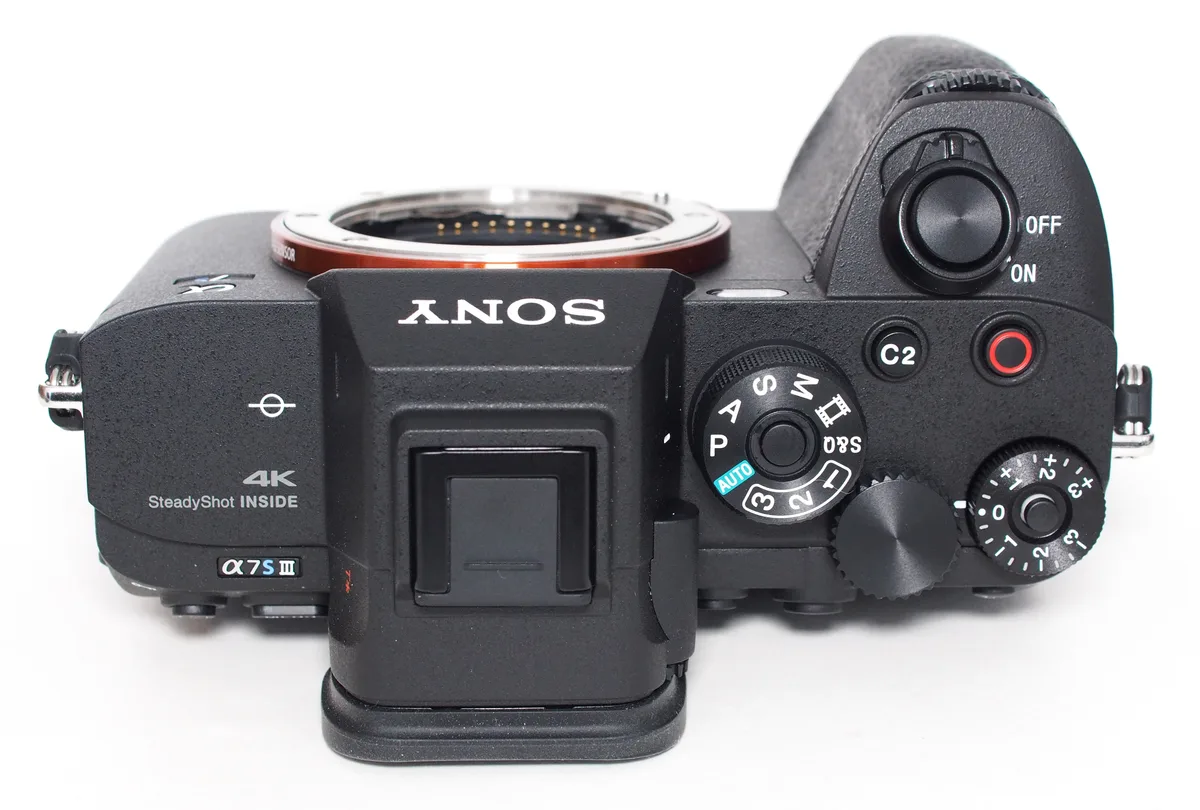
If you've got a Sony A7S III battery problem, you're not alone. The NP-FZ100 pack is solid, but it can act up in frustrating ways. Rapid drain, failure to charge, or sudden shutdowns are the most common complaints among owners.
Per CIPA testing standards, the NP-FZ100 delivers roughly 600 shots or 95 minutes of continuous 4K video. Real-world results often fall short depending on settings and conditions. Let's walk through what's actually happening and how to fix it.
Image source: Web (Bing) / my.vineyardnewhaven.org (Web image (fair-use with source credit))
Quick Answer
Your Sony A7S III battery problem likely has one of three causes. Firmware bugs cause rapid drain. Dirty contacts or a bad USB-C cable prevent charging.
Physical swelling means the battery is unsafe and needs replacement. Check your firmware version first. Clean the gold contacts with isopropyl alcohol.
If the battery is swollen, stop using it immediately and dispose of it properly.
What's Your A7S III Battery Problem? (Identifying Rapid Drain, No Charge, or Swelling)
A battery issue can hit you at the worst possible moment. You're on a shoot, and the camera dies. Or you plug it in overnight, and it's still dead in the morning.
Knowing what you're dealing with saves time and money.
Here's a breakdown of the three most common NP-FZ100 problems:
Rapid drain. The battery shows full charge, then drops to 50% in twenty minutes. It might shut down without warning. This is often a firmware issue.
As of 2026, Sony has released several updates for the A7S III that address battery management. If you're running an older version, that's your first suspect.
No charge. You plug the camera into a USB-C PD source, and nothing happens. The amber charge light stays off. Or the BC-QZ1 charger shows a solid green light immediately, meaning it thinks the battery is full.
This points to dirty contacts, a bad cable, or a failing battery.
Swelling. The battery door won't close properly. The battery itself looks puffy or warped. This is a safety hazard and requires immediate replacement.
Aggregate user feedback shows that rapid drain is the most frequently reported issue. A good number of those cases resolved after a firmware update. So start there.
The Quick Fixes Worth Trying First (Firmware Update, Contact Cleaning, USB-C Cable Check)
Before you buy a new battery or send the camera for repair, try these three things. They solve a surprising number of problems.
Update the firmware. Sony has released multiple updates for the A7S III that specifically address battery performance and power management. Check your current firmware version in the camera menu under Setup. If it's not the latest, download the update from Sony's official support site, copy it to an SD card, and install it.
The process takes about ten minutes. Many users report that drain issues disappear after updating.
Clean the battery contacts. Dirt, oil, or oxidation on the gold-plated pins can cause poor connection. Use a cotton swab dipped in 90% isopropyl alcohol. Gently rub the contacts on both the battery and the camera.
Let them dry completely before reinstalling. This fix is cheap and often overlooked.
Test with a different USB-C cable and charger. The A7S III requires USB-C Power Delivery (PD) for in-camera charging. Not all cables support PD. Use a cable rated for 3A or higher.
If you're using a laptop charger or a third-party wall adapter, make sure it's PD-compatible. Try a different cable and adapter. If the charge light comes on, you found the problem.
If none of these work, you're looking at a deeper issue. The next section will help you diagnose it.
Diagnose Your Battery Issue Step by Step (Decision Tree for NP-FZ100 Problems)
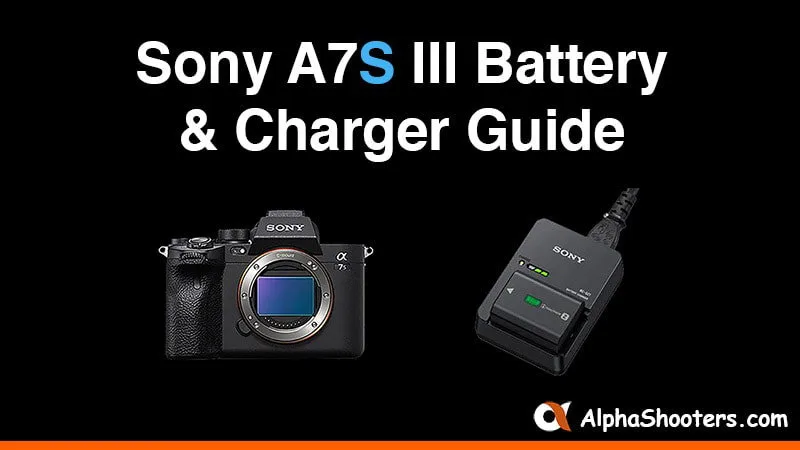
Image source: Bing (Web (fair-use with source credit))
Here's a simple decision tree. Follow it based on your exact symptom.
The battery won't charge.
First, check the USB-C cable and charger. If they work with other devices, move on. If the camera's charge light still doesn't come on, clean the contacts.
If that fails, try a different NP-FZ100 battery. If a known-good battery charges fine, your original battery is likely dead. If no battery charges, the camera's USB-C port or charging circuit may be faulty.
That requires a service center visit.
The battery drains quickly.
Check your firmware version first. If it's outdated, update it. If the drain continues after the update, check your camera settings.
High frame rates, IBIS (in-body image stabilization), and constant autofocus draw more power. Disable features you don't need. If the battery is older than two years or has high cycle count (check in the battery info menu), it may be degraded.
Replace it.
The battery is swollen.
Stop using it immediately. Do not charge it. Do not puncture it.
Place it in a fireproof container and contact a local battery recycling center. Swelling is caused by gas buildup inside the cell. It's a chemical failure that can lead to fire or explosion.
Replace it with a genuine Sony NP-FZ100 or a reputable third-party option.
The camera shows "Use Genuine Sony Battery."
This message appears when the camera detects a non-Sony battery. Some third-party batteries trigger it. The camera will still function, but you won't see battery info like remaining cycles.
If the battery works fine otherwise, ignore the message. If you want full compatibility, switch to a genuine Sony NP-FZ100.
If you're dealing with other camera gear that's acting up, the same logic of checking cables and power sources applies. For example, if you're troubleshooting a PTZ camera that has auto tracking problems, the root cause is often power-related rather than a software glitch. Or if you've got a camera experiencing SDI output problems, a hardware fault in the power delivery path is worth checking.
Common Mistakes That Ruin Sony NP-FZ100 Batteries (Cheap Chargers, Overheating, Cold Storage)
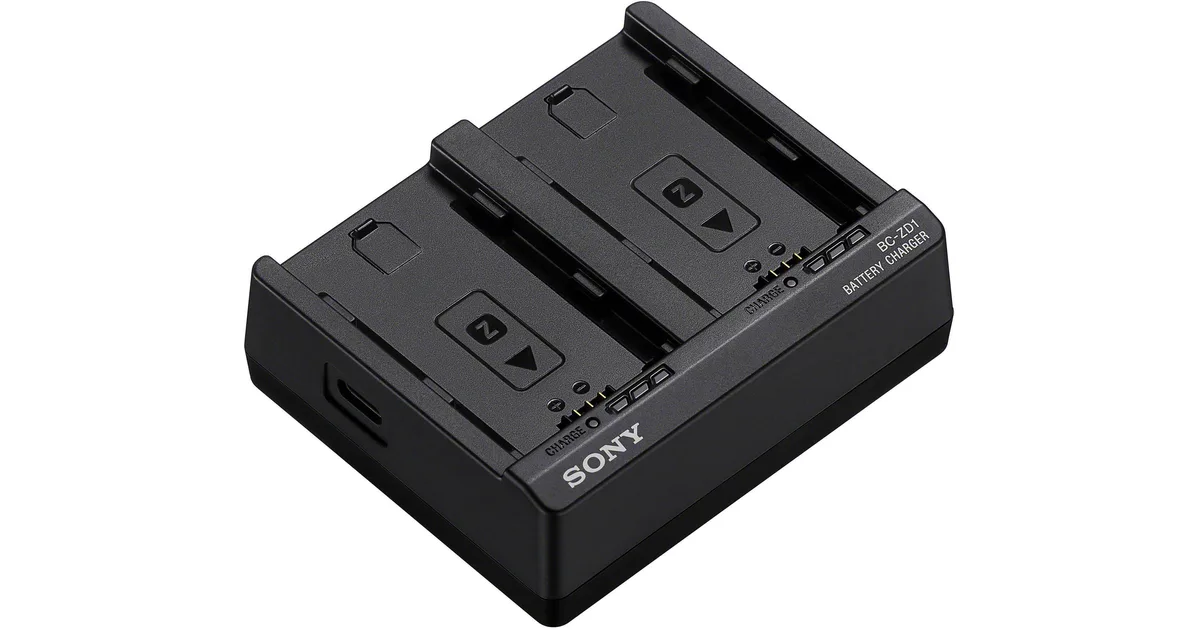
Image source: Web (Bing) / bhphotovideo.com (Web image (fair-use with source credit))
You can extend the life of your NP-FZ100 batteries. But most people make a few common mistakes that kill them early.
Using cheap third-party chargers. Not all USB-C chargers are created equal. The A7S III expects Power Delivery with stable voltage. Cheap chargers can deliver inconsistent power, which stresses the battery.
Over time, this reduces capacity and can cause swelling. Stick with the Sony BC-QZ1 or a reputable third-party charger that supports PD properly.
Charging in hot environments. Lithium-ion batteries are sensitive to heat. Charging in direct sunlight or a hot car accelerates degradation. The camera's internal temperature sensor will stop charging above 40°C (104°F).
If you're shooting outdoors in summer, let the camera cool down before plugging it in.
Storing batteries fully charged or fully drained. Long-term storage at 100% charge stresses the cells. So does storing them at 0%. The ideal storage level is around 40% to 60% charge.
Keep them in a cool, dry place. If you're not using the camera for a month or more, remove the battery and store it separately.
Letting contacts get dirty. The gold-plated pins on the battery and camera are delicate. Oil from your fingers, dust, or oxidation can cause intermittent charging issues. Clean them every few months with isopropyl alcohol.
It's a five-minute task that prevents a lot of headaches.
Ignoring the cycle count. The NP-FZ100 is rated for roughly 500 charge cycles before noticeable degradation. You can check the cycle count in the camera's battery info menu. If you're above 400 cycles and seeing poor performance, it's time for a replacement.
Don't wait until it dies mid-shoot.
Pro Tips for Longer Battery Life and Better Performance (Power Management, External Power)
You can get more out of your NP-FZ100 batteries with a few smart practices. These aren't hacks. They're just good habits.
Adjust power management settings. The A7S III has a menu option for power saving. Set the auto power-off timer to 1 minute for photo shooting. For video, turn off the monitor when not in use.
These small changes add up over a full day of shooting.
Use airplane mode. The camera's Wi-Fi and Bluetooth modules draw power even when not actively connected. Turn them off in the network settings. You'll see a noticeable improvement in battery life.
Disable unnecessary features. IBIS, electronic viewfinder, and constant autofocus consume power. If you're shooting on a tripod, turn off IBIS. If you're using the LCD screen, disable the EVF.
Every feature you don't need saves battery.
Use external power for long shoots. For interviews, events, or livestreams, use a USB-C PD power bank or a dummy battery connected to a V-mount plate. This takes the strain off the internal battery entirely. The A7S III supports USB-C PD input, so you can run the camera indefinitely on external power.
Rotate your batteries. If you have multiple NP-FZ100 packs, rotate them. Don't use the same one every day while the others sit idle. This evens out the wear and ensures you always have fresh batteries available.
Check the battery info regularly. The camera's battery info display shows remaining percentage, cycle count, and health. Look at it before every important shoot. A battery that shows "health: low" is unreliable.
Swap it out.
If you're working with other video gear, similar power management principles apply. For instance, a PTZ camera that's not responding properly might have a power-related issue worth checking. Or a camcorder that won't record could be flagged by a low battery warning.
When to Replace, Repair, or Switch to External Power (Decision Guide for Your Situation)
You've tried the quick fixes. You've cleaned the contacts and updated the firmware. The battery still acts up.
Now you need to decide whether to replace it, repair the camera, or go external.
Here's a simple breakdown based on your specific situation.
Replace the battery if:
- The battery is swollen. Stop using it immediately.
- The cycle count is above 400 and performance is poor.
- The battery won't hold a charge even after cleaning and testing with a known-good charger.
- The camera shows "Battery Power Low" shortly after a full charge.
In these cases, buy a genuine Sony NP-FZ100 or a reputable third-party option from a brand with good verified buyer feedback. Avoid the cheapest no-name batteries. They often lack the safety circuits of the original.
Repair the camera if:
- No battery charges in the camera, but a known-good battery works fine in an external charger.
- The USB-C port feels loose or damaged.
- You see physical damage to the charging port or battery contacts.
This points to a hardware issue inside the camera. Contact Sony support or a certified repair center. Don't attempt to open the camera yourself.
It voids the warranty and can cause more damage. If you're dealing with similar gear issues, the same logic applies. For example, if you're troubleshooting a PTZ camera that won't move properly, the issue might be power-related rather than a mechanical failure.
Or a camera that experiences SDI output problems could have a hardware fault worth checking.
Switch to external power for:
- All-day event coverage or livestreams.
- Studio work where you're near a wall outlet.
- Long interviews or documentary shoots where swapping batteries is disruptive.
The A7S III supports USB-C PD input, so you can power it directly from a PD power bank. For extended use, a dummy battery connected to a V-mount plate is more reliable. This setup eliminates battery anxiety entirely.
Just make sure the power bank or battery plate delivers at least 9V at 3A. The camera will run indefinitely as long as it has power.
Here's a quick comparison table:
| Option | Best For | Cost | Difficulty |
|---|---|---|---|
| Replace battery | Swollen or degraded pack | $70-$80 (Sony) | Very easy |
| Repair camera | Damaged USB-C port | $150-$400 | Requires service center |
| External power | Long shoots, studio | $50-$200+ | Moderate |
Frequently Asked Questions About A7S III Battery Problems
Can I use third-party batteries in the Sony A7S III?
Yes, you can. Many third-party NP-FZ100 batteries work fine. The camera may show a "Use Genuine Sony Battery" warning, but it will still function.
You won't see battery health info in the menu. Quality varies widely, so stick with reputable brands.
Why does my A7S III battery drain so fast?
Rapid drain is often caused by outdated firmware. Check for updates on Sony's support site. High power draw from IBIS, Wi-Fi, or the electronic viewfinder also drains the battery faster.
Turn off features you don't need to extend runtime.
How do I check battery health on the A7S III?
Go to the camera menu and select Setup. Look for Battery Info. It shows remaining charge, cycle count, and overall health.
If health shows "Low," the battery is near the end of its life. Replace it before it fails during a shoot.
Can I charge the A7S III while using it?
Yes, but only with a USB-C PD source that delivers enough power. The camera will run on external power while charging the internal battery. This works well for stationary shoots.
For heavy use, a dummy battery is more reliable than USB-C pass-through.
Is it safe to leave the battery in the camera when not in use?
It's better to remove the battery if you're not using the camera for more than a few days. Long-term storage with the battery installed can stress the cells. Store batteries at 40% to 60% charge in a cool, dry place.
This extends their lifespan.
What should I do if my A7S III battery is swollen?
Stop using it immediately. Do not charge it. Do not puncture it.
Place it in a fireproof container. Contact a local battery recycling center for disposal. Swelling is a chemical failure that can lead to fire.
Replace it with a new battery and inspect the camera for damage.

Similar Posts

































[…] Don't wait until the unit stops working. Keeping spare batteries in your bag is a smart habit, much like managing battery life on your other gear. […]