Nikon D7500 Autofocus Problems
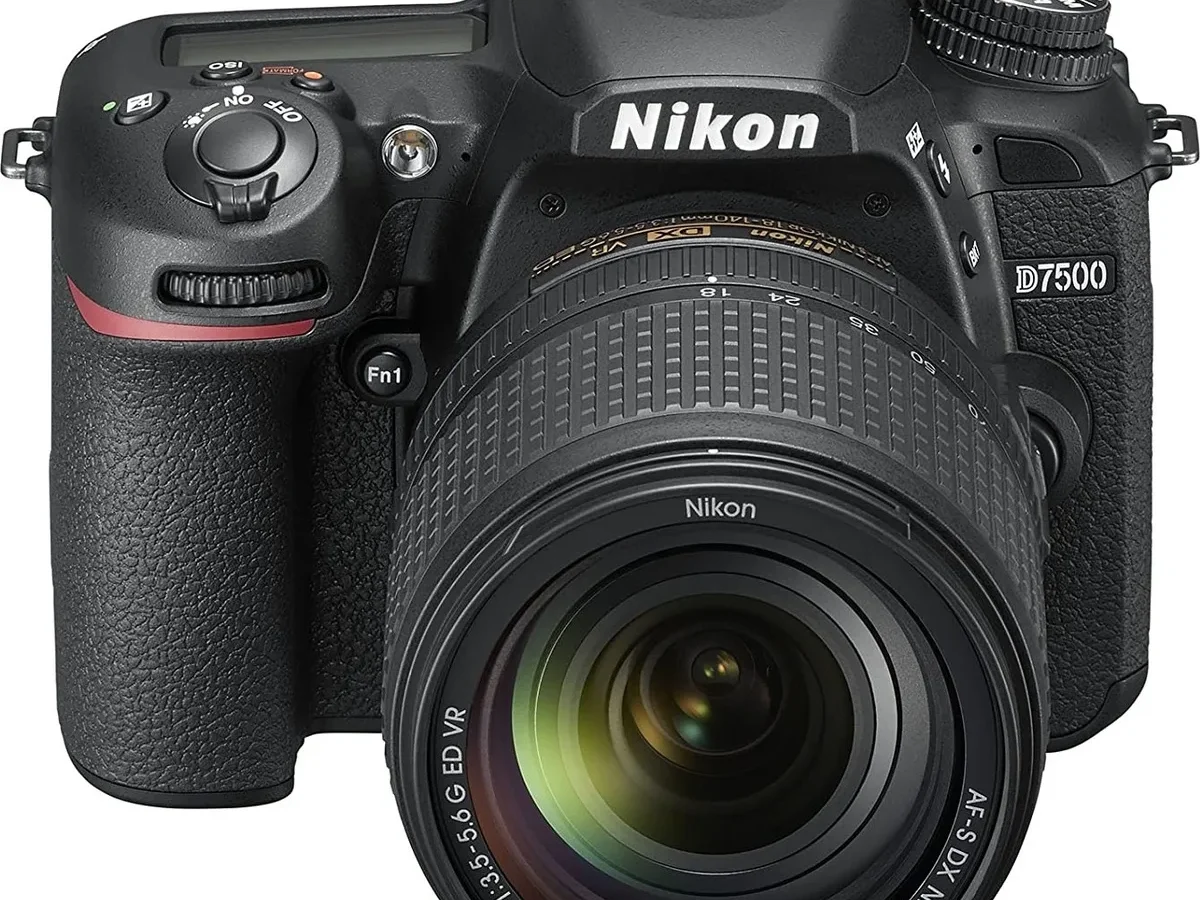
You're framing a shot and the lens just hunts, silently and endlessly. The focus ring searches back and forth but never locks. If you've ever felt that sinking feeling, you're not alone.
Nikon D7500 autofocus problems are one of the most common frustrations owners report, and they show up in several distinct flavors.
Per Nikon's specifications, the D7500 uses a 51-point phase-detection system rated down to -3 EV. That's respectable, but real-world conditions often tell a different story. Aggregate reviews and forum discussions reveal that most issues fall into predictable patterns.
Let's start by figuring out which one you're dealing with.
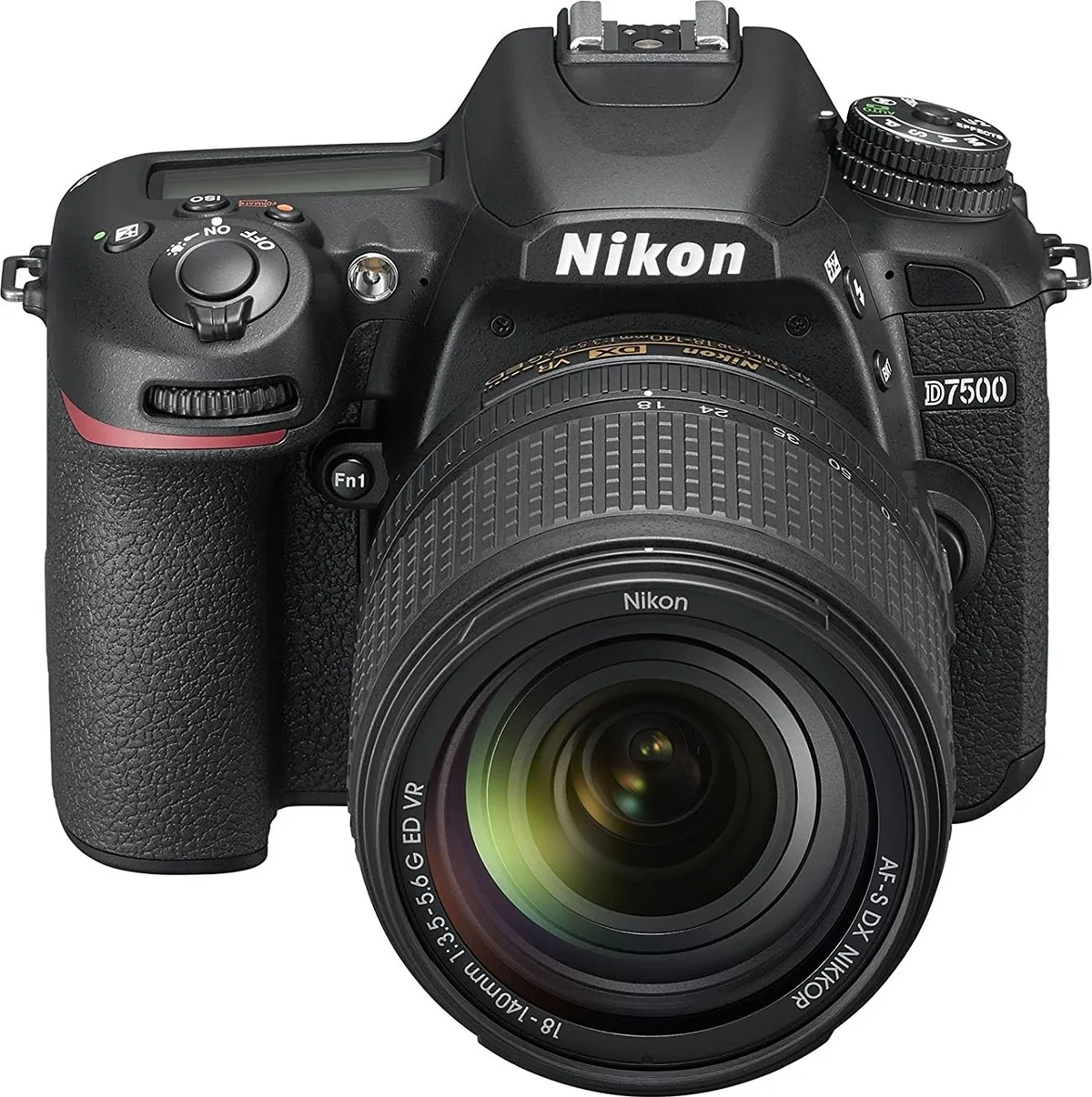
Image source: Web (Bing) / uae.microless.com (Web image (fair-use with source credit))
The Real Problem: What "Autofocus Problem" Actually Means for the D7500
Not every soft shot means your camera is broken. The D7500's autofocus system is complex, and what feels like a failure is often a mismatch between the settings and the situation. Aggregate owner reports indicate that most problems trace back to user-configurable settings, not hardware defects.
The key is to identify your specific symptom. Is the lens not moving at all? Is it moving but refusing to lock?
Or does it lock, but every shot comes out soft? Each scenario points to a different root cause.
Here are the common categories of D7500 autofocus problems:
- Hunting with no lock, The lens searches repeatedly. This usually means the camera cannot find enough contrast or light to confirm focus.
- Consistent front or back focus, The camera locks, but the sharpest point is slightly in front of or behind your intended subject. This is a calibration issue.
- Intermittent failure with certain lenses, One lens works perfectly, another hunts or won't drive at all. This points to contact or compatibility problems.
- AF works fine in bright light but fails indoors, This points to the low-light limits of the phase-detect system.
Understanding which bucket you fall into is the first step. From there, the fix is usually straightforward. Similar diagnostic logic applies to other camera systems.
If you've worked through similar issues on other models, you might already have a head start with those troubleshooting guides.
Quick Answer
Most D7500 autofocus problems are settings-based. Check your AF mode and area mode first. Reset custom settings if needed.
Run AF fine-tune for front or back focus. Clean the lens and body contacts. If it still fails, test with a known-good lens.
Hardware issues are rare but possible.
Decision Tree: Diagnose Your Exact D7500 Autofocus Problem in 5 Minutes
Let's walk through a simple decision tree. Grab your camera and a lens you trust. Follow the branches based on what you actually see.
The goal is to land on the exact fix without guessing.
Branch 1 – The camera won't lock focus at all (hunting or no response)
If the lens searches back and forth or doesn't move at all, try this:
- Check if the lens is set to AF mode. Some lenses have a physical switch. Make sure it's on AF, not M.
- Check the camera's focus mode. If it's on AF-A or AF-C, try switching to AF-S for a stationary subject.
- Check the AF-area mode. If you're in single-point mode and the point is over a blank wall or sky, the camera has nothing to lock onto. Switch to auto-area mode temporarily.
- Test with a different lens. If a second lens works, the first lens may have a mechanical or electrical issue.
Still hunting after all that? Move to the low-light branch below.
Branch 2 – Focus locks, but the shot is consistently soft (front/back focus)
This means the camera reports focus as confirmed, but the actual plane of sharp focus is slightly off. This is a calibration mismatch between the camera and lens. The fix is AF fine-tune, covered in the next section.
Confirm it first. Shoot a target at an angle. If the sharpest point is consistently in front of or behind your intended target, you have front or back focus.
Branch 3 – AF works fine with some lenses but not others
This is almost always a contact or compatibility issue. Older screw-drive lenses rely on the D7500's built-in focus motor. If the motor is tired or the lens contacts are dirty, it can fail intermittently.
Modern AF-P or AF-S lenses use their own motors and are generally more reliable.
Clean the contacts on both the lens and the camera body. If one specific lens consistently fails, suspect that lens before the body.
Branch 4 – AF works in bright light but fails in dim conditions
The D7500's phase-detect system needs light. At -3 EV, it's rated to work, but real-world shooting in very dim scenes can push the limit. The AF-assist illuminator can help, but it only works with certain AF-area modes.
If you're shooting indoors or at dusk, try switching to AF-S and using the center focus point. The center cross-type sensor is more sensitive in low light. You can also find similar low-light approaches in guides for other camera brands that share this limitation.
How to Fix: Settings Check, Calibration (AF Fine-Tune), and Lens Care
Once you've identified your branch, the fix is usually a few minutes away. Let's go through the four most effective steps in order. Do them one at a time and test after each.
Step 1 – Reset and check your AF mode and area settings
Go into the custom settings menu. Navigate to the a1 through a6 items. These control focus behavior.
If anything looks off, reset the whole camera to factory defaults. Then manually set:
- AF mode: AF-S for stationary subjects, AF-C for moving subjects
- AF-area mode: Single-point for precision, dynamic or group for tracking
- Focus priority vs. release priority: Set AF-S to focus priority. Set AF-C to release priority for action, focus priority for accuracy
A surprising number of problems come from accidentally changing these during a shoot.
Step 2 – Run AF fine-tune per lens
This is the fix for front or back focus. Go to the setup menu, select AF fine-tune, and choose "Save by lens." Put the camera on a tripod. Use a focus chart at 45 degrees.
Take a test shot and adjust the fine-tune value in small steps. A value of +5 or -5 can make a dramatic difference.
Manufacturer specifications indicate that the fine-tune range is -20 to +20. Most lenses need only a small correction.
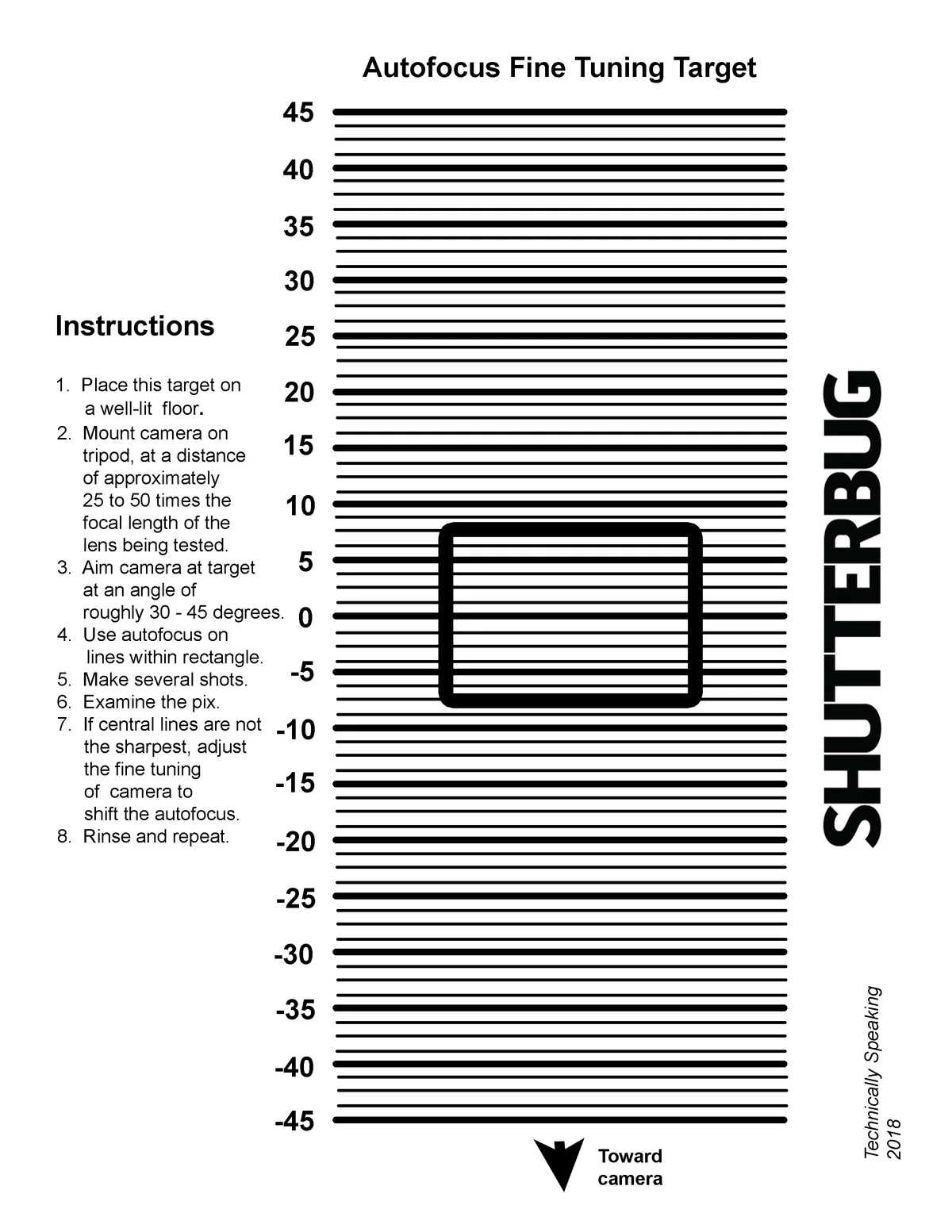
Image source: Web (Bing) / gea.edu.ge (Web image (fair-use with source credit))
Step 3 – Clean lens and body contacts
Dirt and oxidation on the electrical contacts can cause intermittent AF failure. Use a microfiber cloth slightly dampened with isopropyl alcohol. Wipe the gold pins on the lens mount and the corresponding pins inside the camera body.
Let them dry completely before reattaching the lens.
This is the simplest fix and often the most overlooked. Make it part of your routine maintenance.
Step 4 – Update firmware
As of 2026, the latest D7500 firmware is version 1.05. Nikon has released updates that improve AF performance and fix specific bugs. Check the official Nikon support site for your region.
Follow the instructions carefully. A failed firmware update can brick the camera, so use a fully charged battery and never interrupt the process.
Mistakes to Avoid That Make D7500 Autofocus Worse
Some common user actions can actually worsen autofocus performance. Avoid these traps.
- Using shutter priority accidentally. If the camera is set to release priority instead of focus priority, it will fire the shutter even when focus is not confirmed. Check your a1 and a2 settings.
- Relying on 3D tracking for everything. 3D-tracking is powerful but works best with subjects that have distinct color and contrast against the background. For erratic subjects, group-area AF is more reliable.
- Ignoring the focus limiter switch. Many telephoto lenses have a physical switch that limits the focus range. If it's set to a limited range and your subject is closer than that limit, the lens will simply refuse to focus.
- Not cleaning contacts before blaming the camera. Dirty contacts mimic a dead lens or a dying camera. Clean them first, every time.
- Adjusting fine-tune without a proper test chart. Guessing at fine-tune values makes things worse. Always use a reliable target and test methodically.
Avoid these and you'll save yourself hours of frustration. The same step-by-step approach works for other camera models when they face similar lockups.
When It's Not Settings: Signs of a Hardware Problem and Your Next Step
If you've gone through the decision tree, reset settings, cleaned contacts, run fine-tune, and updated firmware, but the problem persists, hardware may be the culprit. Hardware failures on the D7500's autofocus system are much rarer than settings issues, but they do happen.
Signs of a hardware problem include:
- The AF motor makes grinding or clicking sounds.
- Focus consistently fails across every lens, even in good light.
- The camera shows error codes like "Err" or "FEE" when mounting certain lenses.
- AF performance degrades over time, not suddenly.
The most common hardware faults involve the lens mount contacts or the internal focus motor. Screw-drive AF lenses rely on a tiny motor inside the camera body. If that motor wears out, those lenses will stop autofocusing while modern AF-S lenses continue working fine.
That's a clear giveaway.
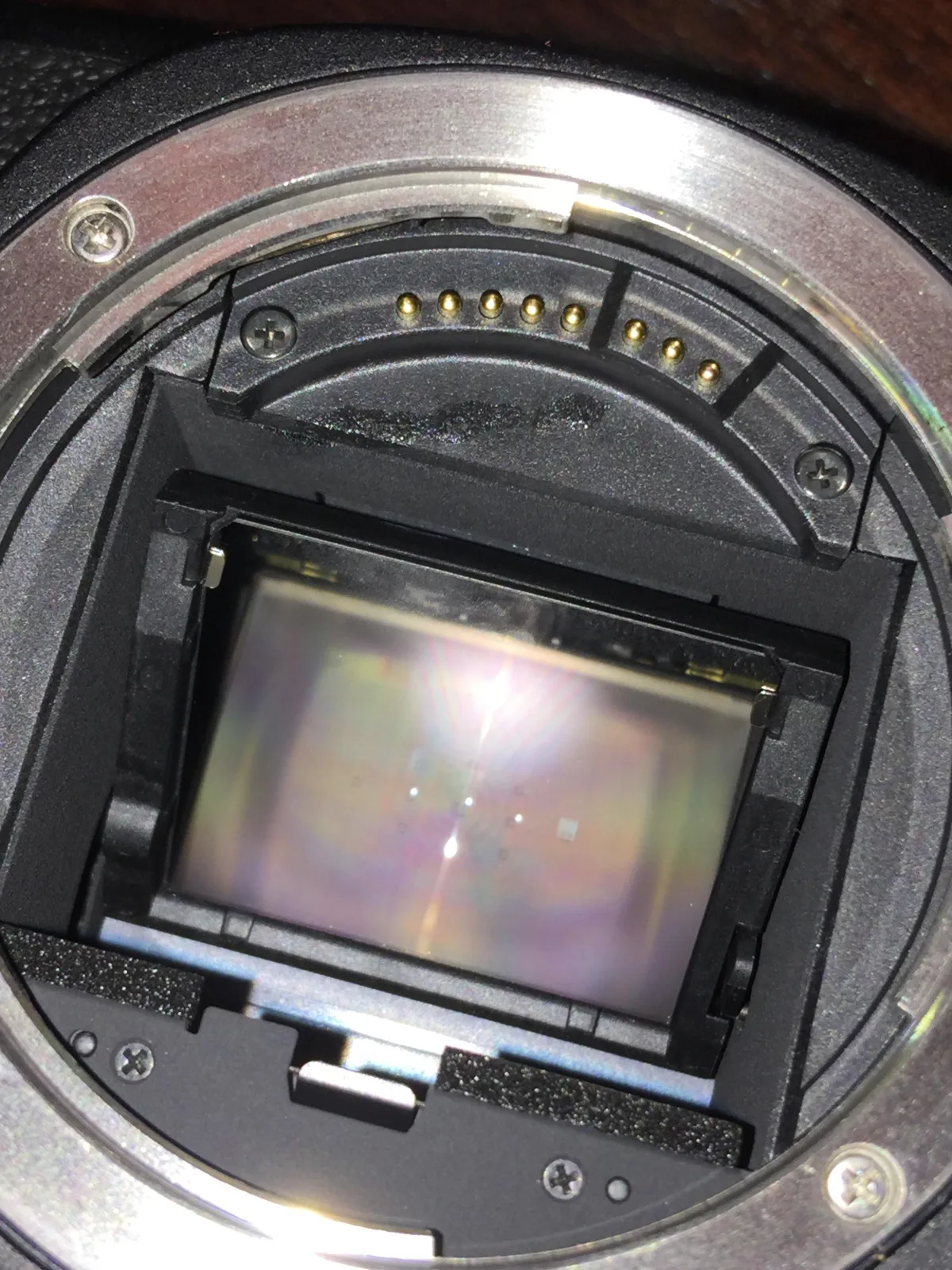
Image source: Web (Bing) / reddit.com (Web image (fair-use with source credit))
Your next step: Contact Nikon authorized service. If the camera is under warranty, you're covered. If not, get a repair estimate before deciding.
A full AF module replacement can cost as much as buying a used D7500 body. Sometimes the smarter move is to trade up.
Before you send it in, do one final test. Try a brand new battery. Nikon's own documentation notes that low battery voltage can cause erratic AF behavior even when the camera still shows power.
It's a cheap check that rules out the simplest cause.
Knowing when to stop troubleshooting and call a technician is a skill that applies to any camera system when persistent errors appear.
Frequently Asked Questions
How do I fix the autofocus on my D7500?
Start by checking your AF mode and area mode settings. Switch to AF-S for stationary subjects. Clean the lens and body contacts with isopropyl alcohol.
If focus is soft, run the AF fine-tune calibration per lens. Update firmware to version 1.05.
Why does my D7500 autofocus hunt in low light?
The phase-detect system needs sufficient contrast and light. Switch to the center focus point, which is a cross-type sensor. Enable the AF-assist illuminator.
If the scene is very dark, use Live View contrast-detect focus, though it is slower.
Can a dirty lens mount cause autofocus problems?
Yes, absolutely. Dirt and oxidation on the gold electrical pins interrupt communication between the lens and camera body. Clean both sets of contacts with a microfiber cloth slightly dampened with 91% isopropyl alcohol.
Let them dry fully before remounting.
Is the D7500 autofocus system reliable?
Overall, yes. Aggregate owner feedback shows the 51-point system is dependable for most shooting scenarios. Most reported problems are settings-based or related to user error.
Genuine hardware failures are uncommon compared to other DSLRs in this price bracket.
How do I calibrate autofocus on the D7500?
Use the AF fine-tune feature in the setup menu. Save adjustments per lens by selecting "Save by lens." Mount the camera on a tripod. Shoot a focus chart at a 45-degree angle.
Adjust the fine-tune value in small increments until sharpness is consistent.
Why won't my D7500 autofocus with old Nikon lenses?
Older screw-drive AF lenses (AF-D, AF, Series E) require the camera's internal focus motor. If that motor fails or is weak, those lenses won't autofocus. Modern AF-S and AF-P lenses have their own motors and will still work normally.

Similar Posts
































