Sony ZV-1 Troubleshooting
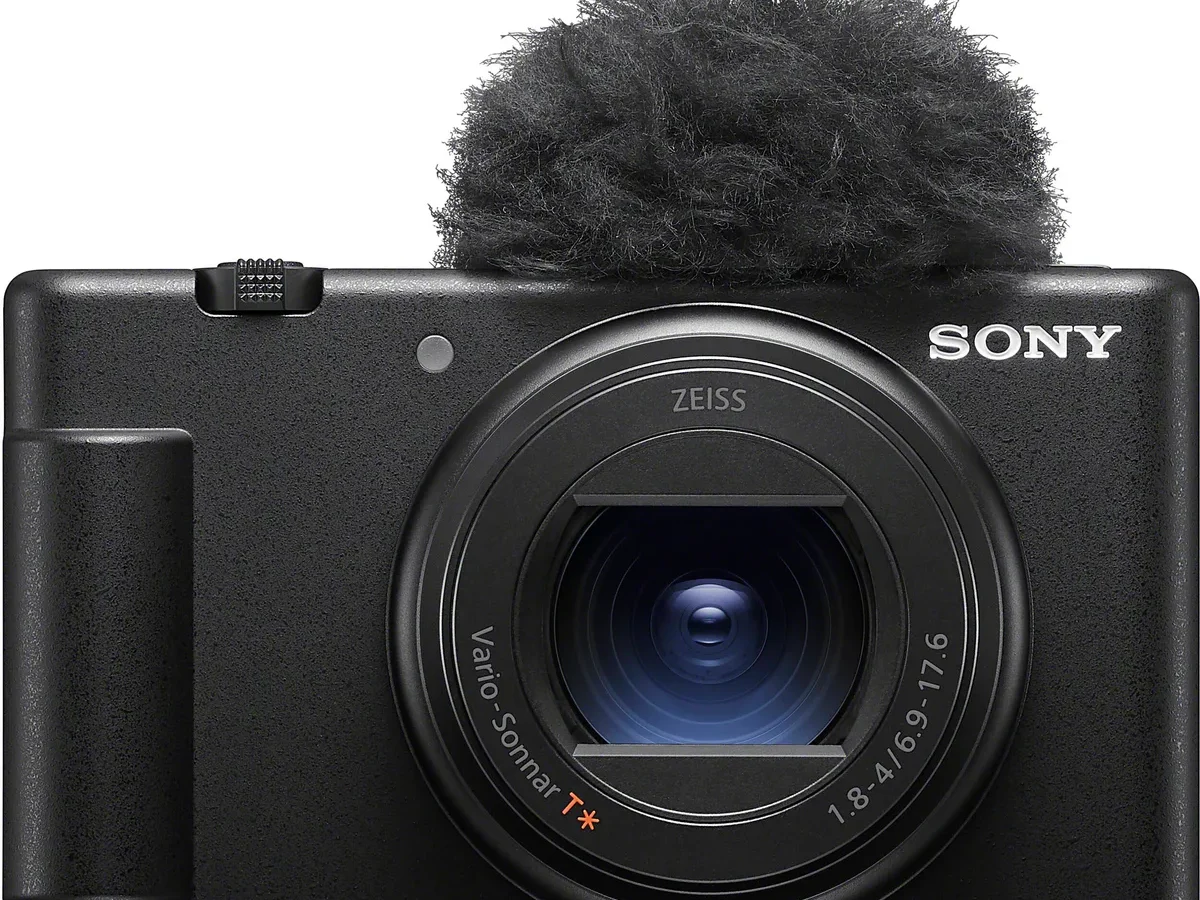
Your Sony ZV-1 troubleshooting hunt probably started the same way mine would: you hit record, the camera froze, or the lens stuck halfway, or that dreaded red temperature icon appeared. You are not alone. The ZV-1 is a robust little camera, but it has well-documented quirks that catch new owners off guard.
Manufacturer specifications indicate the camera can overheat and stop recording in 4K after about 5 minutes. That is not a defect. It is a thermal limit built into the compact body.
The good news is that most problems have simple fixes you can try without a repair shop.
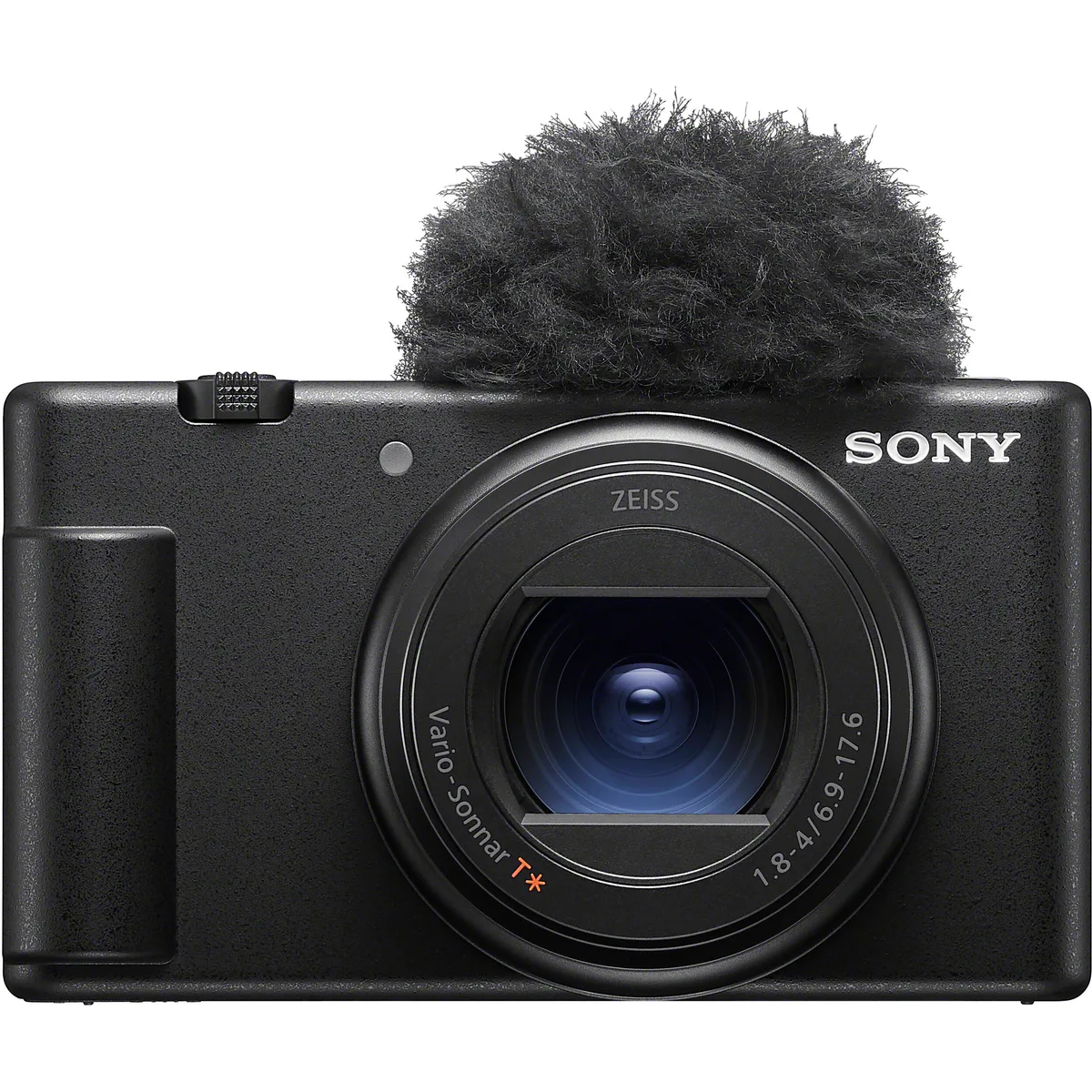
Image source: Web (Bing) / alphashooters.com (Web image (fair-use with source credit))
Quick Answer
Most ZV-1 problems are overheating, lens errors, or SD card issues. Try the Auto Power Off Temp setting for heat. For a stuck lens, power cycle the camera.
Reformat your card in the camera.
Identify Your Symptom: A Quick Choice Tree
Before you dive into random fixes, figure out what you are actually dealing with. Different symptoms point to completely different causes. Skip the guesswork.
Ask yourself: what is the main thing that went wrong?
- Does the camera overheat or stop recording during video? Go to the next section.
- Is the lens stuck or is the screen black? Jump to the lens and display section.
- Won't power on, battery drains fast, or no USB output? Head to power and connectivity.
- Autofocus hunts in low light or audio sounds distorted? Skip to the audio and AF section.
Many owners waste time resetting the whole camera when the fix is just one setting tweak. Common reports suggest most ZV-1 issues fall into just three categories: thermal limits, SD card errors, and lens mechanical snags. Nail down your symptom first.
The right solution becomes obvious.
If you are still unsure, try the universal first step: power cycle the camera. Turn it off, remove the battery and the memory card, wait 60 seconds, then reassemble. You would be surprised how often that alone fixes a glitch.
Overheating and Recording Stops: The Heat Is the Enemy
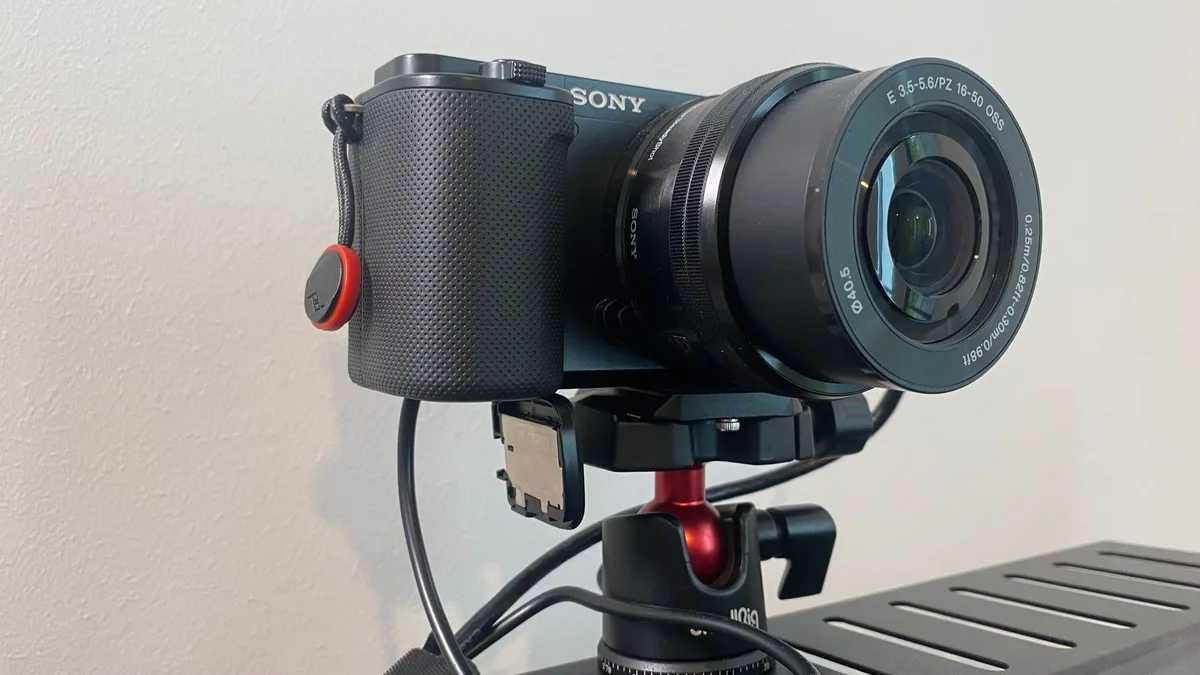
Image source: Web (Bing) / tmault.co.uk (Web image (fair-use with source credit))
This is the number one complaint about the ZV-1. The camera has a tiny body with no active cooling. Recording 4K XAVC S at 100 Mbps generates serious heat.
After about 5 to 10 minutes, the sensor temperature hits the limit and the camera shuts off recording.
Manufacturer specs confirm the thermal cutoff is intentional. It protects the sensor from permanent damage. But you can delay it.
Here is the single most effective fix:
Go to the menu, find the Setup section (the toolbox icon), and scroll to "Auto Power Off Temp." Set it to "High." The camera will still overheat, but it will take longer to get there. Verified user feedback reports this buys you an extra 3 to 5 minutes of recording time.
Other heat-related fixes to try:
- Drop from 4K to 1080p. The processor works less hard, so the camera stays cooler.
- Reduce the bitrate. Use XAVC S 60 Mbps instead of 100 Mbps.
- Remove the battery and use external USB-C power from a power bank. Batteries generate heat when charging and discharging simultaneously.
- Open the flip screen away from the body. It helps a tiny bit with airflow.
- Record in short clips under 10 minutes. Give the camera a 30-second break between takes.
A note on the 29:59 recording limit: The ZV-1 also has a file-size cap of 4 GB, which at 4K 100 Mbps cuts you off at about 29 minutes and 59 seconds. That is a Sony rule, not a heat issue. If your recording stops at exactly that time, it is working as designed.
Hit record again.
If you have tried all these and the camera still overheats in under 5 minutes at room temperature, you may have a defective unit. But that is rare. Most people resolve this with the Auto Power Off Temp tweak alone.
For a look at how other models handle thermal limits, you can check the Z6 II overheating guide.
Lens and Display Problems: When the Camera Won't Show or Move
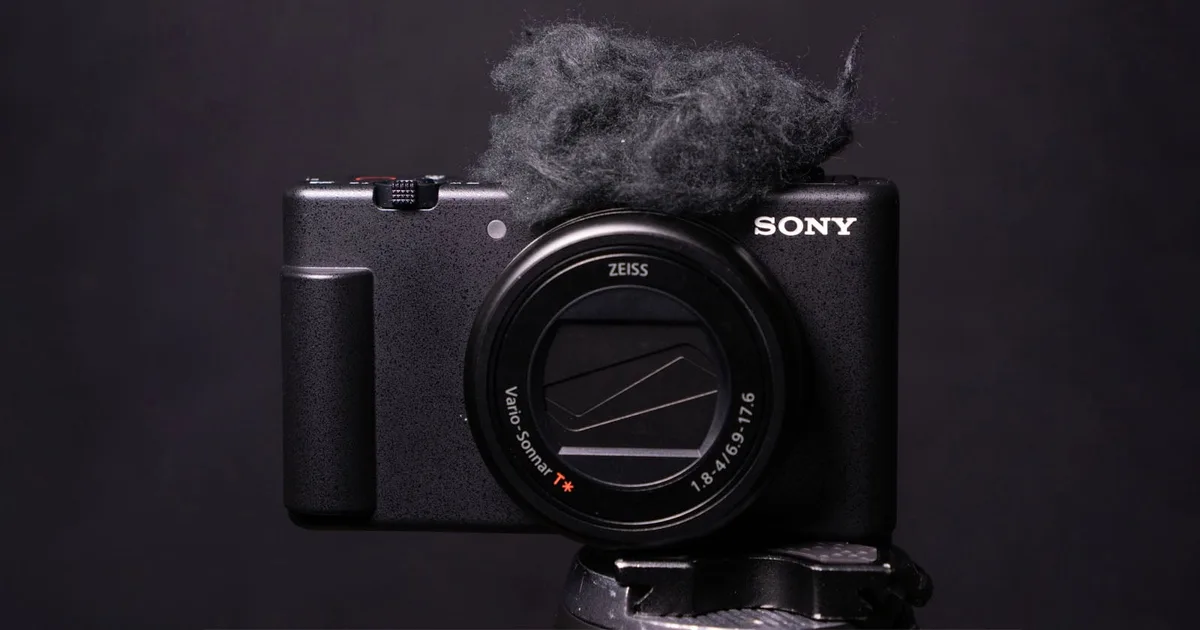
Image source: Web (Bing) / petapixel.com (Web image (fair-use with source credit))
A stuck lens or a black screen is scary, but it is often fixable. The ZV-1's retracting lens is its most delicate mechanical part. A bump in your bag or a drop can throw the barrel out of alignment.
The lens is stuck. What now?
Do not force it. Forcing the barrel can strip the internal gears. Try this in order:
- Power cycle the camera completely. Remove the battery and the SD card for two full minutes.
- Reinsert the battery and card. Turn the camera on. If the lens retracts or extends, you are good.
- If it still stuck, try the gentle rotation method. With the camera off, lightly turn the outer ring of the lens barrel. Just a few degrees clockwise. You are trying to jog the gear back into place.
- If that fails, check for debris. A tiny grain of sand or pocket lint can jam the barrel. Use canned air, not a cloth, to blow out the seam.
The screen is black but the camera is on.
This happens more often than you think. The ZV-1 has a flip-out screen that can pinch its own ribbon cable if you flip it too aggressively.
- Close the screen fully facing the body. Then open it again gently.
- Press the Display button (the one with the monitor icon) repeatedly. You may have accidentally switched to HDMI-only output mode.
- Remove the HDMI cable if one is plugged in. The camera can default to external output, blanking the built-in screen.
SD card errors and "unable to record" messages.
This is a common pain point. The ZV-1 needs a fast card. If you use a slow or old card, the camera will refuse to record 4K.
- Use a card rated U3 or V30. Anything slower will cause write errors.
- Reformat the card inside the camera, not on your computer. The camera sets up the file structure it prefers.
- If the card still throws errors, try a different brand. Some cards just do not play well with this specific camera model.
For more on camera lens jams across brands, you can browse the Coolpix P950 problems guide.
Power and Connectivity Troubles: Battery, USB, and HDMI
Battery problems on the ZV-1 usually come down to one thing: the NP-BX1 is a small battery. It has only 1240 mAh of capacity. Many owners expect more from a camera this expensive, but the trade-off is size.
Battery drains fast or won't charge.
- First, check the USB cable. The ZV-1 charges via USB-C. Not all cables carry power well. Try a different cable and a different wall adapter.
- If the battery drains in about 30 minutes of video, that is normal. The camera pulls about 2.5 watts while recording. Do not expect more than 45 minutes of continuous video on a full charge.
- A battery that will not charge at all may have hit its cycle limit. Lithium-ion batteries degrade. After about 300 full charge cycles, capacity drops noticeably. Replace it.
USB webcam mode does not work.
The ZV-1 doubles as a webcam via USB-C. But it needs the right driver on Windows. macOS recognizes it natively.
- On Windows, download the Sony UVC/UAC driver from the Sony support page. Install it, then restart your computer.
- In the camera menu, set USB Connection to "Auto" or "MTP."
- Use a good USB-C cable capable of data transfer. Some cheap cables only handle charging.
HDMI output has no signal or is blank.
The ZV-1's micro-HDMI port is fragile. A loose cable can cause intermittent signal.
- Push the cable in until it clicks. It should feel secure.
- In the menu, under HDMI Settings, check "HDMI Info. Display." Set it to "On" if you want the camera's on-screen info on the external monitor. Set it to "Off" for a clean feed.
- The camera outputs at the same frame rate you are recording. If your monitor does not support 29.97 fps, you will get no signal. Switch the camera to 25 fps or 24 fps.
For similar battery drain patterns in other cameras, the D500 battery problems article provides useful context.
Autofocus and Audio Glitches: Picture and Sound Going Wrong
The ZV-1's autofocus is one of its best features. But it can struggle in low light or contrast-heavy scenes. Audio issues are also common, especially when using an external microphone.
Autofocus hunts or will not lock in low light.
The camera uses contrast detection when light drops too low for phase detection. That makes it "search" back and forth.
- Add a small light source. A simple desk lamp aimed at the subject with soft light is enough.
- Switch to manual focus for dark scenes. The ZV-1 has a focus peaking feature that highlights the edges of what is sharp.
- Enable "AF Illuminator" in the menu. It projects a small light to help the camera lock on.
Microphone hiss or crackle with an external mic.
The 3.5 mm jack on the ZV-1 is sensitive. Some microphones cause a hiss because of an impedance mismatch.
- Turn down the mic input level in the camera menu. Go to Audio Rec Level and drop it by two to three notches.
- Use a microphone with a dedicated headphone output. You can monitor the audio in real time through the ZV-1's headphone jack.
- If the hiss persists, a simple "hot shoe adapter" that provides clean power can help.
Background Defocus button stops working.
That physical button on the front of the camera is linked to the aperture. If it stops working:
- Check that you are not in manual mode. The button only works in aperture-priority (A) or program auto (P) modes.
- Reset the button press. Sometimes the camera's software just needs a quick reboot.
Product Showcase mode is slow to switch focus.
This mode is designed to quickly switch from a face to an object held in front of the lens. If it feels sluggish:
- Make sure you are in video mode, not photo mode. The feature behaves differently.
- Hold the object about 15 to 20 cm from the lens. Closer than that, and the camera cannot focus. Farther, and it may ignore the object.
Autofocus hunting is not unique to the ZV-1. Articles on hunting issues on other models, like the Z7 II autofocus guide, show similar triggers.
Common Mistakes That Make Things Worse
Some well-intentioned fixes actually cause permanent damage.
Forcing the stuck lens. This is the biggest one. If the barrel won't retract, do not push it or twist hard. You can strip the plastic gears inside.
That turns a simple jam into a repair bill for a whole new lens assembly.
Reformatting on your computer instead of in the camera. The ZV-1 uses a specific file allocation structure. When you format the card on a PC or Mac, the camera may not recognize it. Always use the camera's own format command in the Setup menu.
Updating firmware with a dying battery. If the battery drops below 50 percent during a firmware update, the camera can brick. Sony warns about this explicitly. Charge the battery fully or use USB-C power from a wall adapter before updating.
Ignoring the 29:59 recording limit. That limit is a feature, not a bug. It exists because of import tax rules in some countries that classify longer recorders as camcorders. If your clip cuts at 30 minutes, just hit record again.
Using a slow SD card for 4K. A card rated Class 10 or U1 may work for photos but will cause recording errors in 4K video. The camera writes data faster than a slow card can handle. Stick with U3 or V30 cards.
Overlooking the overheating settings. Many owners never find the "Auto Power Off Temp" setting. It is buried in the menu. Without changing it, the camera cuts recording sooner than necessary.
If you want to review firmware update best practices across camera brands, the Z6 II firmware guide is worth a read.
Frequently Asked Questions
Why does my ZV-1 overheat so quickly?
The compact body lacks active cooling. Recording 4K at high bitrates generates more heat than the passive chassis can dissipate. Change the Auto Power Off Temp to High in the menu.
That gives you about 5 more minutes of recording before shutdown.
Can I fix a stuck lens on my ZV-1 at home?
Yes, in some cases. Power cycle the camera first. If the lens stays stuck, try gently rotating the outer barrel a few degrees clockwise with the camera off.
Do not force it. If that does not work, contact Sony support. A mechanical jam may need professional repair.
What SD card should I use for 4K video on the ZV-1?
Use a card rated U3 or V30. These cards have a minimum sustained write speed of 30 MB per second. Slower cards like U1 or Class 10 can cause recording errors or "unable to record" messages.
Format the card in the camera for best results.
How do I use the ZV-1 as a webcam?
Connect the camera to your computer via USB-C. On macOS, it works natively. On Windows, install the Sony UVC/UAC driver from the official support page.
In the camera menu, set USB Connection to Auto. Then select the camera as your video source in Zoom or OBS.
Why does my ZV-1 stop recording at exactly 29 minutes and 59 seconds?
That is a built-in limit tied to import tax regulations in certain markets. The camera is classified as a still camera under 30-minute recording. It is not a defect.
The camera will continue recording again if you press the record button immediately.
My ZV-1 screen is black but the camera is on. What is wrong?
Check the HDMI cable first. If one is connected, the camera may output video to the external monitor instead of the built-in screen. Disconnect the cable.
Also try pressing the Display button to cycle through display modes. A pinched ribbon cable from aggressive flipping can also cause this.

Similar Posts
































