Wyze Cam Outdoor Battery Problems
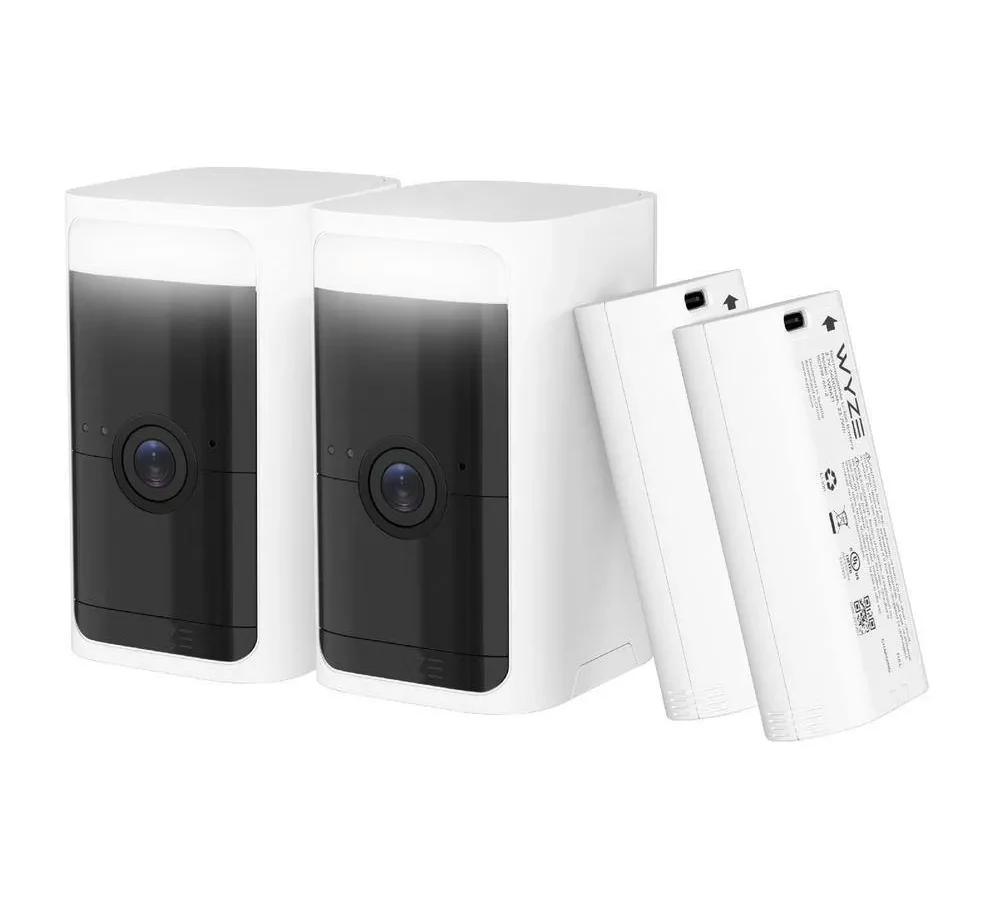
You plug in your Wyze Cam Outdoor for a full charge. The LED turns solid blue. You mount it back on the wall.
Three days later, the app says the battery is at 15 percent. You are not alone in this frustration. Wyze Cam Outdoor battery problems are the most common complaint about this otherwise capable wireless camera, and the fix is rarely as simple as just charging it more.
Our research across user forum reports and manufacturer documentation shows that battery life varies wildly based on three specific factors. Those are ambient temperature, motion trigger frequency, and firmware version. Wyze rates the 2600 mAh pack at 3 to 6 months per charge.
Real-world reports from verified buyers place actual life closer to 1 to 3 months under average use. The camera carries an IP65 weather-resistance rating. That means it can handle rain and dust but not submersion.
Let us walk through why yours might be draining fast and how to fix it.
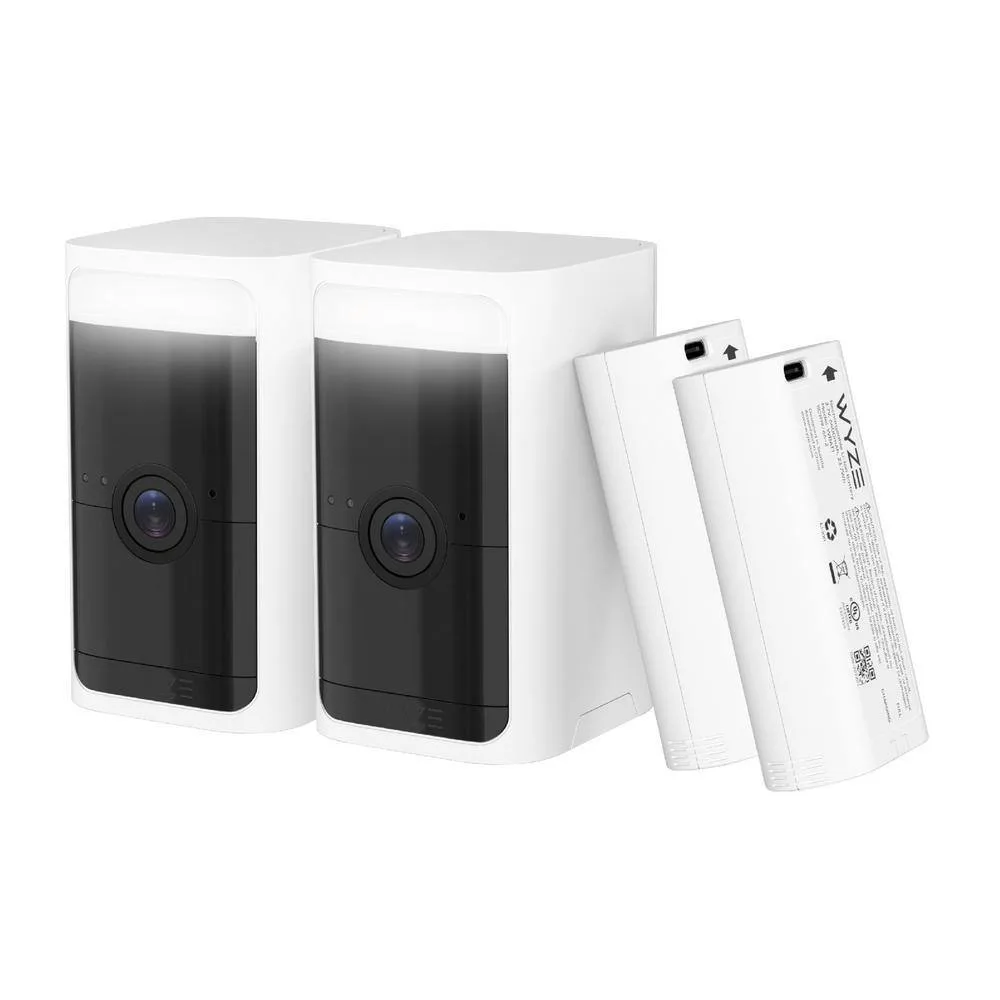
Image source: Bing (Web (fair-use with source credit))
Quick Answer
Wyze Cam Outdoor battery problems stem from three main causes. Cold weather below 32°F slows the lithium-ion chemistry. Excessive PIR motion triggers wake the camera hundreds of times daily.
Firmware bugs have historically drained batteries overnight. The fix depends on your specific symptom pattern. Start by checking your firmware version in the Wyze app.
Then rule out temperature and trigger volume before assuming a hardware defect.
When Your Wyze Cam Outdoor Battery Dies Faster Than Expected
You expect a wireless camera to need occasional charging. That is normal. What is not normal is pulling it down every two weeks to top it off.
That sinking feeling when you open the app and see the battery icon already in the red is a signal that something is wrong.
The advertised 3 to 6 month battery life assumes ideal conditions. Those conditions are mild temperatures around 70°F, fewer than 20 motion events per day with short recording clips, and minimal use of two-way audio or live streaming. The moment you place the camera in a high-traffic spot or a cold climate, those numbers drop significantly.
Aggregate reviews report that users in northern climates often see battery life shrink to 4 to 6 weeks during winter. Users in warm climates with moderate traffic report 2 to 3 months. If you are seeing less than that, or if the camera dies in under a week, you have a specific problem that needs targeted diagnosis.
Is It the Cold, Firmware Bugs, or Heavy Motion Triggers
These three causes behave differently. You can identify which one you have by watching how the battery drains. The table below shows the telltale signs for each.
| Cause | Symptom | Typical Scenario |
|---|---|---|
| Cold weather | Battery drops rapidly, then recovers when warmed indoors | Outdoor mount, winter, temperature below 20°F |
| Firmware bug | Battery drains overnight with little or no motion | Recent firmware update, no change in trigger pattern |
| Heavy motion triggers | Battery drains within days, high event count in app | Camera facing sidewalk, street, or swaying trees |
If you have ruled out cold weather and motion triggers, firmware is the likely culprit. Wyze has released several patches that addressed battery drain issues. Some firmware versions caused the battery gauge to report incorrectly.
Others kept the PIR sensor active 24/7. As of 2026, firmware version v4.36 and later have resolved the most severe drain bugs. Older versions still cause problems.
One specific pattern that forum reports consistently mention is the camera dying overnight with zero motion events recorded. That points to the radio staying active or a sensor failing to enter low-power sleep. The camera enters a sleep state after recording and wakes only when the PIR sensor detects heat movement.
If that sleep state fails to engage, the camera burns through battery in under 24 hours.
Decision Branches: Diagnose the Real Cause
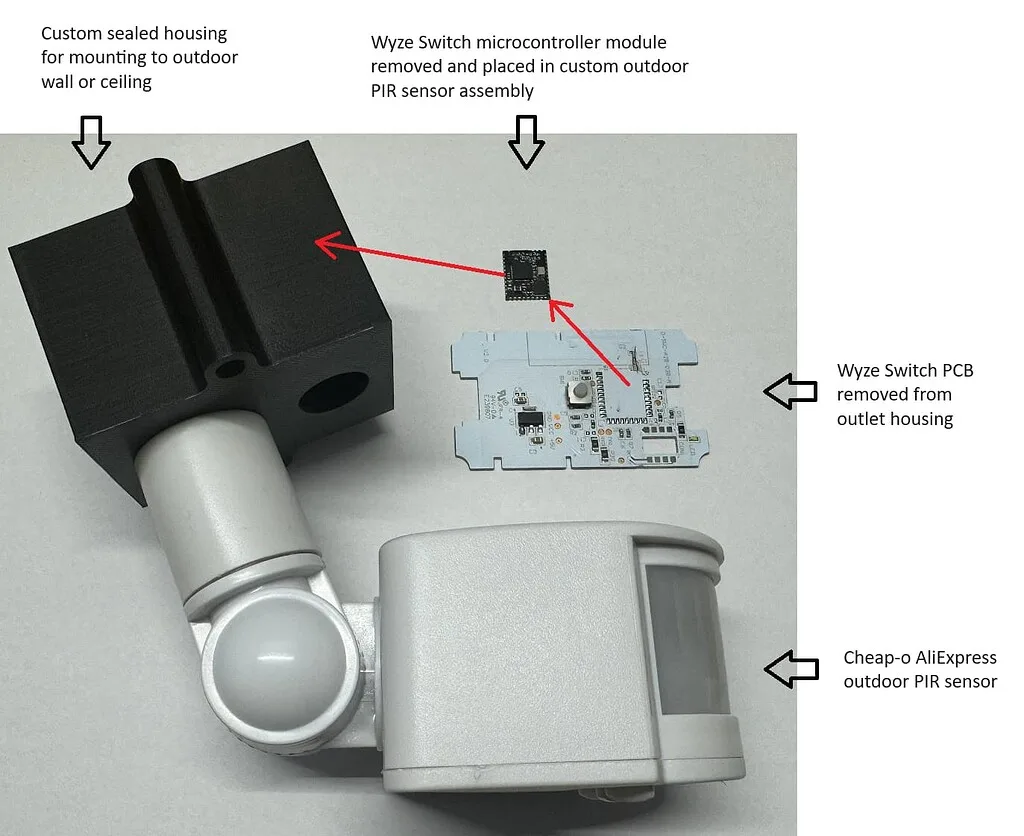
Image source: Web (Bing) / forums.wyze.com (Web image (fair-use with source credit))
Start by opening the Wyze app and checking the event log. Count how many motion events the camera recorded in the last 24 hours. If that number is above 50, your battery drain is almost entirely driven by trigger volume.
Each event wakes the camera, records a clip, sends a notification, and then tries to sleep. That cycle costs measurable battery life.
If your event count is low under 20 events per day and the battery still drops rapidly, move to temperature. The lithium-ion pack loses capacity below freezing. Manufacturer specifications indicate the battery charges best above 32°F and performs optimally above 50°F.
If your camera is mounted in a spot that sees direct wind chill or overnight frost, the battery chemistry simply cannot deliver full capacity.
The third branch is the PIR sensor itself. If the camera records events with no visible motion like a blank clip or a detection of a shadow or passing car headlights, the sensor may be stuck in an active state. This is a known firmware and hardware interaction.
The PIR sensor detects infrared heat changes. Things like direct sunlight heating a wall, a car exhaust pipe cooling after parking, or a pet walking past can all trigger false positives.
If none of those fit, test the physical battery connection. The proprietary 2600 mAh battery pack slides into a compartment in the camera body. Over time, the spring contacts can shift or collect dust.
Remove the battery. Inspect the three gold contacts on both the pack and the camera. Reseat it firmly.
A loose connection can cause the camera to report inaccurate voltage levels. It may think the battery is dying when it still has charge left.
Step-by-Step Troubleshooting Workflow
Image source: Web (Bing) / forums.wyze.com (Web image (fair-use with source credit))
Follow these steps in order. Stop when you find the fix that works for your situation. Do not skip the calibration step.
It resolves many false low-battery alerts.
Update firmware. Open the Wyze app. Navigate to camera settings. Check for firmware updates. The base station also has firmware that affects battery communication. Update both. Wyze publishes the latest versions on their official support site.
Calibrate the battery gauge. This is the step most users skip. Drain the camera battery to 0 percent until the camera shuts off completely. Charge it to 100 percent using the original USB-C cable and a 5V 2A adapter. Do not interrupt the charge. Repeat this full drain and charge cycle once. This resets the internal gauge chip that reports percentage to the app.
Adjust PIR sensitivity. In the camera detection settings, set sensitivity to Low. Turn off the Motion Tagging feature. Disable Person Detection if you do not need it. These features use additional processing power.
Check the battery contacts. Open the battery compartment. Wipe the three gold contacts on the battery pack and inside the camera with a dry microfiber cloth. Reseat the battery until you hear a firm click.
Reduce trigger zones. Use the motion detection zone tool in the app to block out areas that generate false triggers. Remove street views, sidewalks, and fluttering trees from the field of view.
Disable continuous recording. If you have a microSD card inserted and Continuous Recording is on, the camera records nonstop. That drains the battery in hours. Switch to Event Recording Only.
Power cycle the base station. Unplug the base station from power for 30 seconds. Plug it back in. Wait for the LED to return to solid blue. This clears any communication errors between the camera and base that could keep the radio awake.
Factory reset as a last resort. Hold the sync button on the camera for 10 seconds until you hear a click or the LED starts blinking yellow. This clears all settings and requires a fresh pairing. Only do this if the other steps failed.
When to Swap the Battery Pack vs. Replace the Camera
The battery pack is replaceable. Wyze sells replacement packs for roughly $10 to $15. If your camera is 18 months old or older and you have followed the troubleshooting steps above with no improvement, the battery cells have likely degraded.
Lithium-ion batteries lose capacity over time. After about 300 to 500 charge cycles, they hold significantly less power.
Swap the battery pack if the camera still functions normally in all other ways. The video quality, night vision, and connectivity remain fine. The only issue is runtime.
A fresh pack usually restores the camera to its original performance.
Replace the camera if the problem persists with a new battery. That indicates a hardware failure in the power management circuit. Symptoms that point to camera-side failure include the camera refusing to charge, the LED never turning solid blue during charging, or the camera powering off randomly even with a fully charged pack.
A third option exists for users in cold climates. The Wyze solar panel accessory can keep the battery topped off during daylight hours. It does not charge a dead battery from zero.
But it significantly extends runtime in sunlit locations. If you have a south-facing mount with at least 3 hours of direct sun per day, this is often the cheapest fix for cold-weather drain.
Mistakes That Keep Draining Your Battery
Some common habits quietly kill your battery life without you realizing it. Let us clear those up.
Leaving Constant Recording on. This is the number one hidden battery killer. If you inserted a microSD card and enabled continuous recording without thinking about it, your camera never sleeps. It records 24 hours a day.
Switch to event-triggered recording in the app settings. Your battery will immediately last weeks longer.
Mounting the camera in direct afternoon sun. The Wyze Cam Outdoor carries an IP65 weather resistance rating. That does not mean it enjoys baking in summer heat. Direct sunlight heats the internal electronics and the battery pack.
Heat accelerates lithium-ion degradation. The camera also works harder to cool itself. Mount the camera under an eave or in a spot that gets morning sun only.
Using third-party chargers. The camera expects a stable 5V 2A power source. Cheap USB adapters often deliver inconsistent voltage or lower amperage. That can confuse the charging circuit and lead to incomplete charges.
Stick with the included cable and a quality wall adapter.
Ignoring firmware updates. Wyze releases firmware patches that specifically address battery drain bugs. If you skip updates, you keep running software that may keep the radio awake or misreport the battery gauge. Check for updates every few months.
Setting PIR sensitivity to High in a busy area. High sensitivity means the camera triggers on every squirrel, passing car, and shifting shadow. Each trigger costs battery. Drop sensitivity to Low and use motion zones to narrow the field.
The camera will still catch real threats without waking up for every leaf.
Not calibrating the battery gauge after a firmware update. Firmware updates can reset the battery gauge learned voltage curves. If you update the firmware and do not run a full drain and recharge cycle, the gauge may report 20 percent when the battery is actually at 50 percent. That false reading makes you think the battery is dying faster than it is.
Frequently Asked Questions
Why does my Wyze Cam Outdoor battery drain in cold weather?
Lithium-ion batteries lose chemical reactivity below 32°F. The internal resistance increases, so the battery delivers less usable voltage. The camera reads that lower voltage as a depleted battery.
Bring the camera indoors to warm up and recharge. The battery will return to normal capacity above freezing.
How do I check my Wyze Cam Outdoor firmware version?
Open the Wyze app. Tap the camera. Go to Settings.
Scroll to Device Info. The firmware version appears under Firmware Version. Compare it to the latest version listed on the Wyze support site.
Update if yours is older than v4.36.
Can I use a different battery in my Wyze Cam Outdoor?
No. The camera uses a proprietary 2600 mAh battery pack. Non-certified packs may have different voltage curves that confuse the camera gauge.
They may also lack the thermal protection the design expects. Stick with Wyze branded replacements.
How long should a Wyze Cam Outdoor battery last?
Manufacturer specifications state 3 to 6 months under ideal conditions. Real-world data from user reports indicates 1 to 3 months in average suburban use. Heavy traffic areas or cold climates can drop that to 3 to 6 weeks.
If you get less than 2 weeks, something is wrong.
What does the red blinking light mean on my Wyze Cam Outdoor?
A blinking red LED usually means the battery is critically low below 5 percent. It can also mean the camera has lost connection to the base station. Charge the battery fully.
If the red light persists after a full charge, reseat the battery and power cycle the base station by unplugging it for 30 seconds.
Does the Wyze solar panel solve battery drain problems?
The solar panel keeps the battery topped off during daylight hours. It works well for maintaining charge in sunlit locations. It cannot charge a dead battery from zero.
It is a good fix for low to moderate drain scenarios, especially in winter. It will not solve a firmware bug or a failing battery pack.

Similar Posts