Camera Shutter Problems Troubleshooting
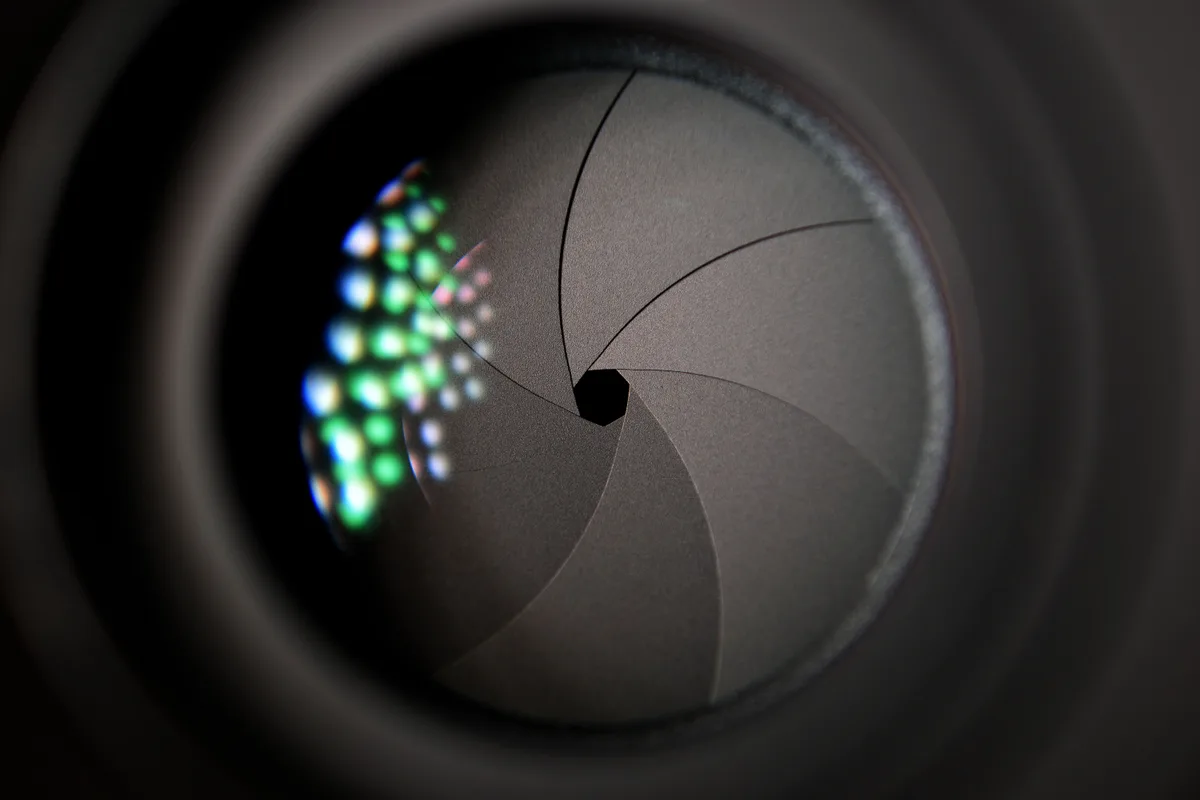
Your camera's shutter just stopped working. You pressed the button and got nothing. Or maybe it made a grinding noise you've never heard before.
Camera shutter problems troubleshooting starts with one thing: figuring out exactly what kind of failure you're dealing with.
Manufacturer specifications show that most DSLR and mirrorless shutters are rated for 150,000 to 400,000 actuations. As of 2026, even entry-level bodies often hit 150,000 clicks before needing service. But a shutter failure doesn't mean the camera is dead.
Let's walk through this step by step.
Image source: Bing (Web (fair-use with source credit))
Your Shutter Just Died: How to Figure Out What's Really Wrong
A "dead" shutter rarely means the whole mechanism is destroyed. Usually, one specific part stopped working. The symptom tells you which one.
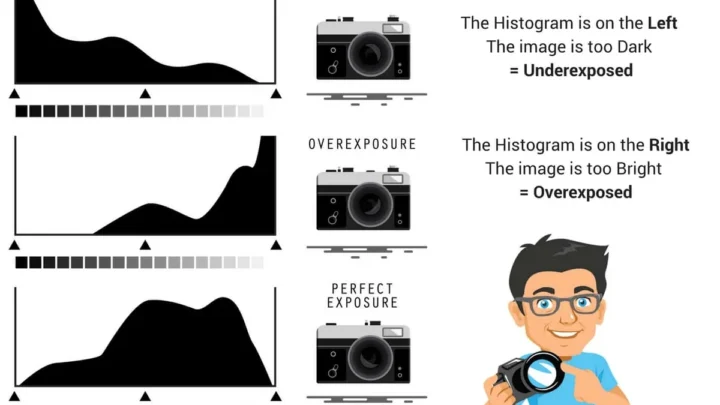
Shutter failures fall into four categories. The shutter button does nothing at all. The shutter fires but the image is completely black.
The shutter fires but the image is stuck open and overexposed. Or the shutter makes a noise that sounds wrong, like grinding or buzzing.
If you get an error code on the LCD, write it down. Canon cameras show Err 20 for shutter issues. Nikon bodies display "Err" on the top LCD.
Sony cameras show an "E:" code. Manufacturer service manuals list exactly what each code means.
Start with the simplest possibility: the battery. A low battery, especially in cold weather, may not deliver enough voltage to cock the shutter. Swap in a fully charged pack.
If that fixes it, you're done.
The Fastest Way to Diagnose: Match Your Symptom to the Likely Cause
The most reliable diagnostic method is a symptom-to-cause lookup. This table covers 90% of the failures you'll see.
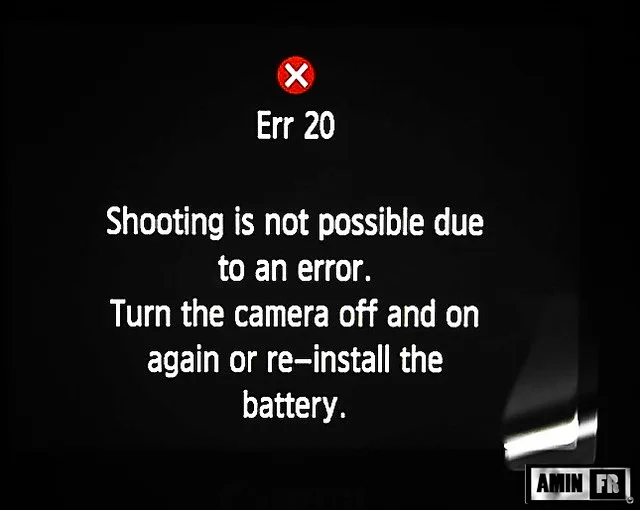
Image source: Bing (Web (fair-use with source credit))
| Symptom | Most Likely Cause | Next Likely Cause |
|---|---|---|
| Button does nothing, no sound | Dead battery, dirty battery contacts, or shutter button switch failed | Main PCB or ribbon cable fault |
| Button clicks but image is black | First curtain stuck shut (mechanical jam) or mirror stuck up (DSLR) | Lens not fully mounted or aperture lever broken |
| Shutter sticks open (white image) | Second curtain not closing; solenoid magnet stuck | Corroded shutter magnet contacts |
| Grinding or buzzing sound | Shutter curtain misaligned or broken gear train | Debris inside shutter box |
| Error code (Err 20, etc.) | Shutter solenoid failure or curtain timing fault | Main board failure |
If you see an error code, check your camera's manual. Canon's Err 01 is a lens communication issue. Err 20 is almost always shutter hardware.
Knowing the difference saves you from replacing the wrong part.
For more diagnostics that overlap with general camera faults, our guide on how to troubleshoot an underwater camera covers common issues including moisture-related shutter sticking.
Step-by-Step Decision Tree: Check These Conditions in Order
Follow this order. Do not skip steps. Each test eliminates a possible cause before you open the camera.
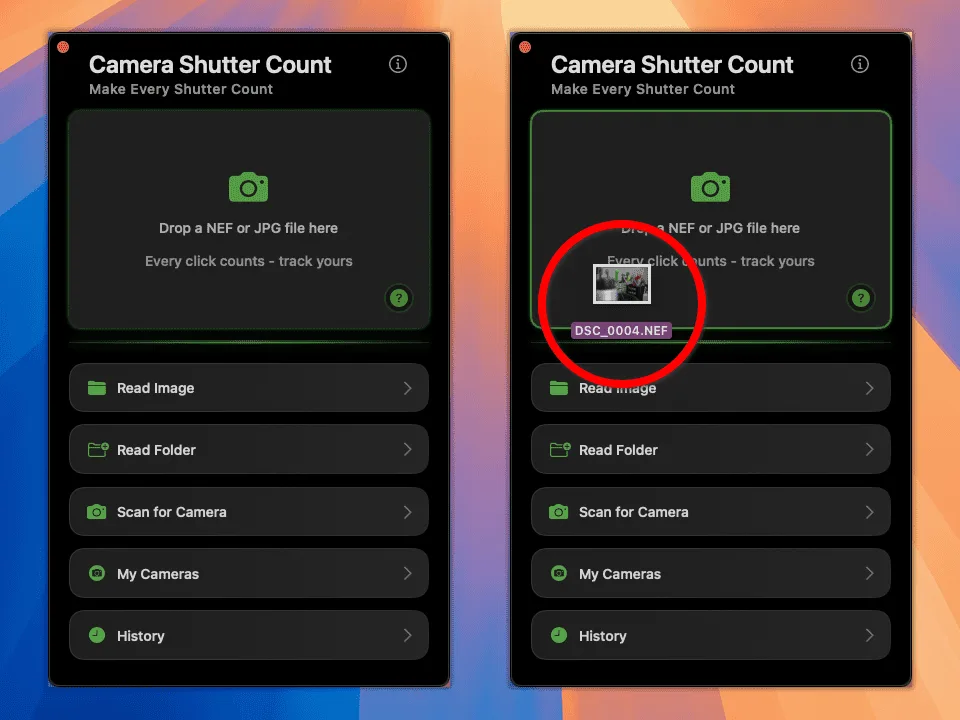
Image source: Bing (Web (fair-use with source credit))
Check the battery. Remove it, clean the contacts with a dry cloth, and reinsert fully. Test with another known-good battery if possible.
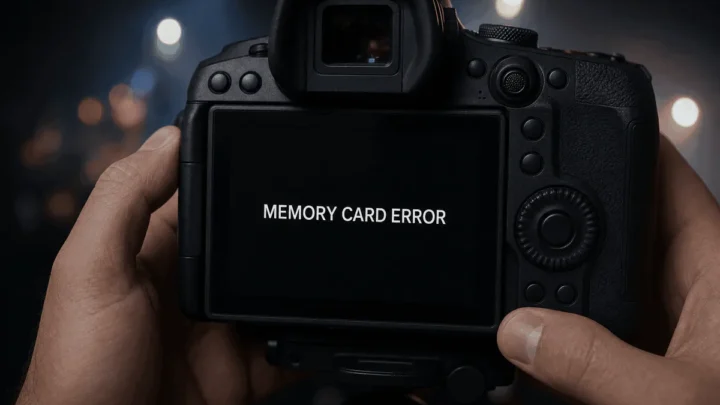
Check the memory card. A full or slow card can prevent the shutter from firing. Insert a freshly formatted card.
Remove the lens. Clean the electronic contacts on both the lens and camera body with a microfiber cloth. Reattach firmly. This fixes many Err 01 or aperture-related issues.
Try a different shooting mode. Switch to fully manual mode. If the shutter fires, the problem may be a faulty aperture control or lens communication.
Test the electronic shutter. Switch to silent or electronic shutter mode. If it works, the mechanical shutter unit is the culprit. If it still won't fire, the problem is deeper.
Perform a mirror lock-up test (DSLR only). Lock the mirror up via the menu. If it stays up normally, the mirror mechanism is fine. If it won't lock, the mirror solenoid or linkage is faulty.
Check the shutter count. A high actuation count above 80% of the rated lifespan means the shutter is near end of life. Use a free app like ShutterCounter to read the count from a test image.
Inspect the shutter visually. Set the camera to Bulb mode. Press and hold the shutter. With the mirror up on a DSLR, look through the lens mount. The curtains should open cleanly. A curled or torn curtain means replacement is needed.
Reset the camera to factory settings. This clears corrupted firmware states that can cause intermittent shutter freeze. Our guide on how to reset an underwater camera shows the general process that applies to most cameras.
If you've gone through all nine steps and the shutter still won't fire, the fault is internal hardware. At that point, you need to decide between repair and replacement.
Common Mistakes That Make Things Worse
Well-meaning photographers often turn a $200 repair into a $500 repair by doing the wrong thing first.
Mistake 1: Spraying contact cleaner into the shutter button. That cleaner can leak into the top deck and ruin the LCD ribbon cable. Clean the button surface with a dry microfiber cloth instead.
Mistake 2: Forcing the shutter mechanism. Never push or pull on the shutter curtains with tools. They are extremely thin metal or polymer foils. One accidental crease means a full replacement.
If the curtain is stuck, turn the camera off and on to release the solenoid.
Mistake 3: Ignoring the battery grip. Faulty contacts in a battery grip can mimic a dead shutter. Remove the grip and test with a single battery in the camera body.
Mistake 4: Updating firmware when the shutter is mechanically broken. A firmware update won't fix a stuck curtain or corroded solenoid. It might even brick a camera with a hardware fault. Only update firmware if you've ruled out all mechanical causes.
Mistake 5: Opening the camera without proper tools. The shutter assembly uses tiny screws. Stripping one means drilling it out. Use a JIS (Japanese Industrial Standard) screwdriver set, not Phillips.
Shutter Repair Costs vs DIY: When Is It Worth Trying?
Shutter replacement is one of the most expensive common repairs. Here's what you're looking at.
| Camera Type | Typical Repair Cost (labor + parts) | DIY Feasibility |
|---|---|---|
| Entry-level DSLR (e.g., Canon Rebel) | $150 – $250 | Low: complex disassembly |
| Pro DSLR (e.g., Canon 5D, Nikon D850) | $300 – $450 | Medium: modular design |
| Mirrorless (e.g., Sony A7 series) | $250 – $400 | Low: delicate ribbon cables |
| Compact or bridge camera | $100 – $200 (often not worth it) | Very low: glued assemblies |
If your camera body is worth more than $500, repair makes financial sense. If it's an older budget body worth $200, the repair cost exceeds the camera's value. Buying a used body with a known low shutter count is smarter.
DIY shutter replacement is possible on some models. Canon's older digital rebel bodies have accessible shutter units with online guides. Mirrorless cameras are harder because the shutter sits on top of the sensor.
You risk damaging the sensor or introducing dust. If you're not comfortable with delicate ribbon cables, leave it to a pro.
One alternative: check for warranty programs. Some shutter failures on specific models had extended warranty coverage. Always check before paying out of pocket.
Our guide on how to replace underwater camera battery covers similar safety precautions for handling camera internals.
Pro Tips for Keeping Your Shutter Alive Longer
Your shutter has a rated lifespan. How you use the camera determines whether you hit that number or fall short.
Avoid long continuous bursts at high speeds. Firing 10 frames per second for several seconds heats up the solenoid and shutter magnets. Heat accelerates lubricant wear inside the mechanism. Use short bursts of 3 to 5 frames, then pause.
Use electronic shutter mode when you don't need mechanical shutter. Electronic shutter eliminates curtain movement entirely. For landscapes, portraits, and studio work where rolling shutter distortion isn't a problem, switch to silent mode. This saves mechanical wear for the shots that actually need it.
Store the camera with a charged battery. A fully drained battery can cause the shutter to stick in the cocked position. That puts constant tension on the curtain springs. Keep the battery at 40 to 80 percent for storage.
Keep the camera dry. Humidity corrodes solenoid contacts. This is common on older Canon bodies where the shutter magnet develops a greenish crust. A dry cabinet or silica gel packs in your camera bag help prevent that.
Fire the shutter regularly. A camera that sits unused for months can develop stuck shutters from dried lubricant. Take it out and cycle through several shutter speeds every few weeks.
If you shoot in extreme environments, proper storage matters even more. Our guide on how to store an underwater camera covers moisture control and sealing practices that apply to any camera used in humid conditions.
Frequently Asked Questions
How many shutter actuations does my camera have?
Most cameras store the shutter count in the EXIF data of every image. Upload a fresh JPEG to a free online shutter counter tool. Some cameras from Sony and Nikon show the count in the setup menu.
Can a shutter be repaired or does it need total replacement?
In almost all cases, the entire shutter unit must be replaced. Individual curtain repairs are rarely practical. Shutter assemblies come as pre-tensioned modules.
A technician swaps the whole unit and calibrates the timing.
How can I tell if my shutter is starting to fail?
Watch for hesitation before the shutter fires, a slight grinding sound at high speeds, or dark bands on one side of the image. Those bands mean the curtains are traveling at different speeds. That's called shutter capping.
Does using electronic shutter really extend the mechanical life?
Yes, significantly. Each mechanical shutter use burns one actuation off the rated lifespan. With electronic shutter, the mechanical curtains never move.
It's the single best way to preserve the mechanism.
What does error code Err 20 mean on a Canon camera?
Err 20 indicates a mechanical fault in the shutter or mirror mechanism. It usually means the shutter solenoid isn't engaging properly. Try removing and reinserting the battery.
If the error returns, the shutter unit likely needs replacement.
Should I replace the shutter or buy a new camera body?
Compare the repair cost to the body's current resale value. If repair costs more than half the value of a used body in good condition, buy a used body with a known low shutter count. If your camera is a professional body worth over $1,000, repair makes sense.

Similar Posts