Can AI Translation Devices Translate In Noise: Best Test

AI translation devices can translate in noisy environments, but accuracy drops as background sound and speech overlap.
AI translation devices are useful in airports, cafés, markets, factories, and busy streets. Yet they do not hear like humans do. Their microphones must capture your voice, speech recognition must separate words from noise, and the translation system must understand the sentence before producing an answer. This guide explains whether AI translation devices can translate in noisy environments, what affects performance, and how to get better results in real life.
How AI translation devices work in noisy places
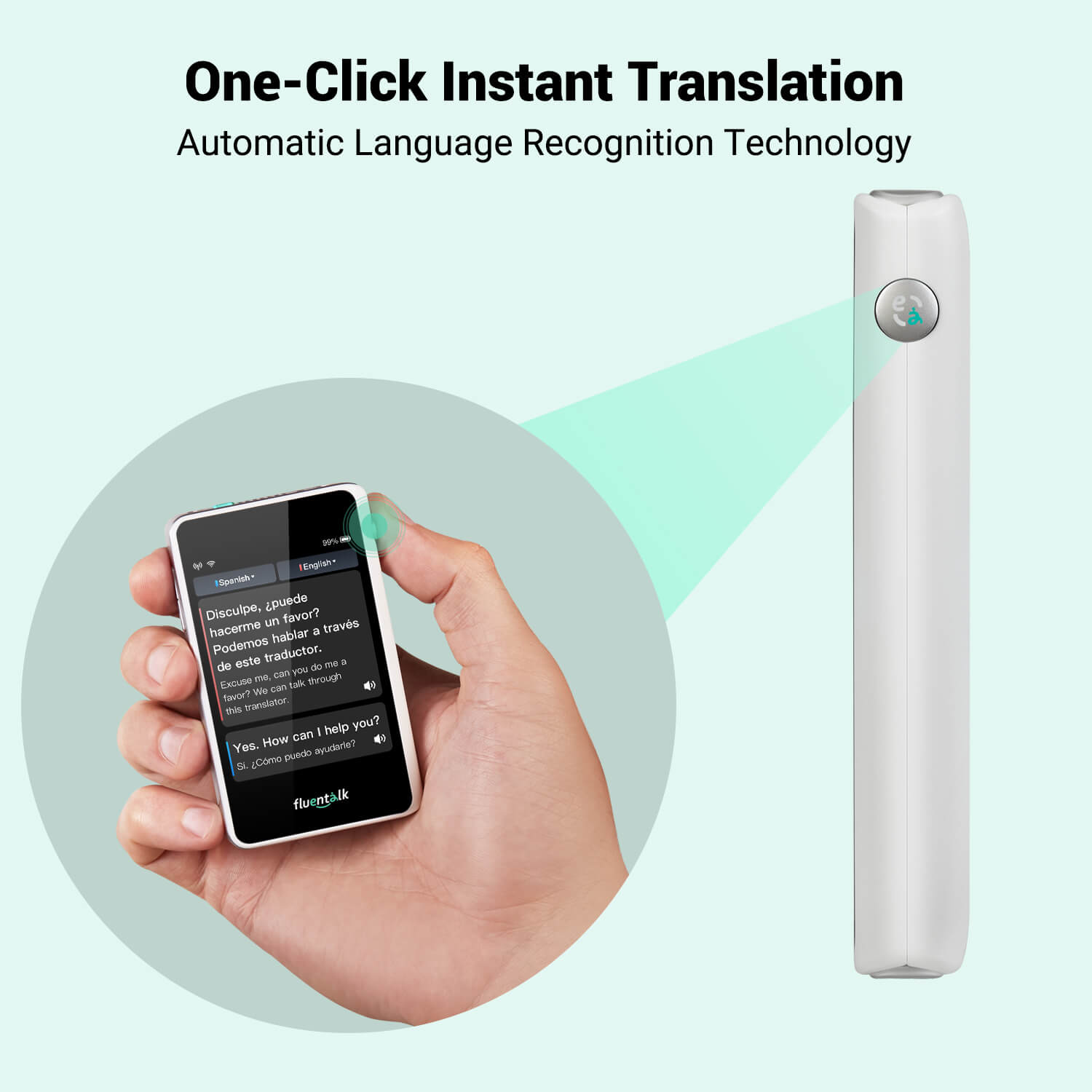
AI translation devices use several systems at once. Most devices rely on microphones, speech recognition software, machine translation, and a speaker or screen. Some also use cloud services to process speech and create a more accurate translation.
The process usually follows these steps:
- The microphone captures spoken words and nearby sound.
- Speech recognition changes the voice into text.
- The translation engine converts the text into another language.
- The device displays or speaks the translated message.
This chain is like passing a note through several people. If the first person cannot read the message, every later step may suffer. That is why AI translation devices can translate in noisy environments only when the speech signal is clear enough.
Noise creates a problem at the first stage. Loud music, traffic, wind, crowd chatter, and machinery can hide parts of a sentence. When the device hears the wrong word, the translation may still sound fluent but carry the wrong meaning.
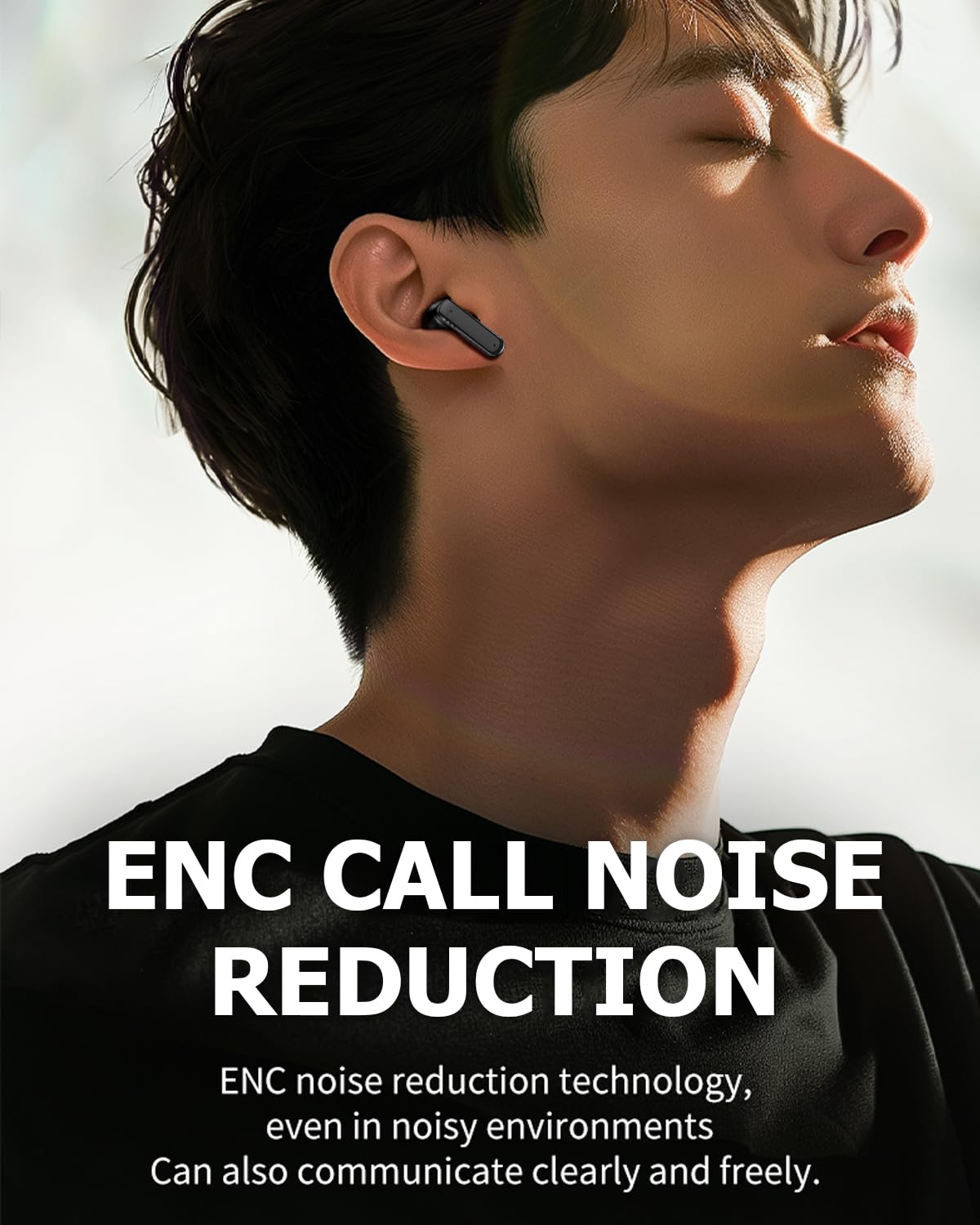
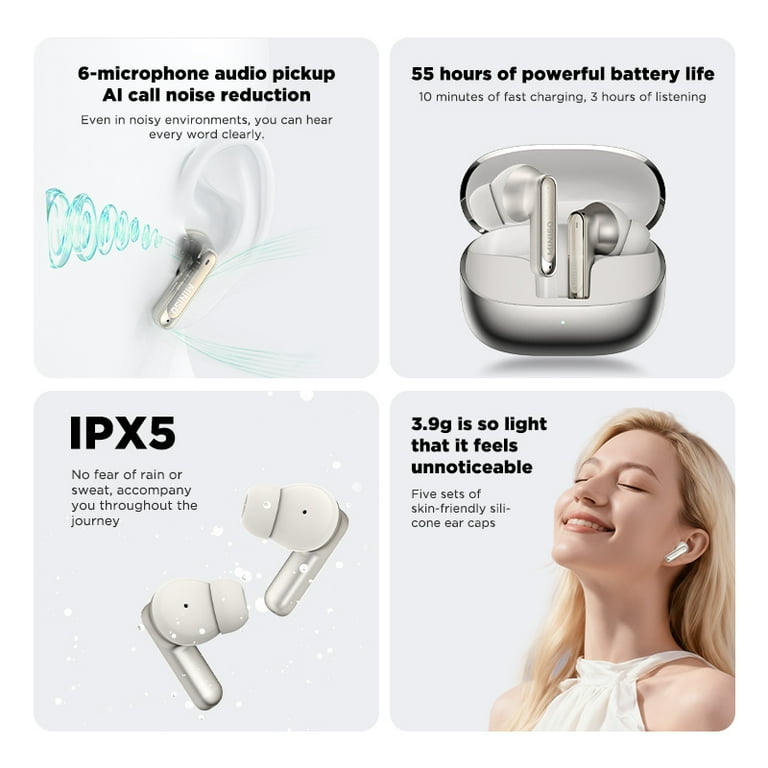
Modern devices try to reduce this risk with noise cancellation and directional microphones. These tools can focus on sound from a nearby speaker. However, they cannot remove every voice or sound, especially when several people speak at once.

Can AI translation devices translate in noisy environments accurately?
Yes, AI translation devices can translate in noisy environments with mixed results. They often work well in moderate noise when one person speaks close to the microphone. Their performance becomes less reliable in loud, crowded, or echo-filled spaces.
A quiet coffee shop may cause little trouble. A busy train station can be much harder. In a factory, the device may hear a machine alarm as part of the sentence. At a street market, it may mix the speaker’s voice with nearby conversations.
Accuracy depends on several factors:
• Noise level: Light background noise is easier to manage than loud sound.
• Distance: A speaker standing close to the microphone is easier to understand.
• Speech speed: Fast speech gives the system less time to separate each word.
• Accent and pronunciation: Strong accents may reduce speech recognition accuracy.
• Language pair: Some language pairs receive better support than others.
• Internet access: Cloud based translation may fail or become slow without a stable connection.
• Echo: Hard walls and large rooms can make words blur together.
In practical terms, AI translation devices can translate in noisy environments, but users should treat them as helpful tools rather than perfect interpreters. A short, clear sentence may work well. A long sentence with slang, names, or technical terms may not.
What types of noise affect translation most?
Not all noise causes the same problem. A steady sound, such as an air conditioner, is often easier for software to filter. Sudden or competing sounds can cause more errors.
Competing voices
Human voices are among the hardest sounds to remove. The device may hear two speakers at once and combine their words. This can create a sentence that neither person actually said.
Wind
Wind can strike the microphone and create a deep rushing sound. Outdoor translation devices may struggle on beaches, bridges, roads, and open platforms. A microphone cover can help reduce this effect.
Music
Music contains many tones and rhythms that can cover speech. Lyrics are even more difficult because the device may treat singing as spoken language.
Machinery
Factory equipment, drills, engines, and alarms may be louder than the speaker. In these settings, the user may need to move closer or use a headset.
Echo
Echo repeats sound after a short delay. This can confuse speech recognition because the system hears the same word more than once.
Sudden sounds
Claps, horns, announcements, and children shouting can interrupt recognition. Even a short interruption may change the meaning of a sentence.
These problems explain why AI translation devices can translate in noisy environments better in some places than others. The sound pattern matters as much as the volume.

Features that improve translation in noisy environments
When choosing a device, look beyond the number of supported languages. Audio features often matter more than marketing claims.
Directional microphones
A directional microphone favors sound from one direction. It works best when the speaker is in front of the device. This feature can reduce some side and rear noise.
Active noise reduction
Noise reduction software lowers steady background sounds. It may help with fans, engines, and road noise. It is less effective against nearby speech.
Beamforming
Beamforming uses more than one microphone to estimate where a voice comes from. The device can then focus on that area. This is useful when the user holds the device toward the speaker.
Voice activity detection
This feature detects when someone is speaking. It helps the device ignore silence and some background noise. It may still struggle when background speech overlaps with the main speaker.
Push to talk
A push to talk button lets the user control when the device listens. This can prevent accidental recordings and reduce unwanted sounds. It also works well for turn by turn conversations.
Offline translation
Offline language packs allow some translation without an internet connection. They can help in remote areas or places with poor service. However, offline systems may have fewer language options and less advanced speech recognition.
Earbuds and external microphones
A headset can place the microphone closer to the speaker’s mouth. This often improves speech capture more than simply buying a larger device. Some systems also send the translation directly to the user’s ears.
A good device cannot break the laws of sound. Still, these features can make a major difference when AI translation devices can translate in noisy environments.
How to improve translation accuracy in a busy setting
Users can often improve results without changing devices. Small habits make speech easier for the system to hear.
Move closer to the speaker. Keep the device or microphone about 6 to 12 inches from the person speaking when possible.
Face the speaker. Point directional microphones toward the voice.
Reduce the noise. Step away from speakers, fans, traffic, and machinery.
Speak one at a time. Do not allow several people to talk over each other.
Use short sentences. One idea per sentence is easier to recognize and translate.
Speak at a normal pace. Slow down slightly, but do not speak in an unnatural way.
Avoid slang and idioms. Use direct words that carry one clear meaning.
Confirm important details. Repeat names, prices, dates, addresses, and medical instructions.
Check the screen. Reading the recognized text can reveal a mistake before it becomes a translation problem.
Use text when speech fails. Typing may work better than voice in a very loud place.
One useful habit is to pause after each sentence. This gives the device time to process the speech and prevents the next sentence from becoming mixed with the first.
For travel, save key phrases before leaving. For example, download directions to a hotel, allergy statements, or emergency phrases. This creates a backup when AI translation devices can translate in noisy environments only with difficulty.
Real life examples
Imagine asking for a train platform in a crowded station. If you stand close to the ticket agent and speak clearly, the device may translate the question well. If an announcement plays at the same time, the device may miss the station name.
A restaurant is another common example. A translation device may handle “Does this soup contain peanuts?” in a quiet corner. It may struggle when music, dishes, and several conversations fill the room. For a serious allergy, confirm the message with written text or a translated card.
Outdoor markets create a different challenge. Wind, bargaining, traffic, and several languages may surround the user. Short questions such as “How much?” may work. Long explanations about size, quality, or delivery may need typing or visual support.
Workplaces require extra care. A device may help a visitor understand simple directions in a warehouse. It should not be the only tool for safety warnings, legal instructions, or complex technical training. A human interpreter or approved translated document is safer.
These examples show that AI translation devices can translate in noisy environments when the task is simple and the voice is clear. They are less dependable when the information is urgent, technical, or hard to repeat.
Limitations and risks to understand
Translation errors are not always obvious. A device may produce a smooth sentence that sounds correct but contains a wrong name, number, or verb. This is more dangerous than a clear error because users may trust it.
Common risks include:
• Missed words caused by background noise
• Wrong names, places, or numbers
• Confusion between similar sounding words
• Incorrect meaning from accents or dialects
• Lost humor, tone, or cultural context
• Delays caused by weak internet service
• Privacy concerns when speech is sent to a remote server
• Poor results with medical, legal, or technical language
Do not rely on a translation device alone for emergencies. If someone describes chest pain, an allergic reaction, a legal duty, or a safety hazard, ask a qualified person to confirm the meaning.
Privacy also deserves attention. Check whether the device stores audio, sends recordings to a cloud service, or keeps translation history. Use privacy settings when available, and avoid speaking sensitive information in public places.
Even when AI translation devices can translate in noisy environments, they do not replace professional interpreters in high risk situations.
How to choose an AI translation device for noisy environments
A buyer should test the device in conditions that match real use. A product that works in a silent room may perform differently in a station, street, or workplace.
Look for these qualities:
• Multiple microphones with directional audio support
• Strong speech recognition for your target languages
• Offline language support for travel
• A clear display that shows recognized text
• A push to talk mode
• Headset or external microphone support
• Fast processing with limited delay
• A simple way to correct or repeat a sentence
• Good battery life
• Clear privacy controls
Read independent reviews with audio tests. Pay attention to tests involving background voices, wind, traffic, and echo. Manufacturer demonstrations often use ideal conditions and may not reflect daily use.
If possible, test two or three devices with the same sentence. Use names, numbers, and common phrases from your trip or work. This gives you a better idea of whether AI translation devices can translate in noisy environments for your specific needs.
Personal lessons from using translation technology
A common mistake in real world testing is blaming the translation engine when the real issue is poor audio. The device cannot translate words that its microphone never captured. Moving closer, facing the speaker, and reducing background sound often helps more than changing language settings.
Another lesson is to avoid long, polite speeches. People naturally explain too much when they feel nervous. A short sentence such as “Where is the bus stop?” is easier to process than a fast paragraph with several questions.
It also helps to confirm sensitive information. After translating a price, address, or medicine name, show the written text to the other person. This simple step catches errors before they cause trouble.
The most useful mindset is to treat the device as a bridge, not a perfect human interpreter. It can open a conversation, reduce stress, and help with daily tasks. It still needs your judgment, especially when the surroundings are loud.
Are newer AI systems getting better?
Yes, speech recognition and translation systems continue to improve. Newer models can use context, detect speech more effectively, and handle some accents and background noise better than older systems.
Research in speech technology has shown that performance still falls when several speakers overlap. This problem is known as the cocktail party effect. Humans use visual clues, context, and attention to follow one voice, while many devices still find this difficult.
Artificial intelligence may reduce errors through better microphone design and stronger language models. However, improvement does not mean perfect accuracy. Performance varies by device, language, accent, network quality, and noise type.
Users should look for measured results, not broad claims. A device may advertise high accuracy in quiet conditions while offering no clear data for crowded spaces. Honest product information should explain both strengths and limits.
Frequently Asked Questions About Can AI Translation Devices Translate in Noisy Environments
Can AI translation devices translate in noisy environments?
Yes, they can translate some speech in noisy environments, especially when the speaker is close and speaks clearly. Accuracy usually drops with loud music, wind, machinery, echo, or overlapping voices.
What is the best way to use a translation device in a crowd?
Move close to the speaker, point the microphone toward the voice, and use short sentences. A push to talk mode or headset can also reduce unwanted sound.
Do noise cancelling translation devices work?
Noise cancellation can reduce steady sounds such as fans and engines. It is less effective when several people speak at the same time or when the main voice is very far away.
Can a translation device work without internet access?
Some devices support offline translation through downloaded language packs. Offline tools can be useful during travel, but they may support fewer languages and offer less accurate speech recognition.
Should I use an AI translation device for medical or legal information?
No, not as the only source of communication. Medical and legal messages require confirmation from a qualified interpreter or trusted translated document because small errors can have serious results.
Are translation earbuds better than handheld devices in noisy places?
Translation earbuds may help because their microphones sit closer to the user’s voice and their speakers deliver audio privately. Results still depend on microphone quality, background noise, language support, and internet access.
Conclusion
AI translation devices can translate in noisy environments, but they work best when the speaker is close, the noise is moderate, and the message is short. Directional microphones, noise reduction, offline language packs, and headsets can improve results, but none can guarantee perfect accuracy.
Use these devices as practical communication aids. For names, numbers, safety warnings, medical needs, and legal matters, always confirm the message in writing or with a qualified person. Test your chosen device before travel or work, and practice the habits that make speech clearer.
Choose a device based on real audio performance, not just its language count. Explore trusted reviews, test it in a realistic setting, and share your own experience with AI translation devices in noisy environments.

Similar Posts