How to Clean Action Camera Lens
You've just pulled your action camera out of the water or wiped the dust off a trail ride. The footage looks soft, and you see a smudge or a water spot. Figuring out how to clean an action camera lens properly is the first step to getting sharp shots again.
It's not as simple as grabbing a tissue and breathing on it.
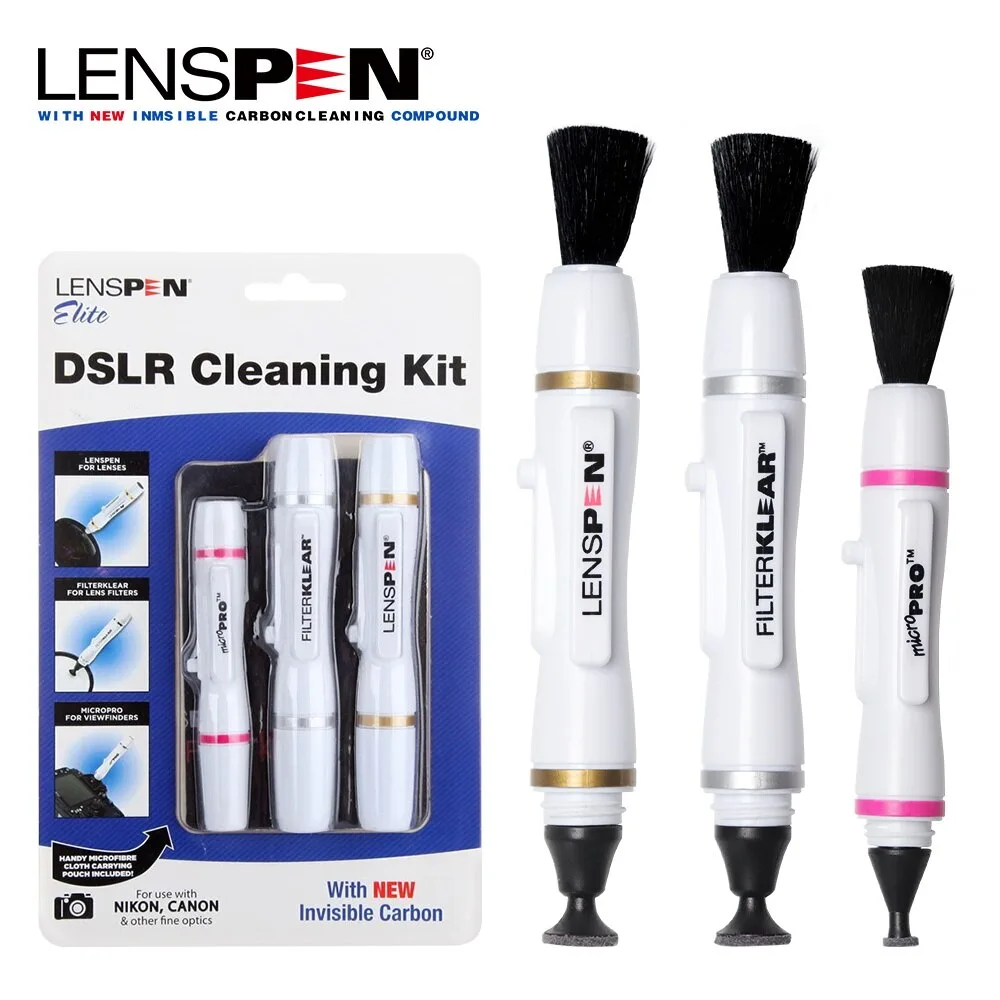
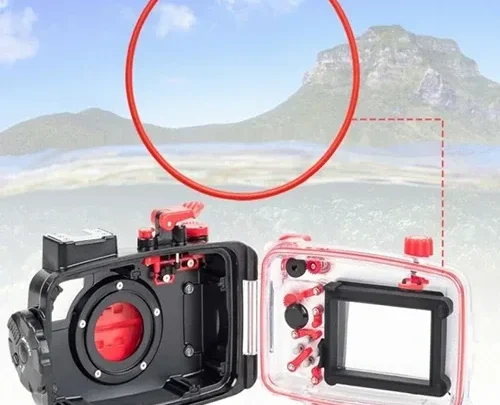
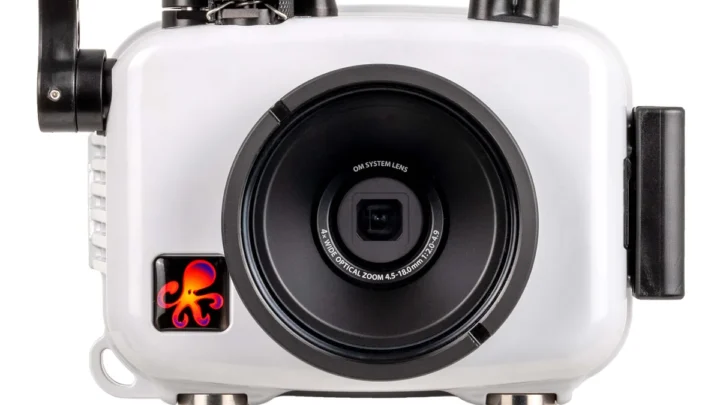
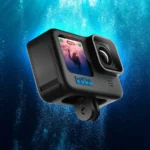
Image source: Web (Bing) / gbr.grandado.com (Web image (fair-use with source credit))
Manufacturer specifications indicate that the glass on most action cameras has a delicate hydrophobic coating. This coating repels water and oil, but it can be stripped by the wrong cleaner. Get the method right, and your lens stays clear.
Get it wrong, and you are looking at a permanent scratch or a ruined coating.
Quick Answer
Blow off loose dust with a blower. Brush away any remaining grit. Dampen a microfiber cloth with distilled water.
Wipe the lens in a gentle circle. Let it air dry. Never use alcohol or paper towels.
Why Cleaning Your Action Camera Lens Is Trickier Than You Think
That lens on your action camera is not just a piece of glass. It has a specialized coating. This coating is designed to make water bead up and roll off.
It also helps reduce glare.
You cannot treat it like a window or a pair of glasses. The coating is fragile. Rough handling can scratch it off.
Once it is gone, water spots will stick to the glass. You will see more lens flare in your footage.
Aggregate reviews from experienced users show that the most common damage comes from improper cleaning. People use a paper towel or their shirt. They push grit across the surface.
This creates micro scratches that permanently degrade image quality.
Following the same careful approach you would use for delicate gear, like when you need to clean a mirrorless camera lens properly, will keep your action camera performing at its best.
GoPro's official support documentation stresses using only a soft, lint-free cloth. They warn against any solvents. This is the same advice you will find across all major action camera brands.
As of 2026, almost every action camera on the market features a similar coated glass lens. The principles of care are universal. A single wrong wipe can cost you the clarity of your footage.
It is worth getting it right from the start.
The Right Tools for the Job (and What to Avoid)

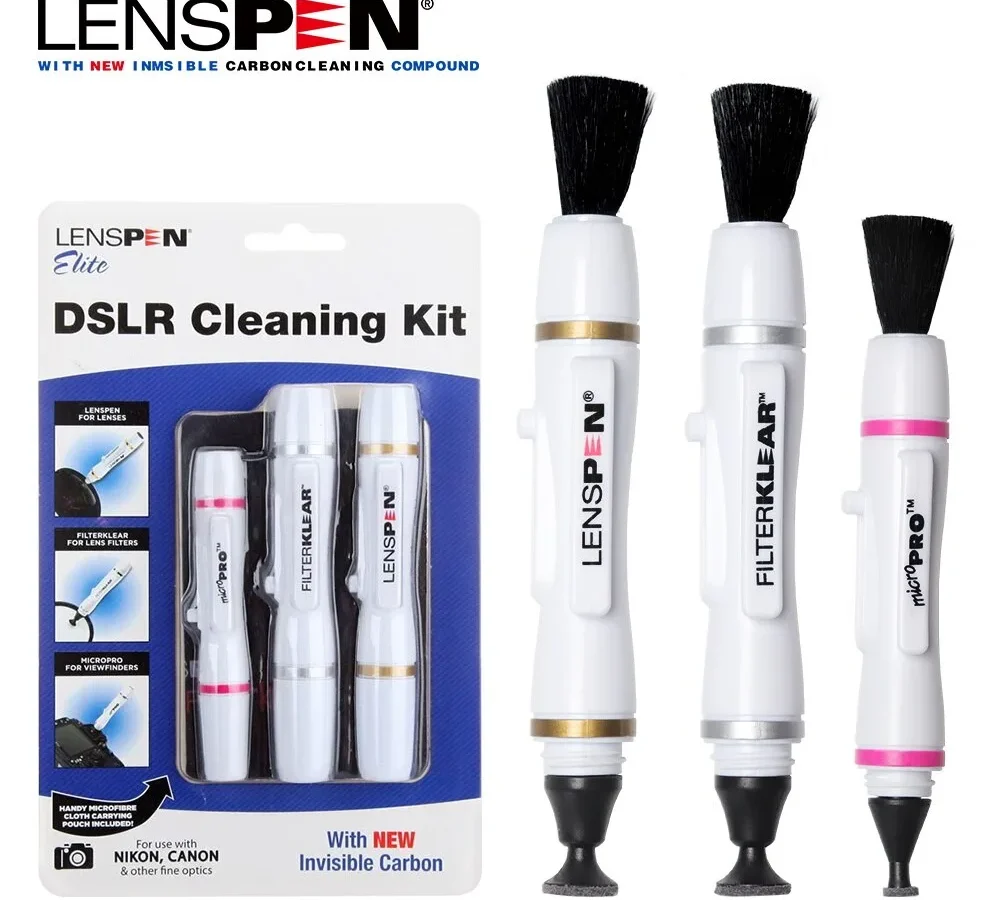
Image source: Web (Bing) / readers.com (Web image (fair-use with source credit))
You need the right gear. Using the wrong stuff is the fastest way to ruin your lens. Here is a quick breakdown of what works and what does not.
| Tool | Why It Works | What to Avoid |
|---|---|---|
| Microfiber cloth | Picks up oil without scratching. Wash it after every few uses. | Paper towels or tissues. They are abrasive and can leave fibers. |
| Lens cleaning pen | Has a brush for dust and a carbon tip for smudges. Great for on-the-go. | Your shirt or any rough fabric. It will trap grit and scratch the glass. |
| Distilled water | Leaves no mineral deposits. Safe for the coating. | Tap water. It contains minerals that can etch the glass over time. |
| Rocket blower | Blows away dust without touching the lens. | Canned compressed air. The propellant can freeze and damage the lens. |
| Alcohol-free solution | Cuts grease without stripping the coating. | Isopropyl alcohol or household cleaners. They will dissolve the coating. |
Keep your microfiber cloth clean. Store it in a sealed bag. If it touches the ground, wash it before using it on your lens.
Proper maintenance of your gear extends its life. The same goes for storing your camera. Check out our guide on how to store a mirrorless camera for general tips on keeping your equipment safe.
How to Clean an Action Camera Lens the Right Way (Step by Step)
Follow these steps. Do not skip any. Each step prevents damage.
| Step | Action | Details |
|---|---|---|
| 1 | Blow off loose dust | Use a rocket blower. Hold the camera lens facing down. This lets gravity help. |
| 2 | Brush away remaining grit | Use the brush on a lens cleaning pen. Sweep gently from the center out. |
| 3 | Dampen your microfiber cloth | Use distilled water. Do not spray the lens. Dampen the cloth. |
| 4 | Wipe the lens in a circle | Start at the center. Move outward in a spiral. Apply light pressure. |
| 5 | Dry the lens | Use a dry part of the cloth. Buff it gently. |
| 6 | Inspect the lens | Hold it under a bright light. Look for streaks or smudges. |
| 7 | Treat stubborn spots | Use the carbon tip of a lens pen. Rub gently in a circular motion. |
| 8 | Final blow | Use the blower one more time. This removes any lint from the cloth. |
This method is the same one used by professional photographers. It works for any camera, especially when you are setting up for a shoot. If you are using your action camera for vlogging, keeping the lens clean is essential for sharp video.
The entire process takes less than two minutes. Do it correctly, and your footage will be clear and sharp.
Common Mistakes That Will Scratch Your Lens or Ruin the Coating
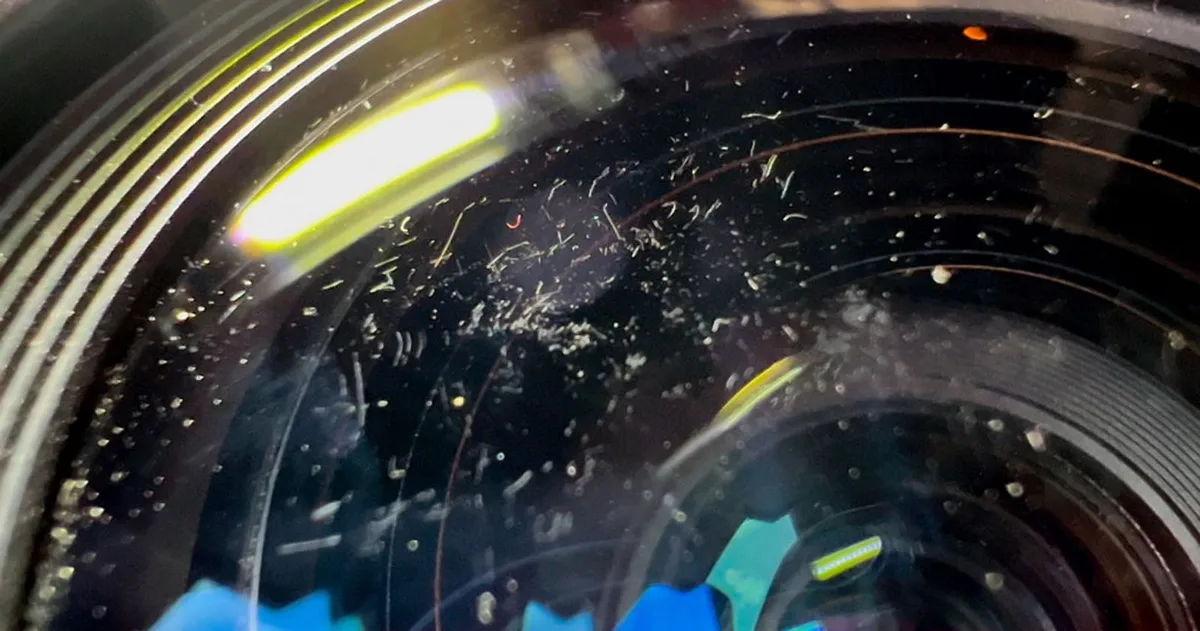
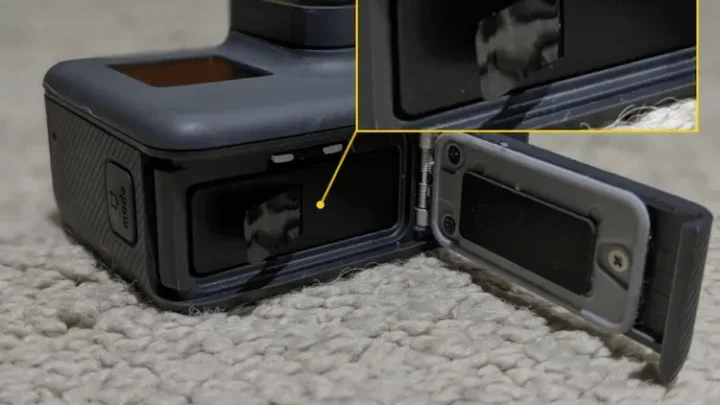
Image source: Web (Bing) / petapixel.com (Web image (fair-use with source credit))
Most lens damage happens during cleaning. Here are the biggest mistakes to avoid.
- Using a paper towel or tissue. These materials are abrasive. They contain wood fibers that can scratch the glass. They also leave lint behind.
- Breathing on the lens to fog it up. Your breath contains moisture and oil. It can leave a film that is harder to clean. It also introduces bacteria.
- Using alcohol or vinegar. These solvents are harsh. They will strip the hydrophobic coating. Once the coating is gone, water spots will stick.
- Pressing hard while wiping. You do not need pressure. The microfiber cloth does the work. Pressing hard can push grit into the glass.
- Cleaning a dry lens with a dry cloth. This drags dust across the surface. Always blow off dust first. Use a damp cloth for the wipe.
- Using the same cloth for multiple lenses. This transfers grit from one lens to another. Use a fresh section of the cloth for each lens.
If you have to troubleshoot other camera issues, like a blurry image or a stuck button, a clean lens is the first thing to check. Many problems are solved by a simple cleaning.
When to Replace the Lens Instead of Cleaning It
Cleaning can fix smudges and dust. It cannot fix a deep scratch. Here is when you should stop cleaning and start planning a replacement.
- Deep scratches. If you can feel the scratch with your fingernail, it is too deep. It will always show up in your footage.
- Peeling coating. If the coating is flaking off, cleaning will not help. It will only worsen the damage.
- Fogging between the lens and the glass. This means moisture has gotten inside the housing. You need to open it and dry it out. Sometimes the lens needs to be replaced.
- Cracks. A cracked lens is a structural failure. It can compromise the waterproof seal. Replace it immediately.
The cost of a replacement lens assembly for most action cameras ranges from $30 to $80. This is much cheaper than buying a new camera. If you have a budget-friendly model, it might be worth replacing the whole unit.
Check out our guide on the best budget action cameras for options.
If you need to remove the old lens, it is a delicate process. The technique is similar to other camera lenses. You can learn how to remove a mirrorless camera lens for a general idea of the steps involved.
The same care applies to your action camera.
Frequently Asked Questions
Can I use eyeglass cleaner on my action camera lens?
No. Most eyeglass cleaners contain mild solvents that can damage the hydrophobic coating. Stick to distilled water or a dedicated alcohol-free lens cleaner.
If you need a quick fix, a dry microfiber cloth is safer than any spray.
How often should I clean the lens?
Clean it after every adventure. If you have been in salt water, mud, or heavy dust, clean it immediately. For casual use, check the lens before each recording session.
A quick inspection takes seconds and prevents ruined footage.
What if I accidentally used alcohol on the lens?
Stop immediately. Check the coating for damage. If the glass looks hazy or water no longer beads up, the coating is likely stripped.
You can still use the camera, but you will see more glare and water spots. A replacement lens assembly is the only fix.
Does a lens protector help prevent scratches?
Yes. A tempered glass lens protector adds a sacrificial layer. It takes the scratches instead of your actual lens.
Replace it when it gets damaged. This is a cheap insurance policy for any action camera, especially if you shoot in rough conditions.
Can I clean the lens underwater?
No. Never clean the lens while the camera is submerged. Water pressure can push debris into the seals.
Wait until you are out of the water. Rinse the camera body with fresh water first, then dry it before cleaning the lens.
What is the best way to dry the lens after cleaning?
Let it air dry for a few seconds. Then use the dry side of your microfiber cloth to buff it gently. This removes any remaining moisture.
Do not use heat or compressed air. Both can damage the seals or push moisture inside the camera.

Similar Posts