Nextbase 622GW Not Recording
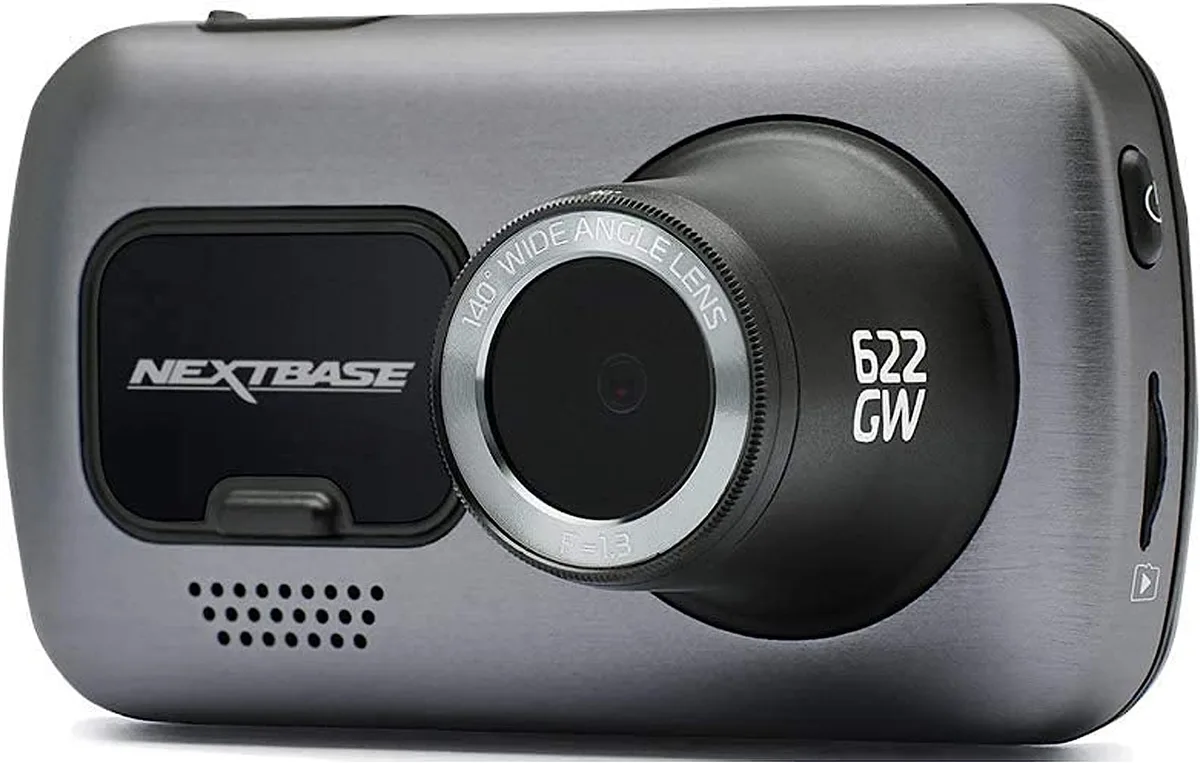
Your Nextbase 622GW not recording is a frustrating problem that usually has a simple fix. The dashcam's red recording LED stays off, or files don't appear on the card. Most of the time, the issue comes down to the memory card or power supply.
Manufacturer specifications require a U3 V30 rated microSD card with at least 30MB/s write speed. A slower card causes recording failures and errors. As of 2026, many users still overlook this requirement.
Let's walk through the fix step by step.
Quick Answer
Your Nextbase 622GW not recording is usually caused by the SD card. Format the card inside the dashcam first. If that fails, try a U3 V30 card.
Check your power connection and firmware version too.
Image source: Bing (Web (fair-use with source credit))
Is Your Nextbase 622GW Not Recording? Let's Start Diagnosing
What does the LED tell you?
The red recording LED tells you if the camera is actively saving footage. If it's off, the camera isn't recording. A solid blue light means the camera is on but not recording.
A blinking blue light indicates it's searching for GPS or Wi-Fi.
| LED Color | Meaning |
|---|---|
| Solid red | Recording active |
| Solid blue | Powered on, not recording |
| Blue blinking | Searching for GPS or Wi-Fi |
| No light | No power or device off |
Does the camera power on?
Plug the camera into a known working 12V adapter. If the screen stays black, you have a power problem. Try a different cable or adapter.
If the screen turns on but the LED shows blue, the camera has power but isn't recording. Move to the SD card check.
What does the screen show?
Touch the screen to wake it up. Look for an error message at the top. Common messages include "SD Card Error" or "Memory Full".
Each one points to a different fix.
When did the problem start?
Consider when the issue first appeared. Did it happen after a firmware update? Did you change the SD card?
Did you install a hardwire kit? The timing gives you a clue about the cause.
The Most Common Fix: Your SD Card
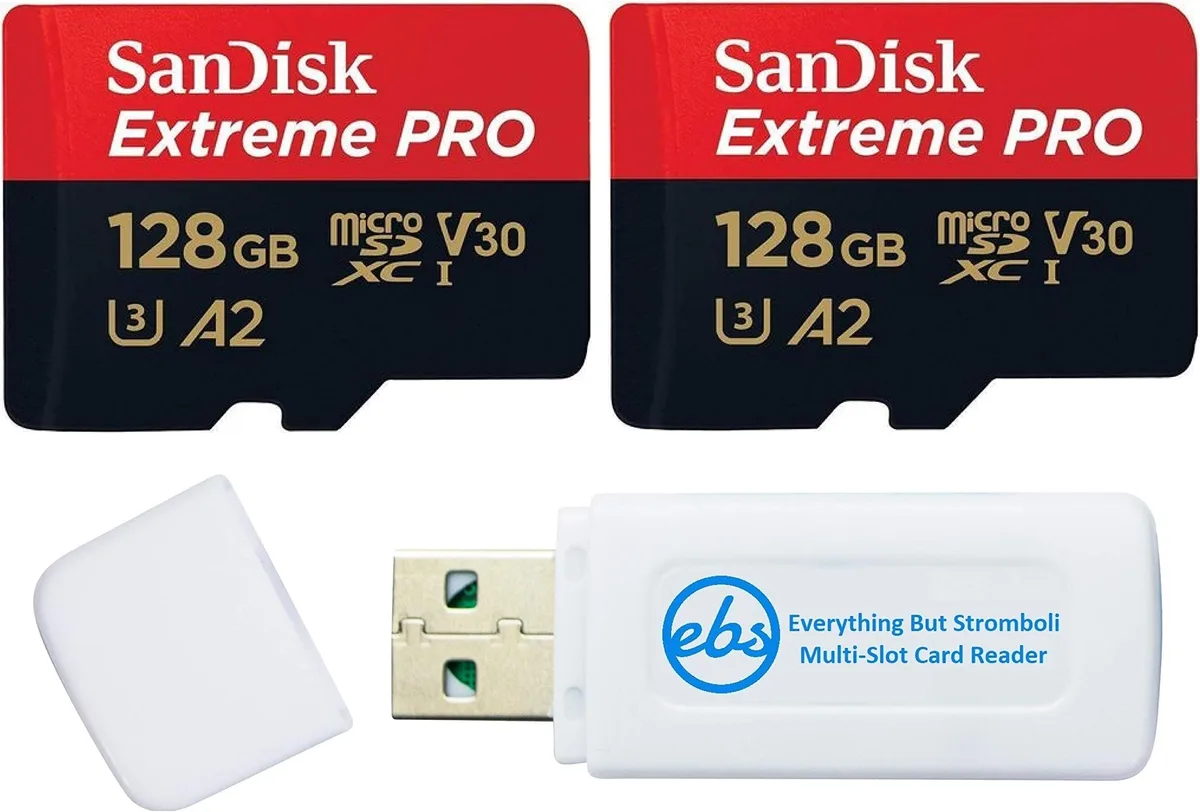
Image source: Web (Bing) / amazon.com.mx (Web image (fair-use with source credit))
What card does the dashcam need?
The Nextbase 622GW requires a UHS Speed Class 3 (U3) card. It also needs Video Speed Class 30 (V30). The SD Card Association sets these standards for high-speed recording.
The card must have at least 30MB/s continuous write speed. A slower card causes recording errors.
Why does the card cause problems?
Dashcams write data constantly at high speeds. A slower card can't keep up. The camera stops recording to avoid corrupting the file.
Heat also damages SD cards over time. A card that works today may fail tomorrow.
How do you fix it?
Remove the card and format it inside the dashcam. Go to Settings, then Format. This clears any file system errors.
If the error persists, try a different card. Use a reputable brand like SanDisk or Samsung.
What about card capacity?
The 622GW supports up to 128GB cards. Larger cards may not work reliably. Stick with 64GB or 128GB for best results.
Always use a card rated for continuous recording.
How often should you format?
Format the card every few weeks. This prevents file system errors from building up. Backup important footage first.
Regular formatting extends the card's life.
Power and Firmware: The Next Things to Check
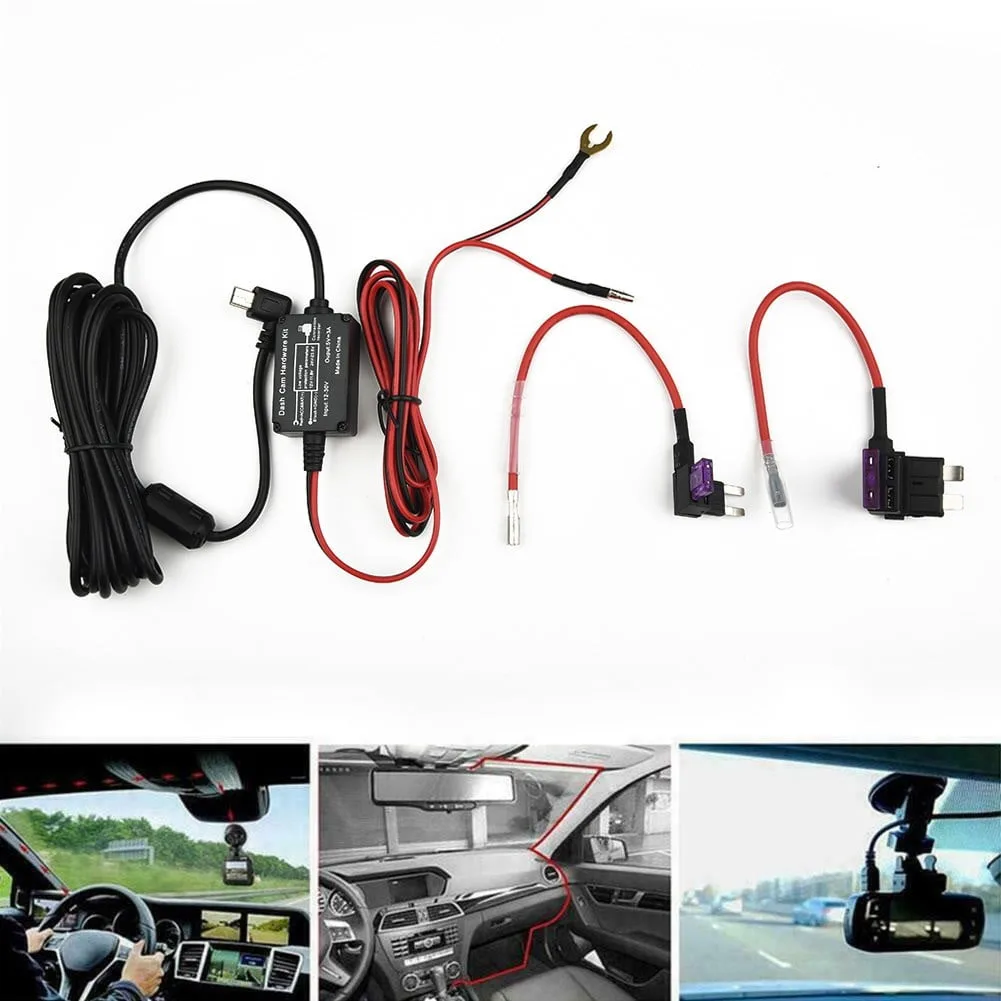
Image source: Web (Bing) / walmart.com (Web image (fair-use with source credit))
Is the power connection stable?
A loose power connection causes intermittent recording. The camera may turn on but stop recording later. Check the cable at both ends.
The 12V adapter and the camera port. If you use a hardwire kit, check the fuse.
What about the cable?
The included USB cable can fail over time. Bending and heat damage the wires. Try a different cable if you have one.
A 3-amp cable is recommended for reliable power.
Does firmware affect recording?
Outdated firmware can cause recording issues. Nextbase releases updates that fix bugs. Check your firmware version in Settings.
Compare it to the latest version on the Nextbase support site. If it's older, update the firmware.
How do you update the firmware?
Download the update file to a formatted SD card. Insert the card into the dashcam. The camera will detect the update and prompt you to install it.
Follow the on-screen instructions.
What about a factory reset?
A factory reset can fix software glitches. Go to Settings, then Factory Reset. This clears all saved settings.
You'll need to set up the camera again after the reset.
Hardwire kit issues
A hardwire kit can cause problems if wired incorrectly. Check the fuse and the connection to the car's fuse box. A wrong fuse can cause the camera to shut off.
Test the camera with the cigarette lighter adapter first. If it works there, the hardwire kit is the problem. Replace the fuse or recheck the wiring connections.
Overheating, Hardware, and Other Less Common Causes
Does heat cause recording failure?
Yes. The 622GW has an operating temperature range of 0°C to 40°C (32°F to 104°F). Direct sunlight can push the unit past this limit.
The camera shuts down to protect the supercapacitor. This is common in hot climates during summer.
How do you fix overheating?
Move the dashcam away from direct sunlight. Park in the shade when possible. Use a sunshade on the windshield.
The camera will resume recording once it cools down. If it shuts down frequently, consider a different mounting position.
What about hardware failure?
Hardware failure is less common but possible. The supercapacitor can fail over time. The camera may still power on but not record.
If you've tried everything else, you may need a replacement. Check your warranty before buying a new unit.
What about accessories?
A faulty rear camera can prevent the main unit from recording. Disconnect it and test the main camera alone. The GPS module rarely causes recording issues.
Try disabling GPS in Settings to see if it helps.
The Step-by-Step Fix: A Decision Guide for Your Nextbase 622GW
Step 1: Check the power
Plug the camera into a known working 12V adapter. If the screen doesn't turn on, the cable or adapter is faulty. Replace it.
If the screen turns on but the LED is blue, the camera has power but isn't recording. Move to step 2.
Step 2: Format the SD card
Remove the SD card. Copy any important footage first. Insert it back into the dashcam.
Go to Settings, then Format. This clears file system errors. If the camera starts recording, you're done.
If not, move to step 3.
Step 3: Try a different SD card
Use a U3 V30 rated card from a reputable brand. A 64GB card is a safe choice. Insert it into the dashcam.
Format it inside the camera. If it records, the old card was the problem. If it still doesn't record, move to step 4.
Step 4: Update the firmware
Check your firmware version in Settings. Go to the Nextbase support site. Download the latest firmware file.
Copy it to a formatted SD card. Insert the card into the dashcam. Follow the on-screen instructions.
If the update fixes the issue, you're done. If not, move to step 5.
Step 5: Factory reset
Go to Settings, then Factory Reset. This clears all saved settings. The camera will restart.
Set up the camera again. If it records, you're done. If not, move to step 6.
Step 6: Check for overheating
Move the dashcam out of direct sunlight. Let it cool down for 30 minutes. Try recording again.
If it works, overheating was the cause. Park in the shade or use a sunshade. If it still doesn't record, move to step 7.
Step 7: Disconnect accessories
Remove the rear camera if you have one. Disconnect the GPS module. Test the main camera alone.
If it records, one of the accessories is faulty. Replace it. If it still doesn't record, move to step 8.
Step 8: Contact Nextbase support
If none of the steps work, the unit may have a hardware fault. Contact Nextbase support. Check your warranty.
You may need a replacement unit. Keep your purchase receipt handy.
What Most People Get Wrong (And How to Avoid It)
Using the wrong SD card
The biggest mistake is using a cheap or slow SD card. The 622GW needs a U3 V30 card. A slower card causes recording errors and heat buildup.
Buy a card designed for continuous recording. SanDisk High Endurance and Samsung Pro Endurance are good choices.
Not formatting the card regularly
Many users never format the card. The file system gets cluttered over time. This causes errors and recording failures.
Format the card inside the dashcam every few weeks. Backup important footage first. This simple step prevents most issues.
Ignoring the power cable
The USB cable can fail over time. Heat and bending damage the wires. The camera may power on but stop recording later.
Replace the cable if you suspect it's faulty. Use a 3-amp cable for reliable power.
Letting the camera overheat
Direct sunlight can push the 622GW past its temperature limit. The camera shuts down to protect itself. Park in the shade when possible.
Use a sunshade on the windshield. Move the camera away from direct sunlight.
Installing the hardwire kit incorrectly
A hardwire kit can cause issues if wired to the wrong fuse. The camera may not get constant power. Check the fuse and the connection to the car's fuse box.
Test the camera with the cigarette lighter adapter first. If it works there, the hardwire kit is the problem.
Not updating the firmware
Outdated firmware can cause recording bugs. Check for updates regularly. The Nextbase support site has the latest version.
Update the firmware using a formatted SD card. This fixes known issues and improves performance.
Frequently Asked Questions
Why does my Nextbase 622GW have a blue light but not recording?
A solid blue light means the camera has power but isn't recording. Check the SD card first. Format it inside the dashcam.
If that fails, try a different U3 V30 card. The card may be incompatible or corrupted.
How do I format the SD card on my Nextbase 622GW?
Go to Settings, then Format. The dashcam will format the card using the FAT32 file system. This process takes about 30 seconds.
It clears file system errors and prepares the card for recording.
What SD card does the Nextbase 622GW need?
The 622GW requires a UHS Speed Class 3 (U3) and Video Speed Class 30 (V30) card. The card must have at least 30MB/s continuous write speed. A 64GB or 128GB card from a reputable brand works best.
Why does my Nextbase 622GW stop recording after a few minutes?
The card may be too slow or overheated. The dashcam stops recording to avoid corrupting files. Try a U3 V30 card designed for continuous recording.
Check for overheating by moving the camera out of direct sunlight.
How do I reset my Nextbase 622GW?
Go to Settings, then Factory Reset. This clears all saved settings. The camera will restart.
You'll need to set up the camera again. Alternatively, use the pinhole reset button with a paperclip.
Why does my Nextbase 622GW say "SD Card Error"?
The card is either corrupted, incompatible, or needs formatting. Remove the card and format it inside the dashcam. If the error persists, try a different U3 V30 card.
The card may be damaged from heat or wear.

Similar Posts
































