Vantrue N2 Pro Troubleshooting
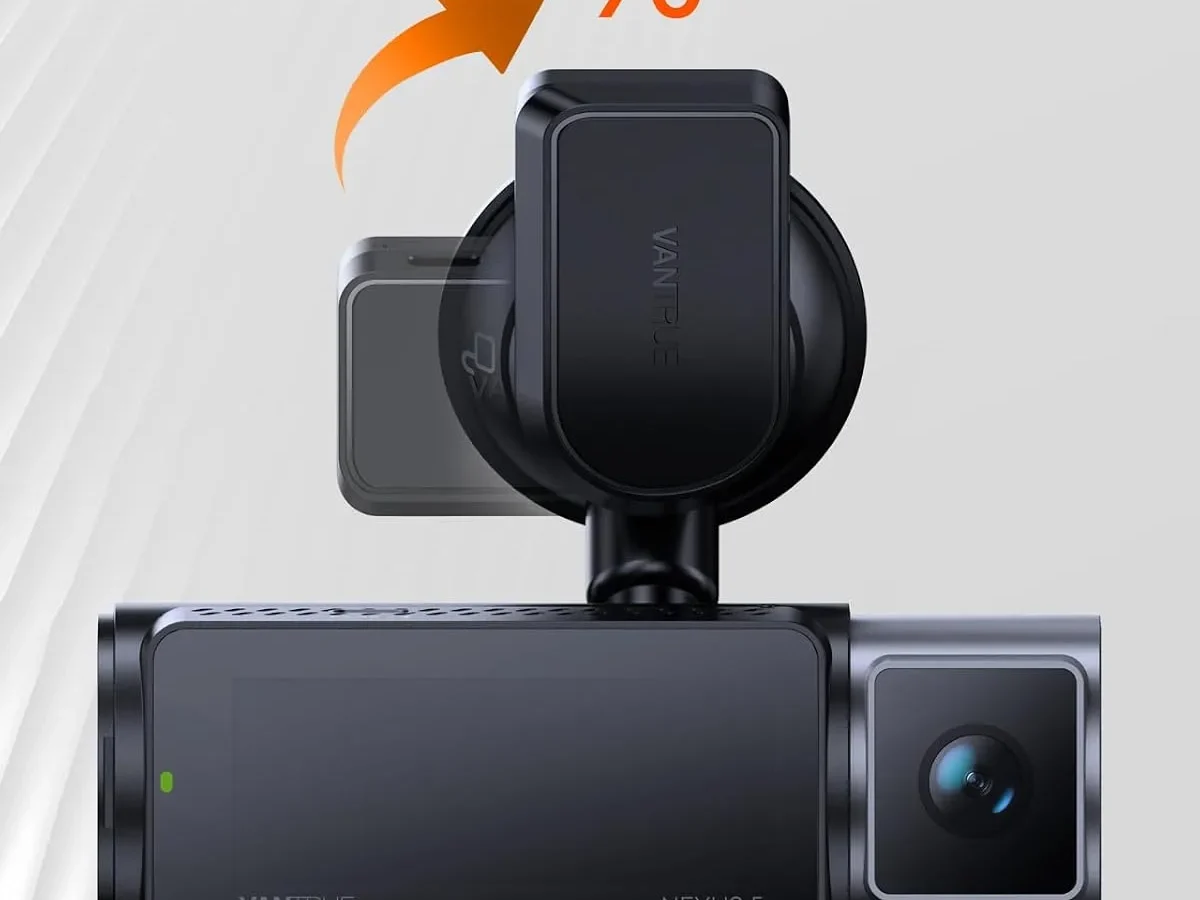
You're right to be frustrated when your dash cam acts up. If you're searching for Vantrue N2 Pro troubleshooting, chances are your camera isn't recording, won't power on, or keeps freezing at the worst moment.
Manufacturer specifications indicate the N2 Pro uses a supercapacitor rather than a lithium-ion battery. This handles heat much better, but the camera can lose its settings if power is cut too long. The operating temperature range is -20°C to 65°C.
Extreme cold can also cause slow boot times. Most issues fall into a few predictable categories. Let's walk through them.
Image source: Bing (Web (fair-use with source credit))
What's Going Wrong? Common N2 Pro Problems
Before we dive into the details, let's map out the usual suspects. Our research into user reports and support forums shows that the N2 Pro tends to develop a handful of repeatable issues. Knowing which one you're dealing with is half the battle.
Here are the most frequently reported problems:
- No power or won't turn on. The camera is completely dead. No lights, no beeps.
- Not recording or "SD Card Error." The camera powers on, but the red recording light either doesn't appear or flashes an error.
- Freezing, crashing, or restarting in a loop. The camera locks up on the boot screen or restarts repeatedly.
- Rear (interior) camera shows a black screen or "No Signal." The front camera works, but the cabin camera is dead.
- Date and time resetting to factory defaults. The timestamp is wrong every time you start the car.
- Parking mode not working. The camera doesn't engage when the car is turned off.
If you're dealing with a different problem, like a faulty GPS module or a crooked image, that's less common. We'll cover those in the Pro Tips section. For now, check which of these six matches your situation.
Quick Answer
Vantrue N2 Pro troubleshooting usually comes down to three things: a bad SD card, a loose power cable, or a fully discharged capacitor. Try reformatting the card in the camera first. If that fails, hold the power button for 10 seconds to reset the unit.
Then check the power cable and the 12V socket. Most issues resolve with one of these steps.
Quick Fixes to Try First
You don't need to tear everything apart yet. A few simple checks solve a surprising number of N2 Pro problems. Many of these take less than a minute.
Start with the power cable. The N2 Pro uses a mini-USB connector, and those can get loose over time. Unplug it from the camera and plug it back in firmly.
Do the same at the cigarette lighter end. If you're using a hardwire kit, check the fuse tap connection.
Next, try a hard reset. Press and hold the power button for about 10 seconds. The camera should turn off completely.
Then press it again to power on. This clears temporary glitches in the firmware. This same approach works for many other cameras, including those with similar power issues.
If the camera still won't record, the SD card is often the culprit. The N2 Pro requires a UHS-I U3 or V30 speed class card. An older or slower card will throw errors.
Remove the card, format it in your computer to FAT32 (for 32GB cards) or exFAT (for 64GB and larger), then reinsert it. Then format it again inside the camera's menu. That sounds redundant, but it's the reliable way to do it.
Aggregate reviews confirm that the N2 Pro's supercapacitor can fully discharge after about 48 hours without power. If you've left the car unused for a few days, the camera may need a few minutes of charging before it will turn on. Plug it in and wait 5-10 minutes before pressing the power button.
If none of these quick fixes work, move to the decision tree. The specific symptom will tell you exactly what to do.
The N2 Pro Troubleshooting Decision Tree
This is where we get specific. Each problem has its own path. Follow the branch that matches your symptom.
No Power or Won't Turn On
This is the most common complaint. The camera is completely dead.
First, check the 12V socket. Plug another device into it, like a phone charger. If that doesn't work either, the fuse is blown.
Replace the fuse for that socket. If you're hardwired, check the fuse tap.
If the socket works, the problem is likely the cable. The N2 Pro's mini-USB cable is a weak point. Try a different mini-USB cable if you have one.
It must support data and power, not just charging. A standard phone cable often works.
If the cable is fine, the supercapacitor may be fully drained. Leave the camera plugged in for 5-10 minutes. Then hold the power button for 10 seconds.
Many users report that the camera boots up after this.
If it still won't turn on, the capacitor could be faulty. The N2 Pro is known to have capacitor failures after 2-3 years of heavy use. Replacement capacitors are available online, but the repair requires soldering.
If you're not handy with a soldering iron, it's often cheaper to replace the unit.
Not Recording or "SD Card Error"
The camera powers on, but the red recording light is off or blinking an error.
This is almost always the SD card. The N2 Pro is picky about cards. It needs a high-endurance card rated for dash cam use.
Standard cards fail quickly under the constant write cycles. Other cameras can have similar recording issues.
Image source: Web (Bing) / vantrue.net (Web image (fair-use with source credit))
Remove the card and inspect the contacts. Wipe them with a clean dry cloth. Reinsert it firmly until it clicks.
If you see "SD Card Error" on the screen, the card is likely corrupted. Format it in your computer, then format it again in the camera. This is a standard maintenance step you should do every month.
If the error persists, the card may be physically damaged. Try a different card. The N2 Pro supports up to 256GB, but 64GB or 128GB is the sweet spot for reliability.
Another common cause: loop recording is turned off. Check the menu. If loop recording is disabled, the camera will stop recording once the card is full.
Enable it and set the interval to 3 minutes.
Freezing, Crashing, or Restarting
The camera locks up during boot or restarts in a loop. This is often a firmware issue.
First, try a factory reset. Go into the menu and select "Reset to Default." If the camera is frozen and won't respond to buttons, hold the power button for 15 seconds. This forces a hard shutdown.
If that doesn't work, the firmware may be corrupted. Check the Vantrue website for the latest firmware update for your specific model. The N2 Pro and N2 Pro GPS have different firmware files.
Download the correct one, copy it to a freshly formatted SD card, and follow the update instructions.
Overheating can also cause crashes. The N2 Pro's capacitor is heat-resistant, but the camera itself can still overheat if parked in direct sunlight in summer. Remove it from the mount when parked for long periods in hot weather.
A failing SD card can also cause freezing. The camera struggles to write data and locks up. Try a different card.
Rear (Interior) Camera Not Working
The front camera works fine, but the rear camera shows a black screen or "No Signal."
This is almost always a connection issue. The rear camera connects to the main unit via a thin cable. The connector is fragile.
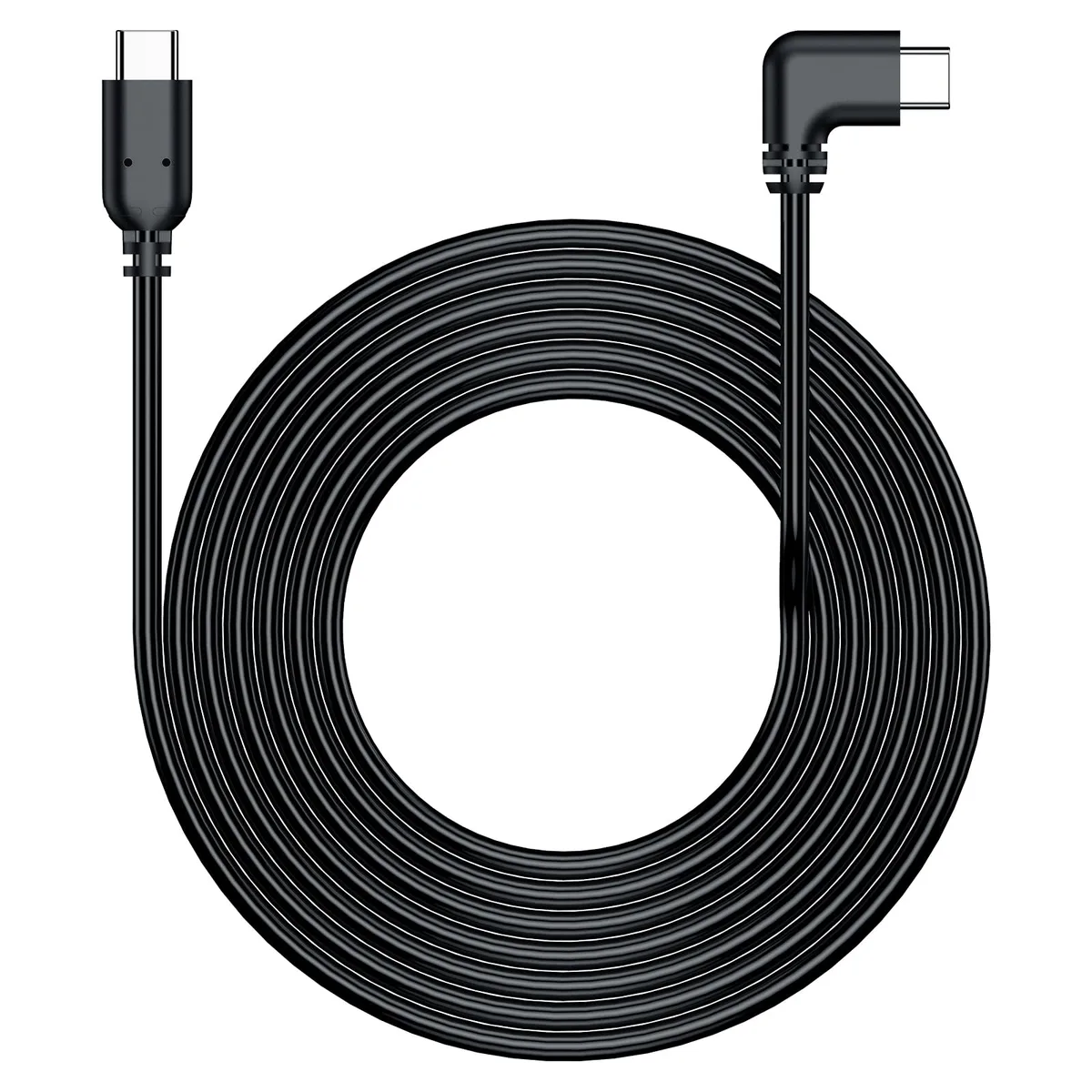
Image source: Web (Bing) / vantrue.com (Web image (fair-use with source credit))
Unplug the cable from the main unit. Inspect the pins. They are tiny and can bend easily.
If any are bent, straighten them with a fine pair of tweezers. Then plug the cable back in firmly. Make sure it clicks into place.
If that doesn't work, try the cable at the rear camera end. The connector is similar. Unplug and reseat it.
If the image is still black, the cable itself may be damaged. The N2 Pro's rear camera cable is a common failure point, especially if it was pinched during installation. Replacement cables are available from Vantrue.
Try a new cable before replacing the camera.
If a new cable doesn't fix it, the rear camera module may be faulty. This is less common, but it happens. Contact Vantrue support for a replacement.
Date and Time Resetting
Every time you start the car, the timestamp is wrong. This is a classic symptom of a discharged supercapacitor.
The supercapacitor holds enough charge to keep the date/time for about 48 hours. If the car sits unused for longer, the capacitor drains completely. The camera resets to the factory date.
The fix is simple: keep the camera powered for at least 30 minutes of continuous driving. This fully charges the capacitor. If you drive daily, this should solve the problem.
If the date still resets after a short period (like overnight), the capacitor may be losing its capacity. This is a sign of aging. After 2-3 years, the capacitor may need replacement.
The same repair considerations apply as with the No Power issue.
A firmware update can also fix date/time bugs. Check for updates on the Vantrue site.
Parking Mode Not Working
You've set up parking mode, but the camera doesn't activate when the car is parked.
First, check your settings. The N2 Pro has two parking modes: motion detection and time-lapse. Motion detection records only when it sees movement.
Time-lapse records continuously at a low frame rate. Make sure you've selected the correct one.
If you're using the cigarette lighter adapter, parking mode will not work. The camera loses power when the car turns off. You need a hardwire kit that connects to a constant power source.
The N2 Pro's hardwire kit is sold separately. If you don't have one, parking mode won't engage.
If you have the hardwire kit installed, check the fuse tap. It must be connected to a fuse that stays live when the car is off. Many cars have a mix of always-on and accessory fuses.
Use a multimeter to find a constant power source.
The G-sensor can also interfere. If it's set to Low or Off, the camera may not wake up from parking mode. Set it to Medium or High.
If parking mode turns on but drains the car battery within a few hours, the hardwire kit's voltage cutoff may be set too low. Most kits have a cutoff between 11.6V and 12.2V. Set it to 12.0V or 12.2V to protect the battery.
Other cameras can have similar battery drain problems.
Mistakes to Avoid That Make Things Worse
Some troubleshooting moves actually cause more problems. Here are the ones we see most often.
- Using a slow SD card. The N2 Pro needs a U3 or V30 card. A U1 or Class 10 card will work for a while, then fail. It's not worth the risk. Use a high-endurance card designed for dash cams.
- Ignoring the monthly reformat. The camera's file system can get corrupted over time. Reformatting the card in the camera every month prevents errors. It's a 30-second job.
- Hardwiring without checking the fuse. Connecting the hardwire kit to an accessory fuse means parking mode won't work. Use a multimeter to confirm the fuse is always on.
- Blocking the GPS signal. The N2 Pro GPS model has a GPS receiver built into the mount. If you have a metal sticker or a metallic tint on the windshield, the GPS may not work. Move the mount to a clear area.
- Using the wrong firmware. The N2 Pro and N2 Pro GPS have different firmware files. Using the wrong one can brick the camera. Always double-check the model number before updating. This is a common firmware update pitfall on other devices as well.
- Forgetting to update firmware. Vantrue releases updates that fix bugs and improve stability. As of 2026, the latest firmware version is available on the official site. Check it once every few months.
- Leaving the camera in direct sunlight for days. The capacitor is heat-resistant, but the plastic housing can warp. The lens can also develop a haze. Remove the camera when parked for extended periods in hot weather.
Pro Tips for Long-Term Reliability
A little care goes a long way. Here's how to keep your N2 Pro running smoothly for years.
- Format the SD card every month. This is the single most important maintenance step. It prevents file corruption and extends the card's life. Do it in the camera's menu, not on a computer.
- Use a high-endurance SD card. Standard cards wear out quickly under constant recording. Cards like the Samsung Pro Endurance or SanDisk High Endurance are designed for dash cams. They last 2-3 times longer.
- Clean the lens regularly. Fingerprints and dust affect image quality. Use a microfiber cloth. Avoid alcohol-based cleaners on the lens coating. This is a good habit for general lens maintenance.
- Check the mount. The suction cup can lose grip over time, especially in hot weather. Clean the windshield and the suction cup with a damp cloth. If the cup is worn, replace it. Vantrue sells replacement mounts.
- Keep a spare cable. The mini-USB cable is a common failure point. Order a spare from Vantrue or use a high-quality third-party cable. Keep it in the glove box.
- Update firmware when a new version is released. Check the Vantrue site every few months. Firmware updates fix bugs and sometimes add features. Backup your settings before updating.
- Consider a hardwire kit for parking mode. If you want parking mode to work reliably, the hardwire kit is essential. It also keeps the camera powered when the car is off, so the capacitor stays charged. This prevents the date/time reset issue.
- Store the camera in a cool place when not in use. If you remove the camera for storage, keep it at room temperature. Extreme cold or heat can damage the capacitor over time.
- Test the camera once a week. Take a quick look at the recording light. If it's off, check the card and the power. A quick check prevents a missing recording when you need it.
Frequently Asked Questions
How do I format the SD card for the N2 Pro?
Format it in the camera's menu first. Go to Setup, select Format, and confirm. This creates the correct folder structure.
If the card is corrupted, format it on a computer to FAT32 (32GB or smaller) or exFAT (64GB and larger). Then reformat it in the camera again.
Why does my N2 Pro keep restarting in a loop?
A looped restart usually means a corrupted firmware file or a failing SD card. Try a factory reset first. Hold the power button for 15 seconds to force a shutdown.
If that doesn't work, update the firmware from the official Vantrue site. Use a freshly formatted card for the update.
Can I use a 256GB card in the N2 Pro?
Yes, the N2 Pro supports up to 256GB. But the card must be UHS-I U3 or V30 speed class. A 64GB or 128GB card is more reliable for daily use.
Larger cards are more prone to file system errors over time.
How long does the supercapacitor last?
The supercapacitor holds enough charge to keep the date and time for about 48 hours. It fully charges in 30 minutes of driving. The capacitor itself lasts 2-3 years before it starts losing capacity.
After that, the camera may need a replacement capacitor or a new unit.
Does the N2 Pro work without a hardwire kit for parking mode?
No. Parking mode needs constant power. The cigarette lighter adapter only provides power when the car is on.
You need the optional hardwire kit connected to an always-on fuse. Without it, parking mode simply won't engage.
How do I fix a loose suction cup mount?
Clean the windshield and the suction cup with a damp cloth. Let them dry completely. Press the mount firmly against the glass and flip the lever.
If the cup still slips, the rubber may be worn. Replacement mounts are available from Vantrue.
When to Fix It vs. When to Replace It
Not every problem is worth repairing. The decision depends on the part and the camera's age.
If the SD card is the issue, just replace it. A high-endurance 64GB card costs about $15. That's the cheapest fix.
If the power cable is damaged, swap it. A genuine Vantrue mini-USB cable is around $10. Keep a spare in the glove box.
If the rear camera cable is broken, try a replacement first. Vantrue sells them for about $12. That's a simple plug-and-play fix.
If the supercapacitor fails, the repair is more involved. It requires opening the case and soldering a new capacitor. If you're comfortable with electronics, the part costs about $5.
If not, the labor from a repair shop may cost more than a new camera.
If the main board fails, replacement is usually the better option. The N2 Pro retails for around $100 to $130. A repair that costs more than half that price isn't worth it.
The same applies if the camera is over 3 years old. At that point, the lens coatings may have degraded and the capacitor is likely near the end of its life. A new unit will give you better reliability and potentially improved features.

Similar Posts
































