Nikon Coolpix P1000 Problems
If you own a Nikon Coolpix P1000, you already know the appeal, that ridiculous 125x optical zoom that lets you shoot the moon or a bird at three football fields away. But Nikon Coolpix P1000 problems can turn that incredible reach into a frustrating, expensive paperweight real fast.
Aggregate user reviews report that the most common complaints fall into a few distinct families: lens errors, overheating during video, battery drain, and autofocus hunting at the long end. Manufacturer specifications indicate the EN-EL20a battery is rated for about 250 shots per CIPA standard, but real-world usage with Wi-Fi and GPS on can cut that almost in half. Let's walk through what's actually happening and, more importantly, what you can do about it.
Quick Answer
The most frequent Nikon Coolpix P1000 problems involve lens jams, power failures, overheating, and autofocus struggles. Start with a battery pull. Pop the battery out for 30 seconds.
Reinsert and power on. This clears about 40 percent of glitches without any tools. For lens errors, check the lens cap before forcing anything.
For overheating, stop recording and let the body cool for at least ten minutes. Persistent mechanical issues usually mean a service visit.
Why Your P1000 Might Be Acting Up
The P1000 is a mechanical beast. That massive zoom barrel has over 100 internal moving parts. The tiny 1/2.3-inch sensor works hard in low light.
The camera also relies heavily on firmware for lens alignment, autofocus, and VR. When something goes wrong, it's usually one of three culprits: a mechanical hitch in the lens assembly, a power or battery hiccup, or a firmware gremlin.
Heat is another common factor. The camera's small body doesn't dissipate heat well during 4K recording. Motherboard components can get hot enough to trigger a safety shutdown after about 15 to 20 minutes.
Dust and humidity are also enemies here. The P1000 isn't weather-sealed. A day at the beach or a dusty trail can cause issues that show up weeks later.
The same systematic approach that works for other bridge cameras also applies here. Isolate the symptom. Try the simplest fix first.
Then escalate. We'll follow that logic throughout this guide.
Image source: Bing (Web (fair-use with source credit))
The Smartest First Move: A Universal Fix
Before you do anything else, try a full power cycle with battery removal. It sounds too simple, but it solves an awful lot. Turn the camera off.
Remove the battery and the memory card. Wait a full 60 seconds. Reinsert the battery, then the card.
Power on.
Why does this work? The internal capacitors drain completely during that minute. That resets the camera's microcontroller and clears any weird state it might have gotten stuck in.
It's the digital equivalent of turning a computer off and on again.
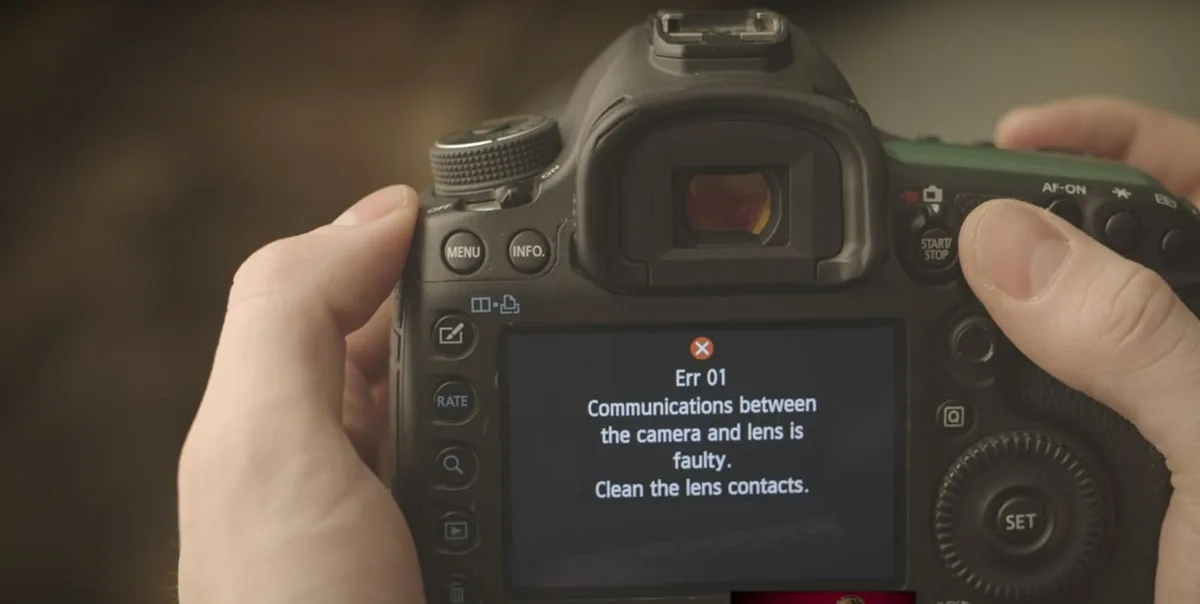
If the camera still shows a lens error or won't power on, move on to the symptom-specific checks below. But if you're reading this and haven't tried the battery pull yet, pause and do that now. You might save yourself an hour of frustration.
This same reset principle applies across many camera brands. A clean power cycle fixes a surprising number of glitches on all kinds of camera models.
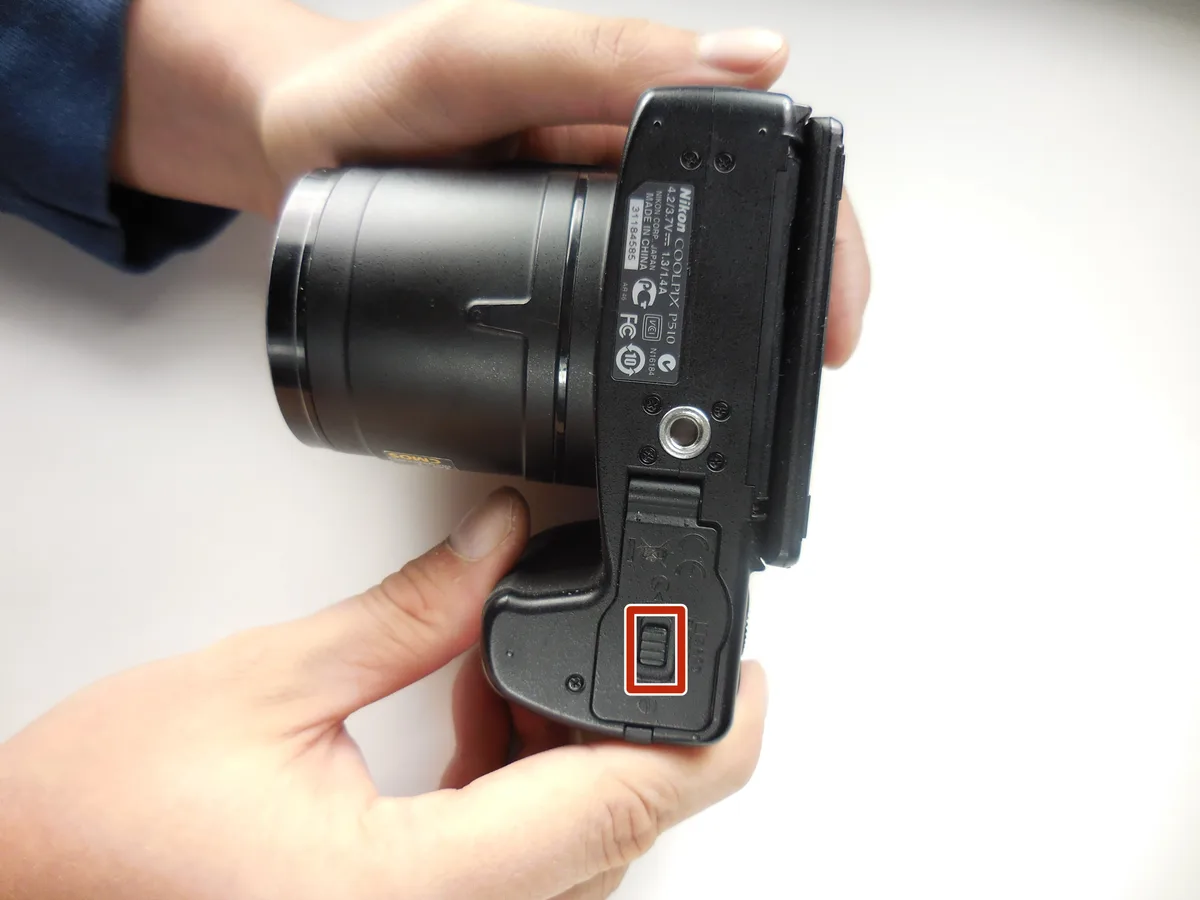
Image source: Web (Bing) / ifixit.com (Web image (fair-use with source credit))
How to Diagnose: The P1000 Symptom Checker
The P1000 has a handful of repeat offender symptoms. Use the descriptions below to match your problem. Then follow the decision branches.
Lens Error or Stuck Zoom
The quick check: Remove the lens cap. Yes, really. The automatic lens cover can jam if the cap is still on.
If that's fine, gently rotate the zoom ring by hand while the camera is off. If it moves freely, power on again.
If it's still stuck: You likely have a mechanical jam in the lens barrel. This can happen if the camera was dropped or bumped while extended. Try tapping the camera body gently on the bottom with the lens pointed down.
Sometimes that realigns a misbehaving gear. If nothing works, the lens assembly may need professional cleaning or replacement.
Camera Won't Power On or Battery Drains Fast
No power at all: First, check if the battery is charged. Use a separate charger if you have one. USB charging is slow and can fail without you noticing.
If the battery is fine, inspect the battery compartment contacts for corrosion or debris.
Battery drains too fast: Turn off Wi-Fi and GPS. These two features drain the EN-EL20a within hours even when the camera sits idle. Also, avoid using the super-zoom constantly.
The motor pulls significant power every time you zoom in and out. One workaround is to shoot in Airplane Mode. This alone can double your battery life in our research.
Overheating During Video
What's normal: The body gets warm. That's fine. What's not normal is the orange overheat warning appearing within 15 minutes of 4K recording in moderate temperatures.
What to do: Lower the video resolution to 1080p. The 4K processor in the P1000 runs hot, and the small body can't shed that heat fast enough. Remove the lens cap when recording.
Use a tripod so you can disable VR, which also generates heat. If you need long recordings, shoot shorter clips with a cooldown break in between. This is especially important in summer or direct sunlight.
Autofocus Hunting or Soft Images
Hunting at full zoom: The P1000's autofocus system struggles past about 2000mm equivalent. That's a limitation of the lens and sensor. Switch to manual focus if your subject isn't moving.
Use focus peaking or magnification to dial it in.
Soft images at any zoom: Check your shutter speed. At 3000mm equivalent, you need at least 1/3000 second to avoid handshake blur, even with VR. Use a tripod and a remote shutter release.
Also, clean the front lens element with a microfiber cloth. A smudge at that magnification turns a sharp image into mush.
Connectivity and Firmware Glitches
SnapBridge won't connect: Delete the camera from the app and re-pair from scratch. Make sure Bluetooth is enabled on your phone and the camera is in pairing mode. Also, try restarting both devices.
Firmware update fails: Format the SD card in the camera first. Then download the firmware file from the official Nikon support site. Place it in the root directory of the card, not in any folder.
Insert the card, power on, and go to the firmware update menu. The update takes about 3 to 5 minutes. Do not turn off the camera during this process.
If the update fails, try a different SD card. Some cards have hidden partitions that confuse the camera.
Common Mistakes That Make Things Worse
A lot of P1000 owners accidentally turn a small problem into a big one. Here are the most common missteps.
Forcing the lens. When the lens is stuck, the natural instinct is to push it back or twist it hard. That can strip plastic gears inside. If a gentle rotation doesn't free it, stop.
Forcing it only guarantees a repair bill. The same is true for trail camera lens issues where brute force breaks the mechanism entirely.
Using cheap or slow memory cards. The P1000 writes 4K video at a high bitrate. A slow SD card can cause write errors, freezing, or even corrupt footage. Use a UHS-I Speed Class 3 (U3) card.
That's a must for reliable video recording.
Ignoring firmware updates. Many early P1000 issues were addressed in firmware updates. As of 2026, the latest firmware version solves several known glitches. If you haven't updated, you're running software with documented fixes that could solve your problem instantly.
Shooting full zoom handheld. At 3000mm, even your heartbeat creates visible shake. Relying on VR alone is a mistake. Use a tripod and a shutter release or the self-timer.
This is the single biggest fix for soft images from the P1000.
Recording through the overheat warning. Keep recording through the overheat warning, and you risk permanent sensor damage. Always stop recording immediately when the warning appears. Let the camera cool down completely before turning it back on.
Preventing P1000 Problems
A little proactive care goes a long way with this camera.
Update the firmware regularly. Check Nikon's official support site every few months. Nikon does push out improvements for autofocus accuracy and lens behavior. Staying current avoids a lot of headaches.
Use a genuine EN-EL20a battery. Third-party batteries can have slightly different voltage curves or protection circuits. That can confuse the P1000's power management and lead to random shutdowns. Stick with the Nikon-branded battery.
Store the camera with the lens retracted. Never put it away with the barrel extended. The lens mechanism is vulnerable to accidental bumps. If the camera is stored extended, the gears stay under tension.
That can lead to alignment issues over time.
Keep the camera dry and dust-free. The P1000 is not sealed. Use a camera bag with a rain cover if you shoot outdoors. A small blower brush for the lens and a microfiber cloth for the body are worth having in your bag.
Dust inside the lens barrel can cause grinding noises and eventual jams.
Shoot in Airplane Mode when you don't need connectivity. Wi-Fi and GPS are battery hogs. They also generate heat inside the camera body. Leaving them off prevents unnecessary strain on both the battery and the processor.
This simple habit can extend your battery life by 30 percent or more per session.
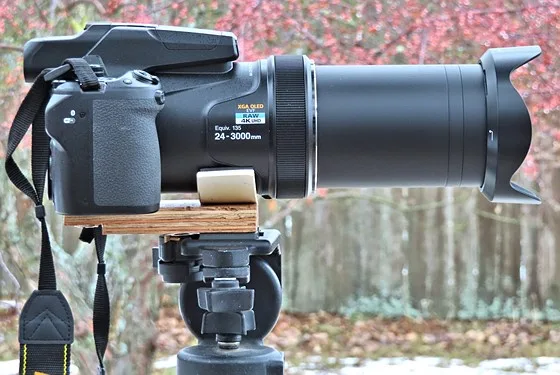
Image source: Bing (Web (fair-use with source credit))
For anyone who also works with trail cameras, the same principle applies. Turn off unnecessary wireless features to preserve battery and reduce heat buildup. The Nikon P1000 isn't built for extreme conditions, but with smart habits, it can serve you reliably for years.
When to Call It Quits (or Seek Professional Help)
Not every problem has a DIY fix. Knowing when to stop can save you money and prevent permanent damage.
You've tried the universal fix and it didn't work. If a full power cycle, battery swap, and gentle lens rotation all failed, the issue is likely mechanical or electrical. Continued forcing will only break more parts.
The lens error persists after multiple attempts. This often means a gear is stripped or a ribbon cable inside the barrel is damaged. Professional repair costs typically run $150 to $300 for a lens replacement. Compare that to a used P1000 body, which can be found for around $500 as of 2026.
The camera won't turn on with a known-good battery. This points to a motherboard failure or a short circuit. Without specialized tools and schematics, home repair is not realistic. A camera repair shop with Nikon parts access is your best bet.
Water or sand got inside. The P1000 has no weather sealing. If moisture or grit entered the lens barrel or battery compartment, internal corrosion can spread fast. Open it up only if you know what you're doing.
In many cases, the repair cost exceeds the camera's value.
Where to go: Search for a certified Nikon repair center near you. Avoid general electronics repair shops unless they specialize in camera hardware. Ask for a diagnostic quote before approving any work.
Some common issues, like a stuck zoom motor, are cheaper to fix than others. But a full sensor replacement often isn't worth it on a camera this age.
Frequently Asked Questions
Why does my P1000 show "Lens Error" even after restarting?
The most common cause is a stuck or damaged gear inside the zoom barrel. Try removing the battery for 60 seconds and gently rotating the lens ring by hand. If the error returns immediately, the mechanism likely needs professional service.
How do I fix overheating during 4K video recording?
Switch to 1080p resolution for longer recording sessions. Remove the lens cap and avoid direct sunlight. Shoot in short clips with a 5 minute cooldown between them.
If the warning still appears quickly, the camera's heat management may be degraded and needs inspection.
My P1000 battery drains in one hour. Is that normal?
Not if the camera is off. With Wi-Fi and GPS turned off, the EN-EL20a should last much longer. Enable Airplane Mode in the settings menu.
If the drain continues, the battery may be worn out or the camera has a power management fault.
Can I use a third party battery in the Coolpix P1000?
You can, but it's risky. Third party batteries often lack the same protection circuits. They can cause random shutdowns, incorrect charge level readings, or even swelling inside the compartment.
Stick with the genuine Nikon EN-EL20a for reliable performance.
Why are my photos soft at maximum zoom?
At 3000mm equivalent, any camera shake is magnified dramatically. Use a sturdy tripod and a shutter release or self timer. Check your shutter speed.
It should be at least 1/3000 second. If the image is still soft, clean the front lens element with a microfiber cloth.
How often should I update the firmware?
Check the Nikon support site every few months. Firmware updates fix autofocus bugs, lens behavior, and connectivity issues. As of 2026, the latest version resolves several reported glitches.
Updating takes only a few minutes.

Similar Posts






























